






AVF FilmLook 5.2.6 DEMO — DaVinci Resolve — Windows (free)
The free demo of AVF FilmLook 5.2.6 for DaVinci Resolve on Windows — print film, film texture and lens optics in one node, by Anurag — A Video Productionz (@av_filmmakerr).
FilmLook is the texture half of the pair: grade your colour with AVF FilmGrade, then put FilmLook last for the film itself.
WHAT'S INSIDE
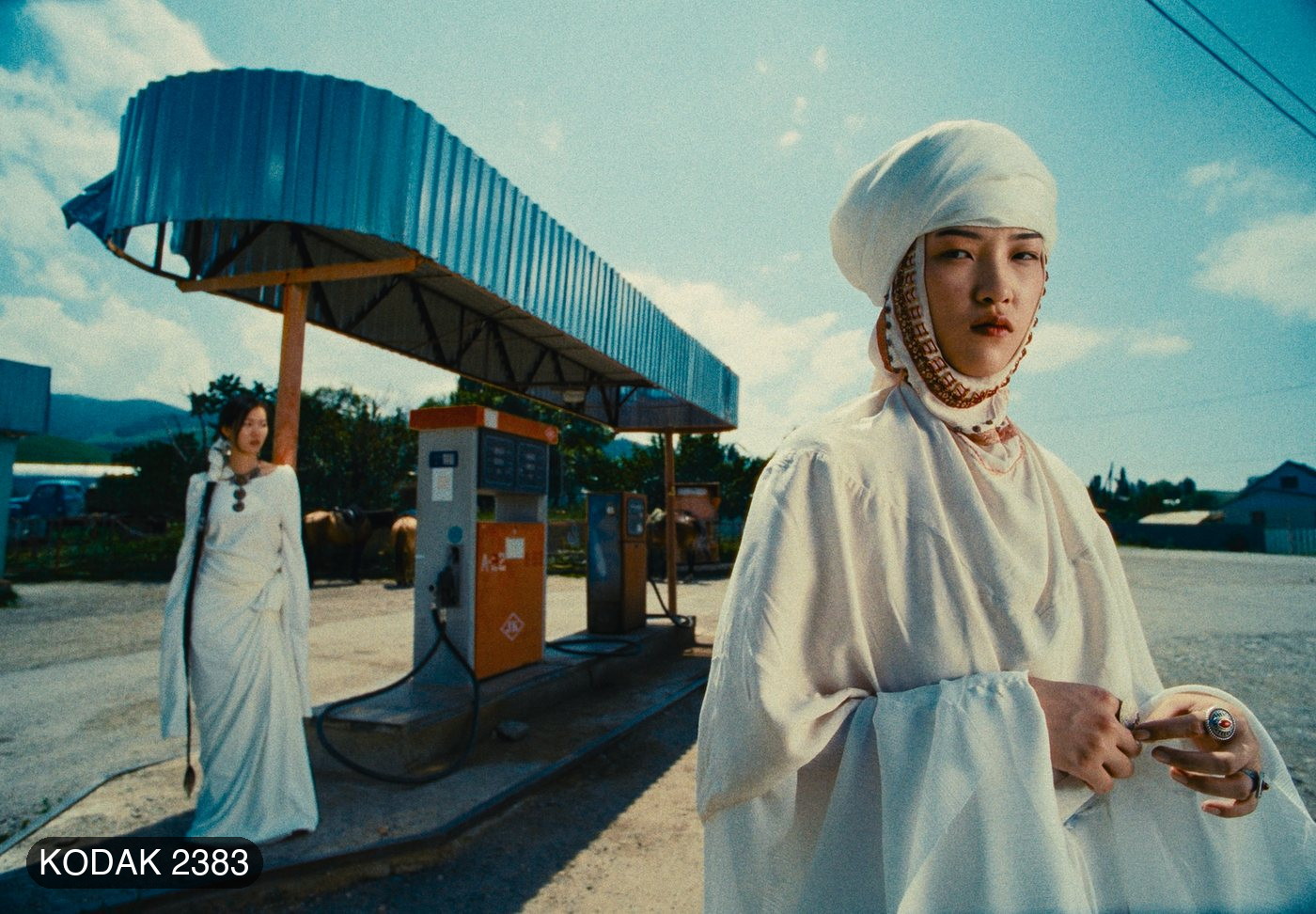
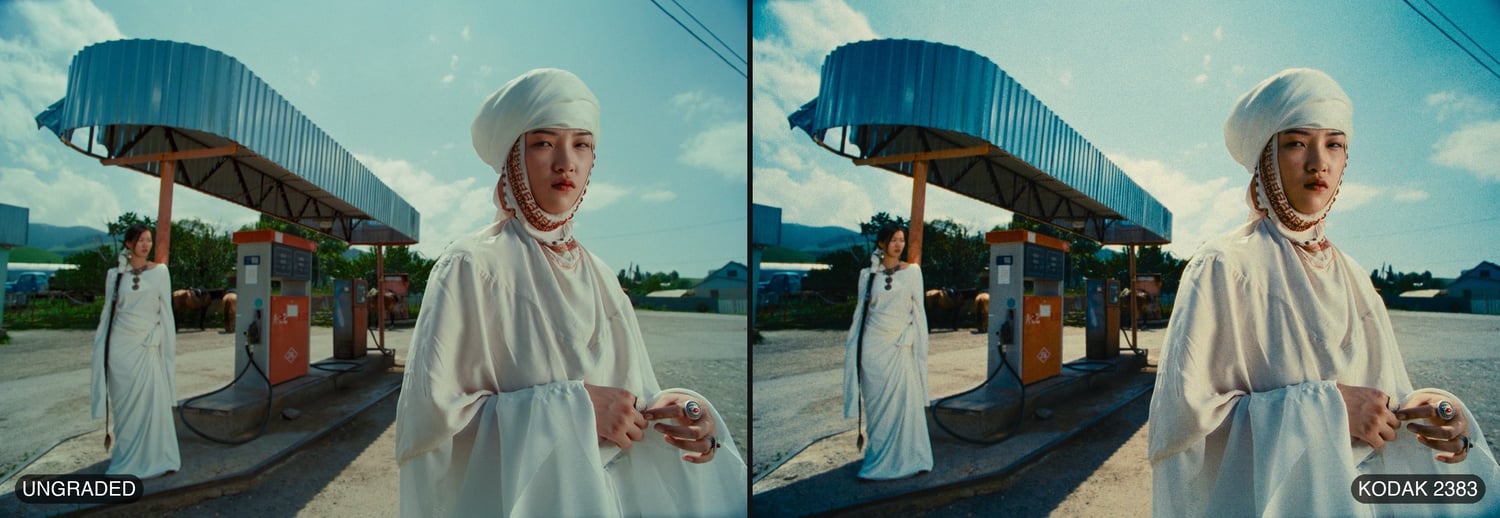
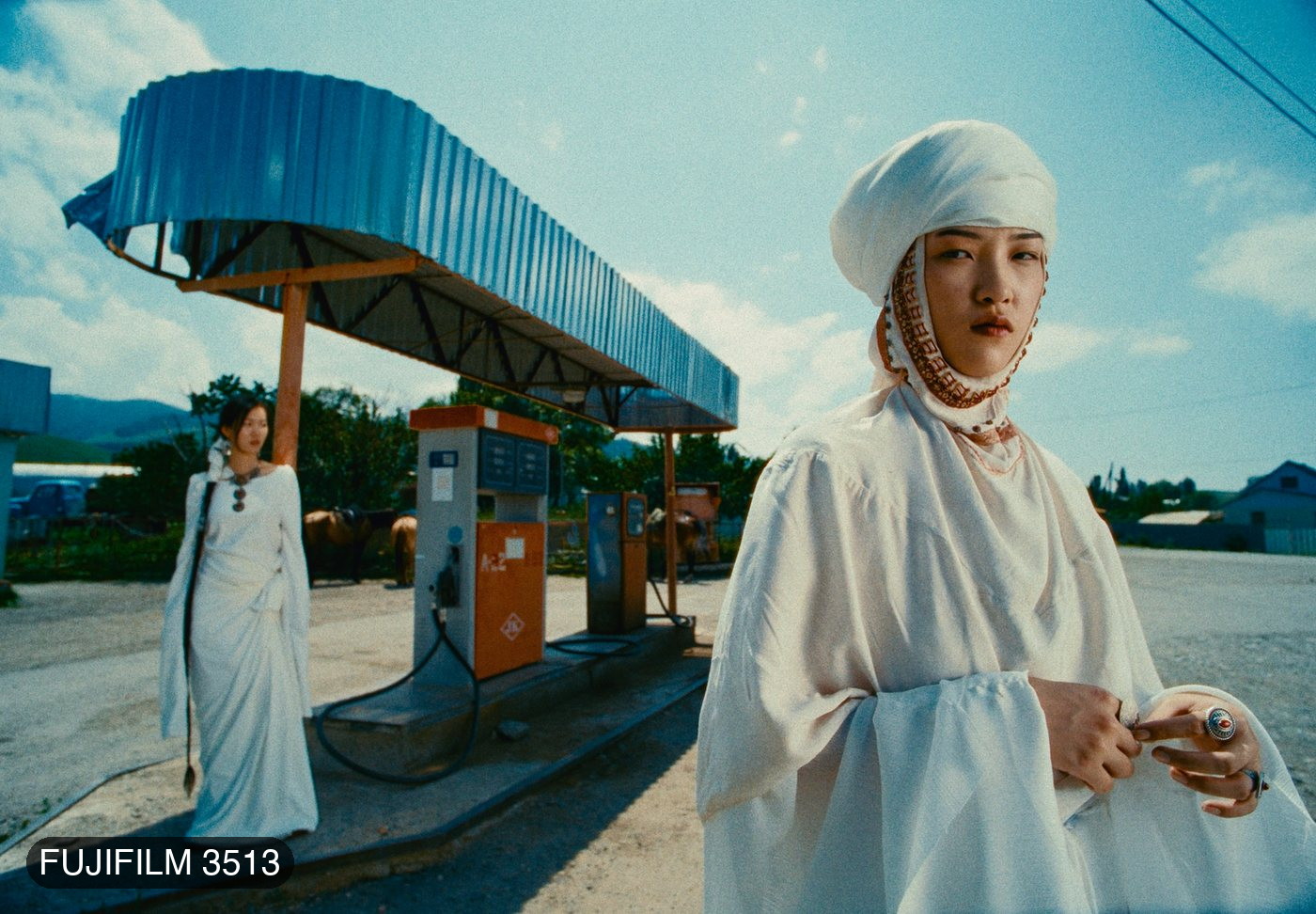
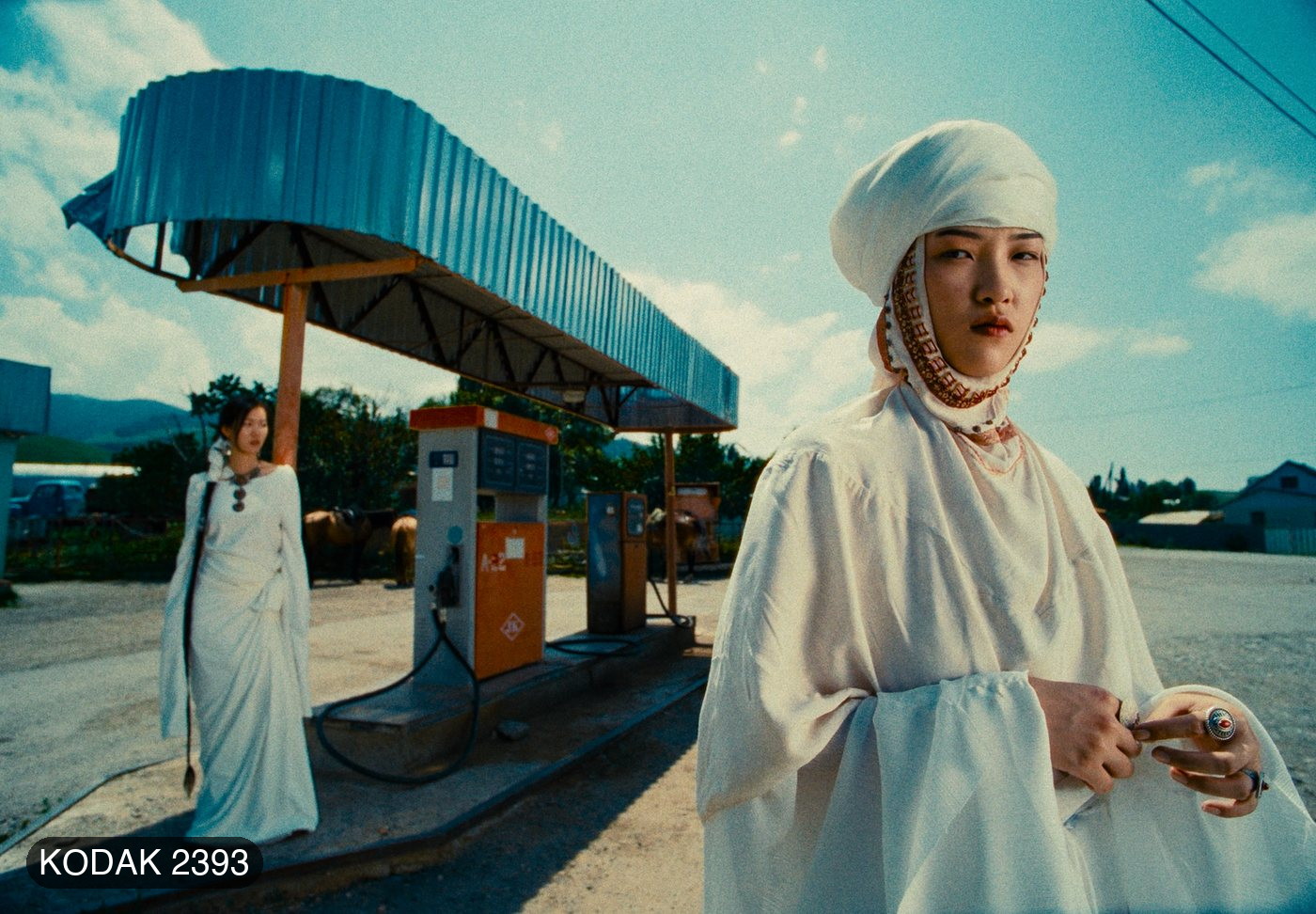
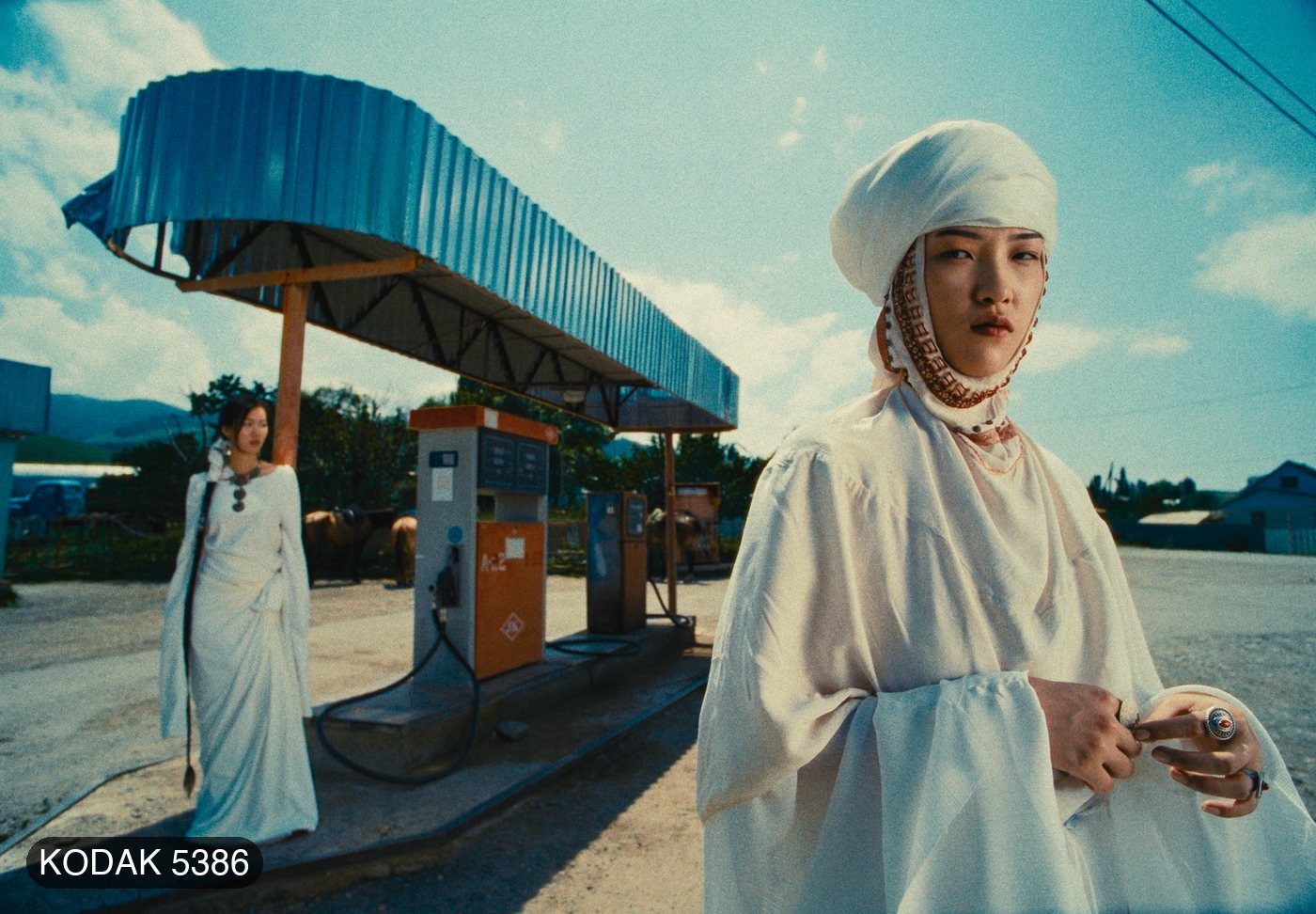
• Print — print stock response built from published datasheets: Kodak 2383, Fujifilm 3513, Kodak 2393 and Kodak 5386, plus Linear and Cineon Film Log, with Print White, Exposure, Contrast, Colour Density, Saturation and a Range Limiter.
• Print Tone — Exposure, Midtones, Shadows and Highlights over the print.
• Film Grain — profiles for 8, 16, 35 and 65 mm at ISO 50, 250 and 500; in Custom, Size, Resolution, per-range Shadows / Midtones / Highlights, Chroma, Film Type and Mode.
• Halation — per gauge, each also with a No Backing variant; in Custom, Threshold, Radius, Spread, Strength, Hue and Blue Compensation, with a Show Mask view.
• Bloom — gauge profiles plus Mist Filter Light and Strong; Save Lights, Detail, Saturation and a Show Mask view.
• Film Damage — Super 8, Super 16, Super 35 and 65–70 mm; Dust, Hairs and Scratches with their sizes and lengths, and a Random Amount.
• Film Breath — exposure, contrast and colour drifting as film does, per gauge.
• Gate Weave — horizontal, vertical and rotational weave with Auto Zoom, per gauge.
• Overscan — seven gate formats from Super 8 to 65 mm Anamorphic, four gate shapes, perforations, orientation, scale, offset and gate softness.
• Vignette — Exposure, Size, Feather, Aspect Ratio and Center, with a Show Mask view.
• Monitor — False Color, Show Skin and Clipping views for checking your work.
Every texture section has a Profile and an Enabled switch: pick a film gauge and go, or choose Custom to open the whole section and tune it from that profile's own values. Film Grain and Halation start on at 35 mm; Print is on with no stock chosen, so nothing changes until you pick one.
THE DEMO'S ONE LIMIT
Every control works, with a watermark of plus signs over the picture in the viewer and in renders.
REQUIREMENTS
• DaVinci Resolve 18 or later — free or Studio
• Windows 10 or 11, 64-bit
• An NVIDIA (CUDA), AMD or Intel (OpenCL) graphics card
INSTALLING
Copy the plugin folder into C:\Program Files\Common Files\OFX\Plugins. Two short install documents are in the kit — one for copy and paste in File Explorer, one with a single line to paste into PowerShell — plus a GPU check tool and the Install & User Guide PDF. Windows asks you to click Continue; there is no installer to allow.
In Resolve it appears under OpenFX → AVP Tools → AVF FilmLook 5.2.6 DEMO.
TESTED ON
Built from the same code as the Mac version, which is tested and plays back in real time on the GPU. The Windows build has not yet been verified on a retail PC — run the included GPU check first, and tell me if anything does not work.
This is the Windows demo for DaVinci Resolve. The Mac demo and the Premiere Pro & After Effects demo are separate free downloads. The full, watermark-free version is coming — follow @av_filmmakerr to hear first.
Kodak, Fujifilm and the stock numbers above are the trademarks of their owners. AVF FilmLook's print profiles are built from published datasheets; this product is not affiliated with, endorsed by or sponsored by Kodak or Fujifilm.