

Teletherapy Clock - Timer for Online Sessions
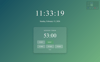
Teletherapy Session Clock - Professional Timer for Your Second Monitor
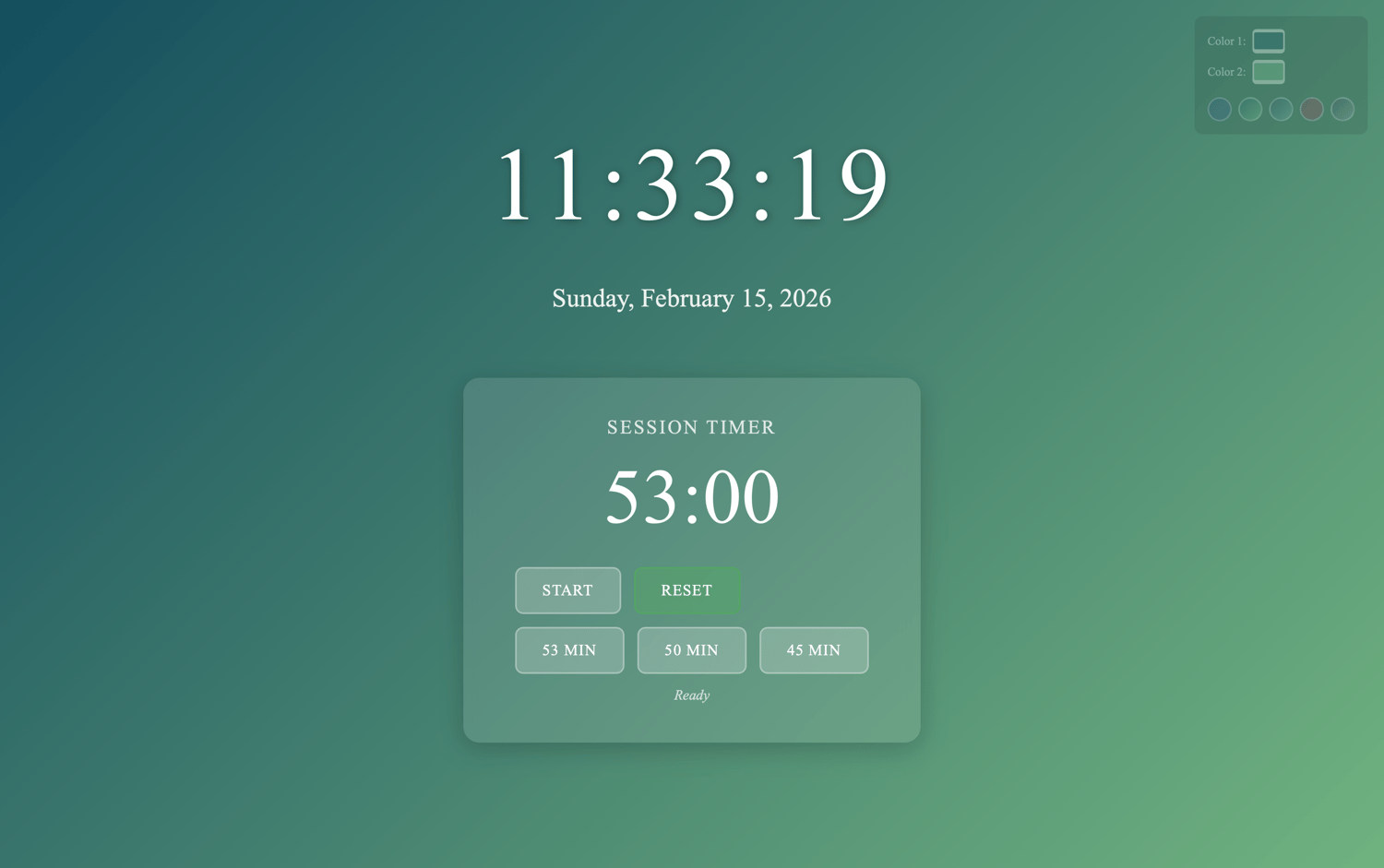
Keep perfect time during teletherapy sessions with a dedicated clock display for your second monitor or iPad - so you never have to glance away from your client on screen.
What You Get: Single HTML file that opens in any modern browser - no installation, no subscriptions, no accounts required.
How It Works: This clock is designed to display on a second monitor (or iPad) positioned next to your primary screen where you see your client. While you conduct therapy on your main monitor via Zoom, Doxy.me, or SimplePractice, this clock sits visible on your second display - giving you constant awareness of session time without breaking eye contact or clicking around.
Don't have a second monitor? Use an iPad propped beside your laptop - works great!
Key Features:
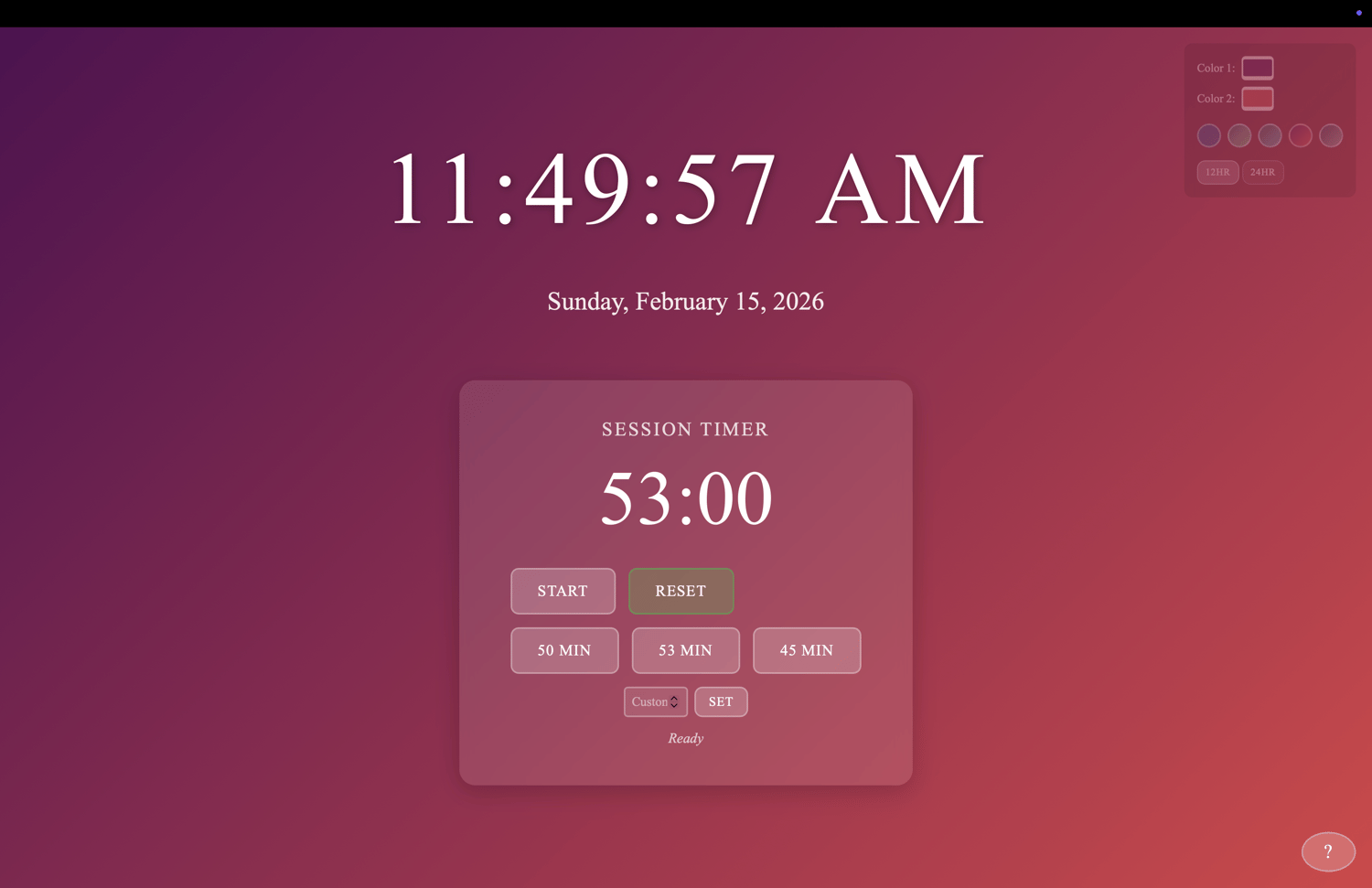
- Session Timer with audio alerts (3 beeps) when time expires
- Visual warnings - yellow at 5 minutes remaining, red/pulsing at 1 minute
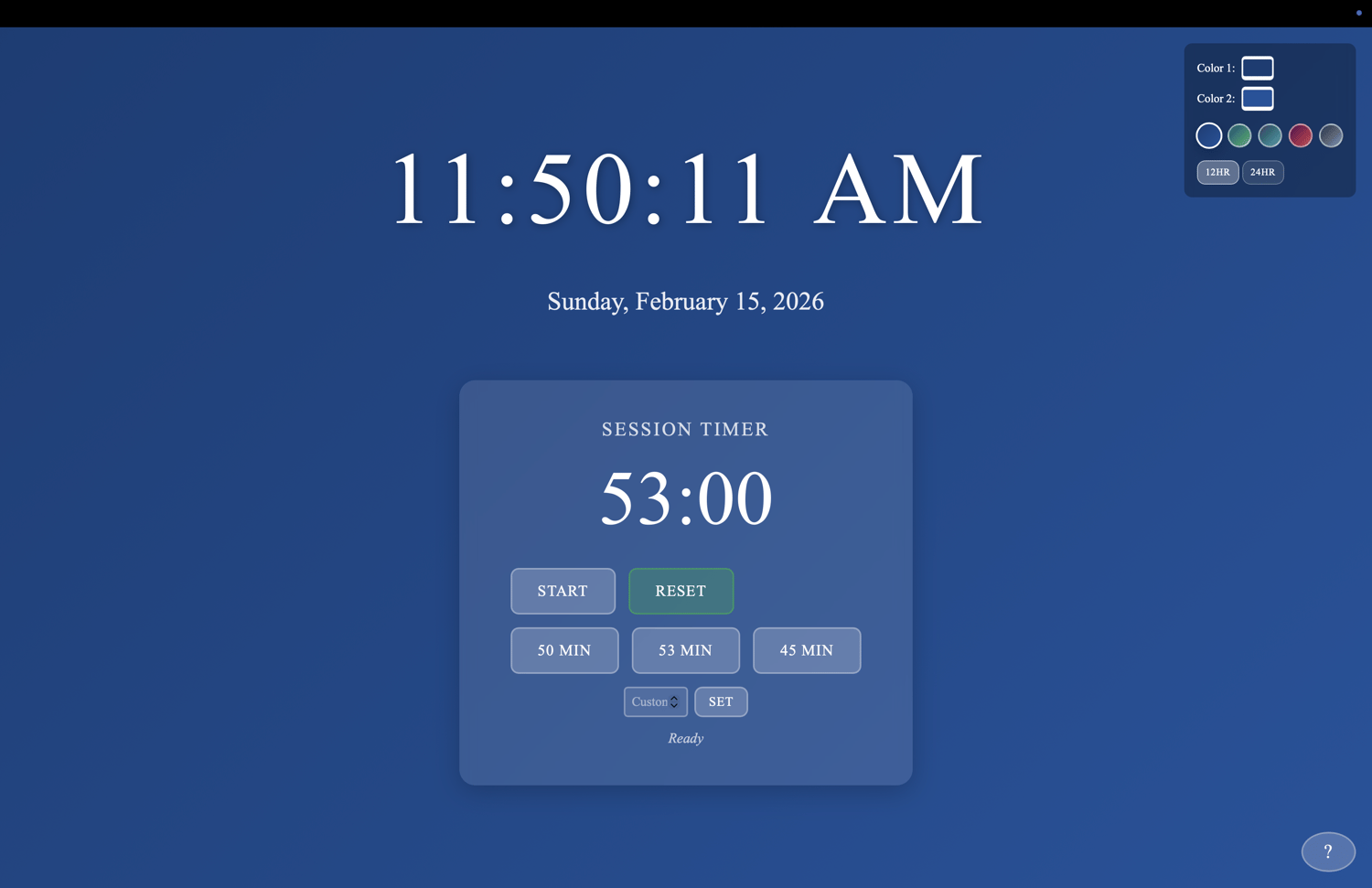
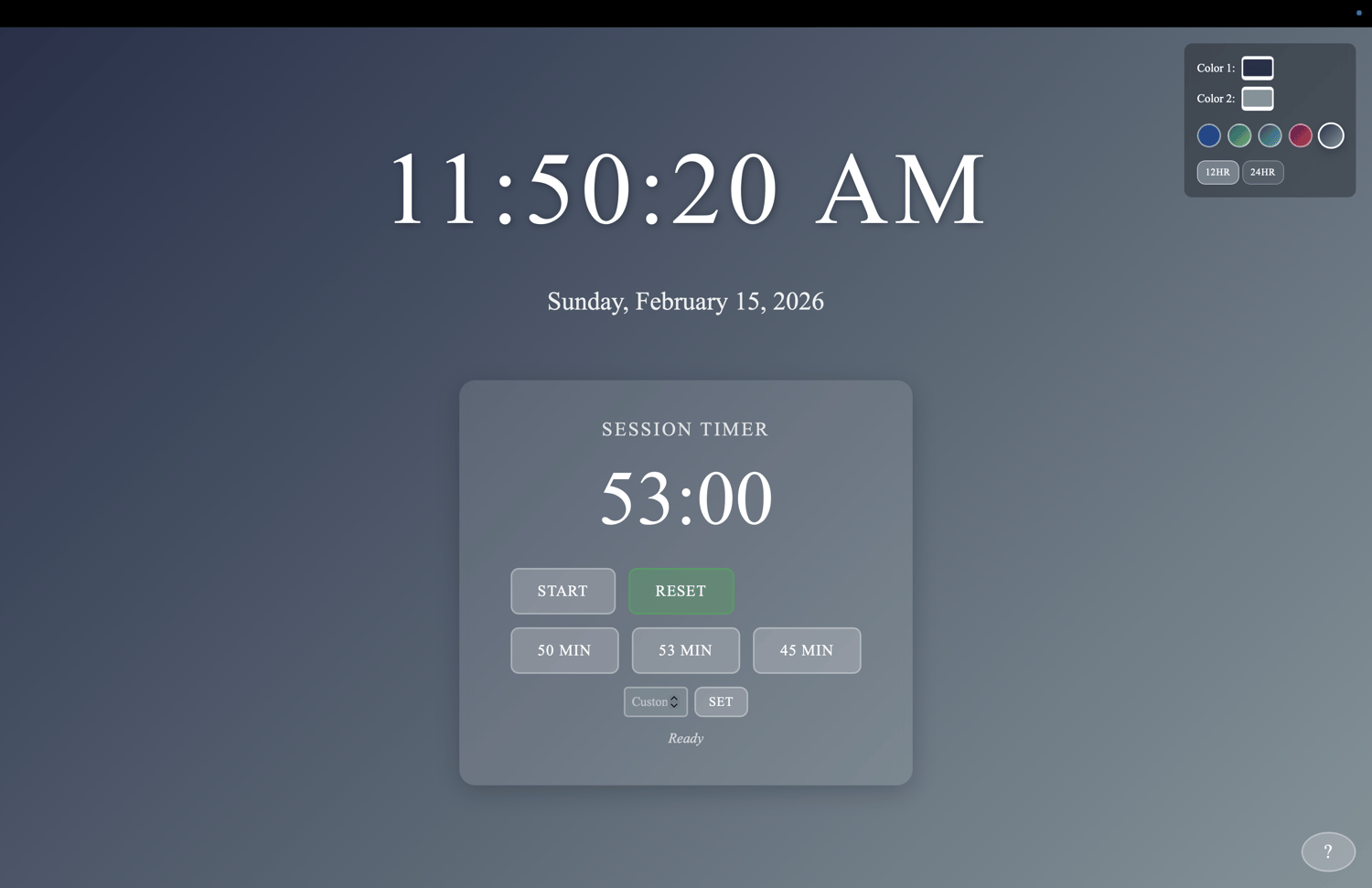
- CPT Code Presets: 50 min (standard hour), 53 min (90837), 45 min (90834), plus custom timer
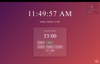
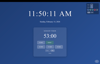
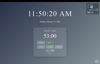
- Customizable appearance - choose your own background colors with preset gradients
- 12-hour or 24-hour clock display with current date
- Keyboard shortcuts for quick control during sessions
- Fullscreen mode - fills your entire second screen for easy visibility
Perfect For:
- Teletherapy sessions via Zoom, Doxy.me, SimplePractice, etc.
- Keeping track of time without constantly checking your computer clock
- Maintaining professional session boundaries
- Any clinician who needs a visible timer during virtual sessions
Technical Requirements:
- Modern web browser (Chrome, Safari, Firefox, Edge)
- Works on Mac, Windows, iPad (not optimized for phones)
- Second monitor or iPad recommended (can work on single screen but less useful)
- No internet connection required after download
Simple Setup:
- Download the HTML file
- Open it in your browser
- Drag the window to your second monitor (or open on iPad)
- Double-click anywhere for fullscreen
- Customize colors and clock format to your preference
Your settings (colors, clock format) save automatically in your browser.
Note: This is a simple, standalone tool. No technical support provided. One-time purchase, yours forever.