
Mintbox Carousel
On Sale
$9.00
$9.00
About Mintbox Carousel
A touch-friendly carousel component for Framer. It helps you present testimonials, products, case studies and team members in a smooth, swipe-able layout, horizontal or vertical. Built for full control.
How to use - Post purchase you will receive a document with instructions.
What Sets Mintbox Carousel Apart:
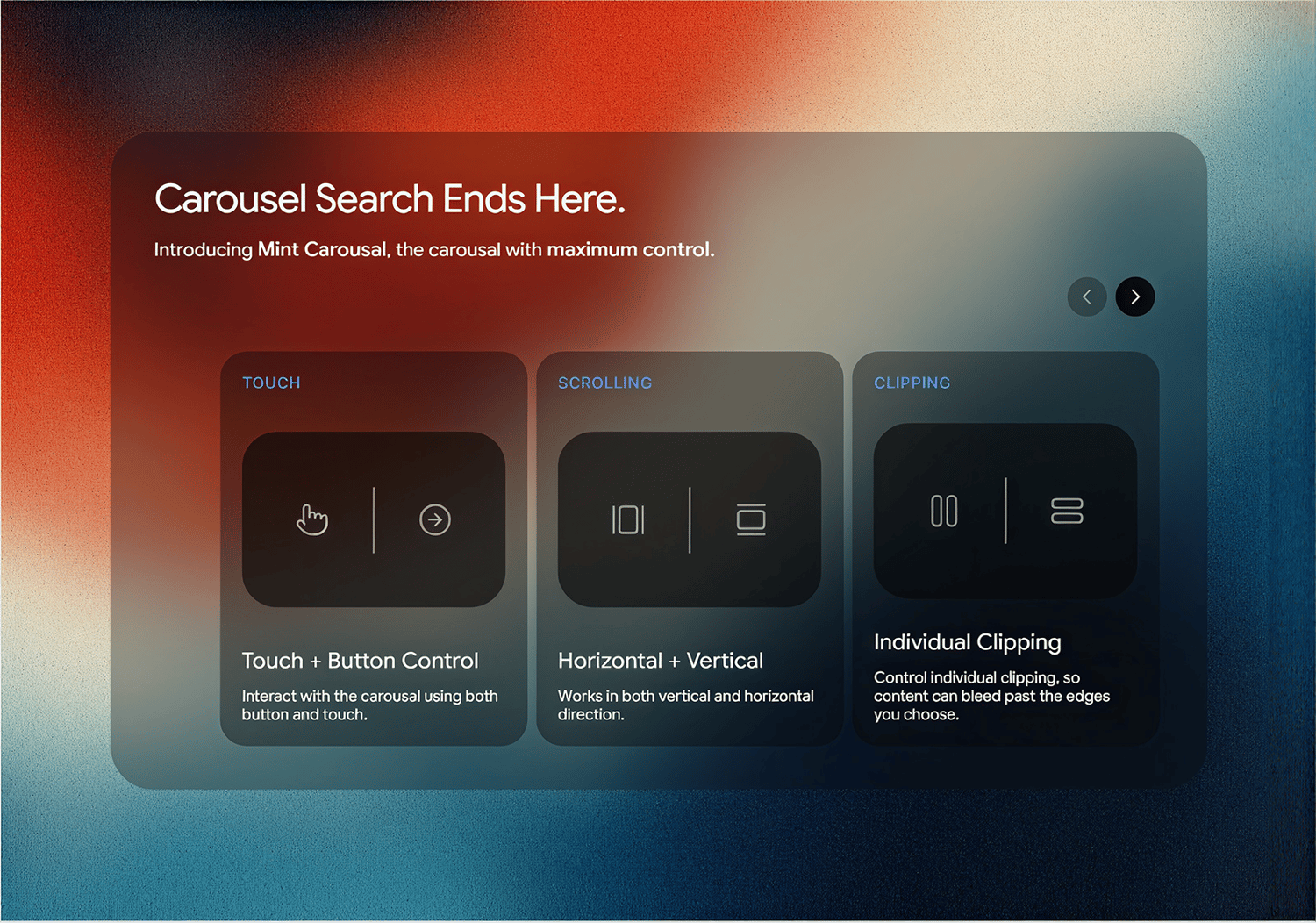
- Touch and Button Navigation – Swipe or drag with flick momentum, snap and a soft edge bounce, or use arrow buttons. Show or hide either one.
- Horizontal and Vertical Scrolling – Switch direction from one dropdown. Buttons, dots and bar adapt automatically.
- Custom Card Sizing – Set an exact card size, or switch to native-style Auto and Columns / Rows sizing with alignment options.
- Padding on All Four Sides – Set left, right, top and bottom padding separately.
- Clipping on Each Side – Turn clipping on or off for left, right, top and bottom independently.
- Fit Support – Set the carousel to Fit and it sizes to the first card instead of collapsing.
- Dots or Progress Bar – Choose either, with full control over size, color, opacity and placement.
- Organised Property Panel – Related controls are grouped, and options that don’t apply are hidden.
Customisation Included:
- Direction, card size, gap and padding
- Per-side clipping
- Touch, drag and snap behavior
- Button layout, position and styling
- Dots and progress bar styling
- Animation speed and move distance
Refund Policy:
Due to the digital nature of our products, all sales are final, and refunds will not be issued. Please review all product details carefully before purchasing. If you have any questions or need clarification, feel free to reach out before completing your order.