
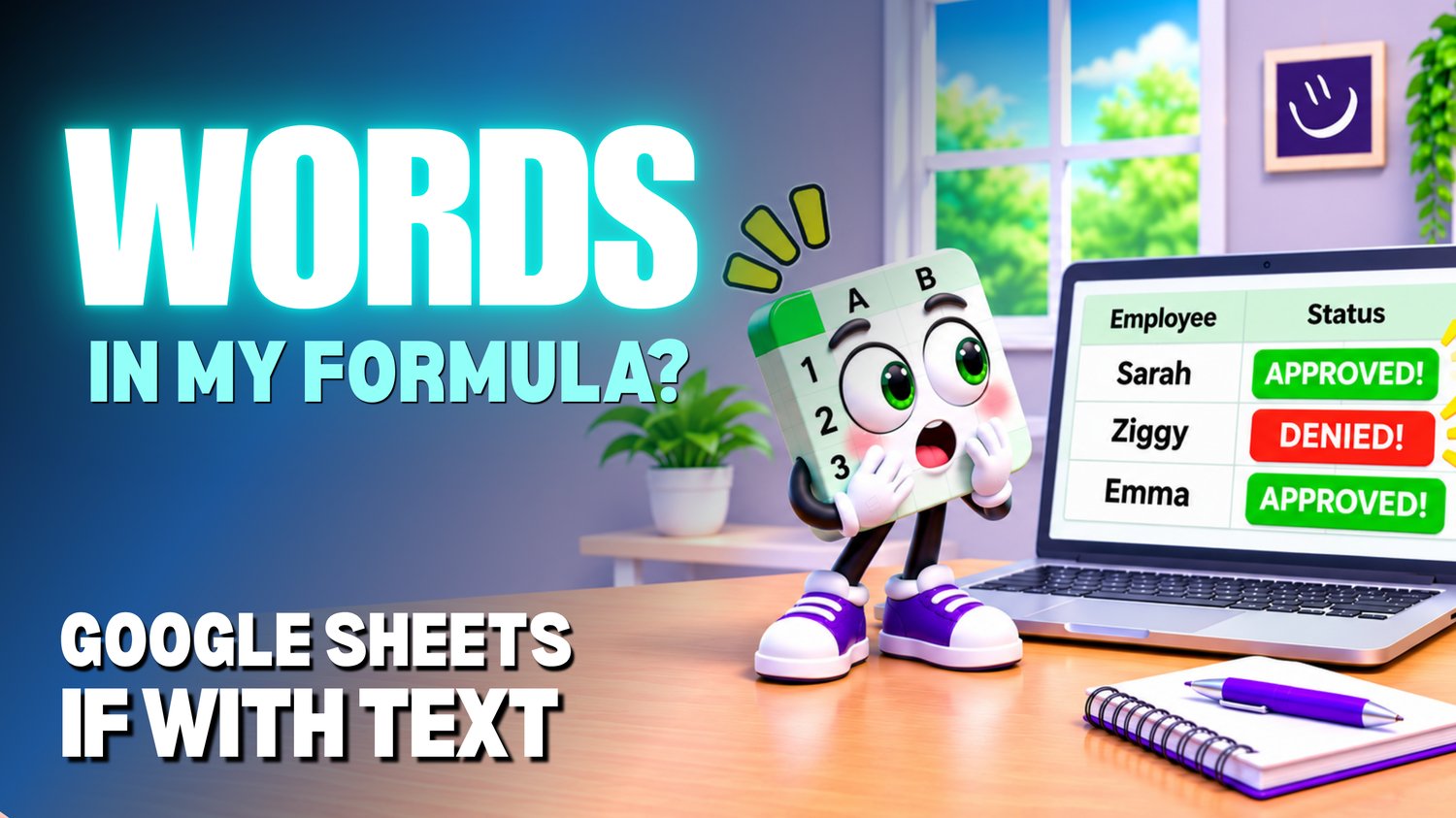
Google Sheets IF with Text Practice Workbook | Beginner IF Formulas
Learn how to use the IF function with text in Google Sheets with this beginner-friendly practice workbook from Easy Mode Excel Tutorials!
The IF function can do more than check numbers. It can also check words and return different text results depending on whether a condition is TRUE or FALSE.
This hands-on workbook is designed to accompany our beginner Google Sheets IF with Text video lesson, giving you the opportunity to practice writing IF formulas using words and text-based conditions.
What You'll Practice
✓ Use the IF function to check text in a cell
✓ Write IF formulas that compare words
✓ Return different text results based on a condition
✓ Understand when and why to use quotation marks in IF formulas
✓ Practice using text-based conditions in everyday spreadsheet examples
✓ Build confidence writing IF formulas independently
What's Included
✓ One ready-to-use Google Sheets practice workbook
✓ Beginner-friendly exercises to reinforce the lesson
✓ Your own editable copy of the workbook
✓ Hands-on practice you can complete at your own pace
Perfect for Google Sheets beginners! Learn how to make your spreadsheets respond to words and display useful results automatically.
Price: $2.49 USD — one-time purchase.
After purchasing, you'll receive a link to create your own editable copy of the Google Sheets practice workbook.
This purchase includes the practice workbook only.
🎥 The matching FREE Google Sheets IF with Text video lesson: https://youtu.be/TKVGw2kDt_A