
The Ultimate All-In-One Everyday Life Planner (ADHD friendly/ undated)
Winnow’s Everyday Life Planner is designed to help scattered thoughts settle — the way sand finds its way through an hourglass. Built for anyone who’s tired of overwhelming planning systems, this planner meets you where you are, one intentional page at a time.
What’s Inside:
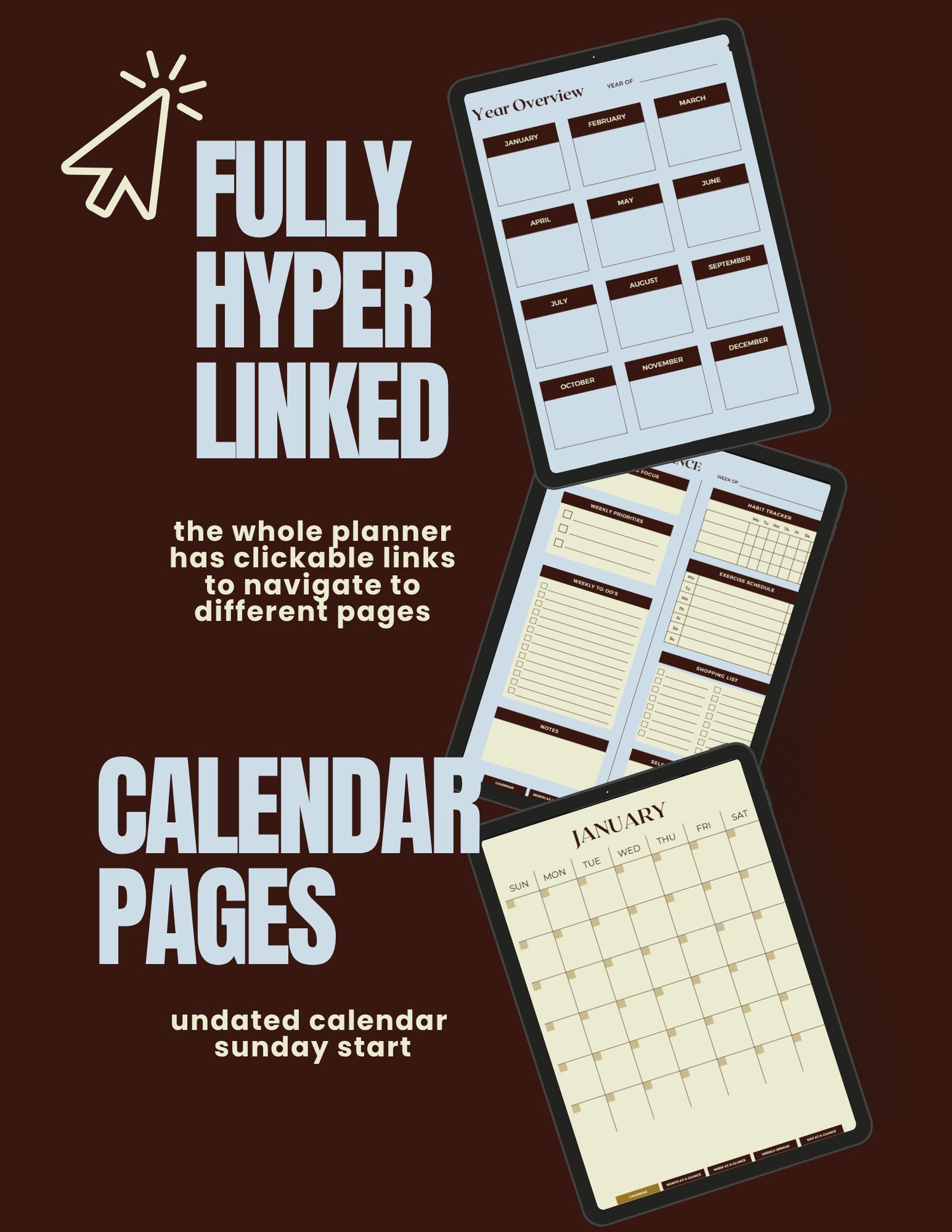
📅 Fully Hyperlinked Navigation — Every page links back to your Homepage and month tabs, so you never lose your place. Includes undated calendar pages (Sunday start) so you can begin anytime.
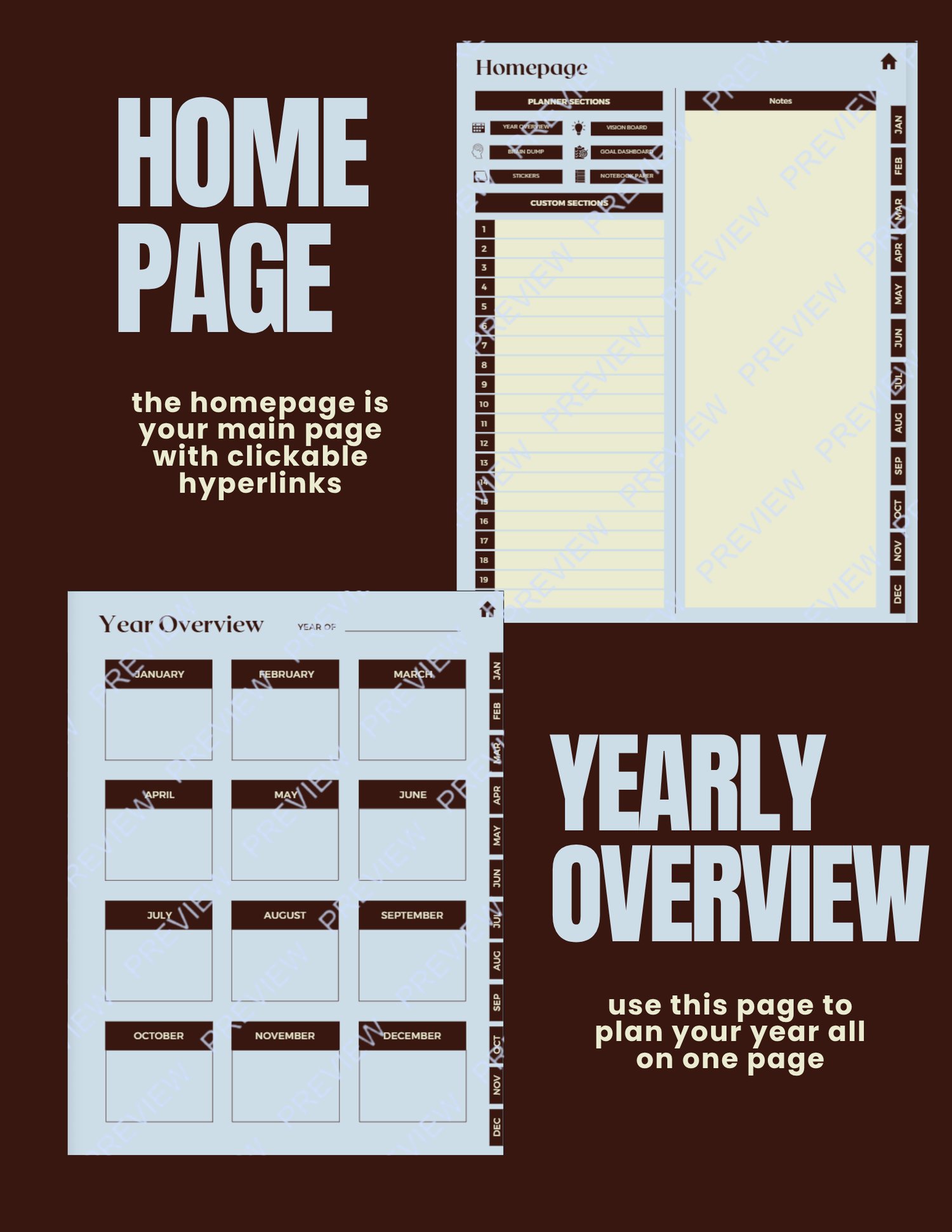
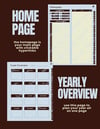
🏠 Homepage & Yearly Overview — Your command center, with quick links to every section and a one-glance view of your whole year.
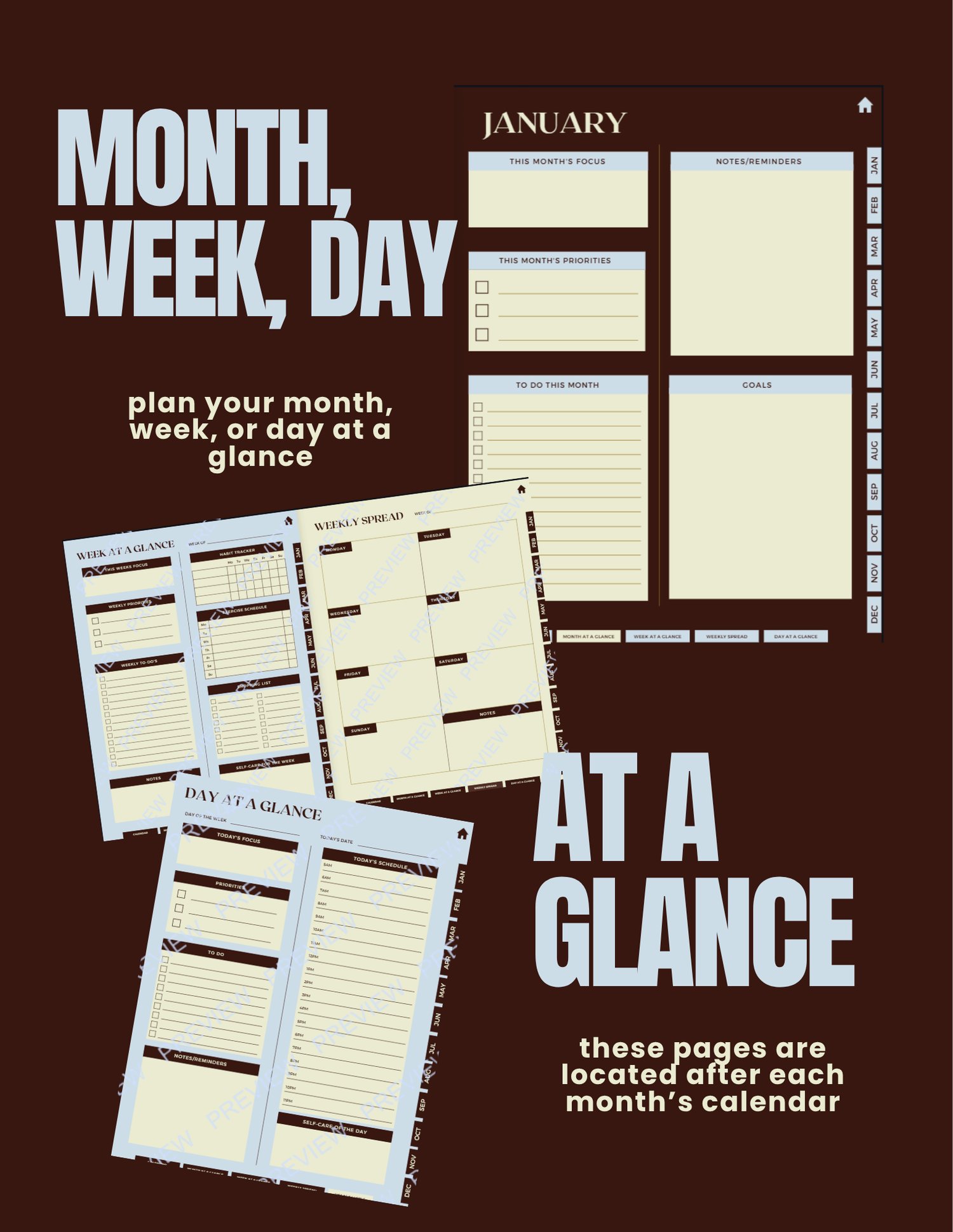
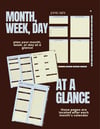
🗓️ Month, Week & Day at a Glance — Zoom in or out depending on what your brain needs that day — monthly focus and goals, weekly priorities and habit tracking, or a simple day-at-a-glance schedule.
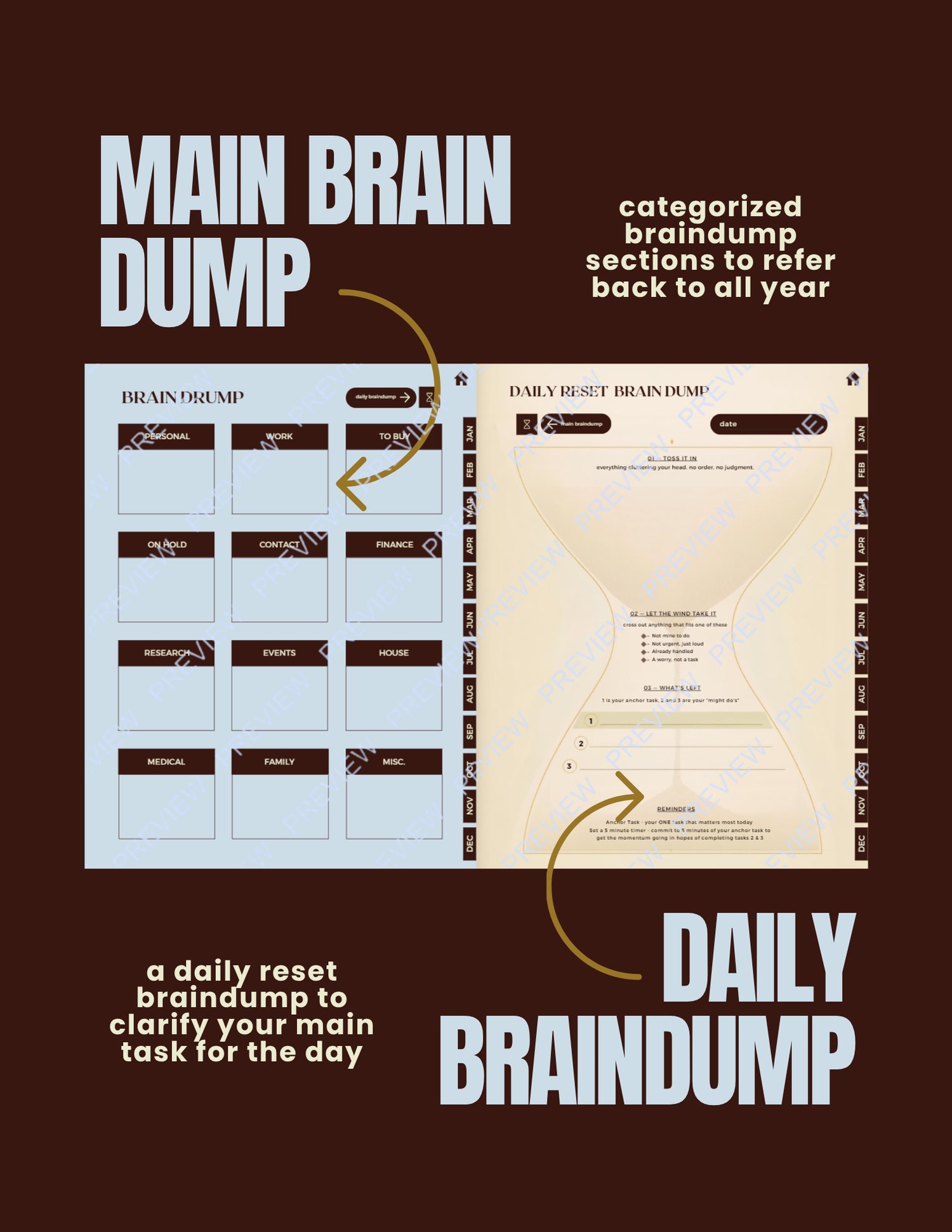
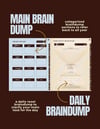
🧠 Brain Dump System — A categorized main brain dump (personal, work, finance, house, and more) plus a Daily Reset Brain Dump — a guided hourglass-shaped exercise to help you toss in the noise, let go of what’s not yours to carry, and land on one clear anchor task for the day.
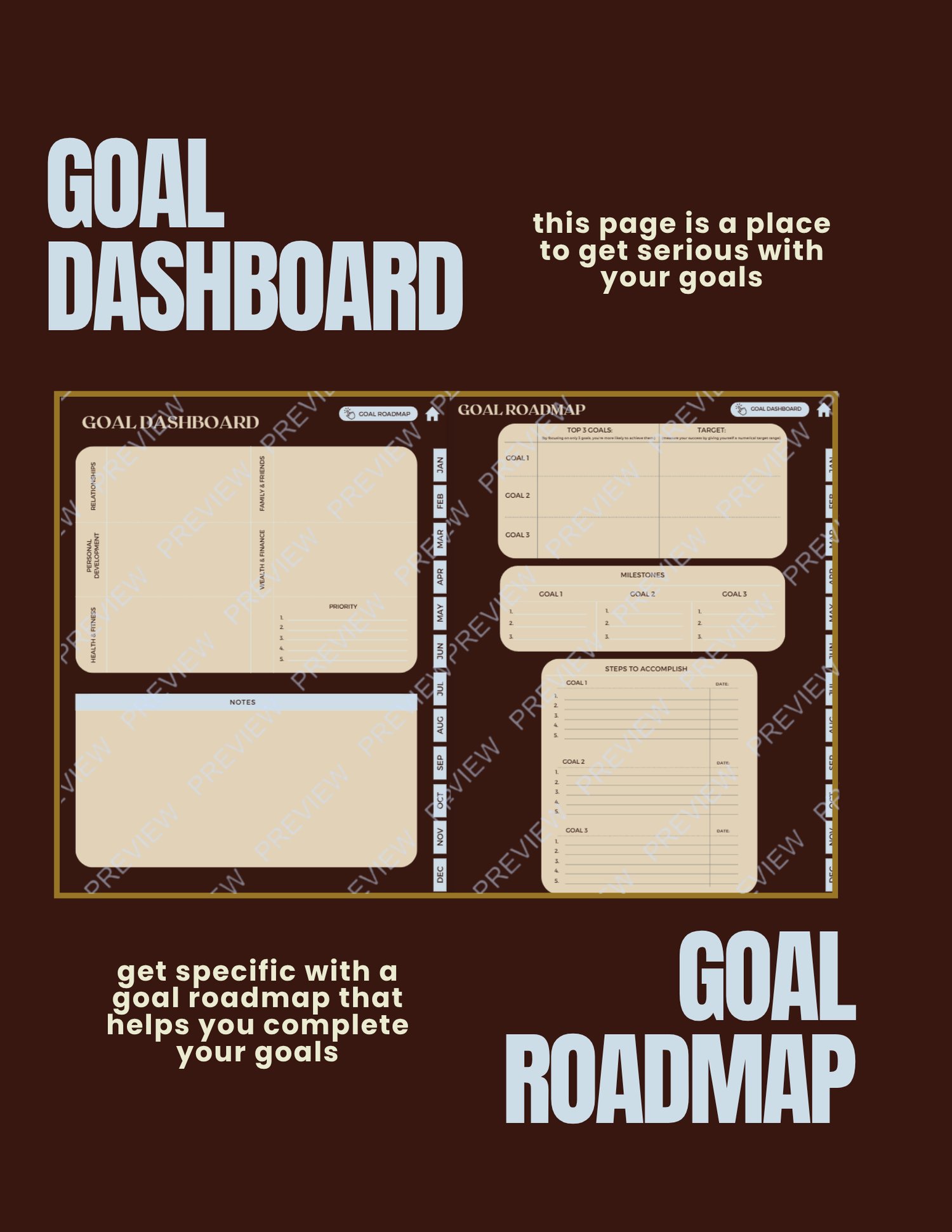
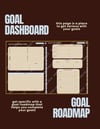
🎯 Goal Dashboard & Roadmap — Get specific: break big goals into milestones and concrete steps, organized by life area (relationships, health, finance, personal growth).
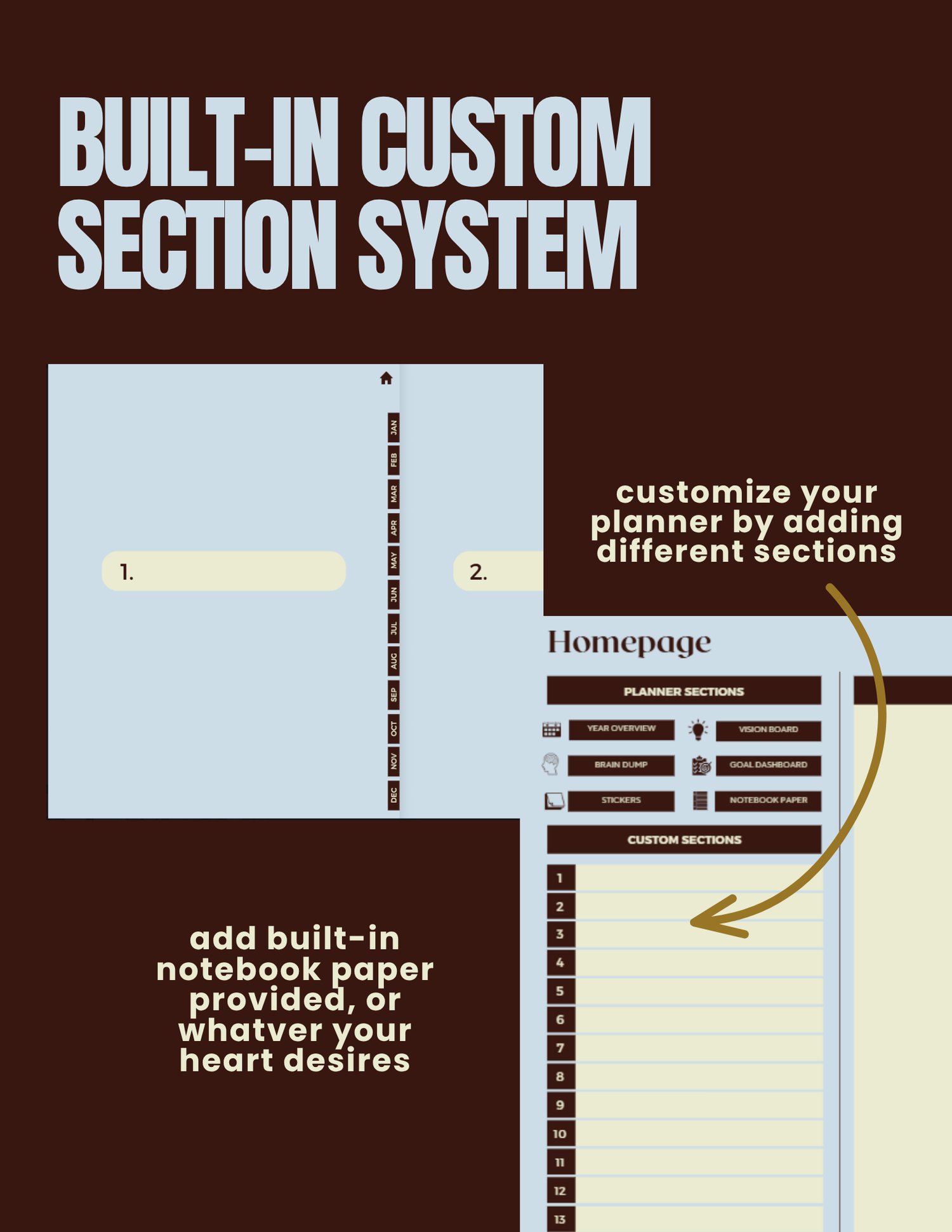
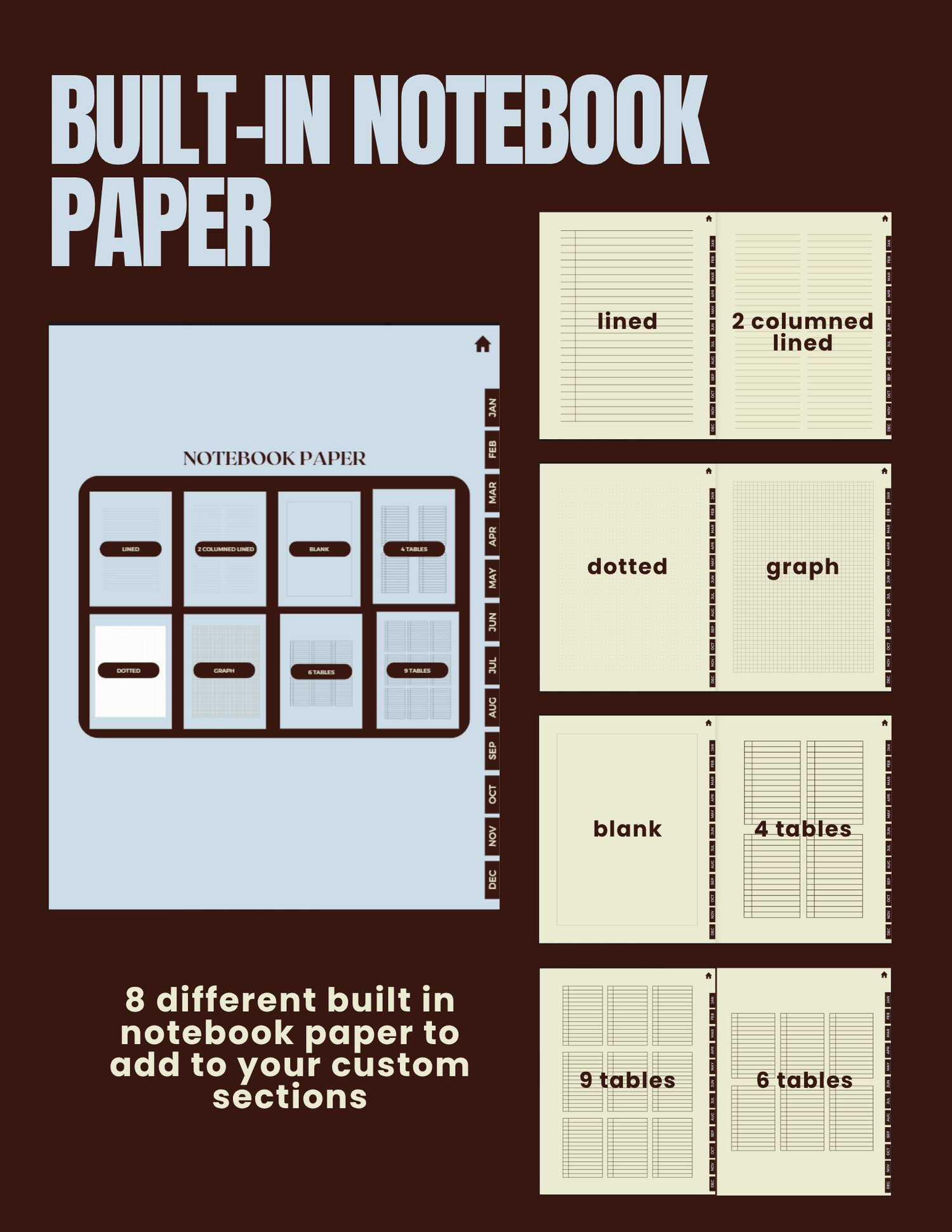
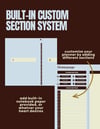
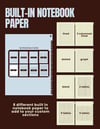
✏️ Built-In Custom Sections — Add your own tabs for whatever your life needs, with 8 styles of built-in notebook paper (lined, dotted, graph, tables, and more).
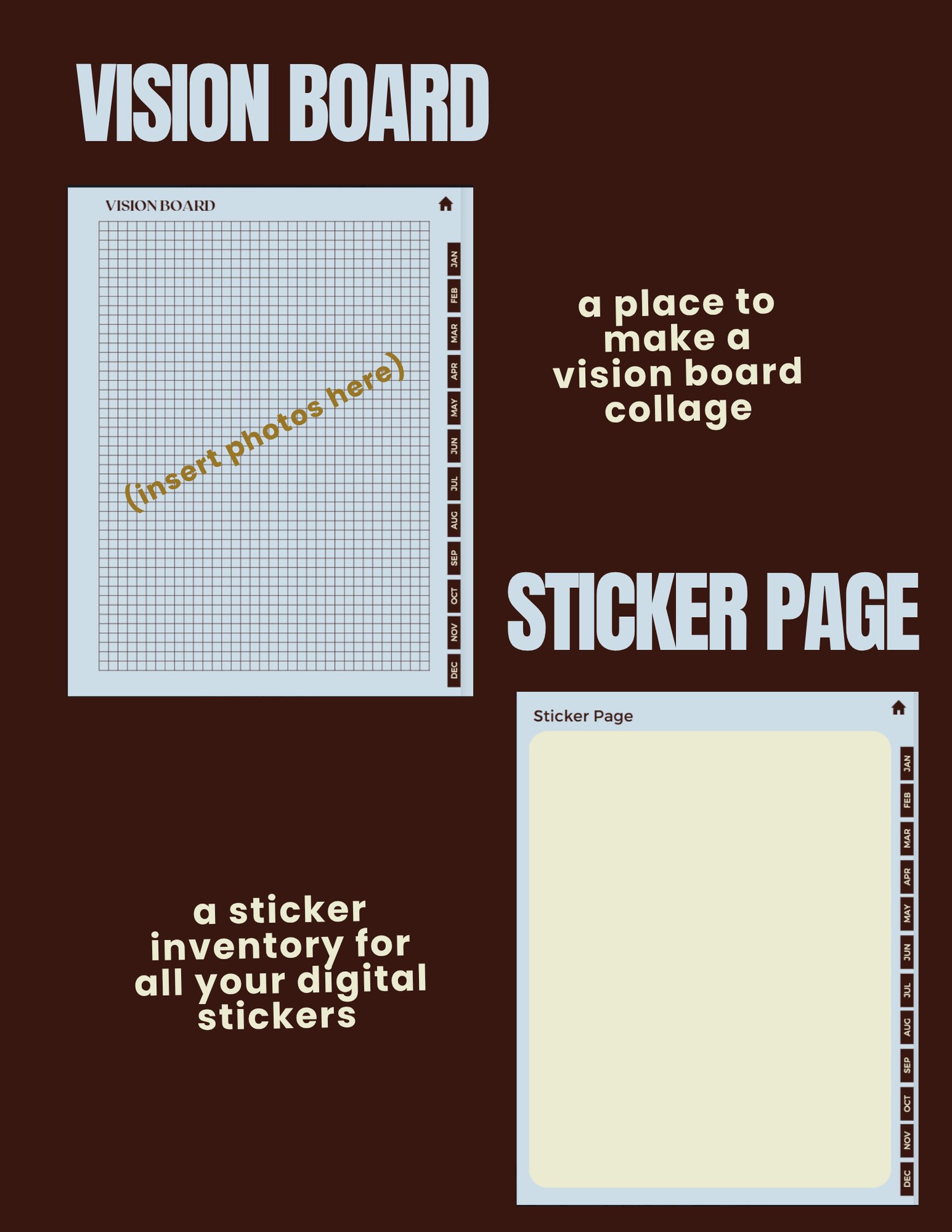
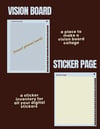
🖼️ Vision Board & Sticker Page — A collage space to visualize your goals, plus a sticker inventory to keep your digital stickers organized.
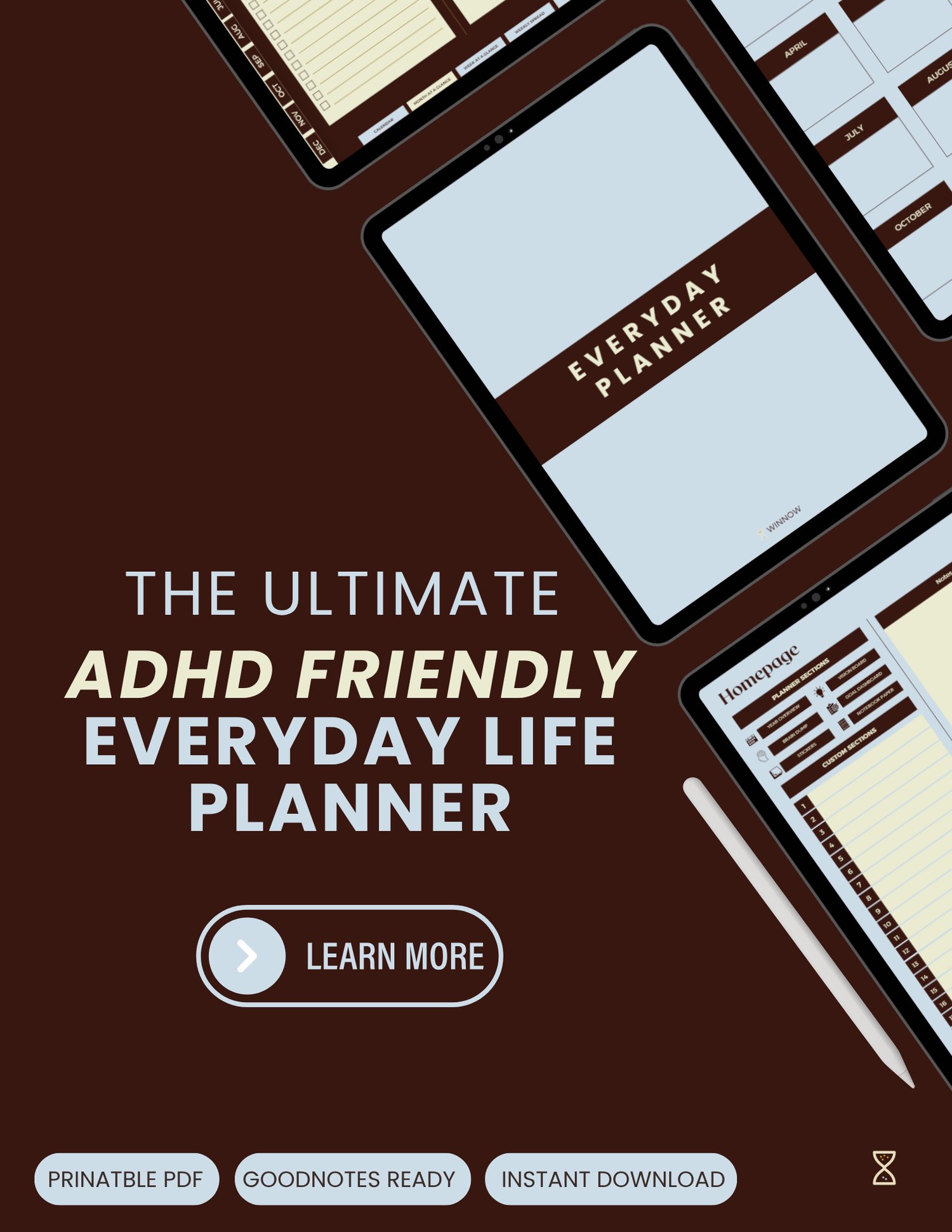
📦 Printable PDF · GoodNotes Ready · Instant Download
Use it however works for your brain:
• Print it — a full letter-size page, ready to fill in by hand
• Go digital — drop it straight into GoodNotes, Notability, or any PDF annotation app and write on it with your iPad/tablet, reusable every single day
How to Use them Digitally in GoodNotes:
1. Download the file from your purchase confirmation email or the platform’s download link — it’ll save as a PDF (usually to your device’s Files/Downloads folder).
2. Open the GoodNotes app on your iPad or tablet.
3. Tap the ”+” (New) button on your library screen, then choose “Import PDF.”
4. Locate the Winnow Reset file in your Files app (check Downloads, or wherever your device saves downloaded files) and select it.
5. GoodNotes will import it as a new document — this becomes your template. Rename it something like “Winnow Reset — Template” so you don’t accidentally write on your only copy.
6. To reuse it daily: open the template, tap Share → Duplicate, and rename each new copy with the date. This keeps your original blank and gives you a fresh page every time.
7. Use the Pen tool to fill it in by hand, just like paper — or switch to the Text tool if you prefer typing directly into each section.
Tip: If you want the Meal Planner or other templates to live in a recurring daily planner instead of a one-off document, you can also insert it as a page template inside an existing GoodNotes notebook via Document Settings → Add Page → Import.