

How to organize a family device update routine
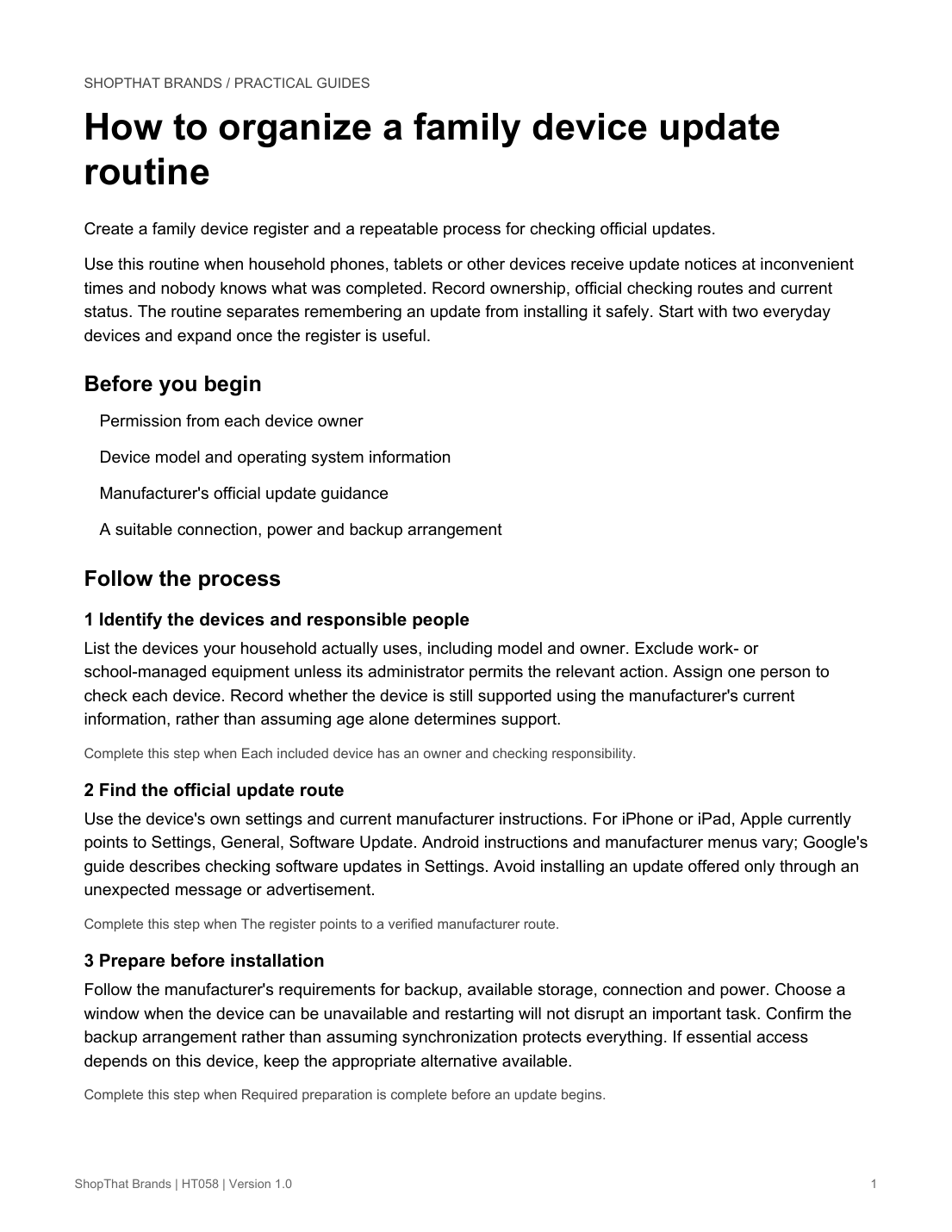
Keep household device updates organized without relying on scattered notices. This guide covers identifying owners, finding official update routes, preparing for installation, confirming results and planning follow-up checks. A fictional two-device example distinguishes a completed installation from a blocked update. Two tools include field guidance and completed examples, plus troubleshooting for managed devices and installation problems. Current manufacturer instructions remain the source for your device's requirements and available versions. Included tools: Family device register; Update check and follow-up log. This digital package is intended for households. Follow the guide in order, compare the completed fictional examples with your own situation, and use only the forms you need. Keep completed household records private and update them when the underlying information changes.
Included files: PDF guide, offline HTML guide, 2 distinct editable tools in HTML and TXT. Extract the ZIP before use. No paid software is required.
Text and template wording were generated with AI and reviewed for clarity and consistency.
License: Personal or internal business use only. You may edit the templates for that use; do not redistribute or resell the supplied files or templates.
HTML tools do not autosave. Use Save filled copy before closing to download and keep your completed entries.