
📘📊 Excel for Data Analysis: From Basic to Advanced, Complete Handwritten Study Notes with Formulas, PivotTables, Power Query, DAX, Dashboards, Projects & Interview Prep 🚀✨📝
# 📘 Excel for Data Analysis: Basic to Advanced (Handwritten Study Notes)
## ✨ What is this?
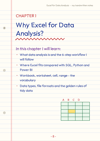
This is a **188-page study eBook** that teaches Excel for data analysis step by step. It starts with "what is a cell?" and ends with dashboards and automation. It's written like notes from a real notebook: ruled paper, a margin line, punch holes, and simple print-style handwriting. 📝 It's easy on the eyes and quick to revise from.
---
## 🎯 Who is it for?
- 🎓 **Students** preparing for exams, projects or placements
- 💼 **Job seekers** aiming for data analyst, MIS or business analyst roles
- 📊 **Office professionals** who want to work faster in Excel
- 🌱 **Complete beginners** who have never opened a spreadsheet
- 🚀 **Intermediate users** who want PivotTables, Power Query and DAX
---
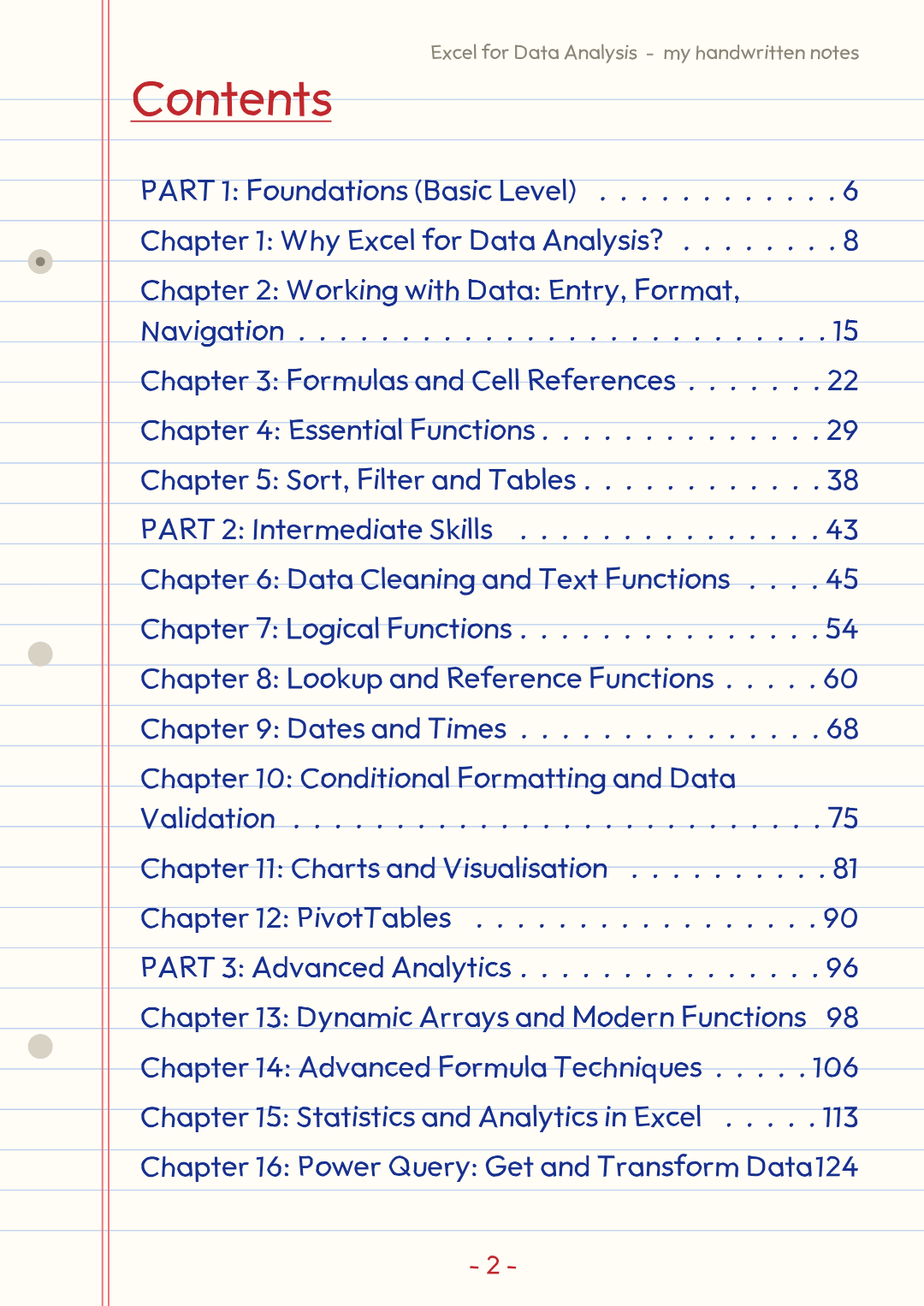
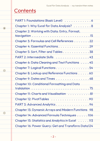
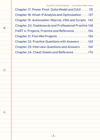
## 🗺️ The learning path (24 chapters, 4 parts)
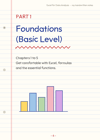
### 🟢 Part 1: Foundations (Basic)
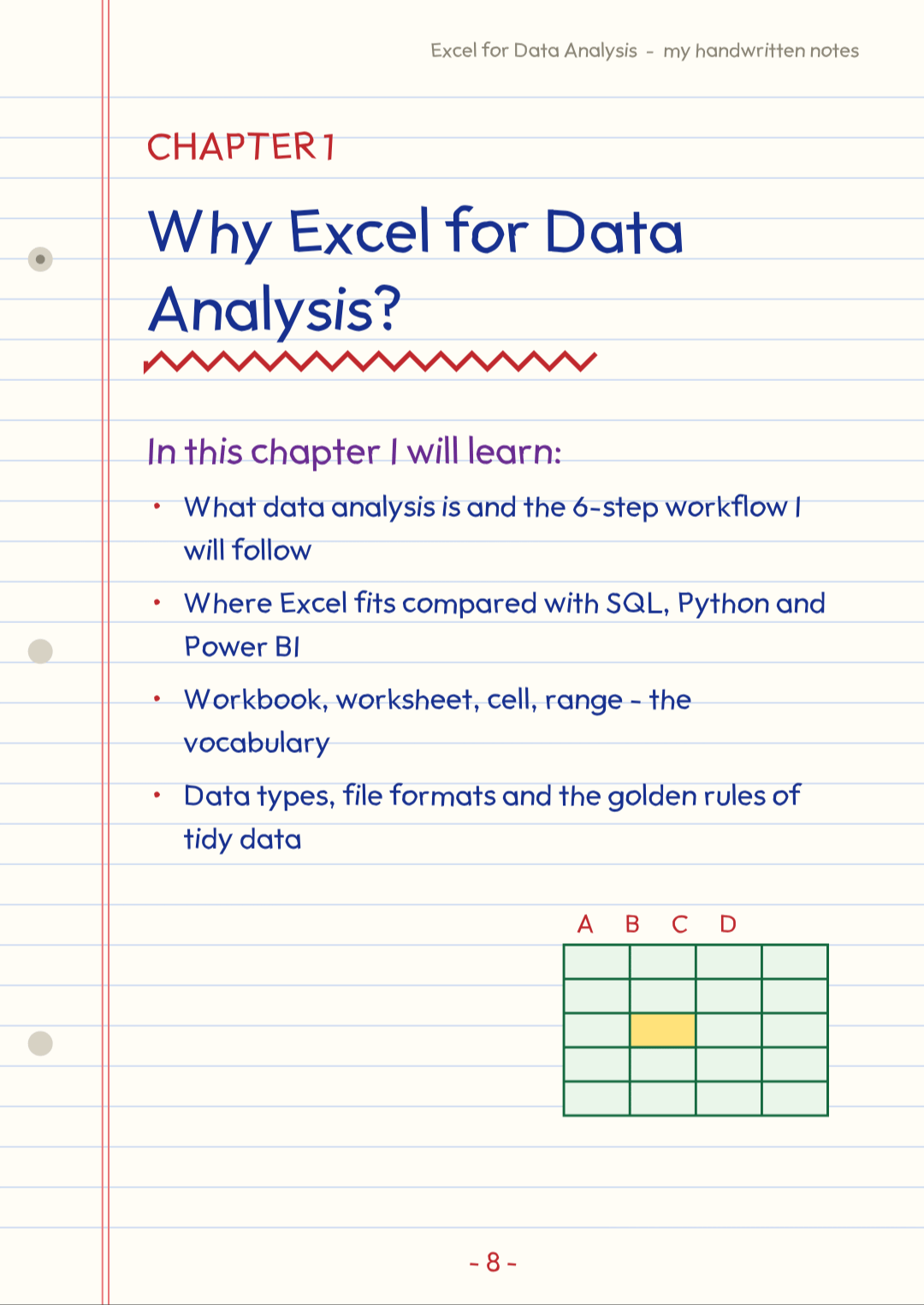
- 🧱 Workbooks, worksheets, cells, ranges and data types
- ➕ Formulas, operators and relative, absolute and mixed references
- 🧹 Data cleaning: TRIM, Text to Columns, Remove Duplicates and Find & Replace
- 🔤 Text, date and logical functions
- 🔽 Sorting, filtering and Excel Tables
### 🟡 Part 2: Intermediate
- 🔍 Lookups: VLOOKUP, HLOOKUP, INDEX + MATCH, XLOOKUP and XMATCH
- 🧮 Conditional formulas: SUMIFS, COUNTIFS and more
- 🎨 Conditional formatting
- 📈 Charts, PivotTables and dynamic arrays (FILTER, SORT, UNIQUE, LET)
- 📐 Statistics: mean, median, spread, correlation and regression
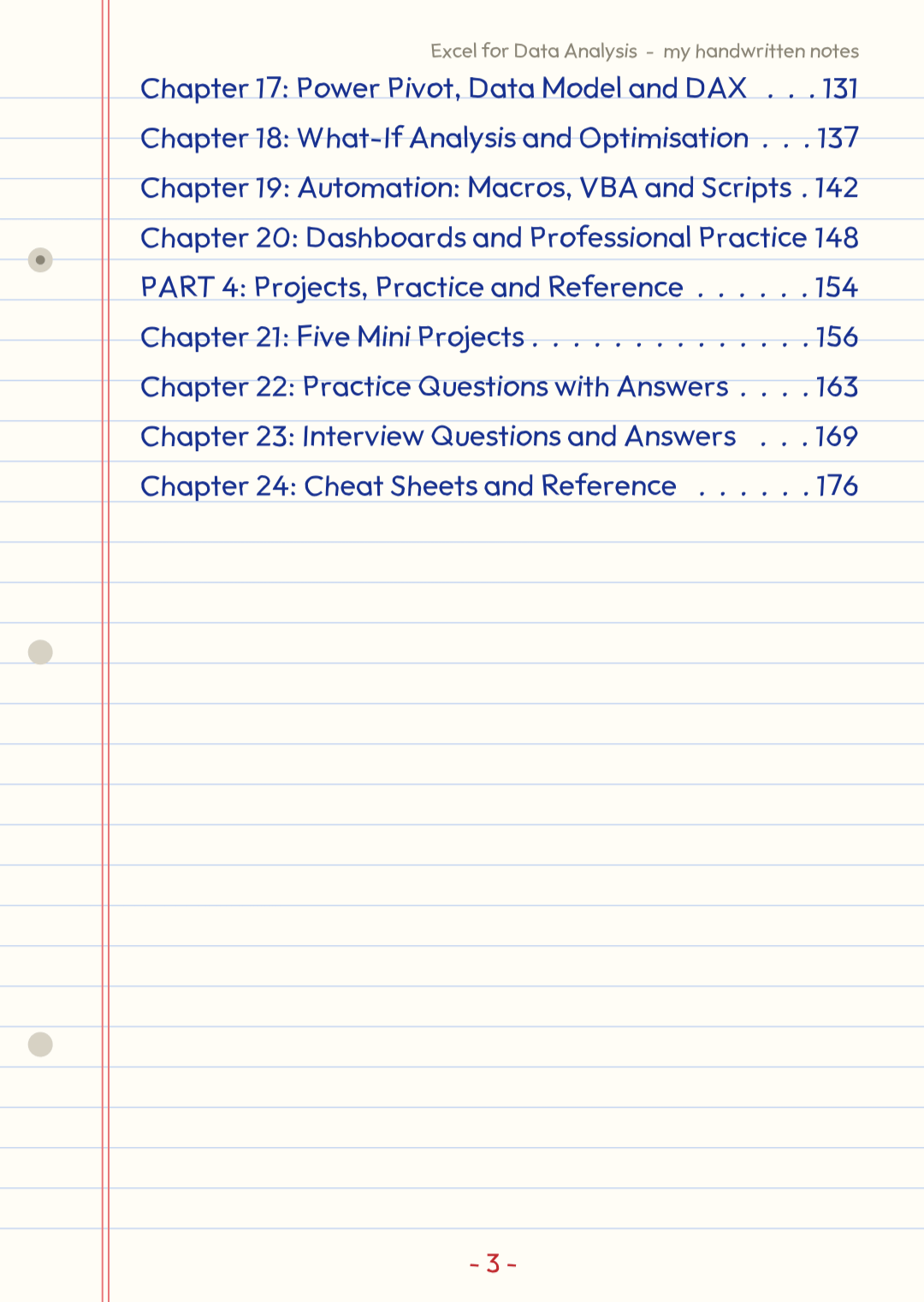
### 🔴 Part 3: Advanced
- 🔄 **Power Query** for importing, cleaning, merging and unpivoting data
- 🧠 **Power Pivot, the Data Model and DAX**
- 🎲 **What-If Analysis:** Goal Seek, Data Tables, Scenarios and Solver
- 🤖 **Macros, VBA and scripts** to automate repetitive work
- 🖥️ **Dashboards** and professional reporting practice
### 🏆 Part 4: Projects, Practice and Reference
- 🛠️ **Five mini projects** to build real-world skills
- ✏️ **Practice questions with answers**
- 🎤 **Interview questions and answers**
- 📋 **Cheat sheets** for quick revision
---
## 🌟 Features you'll love
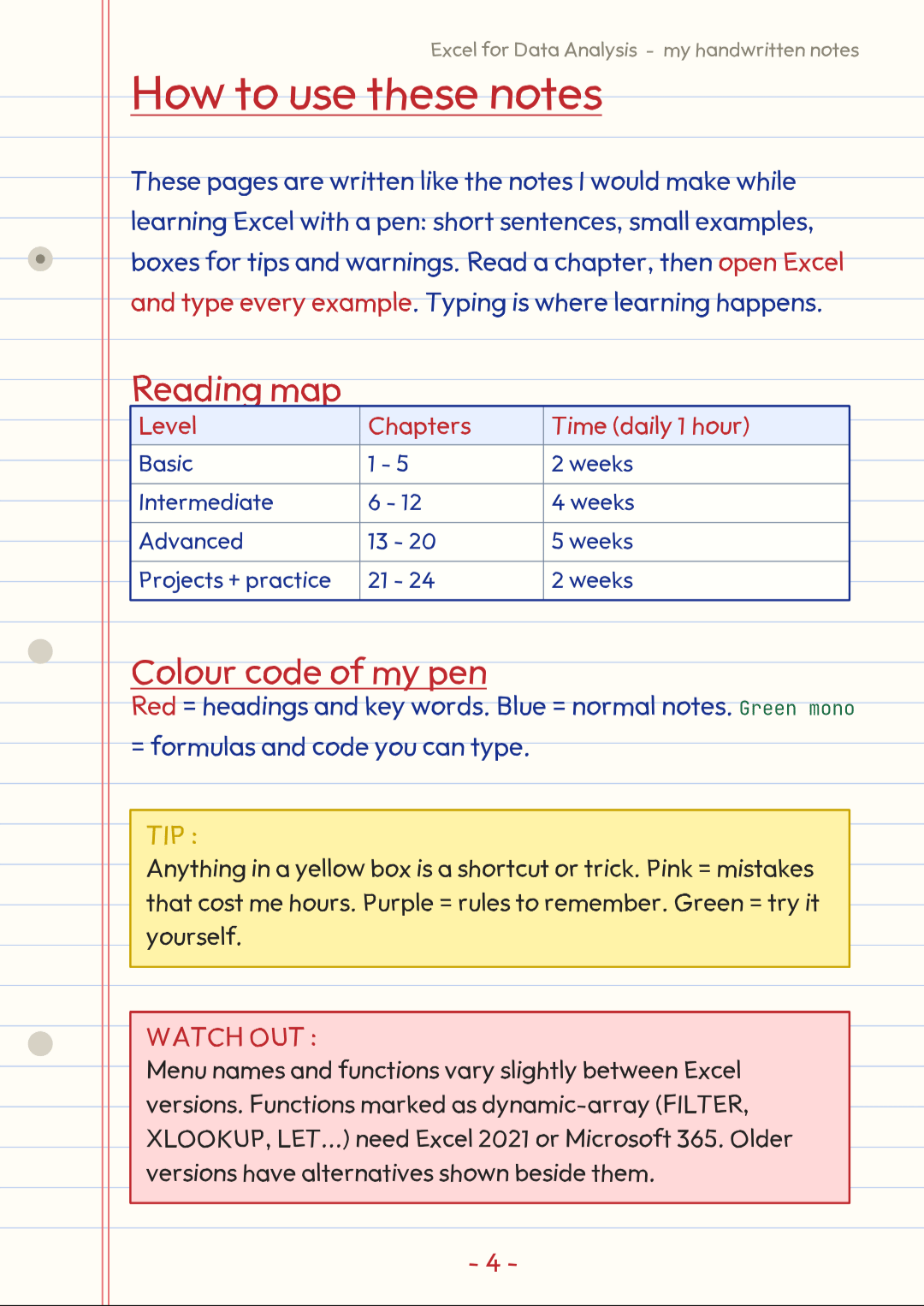
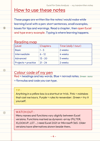
- 🖊️ **Notebook-style pages** with red-pen headings and blue-pen notes
- 🟩 **Green formula boxes** you can type straight into a cell
- 💡 **Yellow Tip boxes**, ⚠️ **pink Watch Out boxes** and 🧠 **purple Remember boxes**
- 📊 **Charts and example tables** on the pages
- 📝 **Practice Time pages** that make you try each idea yourself
- 🔗 **Clickable contents page** and PDF bookmarks, so you can jump to any chapter
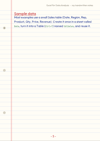
- 🧾 **Sample data** reused across chapters, so you build on what you already know
---
## 📅 Suggested study plan
- 🗓️ **Weeks 1-2:** Foundations (Basic)
- 🗓️ **Weeks 3-6:** Intermediate
- 🗓️ **Weeks 7-11:** Advanced
- 🗓️ **Final weeks:** Projects, practice questions and interview prep
⏱️ About one hour a day is enough.
---
## 💬 A note on versions
Functions like XLOOKUP, FILTER, LET and TEXTSPLIT need **Excel 2021 or Microsoft 365**. Where an older alternative exists, the notes show it too. ✅
---
## 🚀 Why this book works
Most Excel guides are long and dry. These notes are **short, visual and practical**: one idea per page, a clear example, and a task to try. By the end you should be able to clean messy data, analyse it, summarise it, chart it, and present it. 📈✨
**Happy learning and happy analysing! 🎉📚**