

AI Without Overwhelm Starter Toolkit: 30 Tested Prompts for Work
Use AI for the routine writing at work – and know what to check before anything leaves your desk.
What you can do with it this week
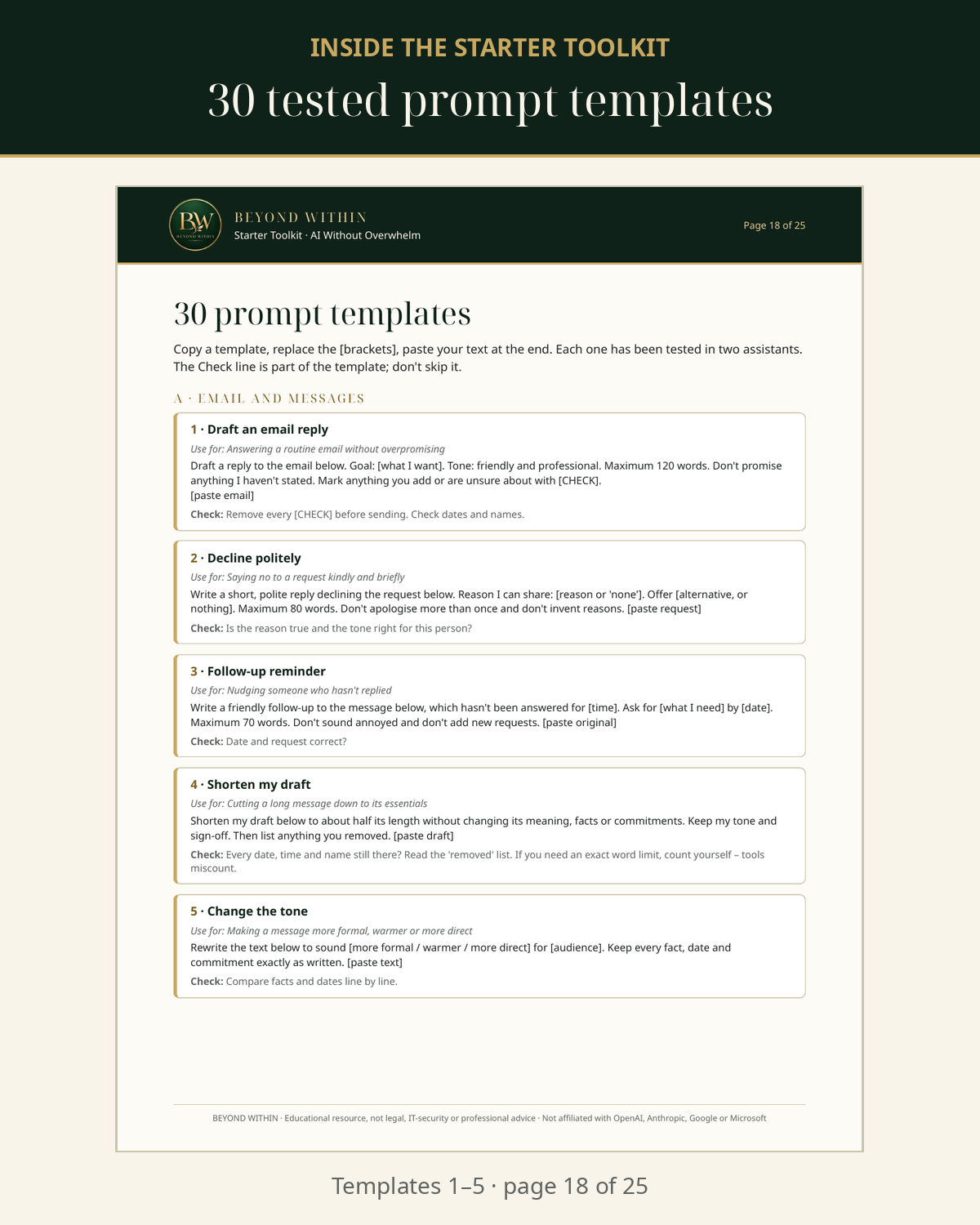
- Turn meeting notes into a recap email that says "not stated" instead of inventing a deadline (template 11)
- Shorten a long email and get a list of exactly what was removed (template 4)
- Spot the one change in meaning between two versions of a document (template 14)
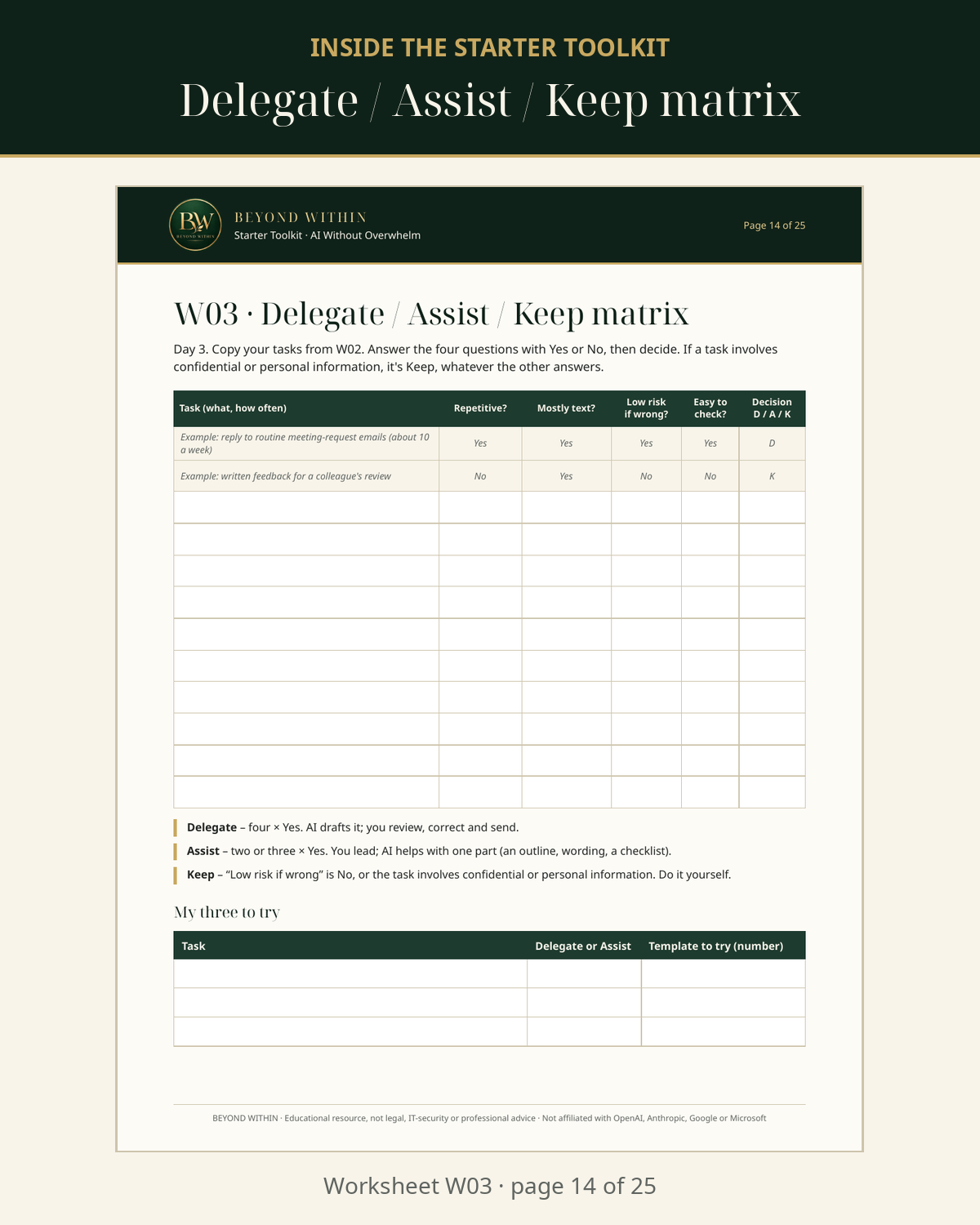
- Sort your to-do list into Delegate / Assist / Keep in 15 minutes (template 18 + worksheet W03)
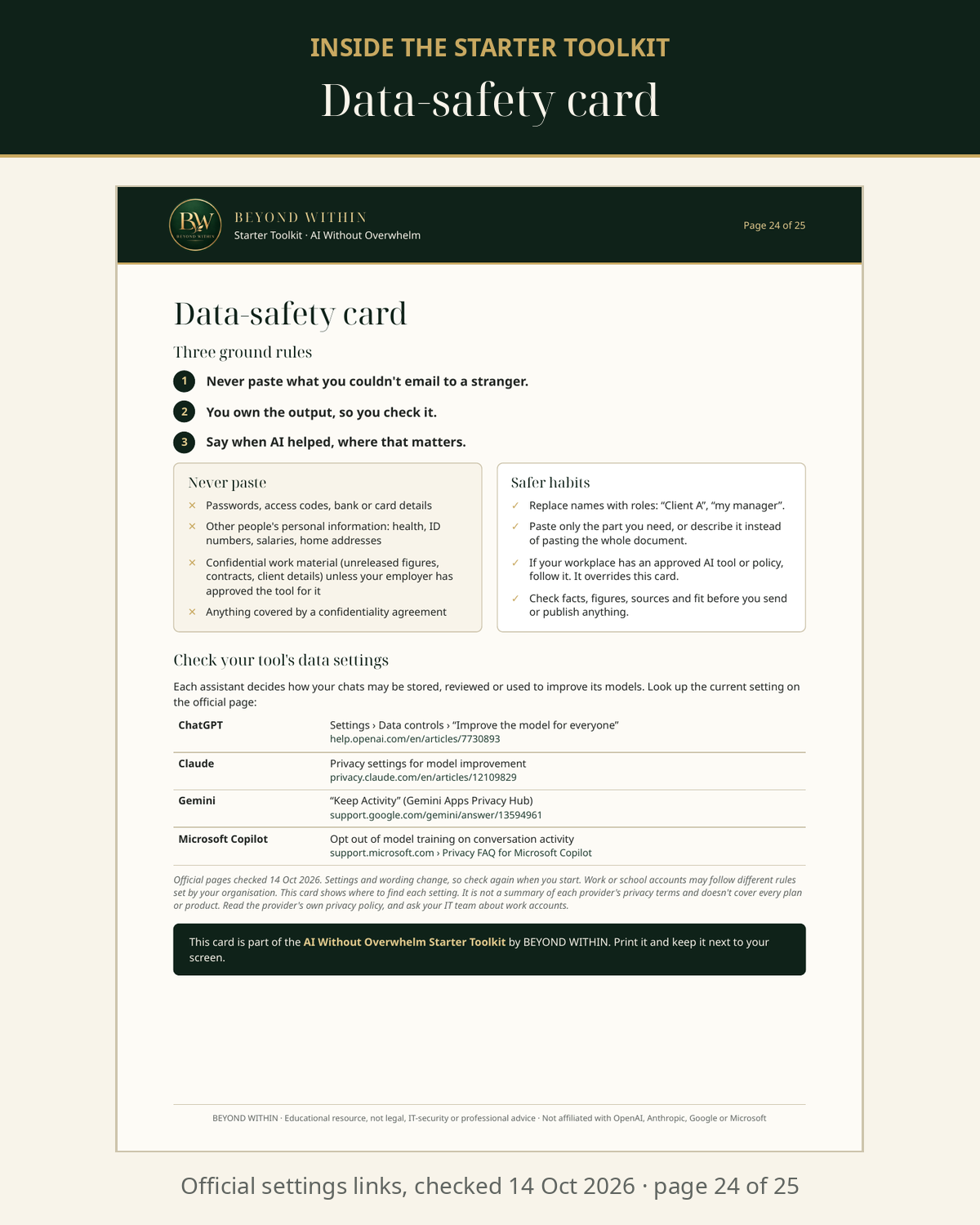
- Know what never to paste into an AI tool, with links to each assistant's official data settings
What you get
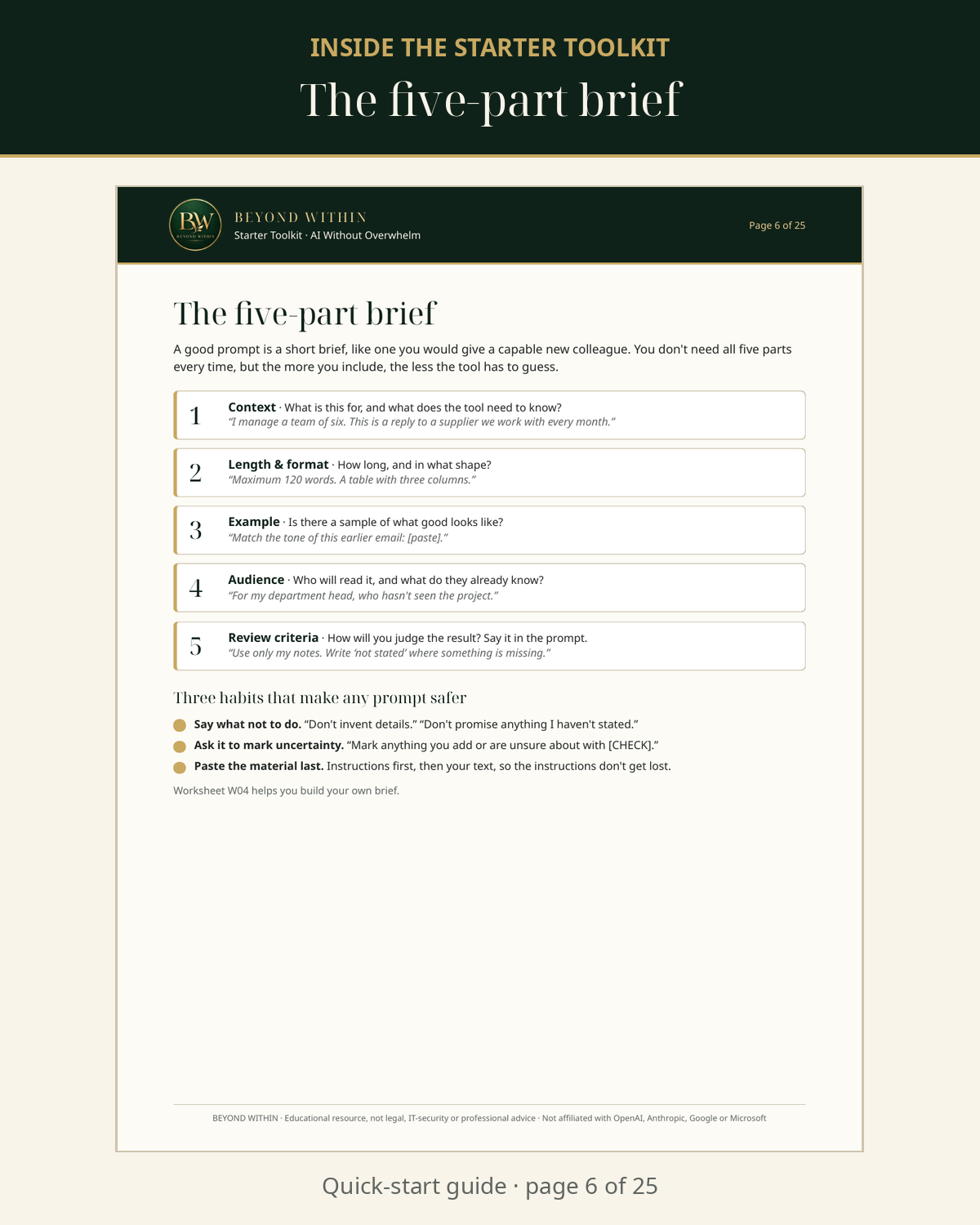
- Quick-start guide (10 pages): the three ground rules, what chat assistants do well and badly, how to decide what to Delegate, Assist with or Keep, the five-part brief, and the four checks.
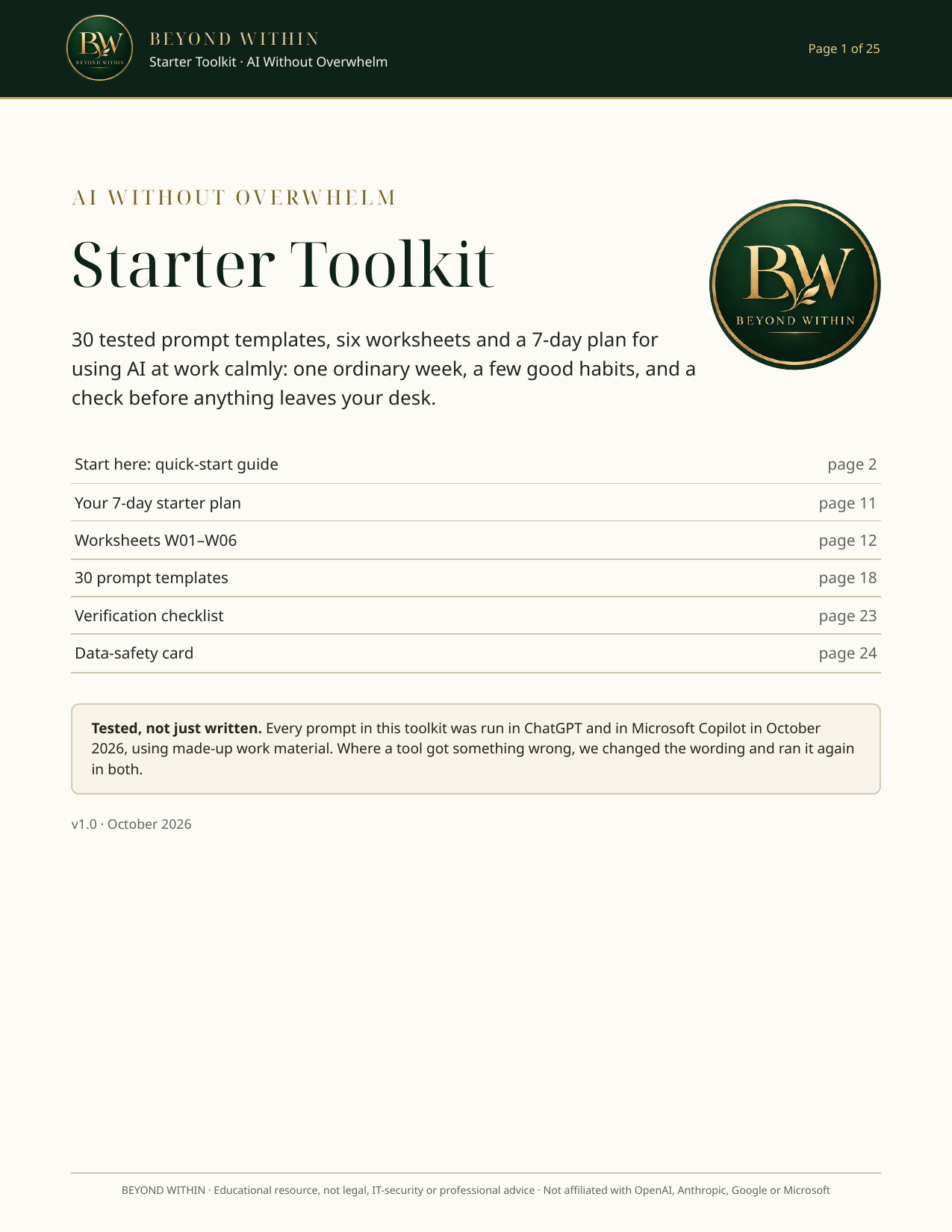
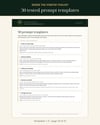
- 30 prompt templates for emails, meetings, documents, planning, checking AI output and learning – each with "Use for" and a built-in Check line. (Includes the 5 prompts from the free sample.)
- 6 worksheets: starting point, weekly task audit, Delegate/Assist/Keep matrix, five-part brief builder, your own template library, and a before-and-after exercise.
- A 7-day starter plan (about 10–15 minutes a day).
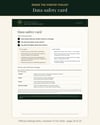
- Verification checklist and data-safety card with links to the official data settings of ChatGPT, Claude, Gemini and Microsoft Copilot (checked 14 October 2026).
Three files: PDF (25 pages, for reading and printing) · DOCX (editable – fill in the worksheets on screen, adapt the templates) · TXT (all 30 prompts, ready to copy and paste).
Not sure yet? Start with the free sample: the triage worksheet, 5 of the prompts and the data-safety card → payhip.com/b/OQmC5
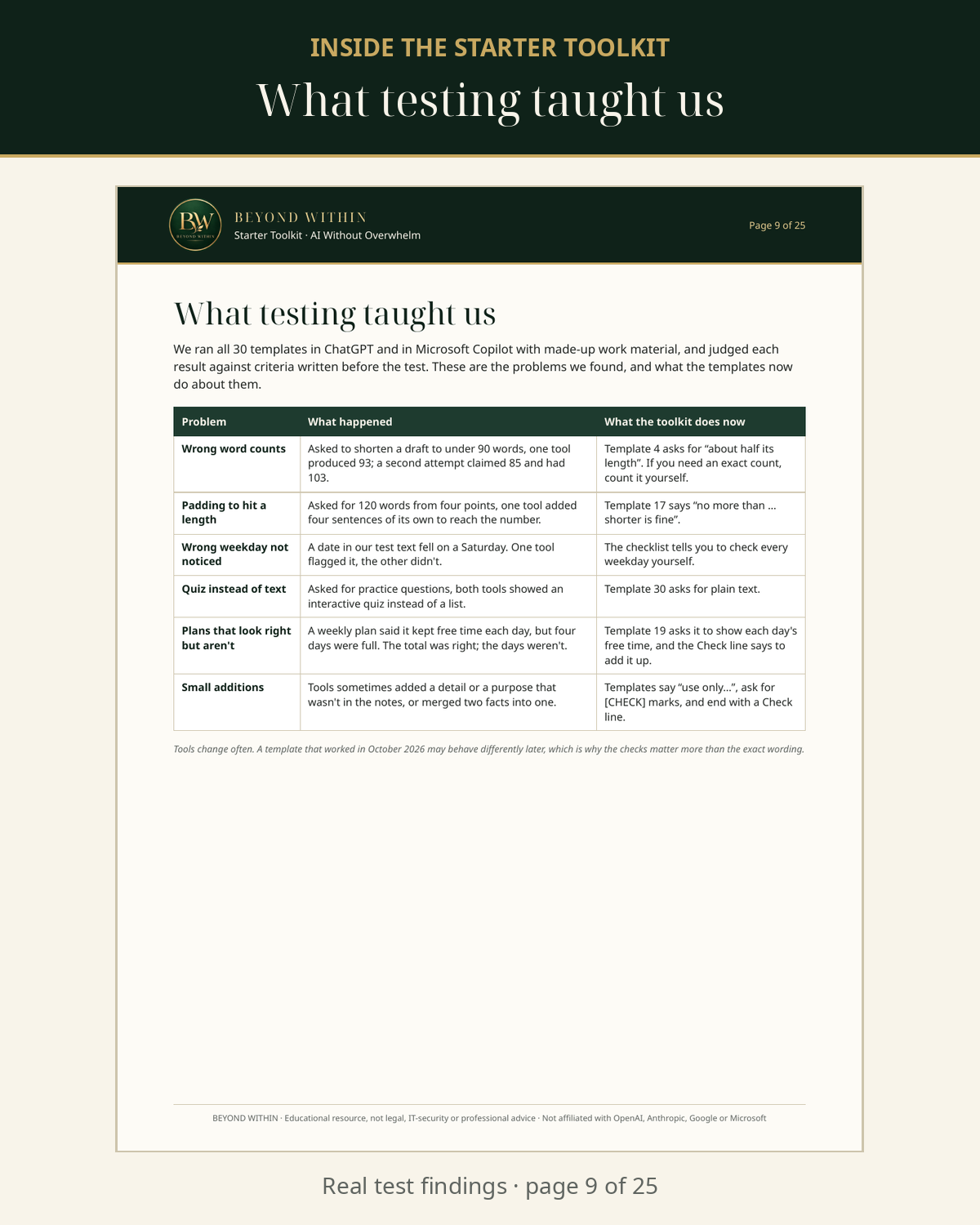
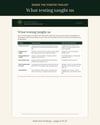
Tested, not just written. Every template was run in ChatGPT and Microsoft Copilot in October 2026 using made-up work material, against pass criteria written in advance. Where a tool got something wrong – a wrong word count, invented sentences, a missed weekday error – we reworded the template and tested it again in both. The toolkit tells you what we found, so you know what to watch for.
Who it's for: people who use a computer at work and want help with routine writing and admin, without handing over their judgement. No technical knowledge needed. Written for any general chat assistant you're allowed to use; tested in ChatGPT and Microsoft Copilot.
Not for: legal, medical, financial or HR decisions, or confidential material your employer hasn't approved for AI. The toolkit explains why.
Get the toolkit – $19, instant download.
Licence: personal use and internal professional use, including adapting the worksheets and prompts for your own work and sharing your adapted versions with colleagues. Reselling or publicly distributing the original files is not allowed.
Part of AI Without Overwhelm, a practical 14-day system by BEYOND WITHIN that is currently in development.
Educational resource, not legal, IT-security or professional advice. Not affiliated with OpenAI, Anthropic, Google or Microsoft. ChatGPT, Claude, Gemini and Copilot are trademarks of their respective owners.
FAQ
Is this the same as the free sample? No. The free sample has 1 worksheet, 5 prompts and the data-safety card (3 pages). The toolkit adds 25 new tested prompts, 5 more worksheets, a 10-page guide, a 7-day plan, a verification checklist, and editable DOCX and TXT files.
Which AI tool do I need? Any general chat assistant you're allowed to use. We tested the templates in ChatGPT and Microsoft Copilot; other assistants weren't tested.
Will the prompts always give perfect results? No. AI tools change and make mistakes, which is why every template ends with a check and the toolkit includes a verification checklist.
Can I use it at work and share it with my team? You can use it for your own work and share your filled-in worksheets and adapted prompts with colleagues inside your organisation. Please don't share or post the original files publicly.
Is my data shared with BEYOND WITHIN? The toolkit is a set of files; nothing you type into an AI tool is sent to us. Payhip processes your purchase.
What format are the files? PDF, DOCX (Word format, which most word processors open; we checked it in LibreOffice) and plain TXT.
How long does it take? About 10–15 minutes a day for the 7-day plan.
Do I need a paid AI plan? The templates use ordinary chat features. We tested them in a ChatGPT Plus account and a personal Microsoft Copilot account; other plans, including free ChatGPT, weren't tested.
Can I see a page first? Yes: see the preview images above, or download the free sample.