

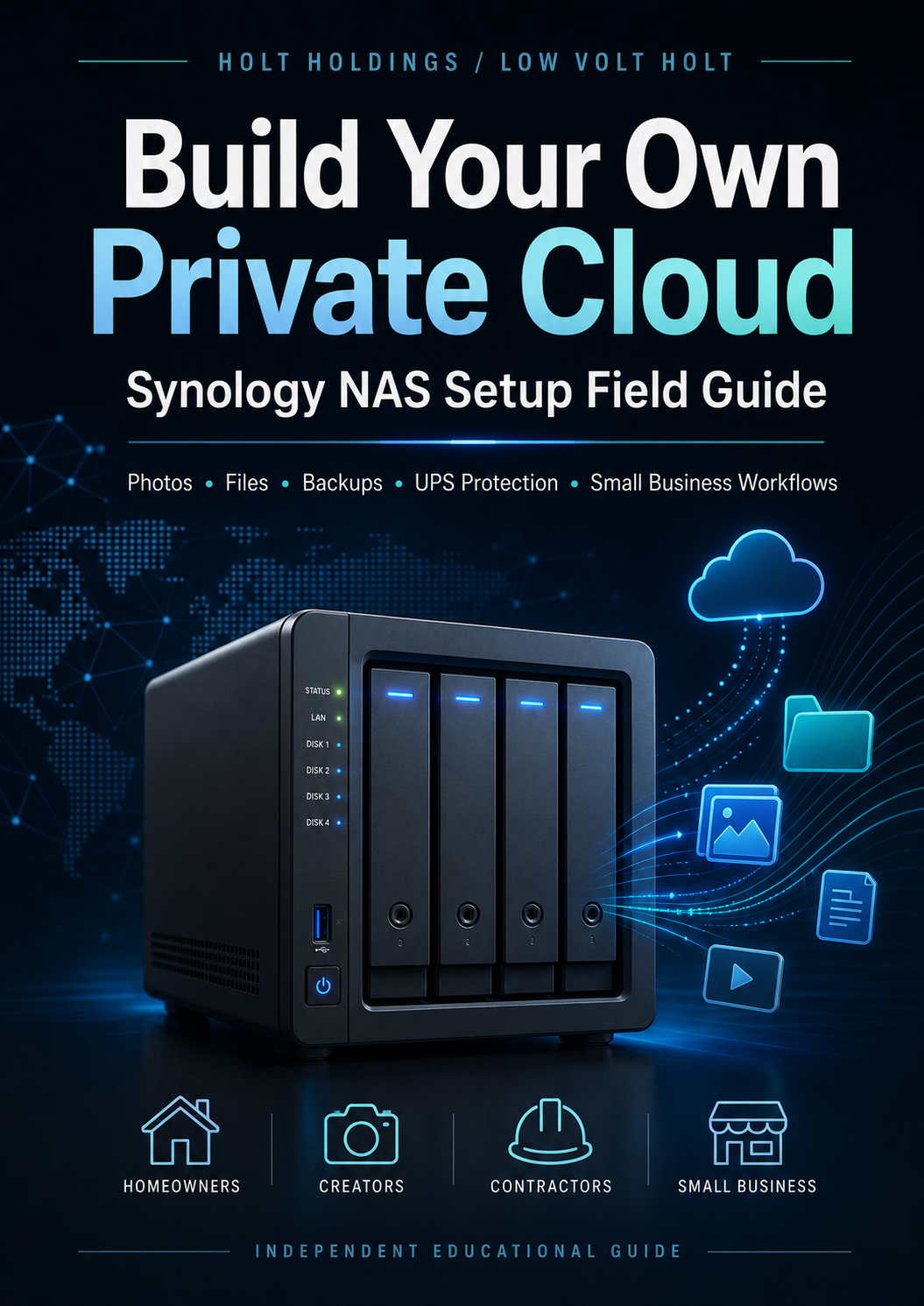
Build Your Own Private Cloud: Synology NAS Setup Field Guide
Most people do not think about their photo, video, and file backup system until something goes wrong.
A full phone. A dying laptop. A business computer with years of customer files. A power outage during a drive upgrade. A messy pile of external hard drives. Cloud storage subscriptions that keep growing.
Build Your Own Private Cloud: Synology NAS Setup Field Guide is a practical, beginner-friendly guide for setting up a Synology NAS as a home or small business storage server.
This guide walks through the big decisions and setup steps in plain English, including storage planning, drive selection, shared folders, user accounts, Synology Photos, Synology Drive, remote access, UPS protection, backup strategy, maintenance, and common mistakes to avoid.
It is built for homeowners, creators, contractors, side hustlers, and small business owners who want a cleaner way to store photos, videos, documents, job files, invoices, receipts, and important backups.
What’s inside
- NAS basics explained in plain English
- What to buy before setting up your NAS
- Drive and storage pool planning
- RAID/SHR concepts without overcomplicating it
- Shared folders and user account setup
- Synology Photos workflow ideas
- Synology Drive workflow ideas
- Small business file organization examples
- UPS and power-loss protection guidance
- Backup strategy and “RAID is not a backup” explanation
- Maintenance checklist
- Troubleshooting notes
- Setup worksheets and decision tables
- Ideas for creators, families, contractors, and small business owners
This guide is for you if:
- Your phone is constantly full of photos and videos
- You want more control than only using iCloud, Google Drive, or Dropbox
- You run a small business and need cleaner file storage
- You create content and need somewhere to dump video/photo files
- You want local storage plus a better backup plan
- You bought a Synology NAS and are not sure what to do first
- You are thinking about buying a NAS and want to understand the setup before spending the money
This guide is not:
- An official Synology manual
- A replacement for a real backup plan
- A cybersecurity guarantee
- A one-size-fits-all IT design for every business
- A substitute for professional IT help when your data is critical
This is a practical field guide built from real-world setup, storage, power-loss, and small business workflow experience.
Local to the Treasure Valley? Hands On Idaho may be able to help with home office, small business, creator, and family NAS setup projects.
Independent guide disclaimer: This guide is an independent educational resource created by Holt Holdings / Low Volt Holt. It is not affiliated with, endorsed by, sponsored by, or approved by Synology Inc. Synology, DiskStation, DSM, Synology Photos, Synology Drive, and related product names are trademarks or registered trademarks of their respective owners. Always follow official manufacturer documentation and backup important data before making storage changes.