
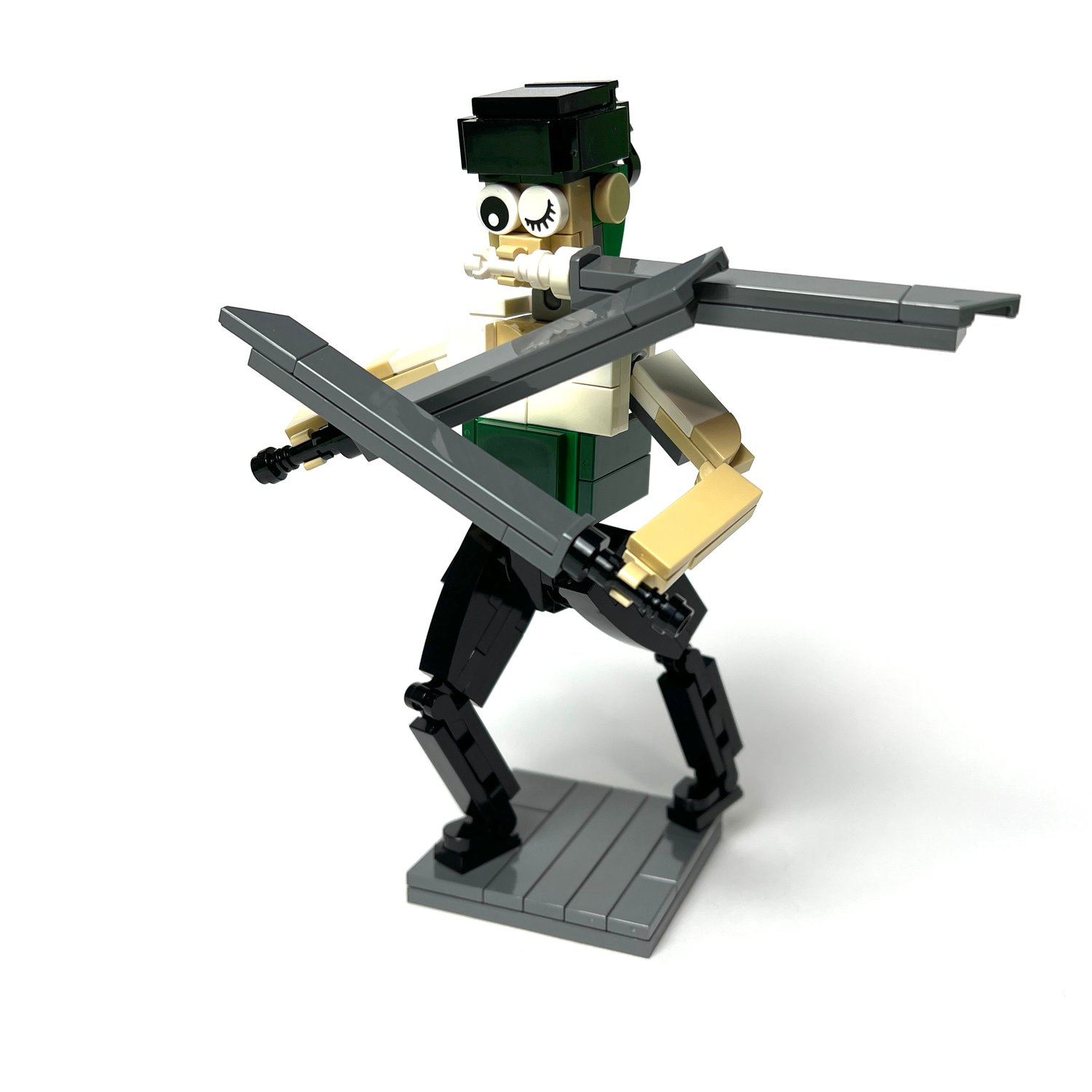
Roronoa Zoro Action Figure (PDF Instructions & XML File)
Roronoa Zoro — Custom LEGO Build
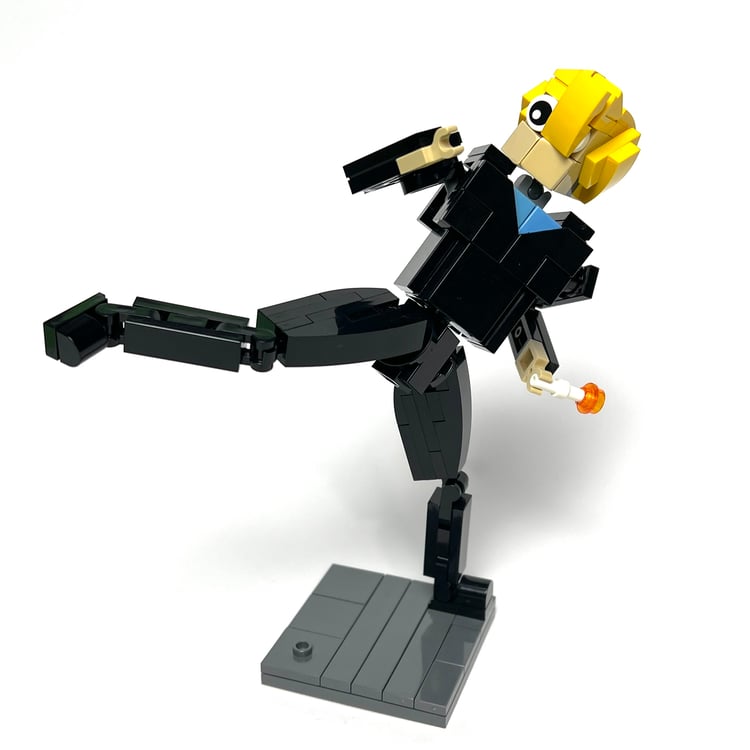
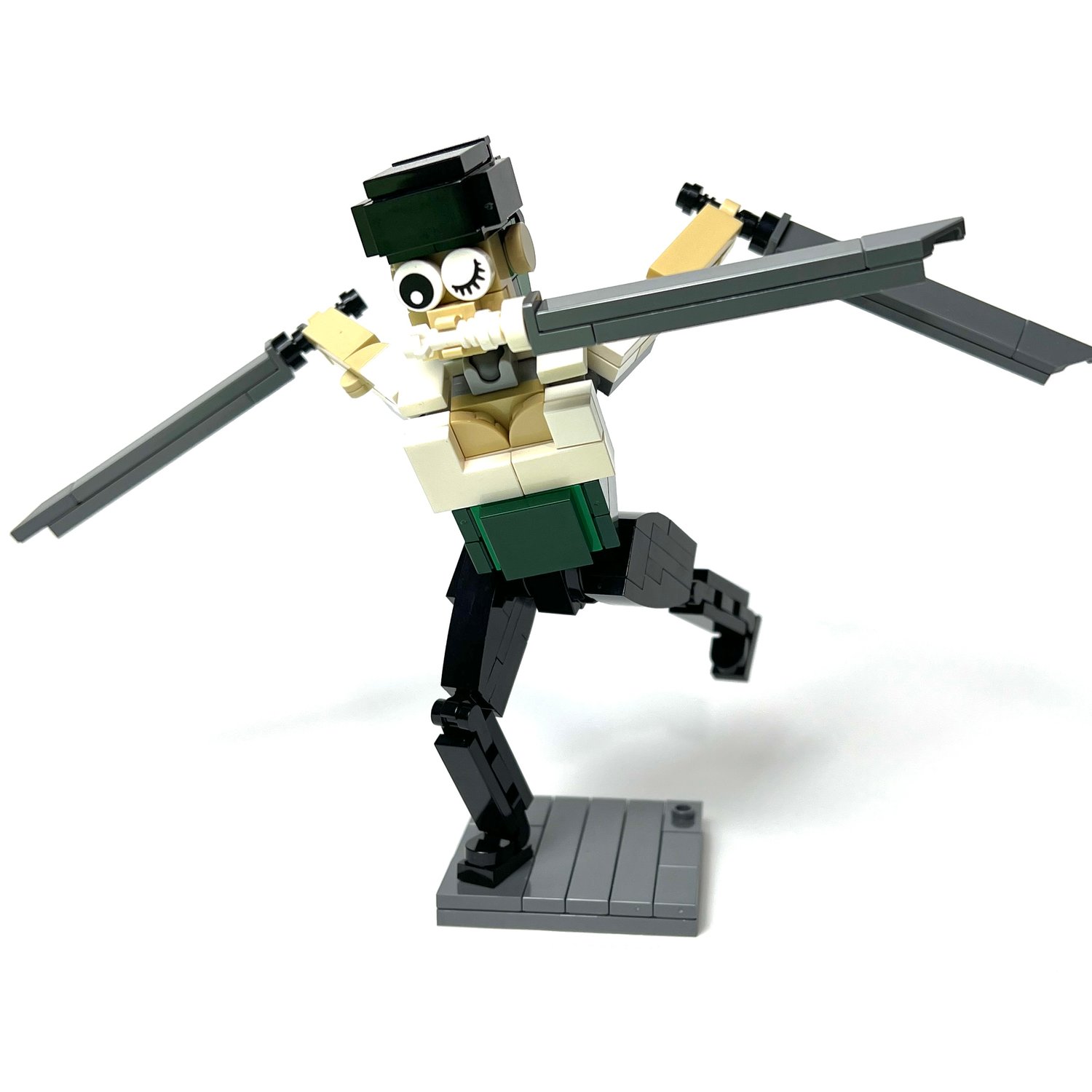
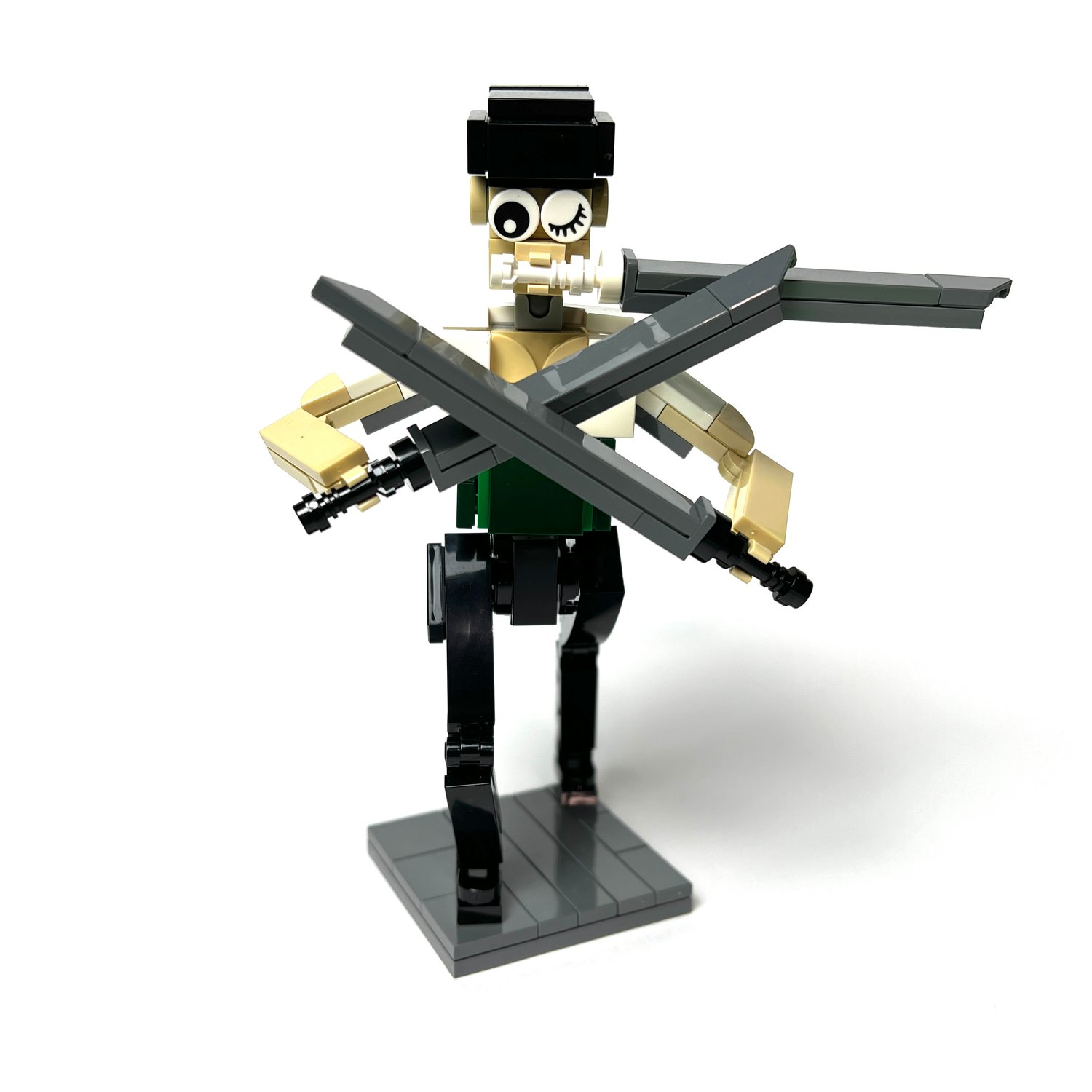
The world's greatest swordsman stands ready for battle in this custom LEGO brick-built figure. Zoro's in fight mode, with his black bandana on, a sure sign that things are about to get serious.
He is dressed in his classic dark green haramaki sash cinched around the waist over a white shirt — details pieced together with carefully placed brackets and tiles.
The showstopper is the three-sword Santoryu stance — one katana gripped in each hand and a third clenched between his teeth, faithfully recreating his legendary three-sword style. He can be posed in various staces, giving the figure an explosive sense of tension and power, as if Zoro is a single breath away from unleashing an Oni Giri.
How to Buy Parts from Bricklink:
1. Go to bricklink.com and log into your account. If you don't have one, create a free account first.
2. In the top menu, go to My BrickLink → Wanted List. This is where you'll upload your parts list(XML file).
3. Inside your Wanted List, click Upload at the top. Select Upload BrickLink XML, then choose your exported .xml file. Bricklink will parse every part automatically and populate your wanted list.
4. Once your wanted list is populated, click Buy All at the top. Bricklink will scan all current store inventories and suggest the most cost-efficient combination of sellers to source every part in your list.
5. Review the suggested stores, adjust if needed, and proceed to checkout with each seller individually.