
Hydrilla AI Tutorial — How to Use Hydrilla: Generate 3D Assets with BlueFox (Guide, Workflows & Prompts)
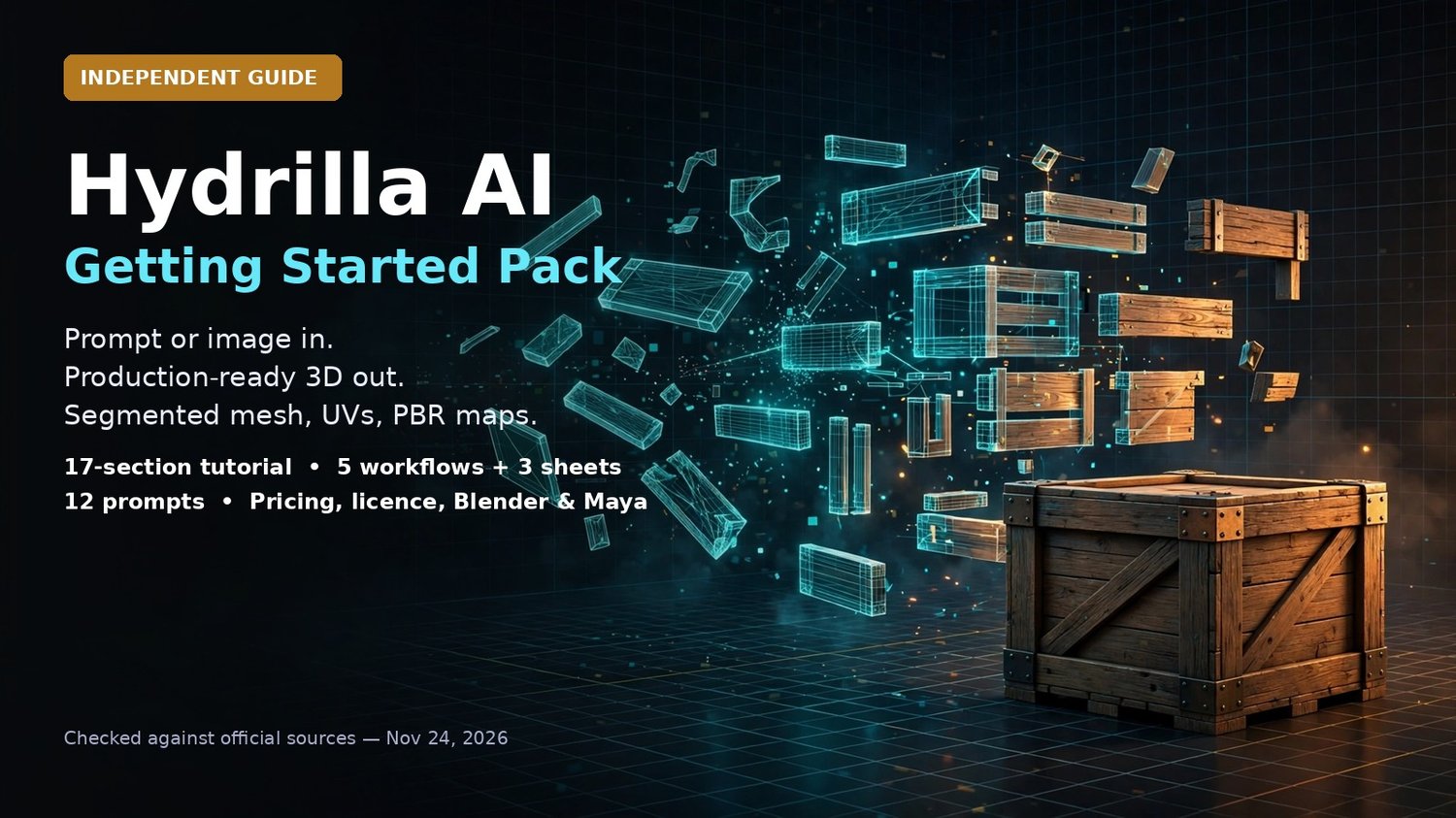
Every game and animation studio has the same bottleneck. Not the hero character — the fifty background props. The crates, the chairs, the street furniture, the set dressing that fills a world and eats your modeller's week. Hydrilla AI, relaunched on Product Hunt on November 23, 2026, is built for exactly that volume work: its in-house model BlueFox 1 turns a text prompt or a reference image into a 3D asset — a segmented mesh, UV-unwrapped, with PBR texture maps already attached — that drops into Blender, Maya, Unity, or Unreal through plugins, not a download folder.
But a generator is only useful if three questions have honest answers: what does one asset actually cost, can you legally ship what it makes, and will the mesh survive your pipeline or need rebuilding? This pack answers all three from Hydrilla's own official pages — pricing, Terms of Service, model page, and integrations — checked on November 24, 2026.
What you'll be able to do:
- Work out the real cost per asset from the published credit math: text-to-3D is 45 credits, image-to-3D is 30 — so Starter ($5) runs about $0.17–$0.25 per asset and Pro ($12) about $0.12–$0.18, with the $8 Hourly Pro plan cheapest only if your generation fits one daily window
- Use the commercial licence with confidence: you own the output and may use it for personal and commercial purposes on every plan, including Free — plus the two caveats that matter (similar outputs can occur; exclusivity isn't promised) and the community-post trap (a post licenses your asset to the public, default CC BY-NC 4.0)
- Run the Free plan's 3 generations as a real evaluation: one text prompt, one image, one rework — and judge on the only question that matters, whether an artist finishes it faster than modelling from scratch
- Write prompts that come back as usable assets: brief it like a prop sheet, name the parts, one asset per prompt
- Inspect every model in Studio before it reaches your engine: orbit all sides, check parts are actually separate, read the wireframe and face counts, look at materials under light, verify scale
- Hand assets into your tools without the download dance: the local Bridge, plugins for Blender, Maya, 3ds Max, Unity, Unreal, and Godot, plus Hydrilla Agent building whole scenes in Blender from chat
- Know the honest limits cold: props and set pieces, yes; CAD, manufacturing, and finished hero assets that skip an artist's pass, no — and what to do about it
- Automate carefully: the MCP server and REST API (Pro) as pipeline steps, with a credit cap in your own code
What's inside:
1. The Tutorial (17 sections) — what Hydrilla is, the name trap (it's not HydraLabs), how BlueFox works, full pricing with cost-per-asset math, the commercial licence in plain English, the Free-plan 3-generation test, prompt writing, image-to-3D, Studio inspection, exports, Bridge and plugins, MCP/REST, five workflows, limits, and budgeting rules.
2. Templates & Prompts — 5 workflow templates (background-prop batch, client visualisation, in-Blender scene build, API pipeline job, hero-asset triage), 3 working sheets (Pre-Generation Worksheet, Asset Send Sheet, Decision & Version Log), and 12 copy-paste prompts: 6 for an MCP-connected assistant or Hydrilla Agent (standing generation rule, generate one prop, batch a set, build a Blender scene, rework-don't-regenerate, weekly round-up) and 6 for planning and writing (tier decision, prompt writer, reference-image director, inspection report, client send message, day-30 review).
3. How-to-Use guide — the reading order, so the pack takes an evening to start and three free generations to prove.
Who this is for: Game developers and animation studios drowning in background props; 3D artists and technical artists who want generation inside Blender or Maya, not another website; architects and product teams who need visualisations a client can open, not files a client can't; indie developers and small teams who need volume without hiring a modeller for every crate; pipeline-minded teams who want generation as an API/MCP step with a credit cap.
Who should NOT buy this: Anyone who needs CAD, manufacturing drawings, or engineering data — BlueFox explicitly isn't built for that. Anyone expecting a finished hero asset from a single prompt with no artist pass. Anyone looking for HydraLabs/Neurion (a different company with a similar name) — this pack is about Hydrilla AI at hydrilla.ai. Anyone expecting guaranteed quality, speed, or cost figures. The "10x" and "minutes instead of days" numbers are the maker's claims, labelled that way throughout.
The honest details: Hydrilla itself is free to start — you're paying for the structure, the verification work, the templates, and the prompts, not the tool. This pack is a verified desk guide checked against Hydrilla's official site, model page, integrations, and Terms of Service on November 24, 2026; it does not claim hands-on results from a live Hydrilla account, and it teaches you to run your own Free-plan test before spending anything on tiers. This is an independent guide — not official documentation, and not affiliated with or endorsed by Hydrilla AI Private Limited.
Refund policy: All sales are final for this digital product. If your file is corrupted or won't open, contact us and we'll replace it with a working copy free of charge.