

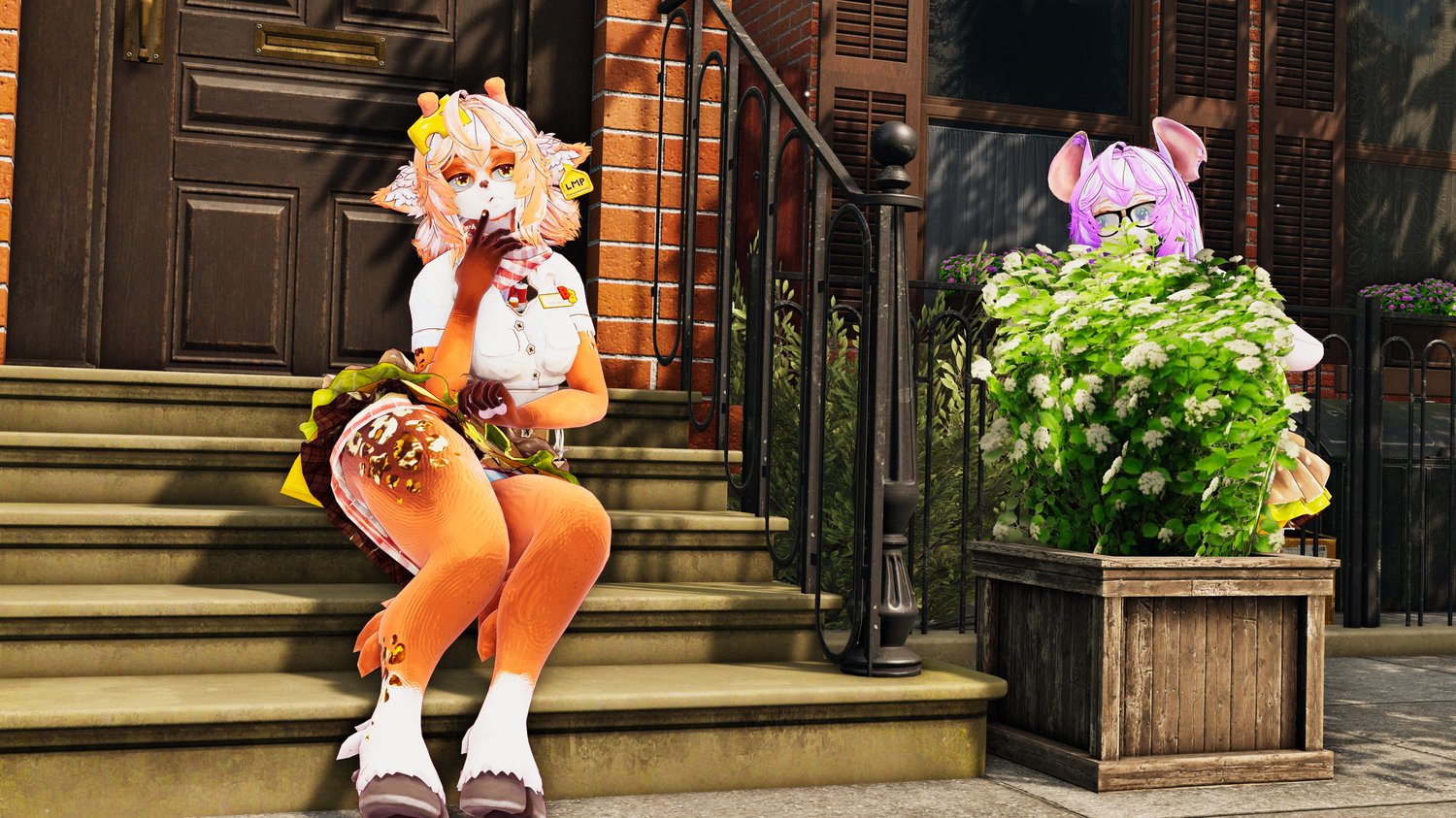






Burger Bear - PC, QUEST and FT
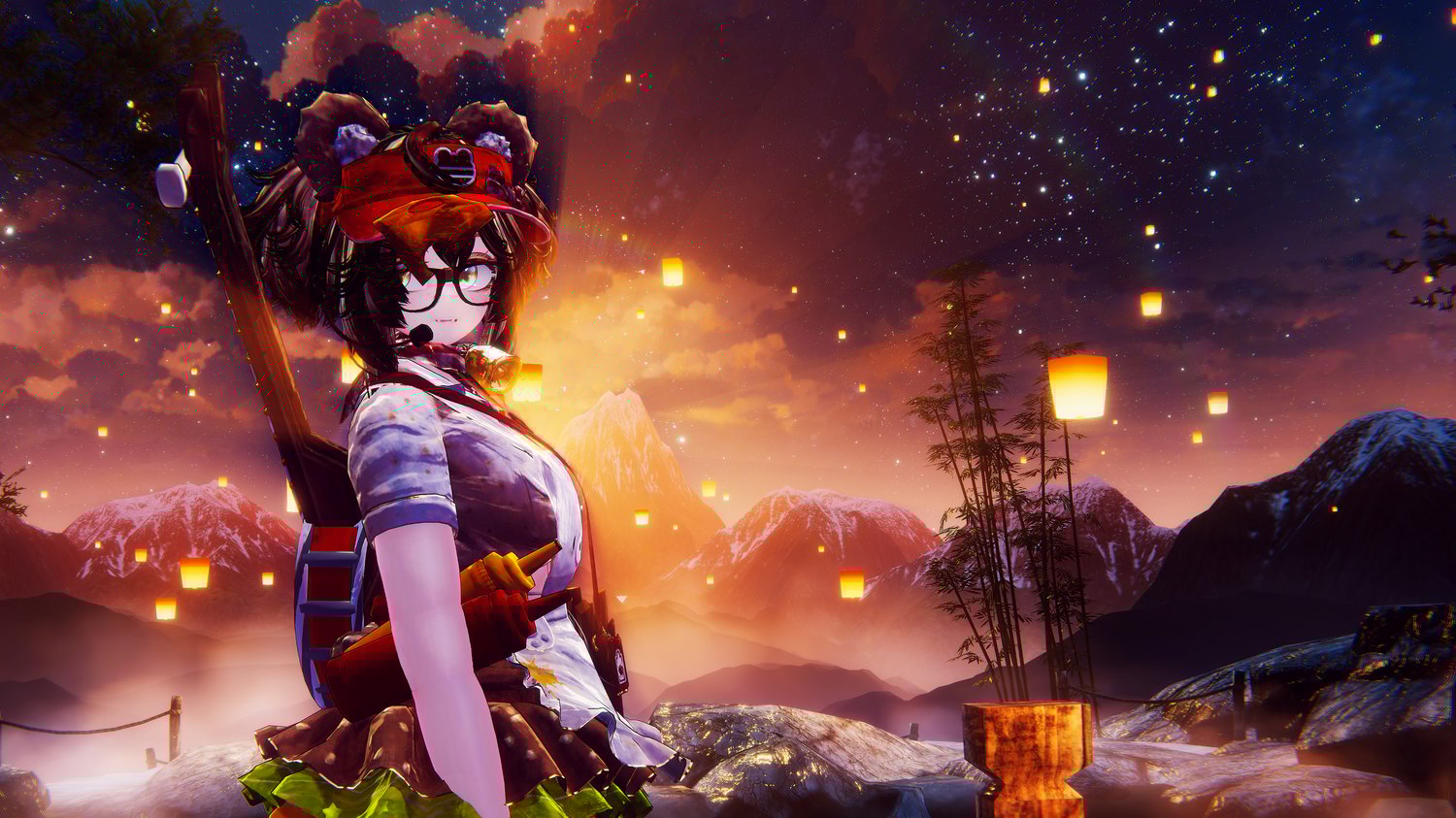
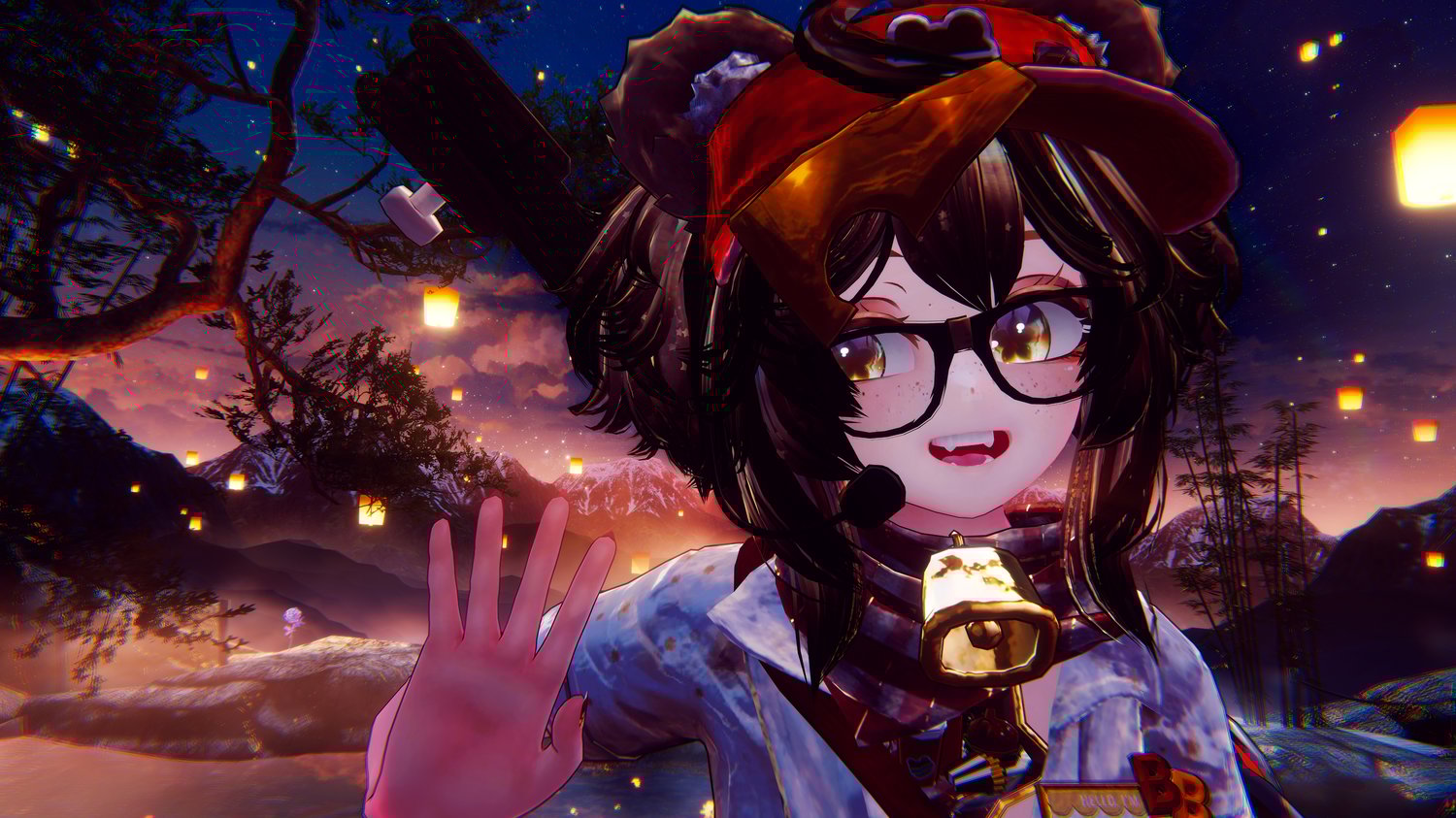
Nearly half a year underway, Burger Bear is finally here!
"Ready to order? I hope you're hungry!"
PC and Quest features:
🩷 Face Tracking compatible!
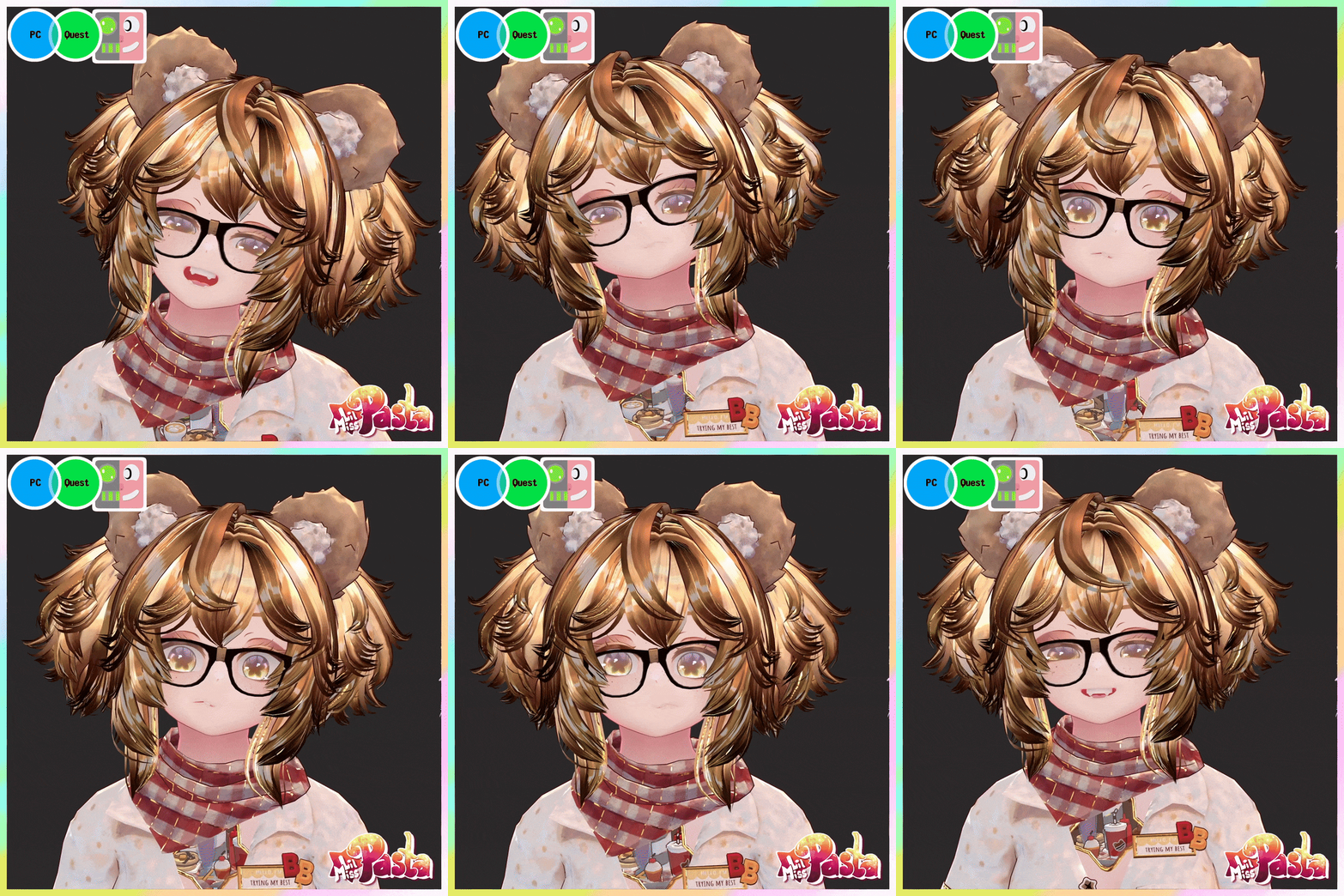
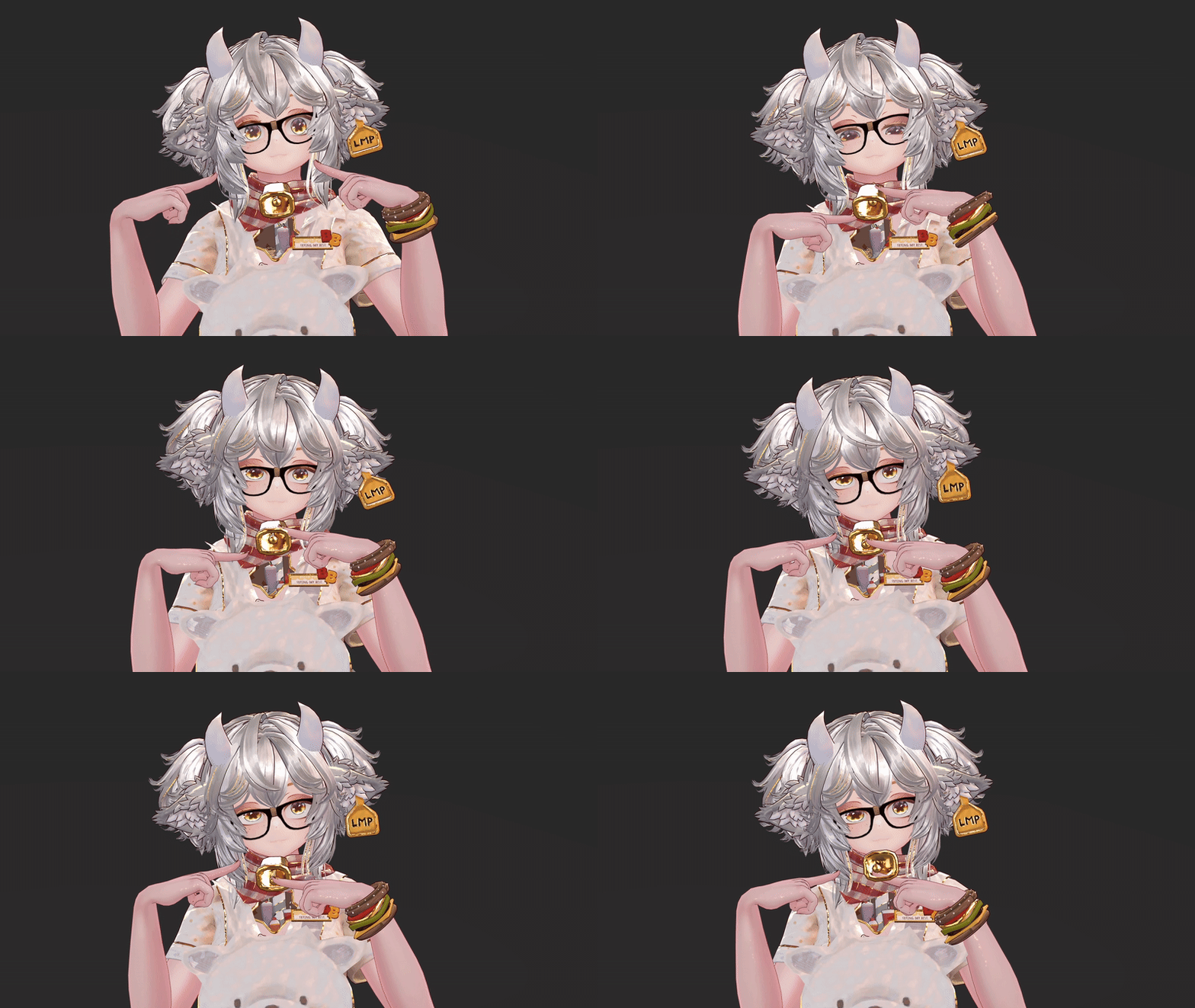
❤️ Custom animated face expressions
🧡 Interactive diner world drop!
💛 Mix any flavor of soda!
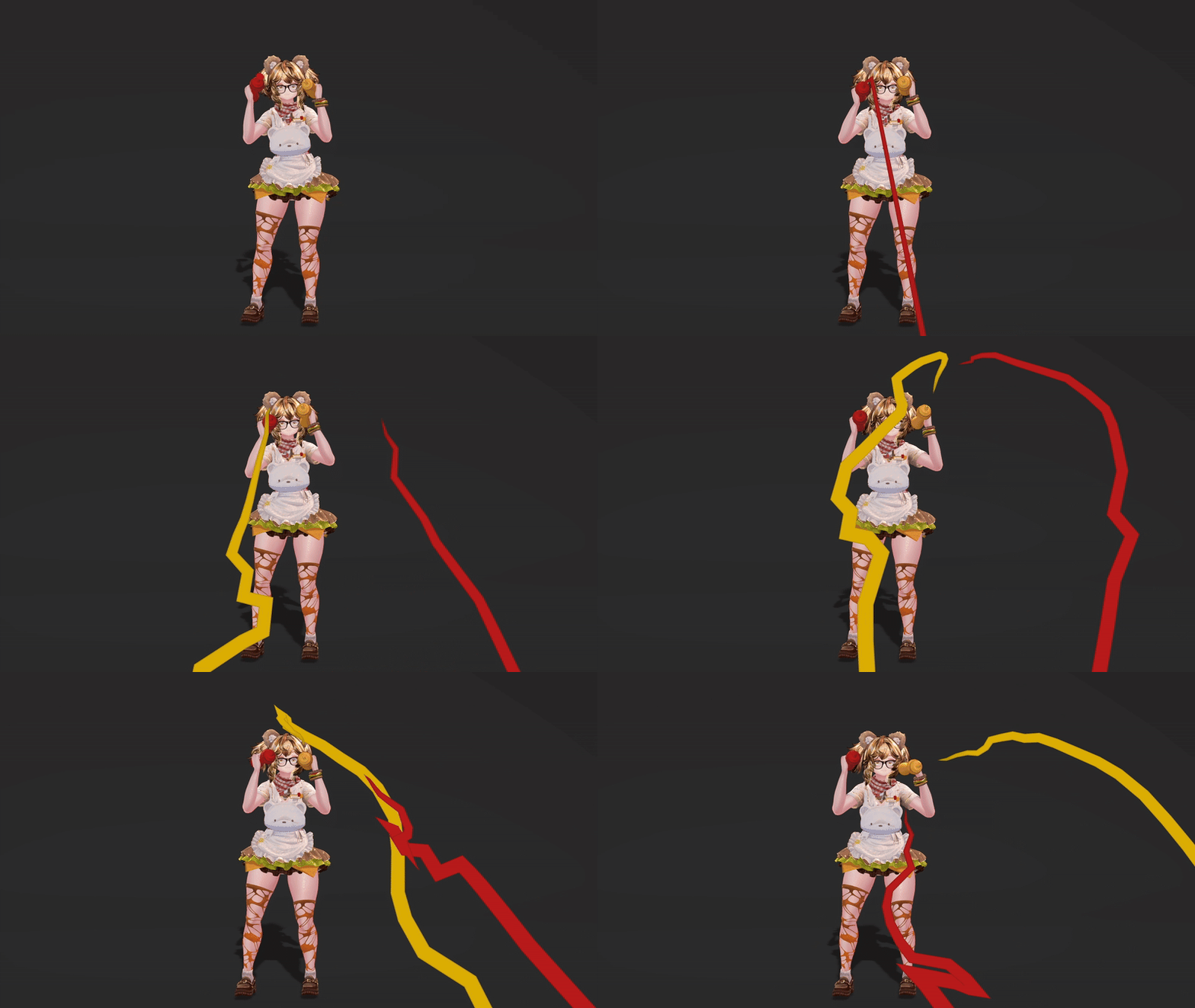
💚 Spray ketchup and mustard!
🩵 Cook, share and eat burgers!
💜 Interactive light switch, fridge, cupboards, faucet and trash can
🩷 Sliding skin tone radial
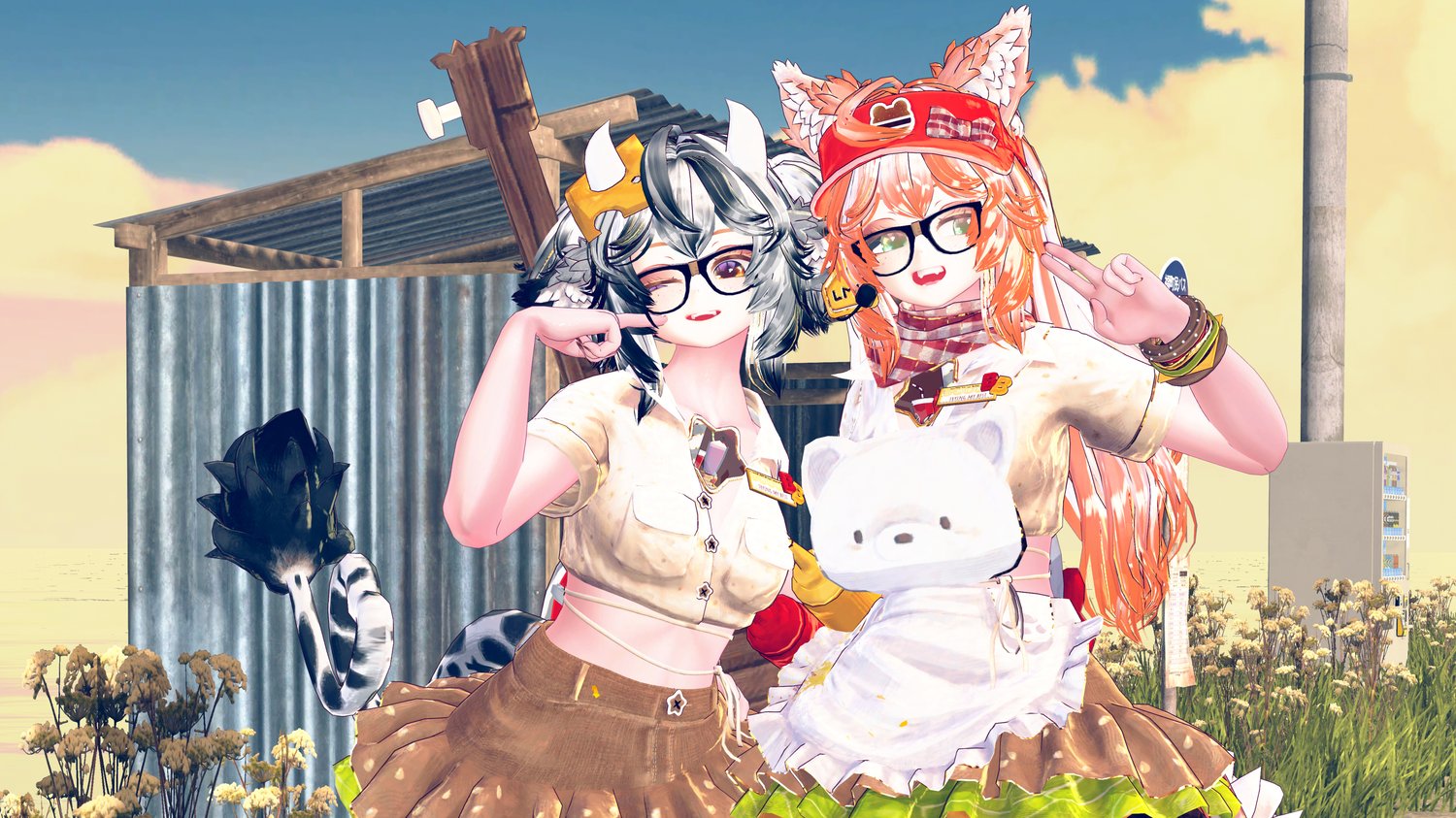
❤️ A whole zoo of animal options!
🧡 Anthro/Furry toggle, with hooves and paws
💛 Radial color change for clothes, hair, eyes, and fur
💚 Stack and puppet up to 50 pancakes!
🩵 Flat chest and masc face options
💜 Eye pokes, boops and headpats
🩷 Efficient and optimized! Only 18 MB on PC
❤️ 'Friend added' particle effect
🧡 FBT ready, with Gogo Loco setup
💛 Full inventory system
PC only features:
🩷 Interactive elastic burger bangles
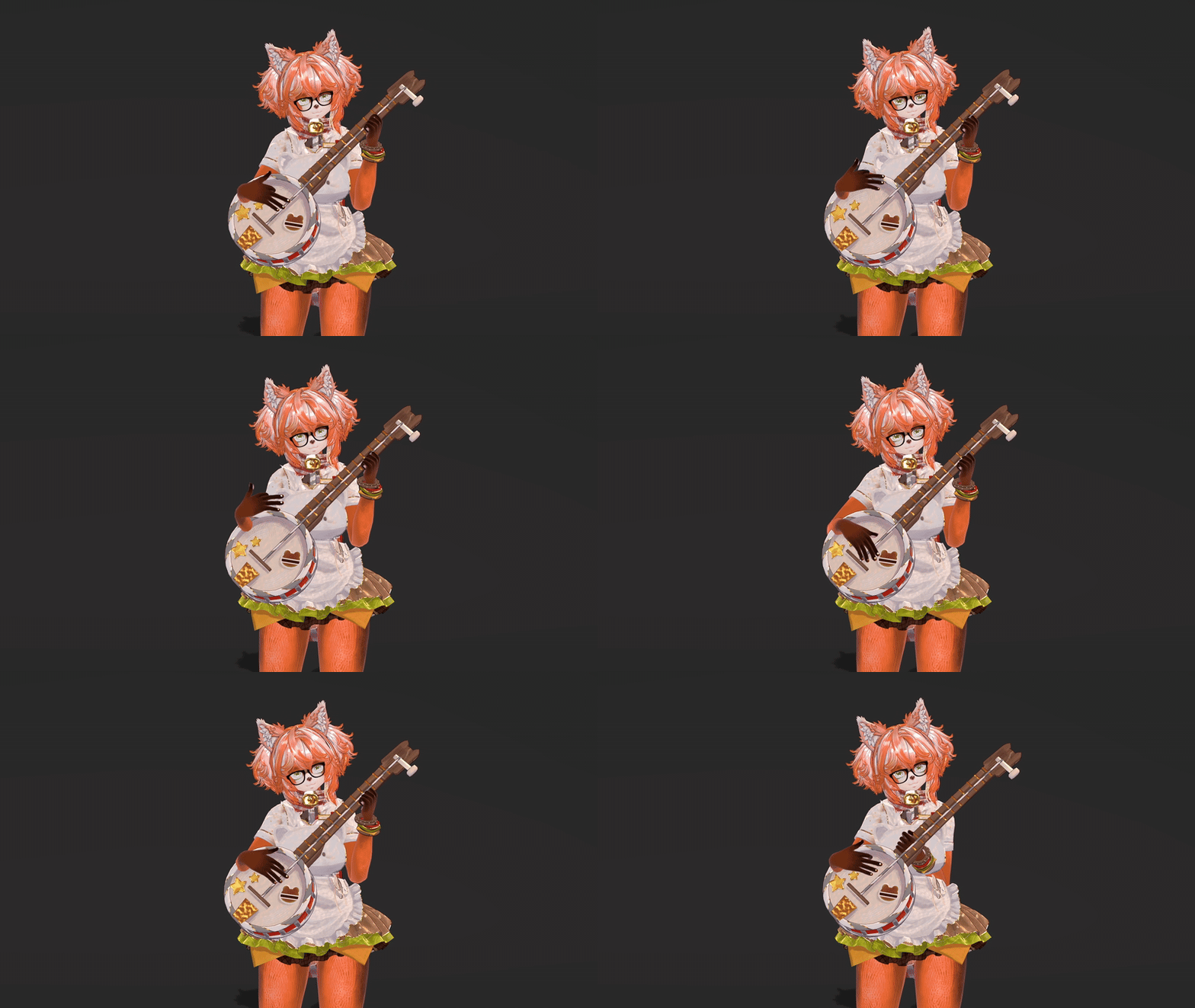
❤️ Playable banjo
🧡 Audiolink
💛 Lots of SFX! Spawn, animals, condiments, mic check, and bell bong!
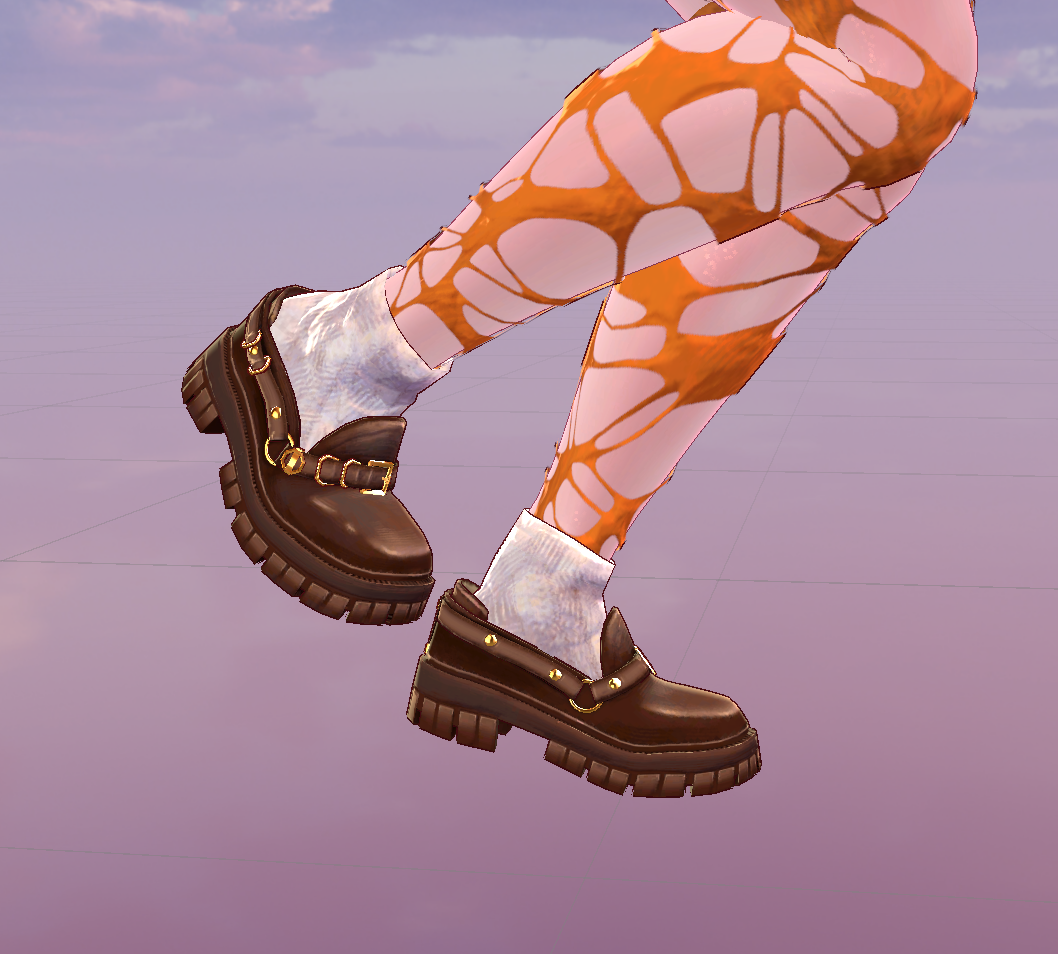
💚 Realistic loafer- and slipper movement
🩵 Stretch marks and long pigtails
💜 Diner position sync for late joiners
🩷 Invisibility
Don't want to deal with uploading?
Join the Discord server for free upload support!
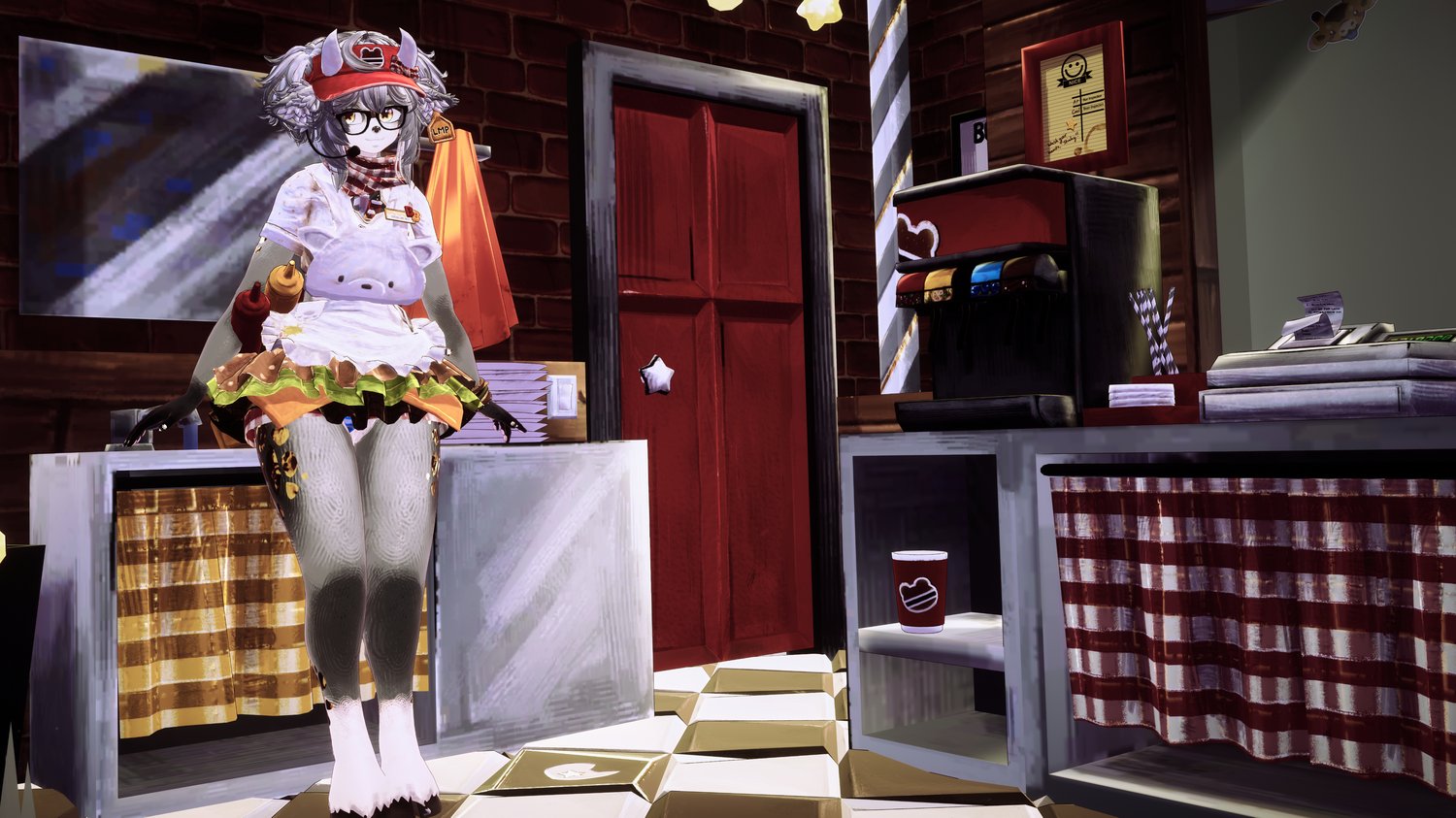
Diner System:
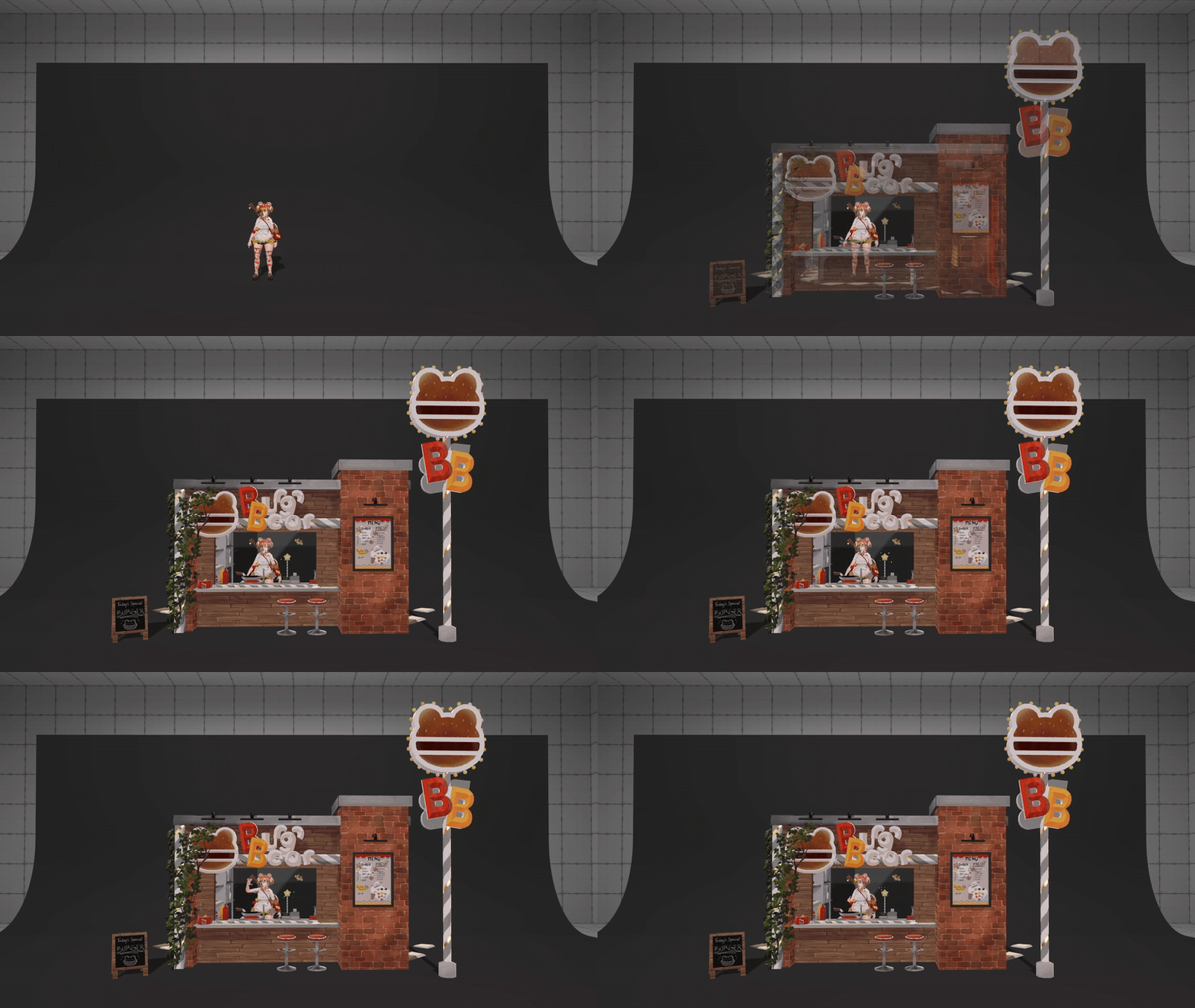
To place the Burger Bear diner, first enter the diner menu. This will show you where the diner will be put down with a transparent building, and is only visible to you locally. Once you're happy with the placement, stand still, and drop it (1). Keep standing still, then press sync (2). This will ensure the diner is in the same place for everyone in the instance, even late joiners.
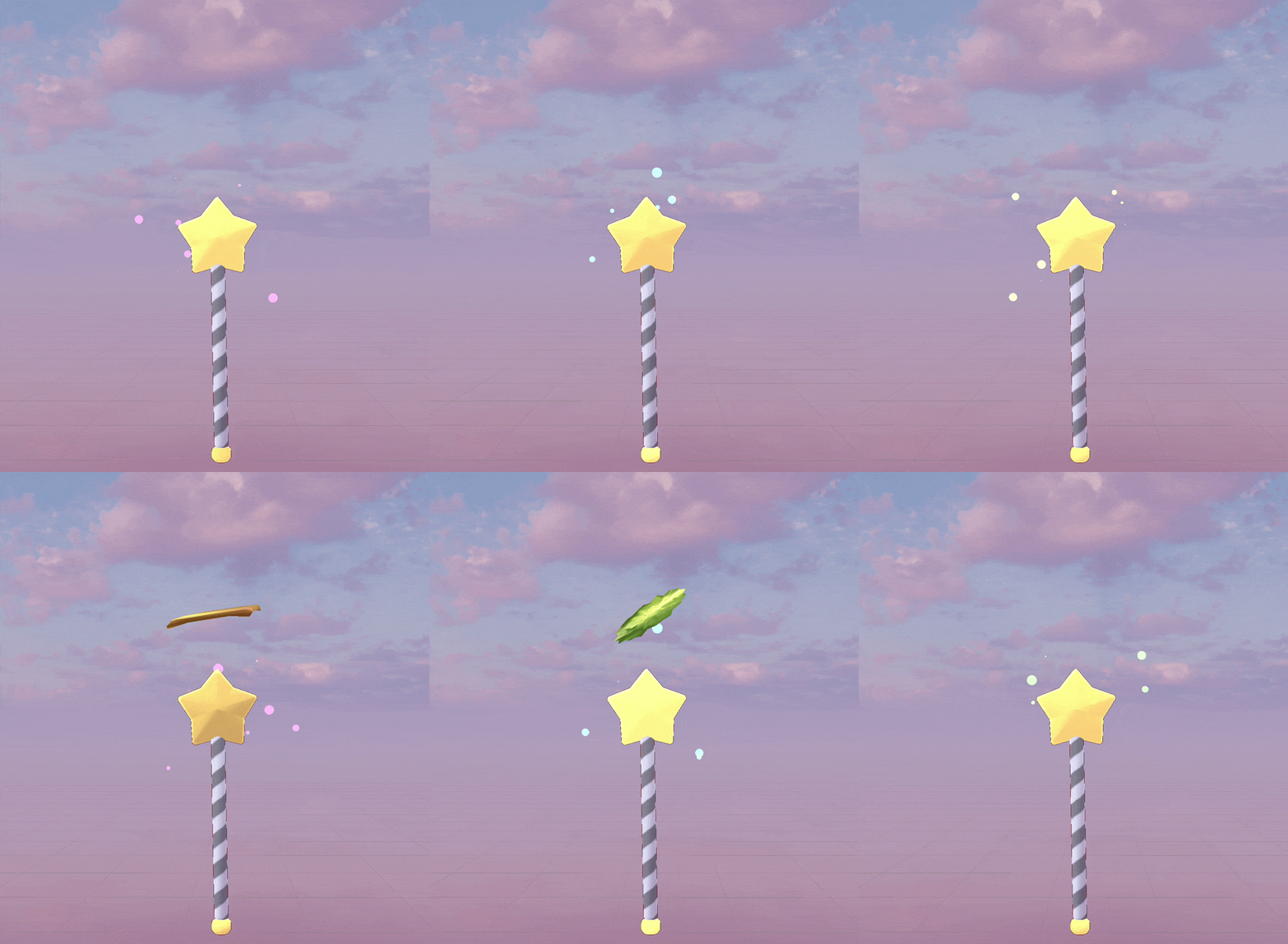
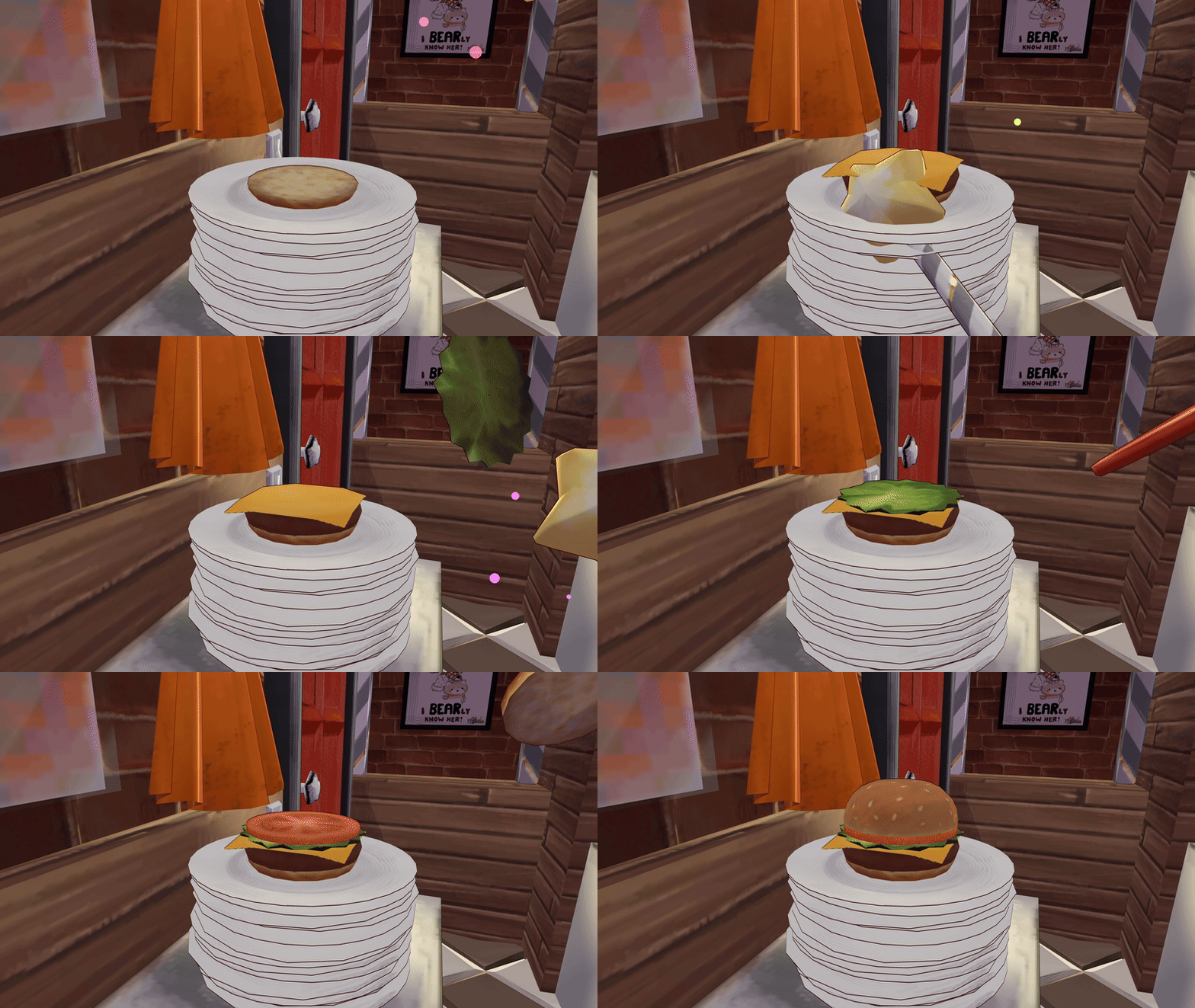
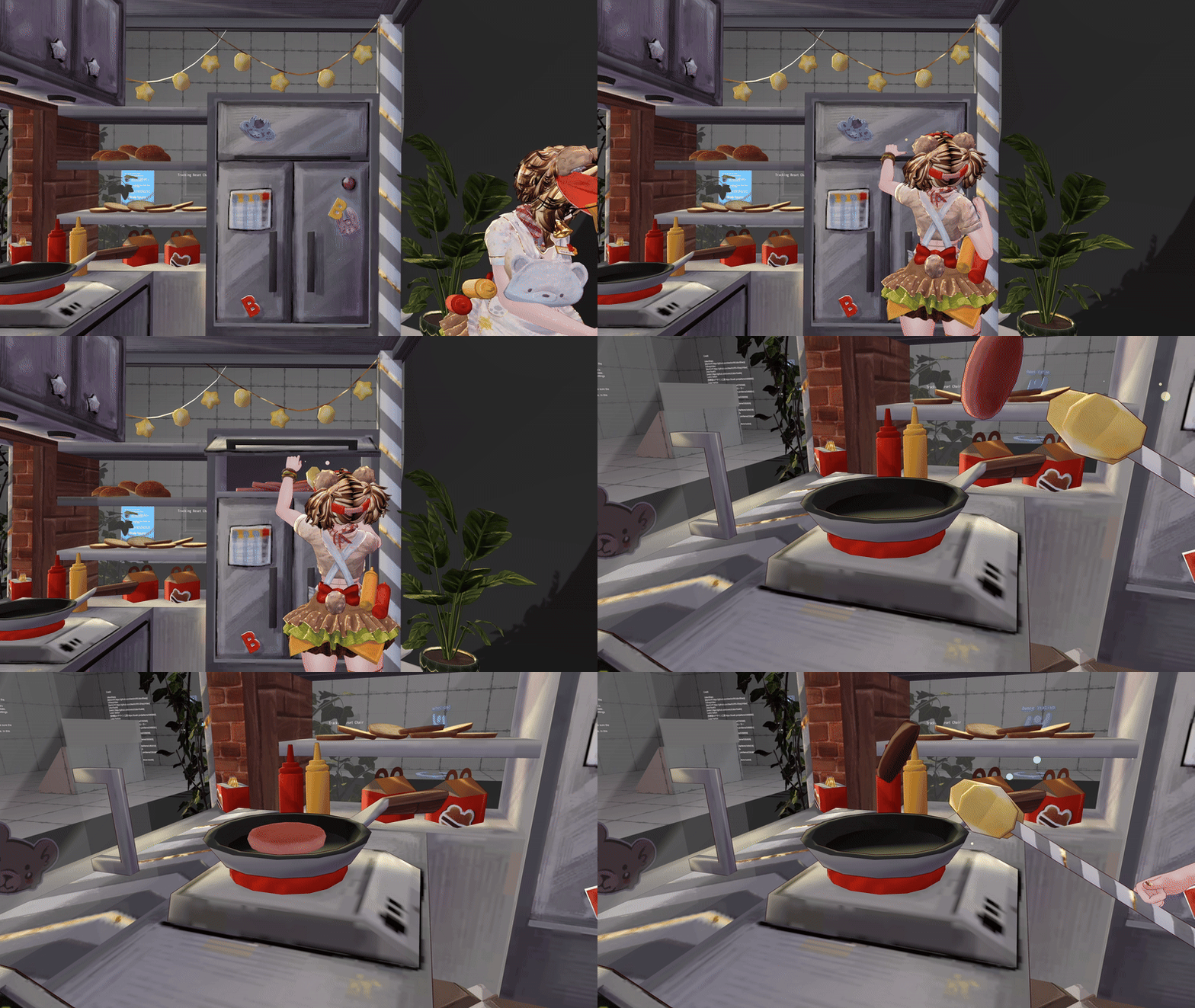
Build burgers with the Burger Wand! Grab it by the handle, point it at the ingredient you want to pick up, then at the plate by the sink to add it to the meal.
Grab lettuce, cheese and tomatoes from the fridge, and buns from the shelf next to it. Raw patties are in the freezer; add one to the pan and let it fry up before picking it up with the wand and adding it to the plate.
Ingredients can be added in any order; they will stack automatically and you can leave ingredients out too.
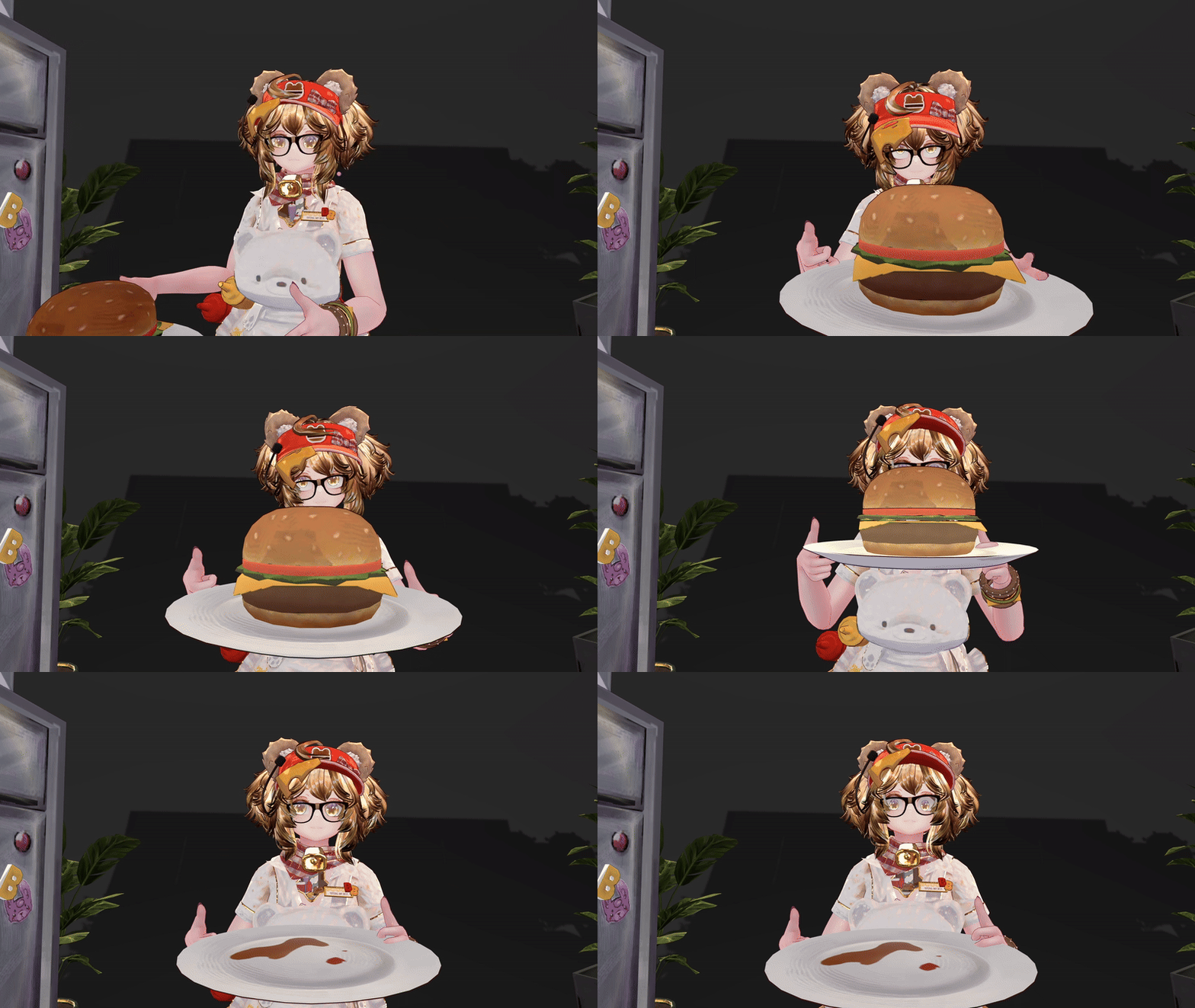
To eat the burger, simply bring it to your mouth!
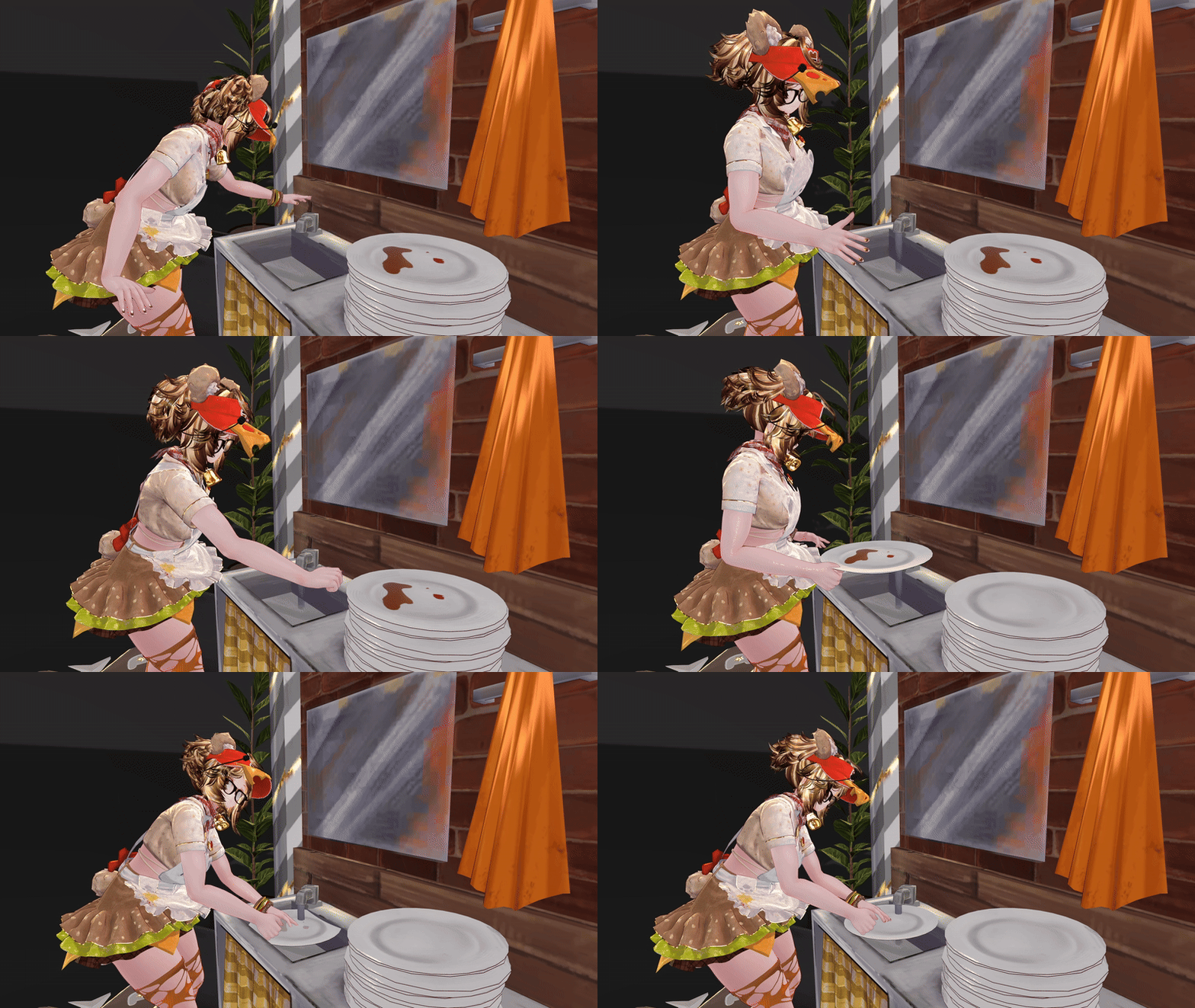
Once a meal has been eaten, the plate will be dirty! To clean it, bring it to the sink and tap the top of the faucet with your hand to turn on the water. Hold the plate under the stream until it is clean, then you can cook again!
All cupboards open, as well as the fridge, freezer and door. Slide open the kitchen window to take orders, or shut it to close up shop! Don't forget to use the light switch by the door, which controls the string lights, the kitchen lights, the outside spotlights and the big blinking BB sign.
Everything is Phys Bone based, so your friends can flick the lights, cook and eat as well. Click your trigger while holding an object to set it in place, like you would with other phys bone systems.
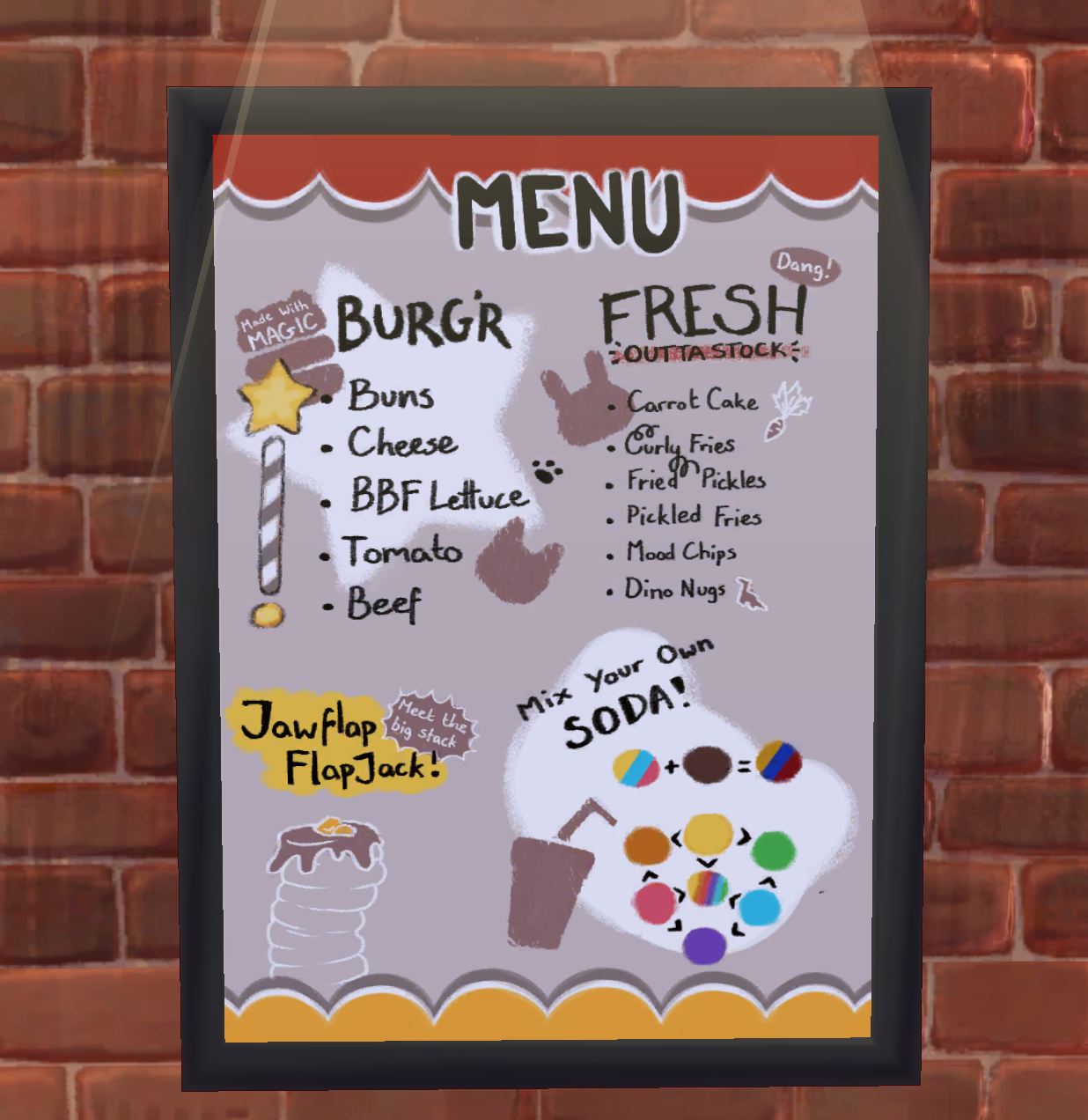
To make a drink, grab the cup under the soda fountain and touch it to the color of soda you want at the soda fountain. You can stick with one flavor, or mix it up! The diagram on the menu poster outside shows how colors combine (blue + yellow = green...). Cola makes the color darker, and mixing everything together will make a rainbow drink!
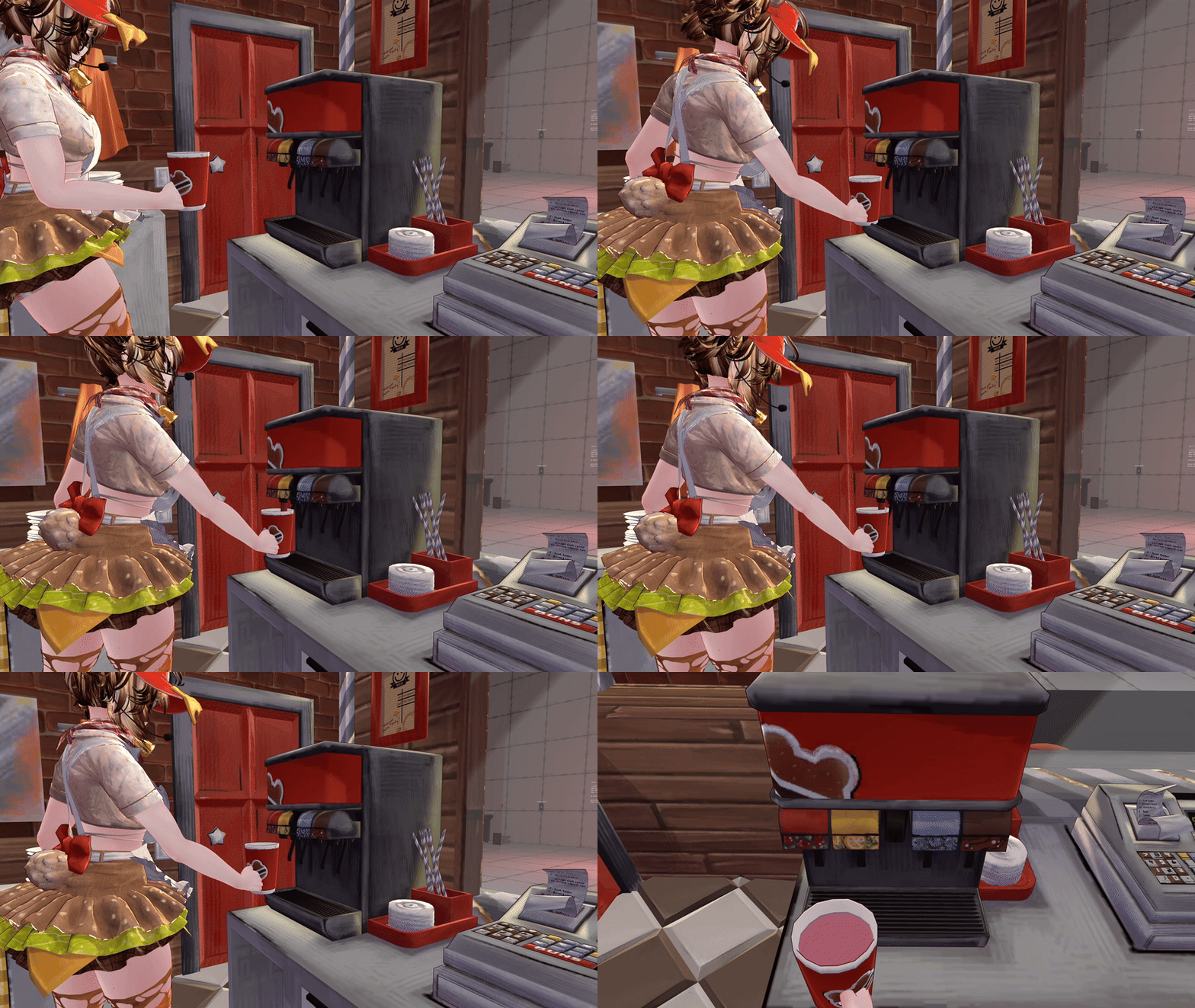
Once you're happy with your drink, touch it to the stack of lids on the side of the fountain to seal the cup and add a straw. Sip from the straw to gradually drink it, then throw it in the trash can when you're done!
If you want to trash a meal, an ingredient or a drink, put it in the trash can in the corner and it'll reset.
Going AFK will add a sticky note to the sliding window, letting your customers you'll be right back.
Oh, and did we mention? This is all Quest compatible, and she looks nearly identical between platforms!
Animals and customization:
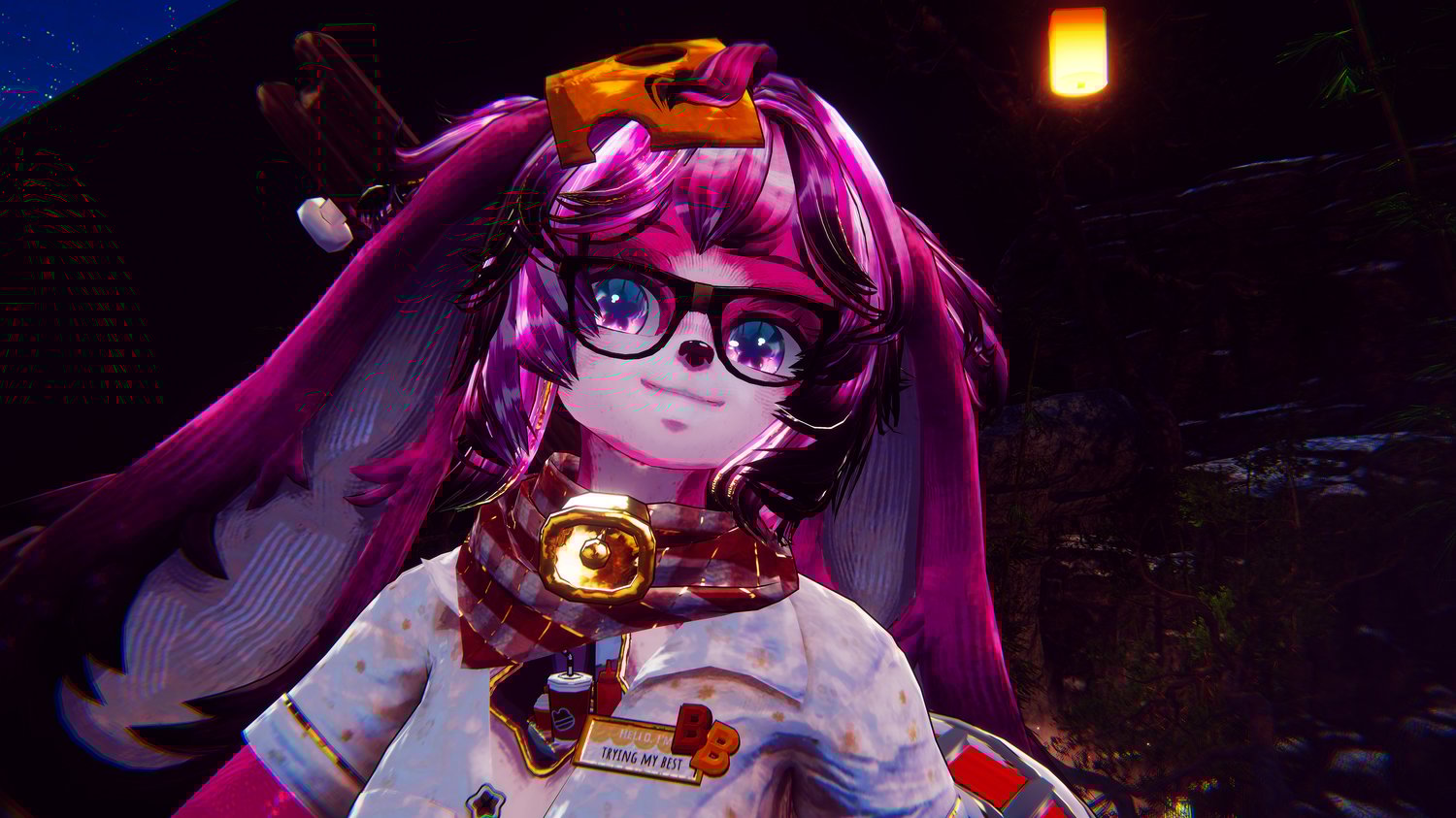
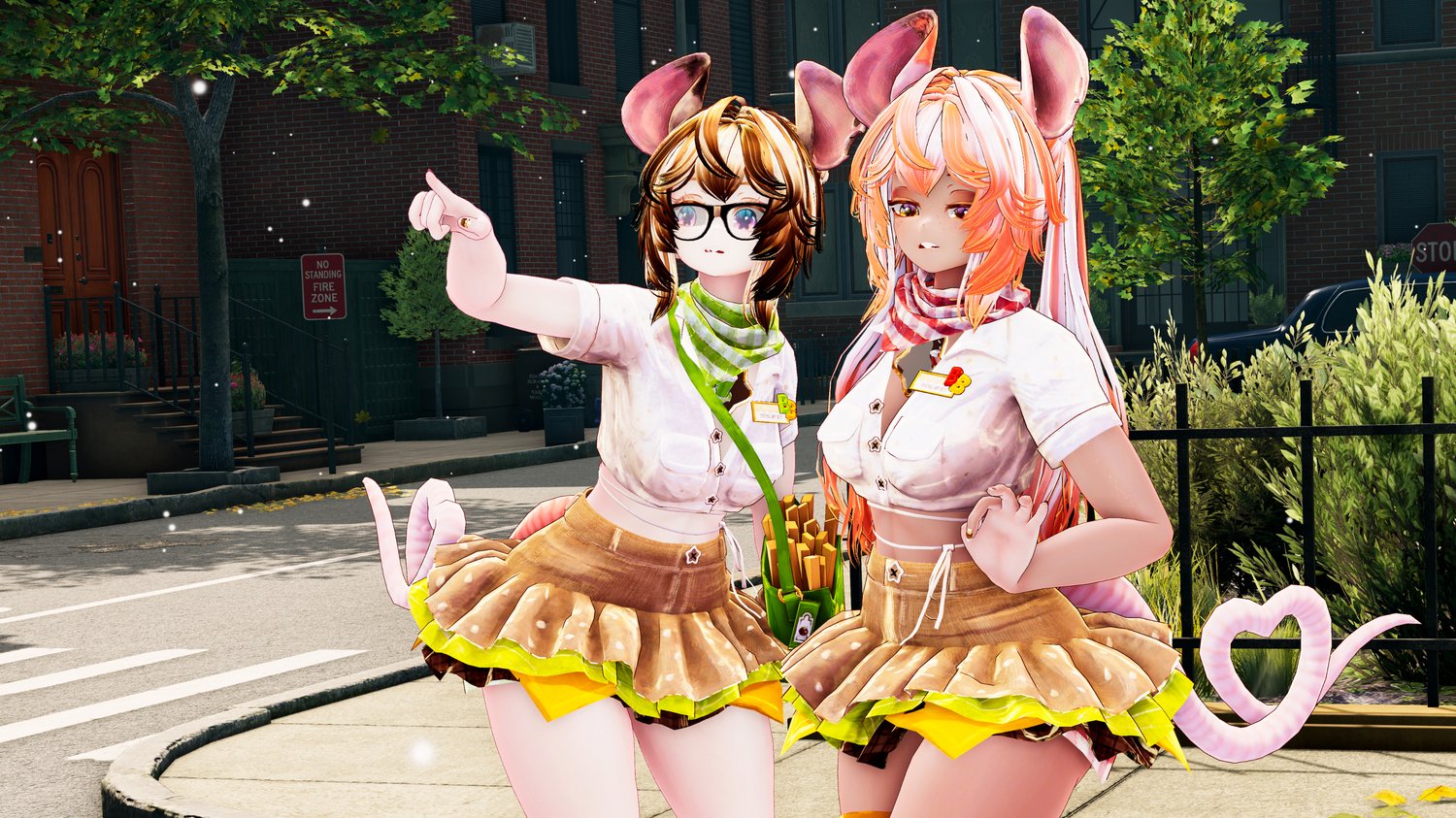
Burger Bear has a lot of animal toggles: Bear, cat, puppy, cow, bunny, fox, deer, giraffe, panda, goat, mouse, and even the mysterious jackalope. It's a whole petting zoo! As she changes animals, the ears on her banjo, apron and slippers all change to match as well. Her ear tag accessory is compatible with the goat, cow, deer and giraffe options.
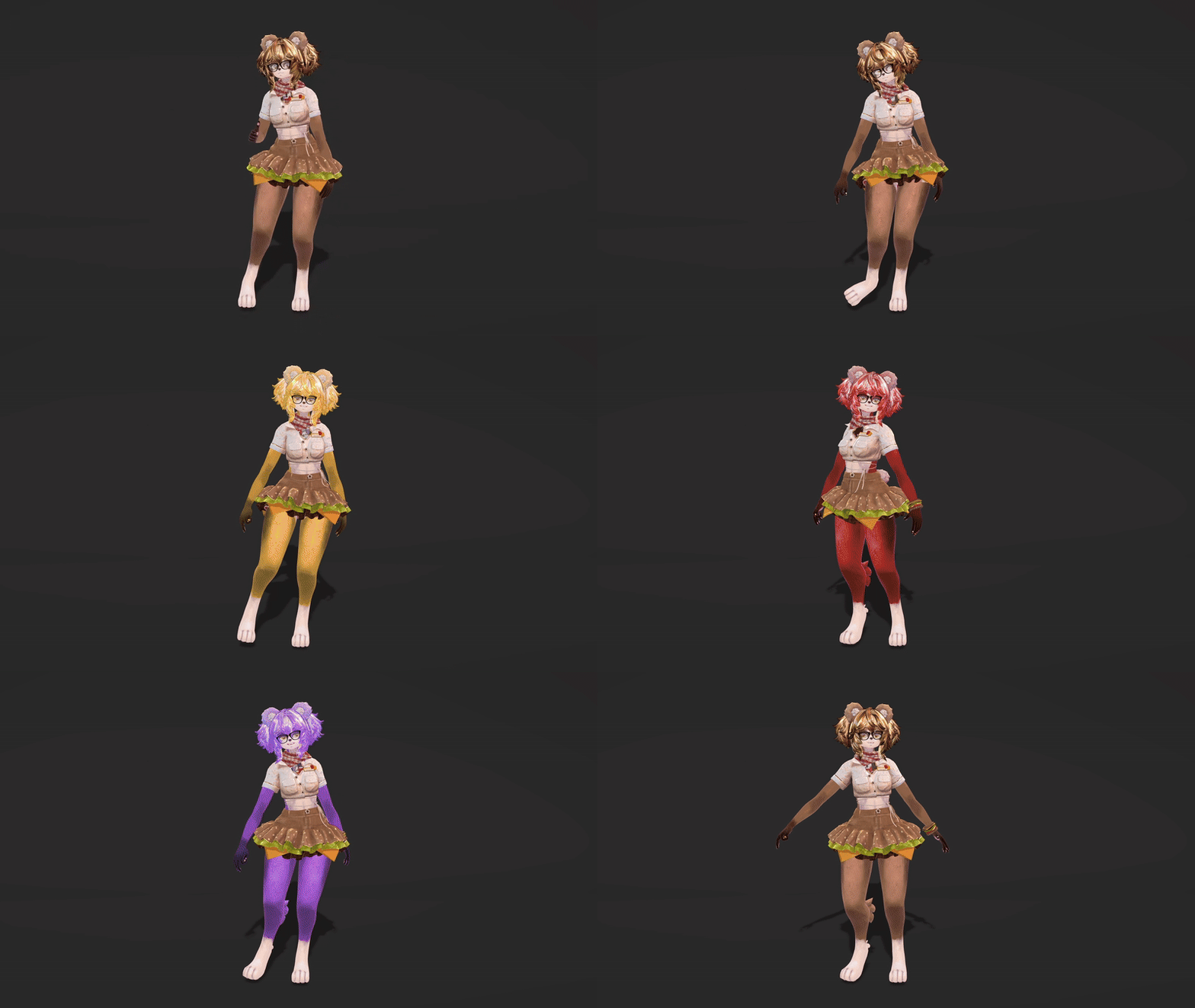
Each animal comes with a pre-set hair- and eye color. This color will be applied only if you have "Affects Color" turned on - otherwise her colors will remain unaffected. You can change the color of her hair, eyes and uniform in the Color Menu, under "Body". The accent colors in the diner also change, to match her uniform!
Turn on "Anthro" in the animal menu to go full furry! She comes with both paws and hooves, automatically switching to fit with your choice of animal. Anthro mode will also push her glasses forward, to fit the longer snoot.
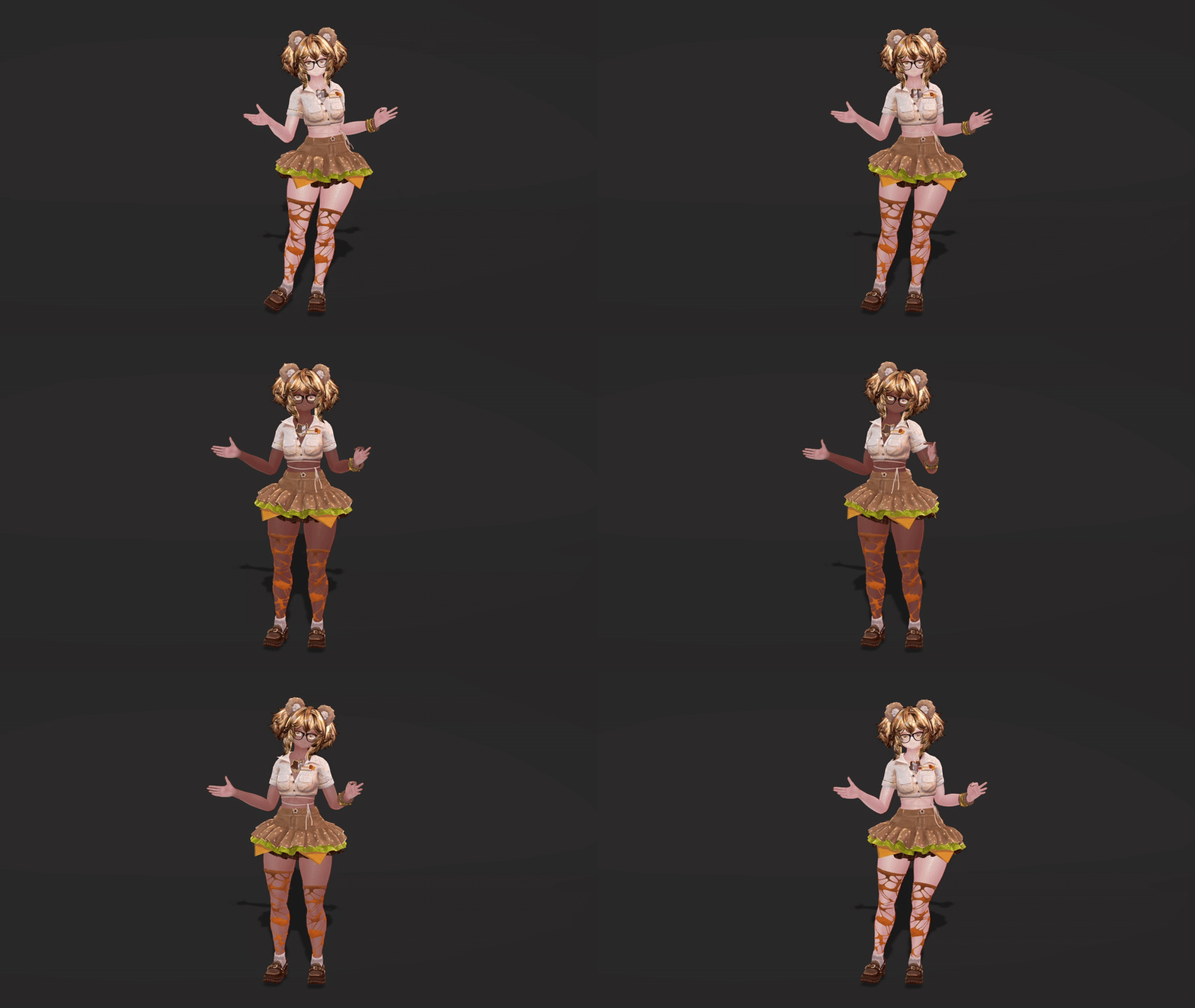
Burger Bear is made to be comfy. She comes with gradual sliders for skin tone and chest size, as well as a more masc leaning face shape, spots and stretch marks. Her included hair styles are short pigtails, long pigtails (pc), and low buns.
Because of how many toggles Burger Bear has, it can take a few seconds for everything to sync for other players. This is the case for customization- and color options, but not for her interactive toys and systems.
Toys and interactions:
Burger Bear spawns in to the tune of classic fast food beeps!
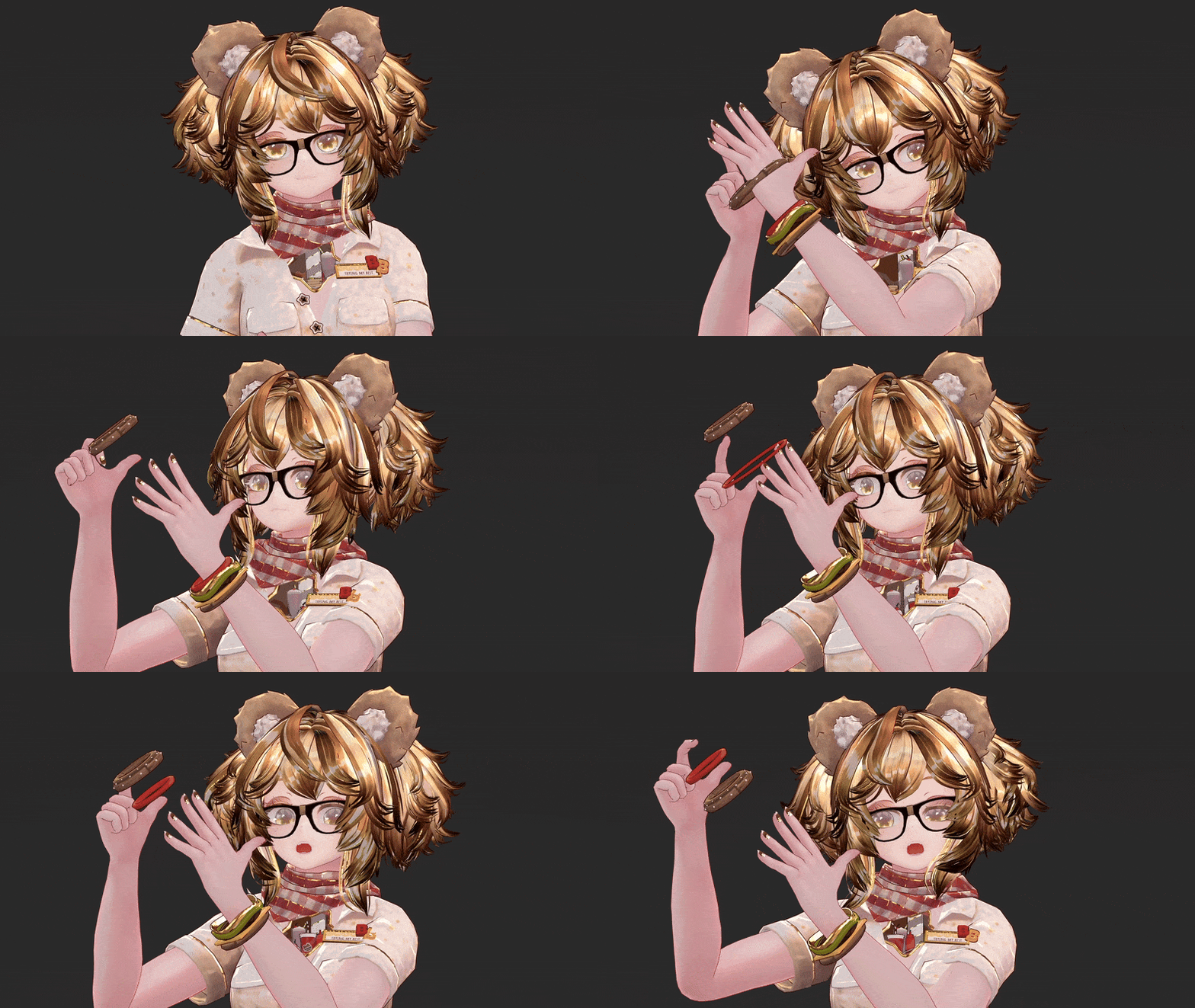
You can grab each part of her stacked bracelet, and pull them off her wrist. they're elastic and stretch while going over the hand.
When wearing both her cap and slice of cheese, you can pull on it for a satisfying cheese stretch. Taking off the cap will place the cheese of her head instead, and her antlers and horns poke right through the hole in the slice.
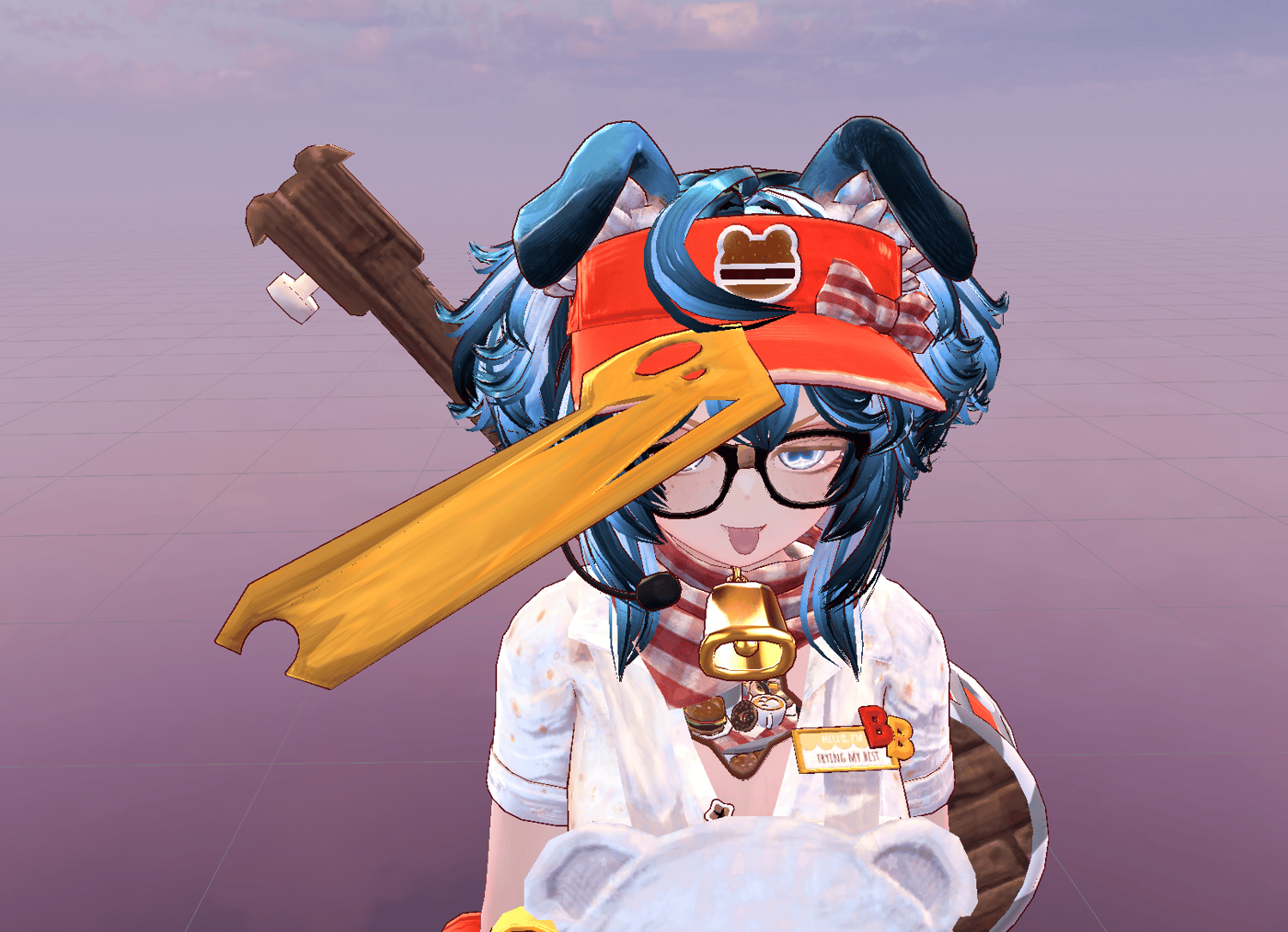
Ask a friend to ring your bell for a big BONG!
Grab mustard and ketchup from your hip with your left and right hands, make a fist and squeeze your trigger to spray the condiments. The harder you squeeze, the further they'll aim!
To play your banjo, flip it around using your menu, grab it by the fret board and strum the string! The played note correlates to the placement of your left hand on the neck of the banjo.
Both Burger Bear's loafers and slippers have physics to them. The slippers flip flop, and the loafers are just slightly too big, so you can see her heel trying to slip out when she walks.
Muting your in-game mic will raise the mic on her cap - and unmuting will lower it. You can also tap it for a sound effect - is this thing on?
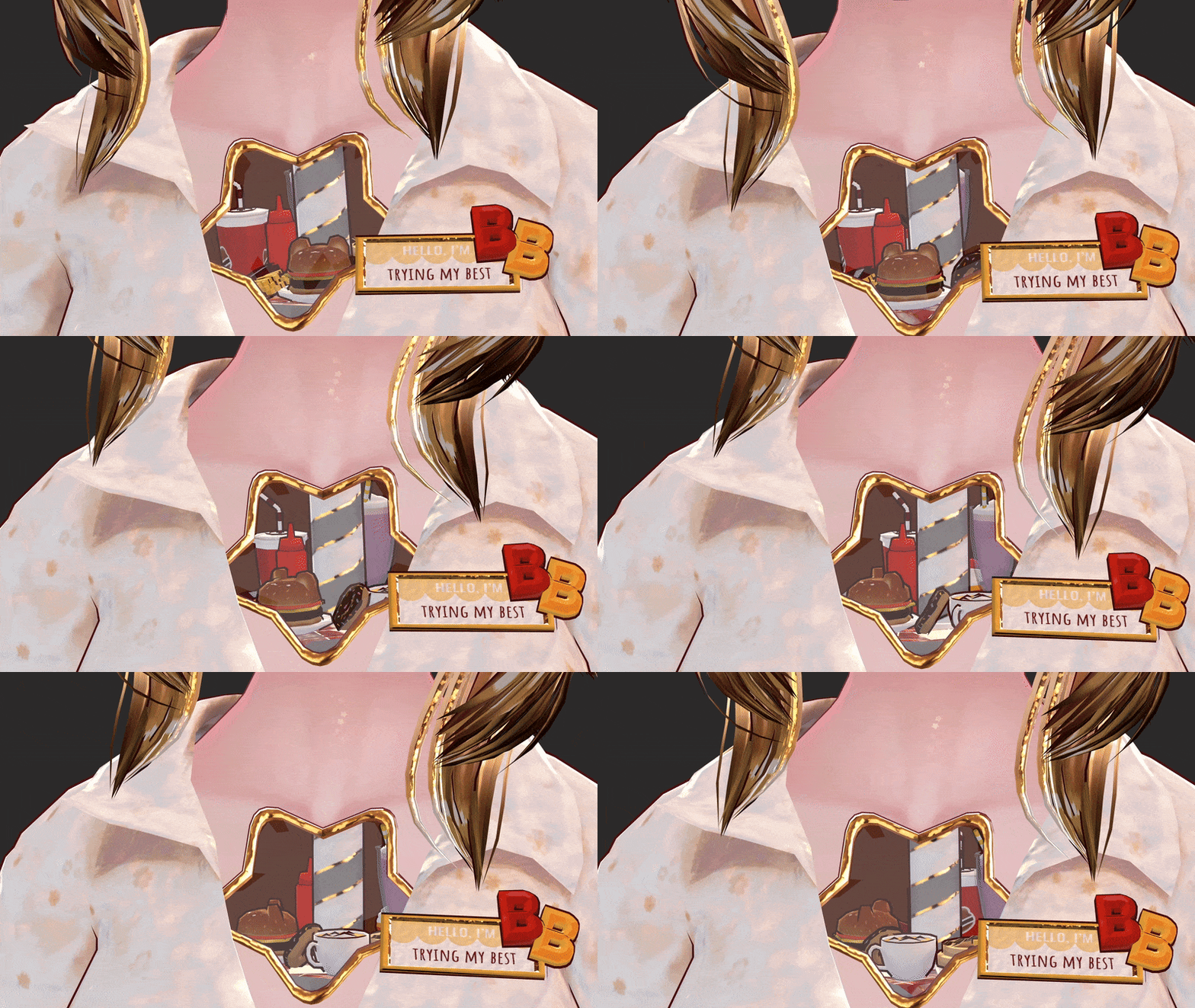
Burger Bear is a snack fiend! She keeps all her favorites on the spinning Lazy Susan in her chest!
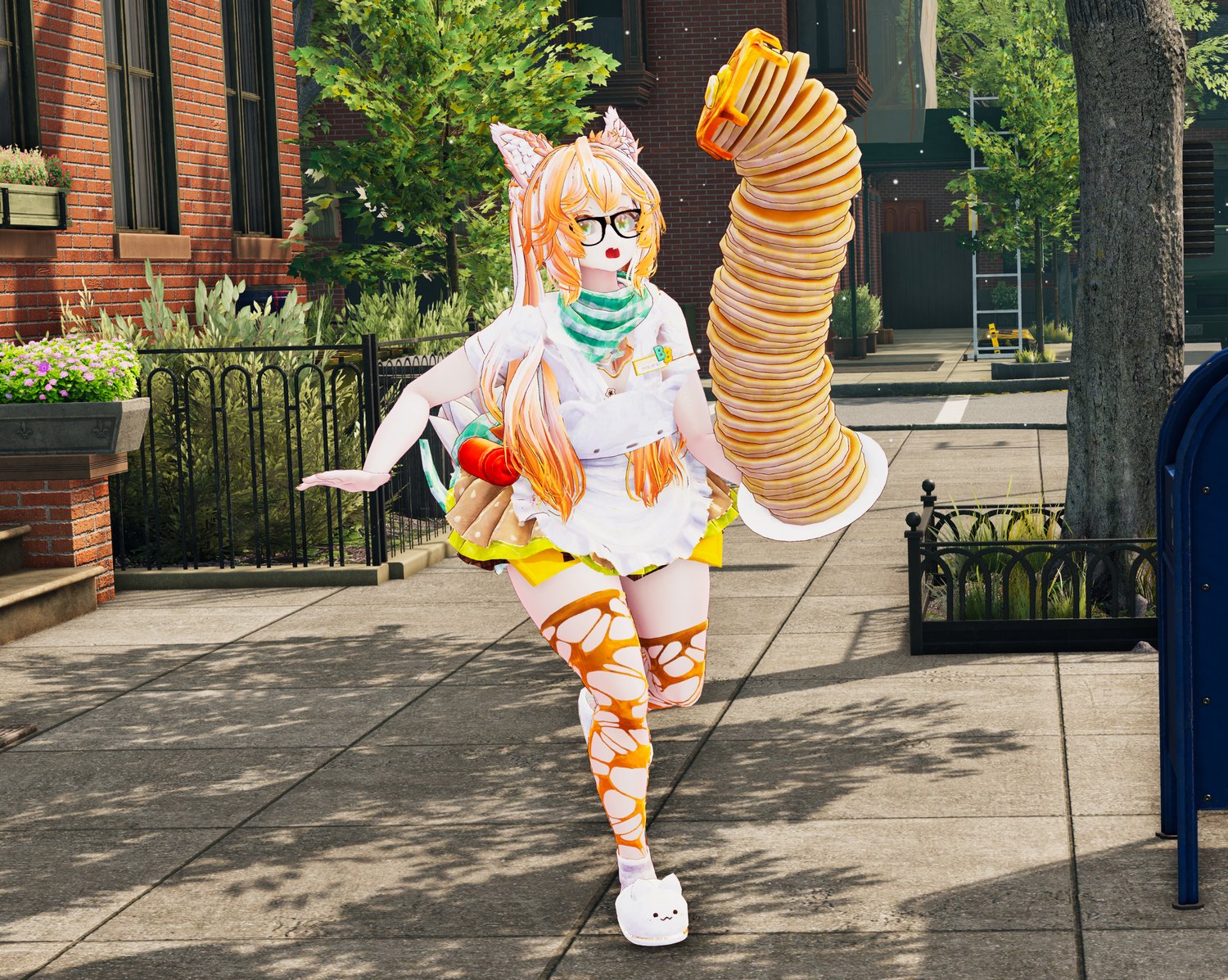
Turn on your pancake stack to serve up breakfast! The plate will be balanced on her head by default, and stack up to 50 pancakes on top with the in-game slider. Make a fist gesture to grab the stack from your head with either hand, and make an open hand gesture to place it in the world or back on your head.
"Jawflap Flapjack" will bring your stack of pancakes to life! Your voice will come from the pancake stack when this is turned on; and it works no matter how short or tall your stack is.

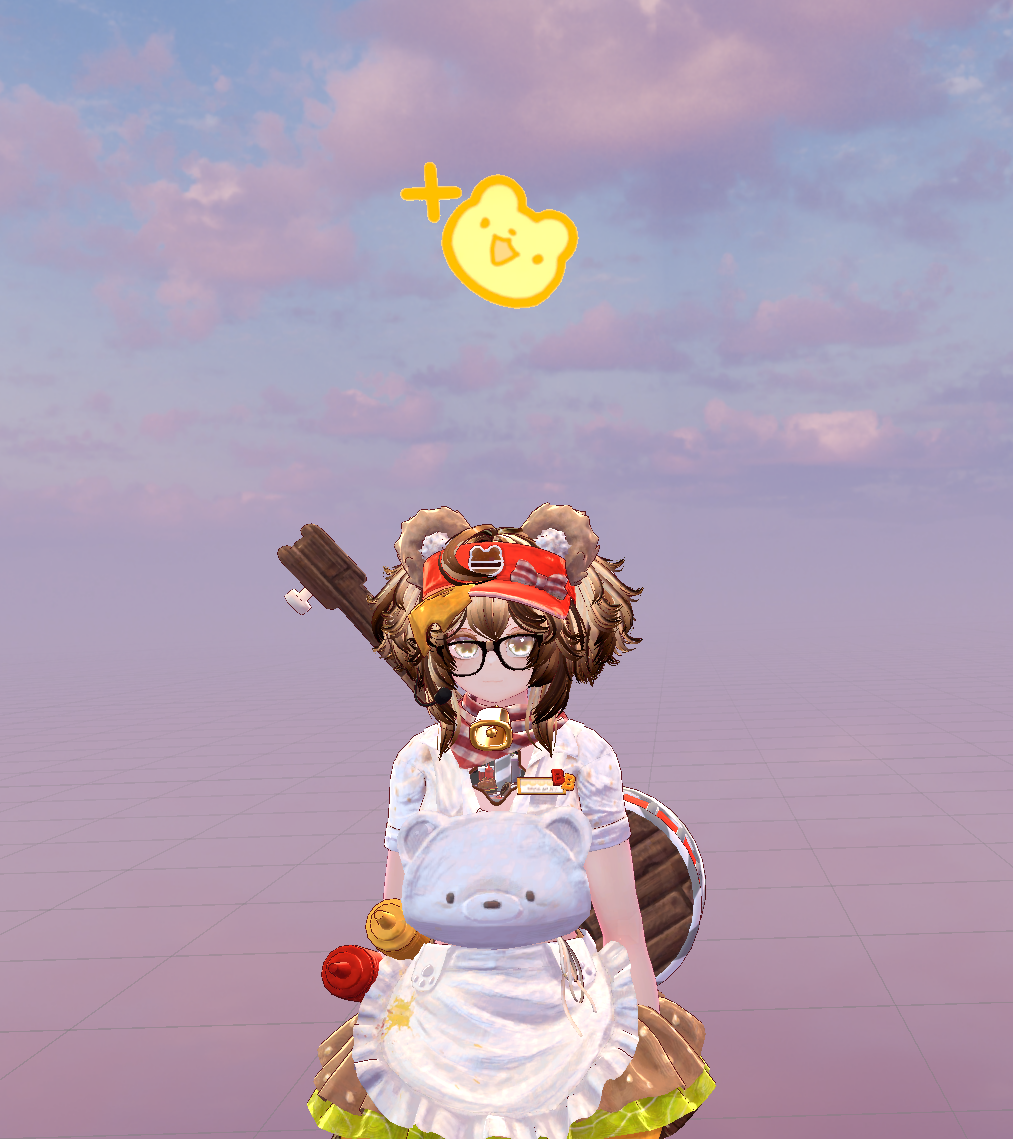
Boop Burger Bear's nose to hear the sound of her current animal choice! She also has eye-poke and headpat interactions.
Burger Bear is here to make friends, always! When a stranger adds you as a friend, they will see a cute icon appear over your head. This effect is only visible to them, locally.
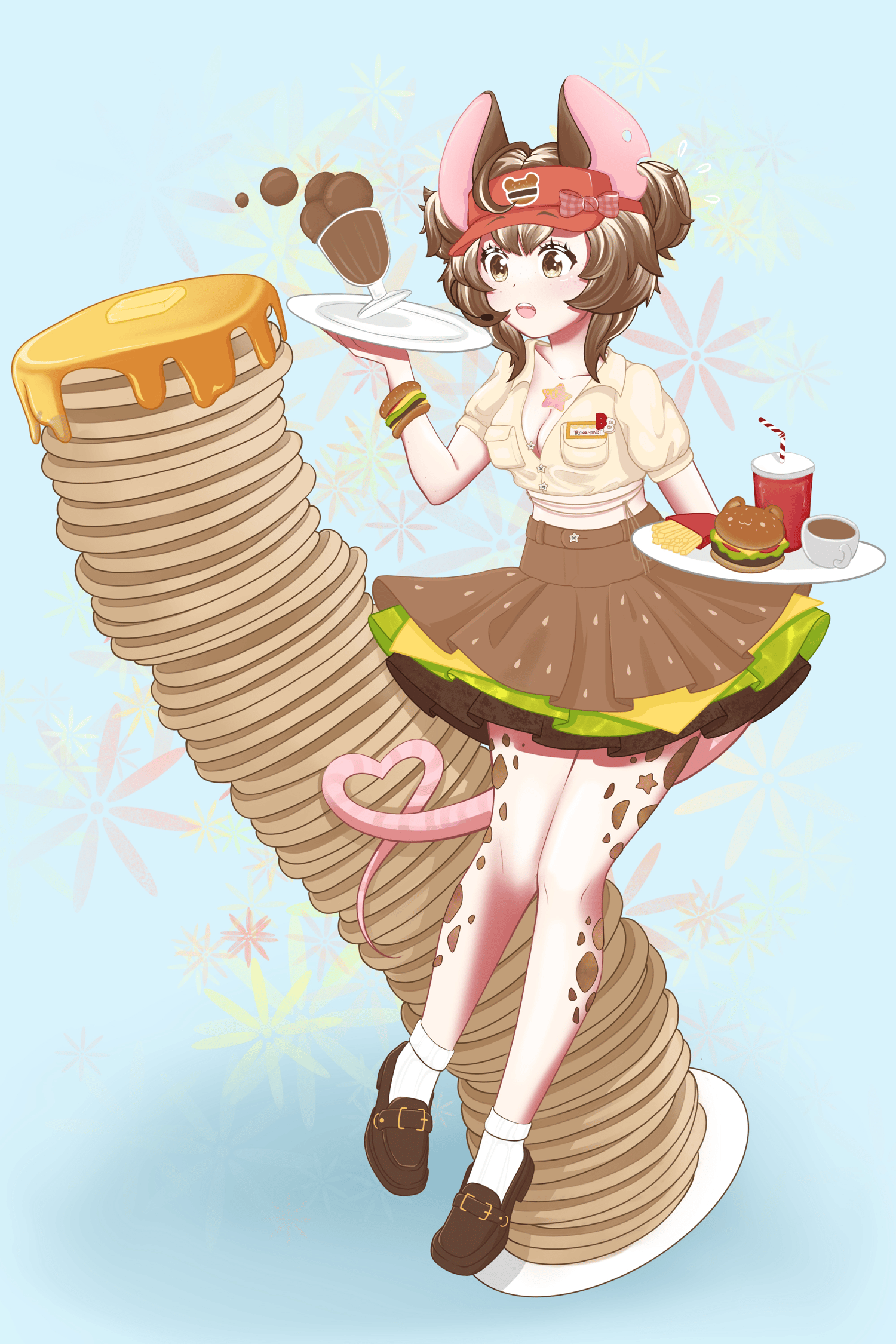
Burger Bear is packed with features, and ready to take your order!
Stats:
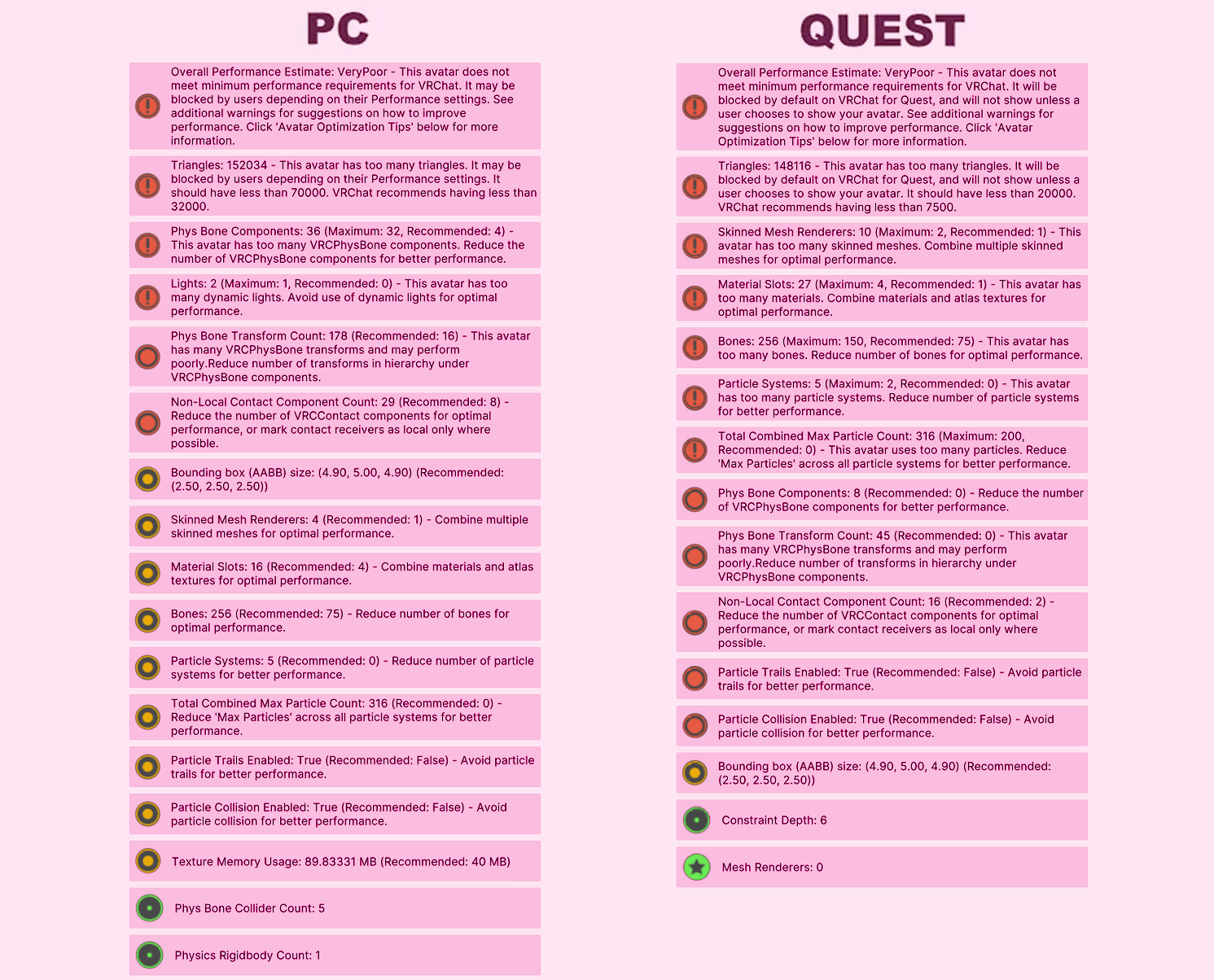
PC upload size: 18 MB
Before downloading, please ensure that you have:
Unity 2022.3.22f1
VRChat Creator Companion (VCC, VRChat website)
Poiyomi Toon 9.1.30
Additionally, please have basic knowledge of how to upload an avatar to VRChat.
PC upload Instructions:
1. Create a new Unity Avatar project using VCC, and log into the SDK
2. Import Poiyomi Toon 9.1.30
3. Import the Burger Bear PC Avatar Package
4. Open the "OPEN ME" scene in the Burger Bear folder
Ready to upload!
Quest upload instructions:
1. Create a new Unity Avatar project using VCC, and log into the SDK
2. Import the Burger Bear Quest Avatar Package
3. Open the "OPEN ME" scene in the Burger Bear folder
4. Remember to Copy/paste the blueprint ID from your PC upload to this one, for the avatars to sync
Ready to upload!
By downloading this product, you agree to the following terms:
You are not allowed to:
★ Distribute the avatar or parts of the avatar and assets to others
★ Publish the avatar as a public model on VRChat
★ Claim the avatar or assets as your own creation
★ Price split the avatar package
★ Upload the avatar to more than one individuals vrchat account
★ Re-sell the avatar or its parts in its original or edited state
★ Rip parts of the model for use on other projects
You are allowed to:
★ Use the avatar for streaming or creating content, provided credit for the model is given
★ Make edits of the avatar for personal use
You understand and agree that:
★ Due to the nature of digital files, refunds are not provided.
★ The stats shown in the graphics above may change slightly as the avatar is updated.
★ Parts of the model may not function as intended at extreme scale settings.
★ You must be 18 years or older to purchase this avatar.
Credits:
Thank you to the incredibly talented Biocall and for helping me capture the very best sides of my avatar, and to JellyCube for their immense help with setting up face tracking! I couldn't have done this without you <3
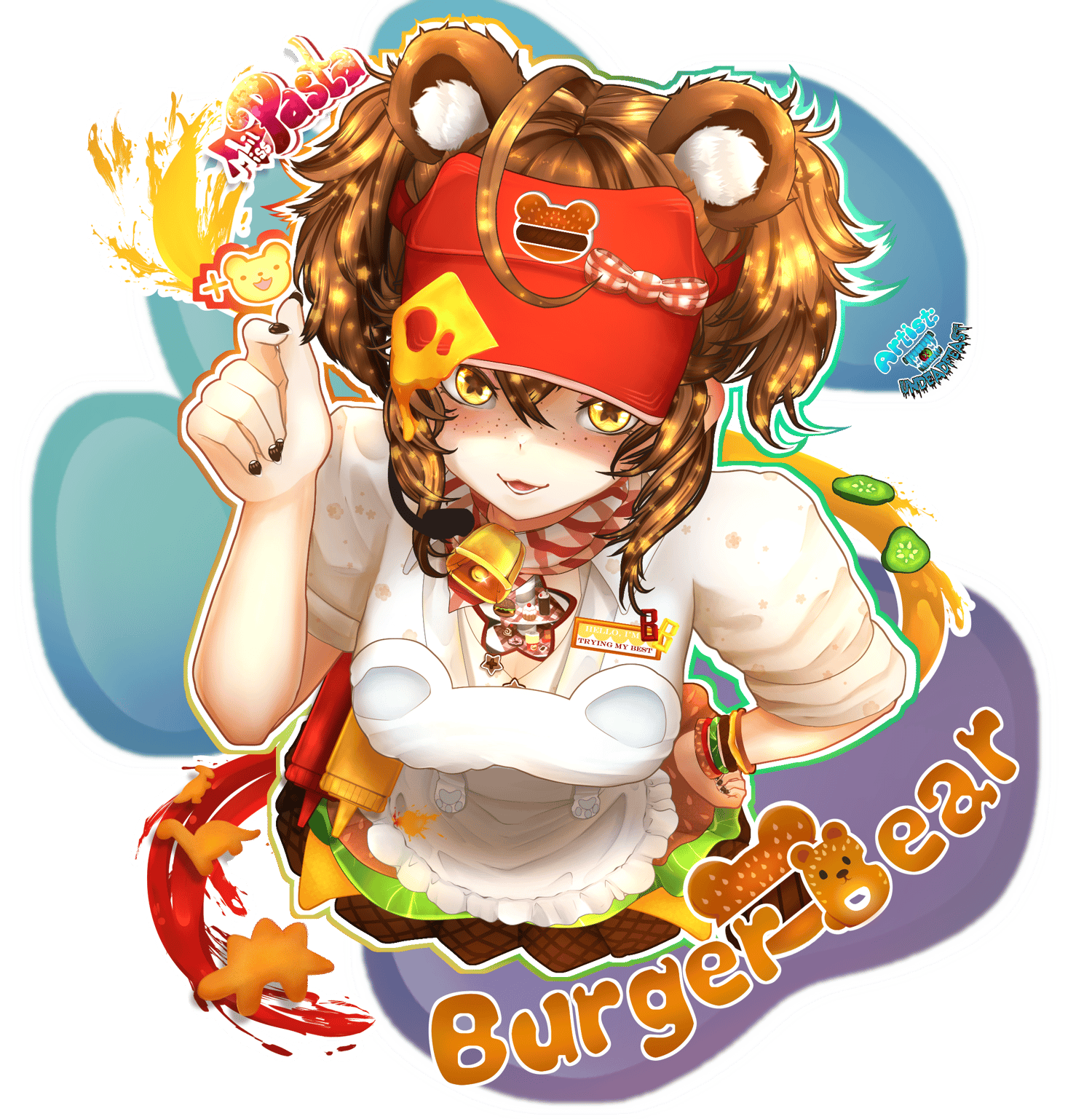
A special thank you to Undead Feast and Pancake for their incredible artwork as well!!
All assets used on this avatar have been edited by me, but the original assets can be found here:
FT - Adjerry91 and JellyCube | Head - Xohu | Poiyomi shaders | Gogo Loco - Franada | Apron - YamuVR | Purse - YamuVR | Loafers - Runahbelle | Hair - NoodleShope | Cat tail - Gell3D | Cat ears - Gell3D | Fluffy tail - Gell3D | Bunny set - Gell3D | Bear set - Jorbur | Burger - Vowgan | Romper - Yuena | Glasses - Tink | Cow bell - Jorbur | Shirt - Darcy | Skirt - Kimia Mojiri | Scarf - Okholodna | Hooves - Eliza | Antlers - Ringtailed VR | Coffee - MoBubbler | Food pack - Quaternius | Plants - Ewan | Ivy - B. Paul | Soda fountain - Dudzy | Skin texture - Cryptic Cloud | Slippers - Pink Puff | Panties - Mowsterowo | Paws - KasuallyKhaotic | Socks - CCwuvschu | Stockings - Pink Puff | Icons - Nekofilka | Matcaps - Jvliette | Body - Zinpia | Mouse set - Flexuh | Skirt - Vinuzhka | Puppy set - MariVR