
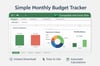



Simple Monthly Budget Tracker – Excel Spreadsheet
Have you ever opened your bank app…
and still wondered where your money actually went?
You’re not alone.
Most people don’t overspend because they’re careless.
They overspend because their finances aren’t visible.
That’s exactly why this Simple Monthly Budget Tracker exists.
Not to teach you accounting.
Not to overwhelm you with features.
But to give you clarity in minutes.
✨ What this spreadsheet does
It shows you, at a glance:
- How much money comes in
- How much money goes out
- Where it goes
- And what’s left at the end of the month
No setup.
No macros.
No formulas to touch.
Just open Excel… and start typing.
📊 What you’ll see on the dashboard
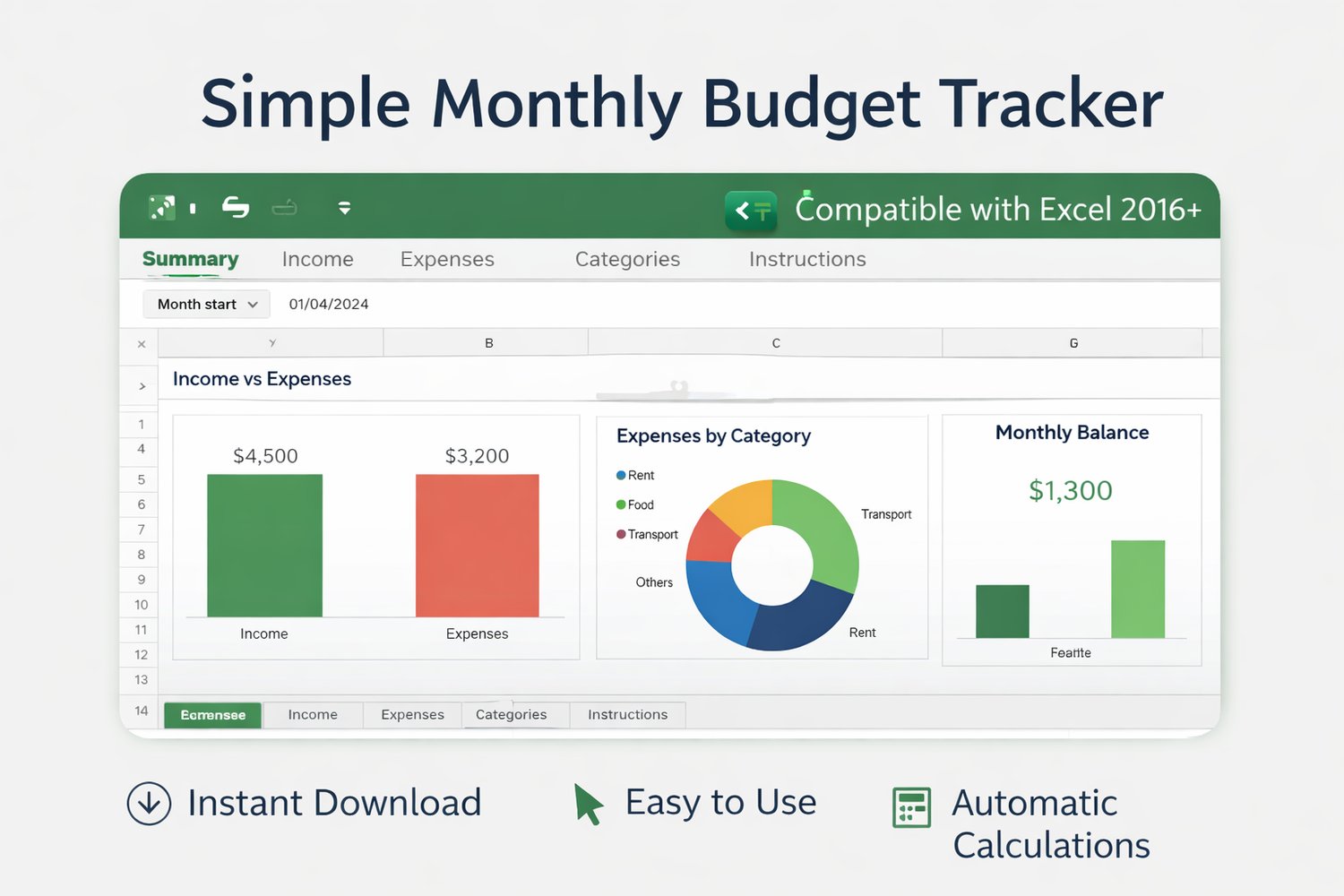
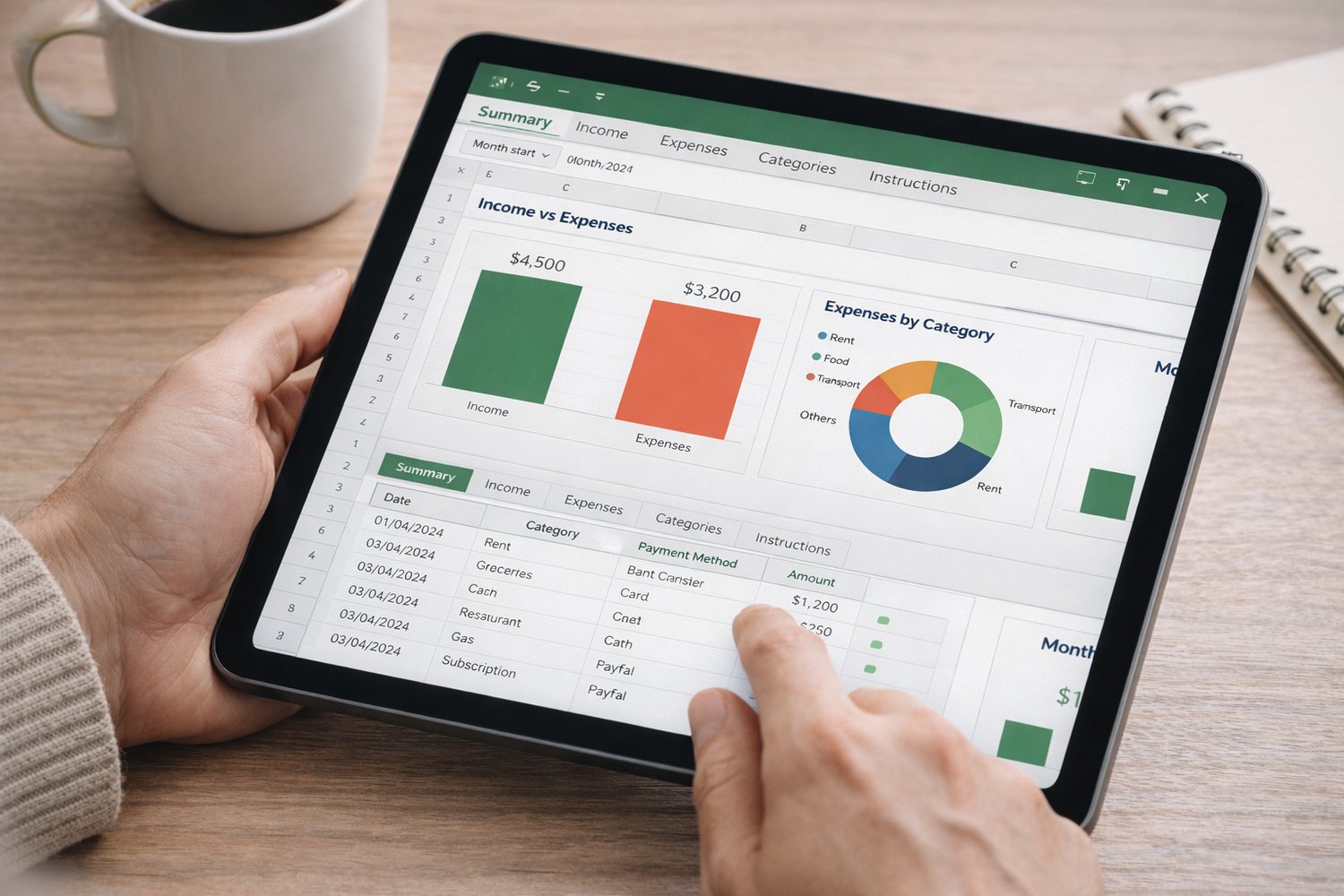
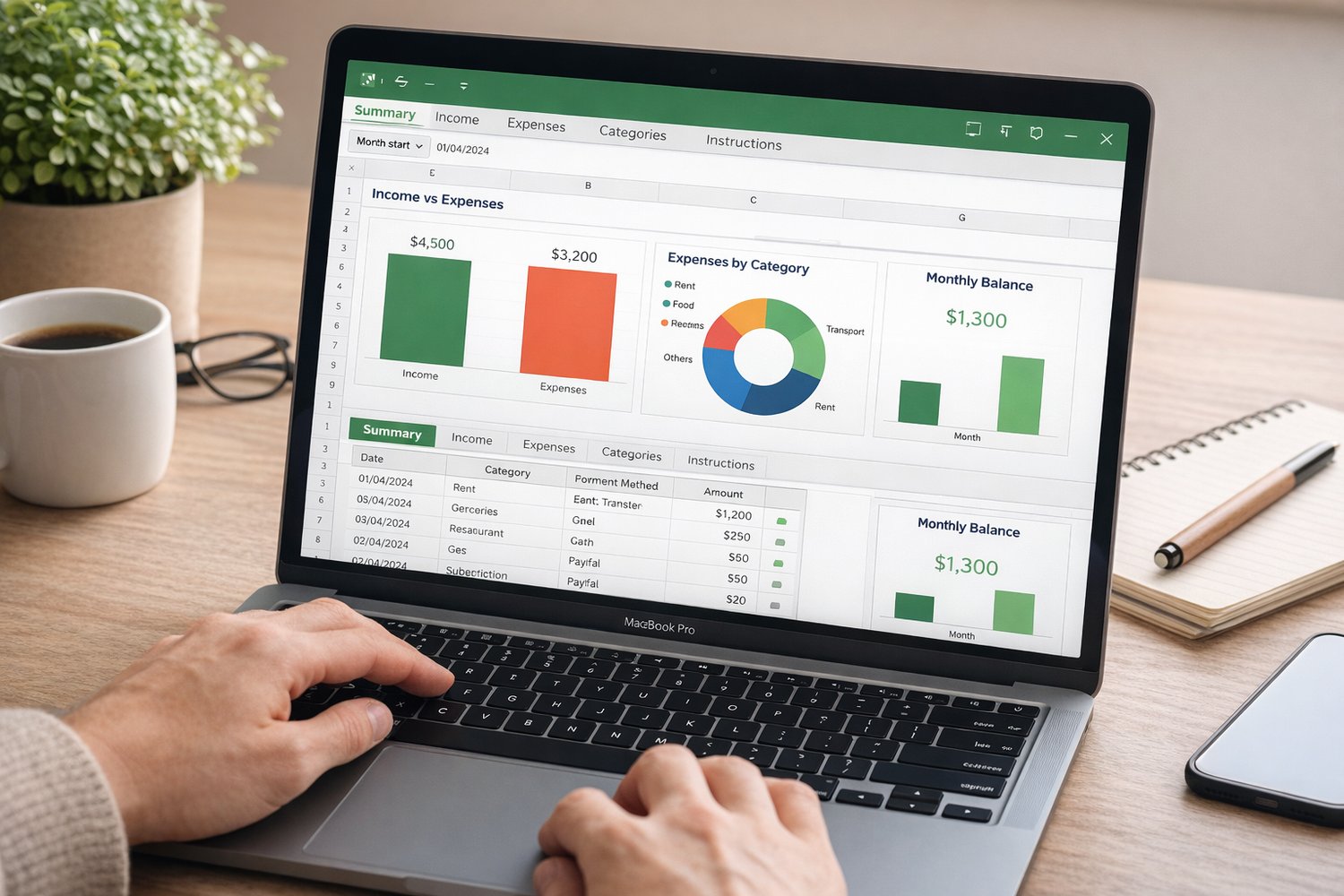
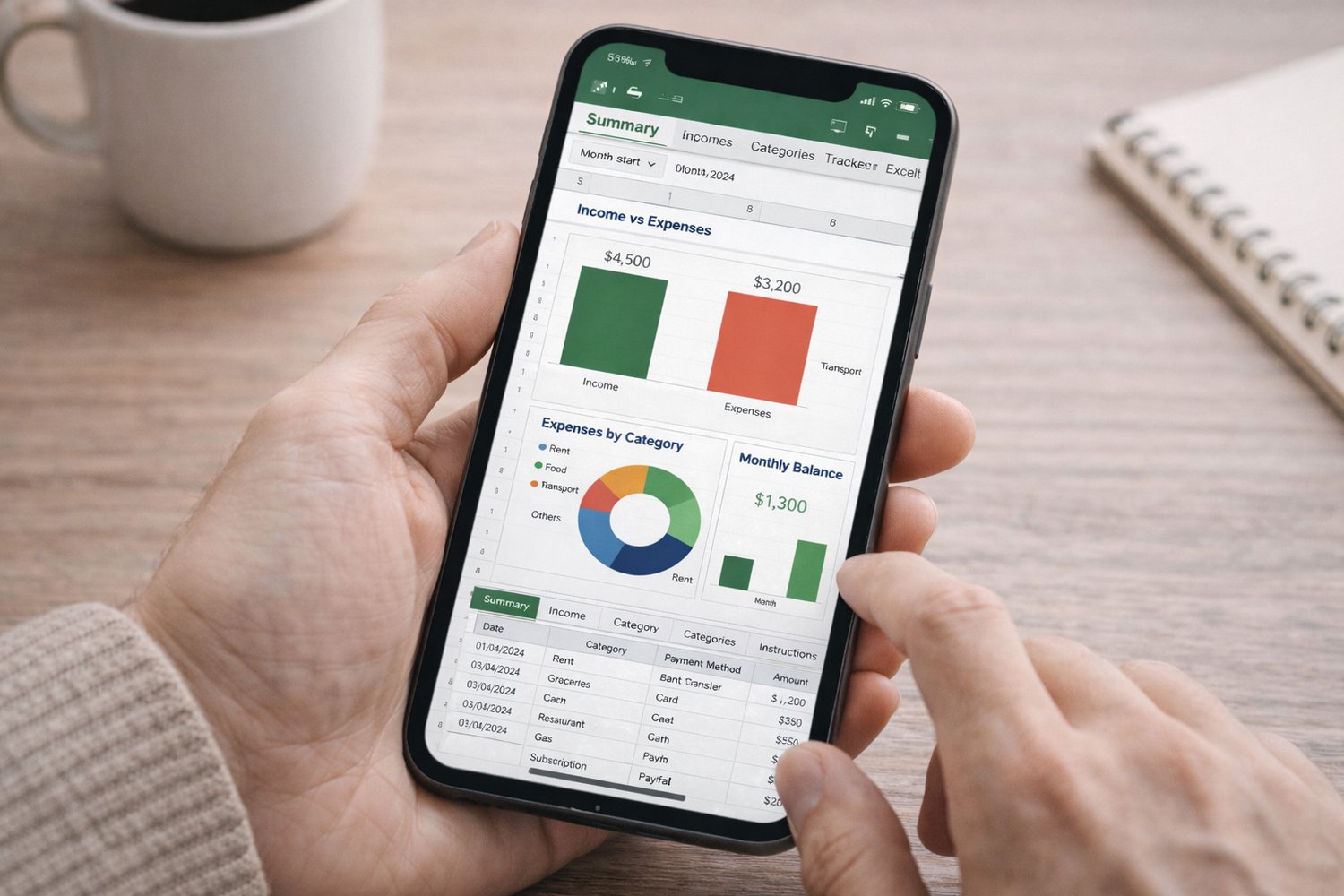
✔️ Income vs Expenses – Are you living within your means?
✔️ Expenses by Category – Where is your money really going?
All automatically updated as you enter your data.
🧩 What’s included
- Summary Dashboard (clean, visual, instant insight)
- Income Sheet (date, source, amount)
- Expenses Sheet (date, category, payment method, amount)
- Categories Sheet (fully editable)
- Instructions Sheet (clear, beginner-friendly)
Compatible with Excel 2016 and later.
⏱️ How long does it take to use?
Honestly?
👉 Less than 5 minutes to get started.
If you can type numbers into Excel, you can use this.
🎯 Who this is for
- Anyone who wants a simple monthly budget
- People tired of complicated finance apps
- Beginners who want clarity, not complexity
- Excel users who want something that just works
❌ What this is NOT
- Not a complex financial system
- Not a long-term accounting solution
- Not a macro-heavy spreadsheet
This is a clear starting point.
And that’s exactly why it works.
📥 Instant download – use today
Once you purchase, you’ll get immediate access to the Excel file.
Open it. Enter your numbers. See the difference.
Sometimes, clarity is all you need to change everything.
👉 Download the Simple Monthly Budget Tracker now
and finally see your month the way it really is.