
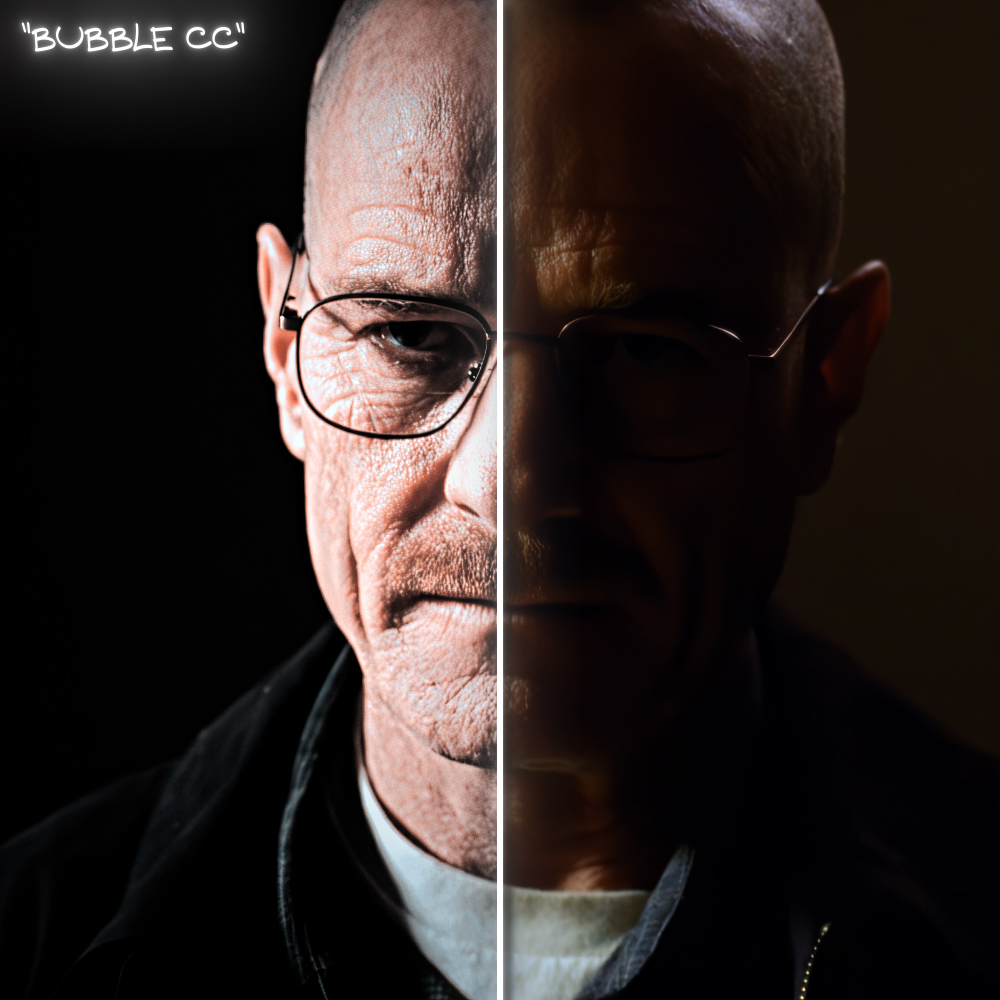
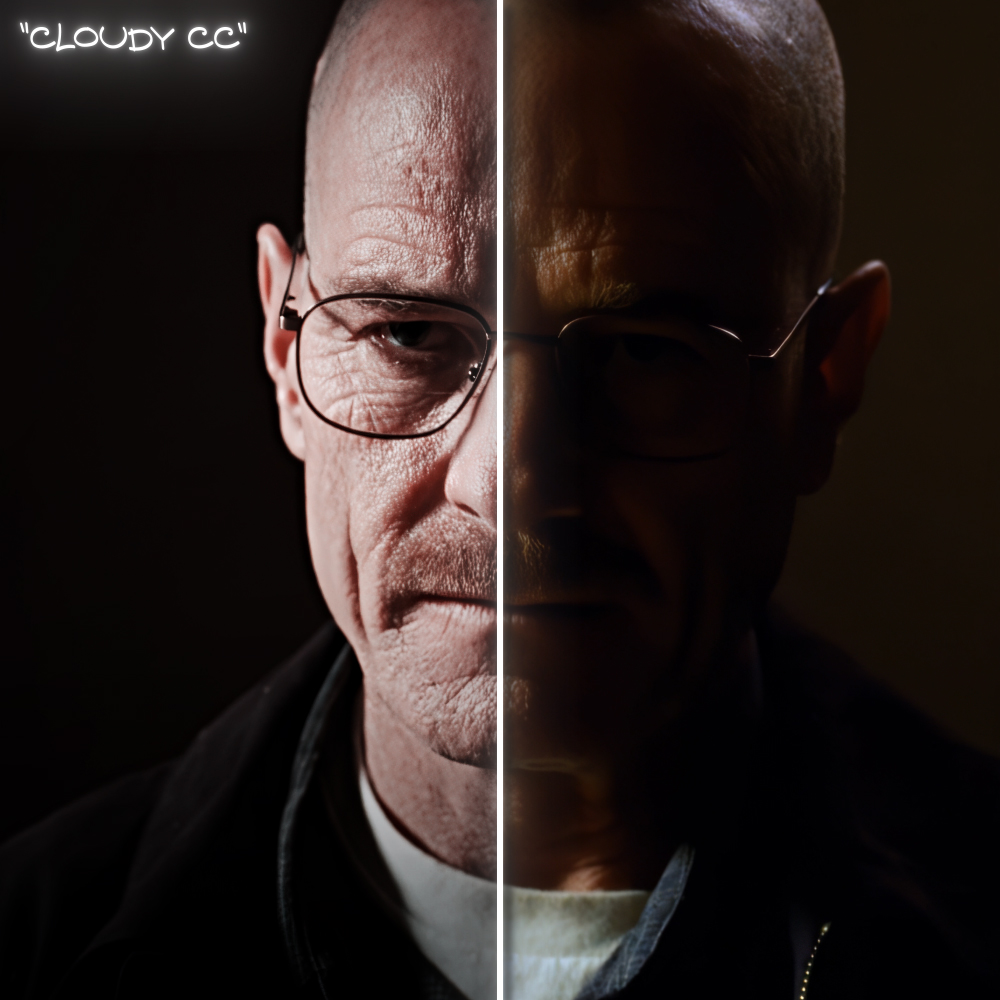
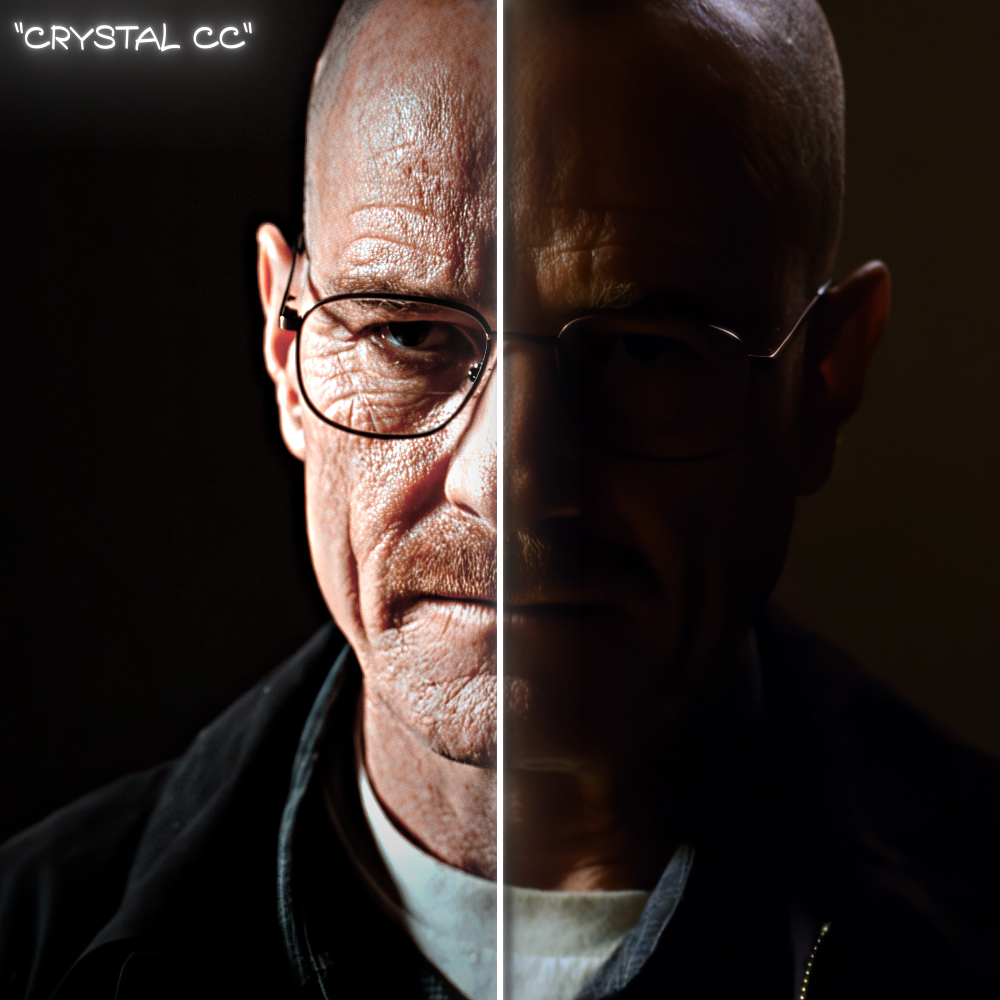
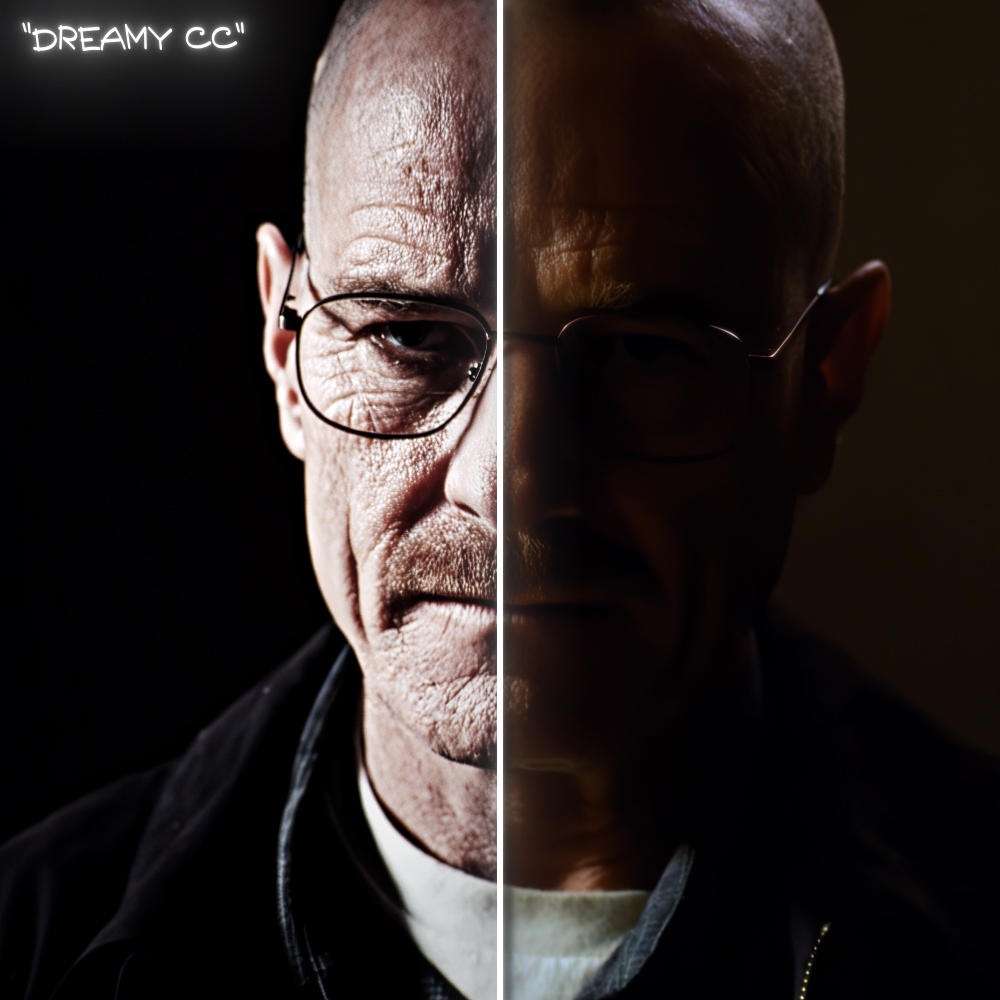
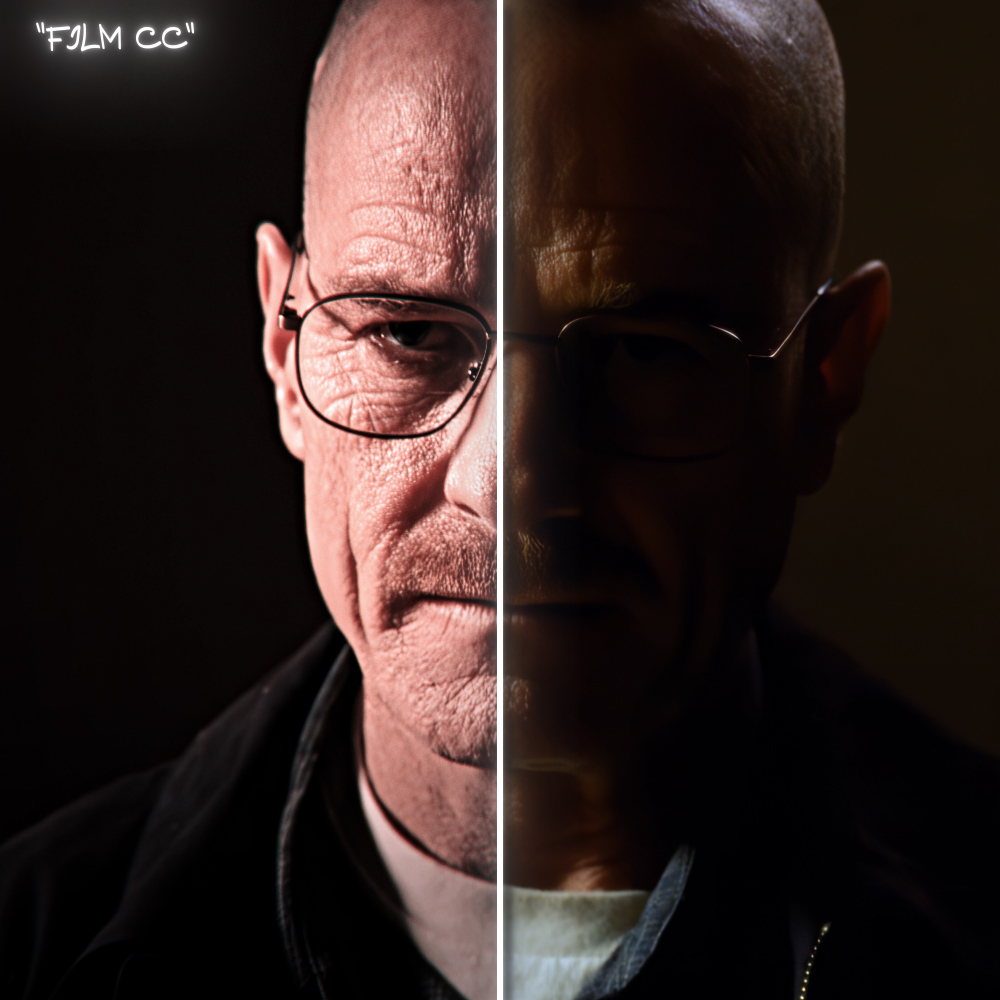
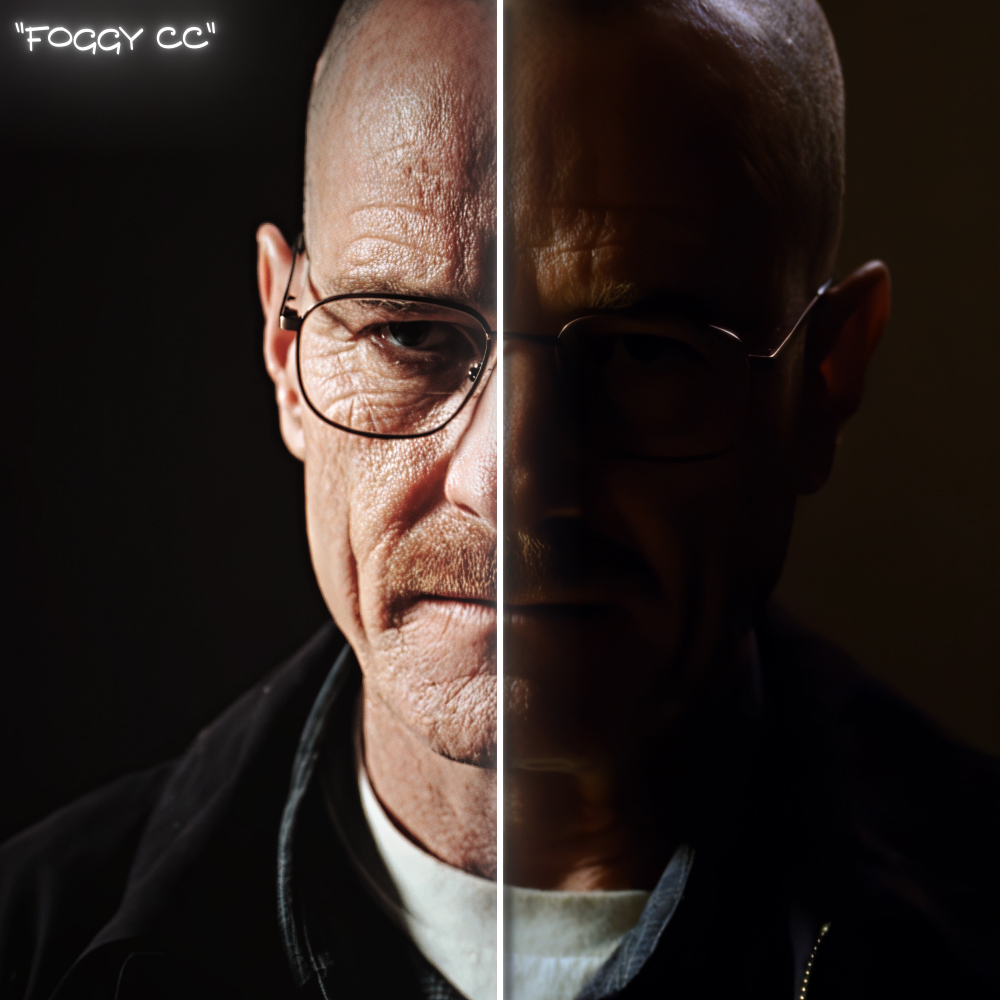
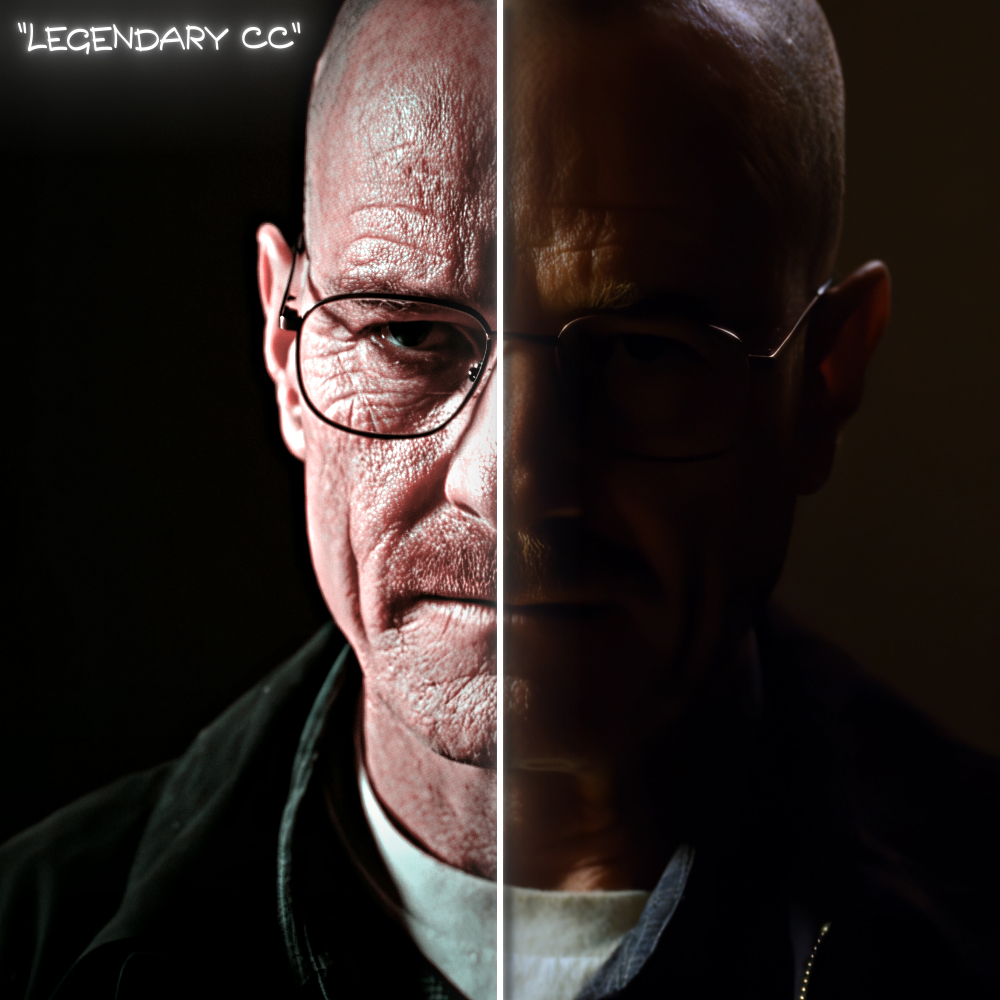
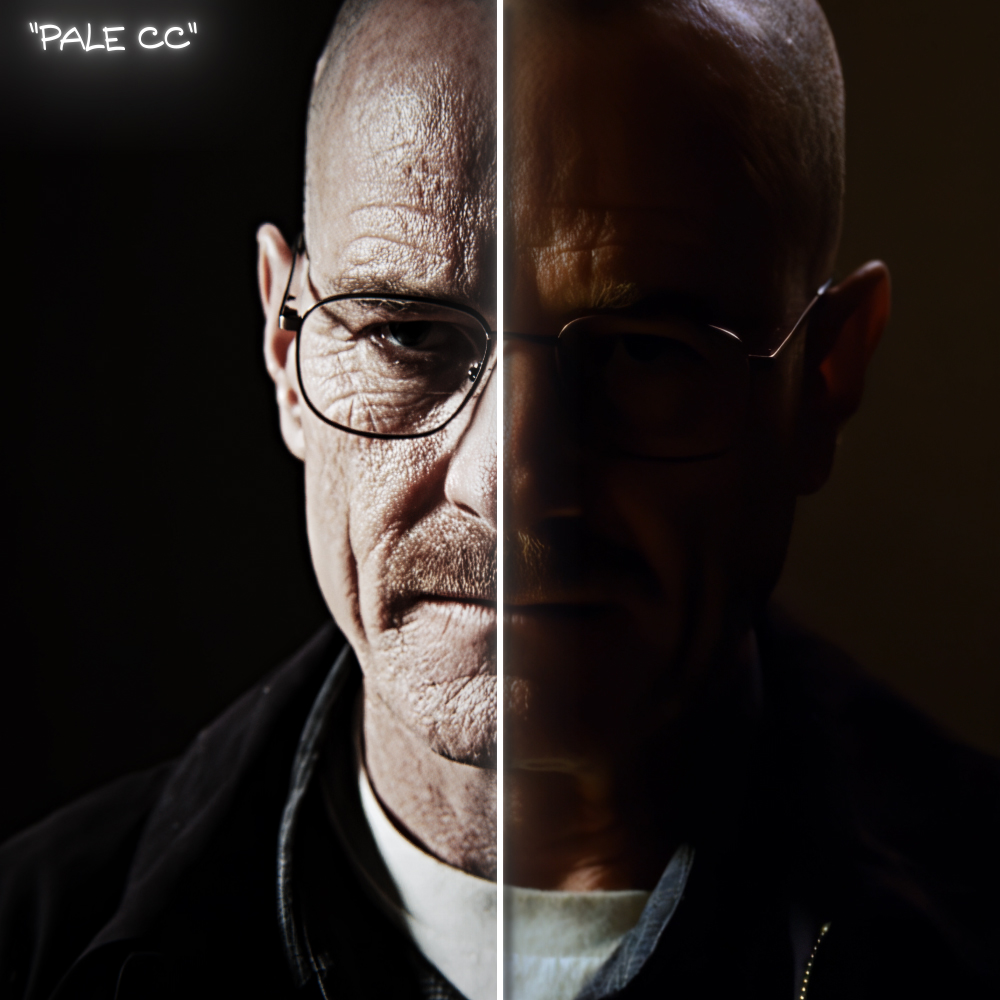
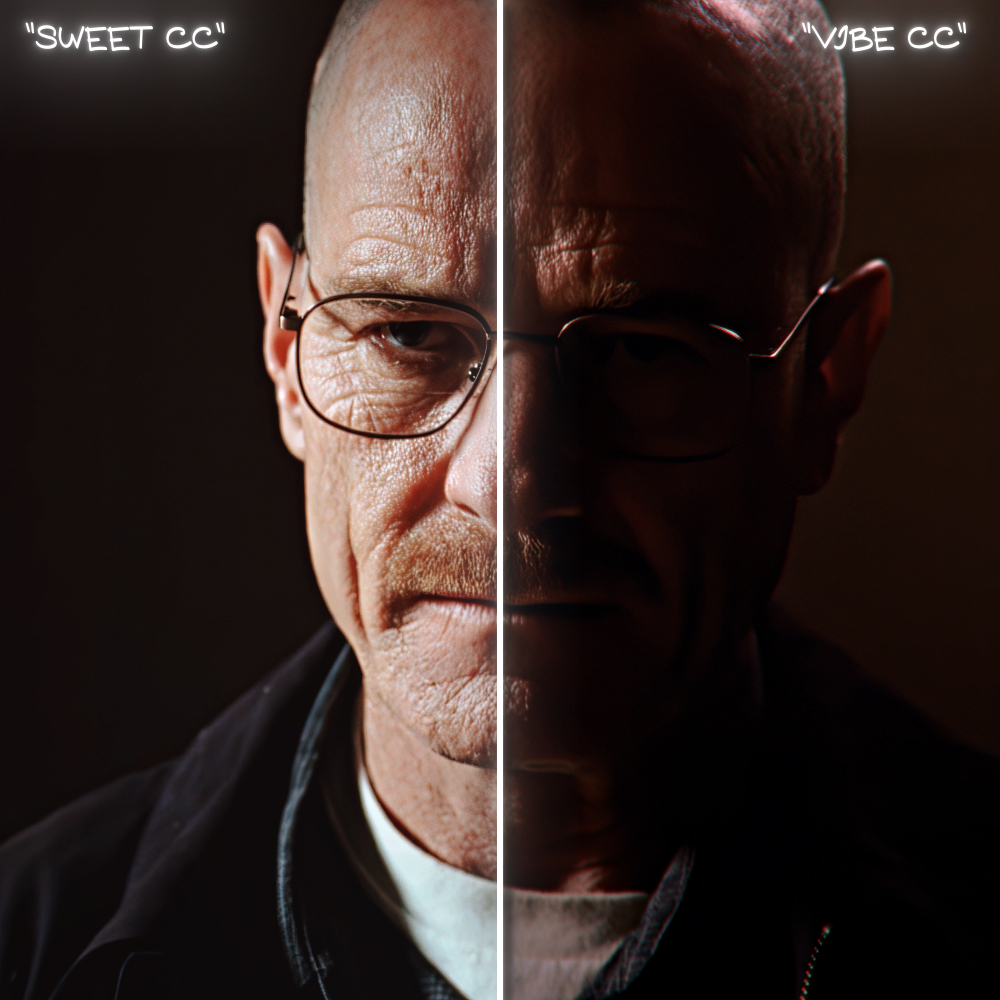



CC's Pack
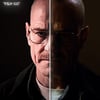
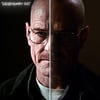
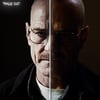
Color Correction Pack for After Effects
This pack includes all of my primary and up-to-date color grading presets that I personally use in my edits. They are designed to help you achieve a clean quality and professional look in just a few clicks.
Requirements
- Adobe After Effects 2020 or newer
- Sapphire
- Magic Bullet Looks
- Boris FX Continuum (BCC)
Installation:
1) Download the product.
2) Extract the downloaded .zip archive.
3) Open the extracted folder.
4) Copy the presets folder to the following directory:
Documents/Adobe/After Effects (Your Version)/User Presets/
5) Launch Adobe After Effects (or restart it if it is already open).
6) Your presets will now appear in the Effects & Presets panel under Animation Presets → User Presets.
!The final result may vary depending on your source footage, lighting conditions, and exposure. For the best results, you may need to make small adjustments after applying a preset.