
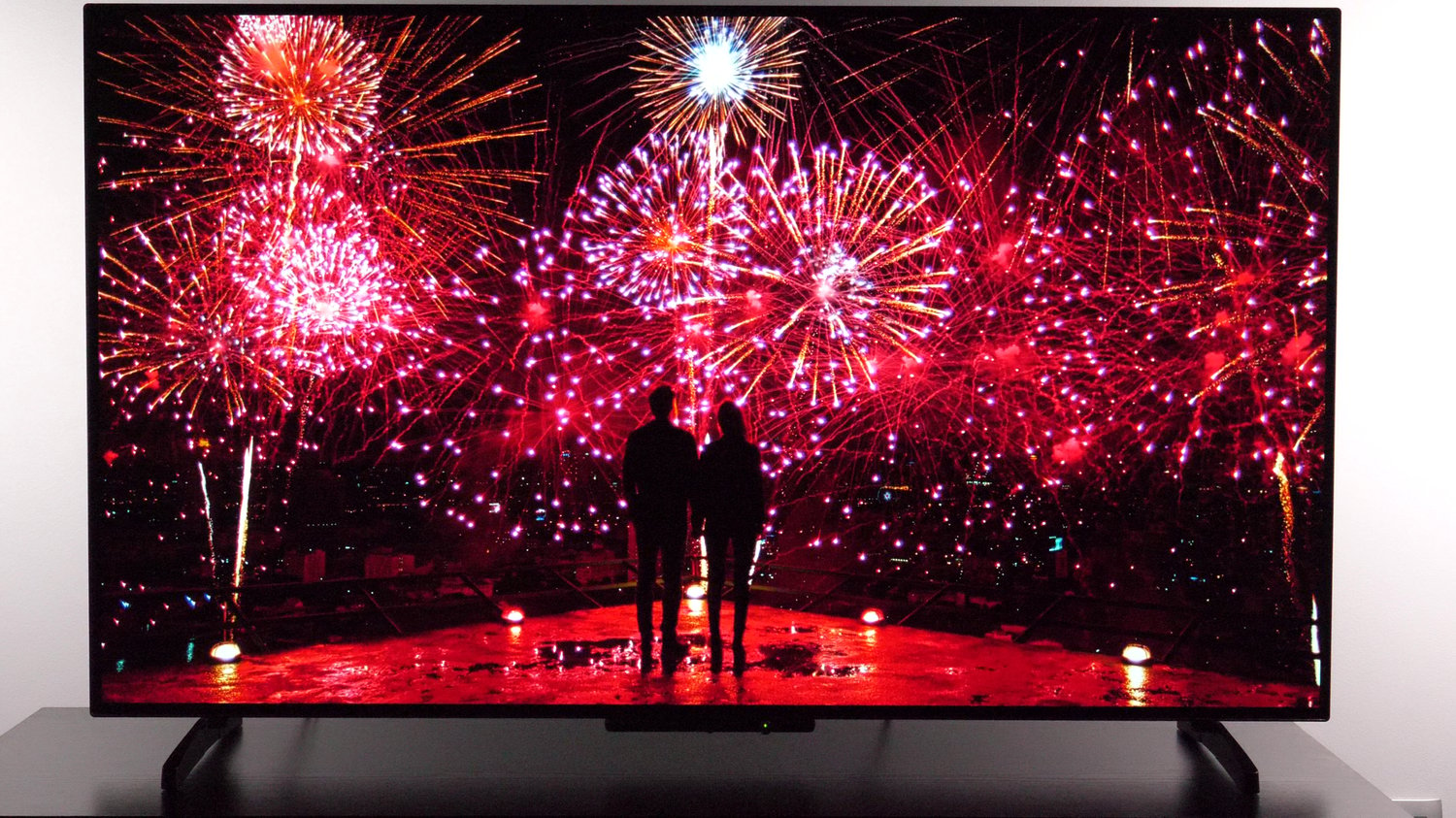
Panasonic Z80B OLED TV series picture settings - SDR (2025)
On Sale
€5.00
€5.00
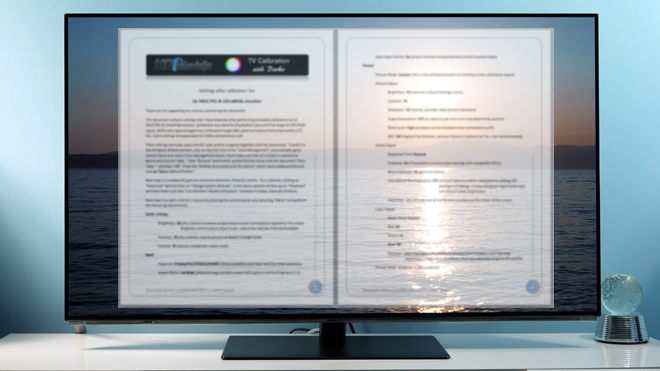
This product contains a document to help you get a better SDR picture and understand picture controls on Panasonic 2025 OLED TVs. All options are available in user menus, so there is no need to access the service menu.
The document explains:
1. SDR picture settings that can be used for watching movies in standard and high definition, DVDs, Blu-rays etc.,
2. SDR picture settings for playing games where the screen needs to be responsive,
3. Tips for using this TV as a monitor and
4. The procedure for adjusting black and white levels
The calibration was done for an HDMI limited range YPrPb (component) 4:2:0 signal, BT.709 color space, gamma BT.1886 for general content and 2.2 for gaming and white point target D65.
For information only, 2-point white balance values obtained on my unit are inside this document. No 11-point and color management system values are provided, since it is pointless to copy them from unit to unit (completely individual from unit to unit, plus the controls themselves didn't work properly on the units I've tried).
HDR settings:
https://payhip.com/b/3JTjg
Note: add both SDR and HDR in the cart for a discount!
The calibration was done on the unit with software version: Fire OS 8.1.6.6 (RS8166/3486)
Disclaimer:
Settings are for reference only. There is no guarantee that they will give you the best picture which is in line with industry standards and suitable for your viewing environment (especially white balance, gamma and color management system settings that vary from unit to unit). If you want guaranteed calibrated picture, hire professional TV calibrator (for example with ISF certificate, more info at http://www.imagingscience.com).
Additional info and links:
Calibration done using Portrait Displays CalMAN 2026, more info:
https://www.portrait.com/
Panasonic 48Z80B unboxing:
https://www.youtube.com/watch?v=ZvKHFPKF004
For more tips and tricks as well as reviews of modern TVs, please visit:
https://goo.gl/uksz2V
Visit my calibration store:
https://payhip.com/tvcalibrationwithdarko
My reviews (in written form):
http://www.hdtelevizija.com/en
Follow me on X:
https://x.com/darkohlusicka
Follow me on Facebook:
https://goo.gl/DYD2cw
The document explains:
1. SDR picture settings that can be used for watching movies in standard and high definition, DVDs, Blu-rays etc.,
2. SDR picture settings for playing games where the screen needs to be responsive,
3. Tips for using this TV as a monitor and
4. The procedure for adjusting black and white levels
The calibration was done for an HDMI limited range YPrPb (component) 4:2:0 signal, BT.709 color space, gamma BT.1886 for general content and 2.2 for gaming and white point target D65.
For information only, 2-point white balance values obtained on my unit are inside this document. No 11-point and color management system values are provided, since it is pointless to copy them from unit to unit (completely individual from unit to unit, plus the controls themselves didn't work properly on the units I've tried).
HDR settings:
https://payhip.com/b/3JTjg
Note: add both SDR and HDR in the cart for a discount!
The calibration was done on the unit with software version: Fire OS 8.1.6.6 (RS8166/3486)
Disclaimer:
Settings are for reference only. There is no guarantee that they will give you the best picture which is in line with industry standards and suitable for your viewing environment (especially white balance, gamma and color management system settings that vary from unit to unit). If you want guaranteed calibrated picture, hire professional TV calibrator (for example with ISF certificate, more info at http://www.imagingscience.com).
Additional info and links:
Calibration done using Portrait Displays CalMAN 2026, more info:
https://www.portrait.com/
Panasonic 48Z80B unboxing:
https://www.youtube.com/watch?v=ZvKHFPKF004
For more tips and tricks as well as reviews of modern TVs, please visit:
https://goo.gl/uksz2V
Visit my calibration store:
https://payhip.com/tvcalibrationwithdarko
My reviews (in written form):
http://www.hdtelevizija.com/en
Follow me on X:
https://x.com/darkohlusicka
Follow me on Facebook:
https://goo.gl/DYD2cw