


Detail Library Search
Organize your details. Find what you need. Insert with control.
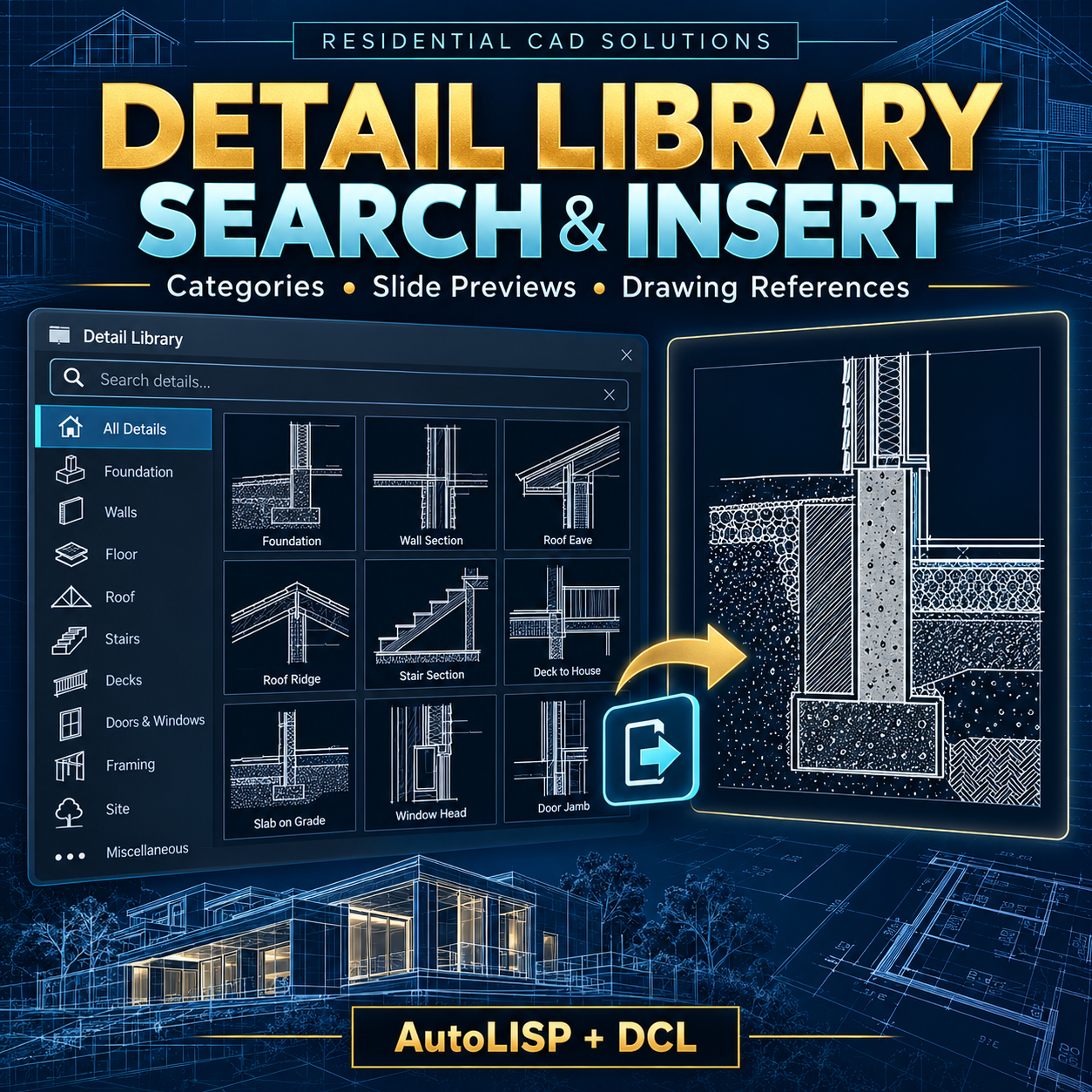
Turn your collection of reusable DWG details into a searchable catalog inside AutoCAD. Detail Library Search & Insert gives architectural drafters and designers a central place to organize detail references, locate files, and insert selected drawings with titles and reference information.
Features include:
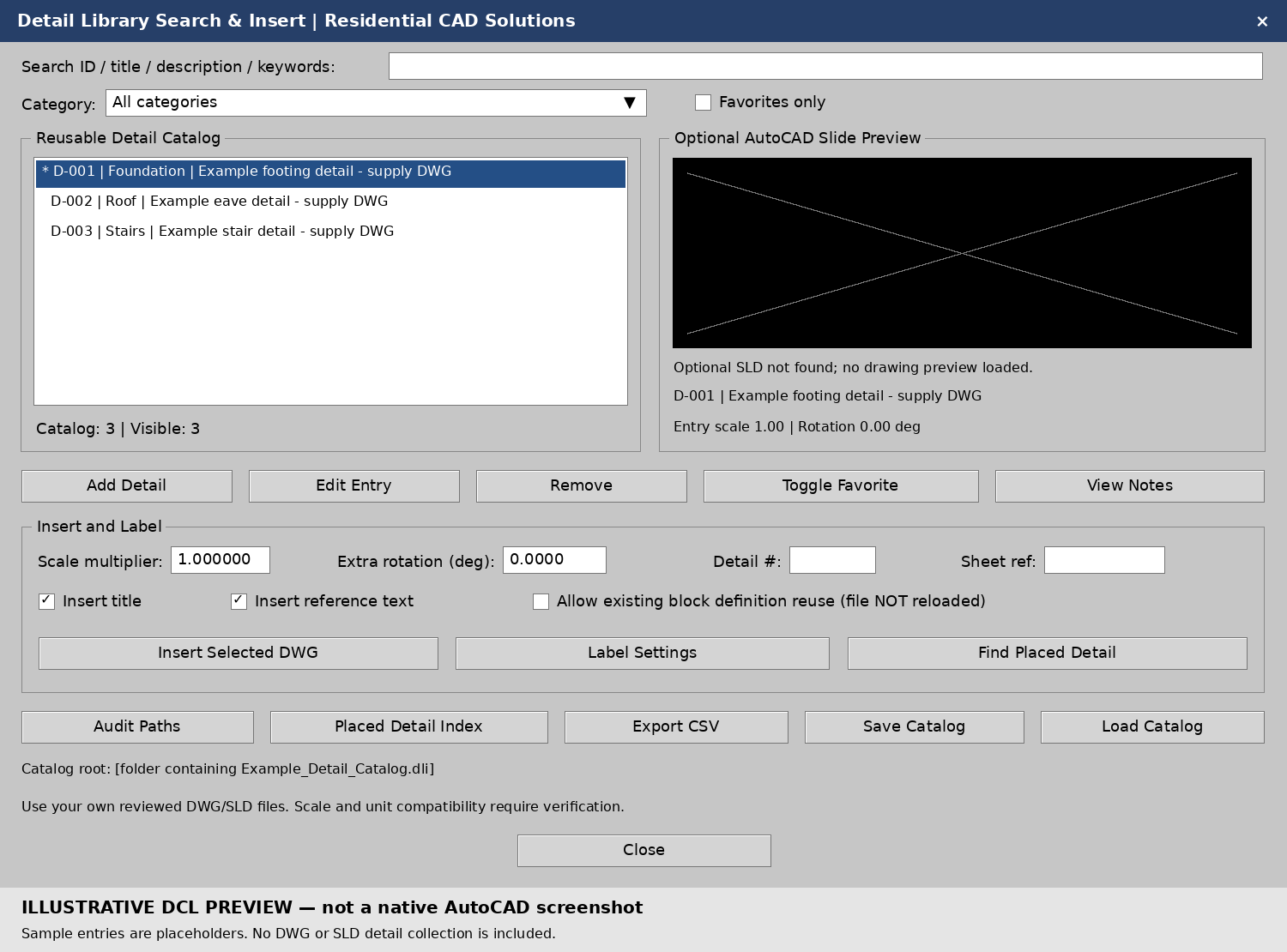
- Search and filter: Find entries by ID, title, description, keywords, category, or reference text.
- Favorites: Mark frequently used details for quick access.
- Optional SLD previews: Display your AutoCAD slide files before inserting a detail.
- Controlled DWG insertion: Apply an entry scale, scale multiplier, and rotation.
- Titles and references: Add separate title and reference text with detail numbers and sheet references.
- Catalog management: Add, edit, remove, save, and load catalog entries.
- Existing block checks: Stop for review when a matching block name already exists, with an explicit option to reuse its definition.
- Path audits: Report missing DWG files and optional slide previews.
- Placed Detail Index: Export stored information about managed details in the current drawing space.
- CSV export: Export your catalog for review and organization.
Your download includes:
AutoLISP program, DCL dialog files, example catalog, installation instructions, validation notes, and preview images.
Please note: This is a detail organization and insertion tool. DWG construction details and SLD preview files are not included; you supply your own reviewed files. Titles and references are separate text and do not automatically update when blocks move or catalog entries change.
Designed for Windows AutoCAD with Visual LISP/ActiveX, targeting AutoCAD 2002. Local syntax and data checks passed; native AutoCAD 2002 testing remains required. AutoCAD software is not included.
Residential CAD Solutions — Put your reusable detail collection to work.