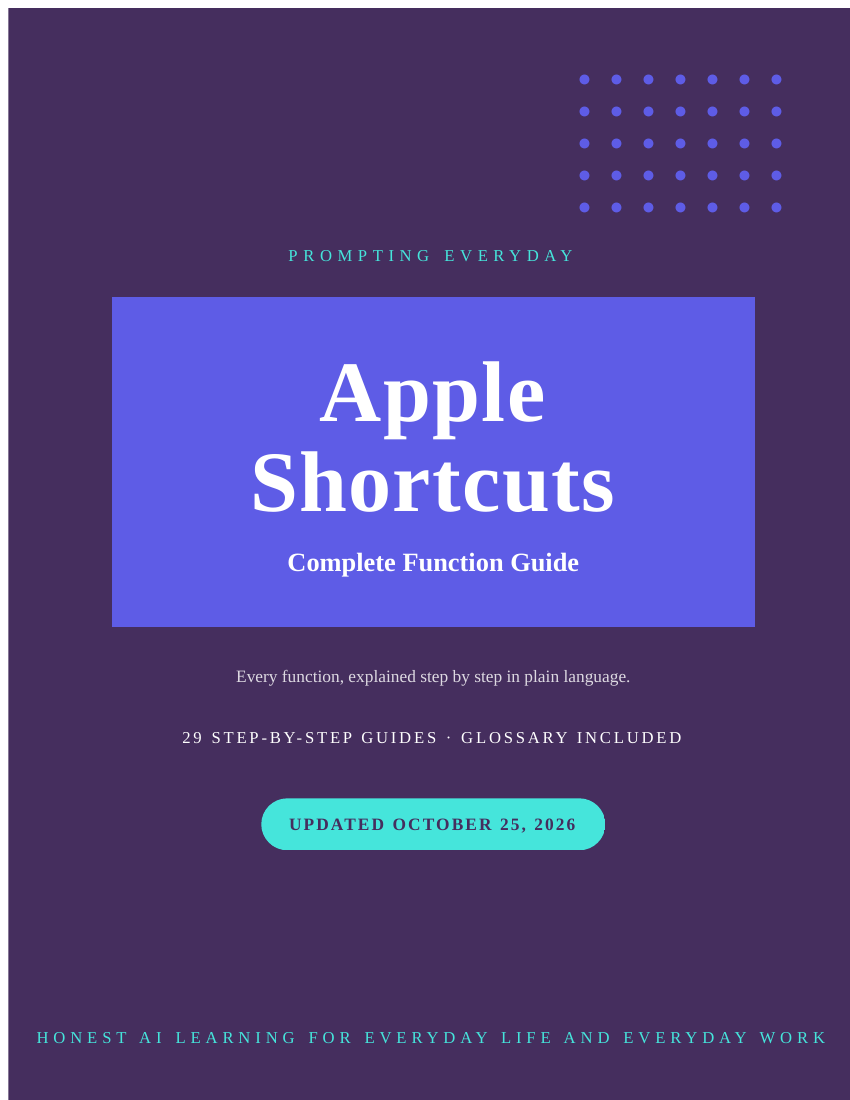
Apple Shortcuts Function Guide — iPhone Automation Tutorial
Apple Shortcuts Function Guide — iPhone Automation Tutorial
Every function of Apple Shortcuts, explained in plain language.
Apple Shortcuts is Apple's automation app — shortcuts that make your phone do the
repetitive parts. Like most software, it does far more than the few functions most people
ever open — and its own help pages rarely explain the rest in plain language. This
collection covers every function of Apple Shortcuts: 29 guides, one per function, each
explaining what the function does, where to find it, how to use it, and a real example of
using it well.
Inside the collection: Getting Started and Your Library, Gallery and Starter Shortcuts,
Create a Custom Shortcut, Describe a Shortcut (Apple Intelligence), Actions and the
Action List, Name, Icon and Color — and the rest of the complete list, one guide per
function.
29 guides in total.
Who it's for: iPhone and iPad owners ready to automate the small daily annoyances.
Not for: Anyone looking for ready-made prompts — these are function guides, not
prompt packs.
What you get: all 29 individual guides, plus the complete Apple Shortcuts book — 191
pages — as a PDF and an EPUB.
How it's delivered: Delivered as a Google Drive folder link after purchase. One-time
purchase.
Updates: Updates are included while the collection is maintained — if a guide changes,
the folder copy is updated.
Disclaimers: These are reference guides that teach the app, they are not prompt packs,
and they don't include a subscription to the app itself.