


Sage Green Botanical Wedding Invitation & Save the Date Canva Template
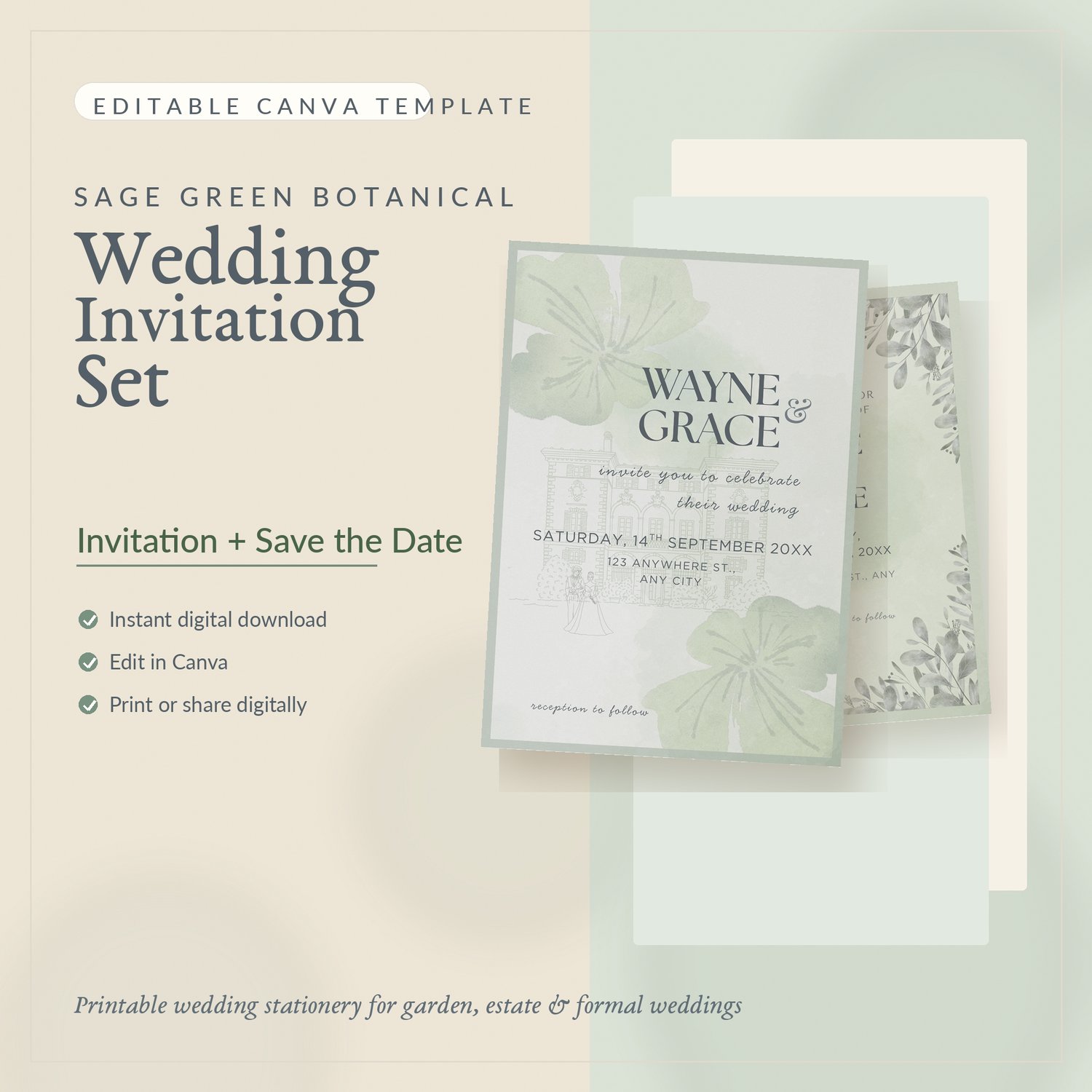
Create a romantic first impression for your wedding with this Sage Green Botanical Wedding Invitation & Save the Date Canva Template Set.
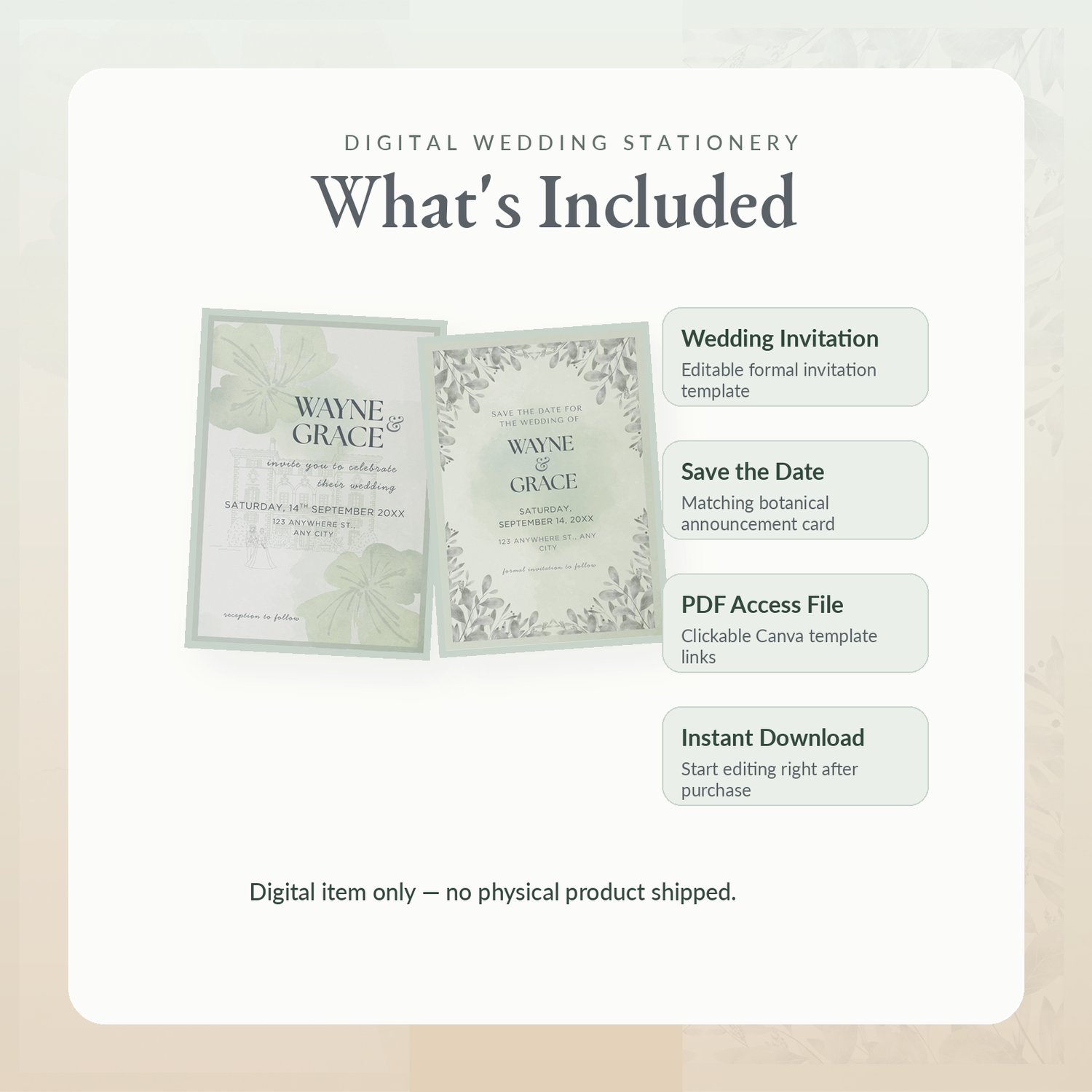
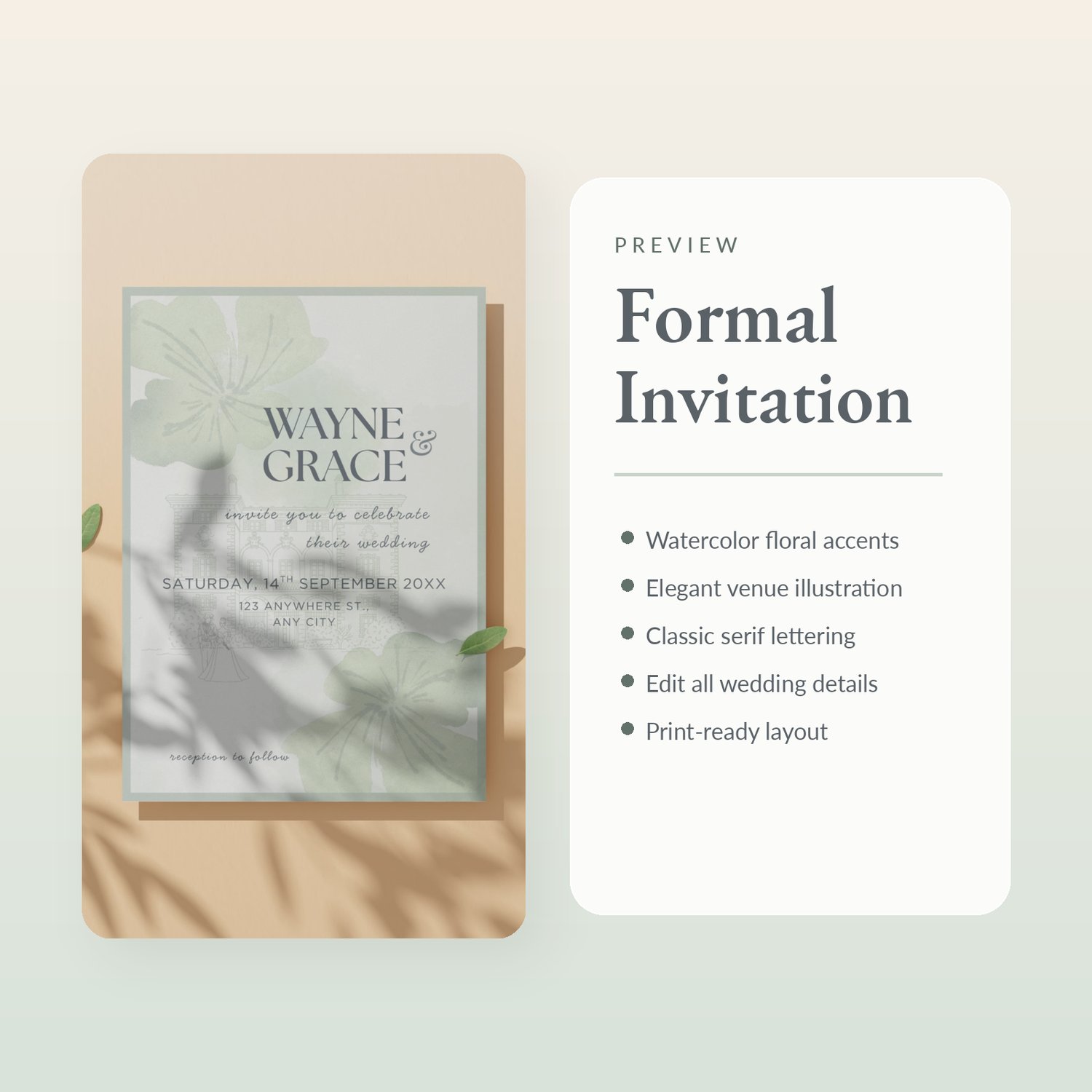
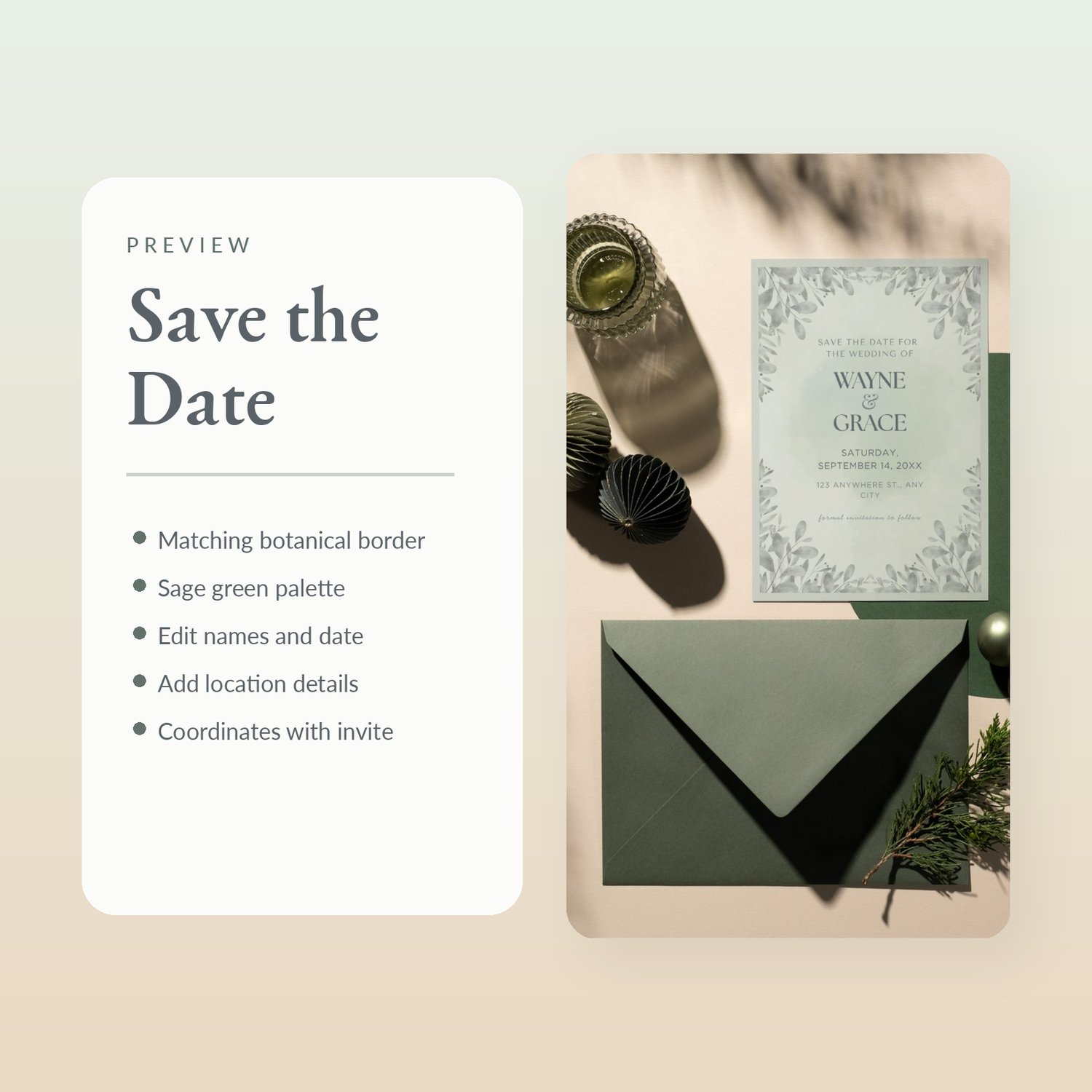
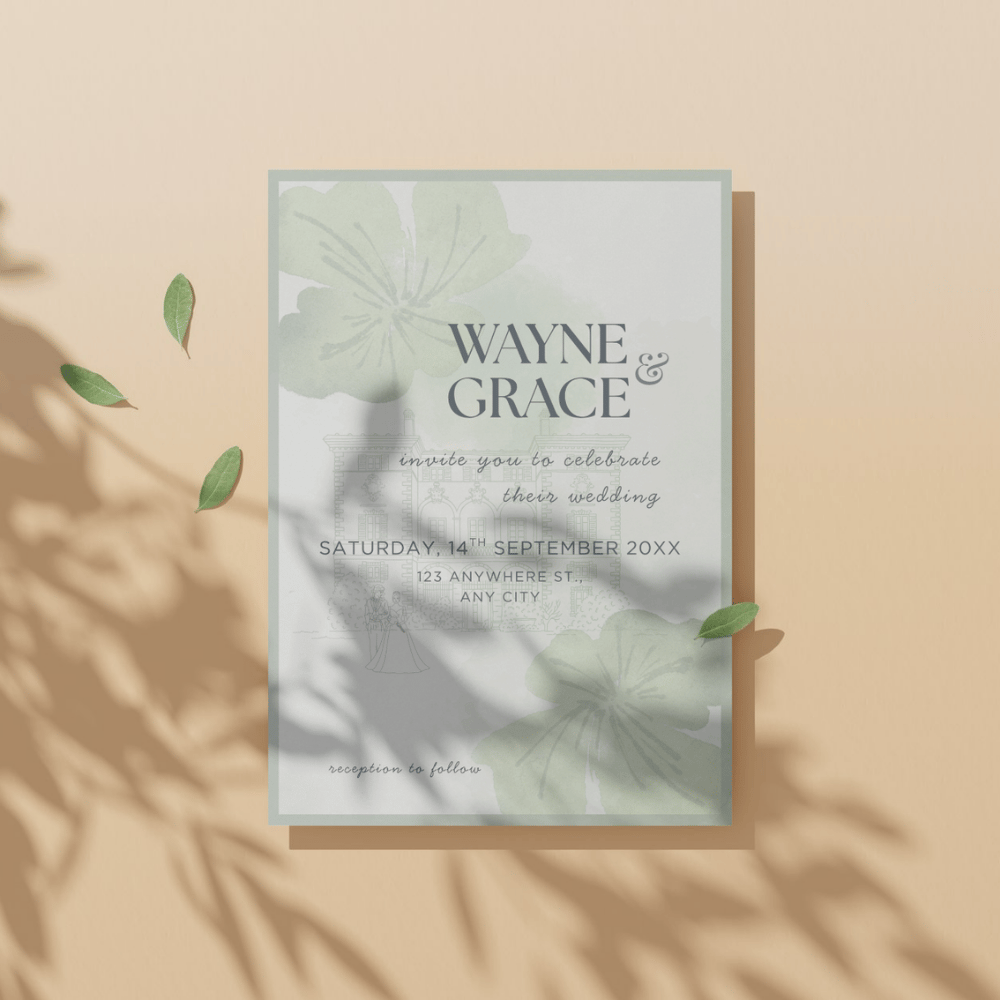
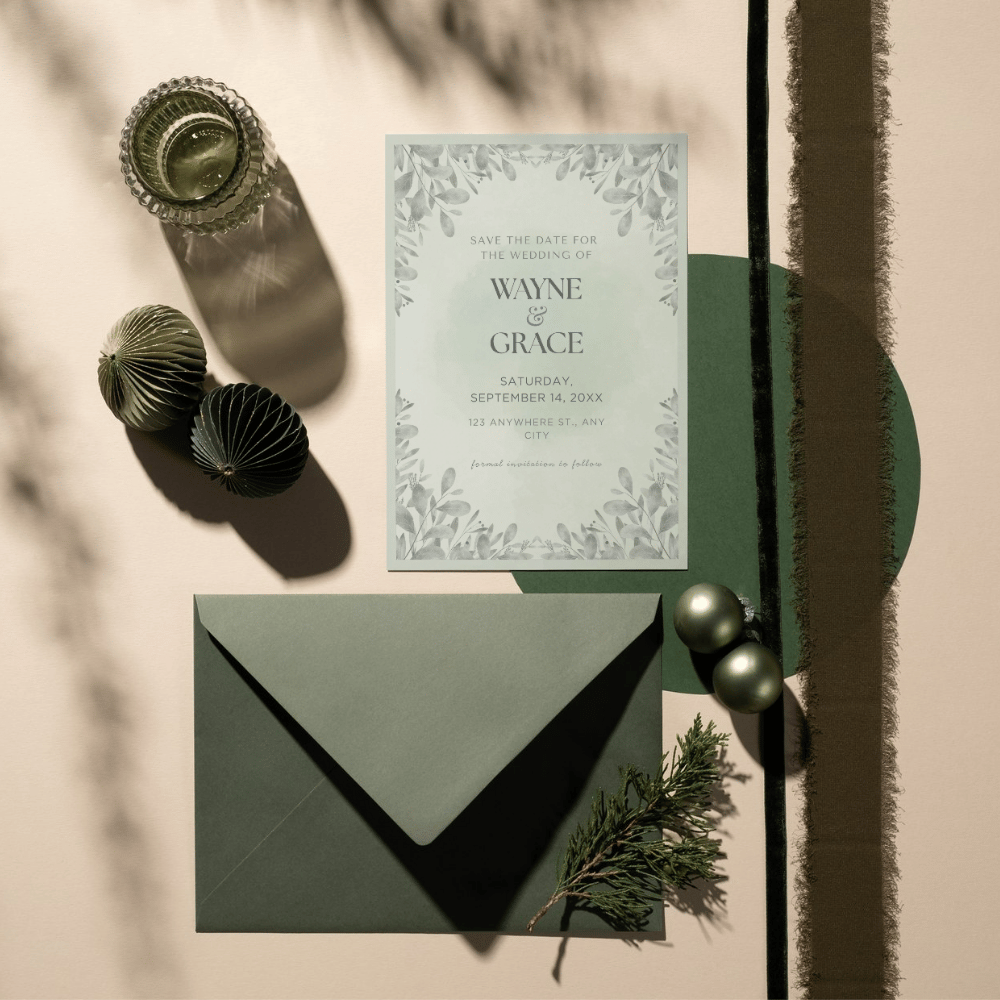
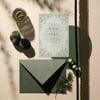
This elegant digital wedding stationery set includes a formal wedding invitation and a matching save-the-date design. The soft sage green palette, watercolor floral accents, delicate greenery, and refined typography make it a beautiful choice for garden weddings, estate weddings, spring celebrations, summer weddings, and timeless formal ceremonies.
The templates are fully editable in Canva, making it easy to personalize your wedding details without needing design software or design experience.
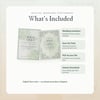
Included Templates
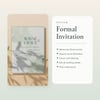
Wedding Invitation Canva Template
Save the Date Canva Template
PDF file with clickable Canva template links
Editable Details
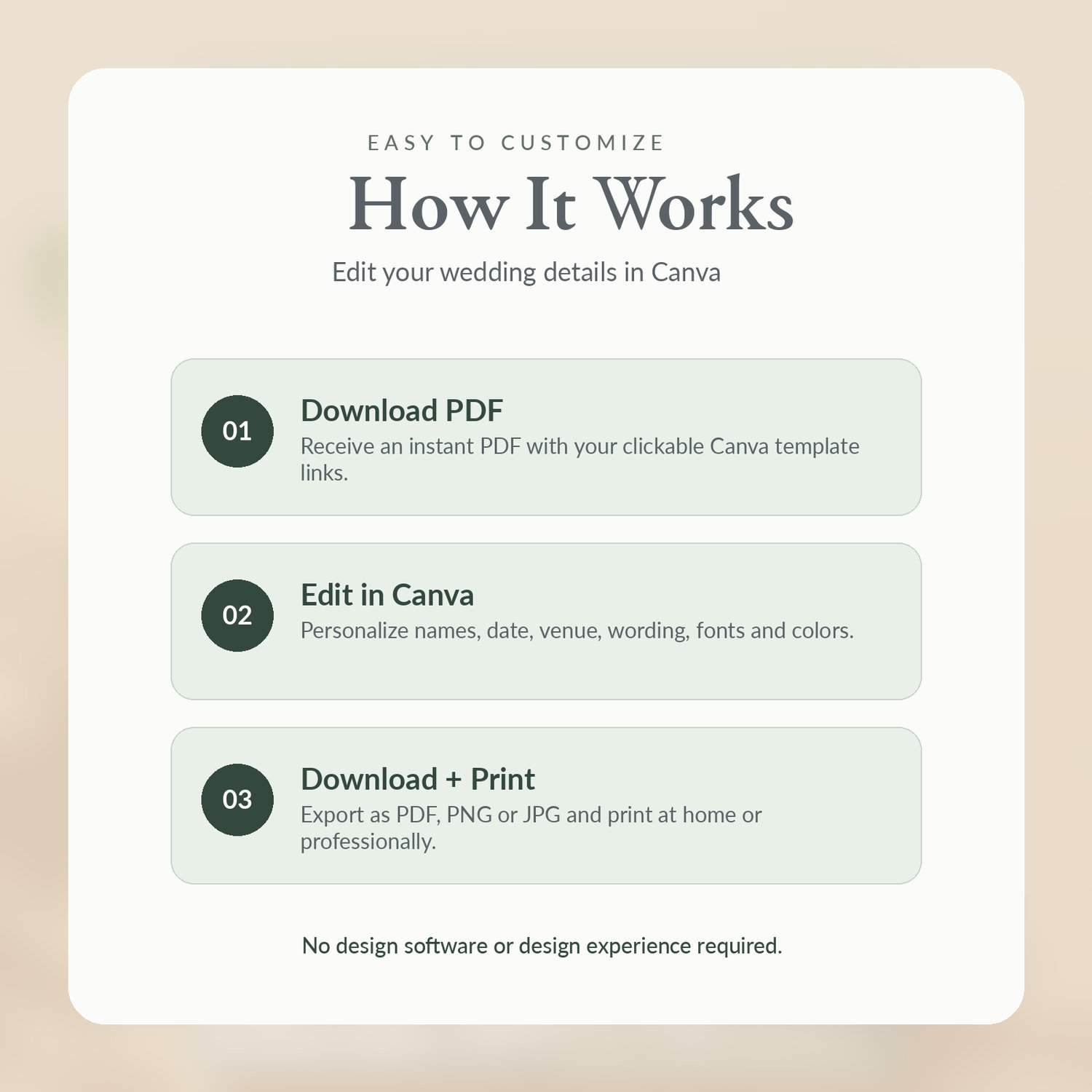
You can edit the names, wedding date, time, venue, address, wording, fonts, colors, and text placement in Canva.
How to Use
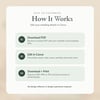
After purchase, download the PDF file and click the Canva template link. The template will open in Canva, where you can customize the design with your own wedding details. Once finished, download your design as a PDF, JPG, or PNG and print it at home, through Canva, or with your preferred print shop.
IMPORTANT NOTE:
This is a digital download. No physical product will be shipped.
You will need a free Canva account to edit the template. Some Canva elements may require Canva Pro depending on the final file setup.
Due to the digital nature of this item, please review the product details carefully before purchasing. Contact the seller if you have any issues accessing your file.
License
For personal use only. This template may be used for one wedding or event. You may not resell, redistribute, share, or claim the template or design elements as your own.
FAQs:
Is this a physical product?
No. This is a digital Canva template. No printed items, envelopes, or physical products will be shipped.
Do I need Canva Pro?
A free Canva account is usually enough to edit Canva templates. However, if the design includes any Canva Pro elements, Canva may ask you to upgrade, purchase the element, or replace it with a free alternative.
Can I edit the wording?
Yes. You can edit the names, date, time, venue, address, and wording in Canva.
Can I change the colors and fonts?
Yes. Most text, font colors, font styles, and background colors can be edited in Canva.
Can I print this at home?
Yes. You can download your finished design as a PDF and print at home, through Canva, or with a professional print shop.
Can I use this for more than one wedding?
No. This template is licensed for one personal event only.