

Nonprofit Budget & Grant Tracker
Nonprofit Budget and Grant Tracker Excel for your organization — program budgets, grants and donations, program expenses, and a monthly P and L dashboard. Know what every program has left, which grants have actually arrived, and whether the month ran a surplus or a deficit.
Built for small nonprofits, program managers, and board treasurers who need to know, program by program and gift by gift, whether the budget holds, which pledges are still outstanding, and what was raised versus what was spent — without accounting software. If a program is over budget, this workbook shows it before year end.
WHAT'S INCLUDED (6 sheets):
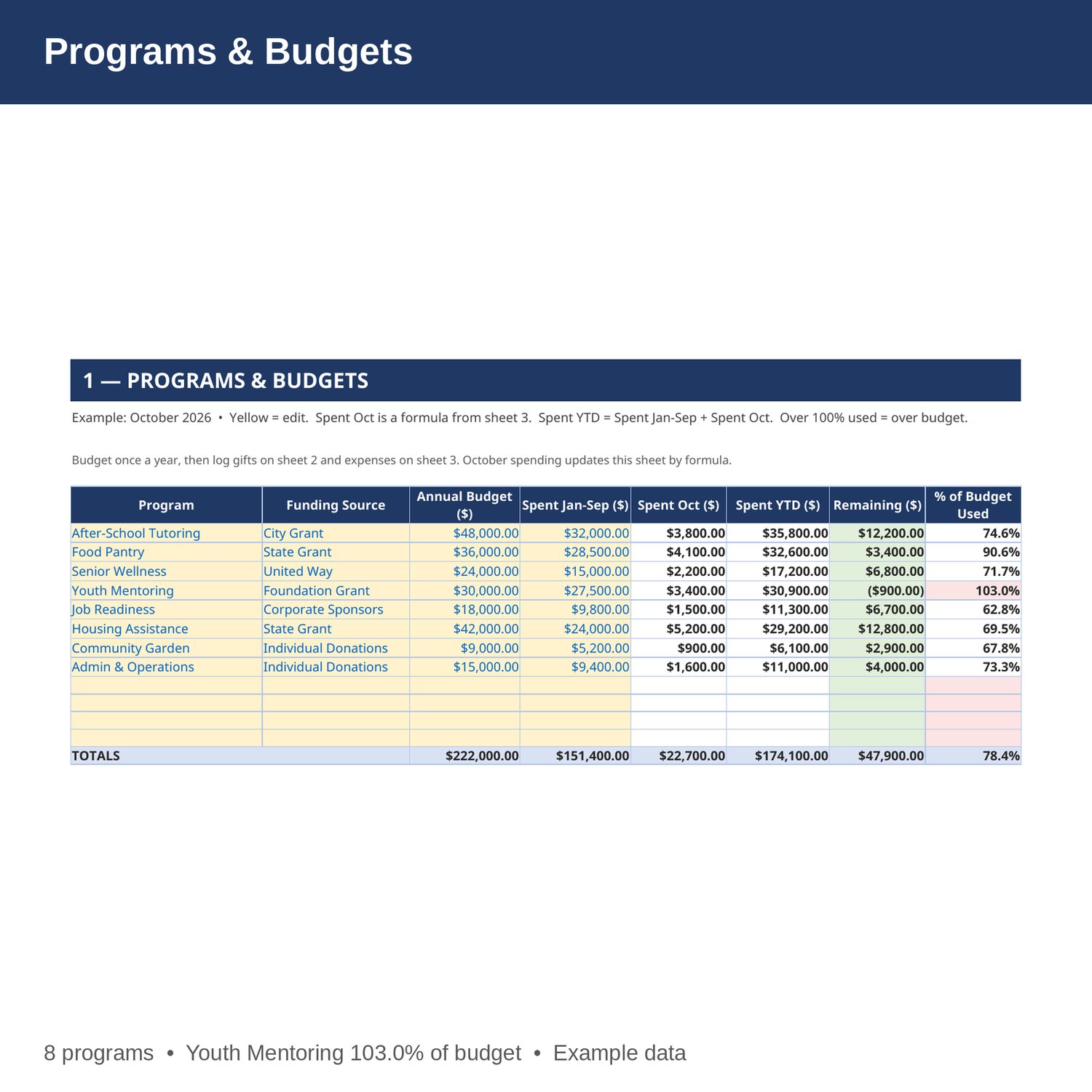
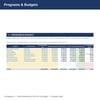
- Programs and Budgets — program, funding source, annual budget, spent January to September, spent in October by formula from the expenses sheet, spent year to date, remaining, and percent of budget used. Programs over budget are flagged.
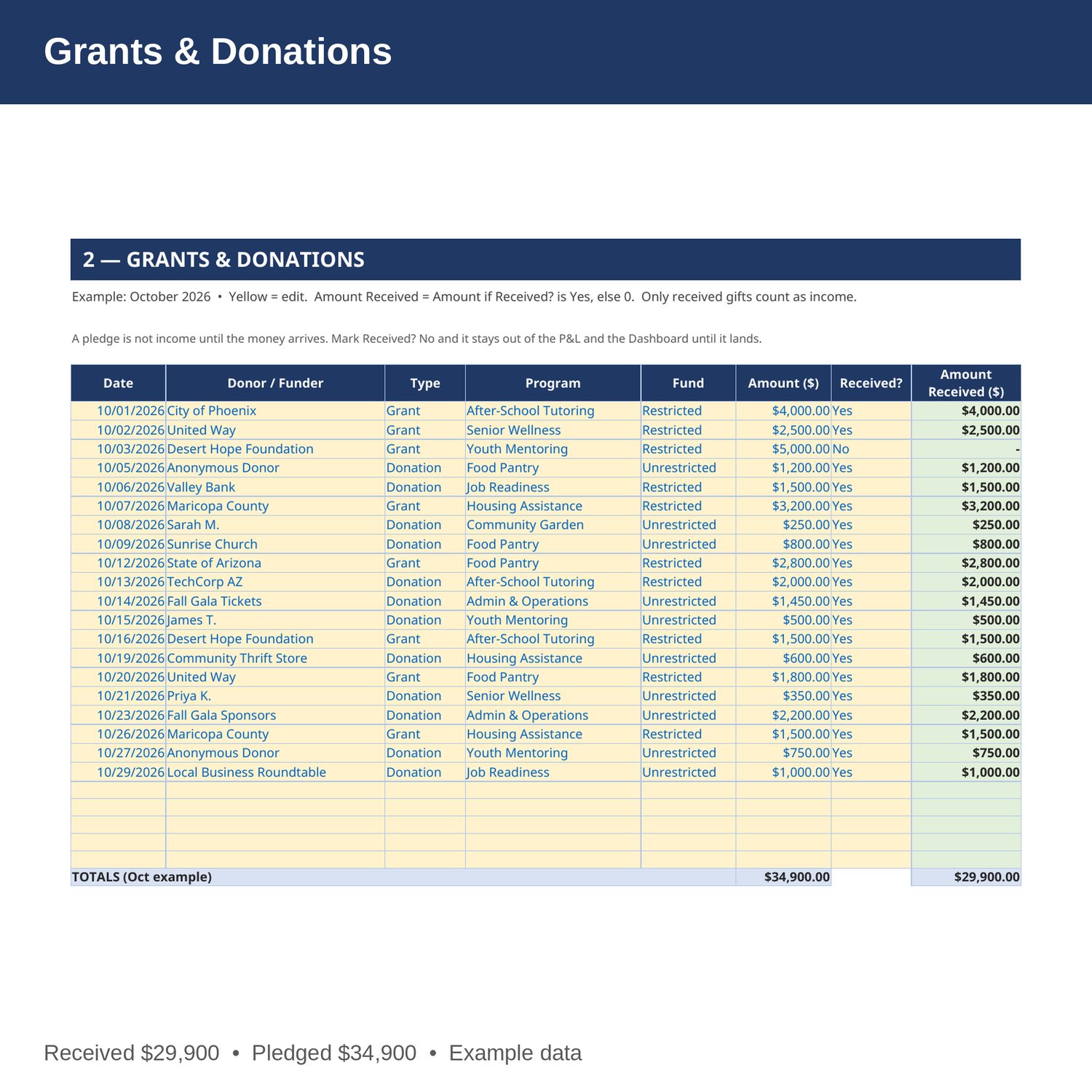
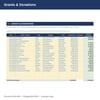
- Grants and Donations — date, donor or funder, type (Grant or Donation), program, fund (Restricted or Unrestricted), amount, and whether it was received. Only gifts marked Yes count as income — a pledge is not income until the money arrives.
- Program Expenses — date, program, category, vendor or payee, fund, and amount. October spending updates the program budgets and the P and L by formula.
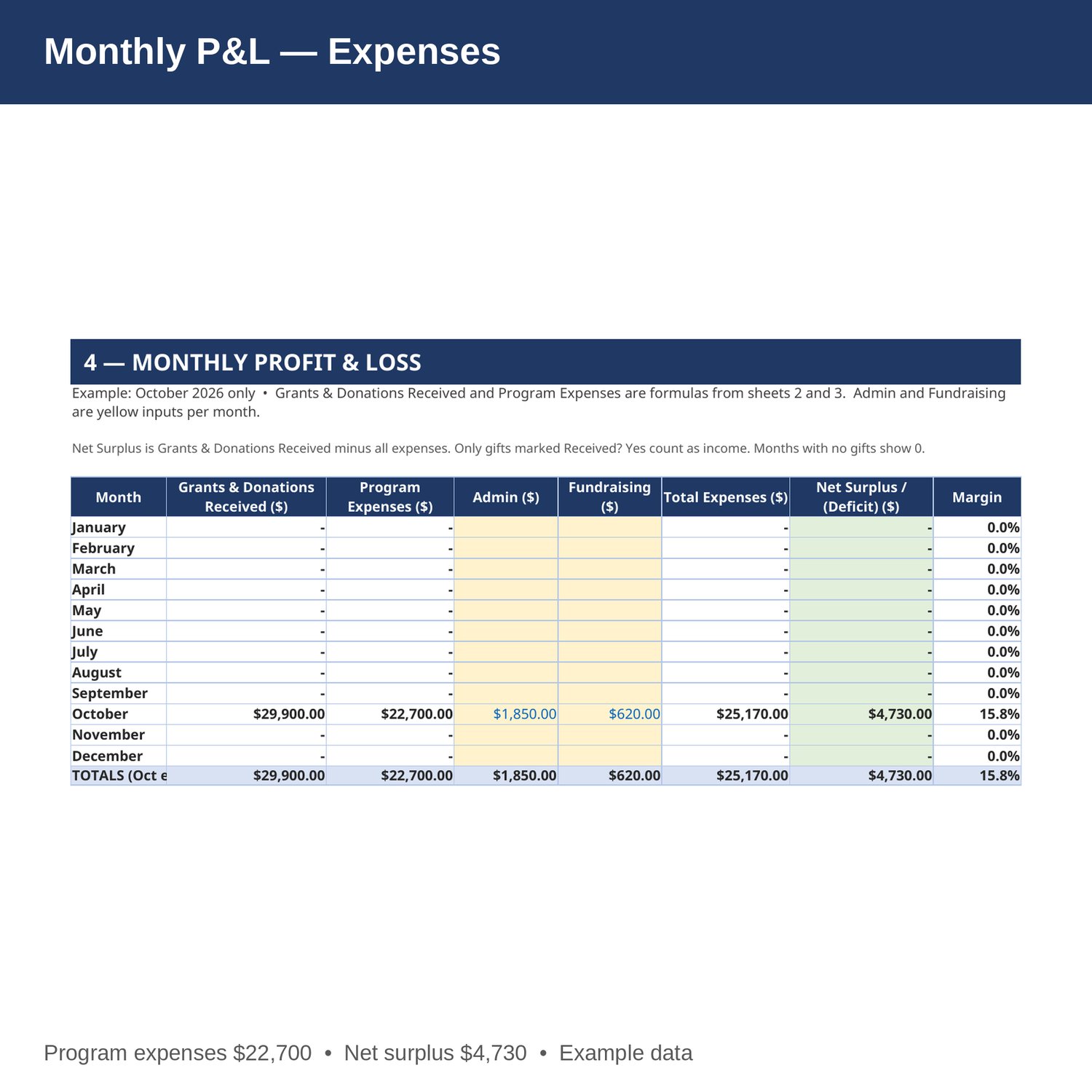
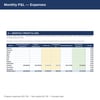
- Monthly P and L — grants and donations received, program expenses, admin, and fundraising by month, Jan-Dec, with net surplus or deficit and margin. Revenue and program expenses are formulas from the gifts and expenses sheets.
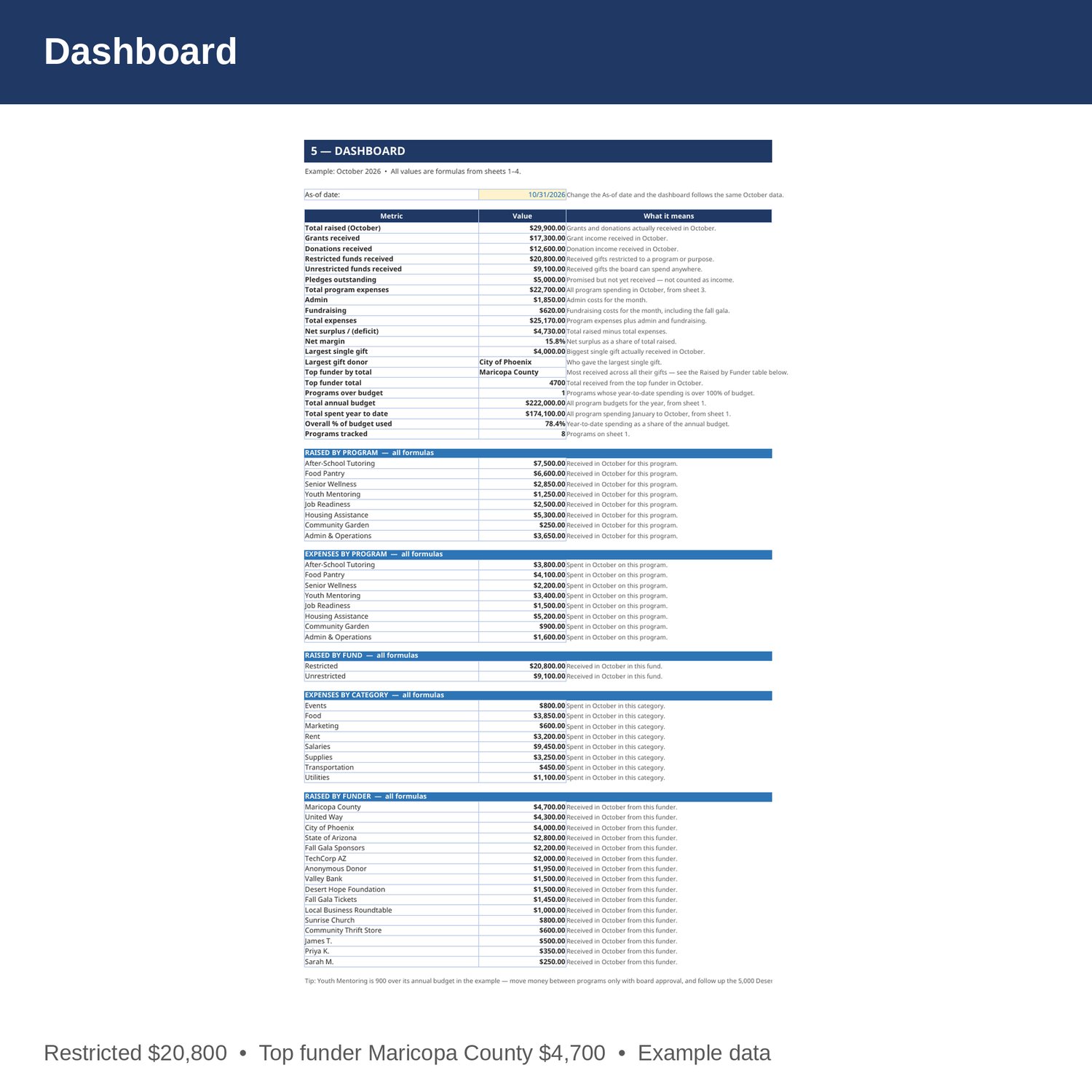
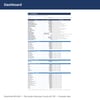
- Dashboard — total raised, grants versus donations, restricted versus unrestricted, pledges outstanding, program expenses, net surplus and margin, largest gift, top funder, programs over budget, total budget and year-to-date spending, plus tables for raised by program, expenses by program, raised by fund, expenses by category, and raised by funder.
- Cover and How to Use — start here. Yellow cells are the only ones you edit.
EXAMPLE DATA (October 2026 — replace with your own numbers):
- Total raised in October 29,900 received (34,900 pledged; 5,000 pledged but not yet received); grants received 17,300; donations received 12,600; restricted 20,800; unrestricted 9,100.
- Program expenses 22,700; admin 1,850; fundraising 620; total expenses 25,170; net surplus 4,730; net margin 15.8 percent.
- Raised by program: After-School Tutoring 7,500 (best), Food Pantry 6,600, Housing Assistance 5,300, Admin and Operations 3,650, Senior Wellness 2,850, Job Readiness 2,500, Youth Mentoring 1,250, Community Garden 250.
- Expenses by program: Housing Assistance 5,200 (most), Food Pantry 4,100, After-School Tutoring 3,800, Youth Mentoring 3,400, Senior Wellness 2,200, Admin and Operations 1,600, Job Readiness 1,500, Community Garden 900.
- Expenses by category: Salaries 9,450, Food 3,850, Supplies 3,250, Rent 3,200, Utilities 1,100, Events 800, Marketing 600, Transportation 450.
- Annual budget 222,000; spent year to date 174,100; 78.4 percent of budget used.
- Youth Mentoring is 103.0 percent of its annual budget — spent 30,900 of 30,000, 900 over budget; 1 program over budget.
- Largest single gift: City of Phoenix, 4,000. Top funder by total: Maricopa County, 4,700.
HOW IT WORKS:
1. Download the Excel file instantly after purchase.
2. On sheet 1, enter each program's funding source, annual budget, and what was spent January to September. October spending and year-to-date totals fill in by formula.
3. On sheet 2, log every grant and donation: date, donor or funder, type, program (spelled exactly as on sheet 1), fund, amount, and Received? (Yes or No). Only gifts marked Yes count as received.
4. On sheet 3, log every program expense: date, program, category, vendor or payee, fund, and amount. October spending updates sheet 1 and the P and L by formula.
5. On sheet 4, enter admin and fundraising costs for each month, then check the surplus or deficit and the over-budget programs on the Dashboard.
HOW THE NUMBERS WORK:
Spent year to date is spent January to September plus spent in October. Remaining is annual budget minus spent year to date. Percent of budget used is spent year to date divided by annual budget. Amount received is the gift amount if Received? is Yes, otherwise 0. Net surplus is grants and donations received minus program expenses, admin, and fundraising. A pledge is not income until the money arrives.
WHO IT'S FOR:
Small nonprofits, program managers, executive directors, and board treasurers who want program budgets, grant and donation tracking, program expenses, and a monthly P and L in one workbook — without accounting software.
PLEASE NOTE:
- This is a digital download. No physical item will be shipped.
- Works in Microsoft Excel and Google Sheets (upload to Google Drive to open in Sheets).
- Example data for October 2026 is included (8 programs, 20 grants and donations, 20 program expenses). Replace it with your own numbers.
- The example is simplified: it tracks budgets, gifts, and spending only. It is not a compliance guide, and grant rules, restricted-fund rules, and reporting requirements vary by funder and by state — confirm them with your own accountant or attorney.
- This is a bookkeeping and planning tool only, not tax, legal, or CPA advice.
- Due to the nature of digital downloads, refunds are not available. Message me before buying if you have a question.
Built by an accountant: B.S. Accountancy, ASU W. P. Carey, with revenue-reconciliation experience at Marriott and audit work at PwC.