




Well, Septic & Water-Test Report Review Worksheet for Homebuyers: Document List, Dates as Written & Outstanding Flags (Excel, Google Sheets + Printables)
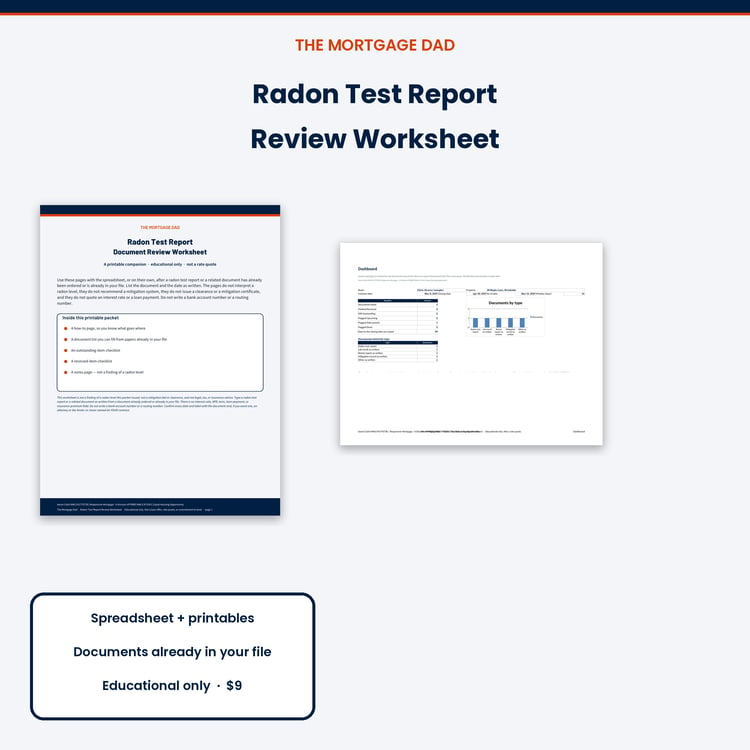
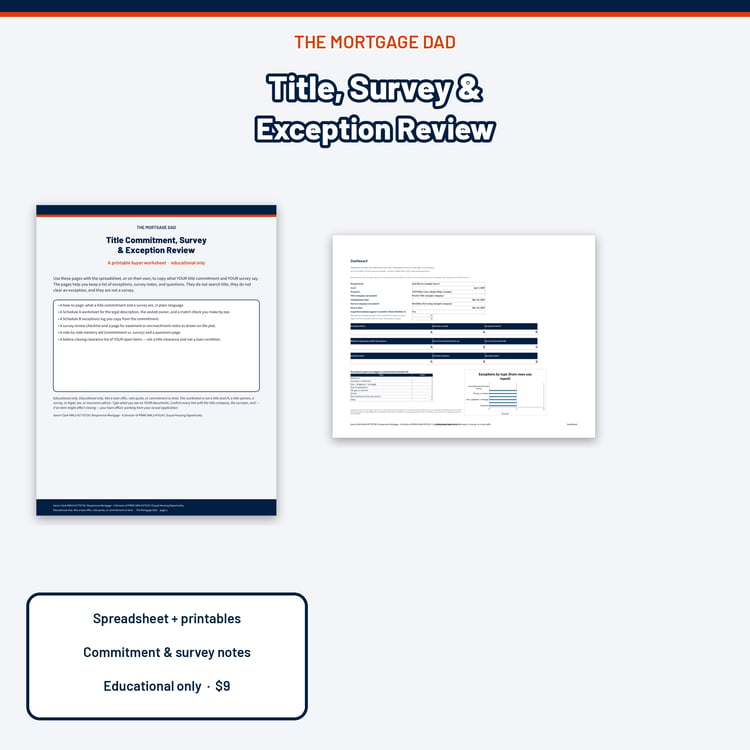
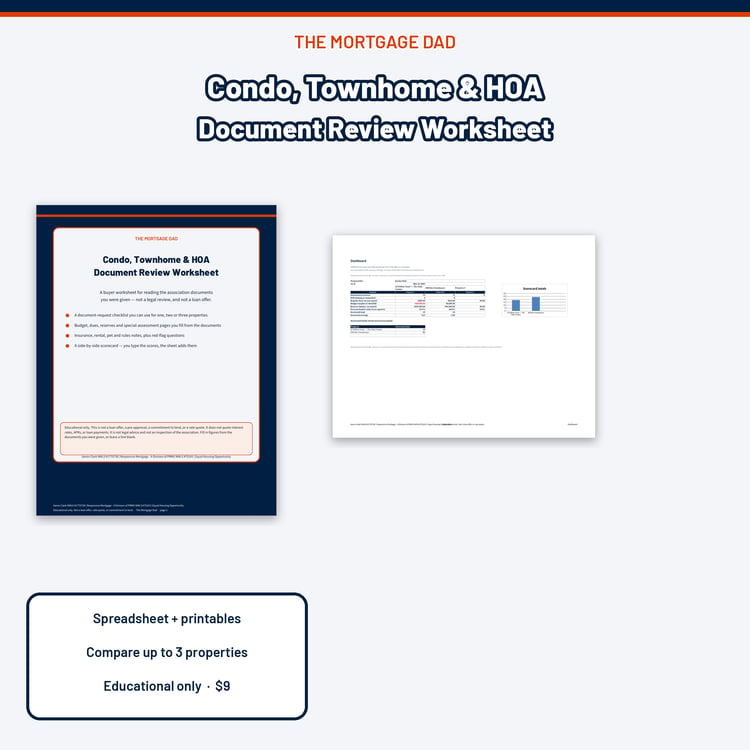
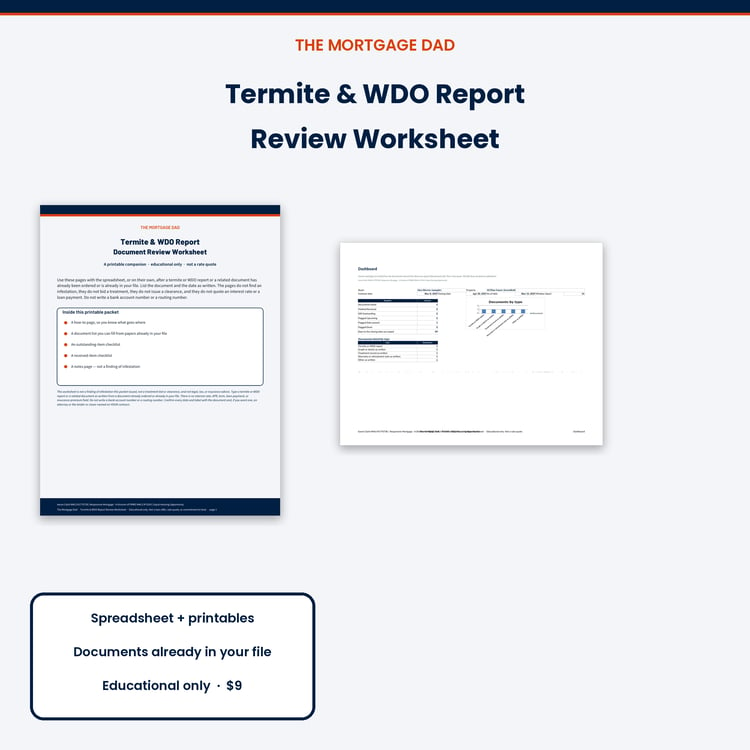
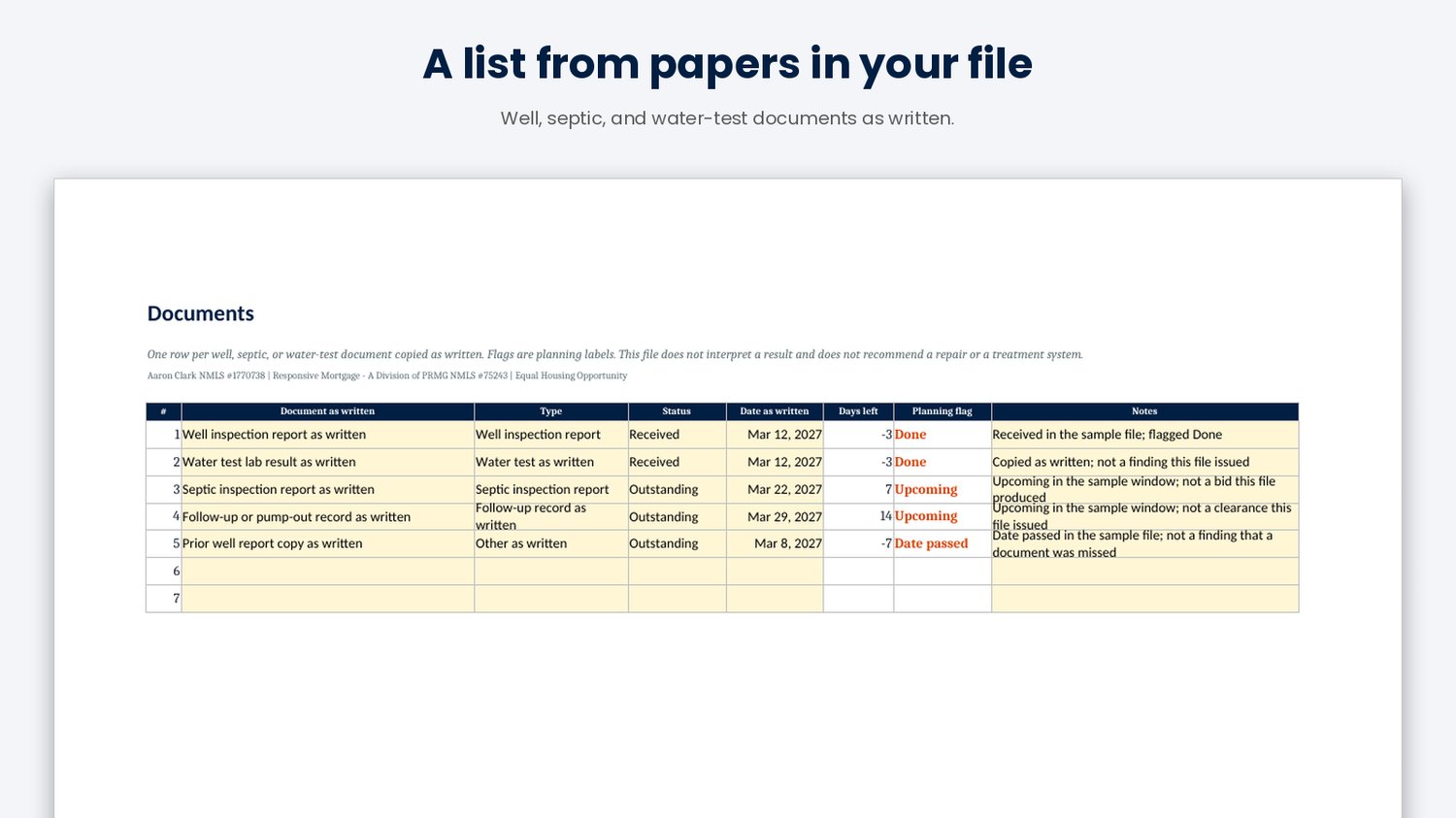
A homebuyer worksheet for a well inspection report, a septic inspection report, or a water test already ordered or already in the file. Write the document, a type, a status, and the date as written. See what is coming up in a window you set. The sheet counts what you typed. It does not interpret a well, septic, or water-test result, it does not recommend a repair or a treatment system, and it is not the Radon Test Report Review Worksheet, the Mold & Moisture Report Review Worksheet, or the Home Inspection & Repair Request Planner.
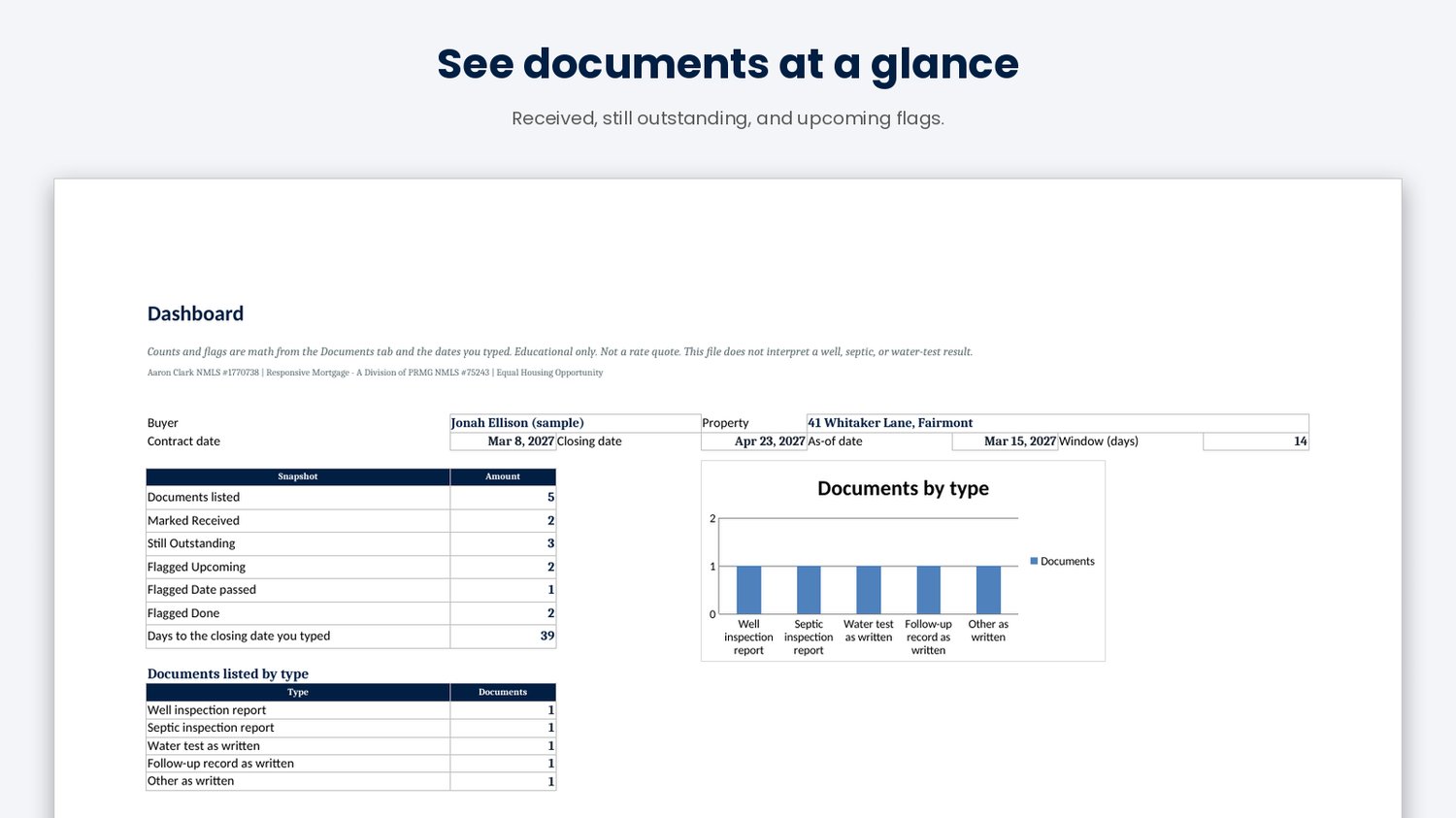
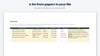
The spreadsheet (Excel and Google Sheets). Tabs: Start Here, Settings, Dashboard, Documents, and Notes. Yellow cells are for typing. White cells do the math and are locked (no password). Open the BLANK file for your own contract. The EXAMPLE file is a made-up 2027 buyer (Jonah Ellison, 41 Whitaker Lane, Fairmont, contract March 8, 2027, closing April 23, 2027, as of March 15, 2027) so you can see the layout. Upcoming and Date passed are planning labels from dates you typed, not a finding that a document was missed and not a clearance this file issued.
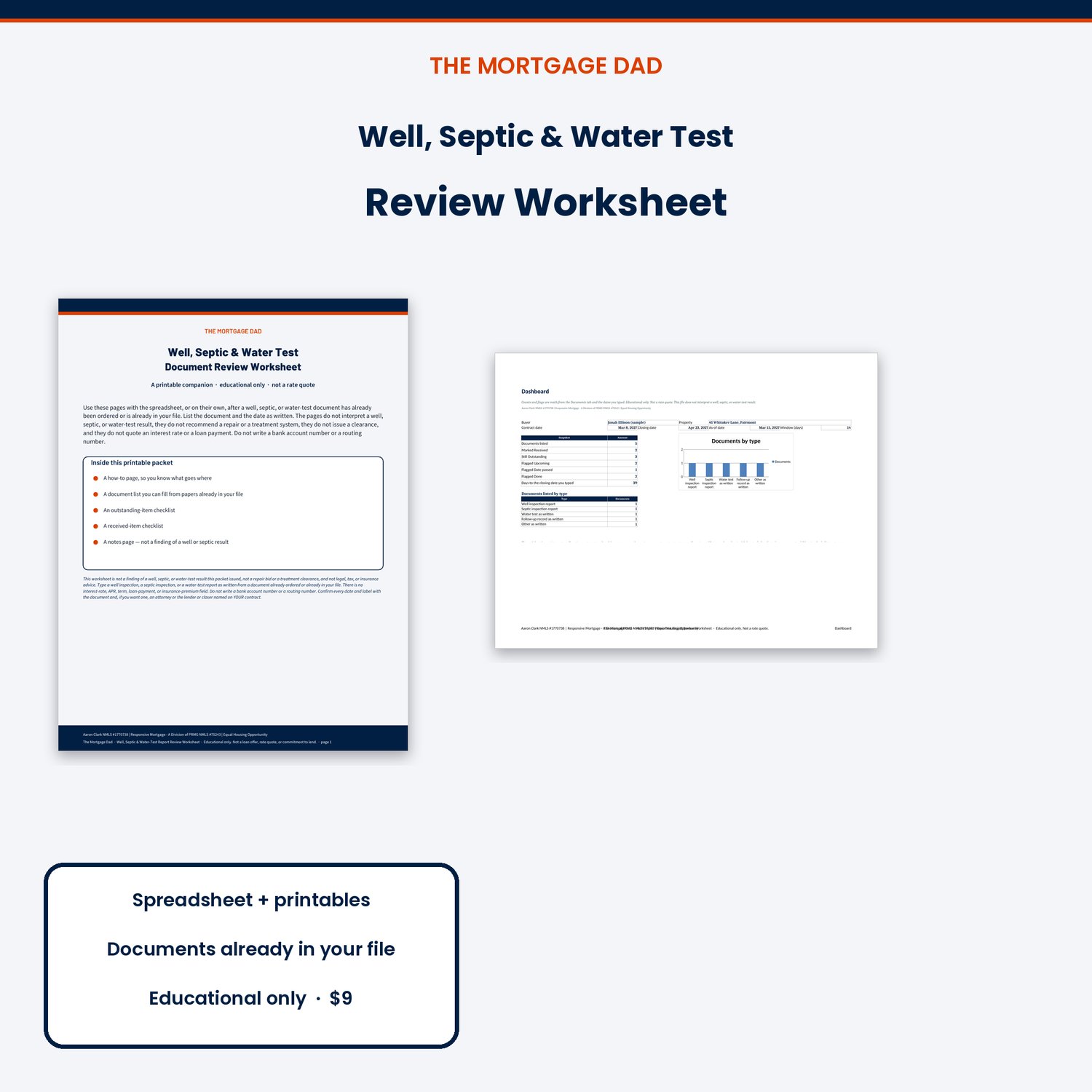
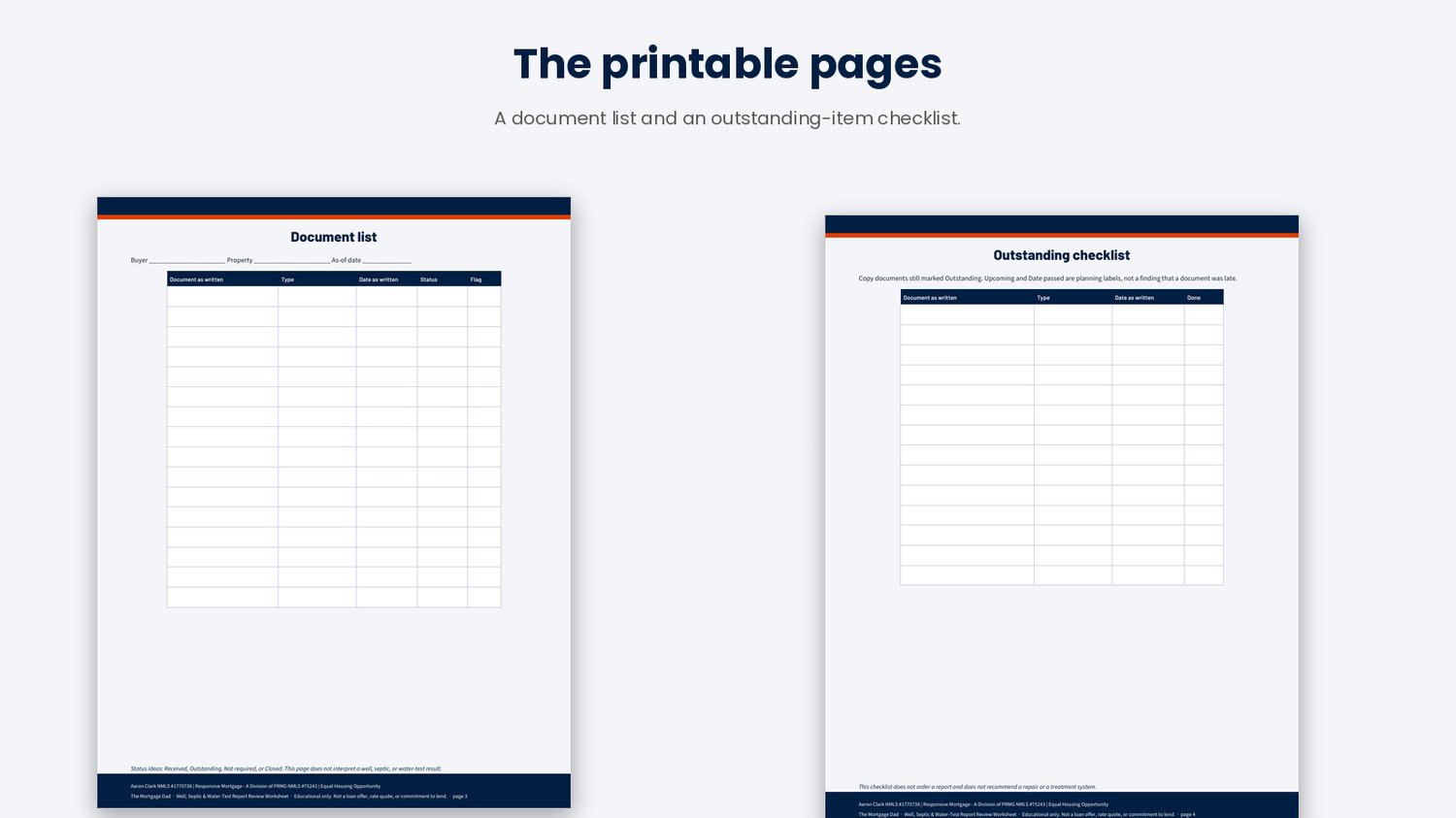
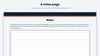
The printable packet. Six US Letter pages: a cover, a how-to, a document list, an outstanding checklist, a received checklist, and a notes page.
Educational only. Not a rate quote.
Aaron Clark NMLS #1770738 | Responsive Mortgage - A Division of PRMG NMLS #75243 | Equal Housing Opportunity