






Notion Content Creator Planner | Social Media Calendar, Content Dashboard, Post Tracker, Brand Collaborations & Creator Business Template
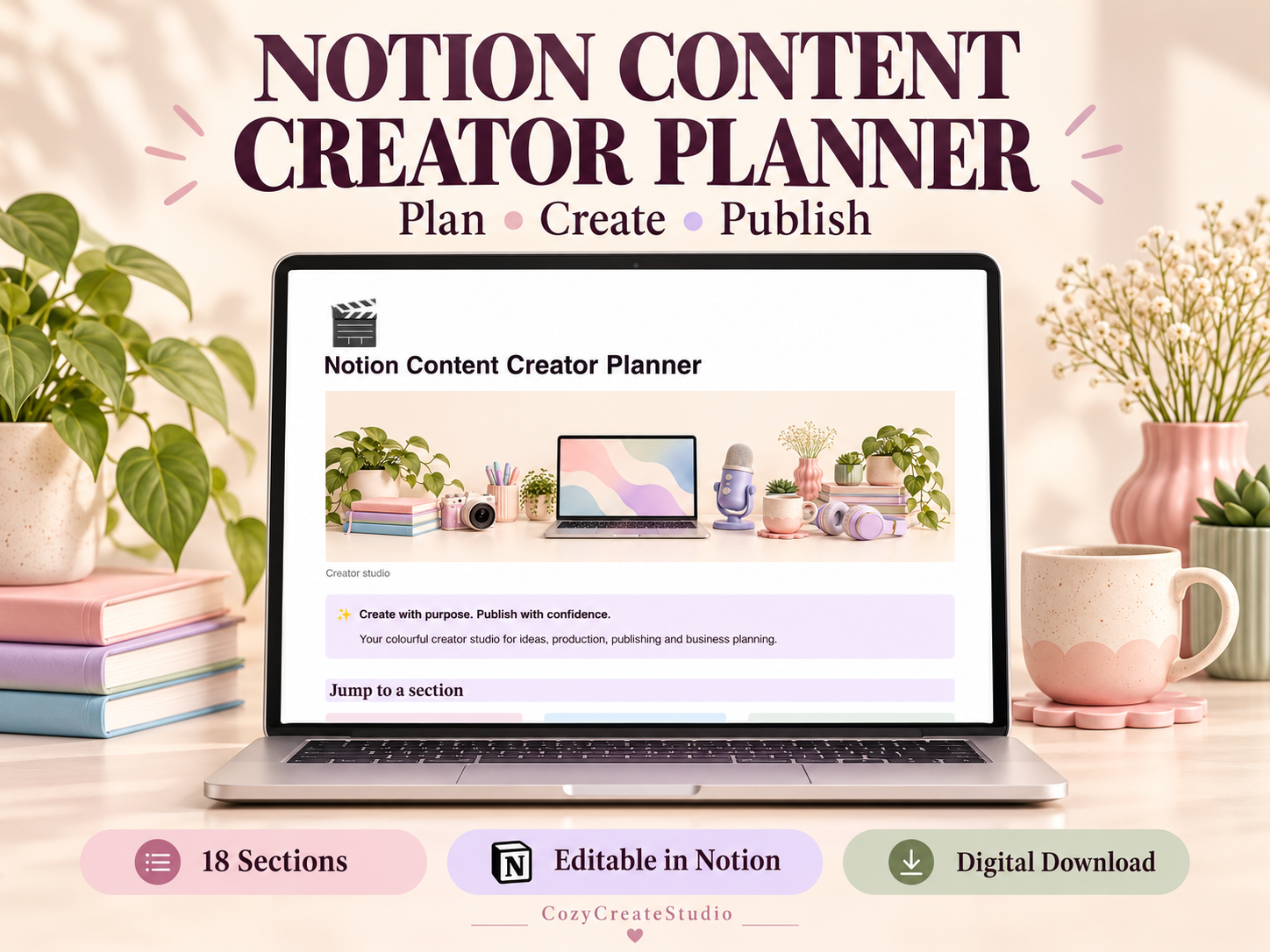
✨ NOTION CONTENT CREATOR PLANNER
Bring your ideas, content plans and creator business into one colourful Notion workspace. Plan your posts, organise production, save scripts and captions, and review your results with an easy-to-navigate dashboard.
Perfect for content creators, influencers, freelancers and small business owners.
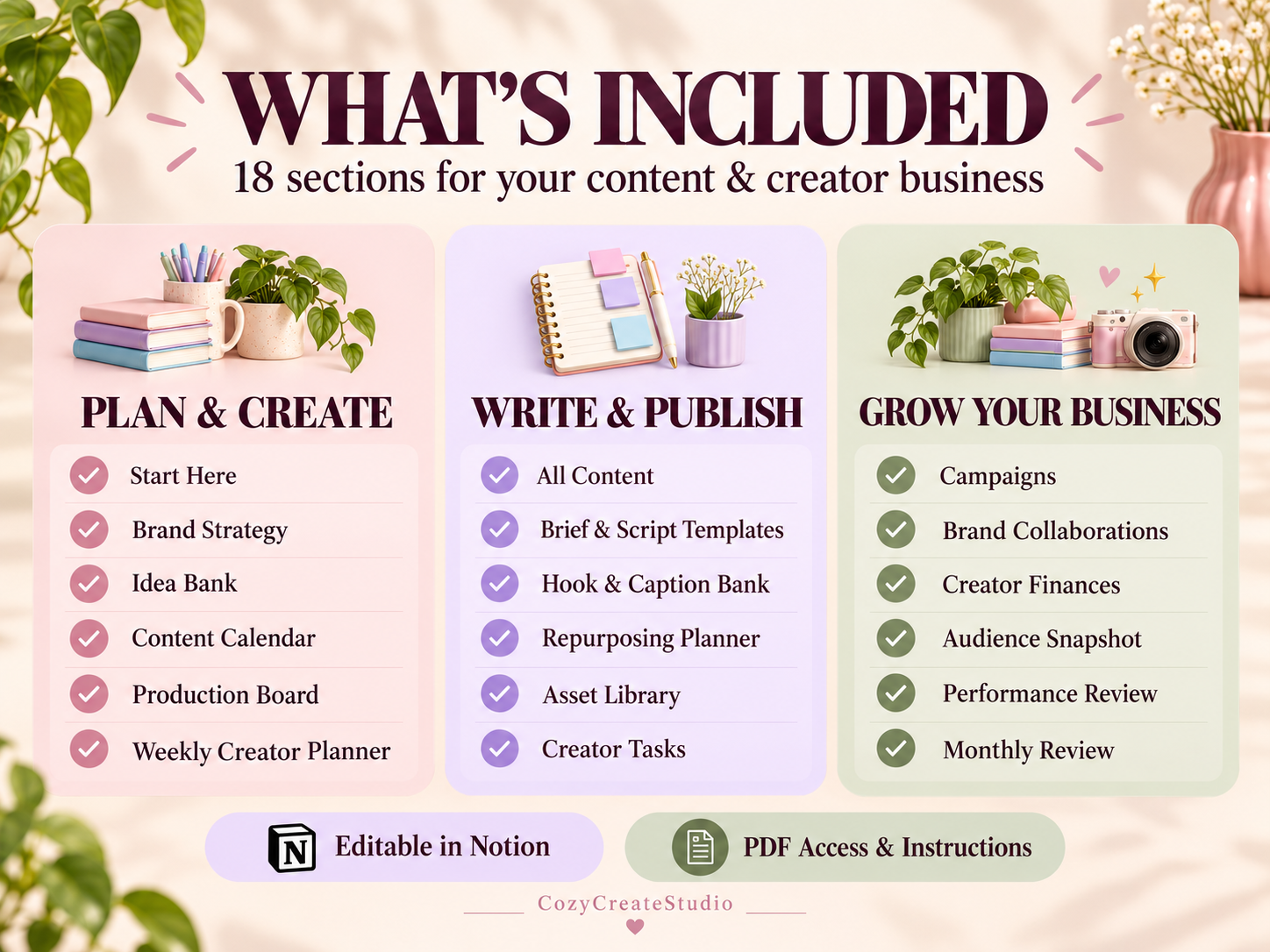
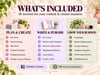
🌈 WHAT’S INCLUDED — 18 SECTIONS
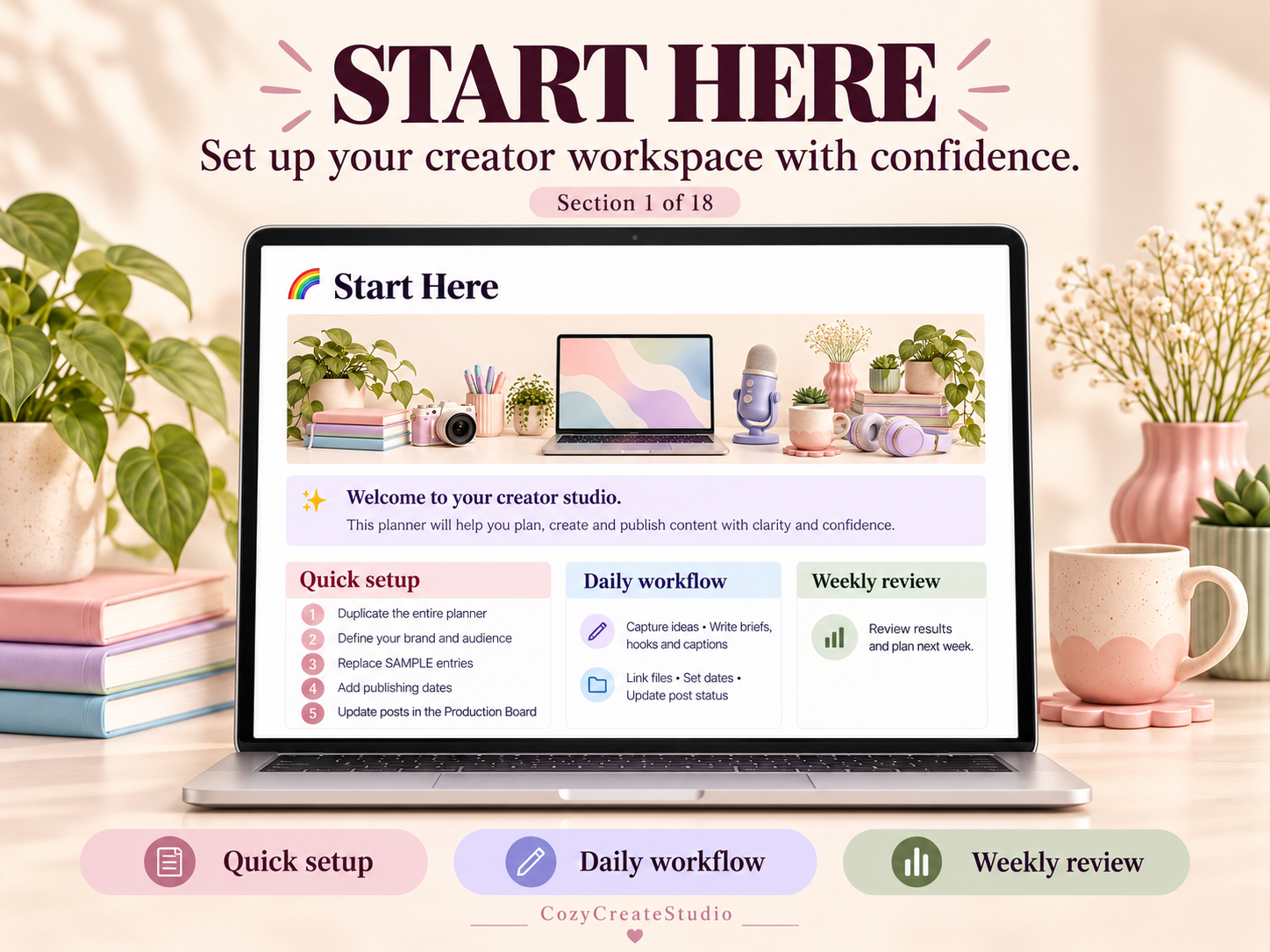
✓ Start Here Guide
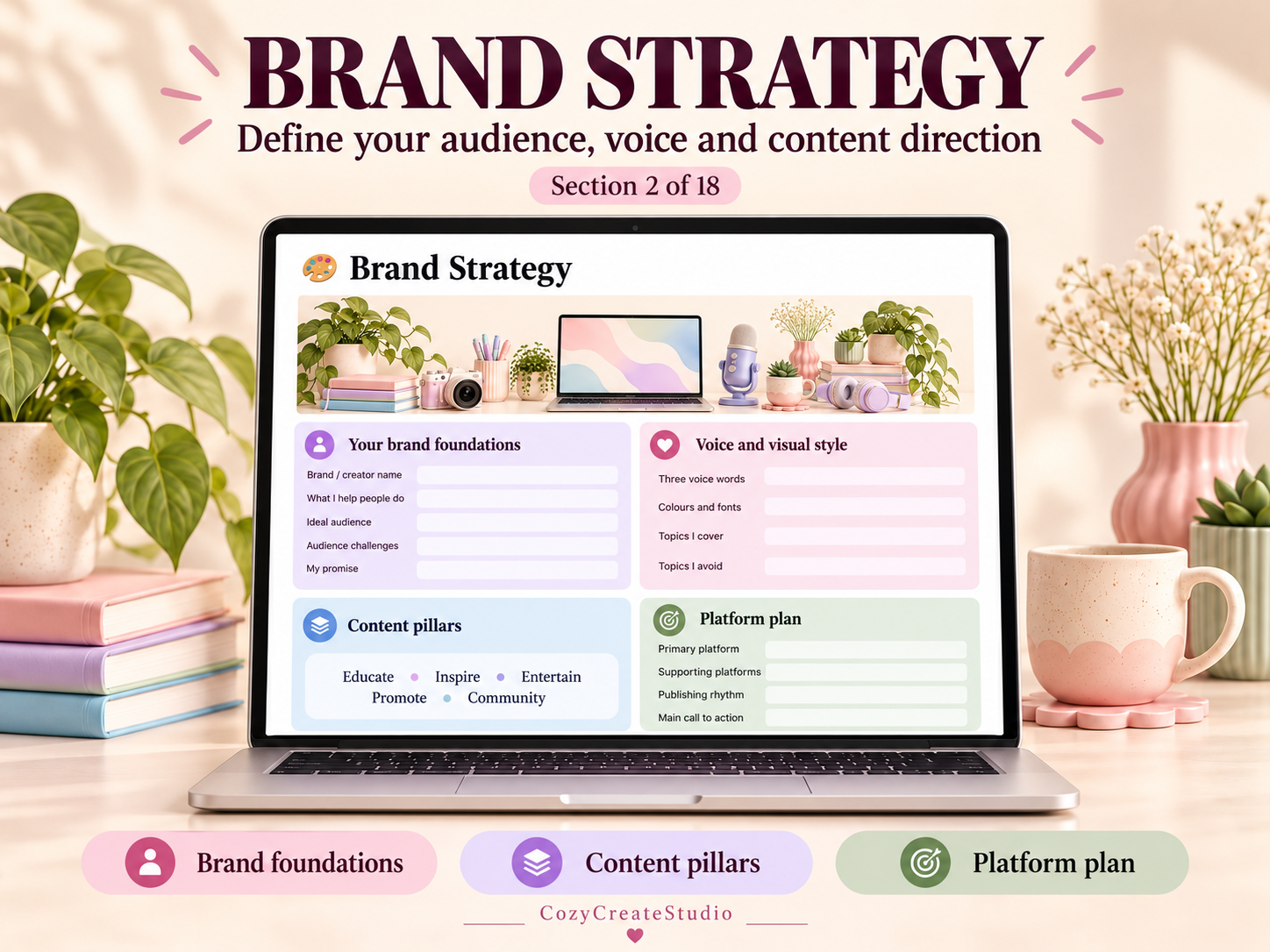
✓ Brand Strategy
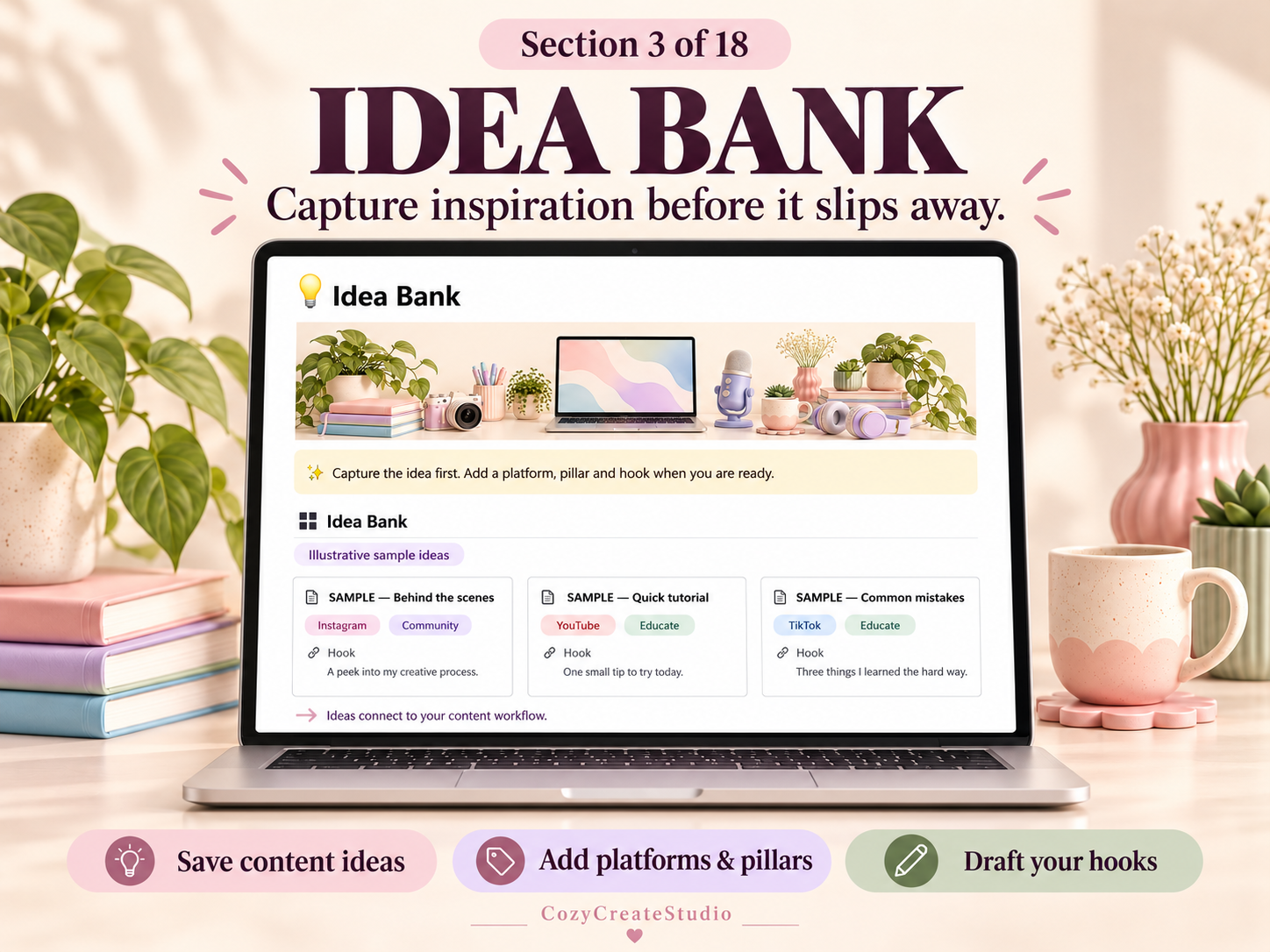
✓ Idea Bank
✓ Content Calendar
✓ Production Board
✓ Weekly Creator Planner
✓ All Content Dashboard
✓ Brief & Script Templates
✓ Hook & Caption Bank
✓ Repurposing Planner
✓ Asset Library
✓ Creator Tasks
✓ Campaign Planner
✓ Brand Collaboration Tracker
✓ Creator Finance Tracker
✓ Audience Snapshot
✓ Performance Review
✓ Monthly Review
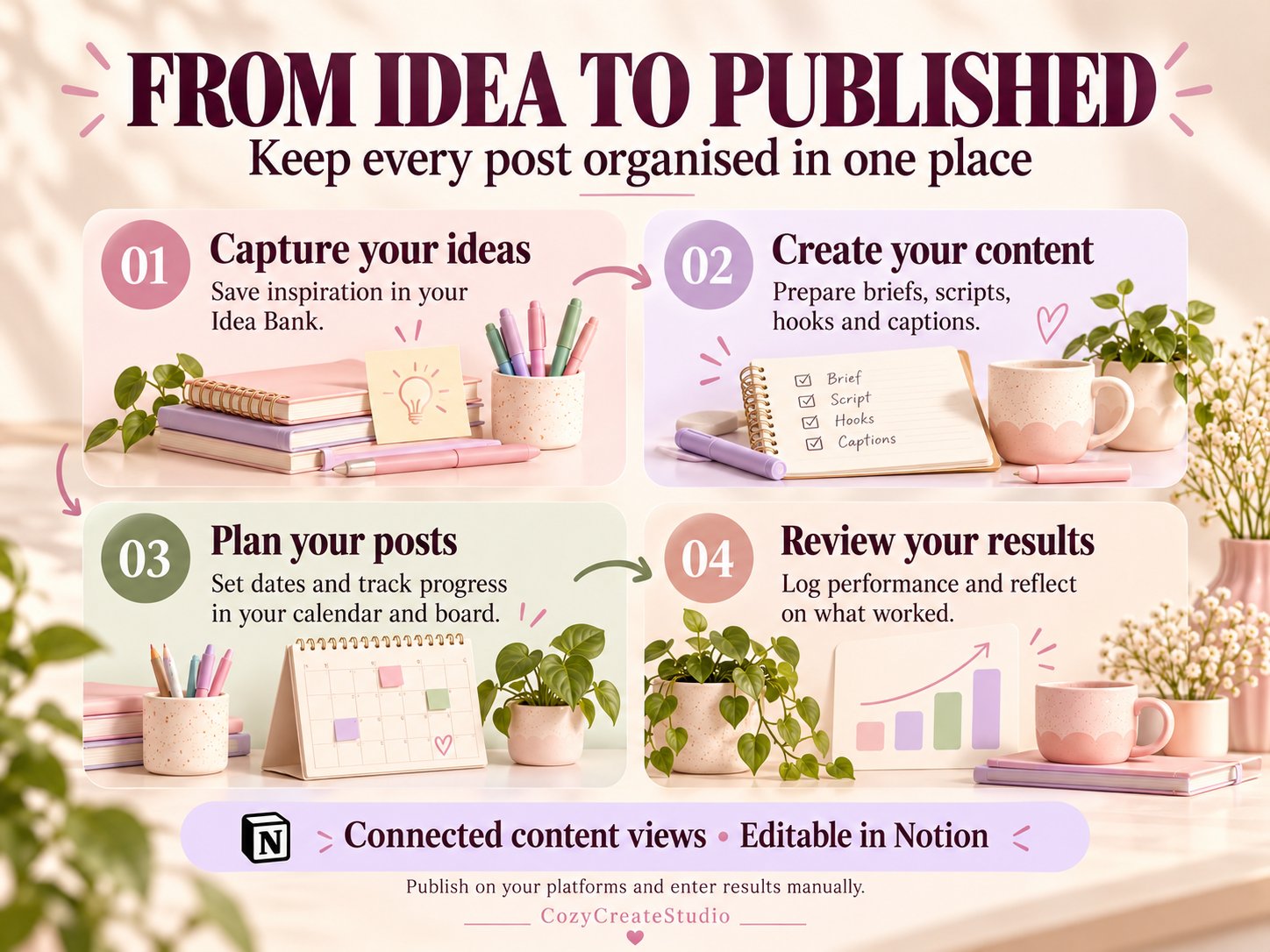
💡 PLAN YOUR CONTENT IN ONE CONNECTED SYSTEM
Your Idea Bank, Content Calendar, Production Board and Performance Review use the same content database. Update a post once and its details appear across the relevant views.
Keep each post’s brief, script, caption, call to action, asset links and performance details together.
📱 MULTIPLE PLATFORM OPTIONS
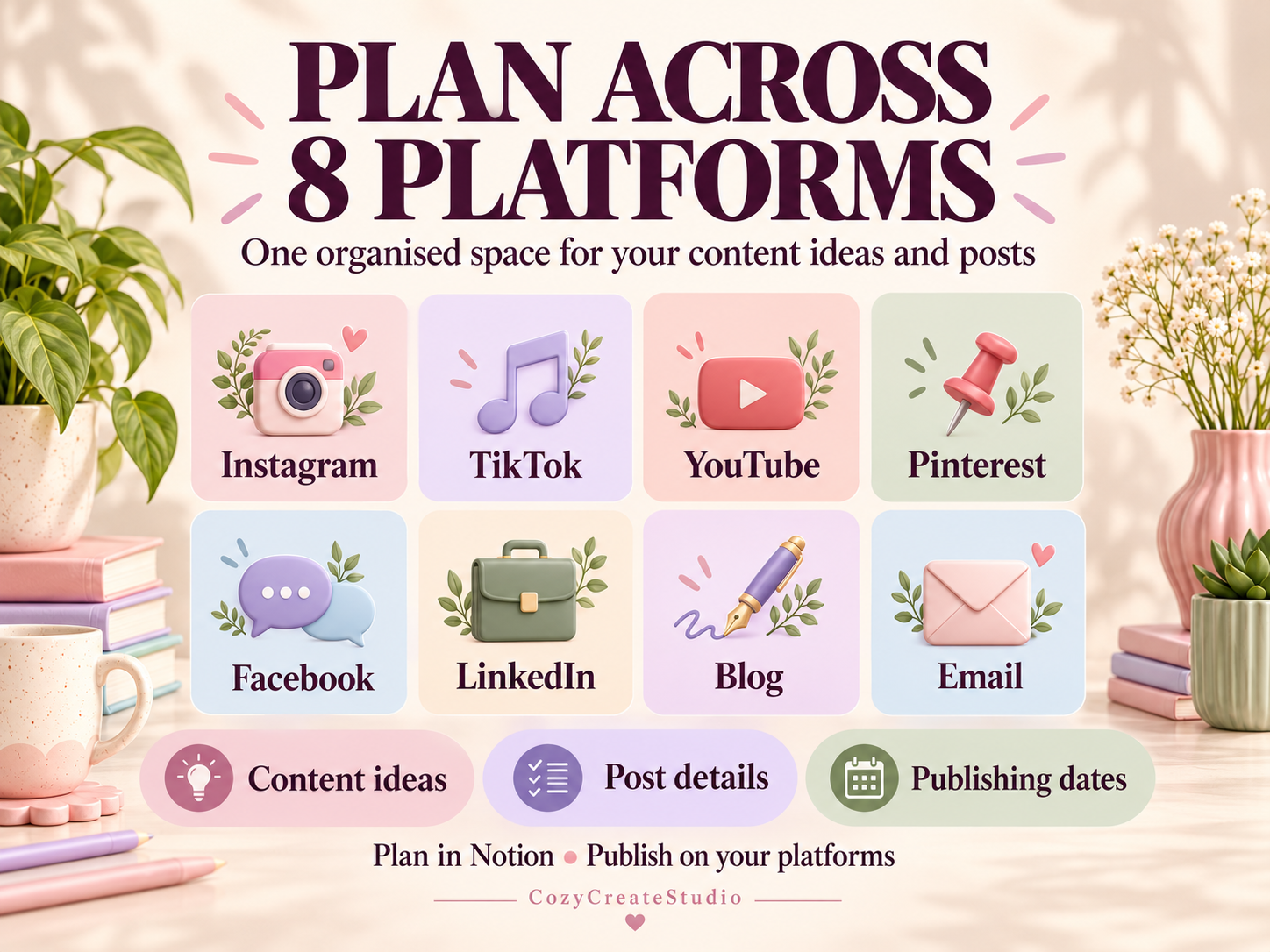
Organise content for Instagram, TikTok, YouTube, Pinterest, Facebook, LinkedIn, blogs and email newsletters.
🎨 COLOURFUL & CUSTOMISABLE
Enjoy matching pastel banners, colourful section headings, full-width pages and clear navigation. Personalise the text, icons, platform options and content pillars to suit your workflow.
Clearly labelled fictional sample entries help you get started.
📥 WHAT YOU RECEIVE
One PDF containing:
• A clickable link to your Notion planner
• Instructions for duplicating it into your workspace
• A guide to all 18 sections
• Workflow tips and troubleshooting help
📝 HOW TO USE
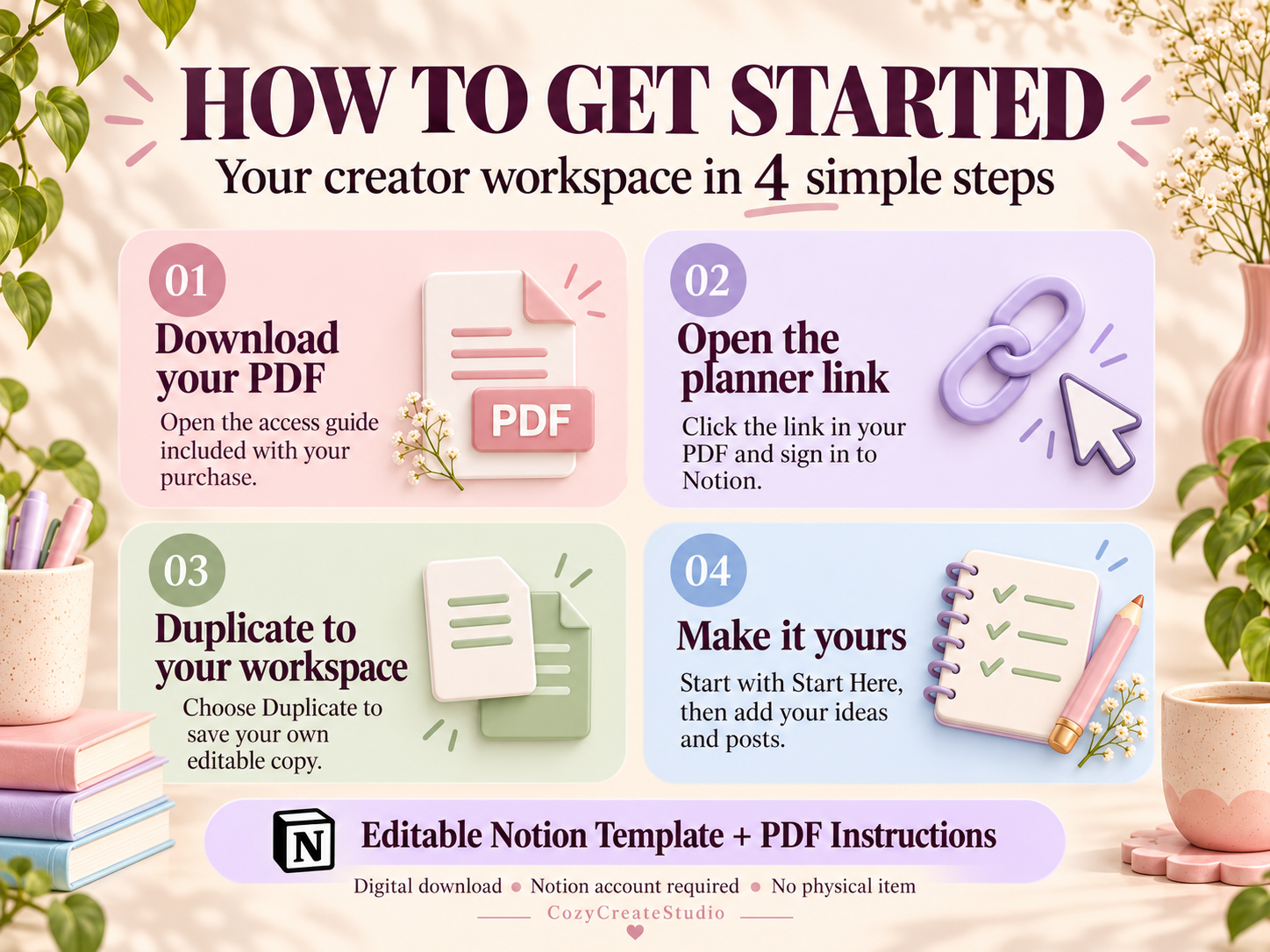
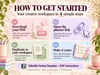
- Download your access PDF.
- Click the planner link.
- Sign in to Notion.
- Select Duplicate to copy the full planner into your workspace.
- Replace the sample entries and start planning.
PLEASE NOTE
This is a digital Notion template. No physical item will be shipped. A Notion account is required. Posts are published through your chosen social platform, and performance metrics are entered manually. This template does not automatically publish content or import analytics.
💕 Thank you for supporting Cozy Create Studio!