

CRM Excel Template | Customer Tracker, Sales Pipeline & Marketing ROI Dashboard for Small Business
A simple CRM in one Excel workbook. Keep your customers, sales deals, marketing campaigns and support tickets in one place, and let the dashboard and reports update by themselves.
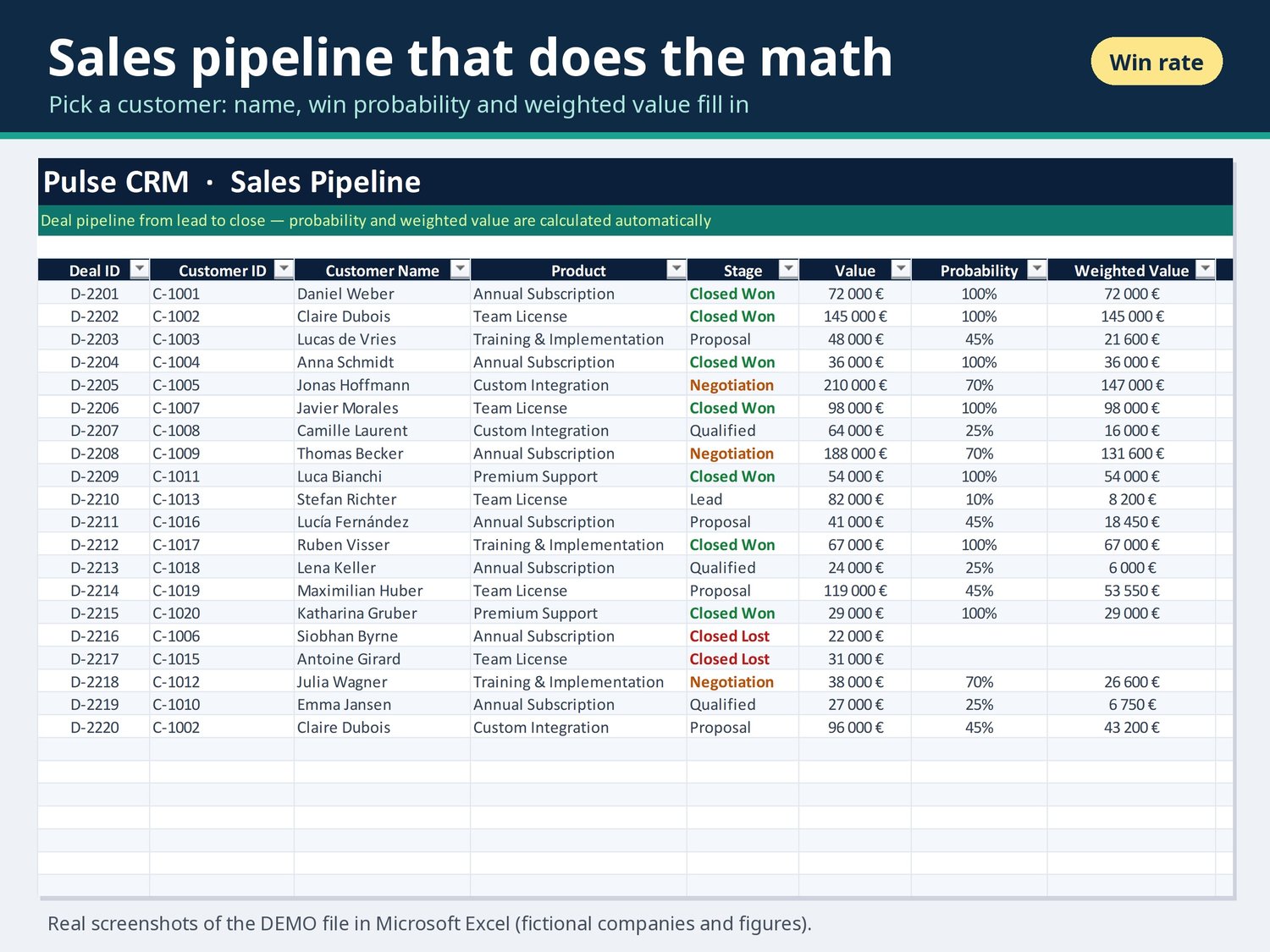
Add a customer once, then pick their Customer ID from a dropdown on the Sales and Support sheets. The name, win probability and weighted deal value fill in automatically. Every number on the Dashboard and Reports sheets is a live formula.
WHO IT'S FOR
• Freelancers, consultants and agencies
• Small businesses and sales teams (up to 4 sales reps, renameable)
• Anyone who wants a CRM without a monthly subscription
FEATURES
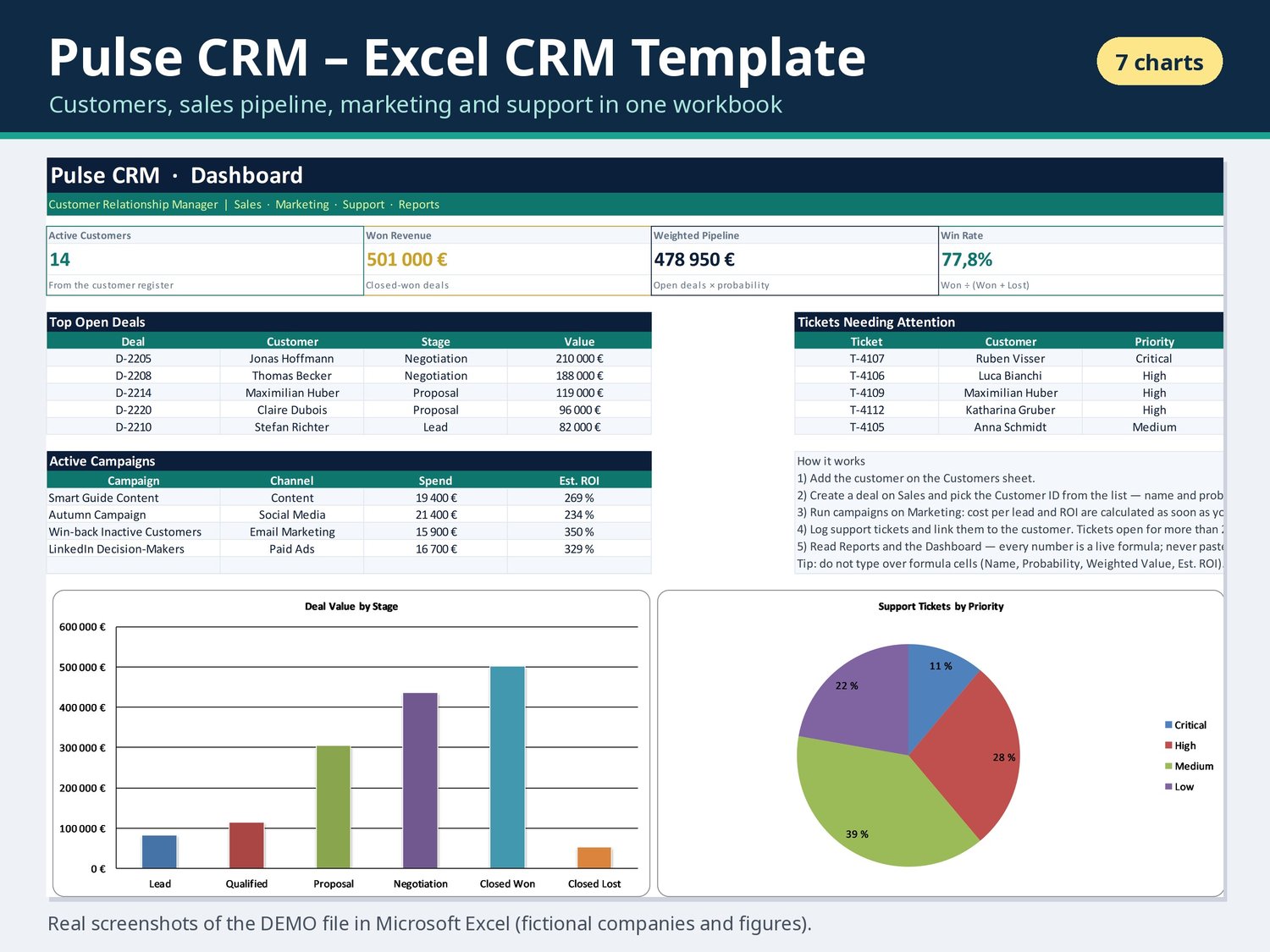
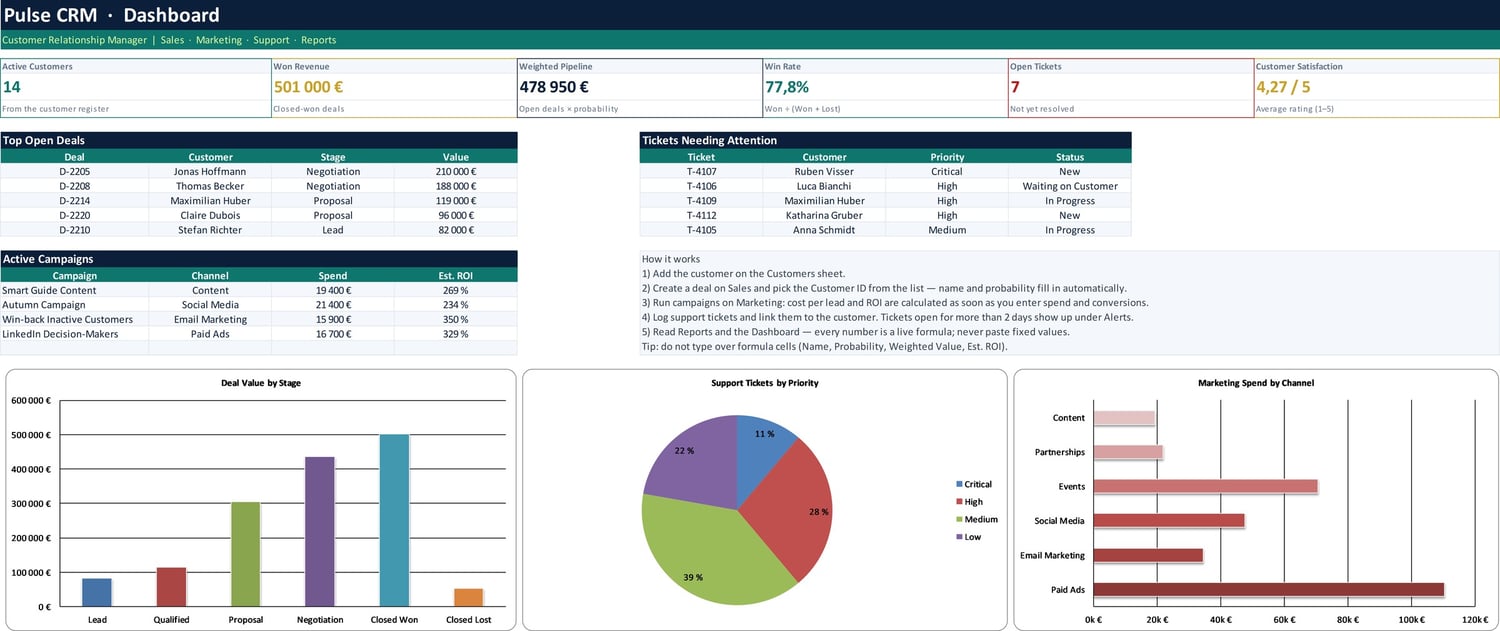
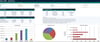
• Dashboard: active customers, won revenue, weighted pipeline, win rate, open tickets and customer satisfaction, plus top open deals, tickets needing attention, active campaigns and 3 charts
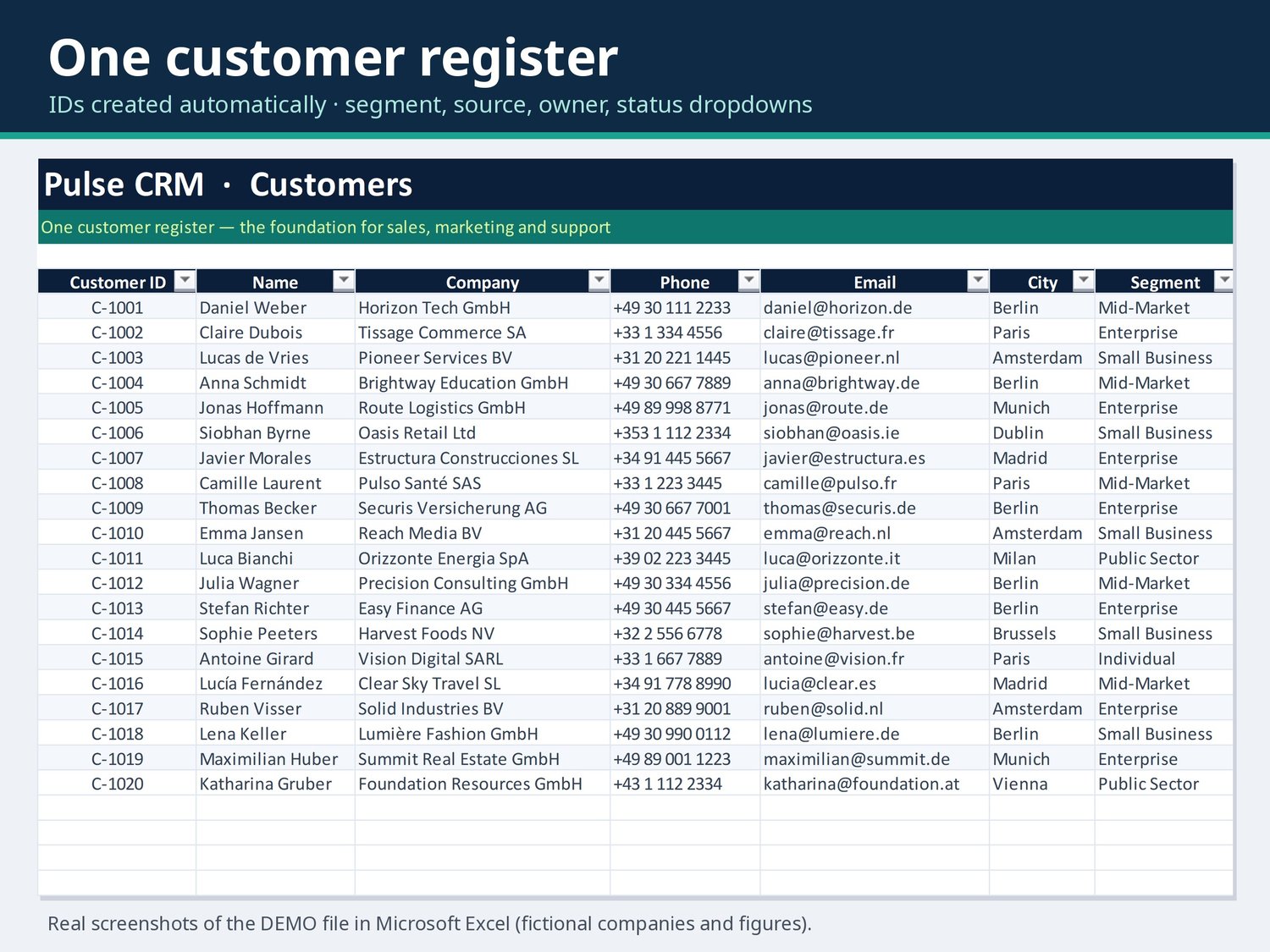
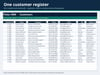
• Customers: one register with automatic Customer IDs, segment, source, owner, status, signup date and lifetime value
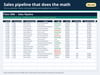
• Sales pipeline: stages from Lead to Closed Won/Lost, win probability, weighted value, expected close date and days in stage
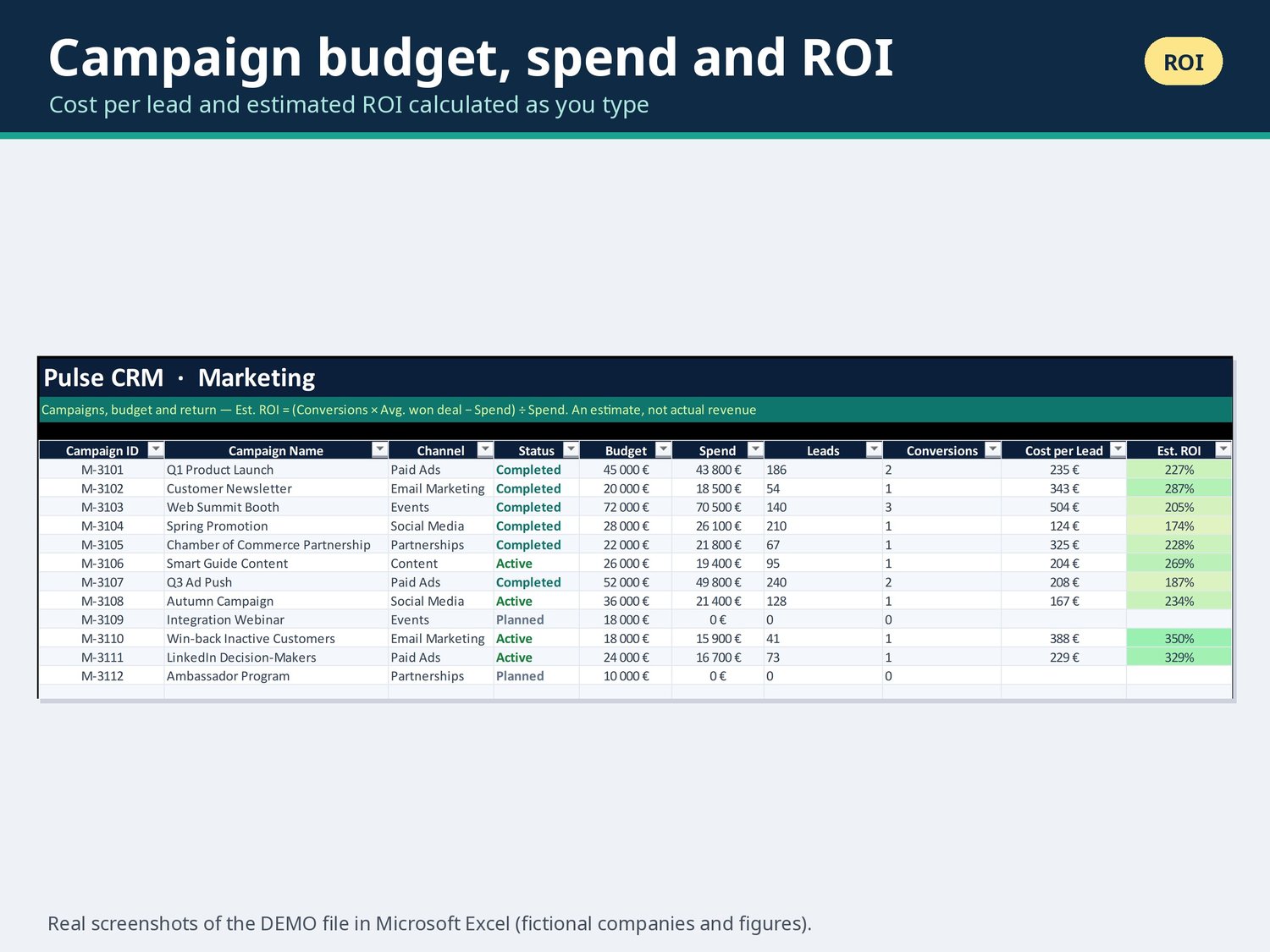
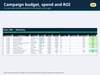
• Marketing: budget, spend, leads and conversions per campaign, with cost per lead and estimated ROI calculated for you
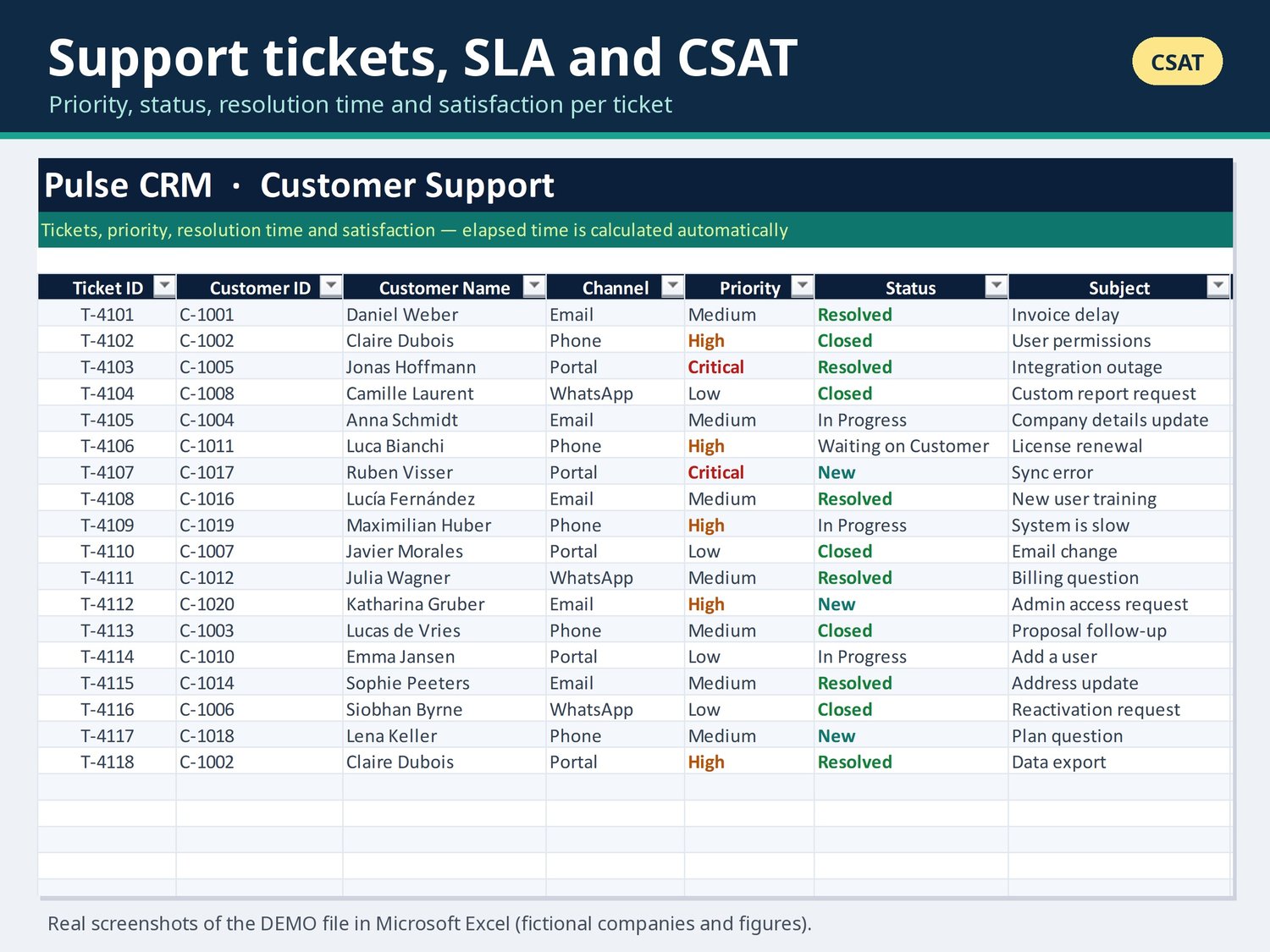
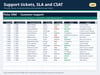
• Support: tickets with priority, channel and status, resolution time (SLA) and CSAT rating
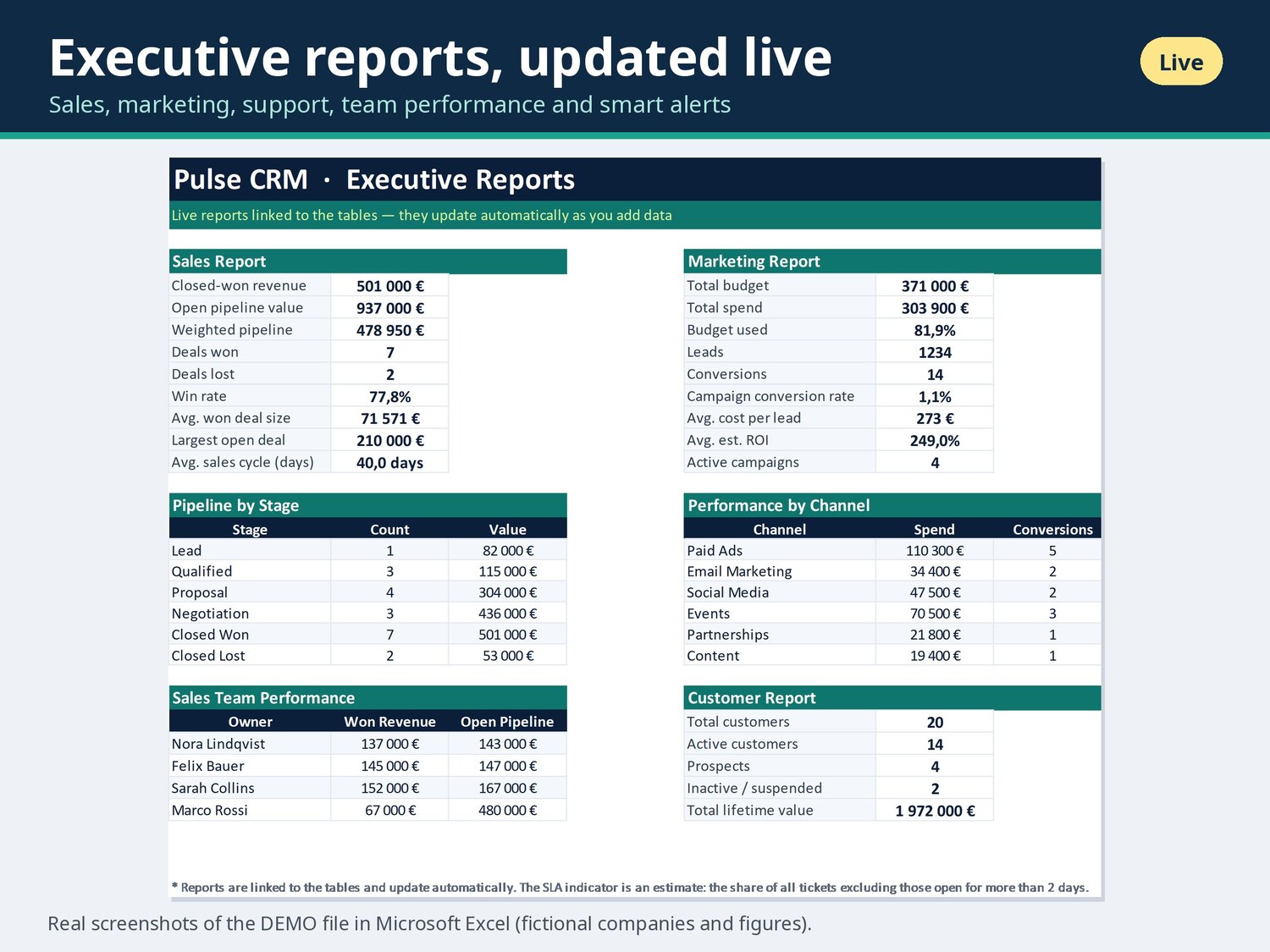
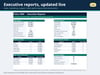
• Reports: sales, marketing, support and customer summaries, pipeline by stage, performance by channel, sales team performance, smart alerts (e.g. open tickets older than 2 days) and 4 charts
• 7 charts in total
• Dropdowns for stages, status, priority, channel and owners
• Tables grow automatically when you type in the first empty row
• Formula cells are protected against accidental changes (no password, so you can unprotect and customise it). White cells are for your input
• Currency: Euro (EUR), easy to change with Format Cells
• Plain .xlsx with no macros
WHAT'S INCLUDED
• Pulse_CRM_EN.xlsx: empty template, ready for your own data
• Pulse_CRM_EN_Demo.xlsx: the same template with fictional sample data, so you can see how everything works
• Quick start guide (.txt)
• A screenshot of the dashboard
HOW TO USE
1. Download and unzip the files.
2. Open the demo copy and look around the dashboard and reports.
3. In the empty copy, rename the sales reps and edit dropdown values on the Lists sheet (unhide it: right-click a sheet tab > Unhide).
4. Add your customers, then your deals, campaigns and support tickets.
5. Check the Dashboard and Reports. They update automatically.
FILE FORMAT & REQUIREMENTS
• Excel workbook (.xlsx) + quick start guide
• Microsoft Excel 2016 or newer, or Microsoft 365 (Windows or Mac)
• Google Sheets, Numbers and Excel for the web are not officially supported
• English only
PLEASE NOTE
• This is a digital download. No physical item will be shipped.
• Preview images show fictional demo data.
• Because this is a digital product, returns and exchanges are not accepted. Please check the Excel version requirement before you buy, and message me if you need help.