
Craft-Fair & Market Vendor Tracker: Event Profit, Booth Sales Tally + Market Season Spreadsheet (Google Sheets & Excel)
On Sale
$19.00
$19.00
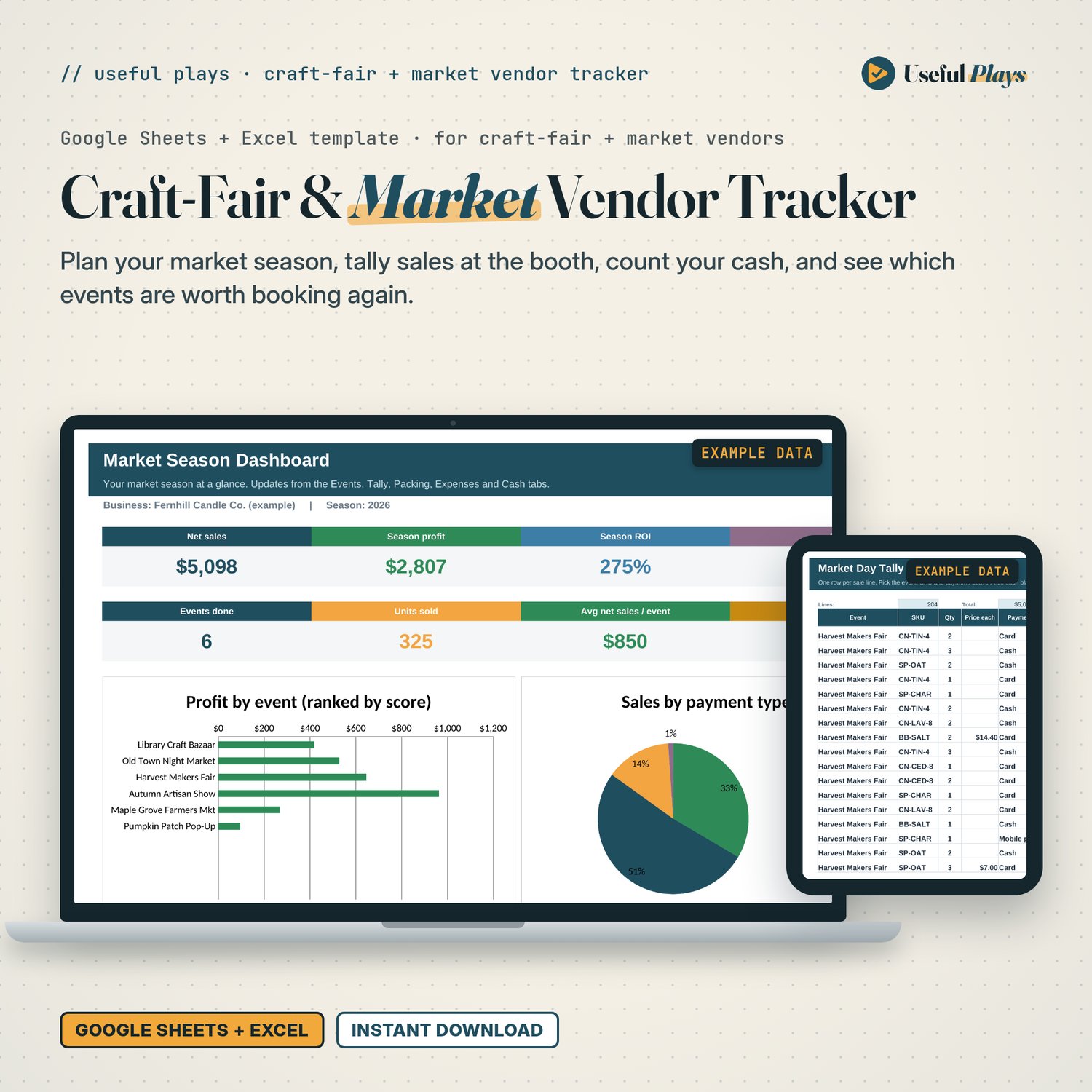
A busy market day isn't a good market day until the booth fee, card fees, mileage, stock and your hours come out. This tracker does that maths for every event, and ranks your season so you know which markets to book again.
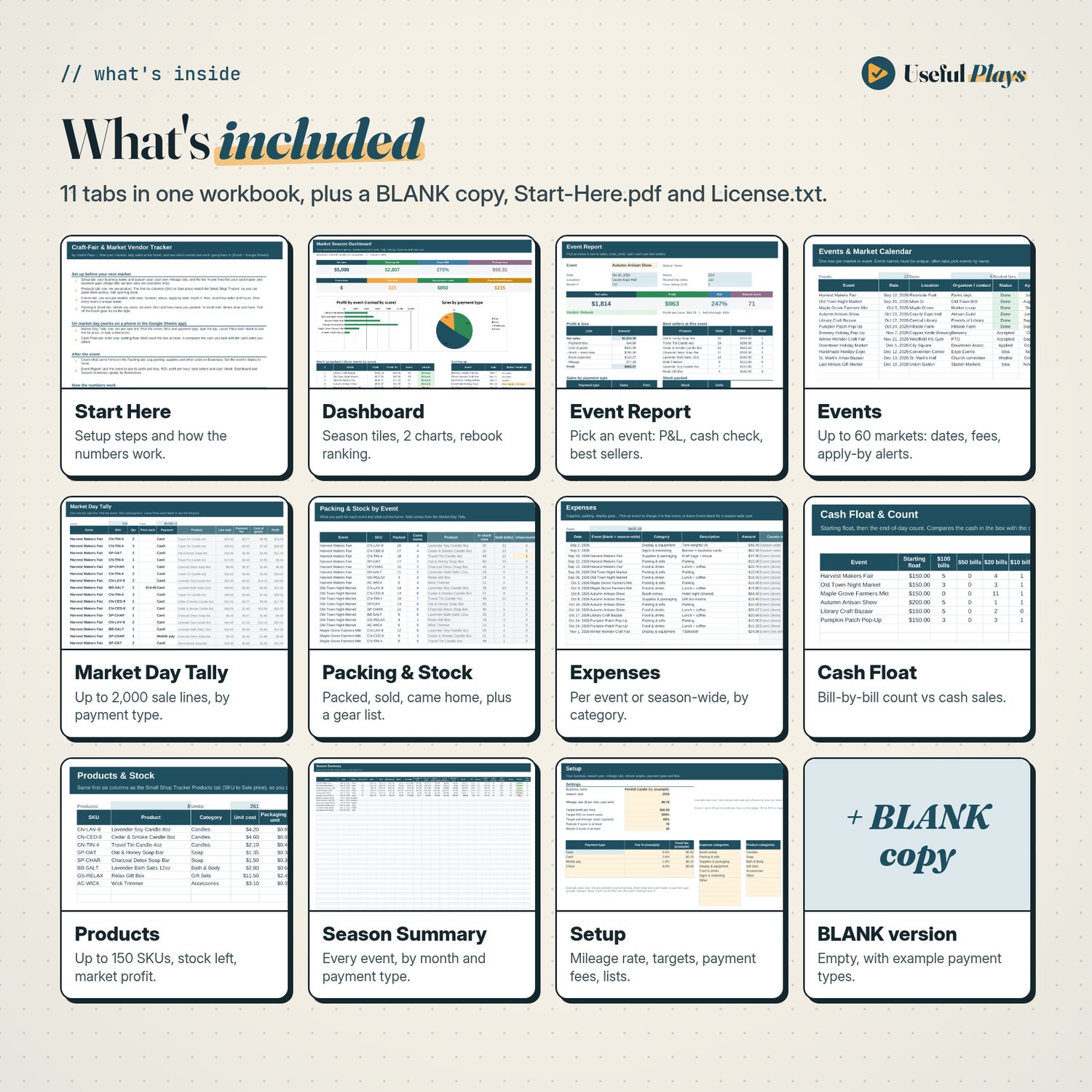
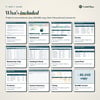
What's inside (11 tabs)
- Start Here: setup steps, what to do before, during and after a market, and how every number is worked out.
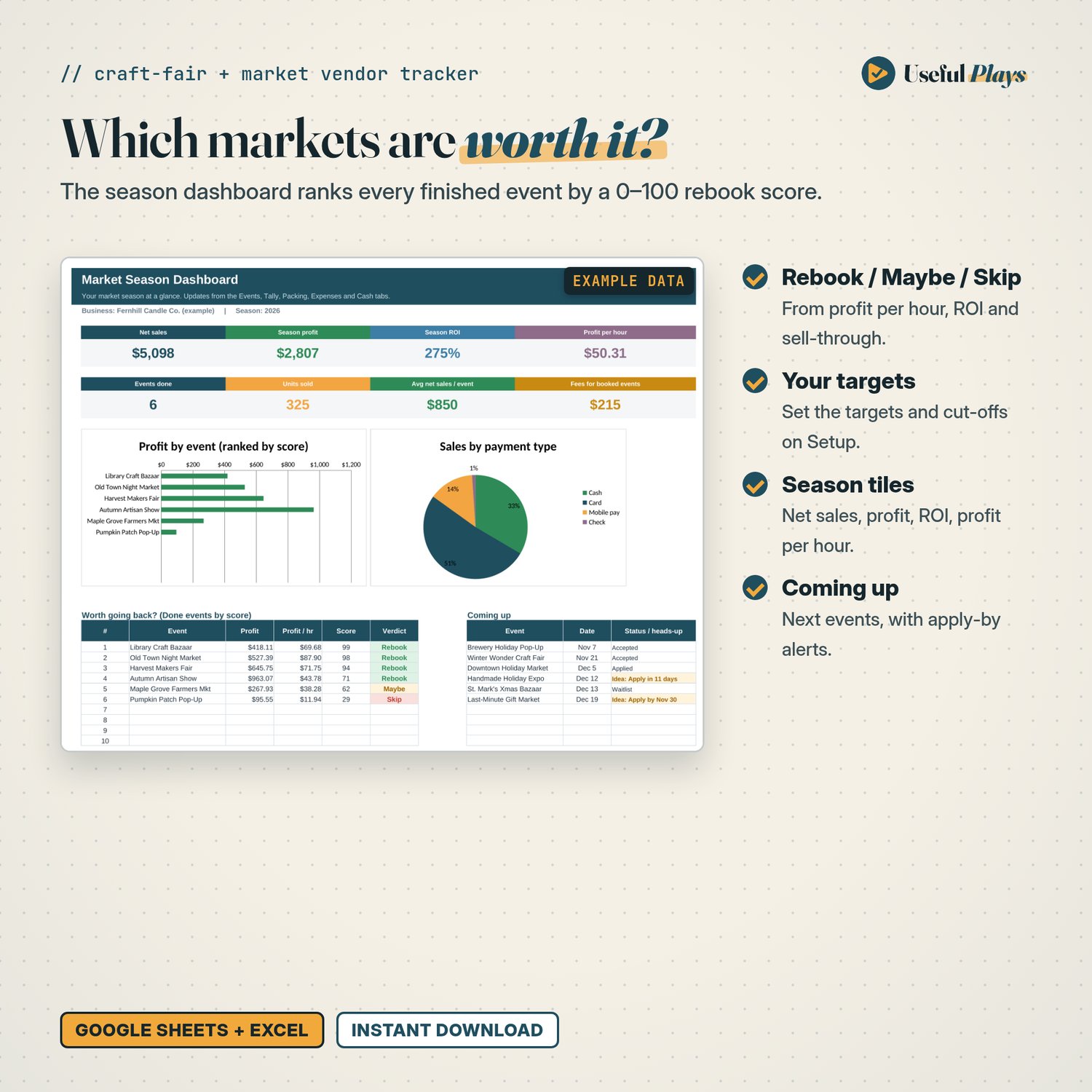
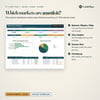
- Dashboard: season tiles (net sales, season profit, season ROI, profit per hour, events done, units sold, average sales per event, fees for booked events), a profit-by-event chart, a sales-by-payment-type pie, a "Worth going back?" ranking with Rebook / Maybe / Skip, and a "Coming up" list with apply-by alerts.
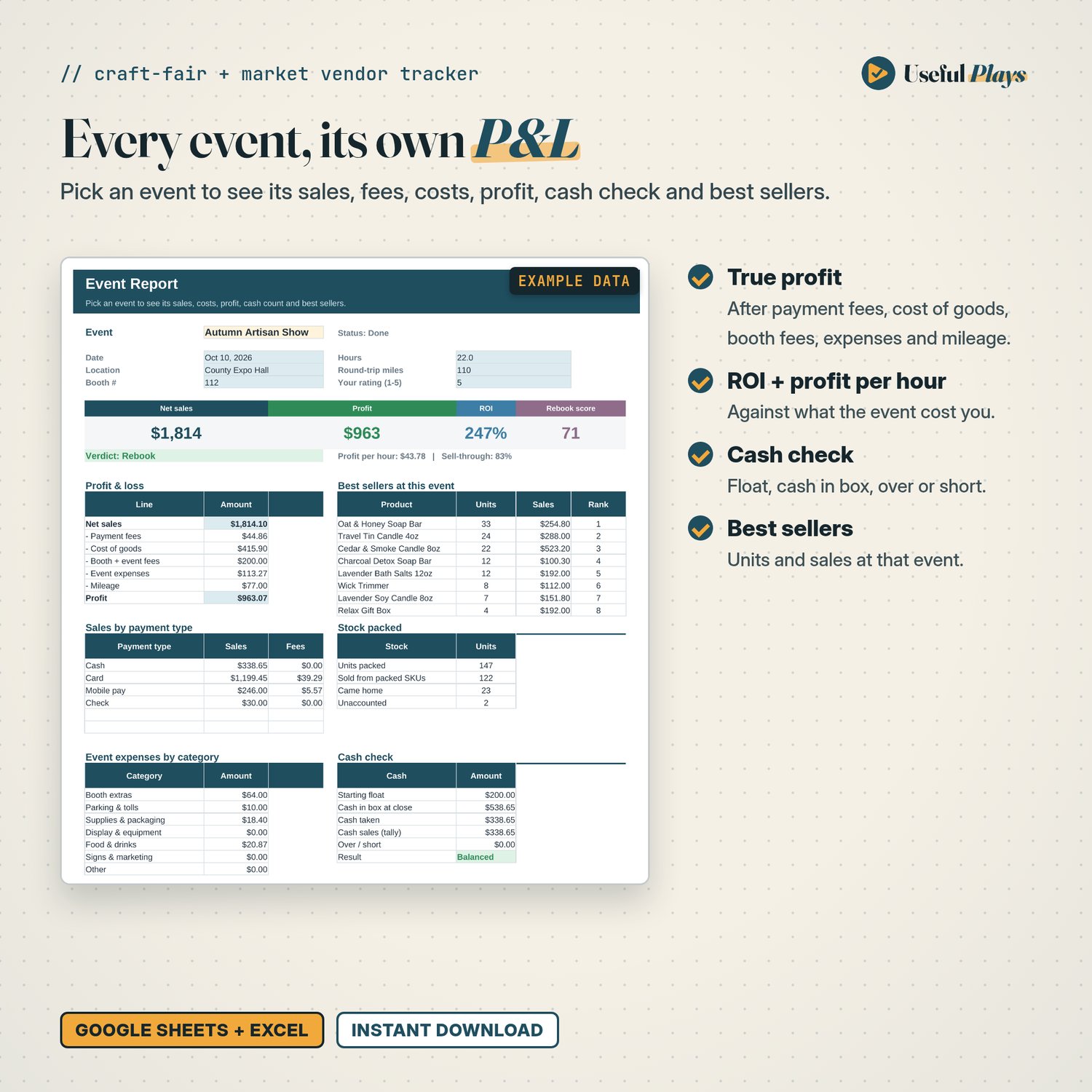
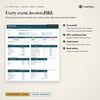
- Event Report: pick any event to see its profit and loss, sales and fees by payment type, expenses by category, best sellers, stock packed vs sold, and the cash check.
- Events: up to 60 markets with date, location, organizer, status (Idea, Applied, Waitlist, Accepted, Done, Declined, Cancelled), apply-by date, booth #, booth and other fees, round-trip miles, hours and your own 1–5 rating. It flags deadlines coming up and past events not yet marked Done.
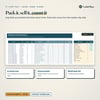
- Market Day Tally: up to 2,000 sale lines with big text and dropdowns. Pick the event, SKU and payment type and type the qty. Leave the price blank to use the list price, or type a deal price. Each line works out the payment fee, cost of goods and profit.
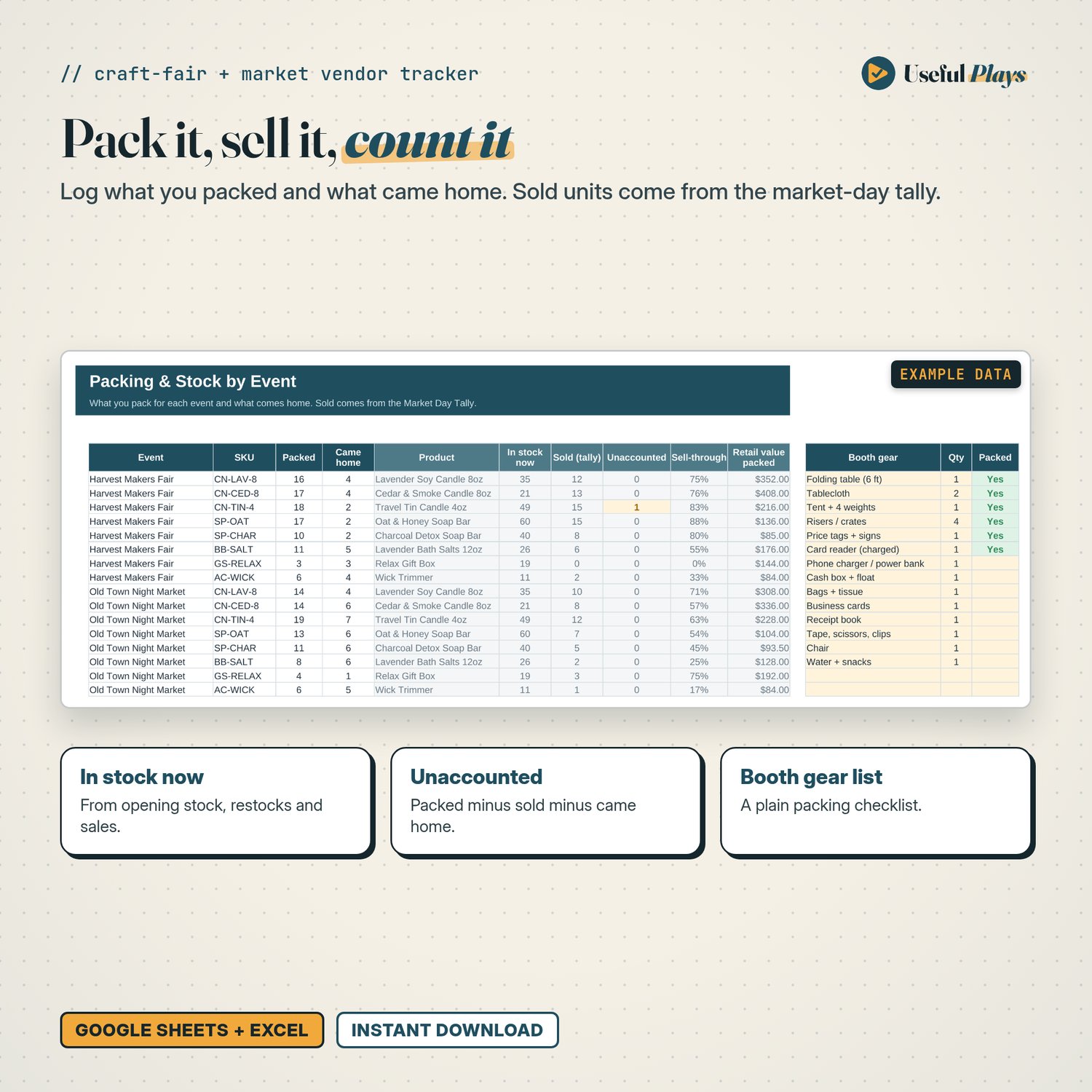
- Packing & Stock: what you packed for each event and what came home. It shows stock on hand, units sold, unaccounted items and sell-through. There's also a plain booth-gear checklist.
- Expenses: parking, supplies, display gear and so on, charged to one event or to the whole season.
- Cash Float: your starting float and the end-of-day count by bill and coins, compared with the cash sales you tallied (Balanced / Over / Short).
- Products: up to 150 SKUs. The first six columns (SKU to sale price) match the Useful Plays Small Shop Profit & Inventory Tracker, so you can paste them across. Shows stock left, units sold, market sales and market profit.
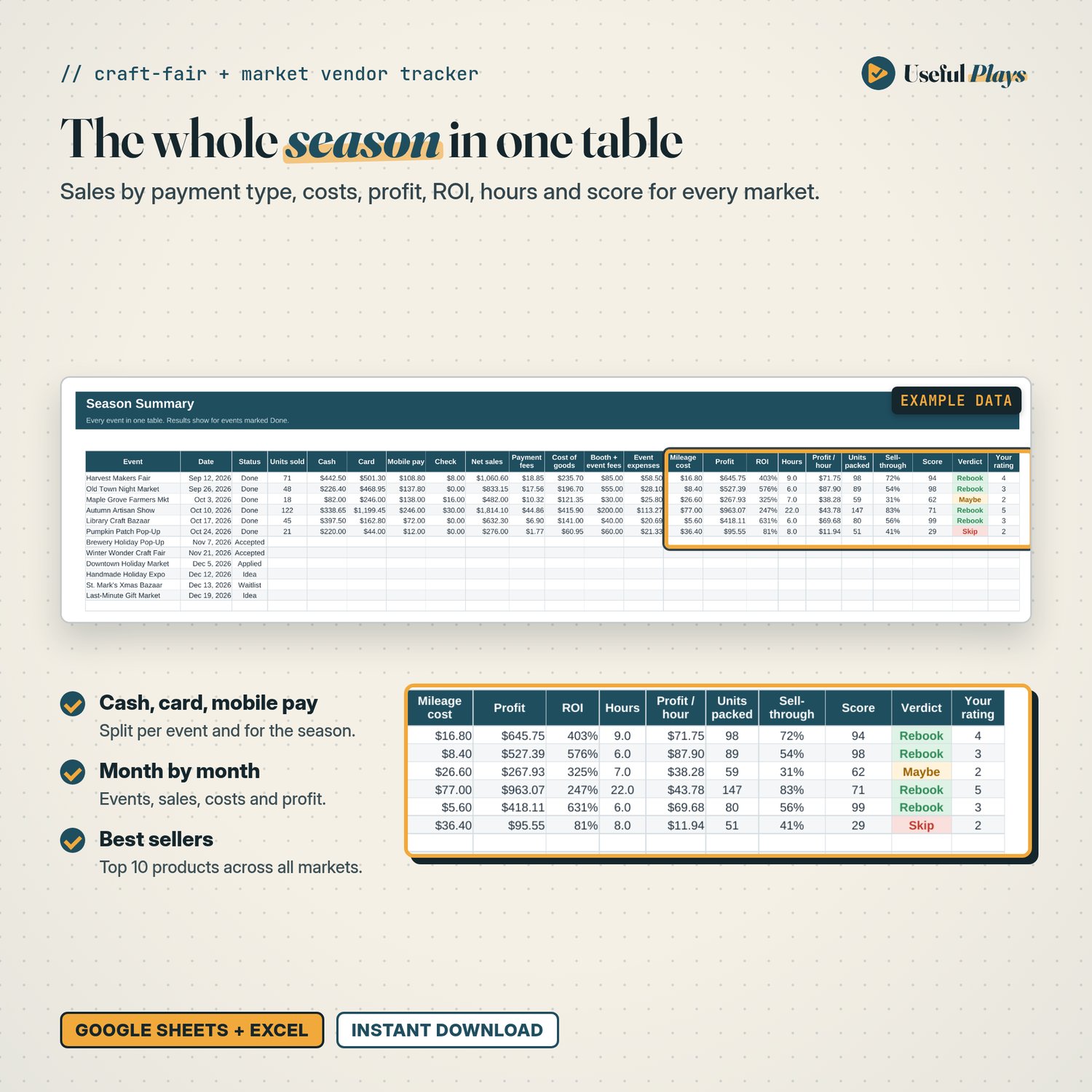
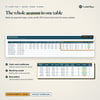
- Season Summary: every event in one table (sales by payment type, all costs, profit, ROI, hours, profit per hour, sell-through, score), plus month-by-month totals, sales by payment type and your top 10 sellers.
- Setup: your business name, season year, your own mileage rate, rebook targets and cut-offs, payment types with the fee % and fixed fee you enter, and expense and product categories.
Two versions included: one with a fictional candle maker's Sep–Dec market season, so you can see it working, and a BLANK version with example payment types, ready for your own season.
How the rebook score works
Up to 50 points for profit per hour, 30 for ROI on event costs and 20 for sell-through, each measured against targets you set on Setup. Rebook, Maybe and Skip cut-offs are yours to set too.
Good to know
- Payment fees and the mileage rate in the sample are examples only. Enter what your card reader or payment app actually charges, and the per-mile rate you use.
- Results count once an event is marked Done, so a booth fee you paid in advance doesn't make an upcoming event look like a loss.
- The fixed payment fee is counted once per tally line. Cost of goods uses each product's current unit cost and packaging.
- Sales tax isn't modelled.
- One season per workbook: 60 events, 150 products, 2,000 tally lines, 600 packing rows, 400 expenses.