







'Sip Happens 2026' VRChat World (PC & Quest)
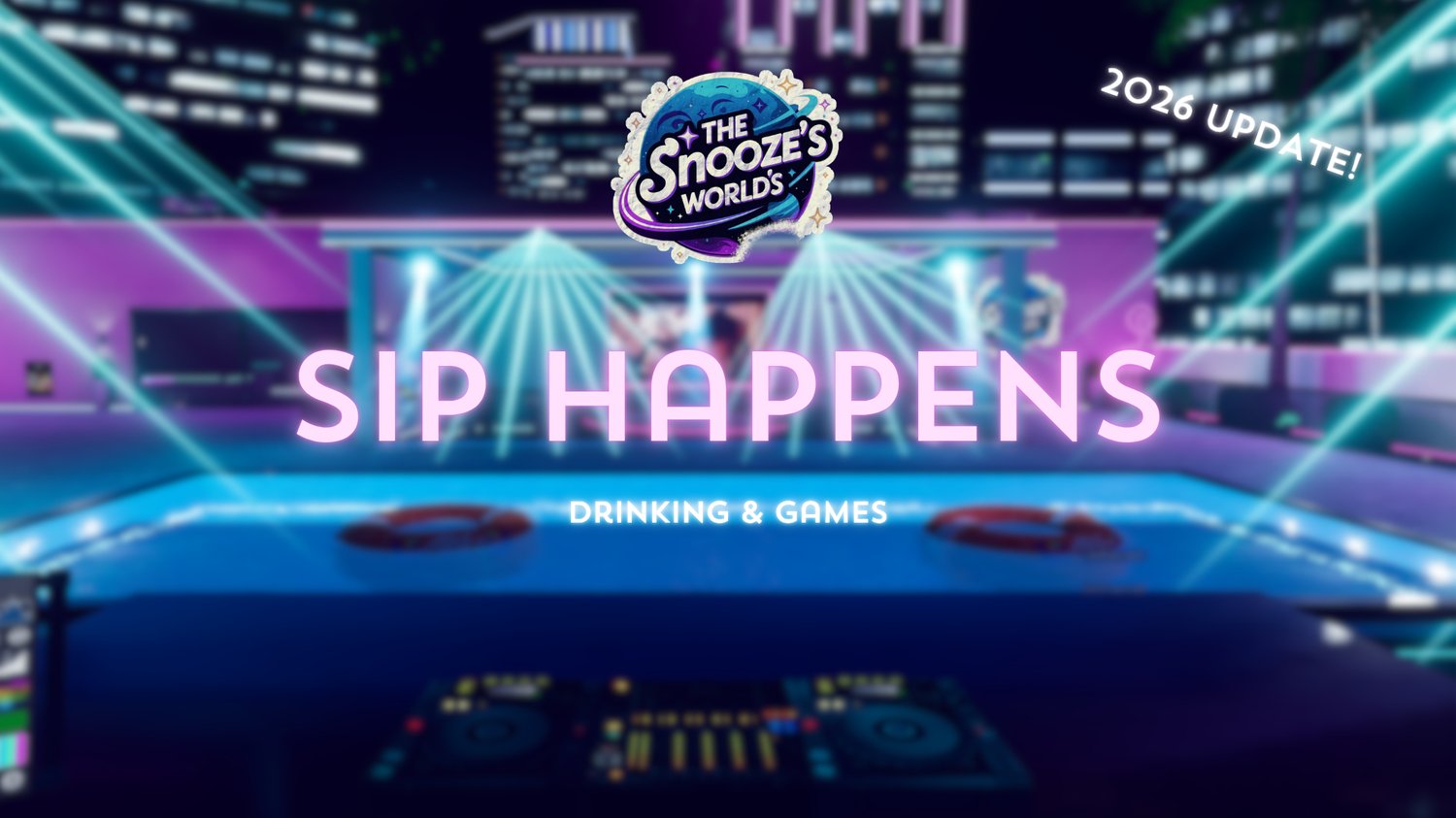
Sip Happens! — 2026 Update
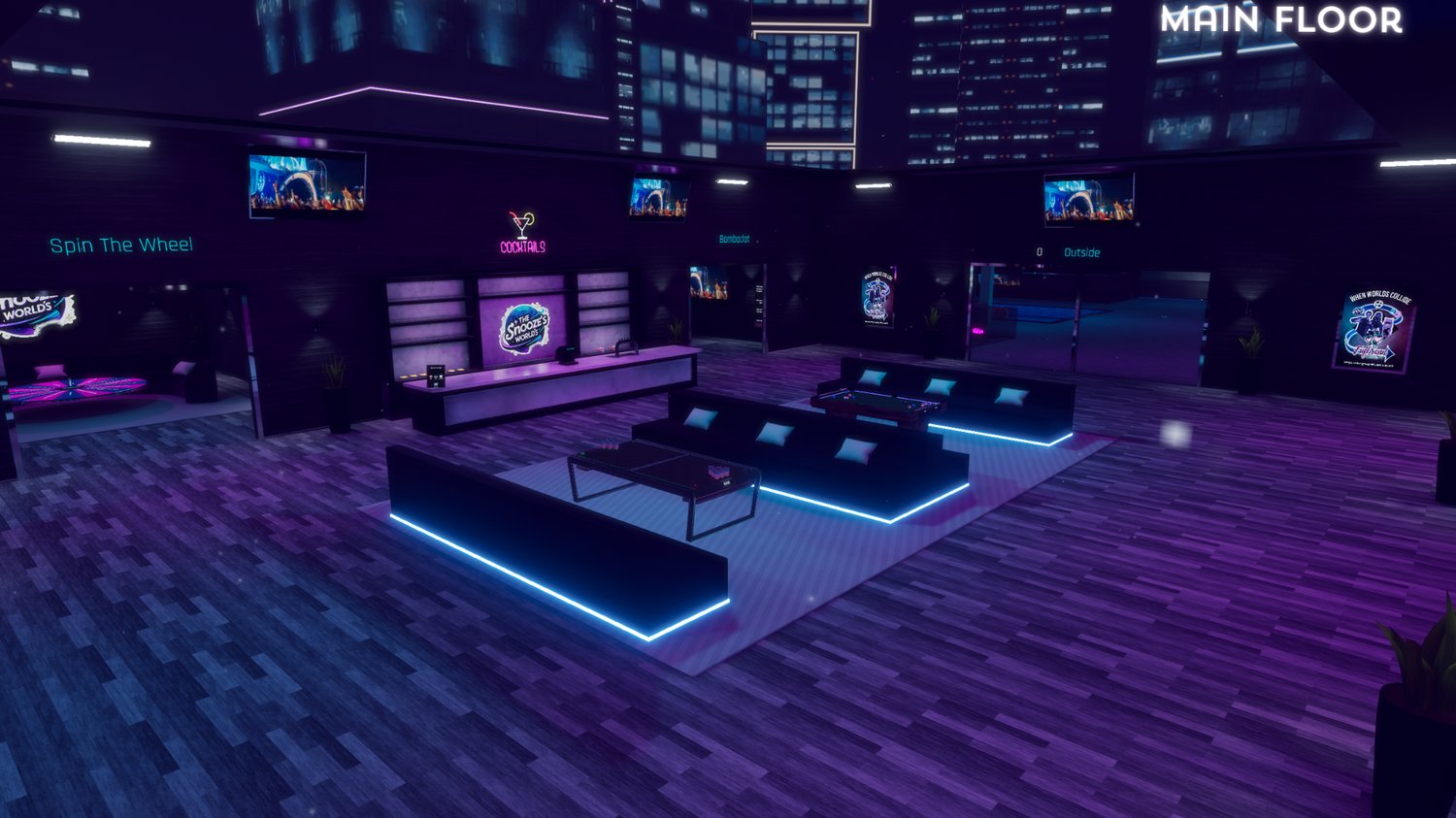
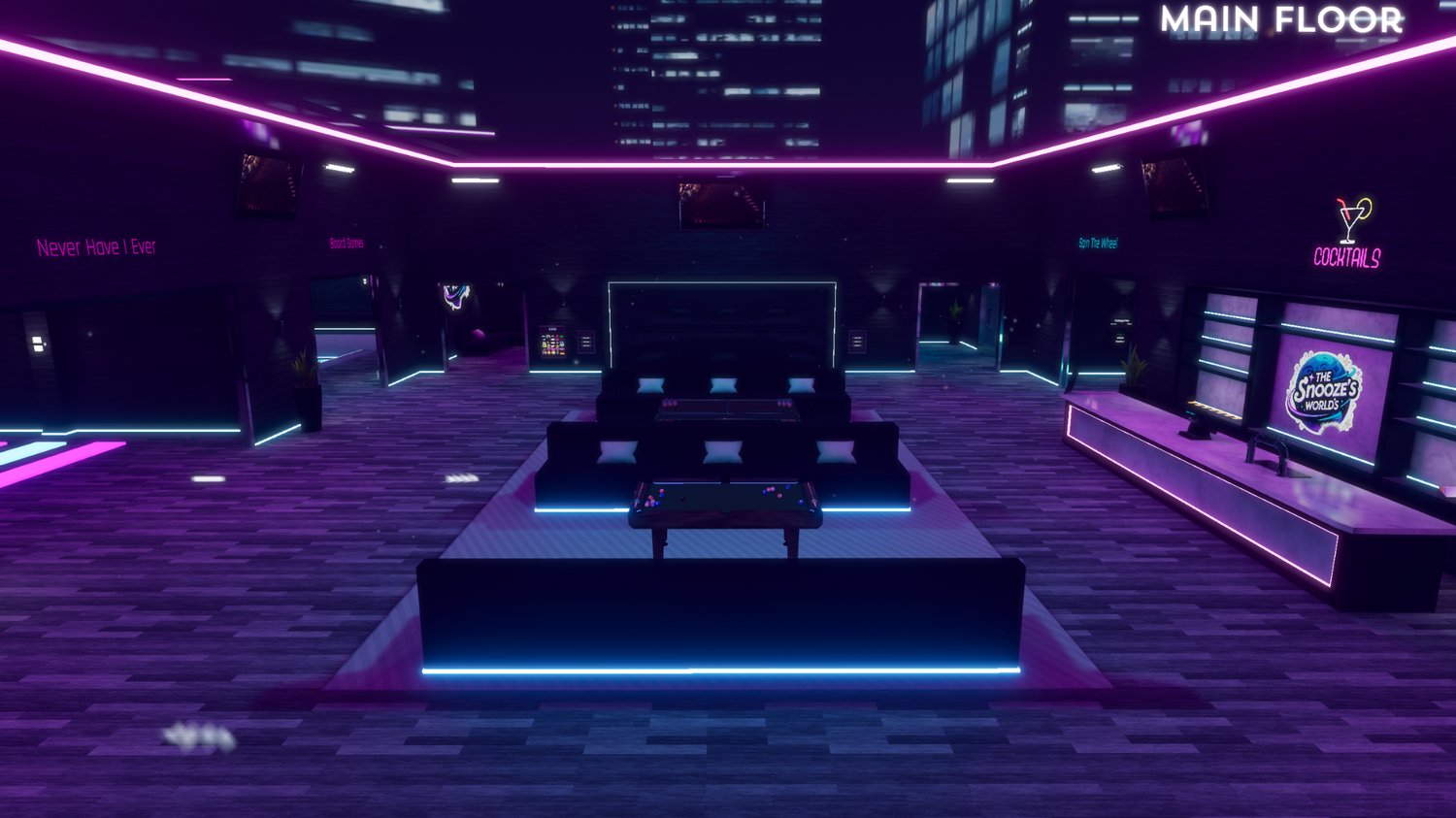
Welcome to Sip Happens!, a cross-platform VRChat party, drinking, and club world built for unforgettable events.
This world gives you everything you need to host your own parties, drinking nights, club events, or community meetups. With a full permission system, staff tools, VIP access, private control features, interactive games, and a complete outdoor DJ/event setup, Sip Happens is made to keep your guests entertained and your events running smoothly.
The 2026 update includes a full world rework, rewritten systems, new games, improved optimization, updated lighting, and a cleaner setup experience.
Quick Information
Public World Link: [HERE]
PC Size: 76.71 MB
Quest Size: 57.89 MB
Compatibility: PC & Quest
Unity Version: Unity 2022.3.22f1
Setup: Open, upload, and get started
World Features
✅ VIP System — Give exclusive access and perks to selected users
✅ VIP+ System — Extra upgraded permissions and features
✅ Staff System — Give trusted users higher-level control
✅ Portable Tablet — Control world features from anywhere
✅ Permission System — Create Patreon-style access, staff tools, VIP perks, and more
✅ Compatibility Test — Love, BFF, and Drinking Buddy matching
✅ Camera System — Monitor parts of the world from the staff room
✅ Automated Never Have I Ever — Built-in party game with automatic prompts
✅ Spin The Wheel — Perfect for party shots and challenges
✅ Bombaclat — A shot counter game for party challenges
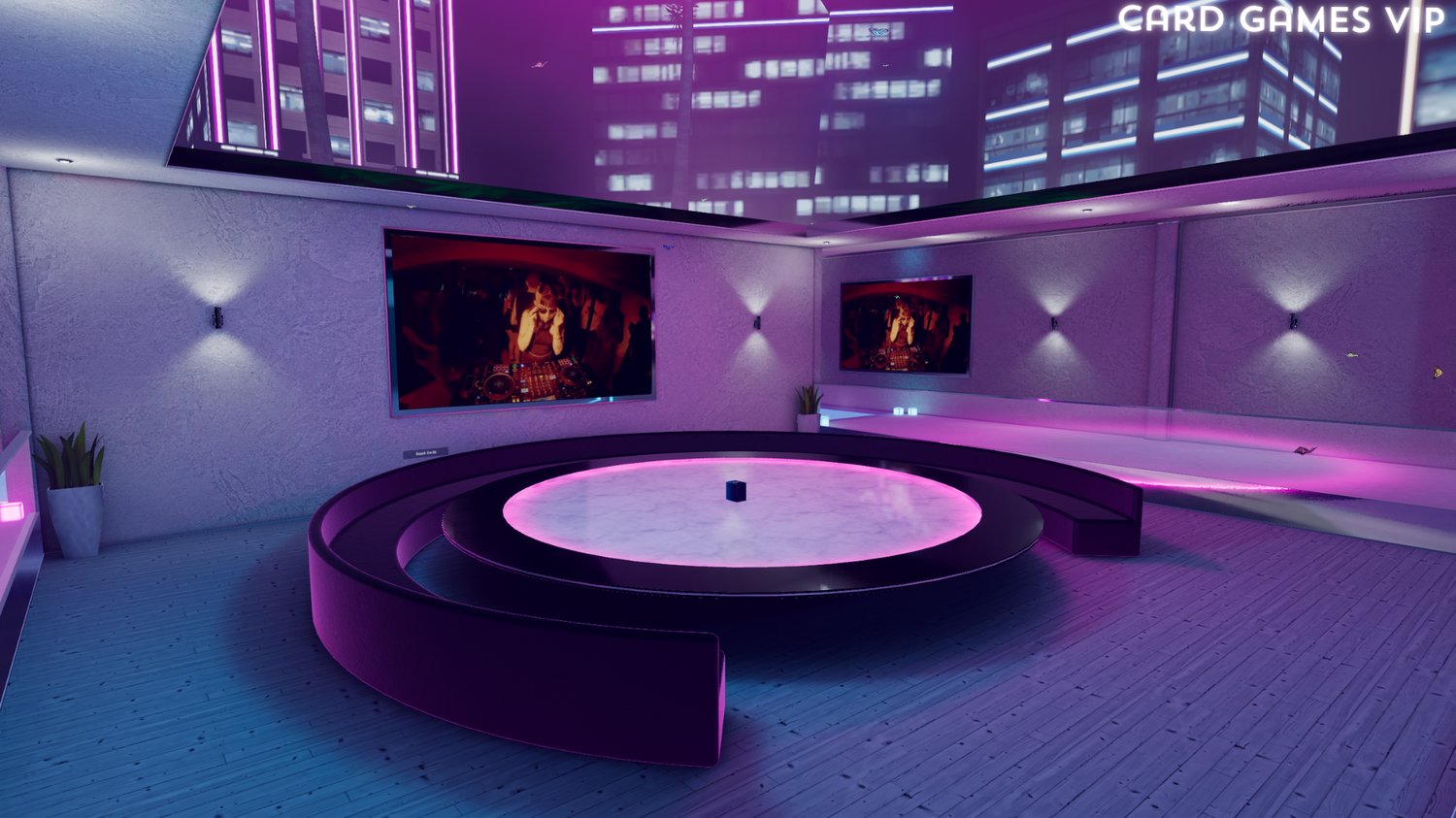
✅ Card Games — Keep your guests entertained
✅ Twister — Classic party fun in VRChat
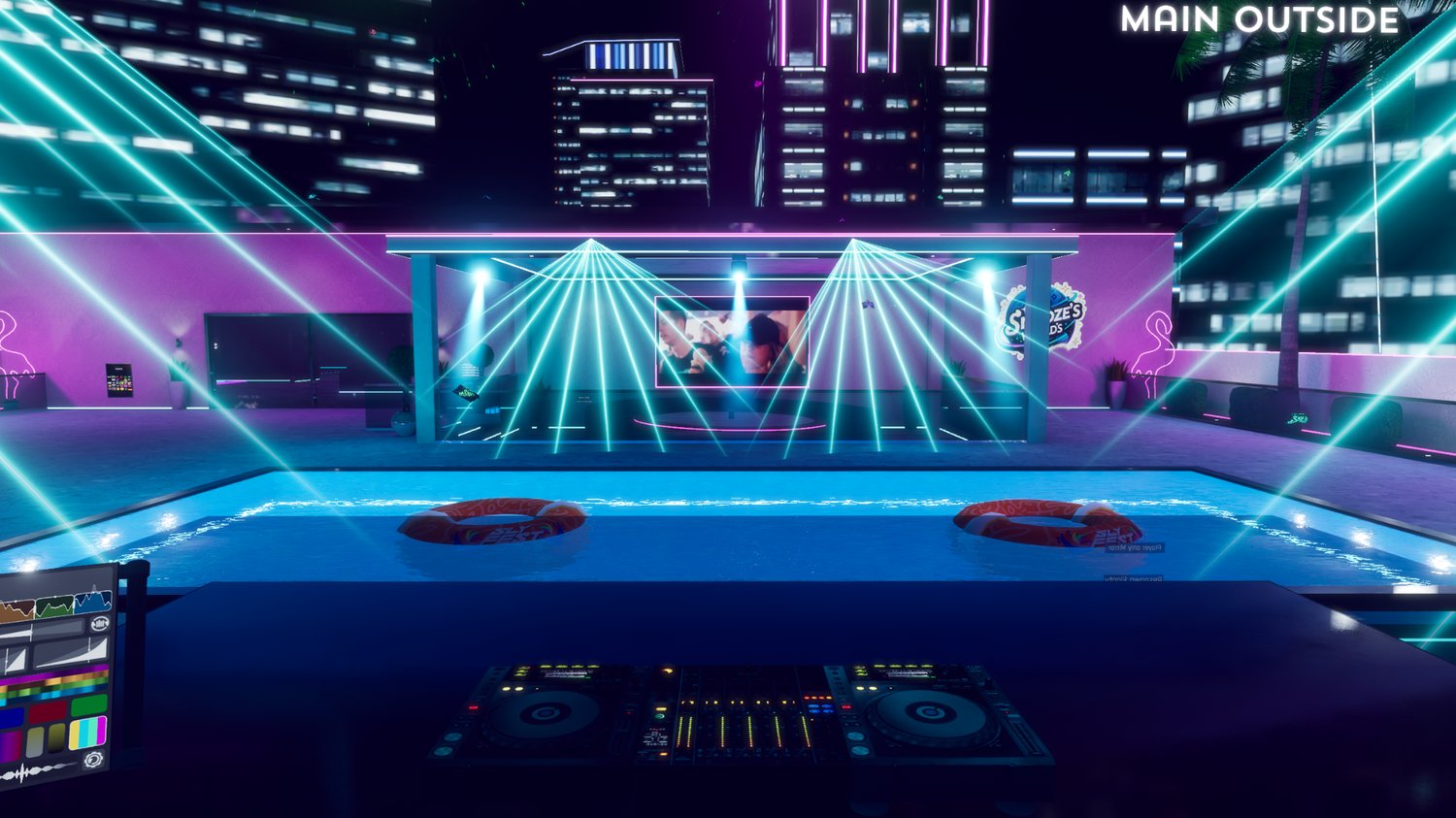
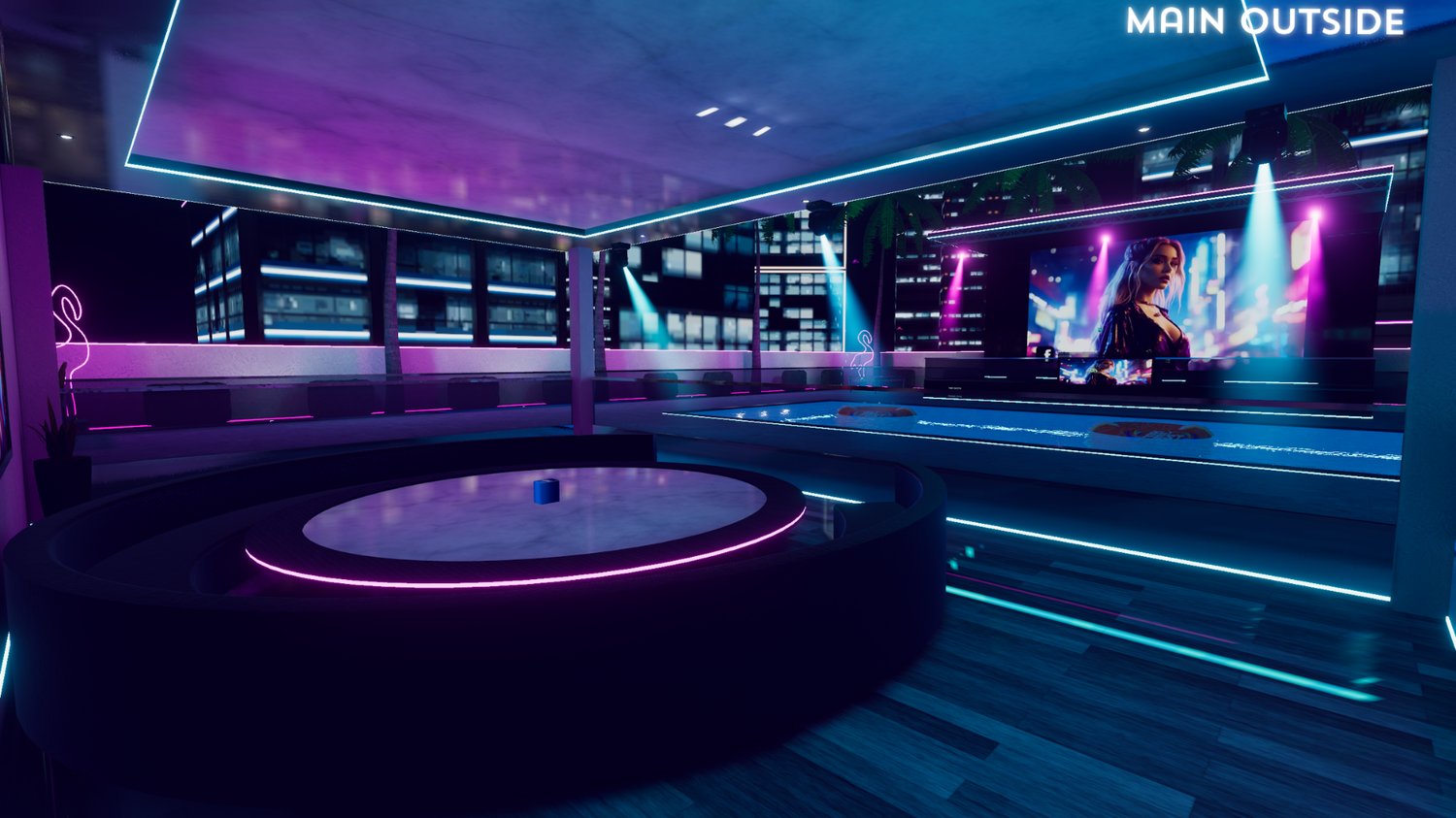
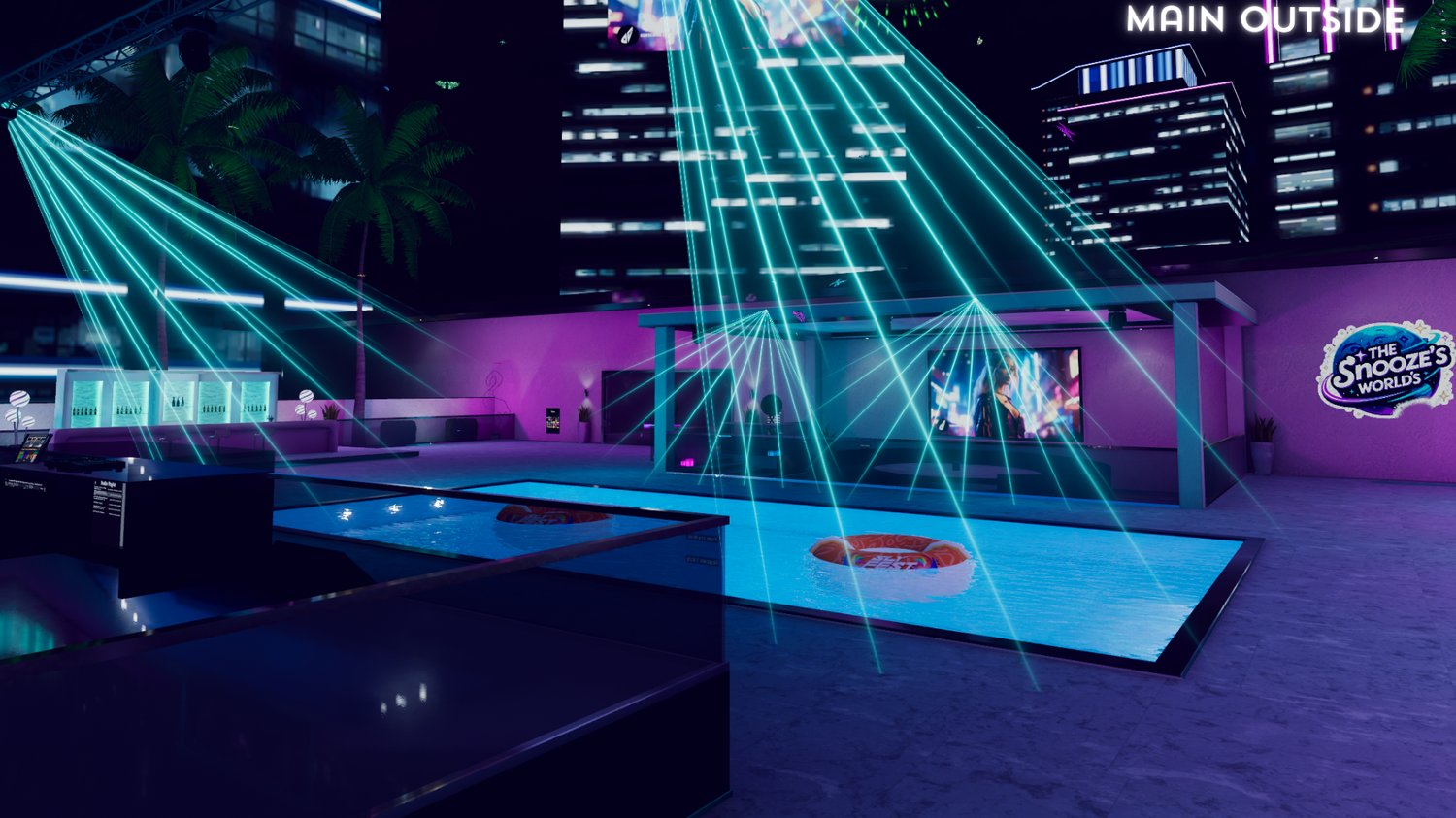
✅ Outdoor DJ Stage — Host events with a proper party atmosphere
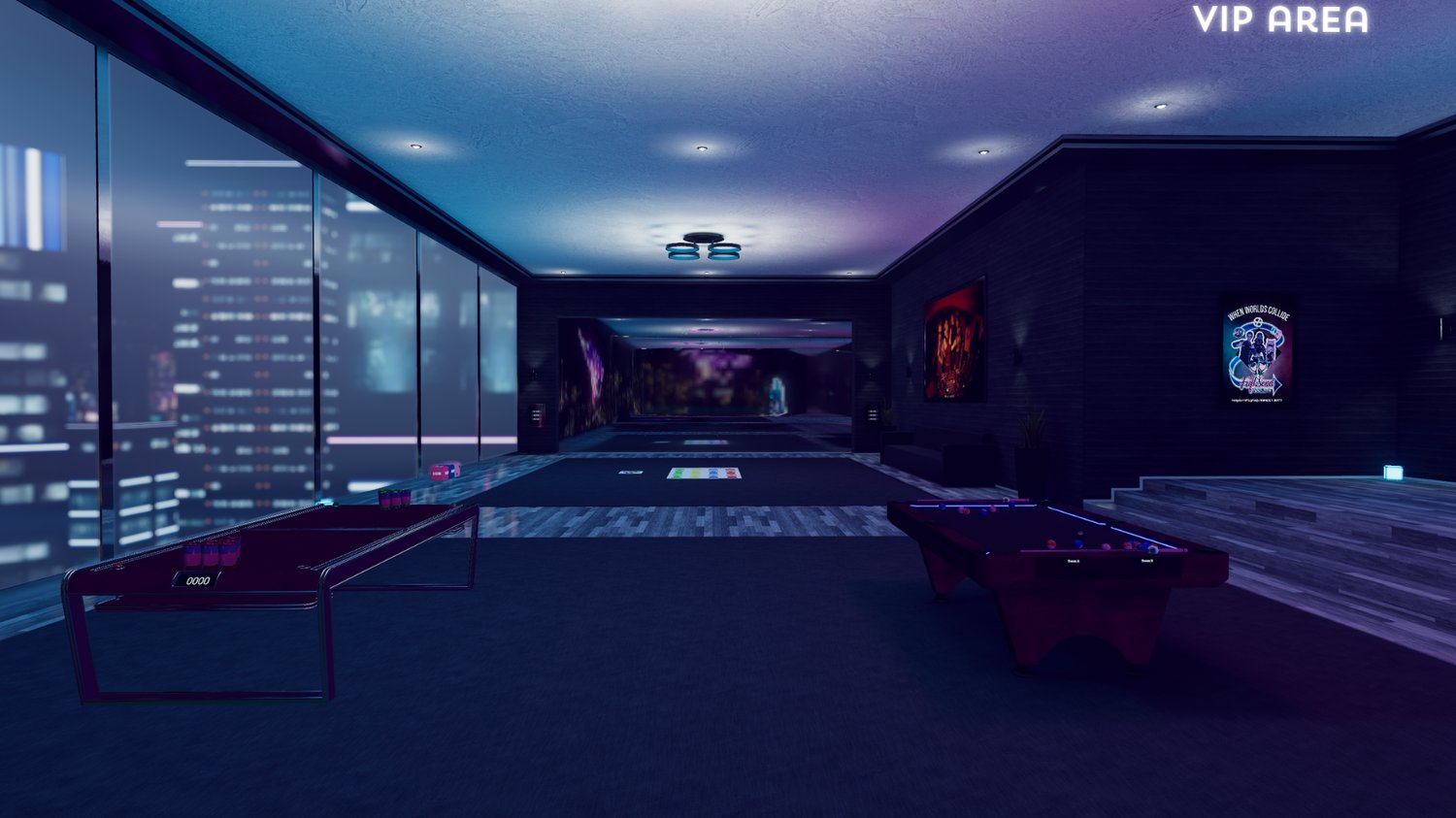
✅ VIP Area — Exclusive area with games and extras
✅ AFK Room — Send AFK users away from the main event space
✅ Quest Support — Optimized for both PC and Quest users
2026 Update Highlights
- Reworked parts of the world layout in Blender
- Reduced poly count on several objects
- Updated and improved room layouts
- Added new games
- Added Bombaclat, a shot counter game
- Added a new Automated Never Have I Ever system
- Added updated Spin The Wheel features
- Added a new Permission System
- Added new tablet functions
- Removed CyanTrigger and rewrote the scripts
- Added a new Icon System
- Updated the spawn and main floor layout
- Added a new Camera System in the Staff Room
- Updated occlusion areas
- Updated lighting setup
- Changed the water shader to Mochie’s Water Shader
- Added an AFK Room
- Improved overall performance and setup structure
Walkthrough
A walkthrough of the world can be found here:
Upload Instructions
- Make sure you have VRChat Creator Companion and Unity 2022.3.22f1 installed.
- Download and extract/unzip the project files.
- Open VRChat Creator Companion.
- Click Add Existing Project from the dropdown.
- Select the downloaded SipHappens project folder.
- Open the project in Unity.
- Purchase and import RiskyKen’s PlayerIcons for the icon system to work: https://payhip.com/b/zxy0D
- Edit and upload as needed.
Quest Upload Instructions
- Go to File > Build Settings.
- Select Android.
- Make sure Texture Compression is set to ASTC.
- Click Switch Platform.
- Upload the Quest version.
⚠️ Important:
Please read the included README/instruction file before uploading. Updating the SDK or other VCC repositories is done at your own risk.
Requirements
- VRChat Creator Companion
- Unity 2022.3.22f1
- Basic Unity and VRChat upload knowledge
- RiskyKen’s PlayerIcons — must be purchased/imported separately for the icon system to work: https://payhip.com/b/zxy0D
Support
If you find any bugs, please report them in the Discord server with detailed information.
For setup issues, questions, or support, open a ticket in the Discord server linked below.
Discord Server: HERE
Please be patient when waiting for a response.
Notes
Basic Unity and VRChat world upload knowledge is required.
I provide support through Discord tickets, but I do not offer full step-by-step Unity setup lessons.
No refunds are provided for digital products. If there is an issue with the world, please open a Discord ticket and I will help as best as I can.
Third-Party Assets
The following assets are used to enhance Sip Happens:
- ProTV
- VRWorld Toolkit
- Bakery
- AudioLink
- VRSL
- Sombie Probes
- RiskyKen’s Audio Zones
- RiskyKen’s Sticky Pickups
- RiskyKen’s PlayerIcons
- Mochie’s Shaders
- VRCPlayersOnlyMirror
Terms of Service
By purchasing this product, you agree to the following terms.
Allowed
✅ Edit the world
You may modify the world, import prefabs, remove prefabs, change layouts, and customize it for your own use.
✅ Upload and publish the world
You may upload and use the world for clubs, events, communities, private instances, public instances, or personal use.
✅ Use it for events
You may use the world for parties, drinking events, club nights, community meetups, and similar activities.
Not Allowed
❌ Do not share, leak, resell, or give away the files
If you want to gift the world to someone, please use the gift option available through the store.
❌ Do not claim the world as your own
You do not need to credit me, but you may not claim that you created the world.
❌ Do not extract assets
Do not rip, export, or reuse assets from this world in other projects.
❌ Do not use product images
Do not use images from this product page for your own thumbnails, store pages, or promotional material.
❌ Do not redistribute edited versions
You may edit the world for your own use, but you may not redistribute edited or modified versions of the project.
❌ Do not resell access to the project files
You may use the world for events or communities, but you may not sell, trade, or distribute the Unity project files.
Script Editing
Scripts are allowed to be edited for your own uploaded version of the world.
However, you may not extract, resell, redistribute, or reuse the scripts outside of this project.
If something breaks or you need help with a system, please open a Discord ticket instead of redistributing or modifying the scripts in a way that violates these terms.
Final Reminder
Please leave a rating if you enjoy the world.
If you find bugs or issues, report them through Discord so they can be fixed in future updates.