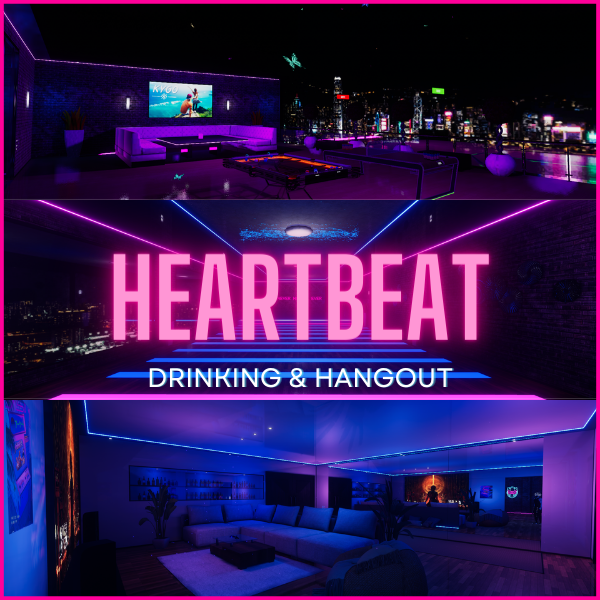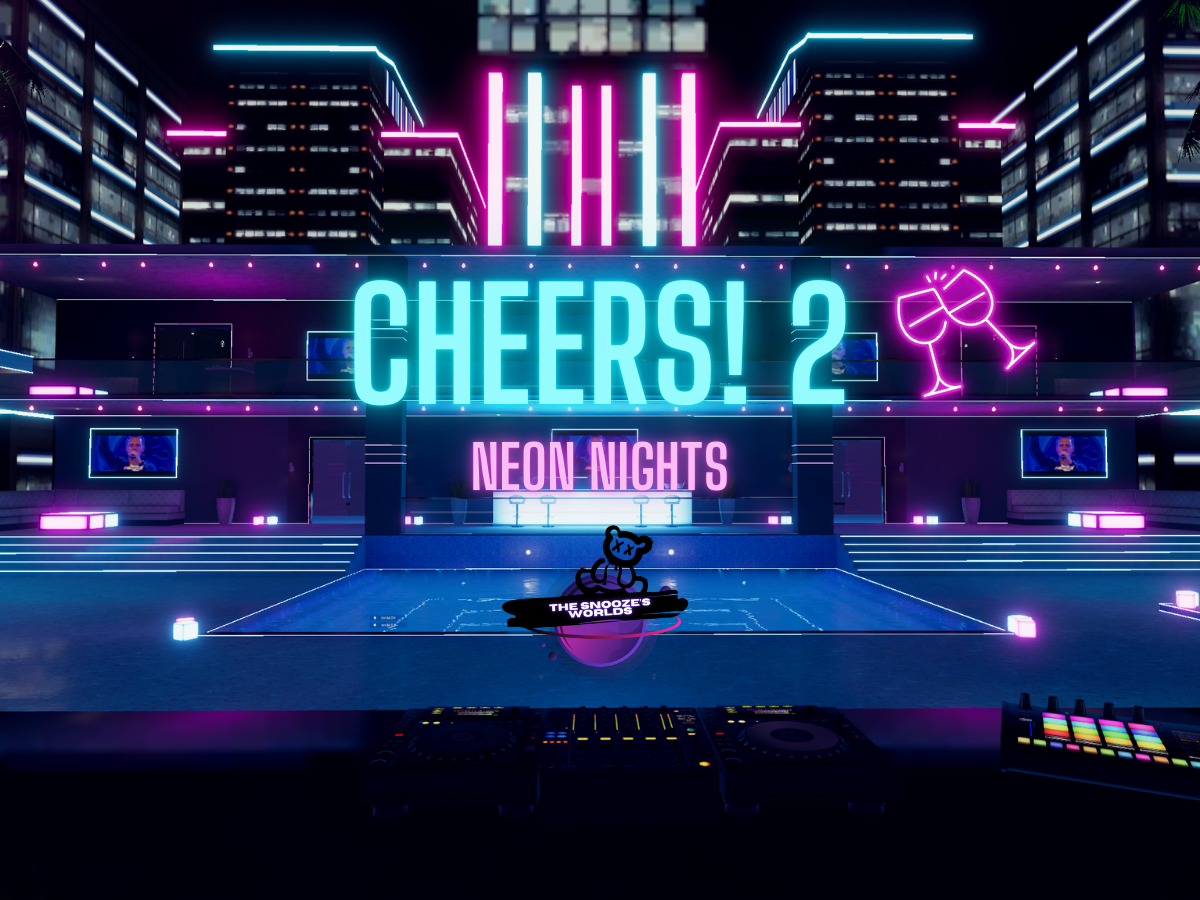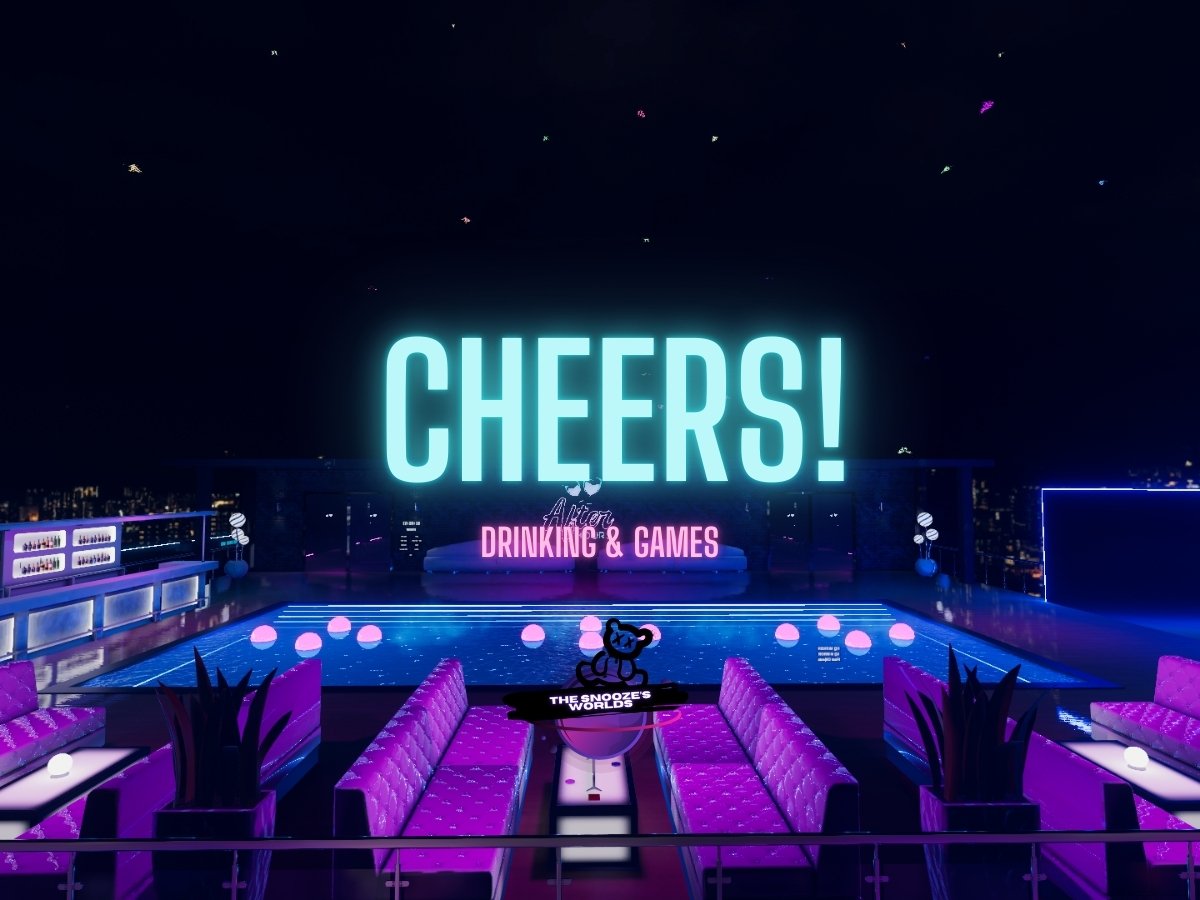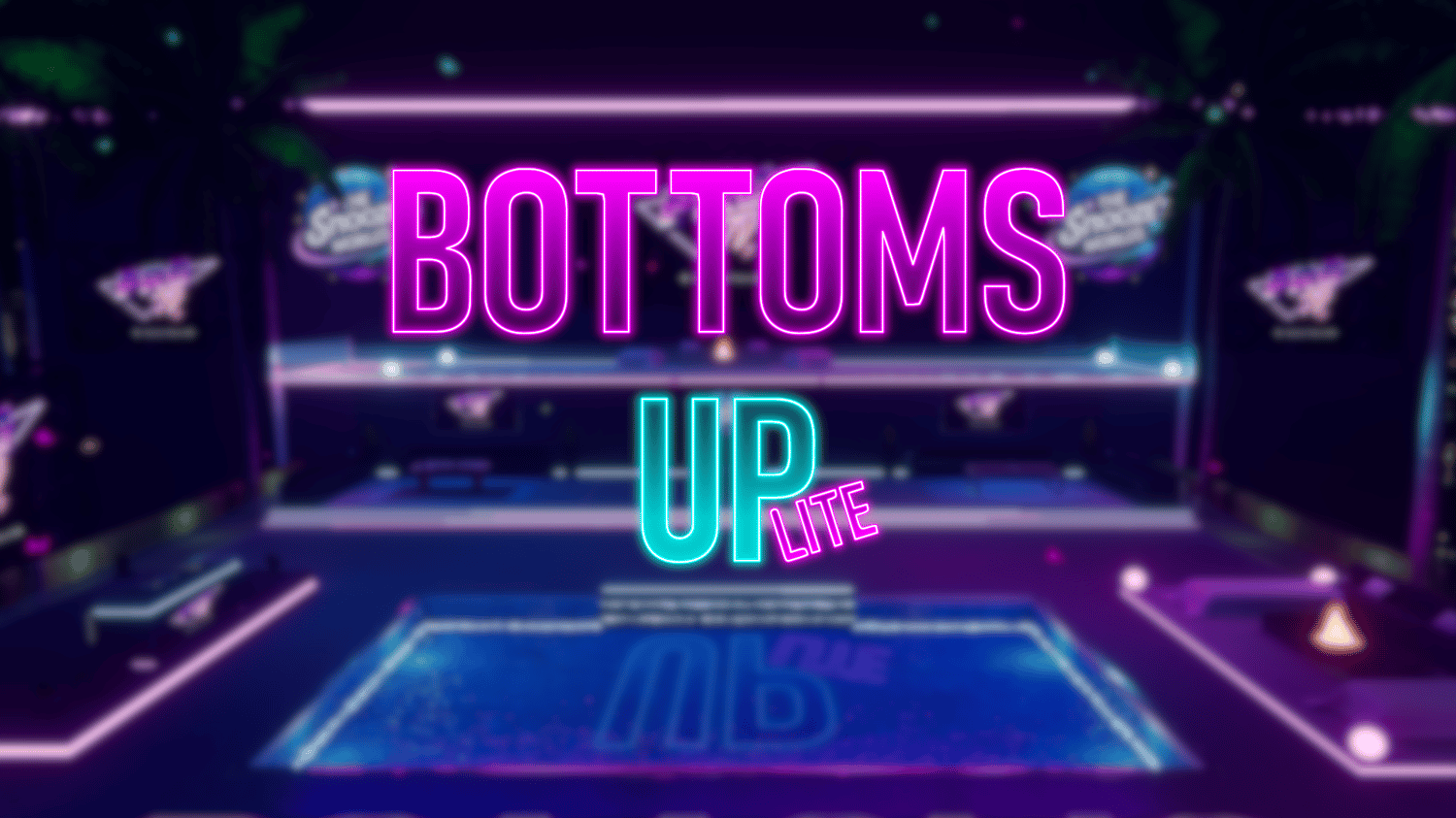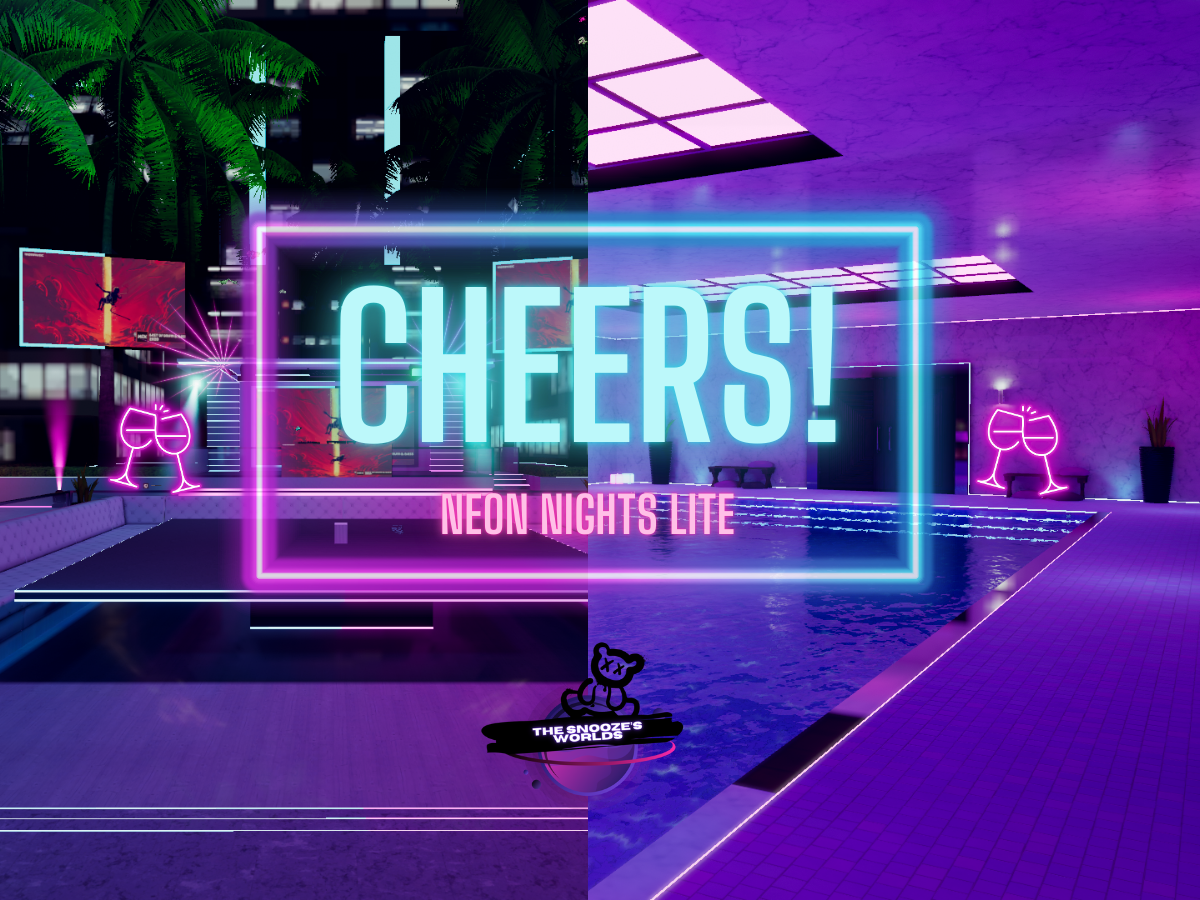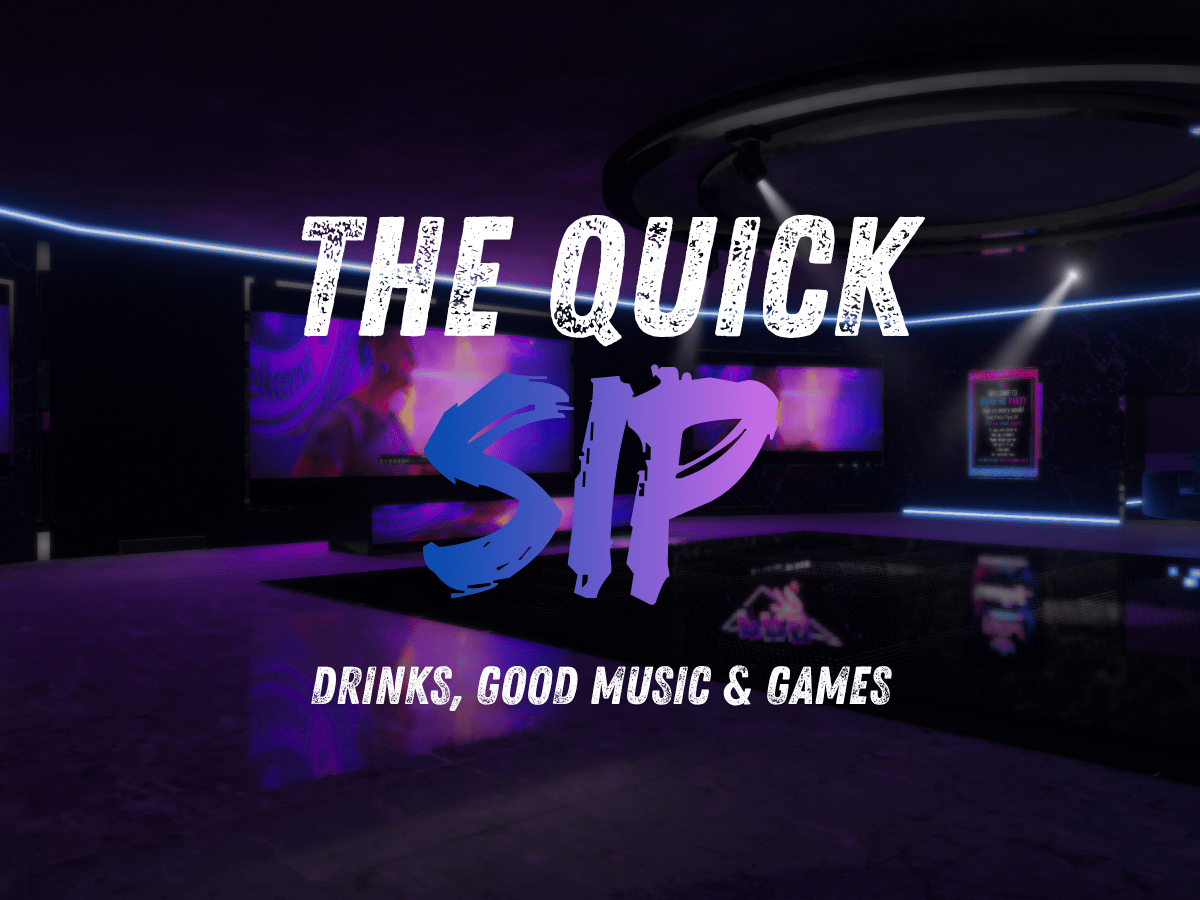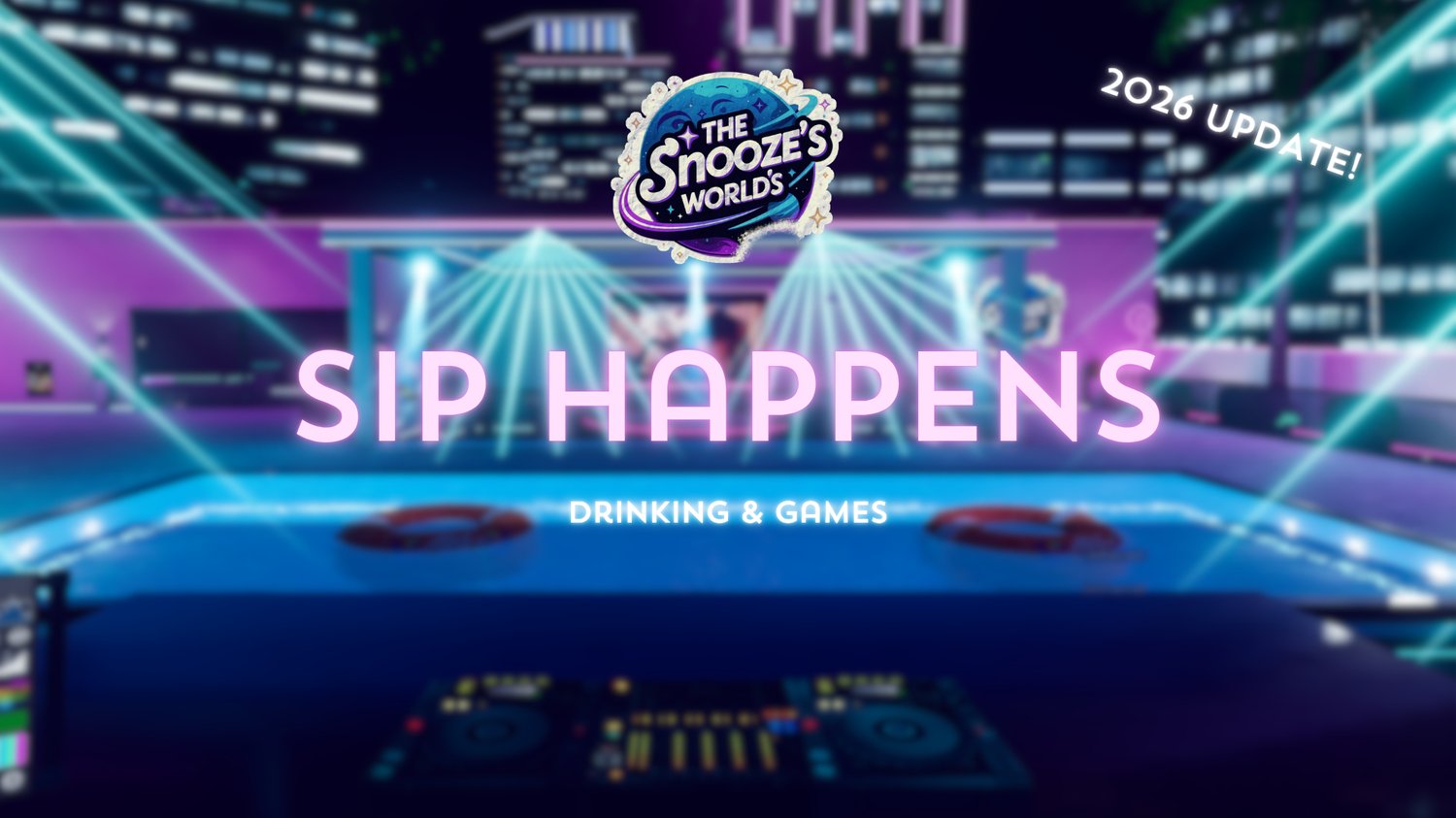












'Bottoms Up: Drinking & Games' VRCHAT WORLD (PC & QUEST)
After months of development, the ultimate party and club world has finally arrived. Bottoms Up! gives you everything you need to launch your own club, host unforgettable events, and bring the energy of a real nightlife experience straight into VRChat.
Public World Link: HERE
- PC: 84 MB
- Quest: 83 MB
- Platforms: PC & Quest (Cross-Platform)
- Fast Setup: Open → Upload → Party.
For more Images check it out on Imgur
Features
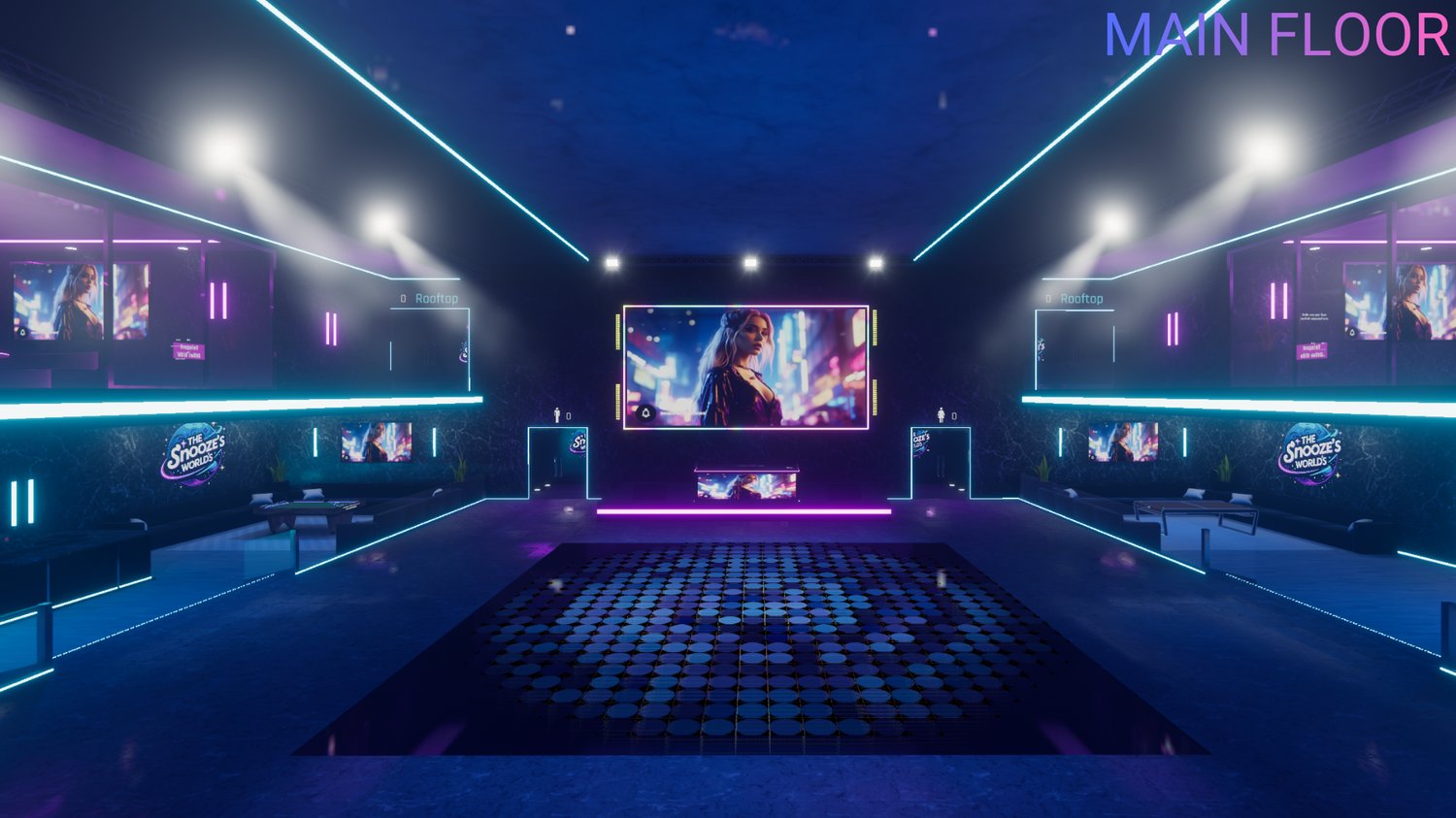
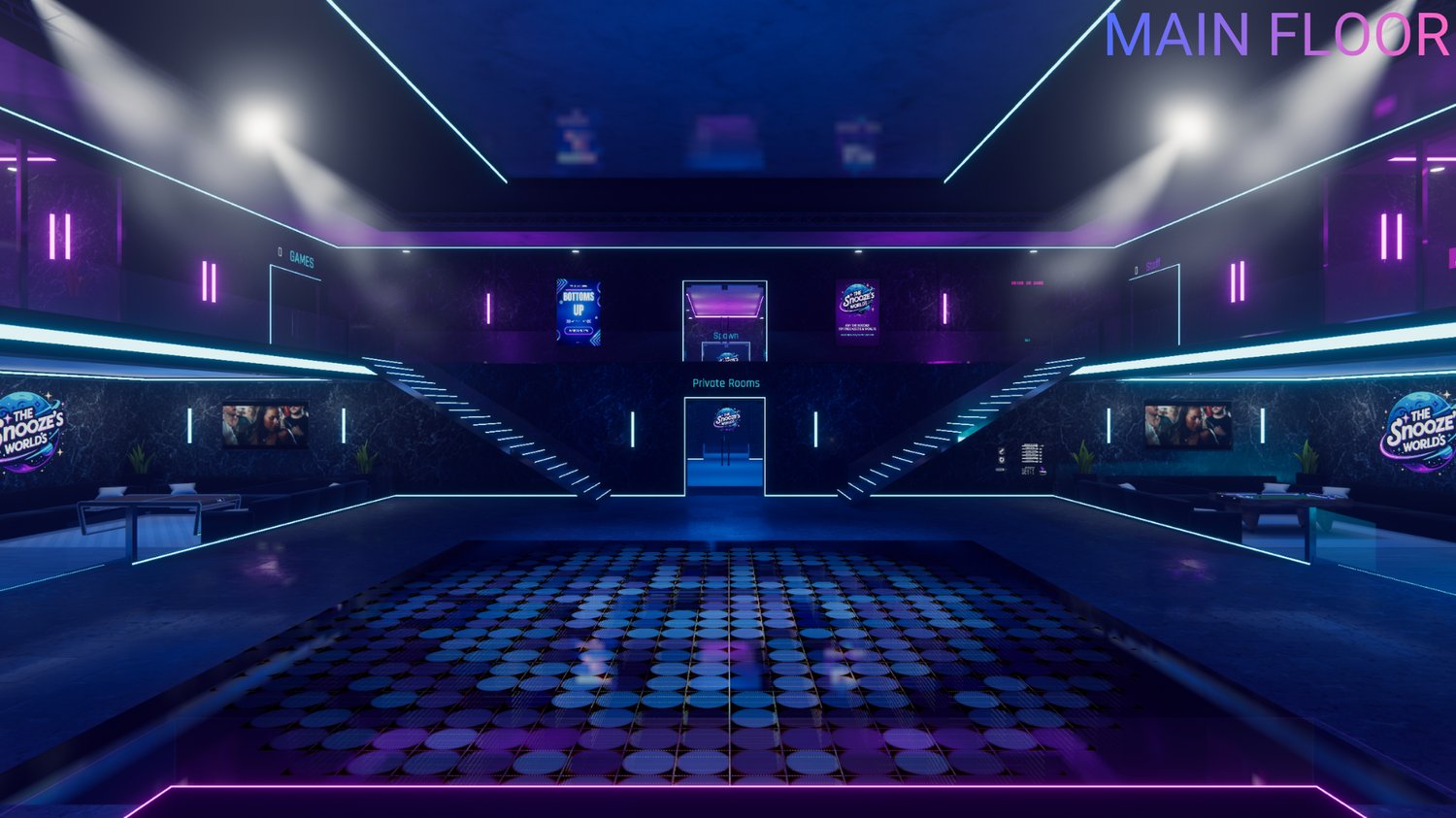
Main Floor
Beautiful main floor which was created with having everything important in one area.
Permission System
A fully optimized, intelligent, and powerful system designed to give owners and staff full control.
Player List Manager
Manage moderation, assign roles, and control permissions directly from your in-world tablet.
Dual DJ Stages
Two fully equipped stages with instant teleport keeping DJs at the center of attention.
Private Room System (with a Knock System)
Four exclusive private rooms where you can hang out, invite friends, and customize your vibe.
VIP Area
A premium area for VIP and VIP+ members to relax, flex, and enjoy special access.
Staff Room & Control Settings
Packed with real-time settings for world owners and staff teams to fine-tune the experience.
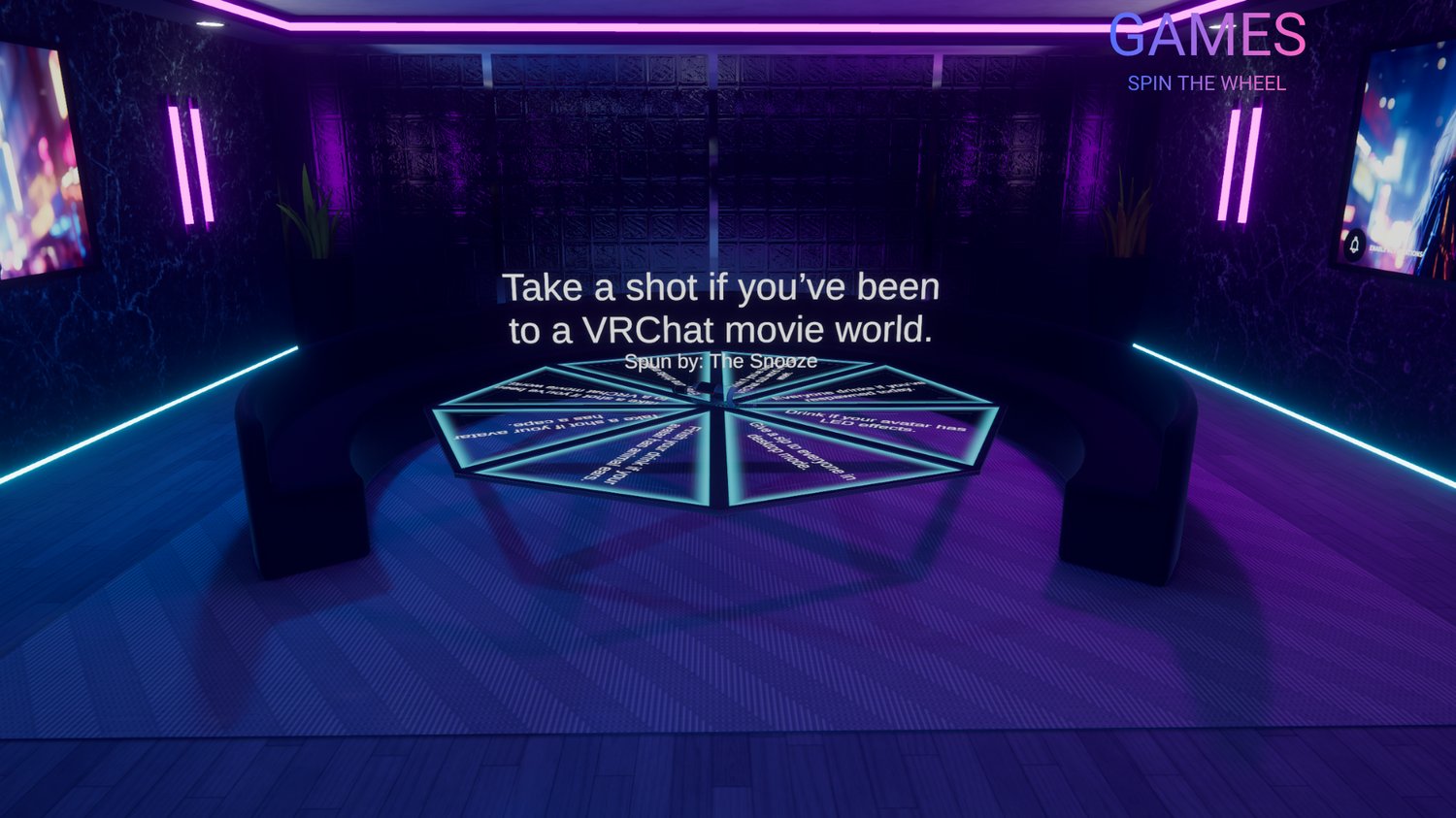
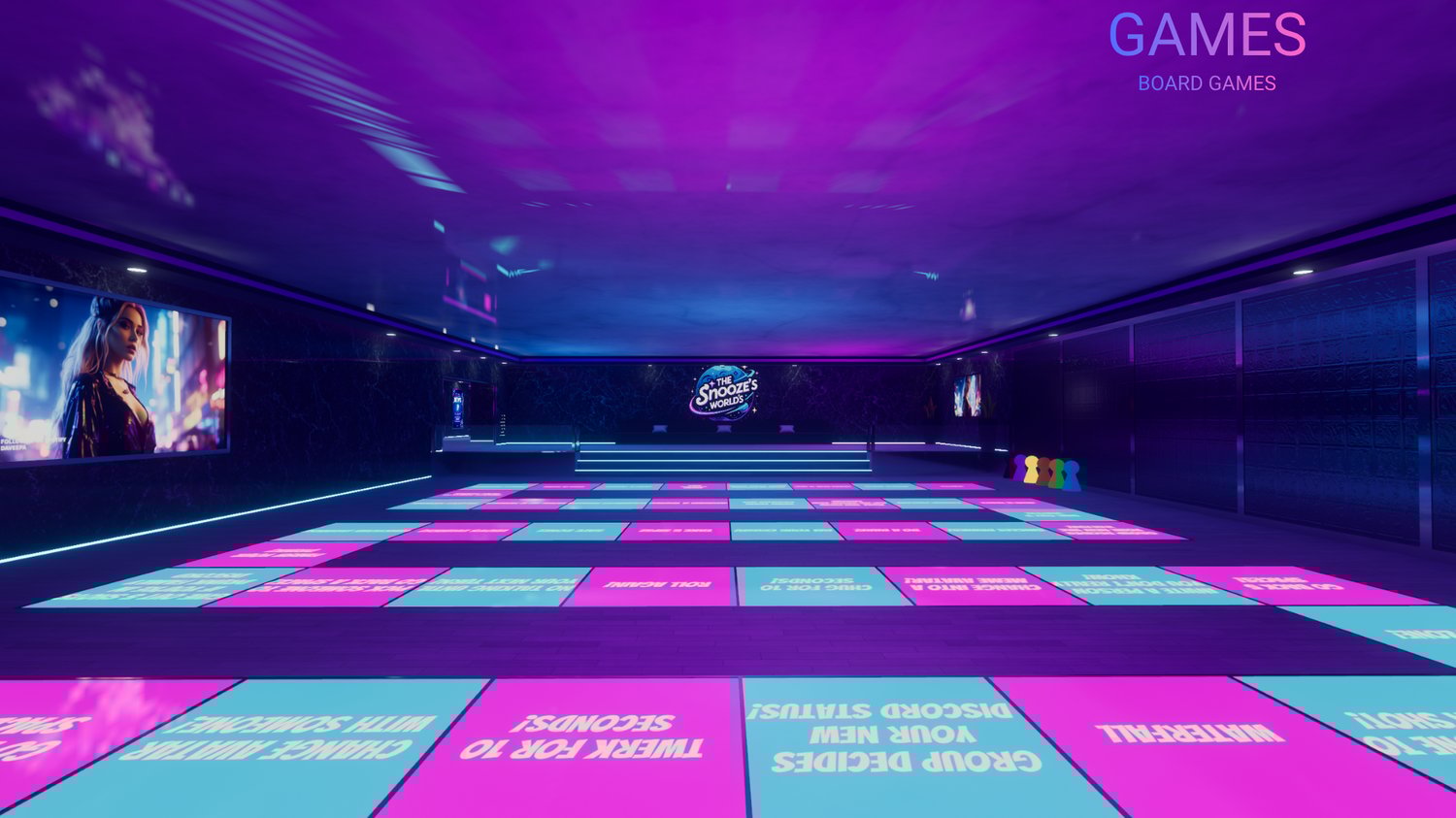
Games Area
Spin the Wheel, Hot Seat, Truth or Dare, board games, and more.
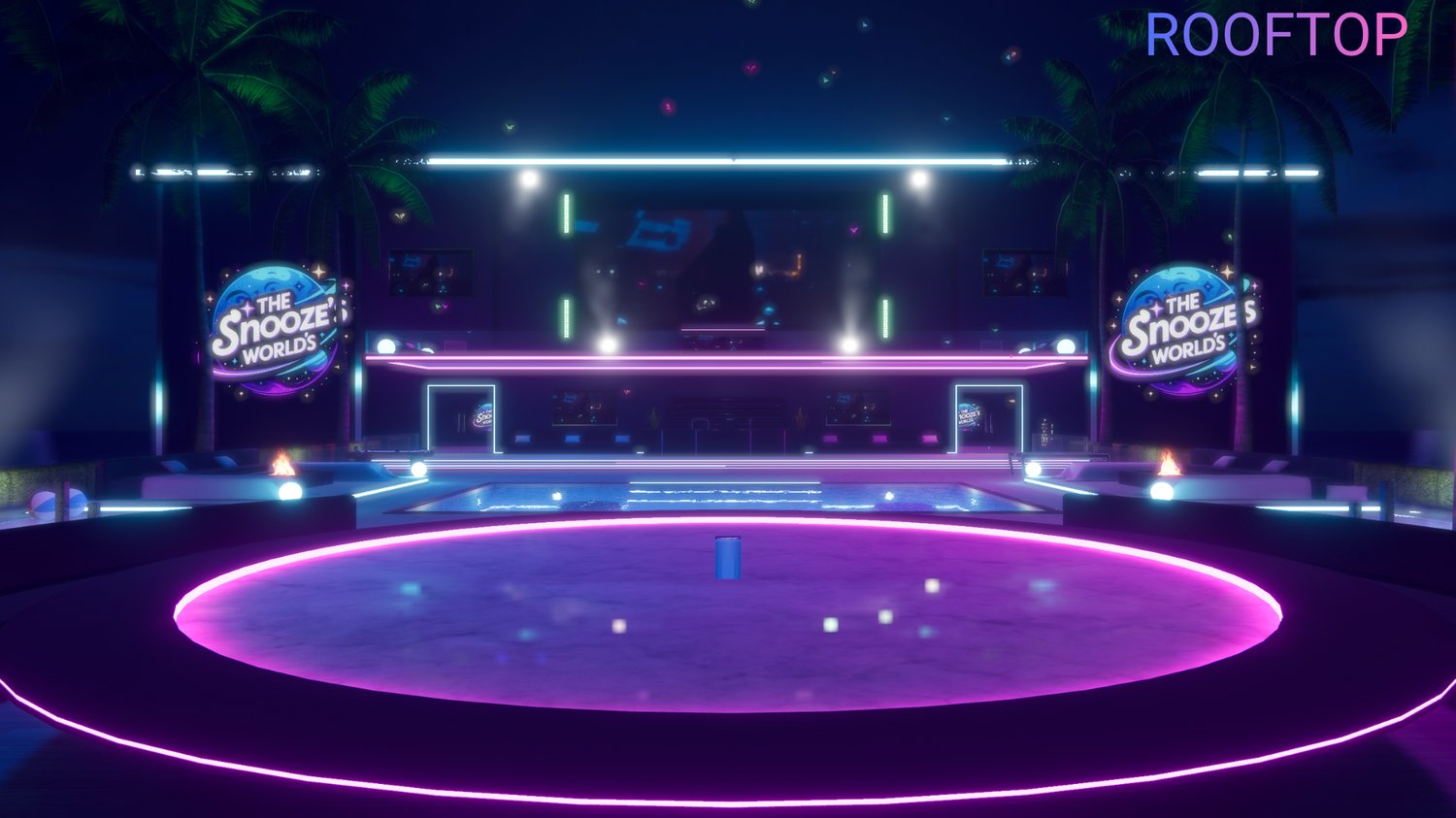
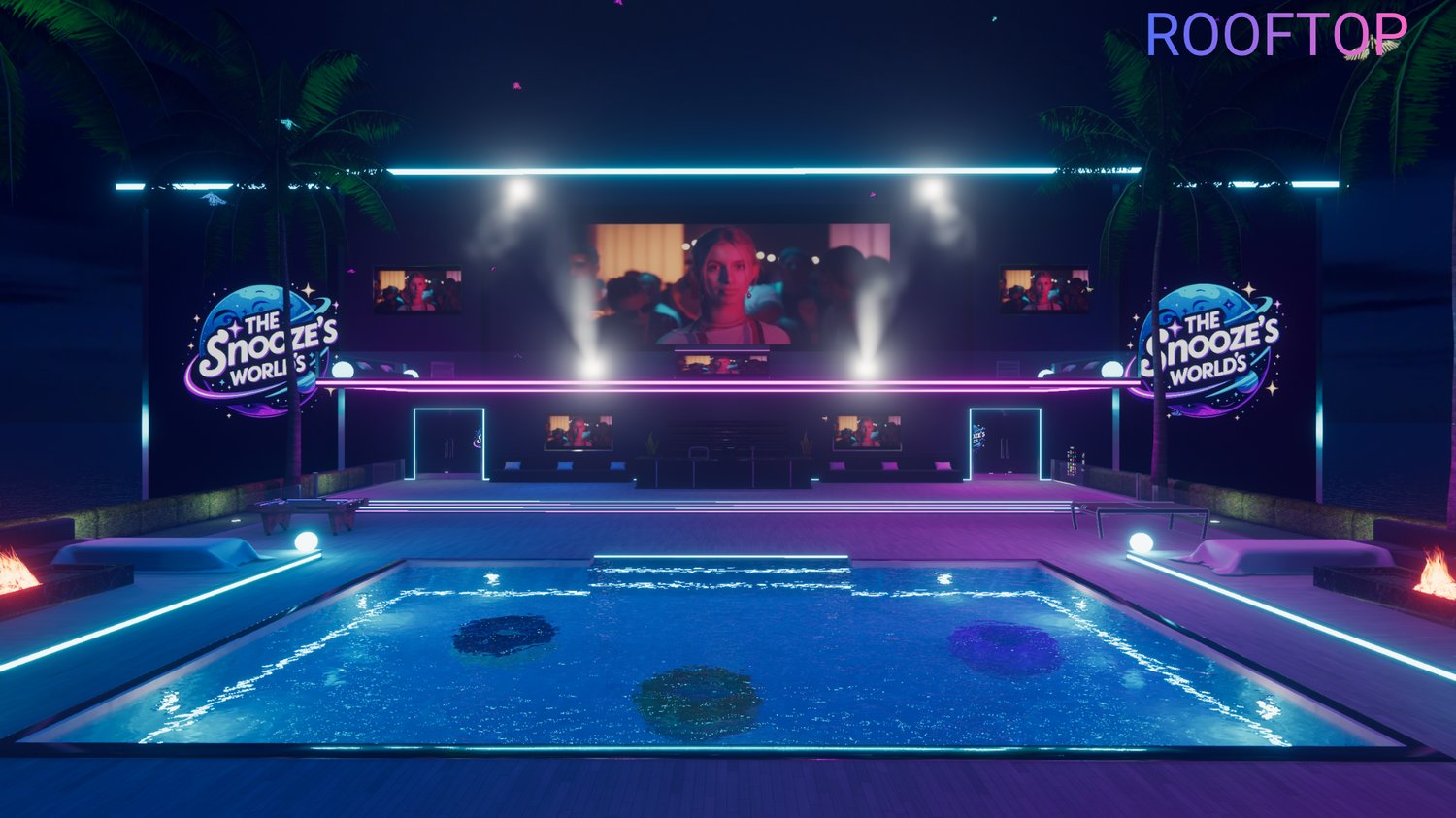
Rooftop
Pool, card games, a DJ stage, and stunning views the perfect late-night hangout.
Icon System (using RiskyKen’s Player Icons)
Give your community icons to choose from, special icons for vip and staff.
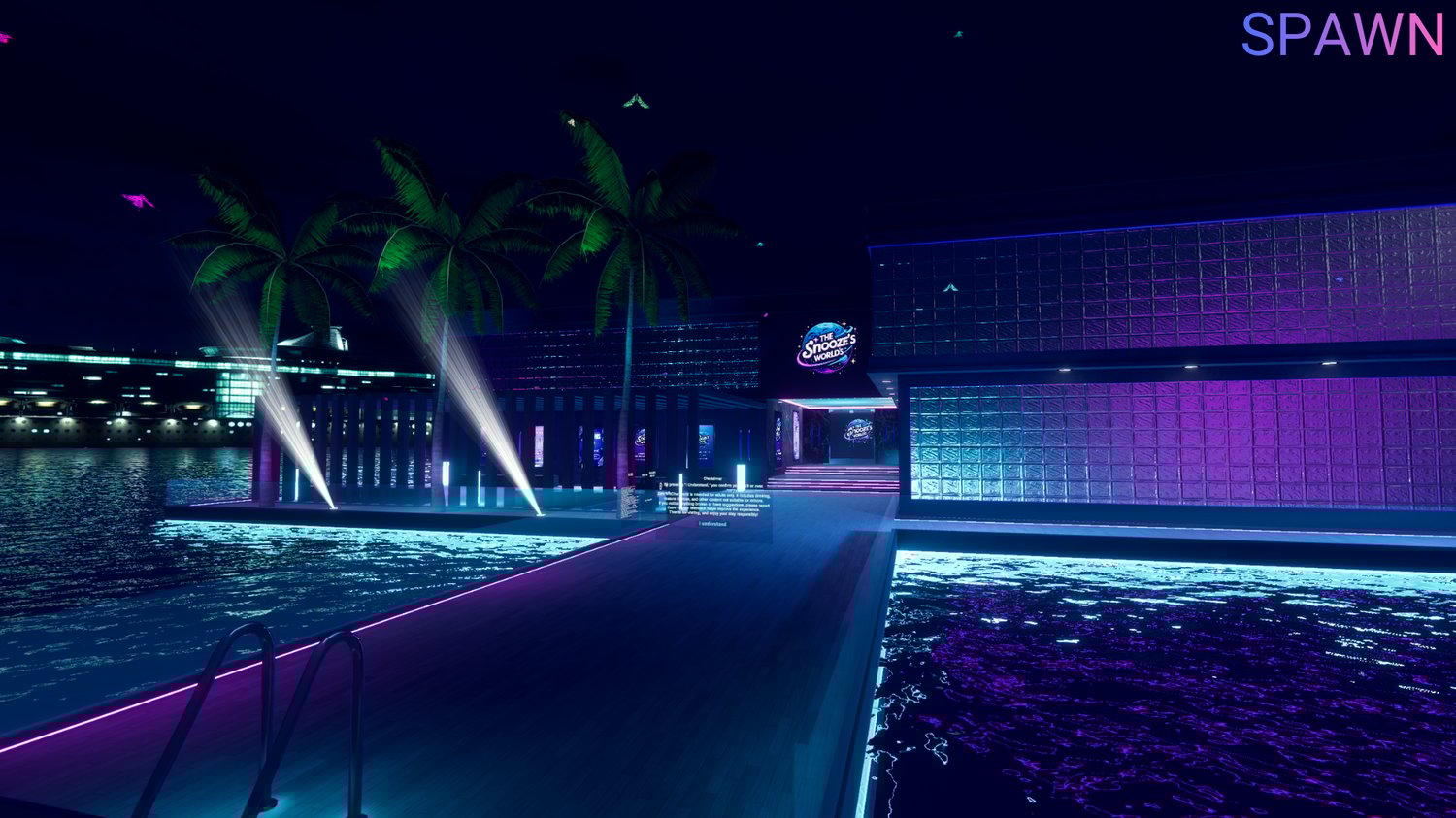
Outdoor Spawn Area
A beautiful outdoor entry point that sets the mood as soon as players join.
Continuous updates are planned for at least 6 months, with new features included free of charge.
This isn’t just a world it’s a complete club ecosystem. Everything you need to run events, parties, and a thriving community.
Upload Instructions
- Install VRChat Creator Companion and Unity 2022.3.22f1.
- Download and extract the project files.
- In VCC, click Add Existing Project and select BottomsUP.
- Open the project in Unity.
- Import RiskyKen’s Player Icons unitypackage.
- Customize and upload as desired.
Community & Support
- 💬 Join the Discord: Stay updated, get announcements, and access support.
- ✔️ Verify your license on thesnooze.net to unlock roles and perks.
Important Notes
- Setup assistance is not provided basic VRChat upload knowledge is required.
- Read the included instructions carefully.
- No refunds. Support is available through Discord tickets.
Third-Party Assets Included / Required
- ProTV
- VRWorld Toolkit
- AudioLink
- VRSL
- Sombie Probes
- RiskyKen’s Player Icons
- RiskyKen’s Audio Zones & Sticky Pickups
- Mochies Shaders
- Spin the Wheel by ModerateWinGuy
Terms of Service
Allowed
- Editing, customizing, adding, or removing content.
- Publishing for clubs, events, or personal worlds.
Not Allowed
- Sharing or leaking files (use store gifting instead).
- Editing or modifying scripts.
- Claiming the world as your own creation.
- Extracting assets for other projects.
- Using product images for advertisements or thumbnails.