
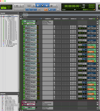
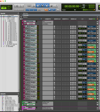
Podcast Atmos Binaural Mix Template – Pro Tools Ultimate
Create cinematic, immersive podcast and audio drama mixes using a professionally structured Dolby Atmos-based workflow, optimized for binaural headphone playback.
This template is designed for engineers who want a clean, organized, and production-ready session without spending hours building routing, groups, and monitoring paths from scratch.
What This Template Offers
- Pre-built Pro Tools Ultimate session
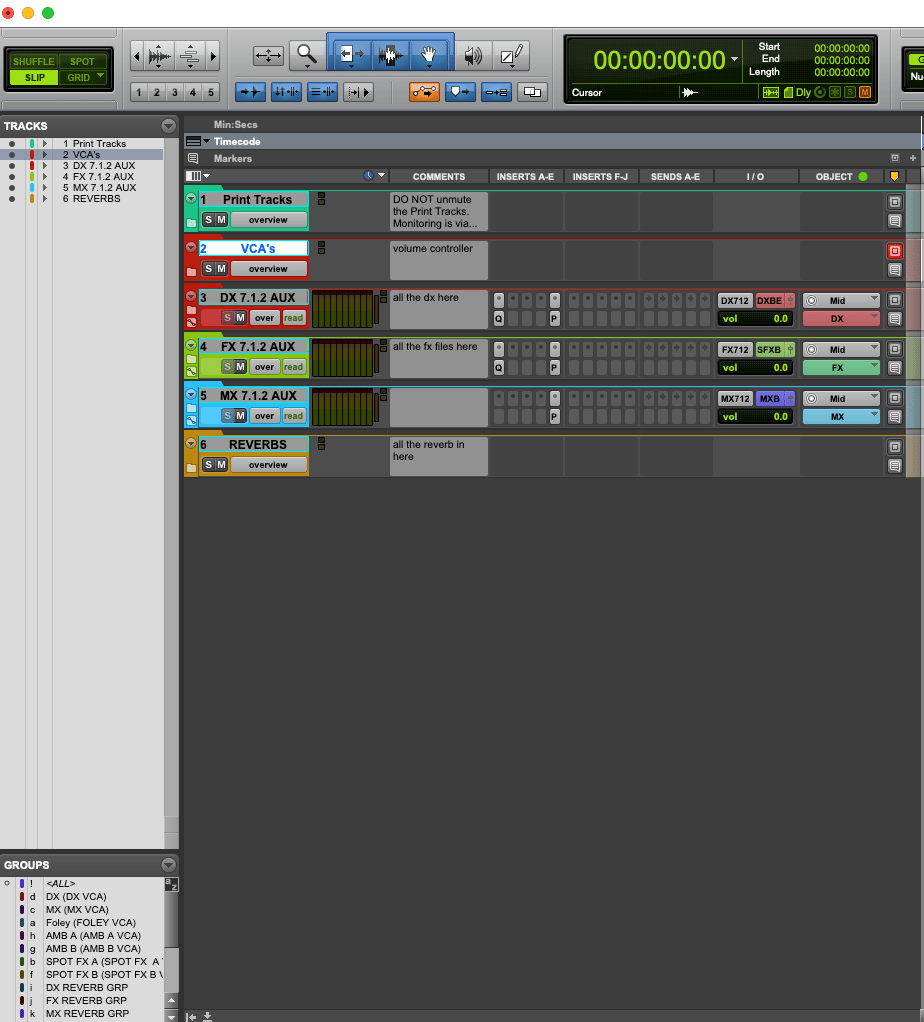
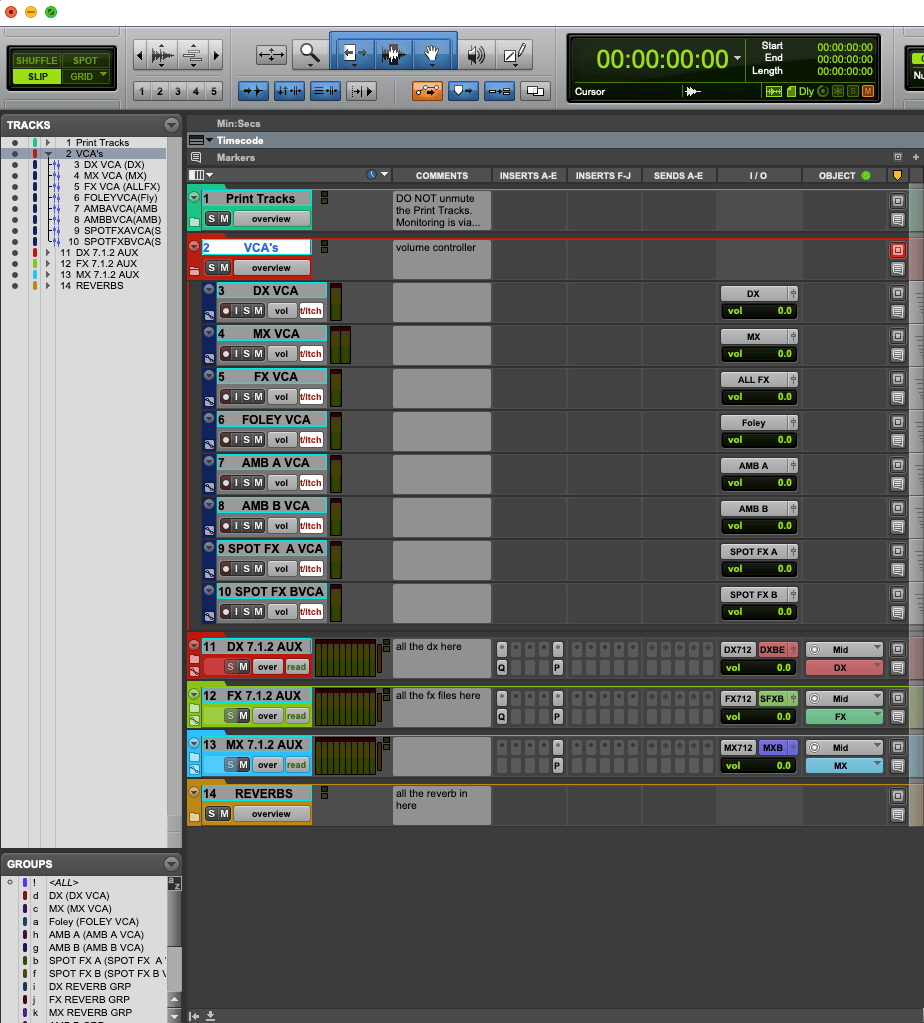
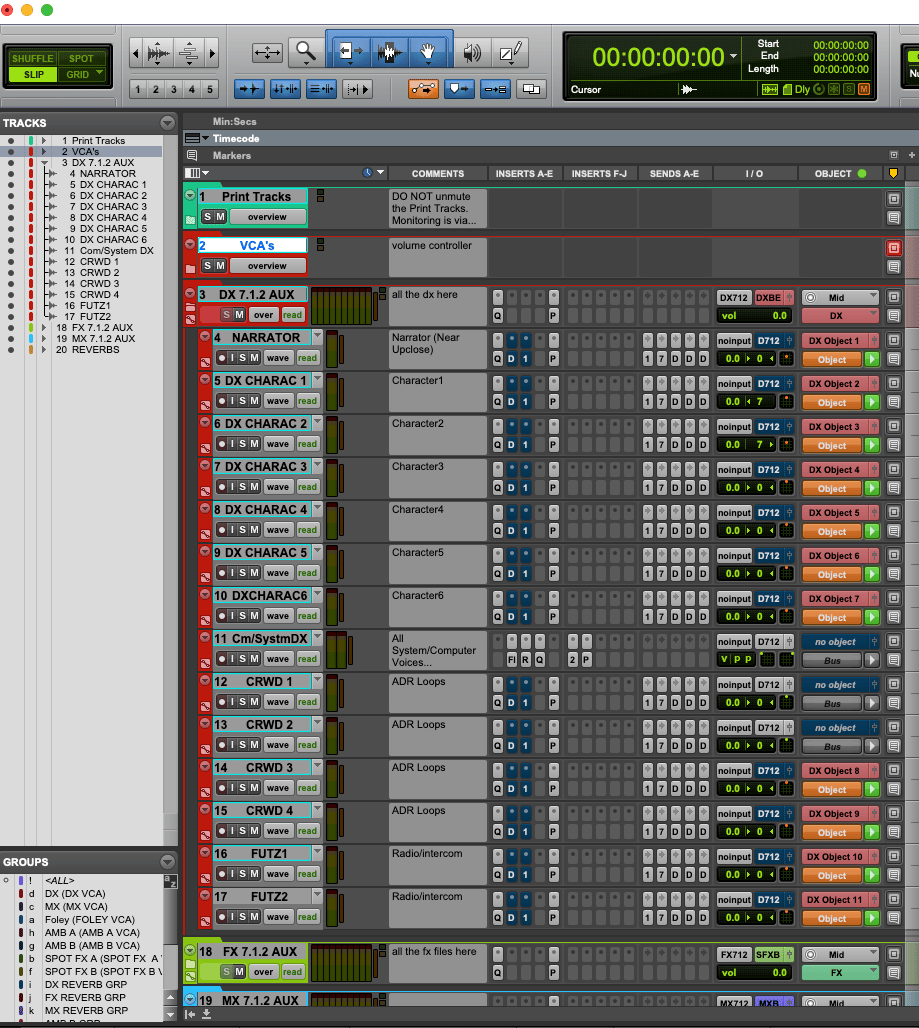
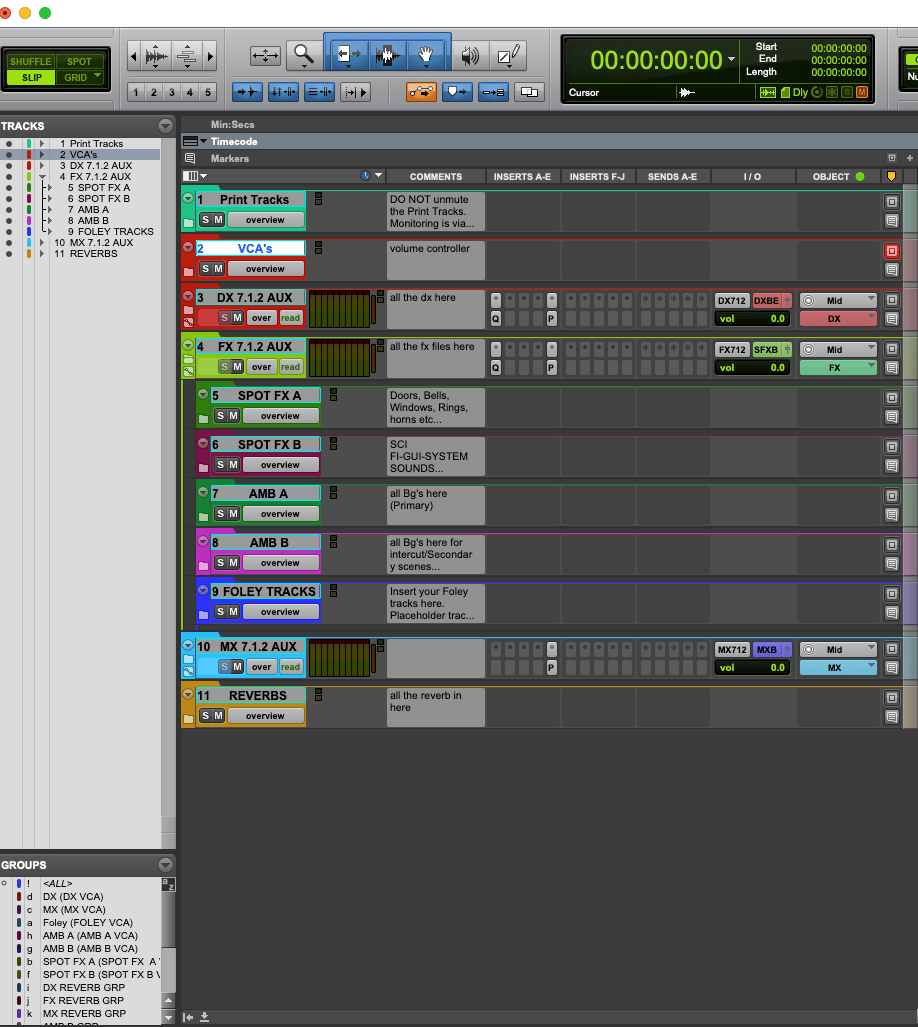
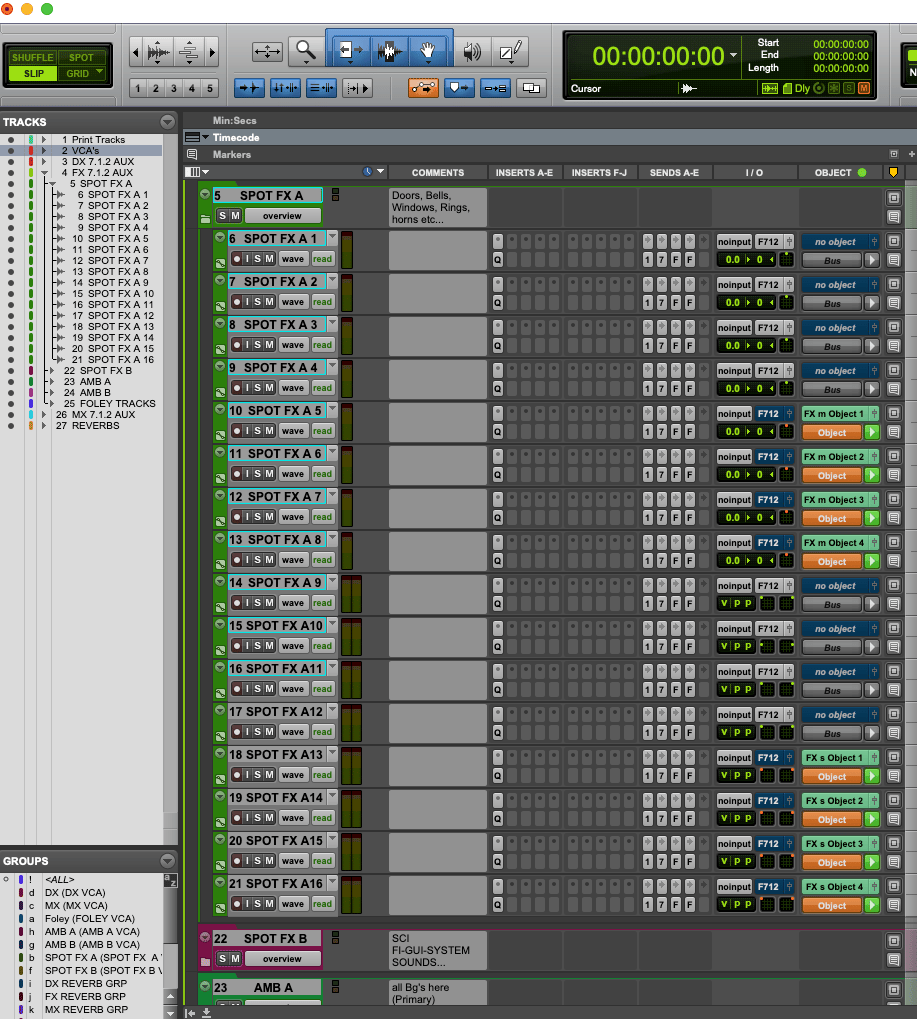
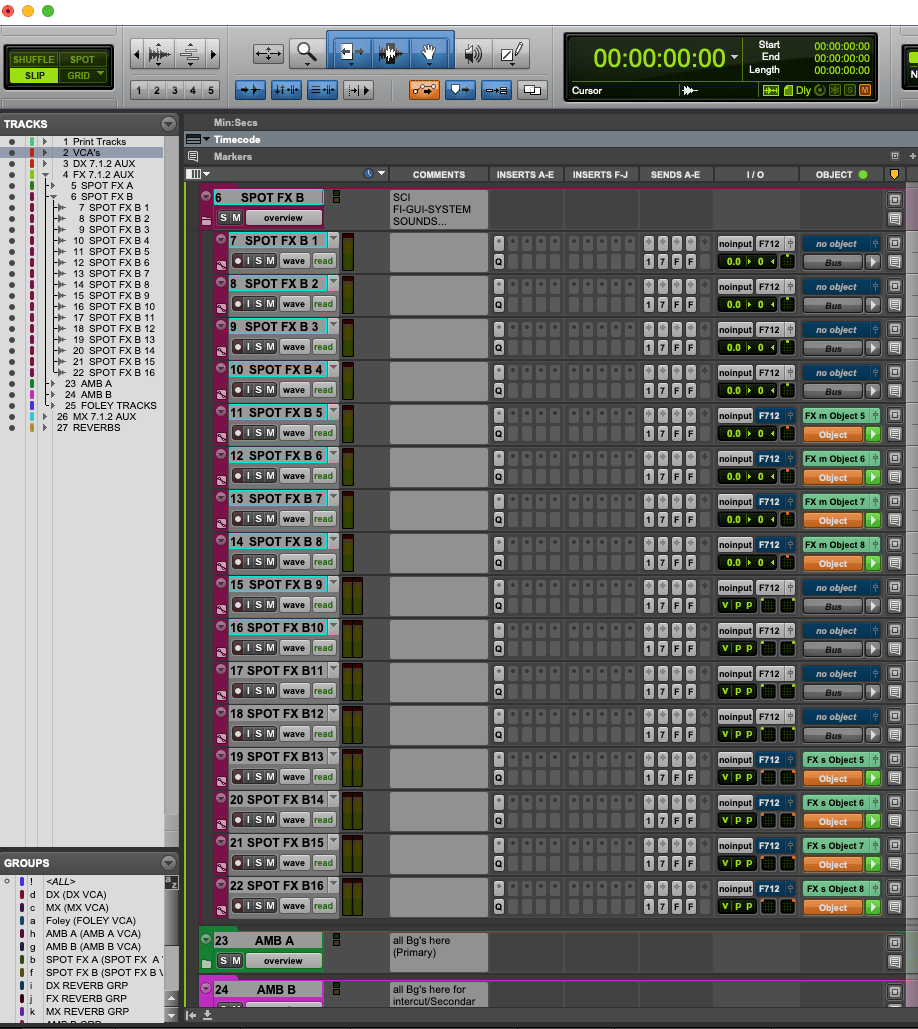
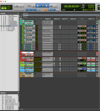
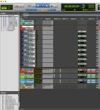
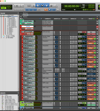
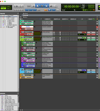
- Organized track layout (DX, FX, BG, Foley, MX)
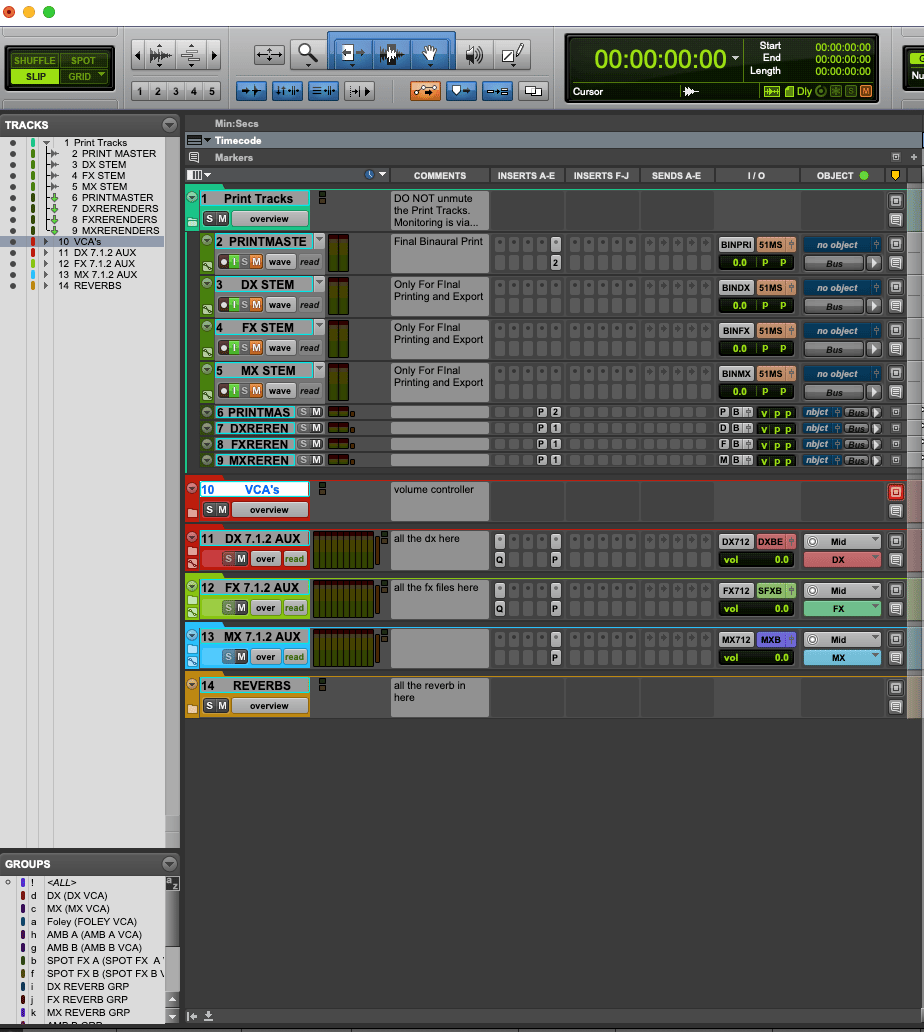
- Dedicated aux groups and bus routing
- Clean immersive mix structure
- Built-in binaural monitoring workflow
- Structured print and rerender paths
- Ready-to-use audio drama / podcast workflow
Binaural Monitoring (Dolby Atmos Workflow)
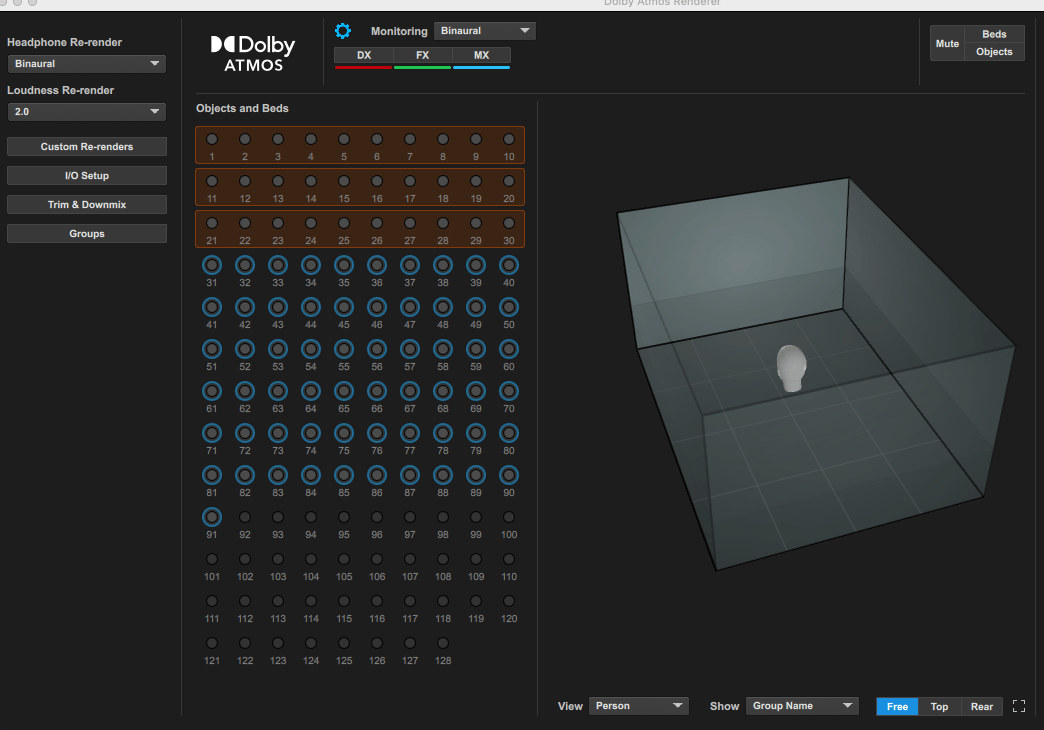
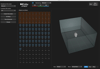
This template uses the Dolby Atmos Renderer for monitoring.
This allows you to:
- Monitor your mix in binaural (headphone) format
- Accurately judge depth, width, and placement
- Create a more immersive listening experience
Since most podcast and audio drama content is consumed on headphones, this ensures your mix translates properly in real-world listening.
Why Use Dolby Atmos Workflow for Audio Drama?
Even if your final output is stereo/binaural, working in an Atmos structure gives you:
- Better spatial separation between elements
- Improved depth and distance perception
- Cleaner layering of ambience and effects
- More control over dialogue clarity
- Creative flexibility for movement and perspective
This is especially useful for cinematic and immersive storytelling formats.
System Requirements
Software
- Pro Tools Ultimate (latest version recommended)
- Dolby Atmos enabled session (internal renderer)
Plugins Used in This Template
- FabFilter Pro-Q 4
- Youlean Loudness Meter
(If Pro-Q 4 is not available, you can substitute with any EQ plugin)
Session Structure (Overview)
The template is divided into clearly organized sections:
- Dialogue (DX) – narration and voices
- Foley – footsteps, cloth, props
- Hard FX – sync-based effects
- Design FX – cinematic layers and textures
- Backgrounds (BG) – ambience and environments
- Music (MX) – score and tonal elements
Each section is routed into dedicated aux groups for clean control and faster workflow.
Who Is This Template For?
- Podcast editors moving into cinematic mixing
- Audio drama creators
- Sound designers working in headphone-first formats
- Pro Tools users who want a structured immersive workflow
- Engineers looking to save setup time
Workflow Advantages
- No need to build routing from scratch
- Faster session setup
- Cleaner mix organization
- Better control over dialogue, FX, and music
- Efficient monitoring and output structure
Important Notes
- Works only with Pro Tools Ultimate
- Requires Dolby Atmos enabled session
- Optimized for binaural (headphone) playback
- Fully customizable to your workflow
- Good Pair of Mixing Headphones