
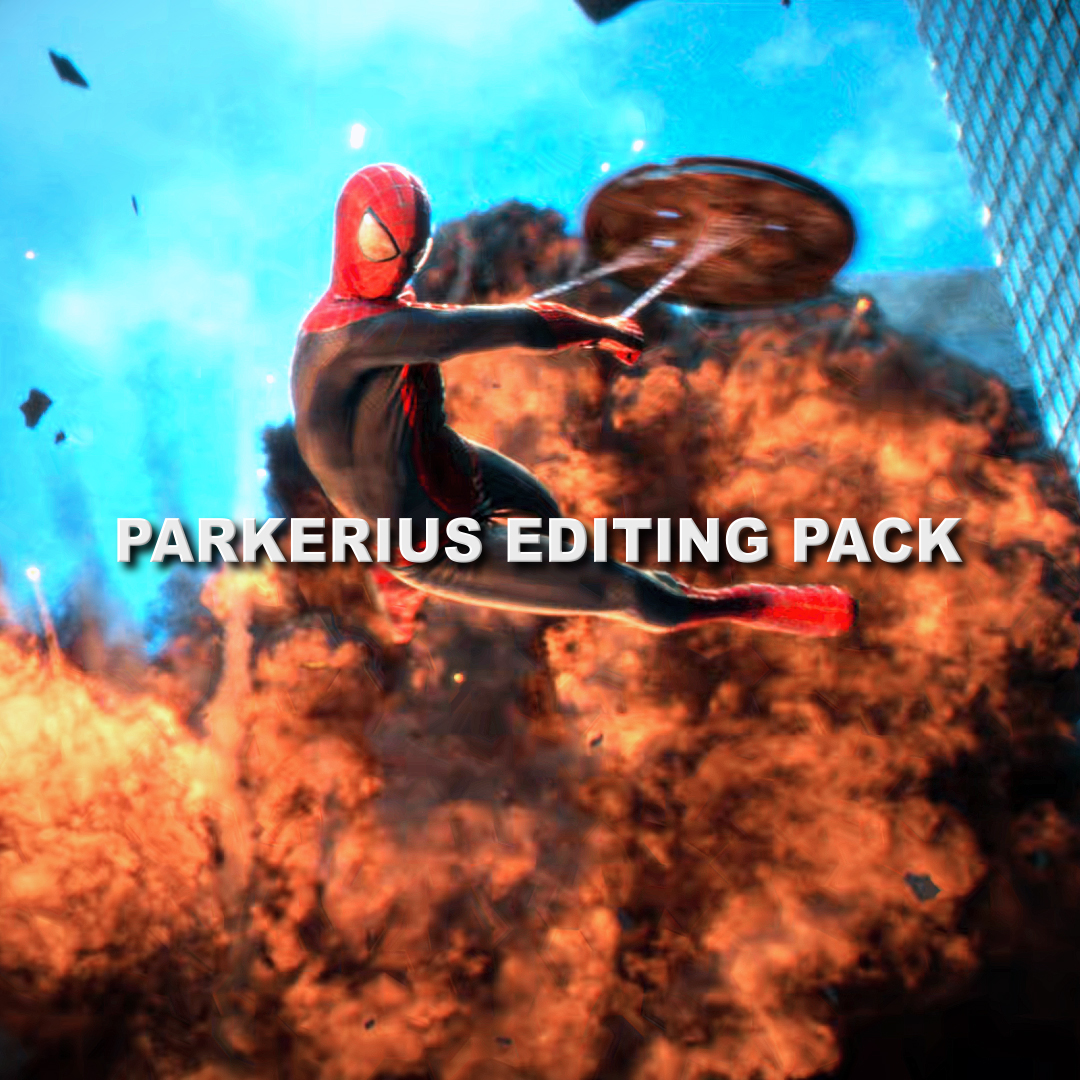
Parkerius Editing Pack
On Sale
$3.50
$3.50
My Editing Pack includes:
CCs:
- Glow Quality cc
- Glow Quality (Dark) cc
- Ice cc
High Quality Topaz Settings
Twitch and Shakes Presets:
- Twitch Shake preset
- Vertical (Y) Shake
- Horizontal (X) Shake
- Warp Shake
- Water Ripple preset
- Wiggle Shake
Smooth Twixtor:
- Fast
- Slow
Zooms Presets:
- Smooth Zoom in
- Smooth Zoom out
- Fast Zoom in
- Fast Zoom out
- Reverse Zoom in
- Reverse Zoom out
Smooth Slide Transitions:
- Slide Move up
- Slide Move down
- Slide Move left
- Slide move right
Text Presets:
- Parkerius Warp Text
- Text Wiggle
- Wavy Text
Panning:
- Fast
- Slow
Add ons:
- Exposure
- Opacity
- Flash blur
Plugins required:
-Twitch
-Sapphire
-Bcc
-Magic bullet looks
How to add in After Effects:
Go to Animation tab in the top left > Click on Apply animation Preset > Select the presets you desire to add (one at a time) from the file explorer and import it into Ae. Once added select all the effects in the effects panel on the left hands side > go to the animation tab in the top left > click on 'Save Animation Preset'. Once saved You can later find the presets in the effects tab on the right hand side by just searching them by their name.
And your done :)