
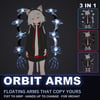
Orbit Arms — Floating Jointed Arms That Copy Your Arms for VRChat
▶ VRChat avatar accessory · PC only · needs Modular Avatar (free, from VCC) · drag-and-drop prefab
Not made for one avatar: Modular Avatar hooks it to your avatar's own chest, arm, hand and head bones at upload, so it works on humanoid avatars in general. Checked in Unity on the VRChat SDK sample avatar.
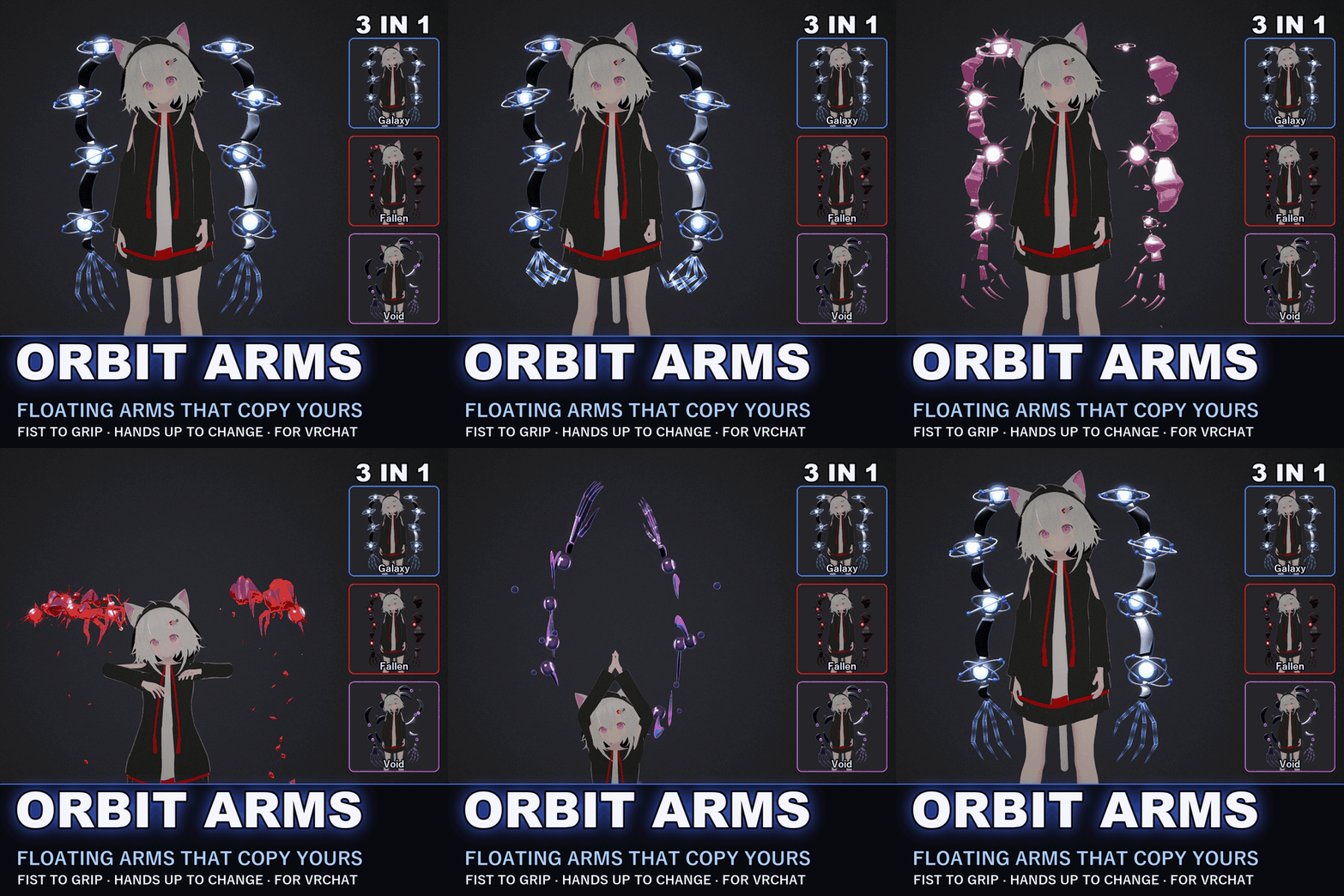
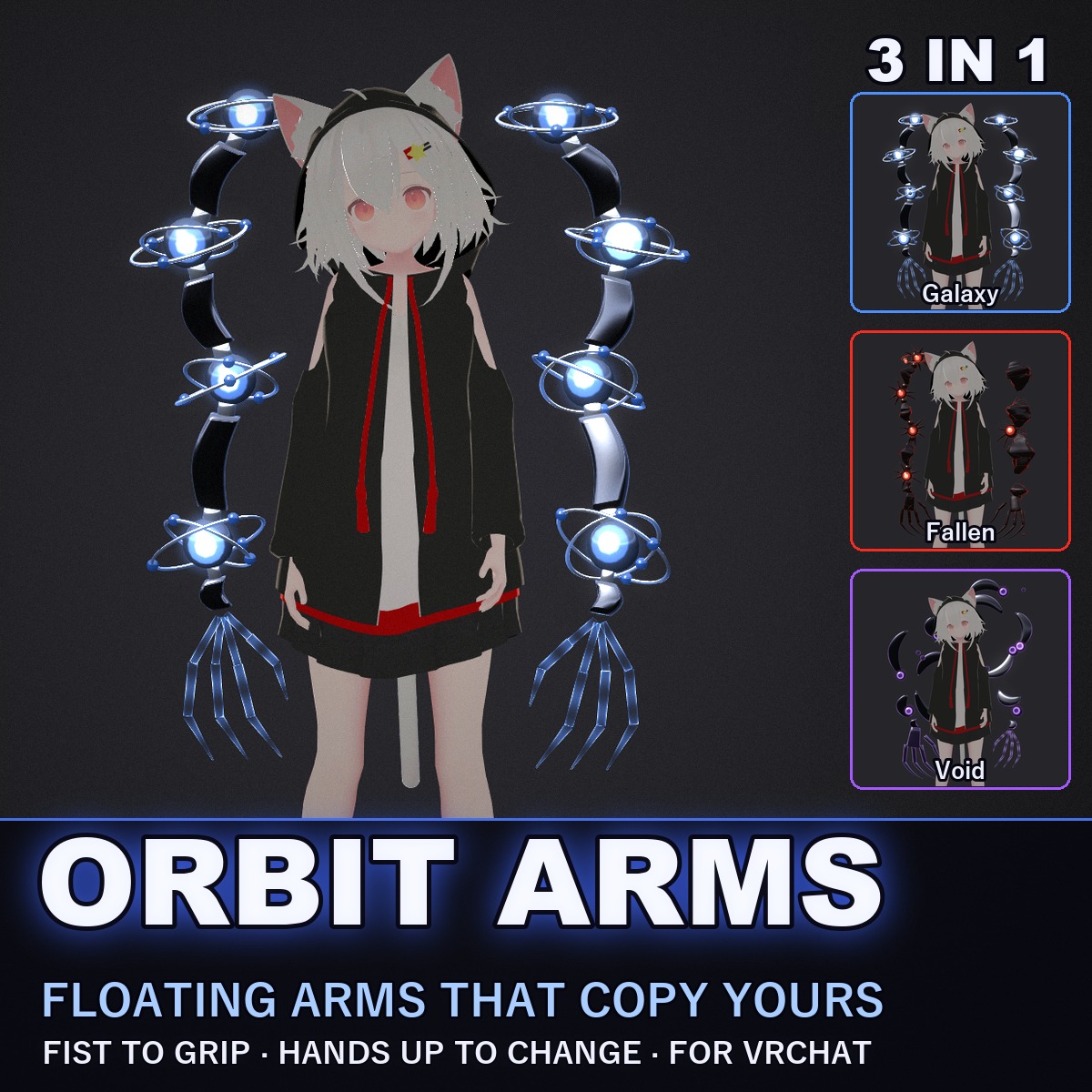
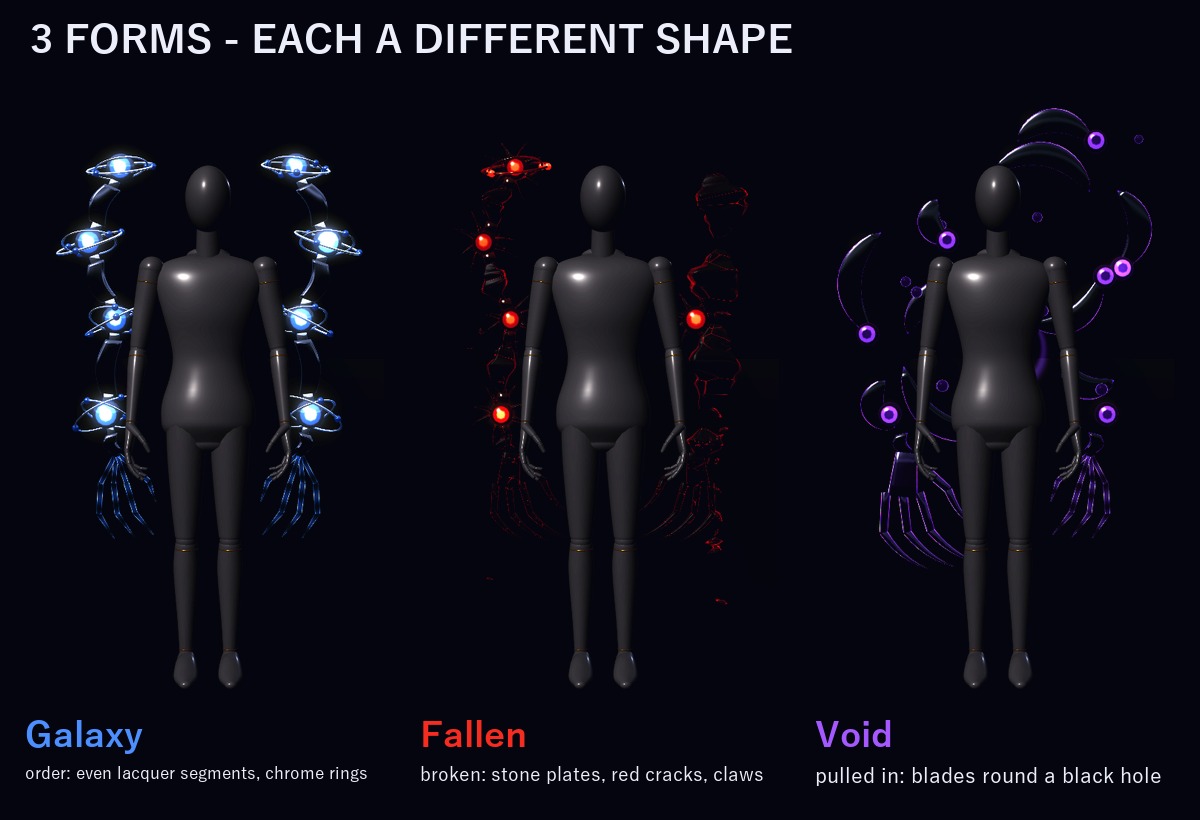
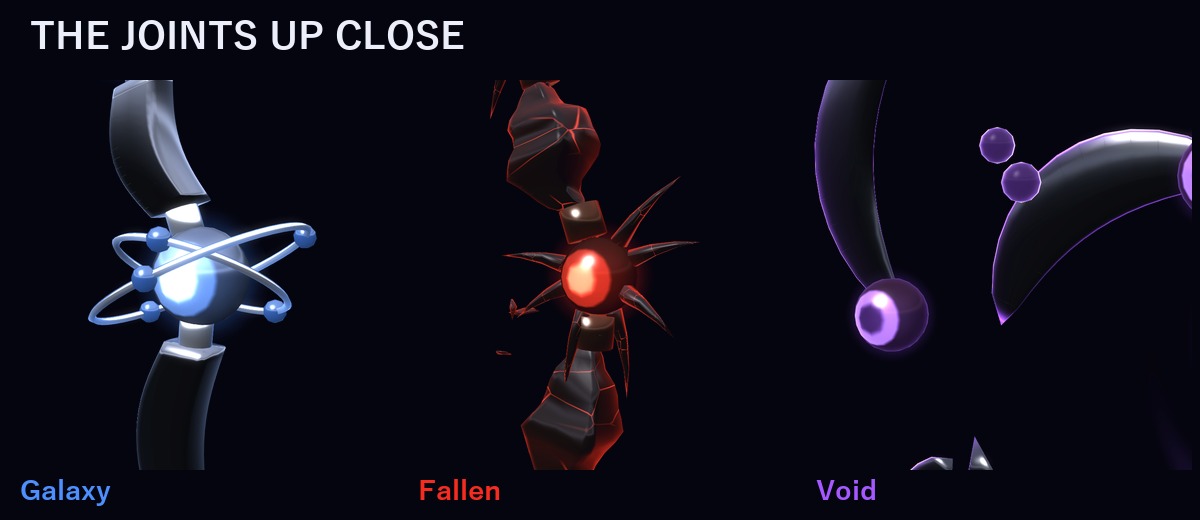
Two jointed arms float at your sides, with no backpack and no straps. Black lacquer segments, glowing orb joints with chrome rings turning round them, and glass hands.
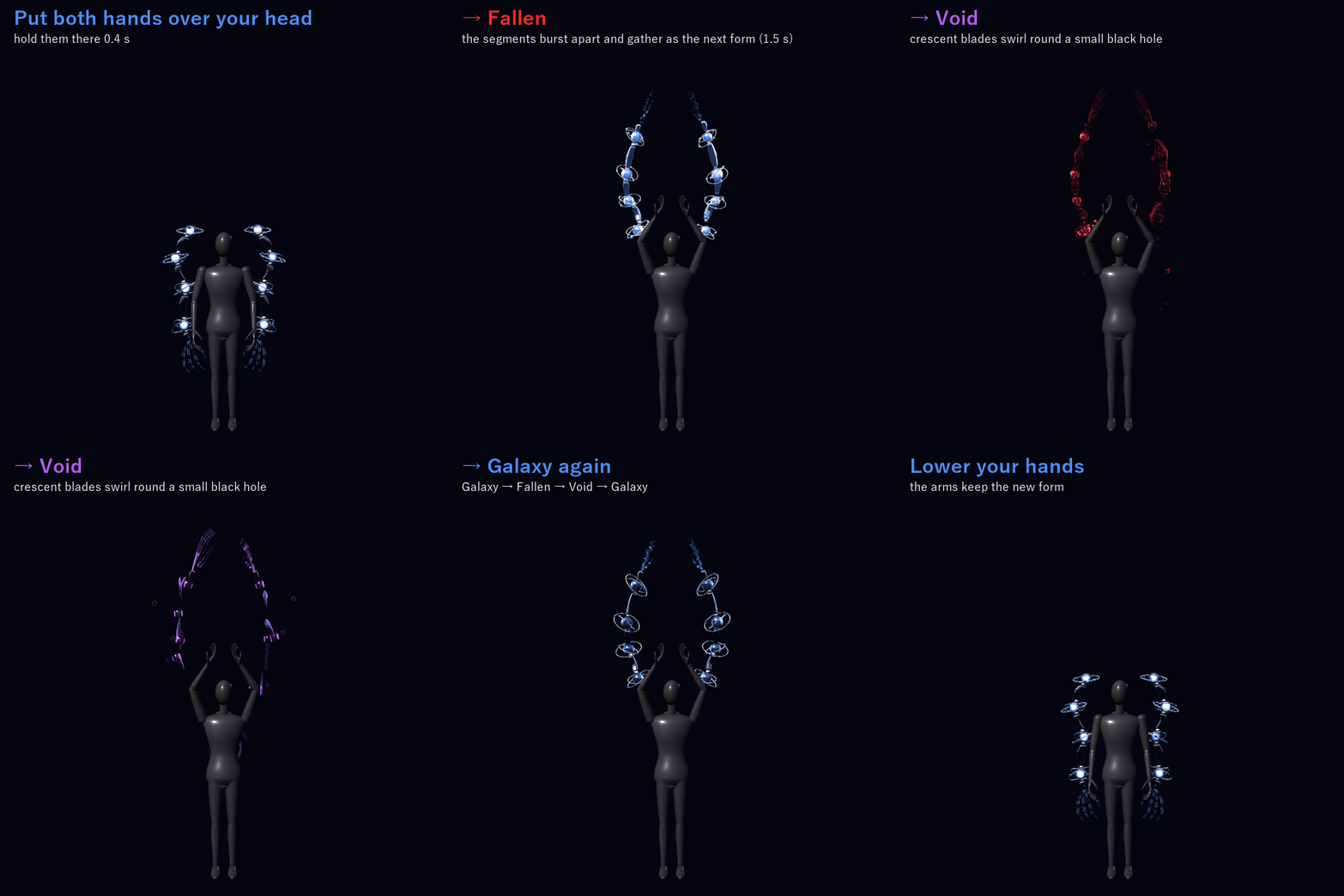
Point, and they point the same way. Make a fist, and they make a fist. Put both hands over your head, and they burst apart and come back together as the next form: Galaxy → Fallen → Void.
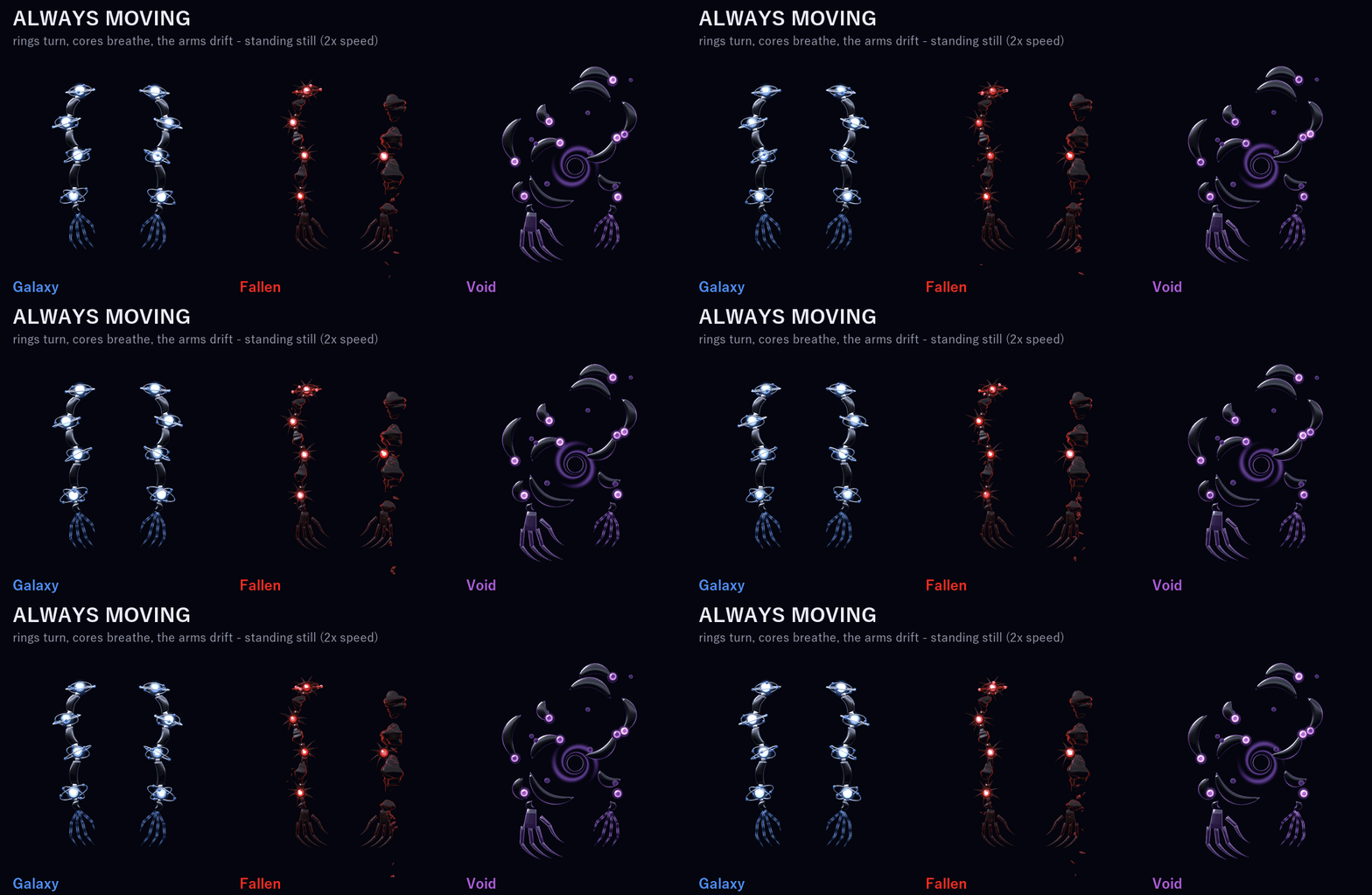
Even while you stand still, the chrome rings turn round every joint, the orb cores breathe, light runs down the segments and the arms drift up and down a little.
THEY COPY YOUR ARMS
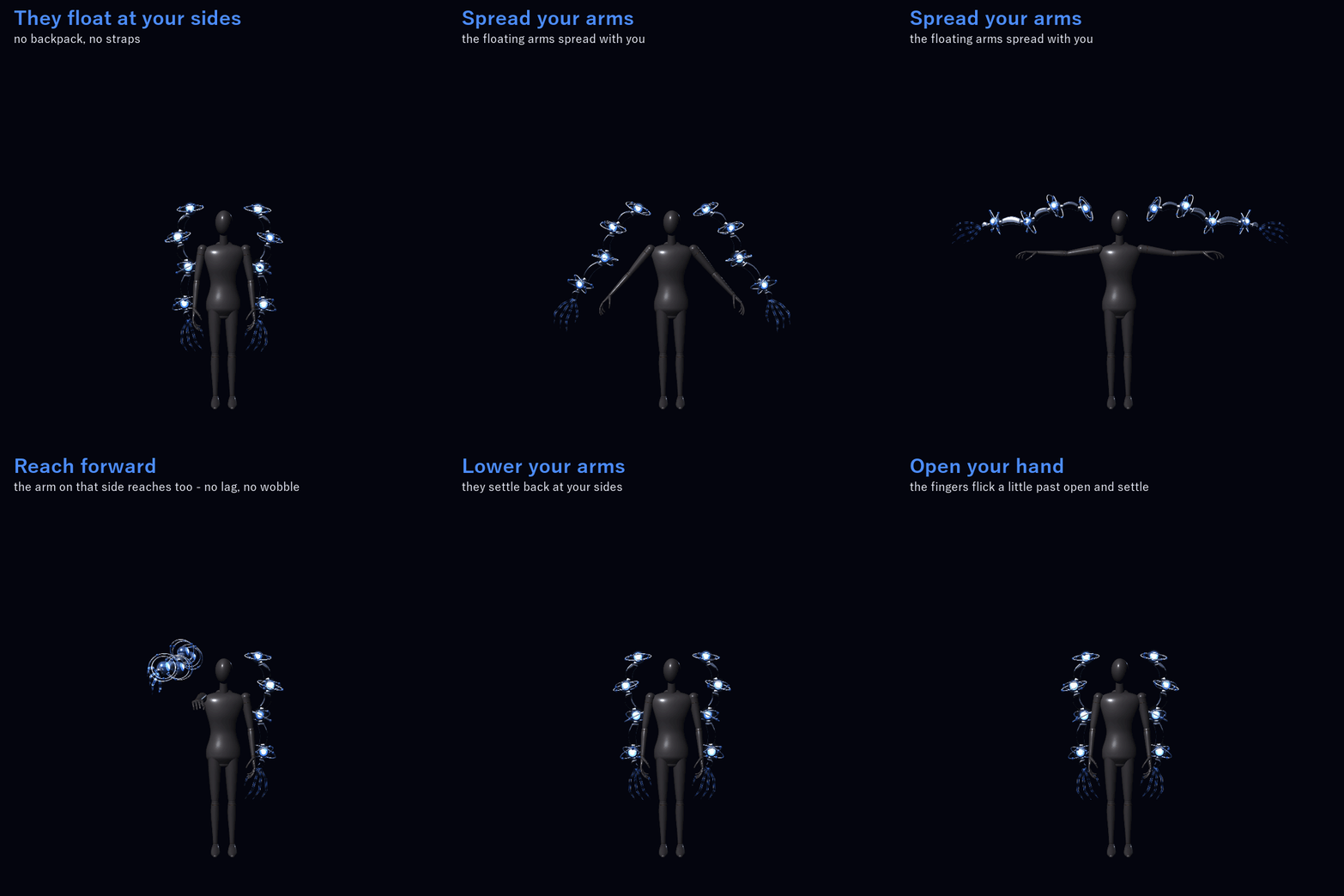
Your upper arm and forearm steer the floating arm on the same side: lift your arm, reach forward or spread your arms and the floating arms take the same direction, with no lag and no wobble.
Turn "Follow my arms" off and they ease back into their resting pose at your sides (0.6 s); turn it on and they pick your arms up again.
ONE THING YOU DO WITH YOUR HAND
Make a fist: the floating hand on that side closes too and fills with light (0.35 s). Open your hand and its fingers flick a little past open and settle. Each side follows its own hand. It works while "Follow my arms" is on.
ONE THING YOU DO WITH YOUR BODY
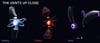
Put both hands over your head and hold them there for 0.4 s: the segments burst apart glowing and gather again as the next form (1.5 s). Galaxy → Fallen → Void → Galaxy. It needs both hands: one hand alone does nothing. Keep them up and it moves on to the next form every 2 s (0.4 s, then a 1.6 s rest).
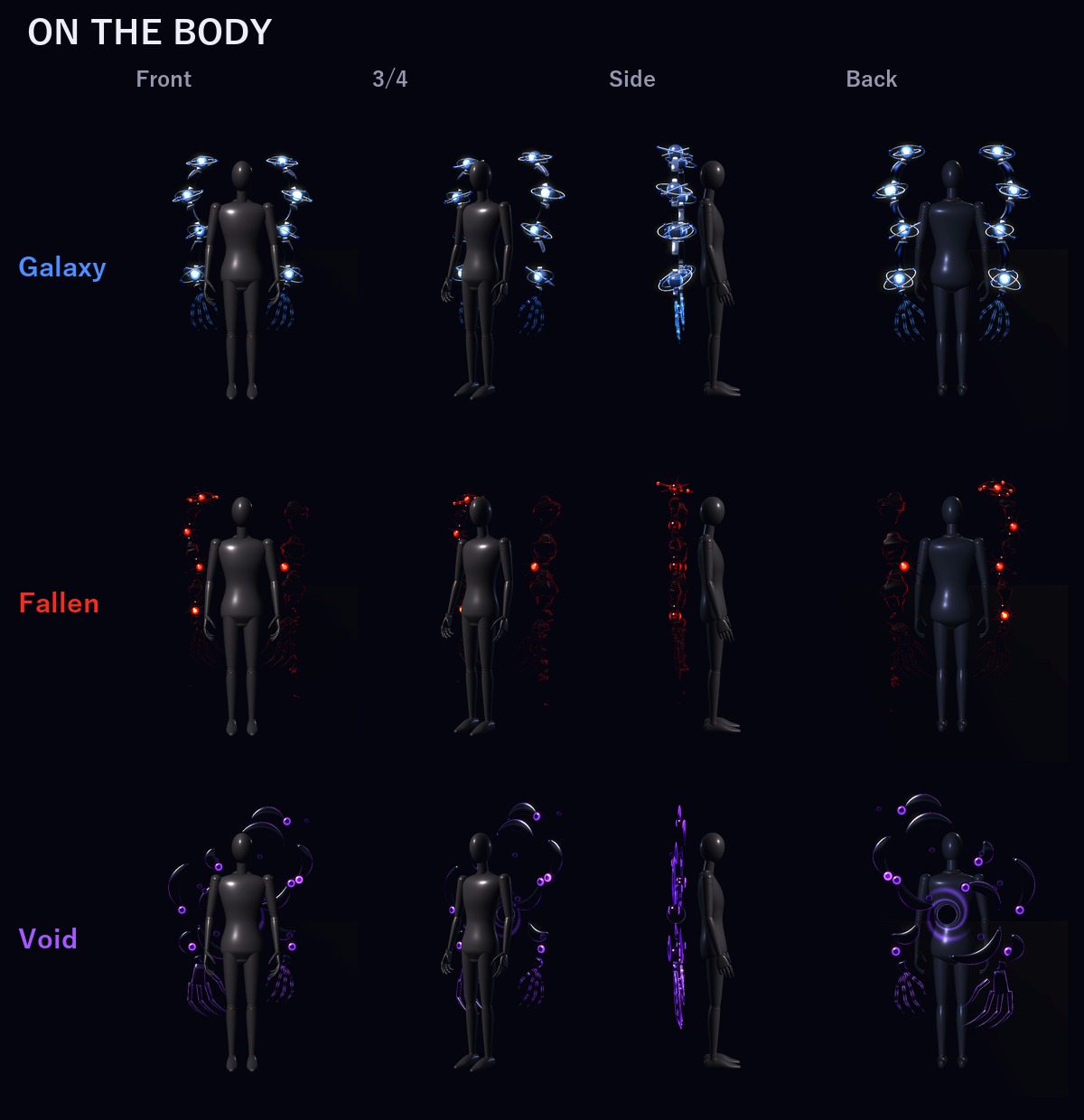
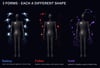
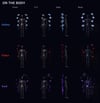
3 FORMS (each one a different shape, not only a colour)
- Galaxy (order): even black lacquer segments with a line of blue galaxy light, blue orb joints with two chrome rings and tiny planets, clear glass hands
- Fallen (broken): the left arm breaks into tilted, rough stone plates, the right into cracked stone; red orb cores with spikes, only a few rings left, wide black palms with long hooked claws; red light flickers in the cracks and stone chips fall
- Void (pulled in): the segments come apart into crescent blades that swirl round a small black hole, black orbs at the blade tips, a violet glass hand and a big black shadow hand
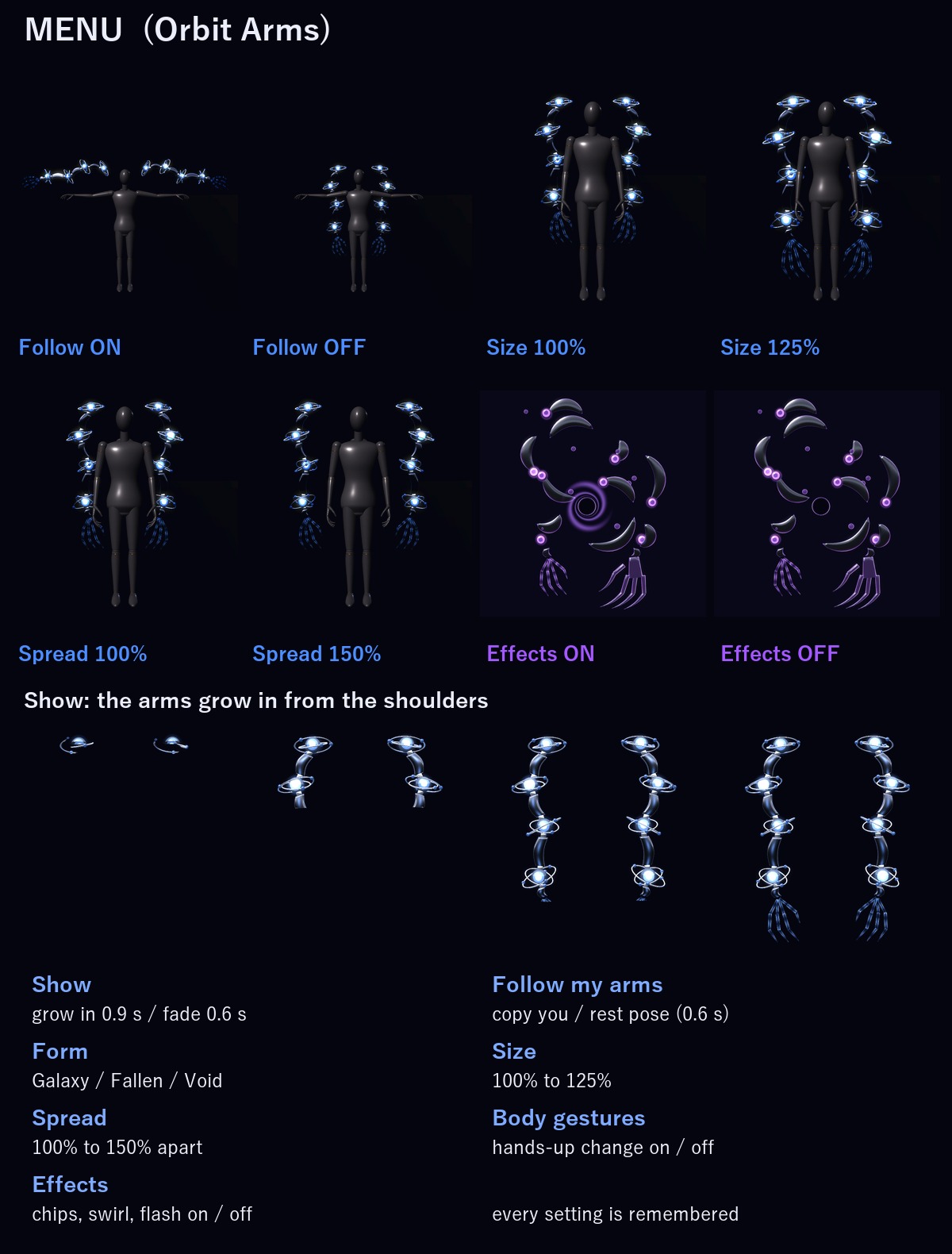
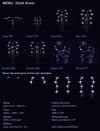
MENU ("Orbit Arms")
- Show: the arms grow in from the shoulders (0.9 s) / fade away (0.6 s) (on to start)
- Follow my arms: copy your arms / stay in the resting pose (on to start)
- Form: Galaxy / Fallen / Void
- Size: 100% to 125% (radial). Each arm grows round its own shoulder orb.
- Spread: how far apart the two arms float, 100% to 150% (radial)
- Body gestures: the hands-over-head change on / off (on to start). Turn it off if you put your hands over your head a lot.
- Effects: the falling stone chips, the violet swirl round the black hole and the flash of the change on / off (on to start). The arms, the rings and the gestures keep working.
Every menu setting is remembered.
ONE PREFAB, GOOD RANK
VRChat PC performance rank of the arms by themselves (VRChat SDK check): Good. No particle systems, no lights and no PhysBones: the glow, the chips and the swirl are drawn by the arms' own shader.
In VRChat you see the rank of your avatar and the arms together (on the SDK sample avatar, which is Medium by itself, it stays Medium).
EASY TO PUT ON
Drag one prefab onto your avatar and upload. Modular Avatar adds the "Orbit Arms" menu, the parameters and the animator layers for you, and keeps the arms on your chest bone, so they lean and turn with you.
It is placed for the VRChat SDK sample avatar. There the arms stay clear of the body in every pose checked (arms down, out, forward, up, hands over head, fists), with Size at 100% or 125% and Spread at 100% or 150%, in every combination. For a much smaller avatar, set the Scale of one object (OrbitArmsRig) once in Unity: the README shows how.
WHAT'S INCLUDED
- OA_1.0.0.unitypackage: 1 prefab, 2 shaders, 2 materials, 1 mesh, menu and animator
- Folder: Assets/Caligo/Orbit Arms/
- README (English and Japanese)
- Avatar "Felis" (リュクらぼ) is not included (the free avatar shown in the first picture and the moving thumbnail)
SPECS
- Tris: 31,264 (VRChat adds them to your avatar's own count)
- Skinned mesh renderers: 1 / Materials: 2 / Textures: none / Lights: none / Particle systems: none / Trail renderers: none
- Bones: 45 / PhysBones: none / Contacts: 4 / Constraints: 10
- Synced parameters: 28 bits
REQUIREMENTS
- Modular Avatar (available through VCC)
TESTED WITH
Unity 2022.3.22f1 / VRChat SDK 3.10.5 / Modular Avatar 1.18.7. The parts, the parameters, the menu and the animator steps are checked in Unity. The prefab imports into a clean project with no problems.
PC only (custom shader, no Quest version).
GOOD TO KNOW
- It never touches other players: the hands-over-head check only reacts to your own hands.
- People who block custom shaders in their Safety settings won't see it.
SUPPORT
If following your arms, the fist, the hands-over-head change or anything else doesn't work as described in VRChat, message me. I'll fix it and send you the update for free.
TERMS
- OK to use on your avatar in VRChat and other platforms
- OK to stream, record, and post on social media
- Editing is fine
- Please don't redistribute or resell the files, edited or not
UPDATES
- v1.0.0 (2026-11-11): first release