
Rental Turnover Checklist for Landlords: Move-Out Make-Ready Kit (Printable + Phone Workbook)
“If a door doesn’t close correctly after a tenant leaves, rain gets in, and bugs, and it keeps failing until it’s replaced.” My quick check at move-out: close the door. If there’s daylight showing, it needs work. — a working carpenter who does rental turnovers
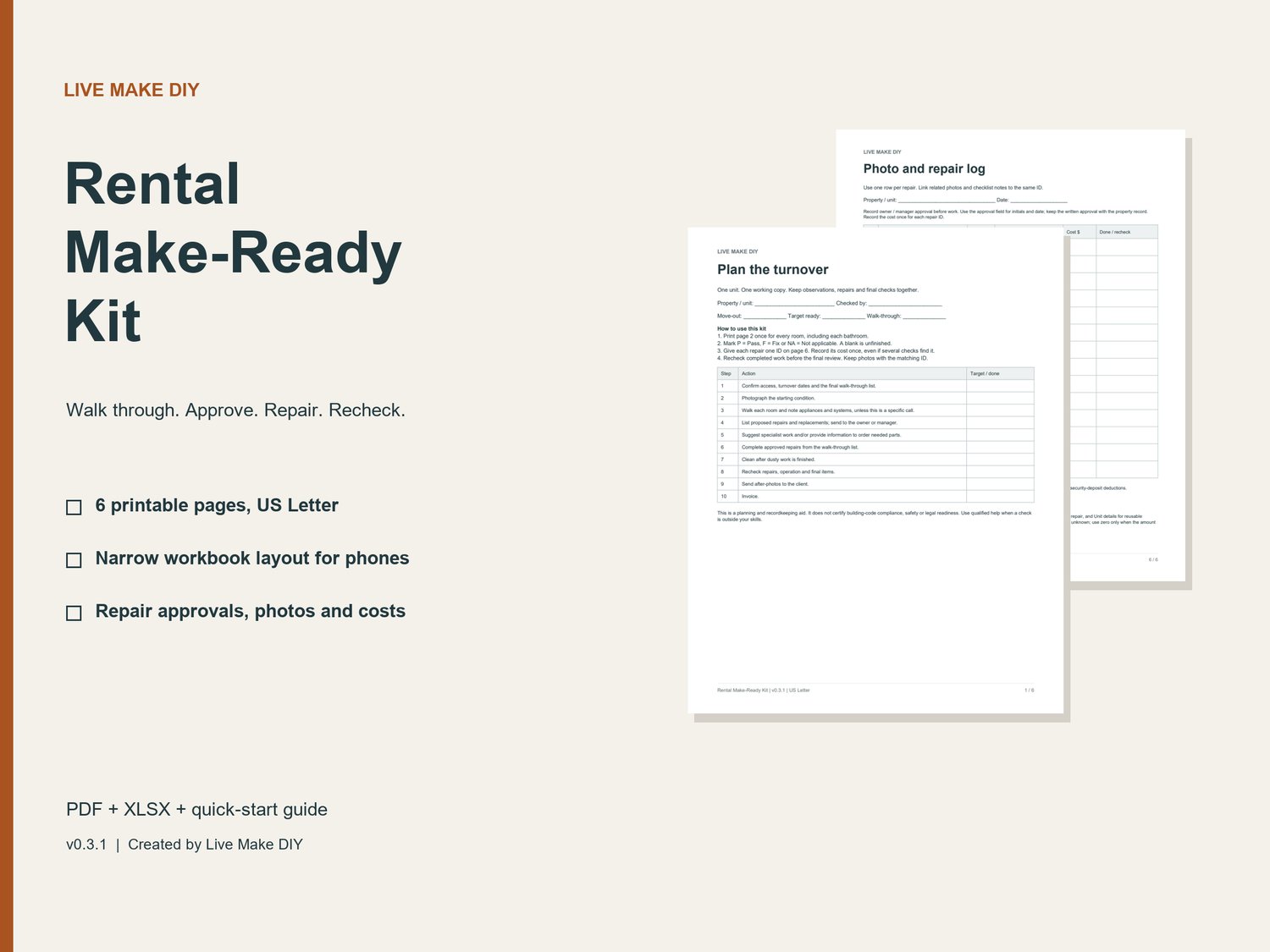
This kit is my move-out checklist for catching problems like that before the next tenant moves in. Walk each room, mark Pass, Fix or N/A, give every repair one ID, get the owner’s OK, and recheck the work before the final walk-through.
The printable checklist helps you record the condition of each room, note repairs, recheck completed work and keep photos tied to the right repair. The narrow workbook layout keeps each check, status, location and note together for use on a phone.
WHAT YOU GET - v0.3.1
- Six printable PDF pages, US Letter: turnover workflow, repeatable room checklist, whole-unit checks, closer-look reminders and final review, unit details and supplies, and a photo / repair log.
- An editable .xlsx workbook with four working tabs: Start, Checks, Repairs and Unit details.
- 40 checks with Pass / Fix / N/A dropdowns, counts of unchecked items and Fix items, and missing-location warnings.
- 20 repair records for approval, responsible person / due date, work status, photos / recheck notes and one cost entry per repair.
- An entered-cost total that flags invalid pasted costs.
- A quick-start guide for printing and opening your own copy in Google Sheets.
HOW IT WORKS
Make a copy for each property visit. Agree on the scope, record the starting condition, send proposed repairs to the owner or manager, complete approved repairs, recheck the work, send after-photos and invoice through your usual process.
For landlords, property managers and handymen who want a consistent record of rental maintenance and turnover work.
FILE AND APP DETAILS
One ZIP download containing a printable PDF, an Excel-format workbook and a text quick-start guide. Nothing ships. The PDF is not an interactive fillable form. For phone use, upload the workbook to your own Google Drive and open it in Google Sheets. A Google account is required for Google Sheets. Excel can open the .xlsx; app features and account requirements vary by device and plan. Physical phone use and desktop Excel have not been verified.
USE RIGHTS
Copy and adapt for properties you own, manage or service, and share completed records with the relevant client or team. Do not resell or redistribute the blank templates.
This is a planning and recordkeeping aid. It does not certify building-code compliance, safety or legal readiness, and does not decide security-deposit deductions. Follow manufacturer instructions and use qualified help when needed.
Created by Live Make DIY with assistance from AI tools.