
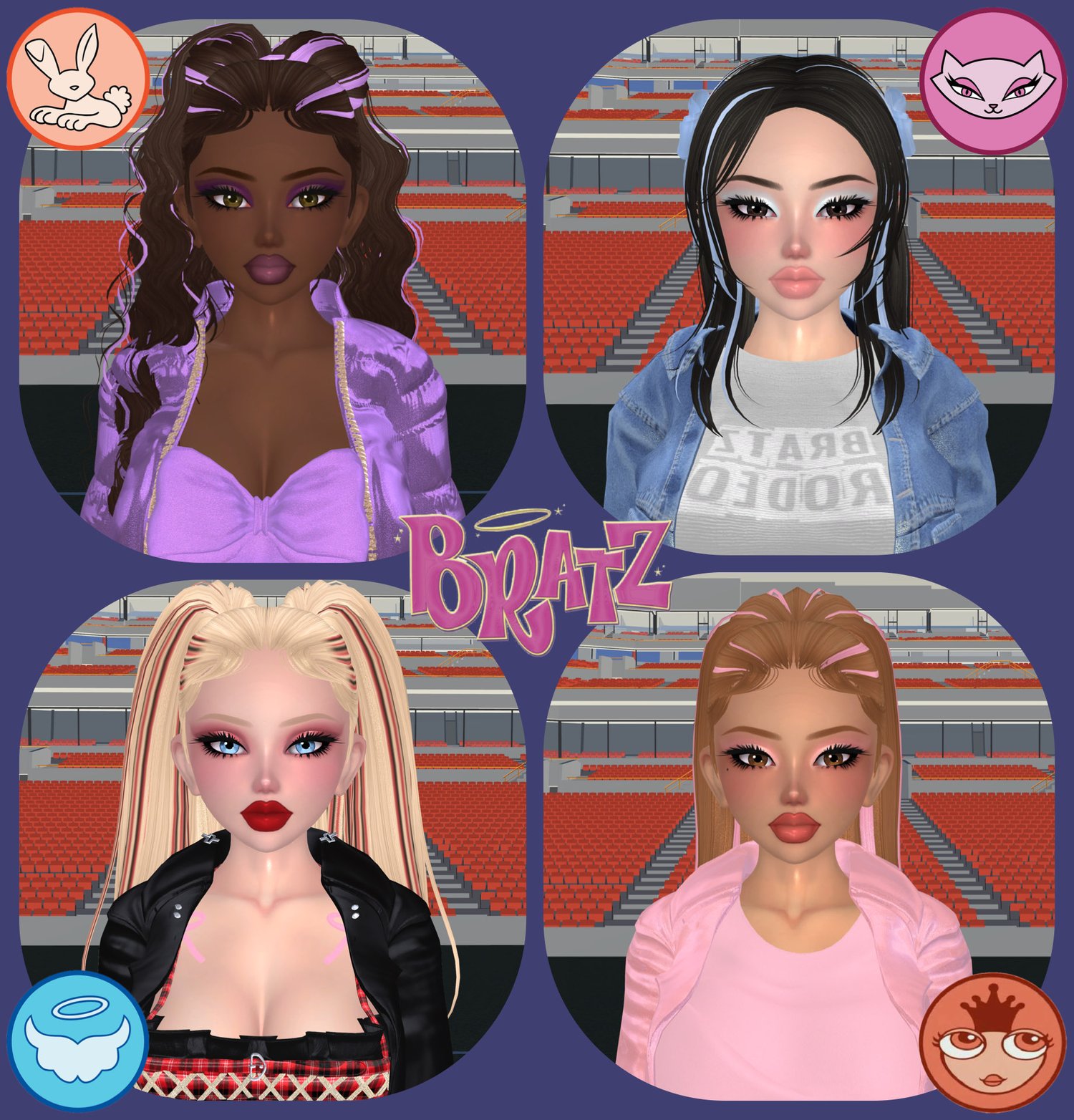
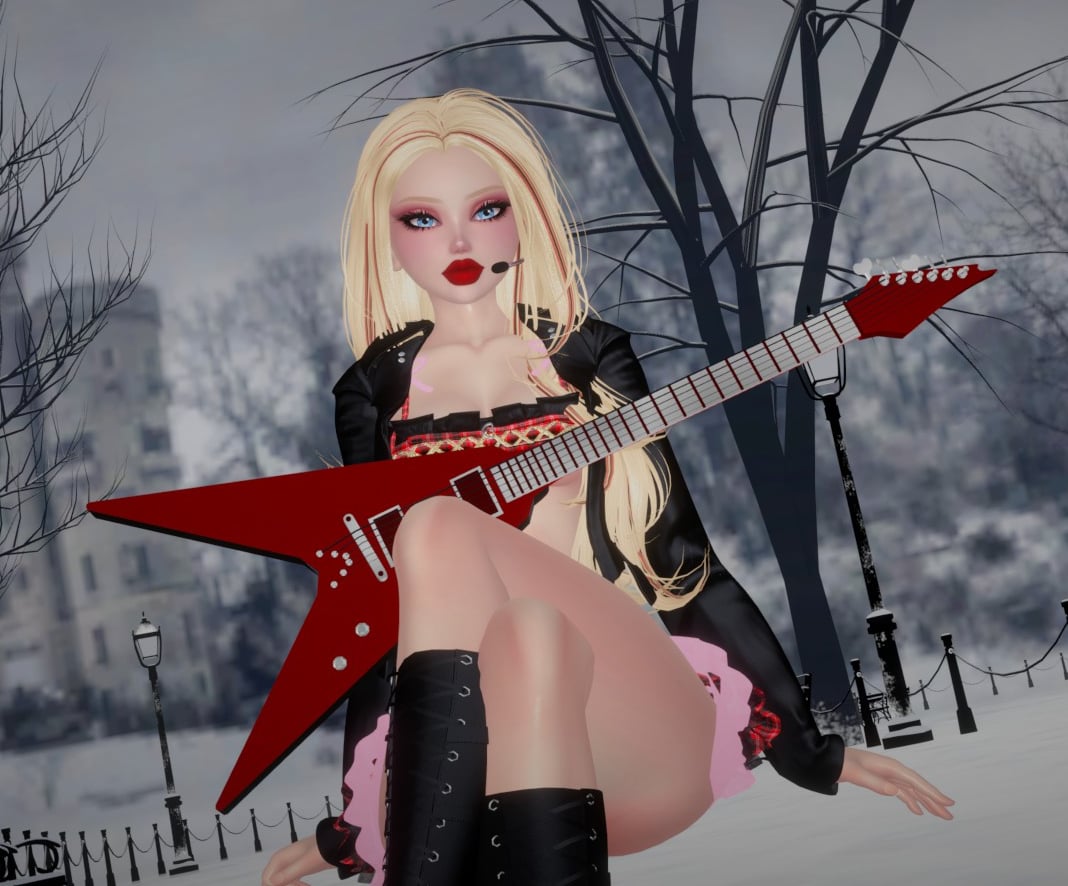
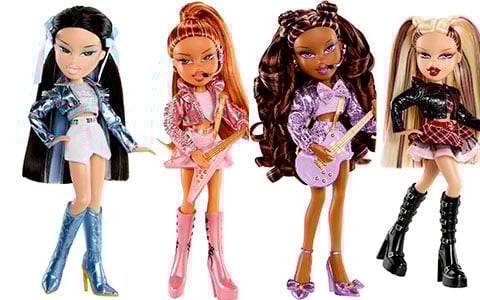



𓆩☾𓆪 | Bratz Popstarz 4 Avis in 1 | PC/QUEST | (NSFW/SPS) with Gogoloco & Face Tracking
MORE PHOTOS & CREDITS COMING SOON!!!!!
The avatar is done, just dont have any decent photos yet or a showcase
-
𓆩☾𓆪 - Avatar Special Features - 𓆩☾𓆪
✩ FBT Ready!
✩ Face Tracking
✩ Gogo Loco
✩ MMD Viseme Blendshapes (visemes sync in MMD Worlds)
✩ Mic Prop & Guitar Prop
✩ 6 Outfits (Casual Outfit, Cloe, Jade, Sasha, Yasmin, Bikini)
✩ 4 Jean Swaps (Blue, Khaki, Greenish brown, Grey)
✩ 4 Shirt Logo Swaps (Cloe, Jade, Sasha, Yasmin)
✩ 4 Eye Swaps (Blue, Brown, Hazel, Green)
✩ 4 Makeup Swaps (for each skin tone) - 16 in total
✩ 7 Hairstyles (pigtails, space buns, hair down, curly ponytail, straight ponytail, hair half up, hair half up 2)
✩ Bratz Acc (Angel Wings & Halo, Cat Ears/Tail, Bunny Ears/Tail, Princess Tiara)
-
✩ Phys bones: (hair, breasts, butt, thighs, bunny ears and tail, cat ears and tail)
✩ Colliders: (chest, breasts, waist, neck, head, arms, hands)
-
-
𓆩☾𓆪 - UPLOAD INFO
-
This avatar was made using the VCC & Unity 2022.3.22f1
Unity Import Instructions:
1. Create a new Unity project with VCC
1.5 Paste the license key into the flowye licensing system box
2. Do NOT import poiyomi toon it is in the avatar package already!
3. Import VRCFury (not included) get it here
3.5. Import Wholesome SPS (if you want SPS; if not, after importing delete the sps prefab) - get it here
3.8 Import VRCFT (if you want the avi to have face tracking) - get it here
4. Import the Avatar Unity Package
5. Double click the 'avatar_name_here' unity scene cube
6. After logging in to the VRCSDK, detach the blueprint (if the avatar has one) and you are ready to upload 😊
-
This avatar is protected by the Flowye Licensing System
Import & Upload Tutorial Here
The avatar shows up as invisible in unity, yes that is completely normal.
.
To show the avi if you want to make some material edits, simply click the button that says Flowye Licensing System and then click 'Toggle Preview Mode' this will turn on the avatar. Be sure to turn off preview mode before uploading the avatar or else it will not upload.
-