
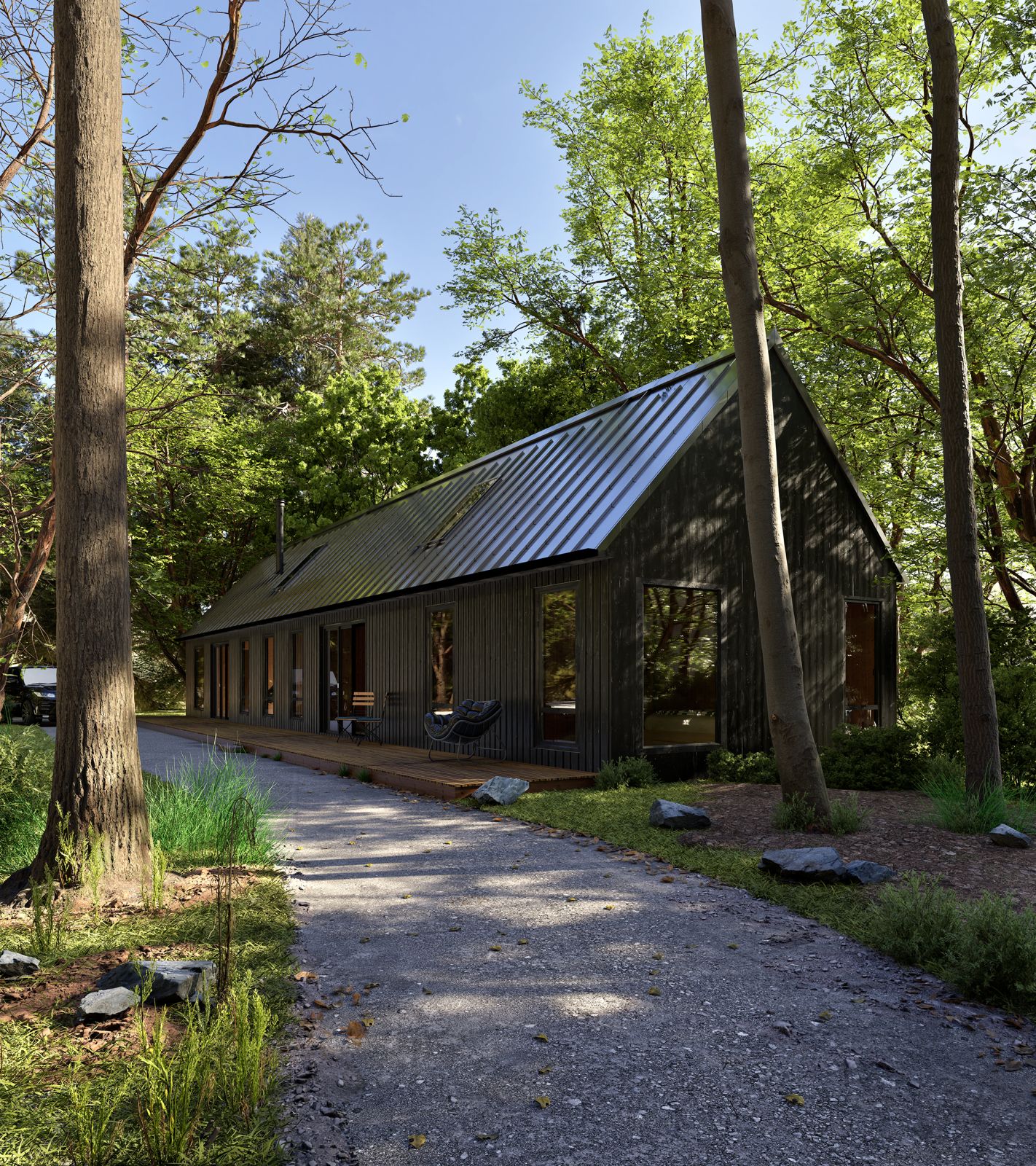
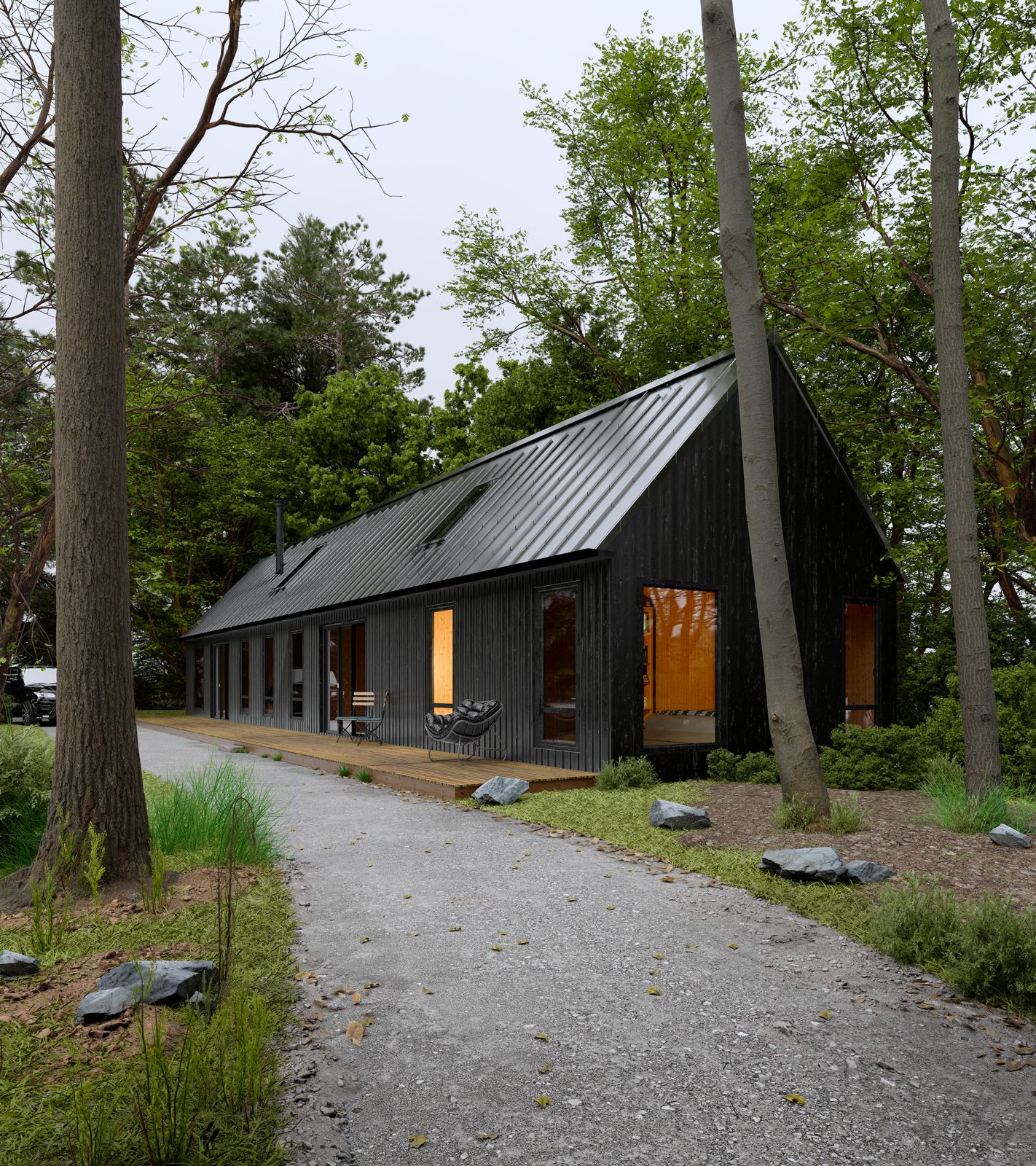
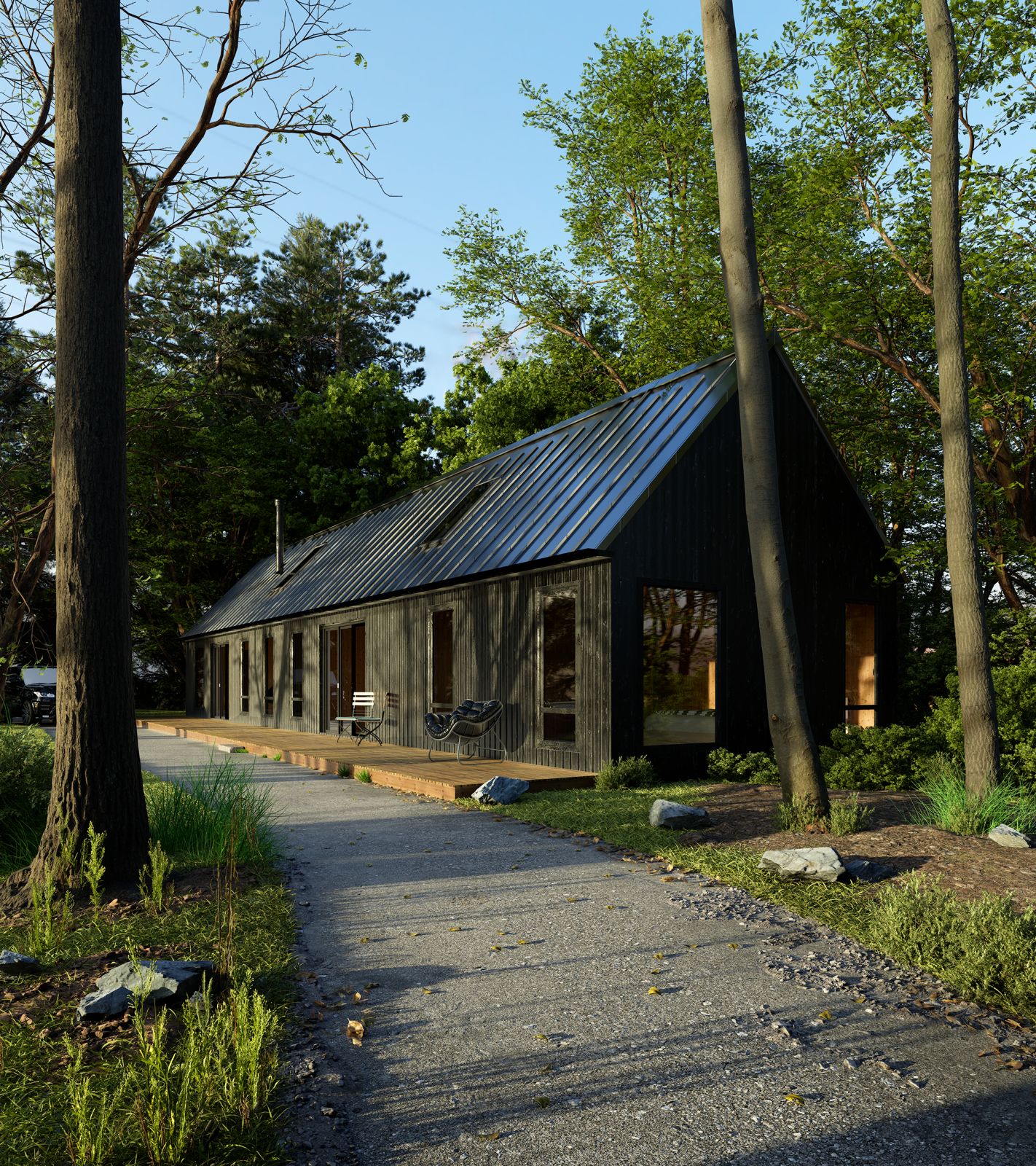
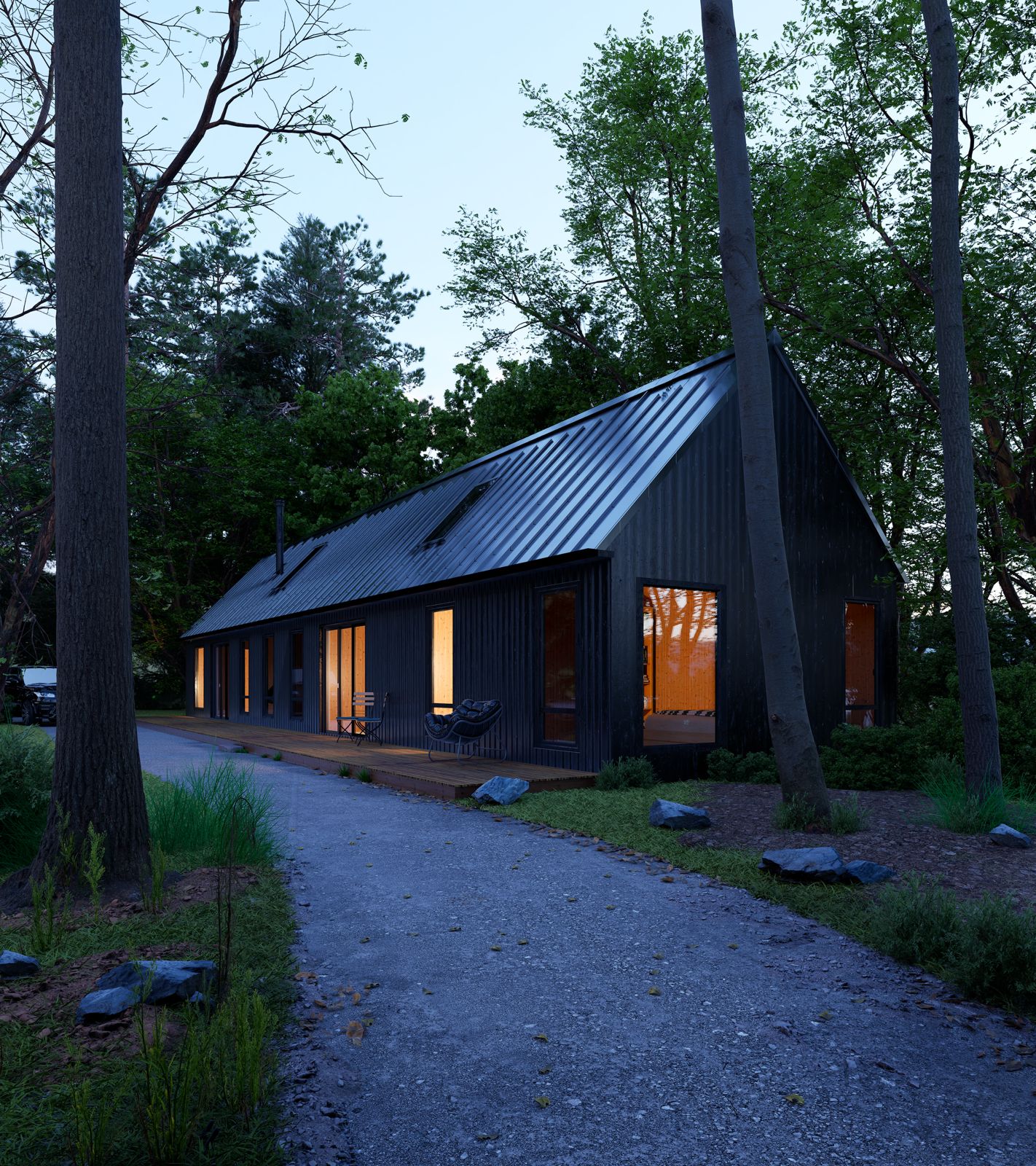
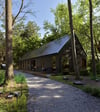
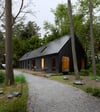
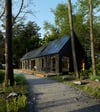
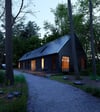
Twinmotion2025.1.1 TUTORIAL 1h 30m + Scene file
1h 30m Tutorial for the new 2025.1.1 Twinmotion - Realism in any condition - NO POST PROCESS
What You’ll Learn in This Tutorial:
• Lighting for Different Moods:
• How to set up realistic sunny daylight scenes
• Techniques for achieving overcast and diffused lighting
• Creating warm and cinematic sunset lighting
• Setting up immersive evening/nighttime lighting
• Texturing Like a Pro:
• Step-by-step guide to setting up realistic materials and textures
• How to use roughness, displacement, and normal maps effectively
• Tips on using Megascan assets for enhanced realism
• Environment Detailing:
• Adding gravel parts and blending them into the scene naturally
• Using decals to break repetition and add wear & imperfections
• Incorporating vegetation to enrich the scene (grass, trees, ground cover, 3D grass)
• Composition tips to integrate assets in a believable way
• Scene Optimization and Tips:
• Balancing realism and performance
• Organizing your scene for efficient workflow
• Final rendering and path tracer settings LINK IN BIO Everything without any post processing or AI. Good luck!
USED GPU: RTX4070 LAPTOP GPU 8GB RAM32
In case of any questions message me Via: IG or Email.