



Studio OS - The Operating System for Modern Creators
You've explained the same edit note four times this month.
Different video, same feedback. The hook drags. The music is too loud under dialogue. The end screen is missing again. You're not running a channel anymore — you're running a correction service.
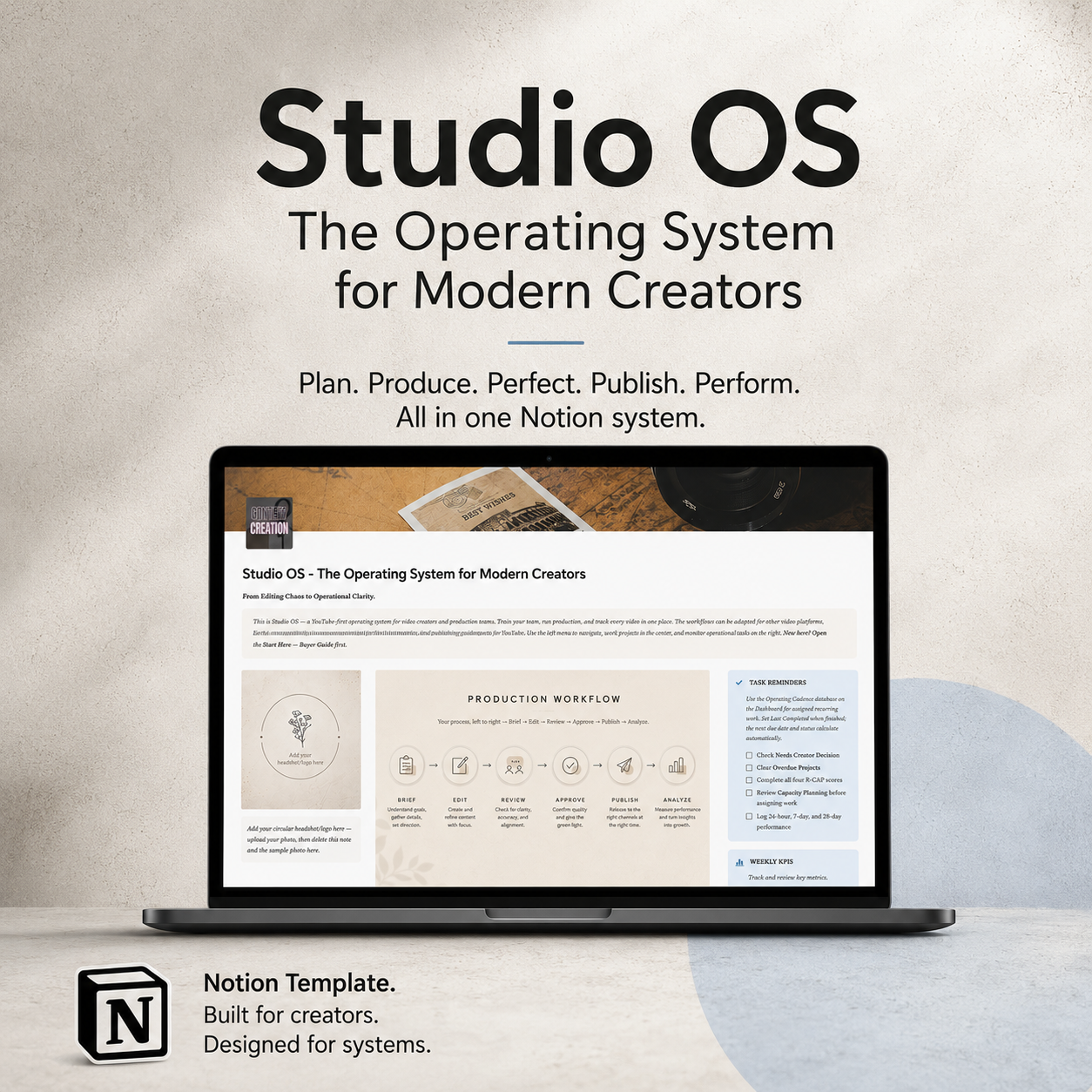
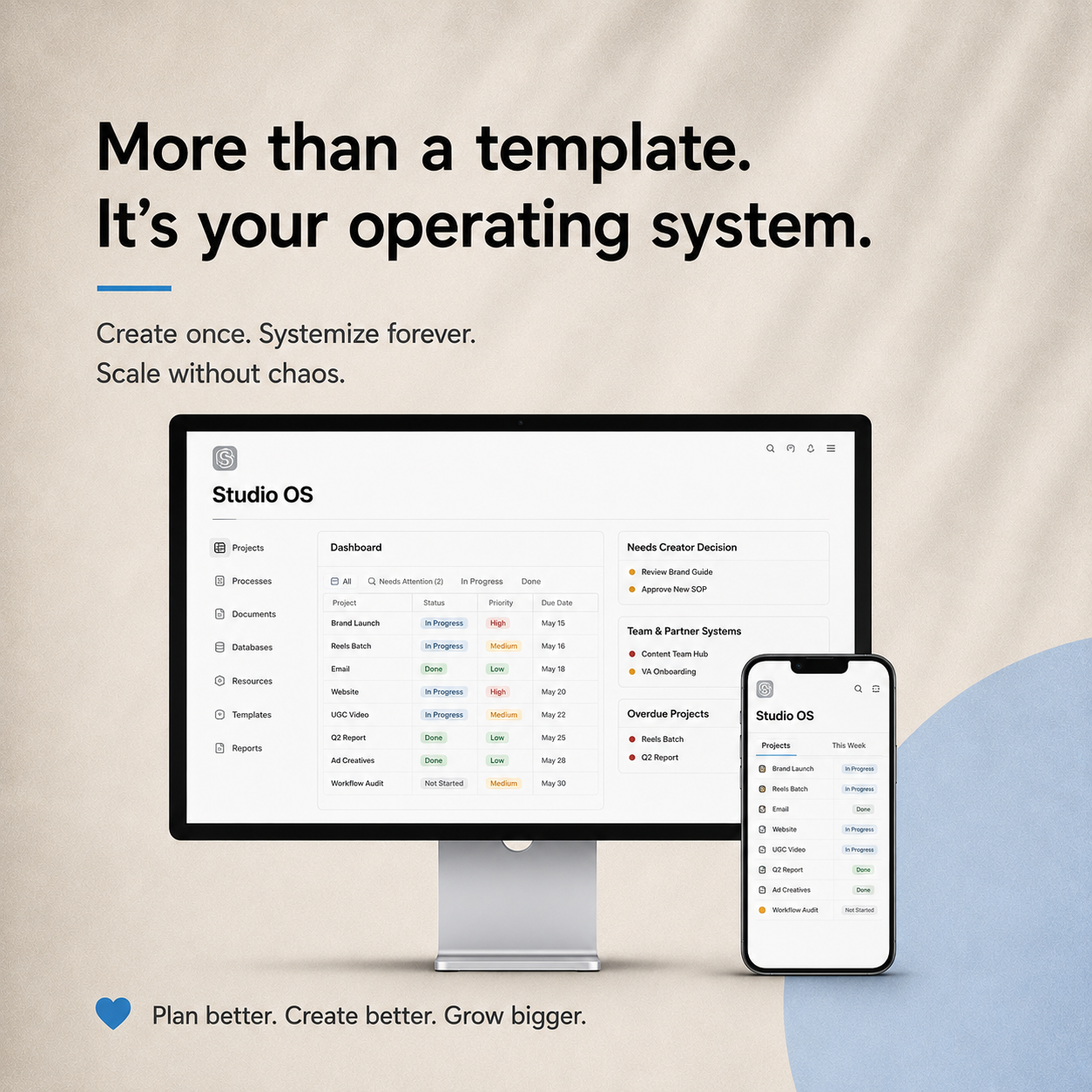
Studio OS is the operations layer that ends that loop.
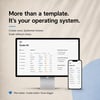
It's a complete Notion system where your editor learns your standards once, follows a documented process every time, and delivers work you can approve instead of rewrite. Built YouTube-first, so the metrics, SOPs and publishing steps match how the platform actually works.
**WHAT'S INSIDE**
Four complete SOPs — Video Editing (10 steps with quality gates), Thumbnail Design, Shorts Repurposing, and Upload + Optimization. Step-by-step, with pro tips and a checkpoint your editor must clear before moving on.
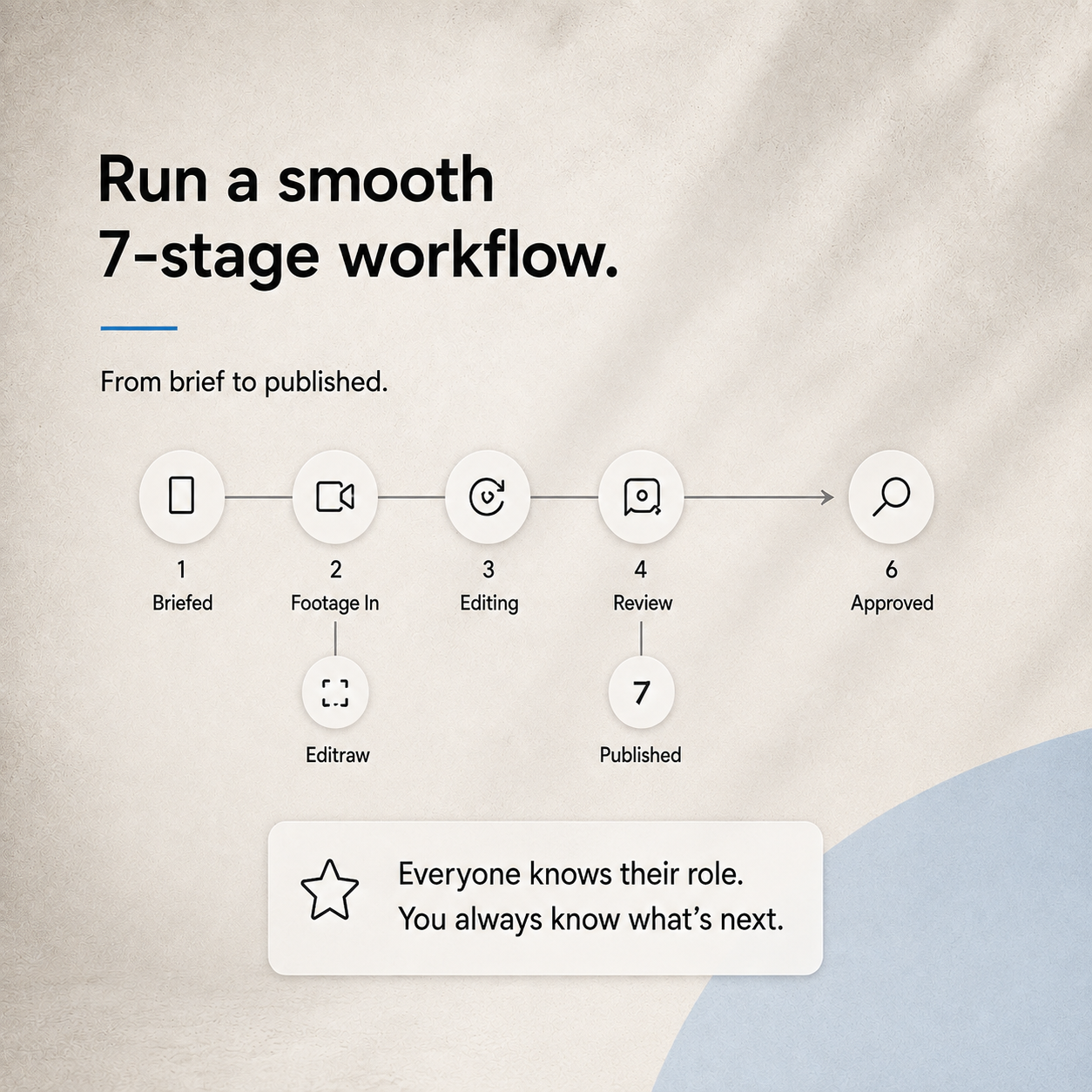
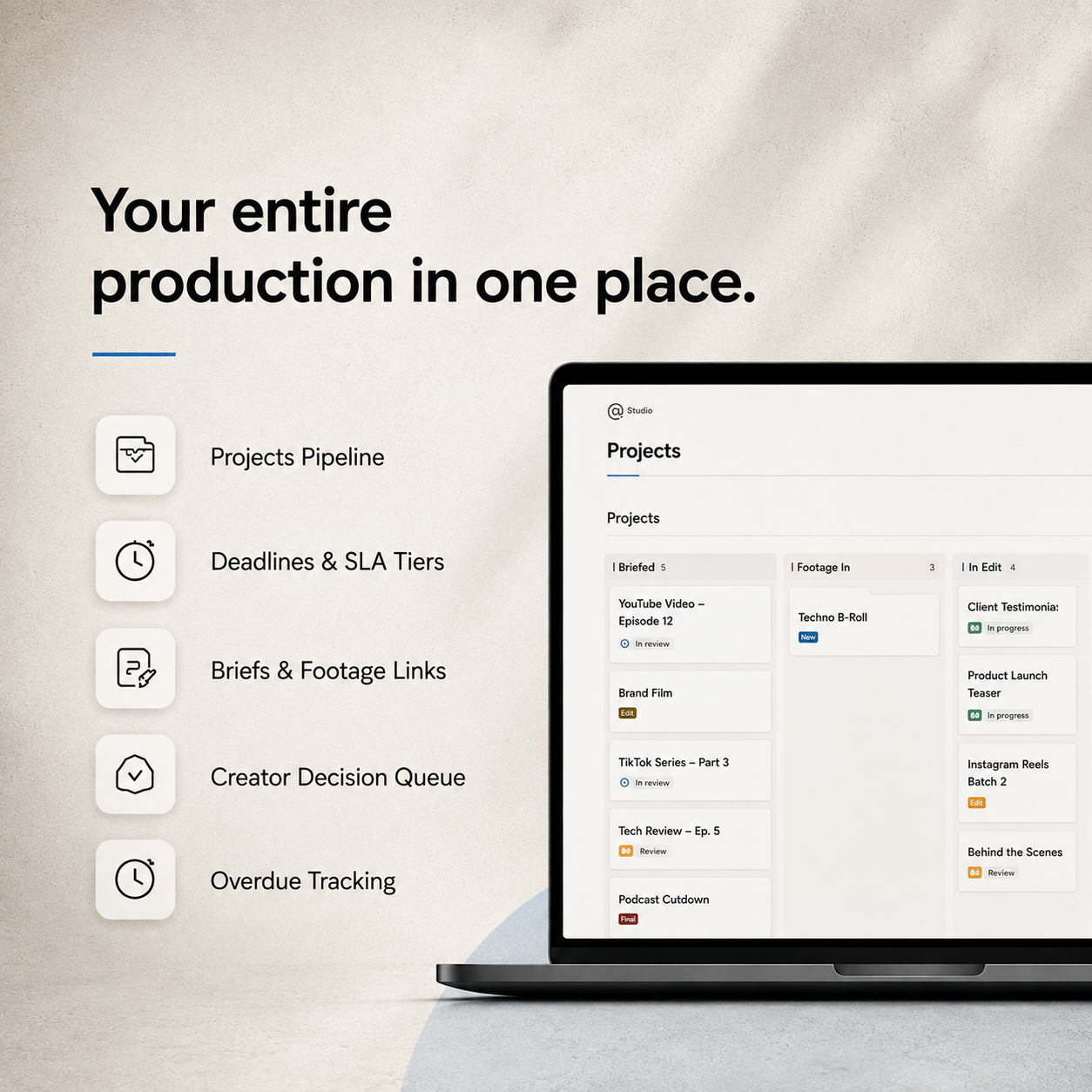
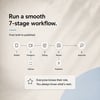
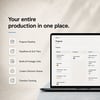
A live production board — Seven stages from Briefed to Published. Drag a card, everyone knows where it stands. No more "any update?" messages.
Six connected databases — Projects, Team Capacity, SOPs, Assets, Performance, and Operating Cadence. All linked, all live.
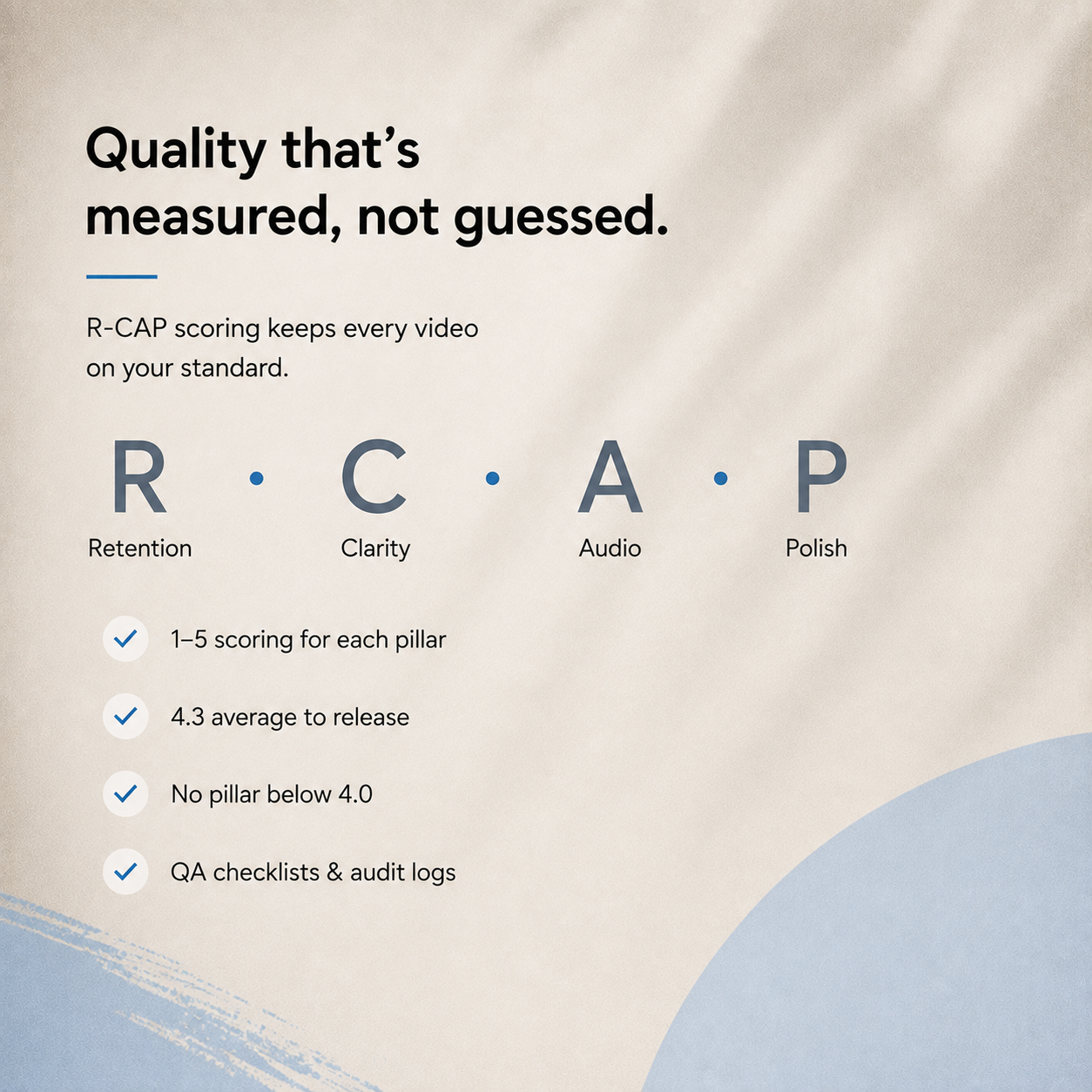
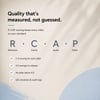
R-CAP quality scoring — Score every video 1–5 on Retention, Clarity, Audio and Polish. The release gate calculates itself. Anything under standard triggers a revision automatically, so quality isn't a mood — it's a number.
Calculated KPI views — On-time delivery rate, average QC score, average revisions per video, and rolling 7-day output. You fill in the raw fields; the system does the maths. No manual tallying.
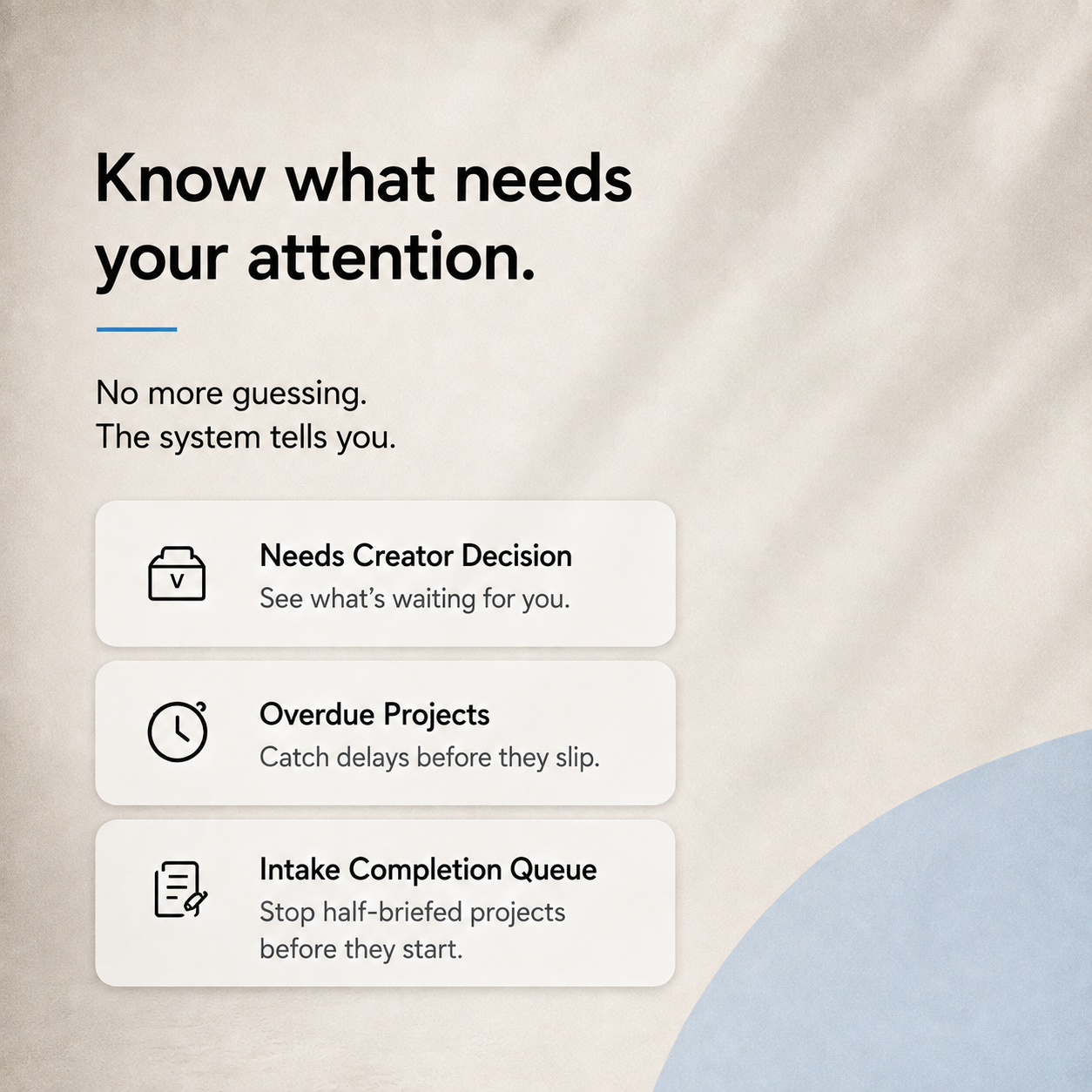
Exception queues that find problems for you — "Needs Creator Decision" surfaces only what's waiting on you. "Overdue Projects" catches slippage. "Intake Completion Queue" blocks half-briefed work from entering production.
A 30-day Team Onboarding Academy — Structured programme that takes a new editor from Day 1 to cleared-to-work-solo, with progress tracked on their profile.
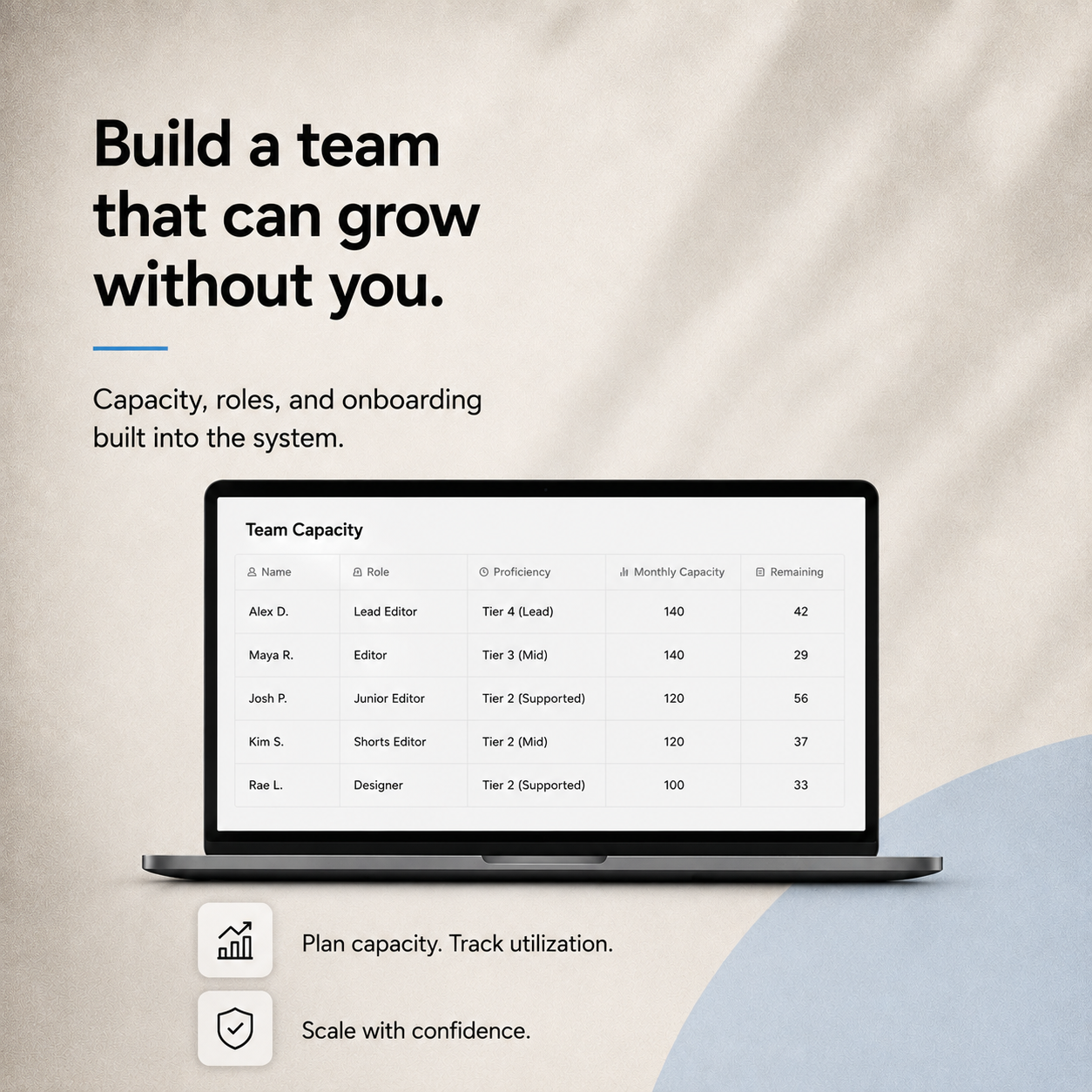
Capacity planning — See assigned hours, utilization and remaining capacity per person before you hand out more work. Stop overloading your best editor by accident.
**Performance tracking at 3 checkpoints** — Log views, AVD, CTR and watch hours at 24 hours, 7 days and 28 days, plus what you learned. Feed it into the next brief.
An AI Prompt Library — Ready-to-use prompts across seven categories, including a SOP author and a clip finder for Shorts.
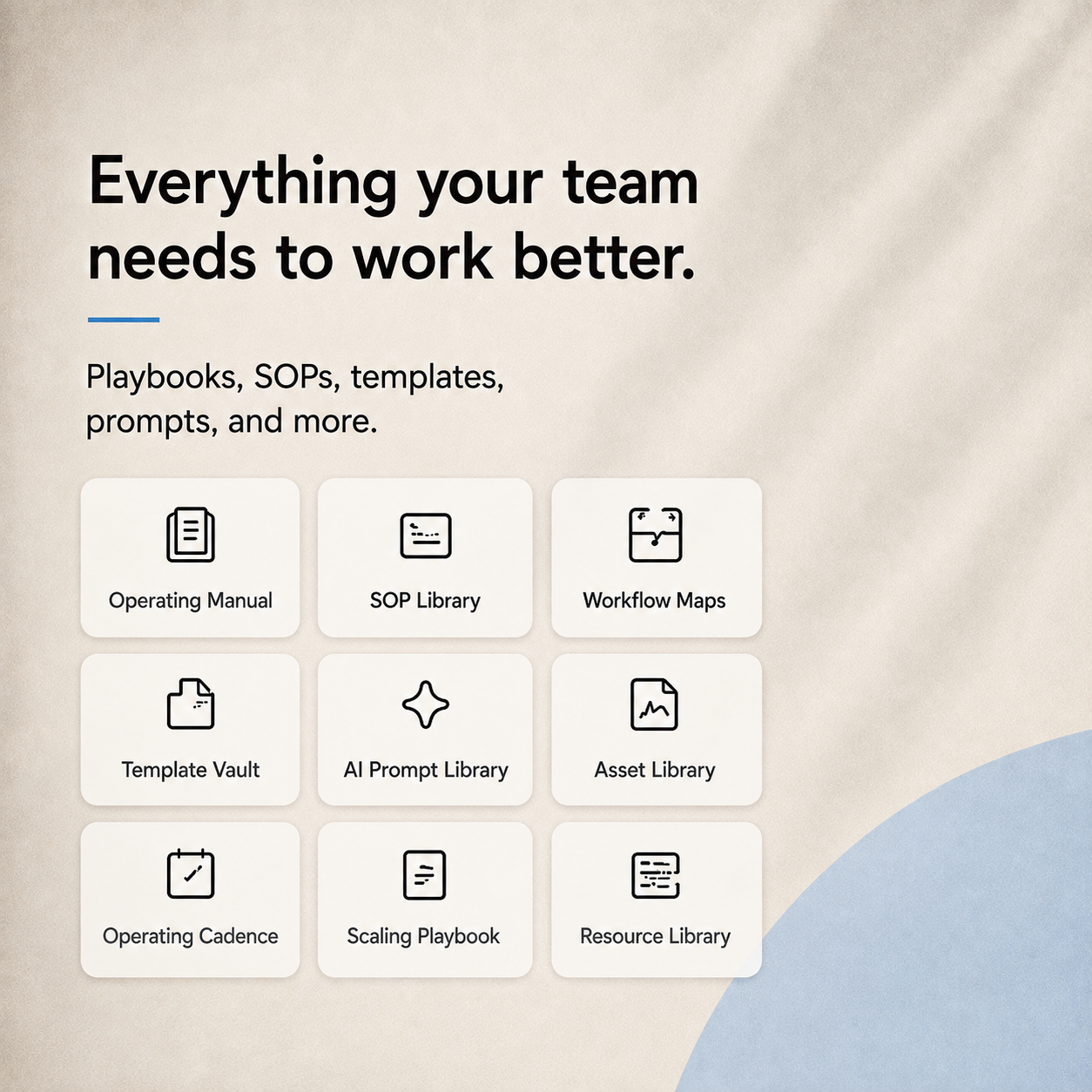
Plus: Brand Identity Record, Workflow Maps with pipeline diagrams, Template Vault (briefs, onboarding letter, delivery messages), Quality Control Systems with a 5-layer QA stack, Scaling Playbook, and a Resource Library.
** WHO THIS IS FOR**
- Creators who work with an editor, VA, or small production team
- Solo creators who want a repeatable system before they hire
- Agencies and studios managing video for multiple channels
- Anyone tired of quality depending on who happened to edit that week
**Not for you if** you edit everything yourself and have no plans to delegate. This is an operations system — it shines the moment more than one person touches a video.
**WHAT YOU RECEIVE**
- Instant download after purchase
- A PDF with your private Notion duplication link
- A Complete Buyer's Guide.pdf — 9-step setup walkthrough, full reference tables, and answers to the most common questions
- Lifetime access to your copy, yours to edit, rename and adapt
- Free updates
** HOW IT WORKS**
1. Purchase and download your PDF
2. Click the duplication link inside
3. The full template copies into your own Notion workspace
4. Follow the 9 steps in the Buyer's Guide
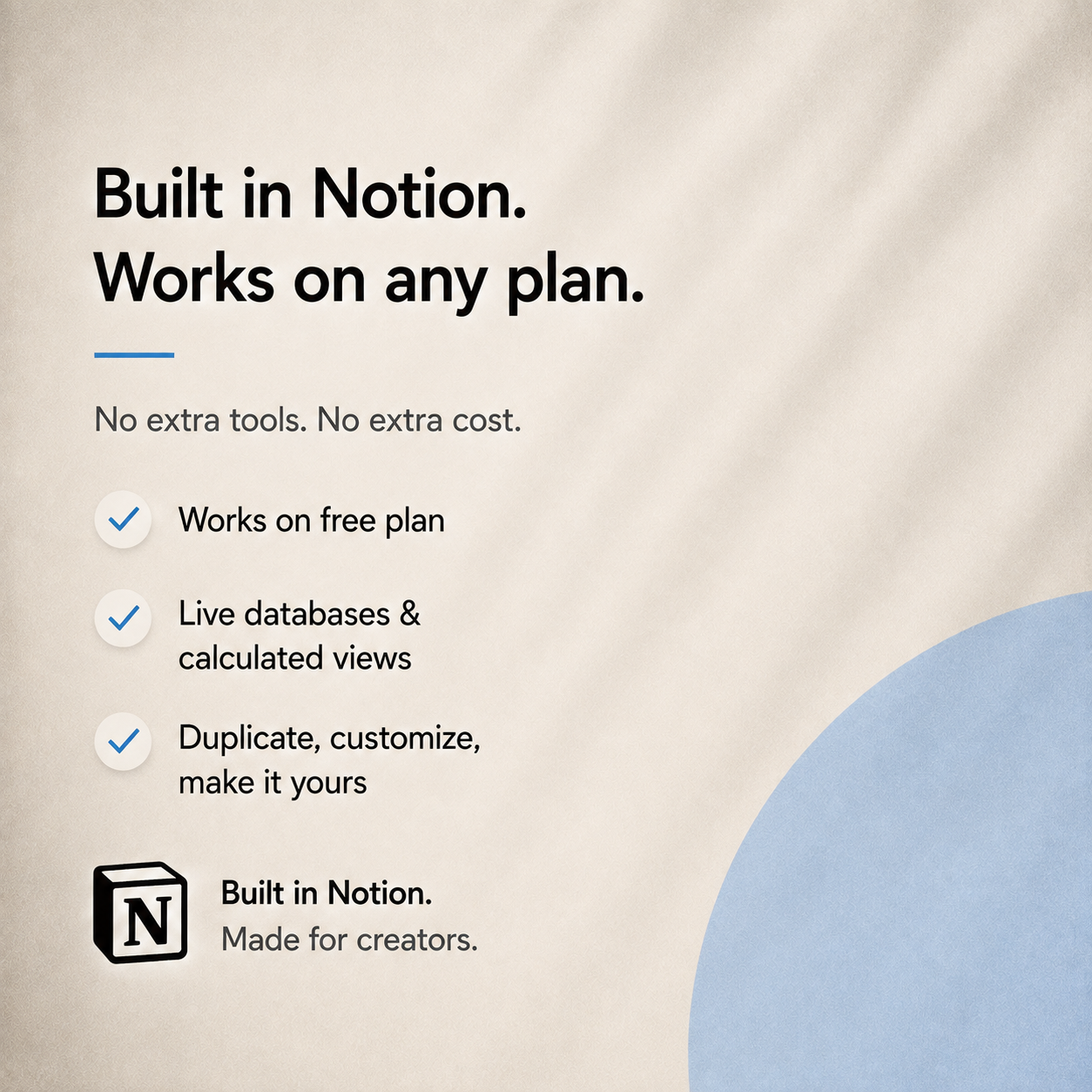
Works on Notion's free plan. No subscription, no add-ons, no other software required.
**BEFORE YOU BUY**
This is a digital download — no physical item ships. Because of the nature of instant-access digital files, all sales are final. If anything doesn't work as described message me and I'll make it right.
Requires a free Notion account (notion.so). Works on desktop, tablet and mobile.
**Questions?** Message me any time, or email support@nexscaledigital.shop — I answer personally.
Made by NexScale Digital.