
MCFA Video Creator Kit
Make your next video easier to finish. The MCFA Video Creator Kit takes you from one viewer question to a clear script, the shots you need and a checked final video, using the equipment you already have.
WHO THIS IS FOR
For beginners and developing creators making talking-head lessons, screen tutorials or physical demonstrations. You do not have to appear on camera: the guide includes a faceless screen-tutorial example.
WHAT YOU CAN WORK ON
- Choose a focused video idea and define what a finished result looks like.
- Pair spoken words with useful visuals in a short script or a longer teaching outline.
- Plan shots, record a test and catch audio, framing and privacy issues early.
- Edit for understanding, check captions and make honest product demonstrations.
- Repurpose complete ideas and work through a 30-day plan for two video projects.
WHAT IS INCLUDED
- A 20-page PDF guide with 14 lessons and case examples, clickable contents and bookmarks.
- Three printable, fillable worksheets with 12 answer fields across the PDF.
- Ten editable text companions: video brief, short-script template, longer-lesson outline, shot list, production checklist, edit-review log, recommendation planner, repurposing matrix, 30-day video plan and prompt library.
- Six reusable AI prompts for briefs, scripts, spoken edits, shot planning, recommendation review and repurposing.
- Worked examples for a phone-lighting demonstration, a screen tutorial and a handmade-product video.
- An editable plain-text copy of the 14 lessons and action steps, plus start-here instructions.
YOUR FIRST STEP
Start with one question and one visible answer. Write the brief, pair your words with pictures and record a short test before filming the full piece. A finished private practice video is a useful first result.
DOWNLOAD FORMAT AND REQUIREMENTS
A digital download supplied as one ZIP file containing the 20-page PDF guide, a separate printable planner PDF and editable plain-text files. Extract the ZIP before opening the files. Use a compatible PDF reader for the fillable worksheets, or print them. Open the text files in a text editor and save your own working copies.
No specialist spreadsheet software is needed. AI tools are optional drafting aids; no paid AI subscription is required to use the planning method. Examples are illustrative and should be replaced with your own verified facts and experience.
This kit contains planning and production guidance, not video-editing software, footage, music or a done-for-you production service. It does not guarantee views, audience growth or sales.
The guide mentions VoiceIt Prompter as an optional recording aid from the same creator behind MCFA. A VoiceIt licence is not included or required; cue cards or a simple outline work too.
Questions: support@makecontentfunagain.com
ADDITIONAL PRINTABLE PLANNERS
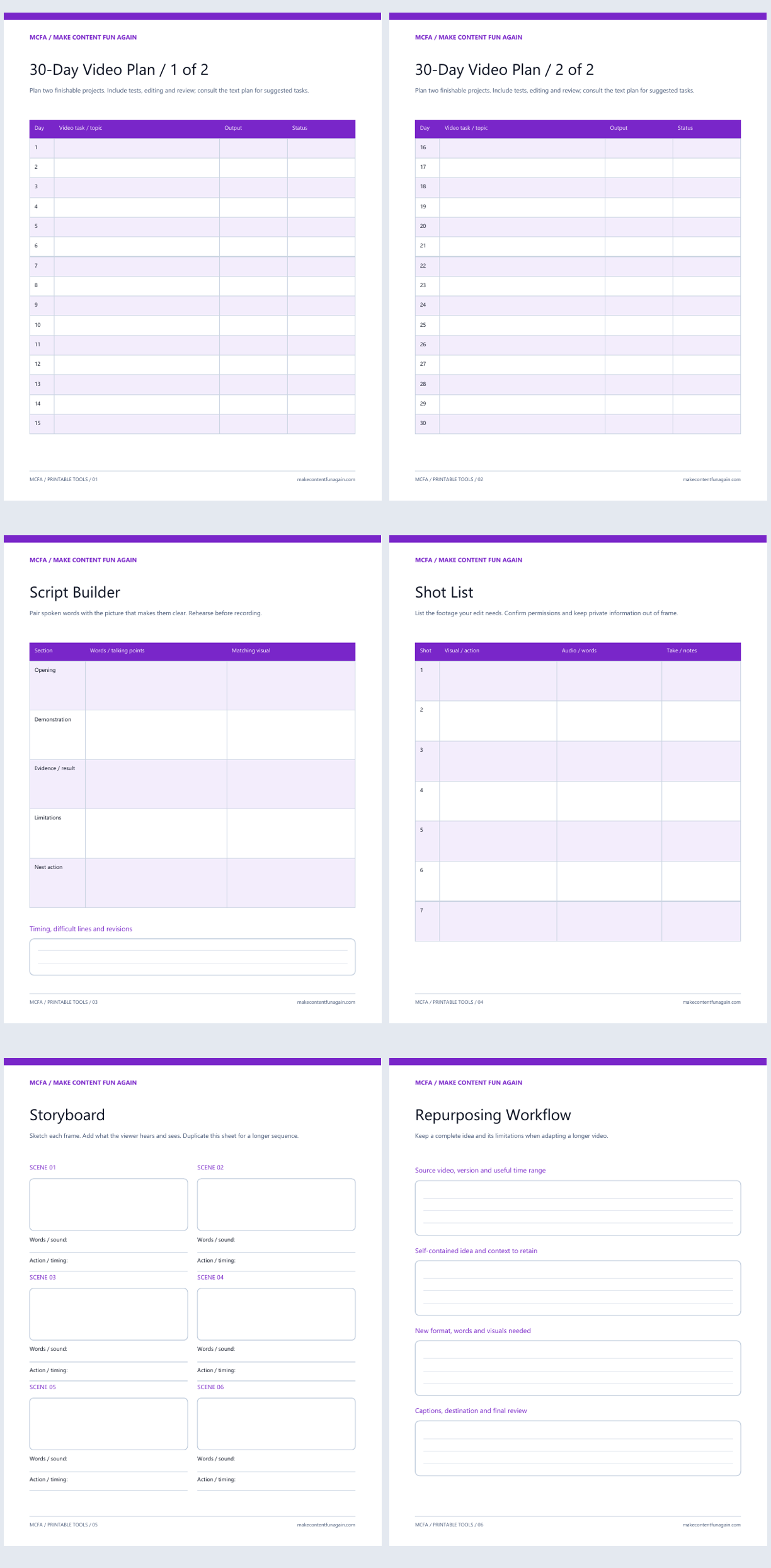
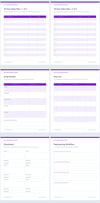
A six-page printable planner pack: two-page 30-day video plan, script builder, shot list, six-frame storyboard and repurposing worksheet. These sheets are printable; the three worksheets in the guide remain fillable.
PRODUCT IMAGES
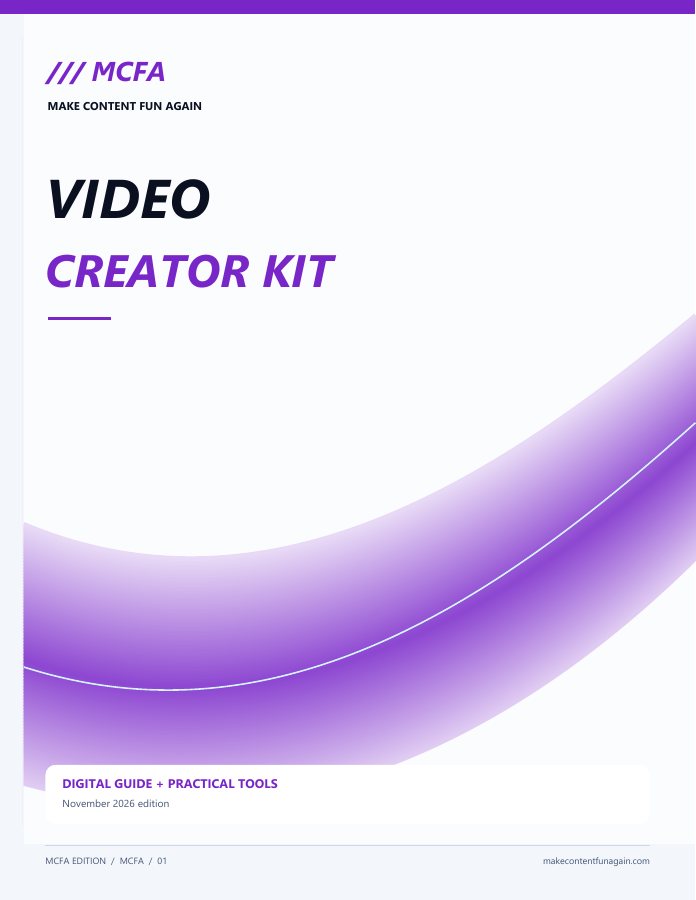
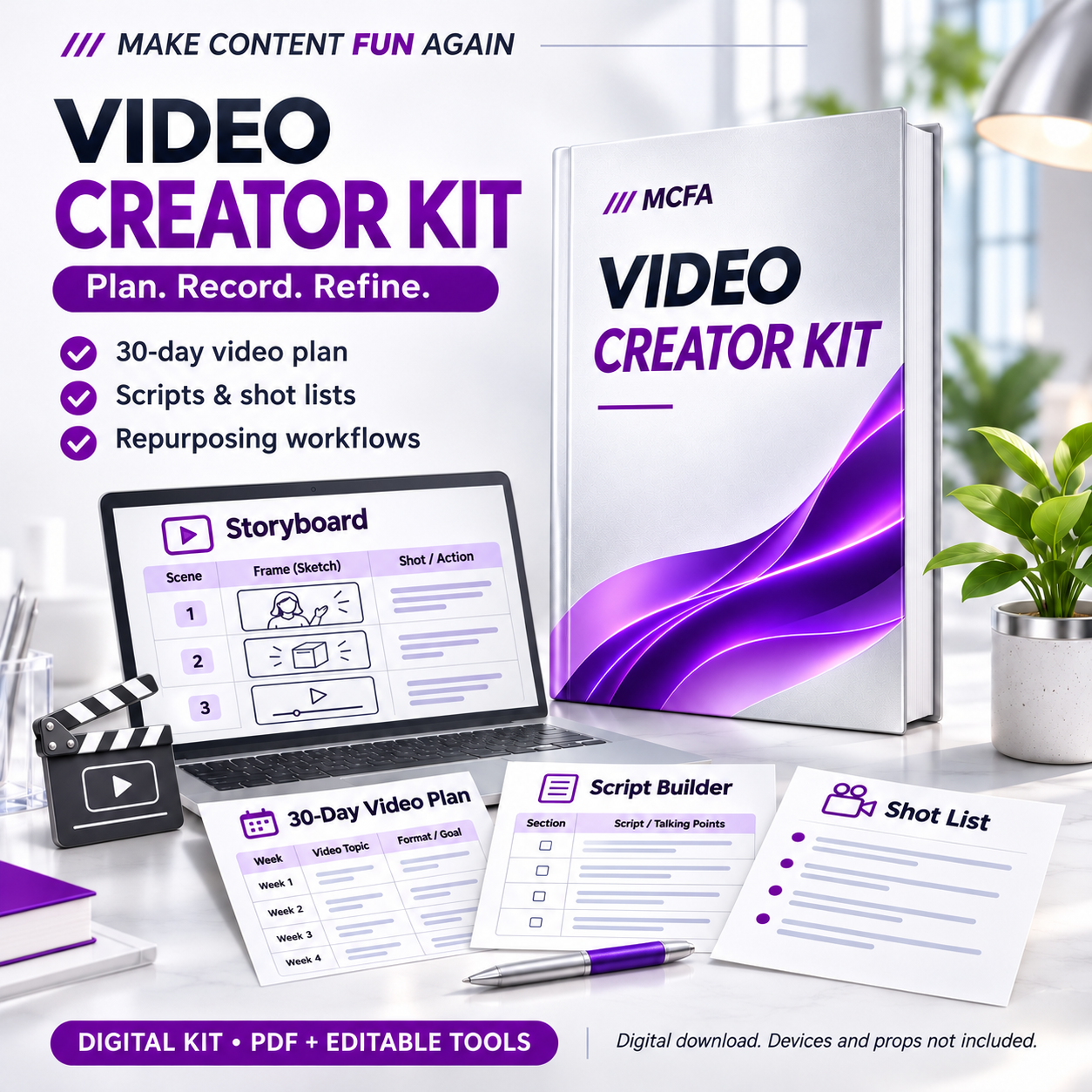
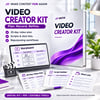
Digital download only. Book and workspace images are promotional mockups; devices and physical items are not included. Actual cover and planner previews show the supplied pages. Editable tools are plain-text files; no planner app or spreadsheet software is included.