


**Stream Clips – AI Livestream Clipping Skill | Automated Highlight Detection & Shorts Creator**
Stream Clips – AI Livestream Clipping Skill
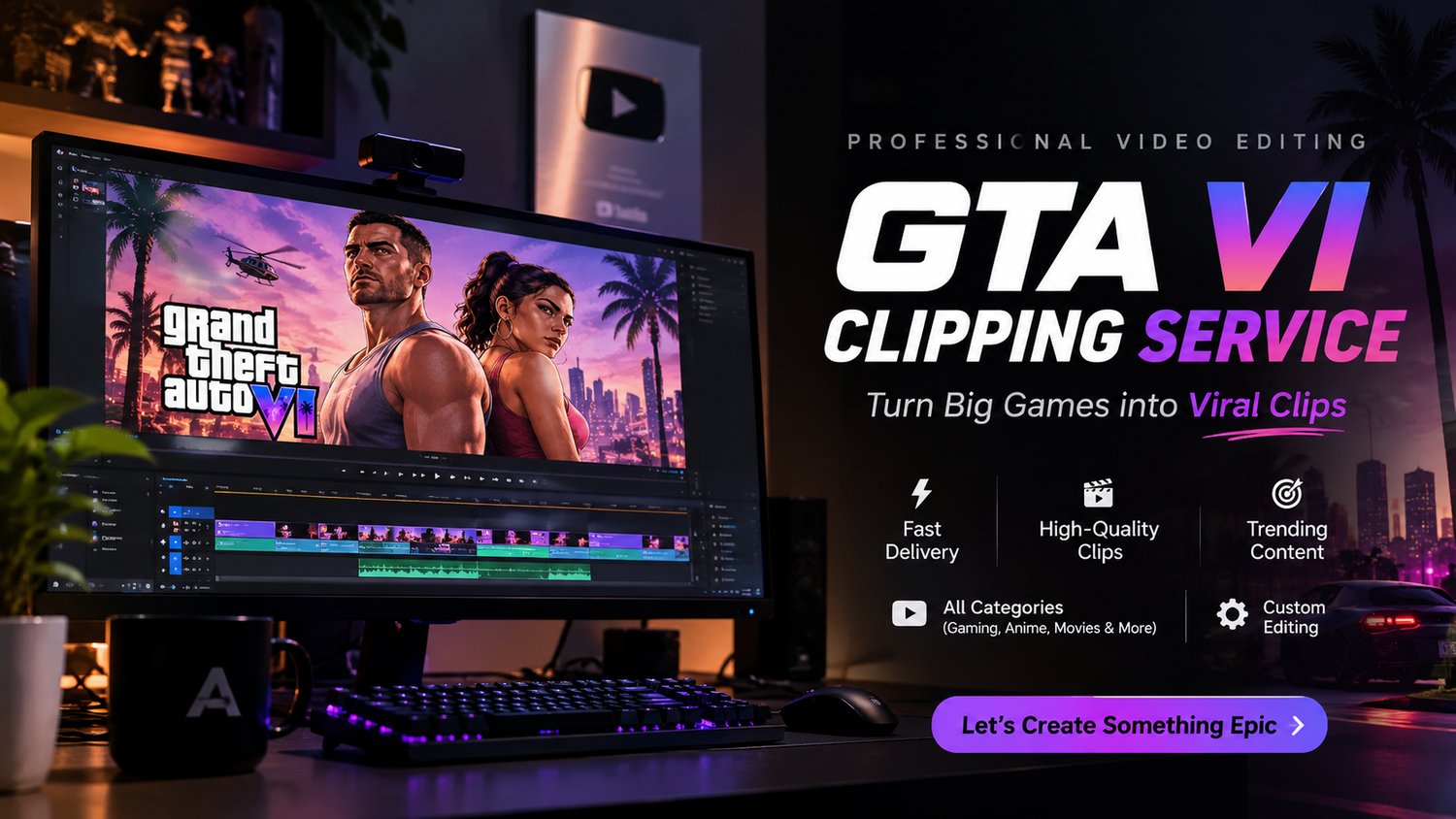
Turn Long Livestreams into Short-Form Content with AI
Stop wasting hours watching entire livestreams to find the best moments.
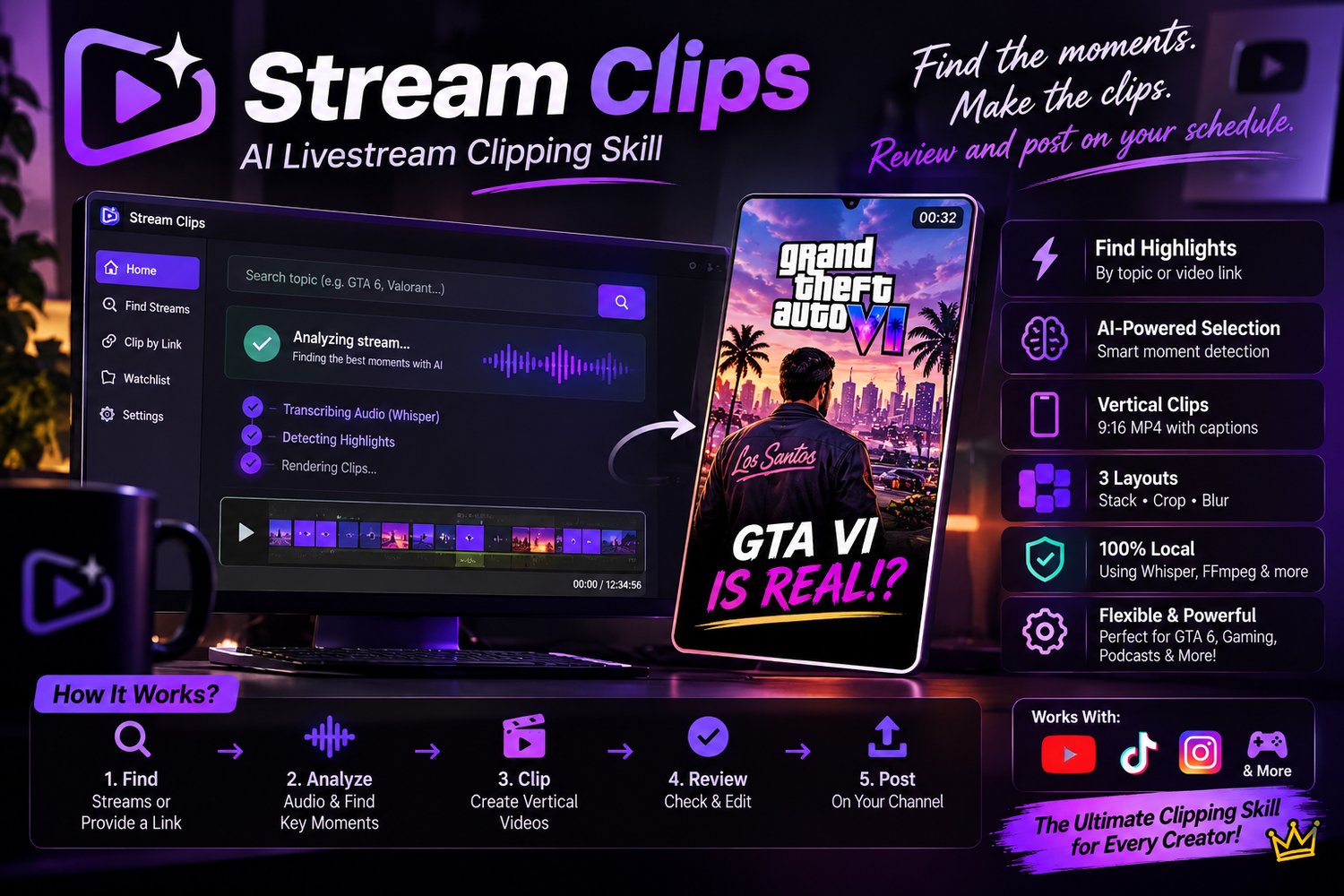
Stream Clips is an AI-powered clipping skill that helps you discover interesting moments from livestreams and videos and transform them into vertical clips for YouTube Shorts, Instagram Reels, and TikTok.
Give your AI coding assistant a topic like GTA 6, Valorant, Fortnite, Chess, or Podcasts—or simply provide a video link. Stream Clips analyzes audio, identifies potential highlights, and helps create short-form videos ready for your review.
✨ Key Features
- AI Highlight Detection: Find potential funny moments, reactions, tips, reveals, gameplay highlights, and more.
- YouTube Discovery: Search for recent livestreams and videos by topic.
- Creator Watchlist: Monitor selected creators for recent uploads.
- Local AI Transcription: Transcribe audio using Whisper.
- Smart Clip Creation: Generate vertical 9:16 MP4 videos.
- Three Video Layouts: Stack, Crop, and Blur.
- Automatic Captions: Add word-timed captions.
- Title Cards: Add titles to your clips.
- Audio Enhancement: Normalize audio loudness.
- Posting Assistance: Generate draft captions, hashtags, and posting notes.
🎮 Perfect For
- GTA 6 and gaming creators
- Twitch and YouTube streamers
- Podcast clipping
- Anime and entertainment creators
- TikTok creators
- Instagram Reels creators
- YouTube Shorts channels
- Content clipping agencies
⚙️ How It Works
- Install the Stream Clips skill in a supported AI coding assistant.
- Run the setup script.
- Enter a topic or provide a video link.
- Let Whisper transcribe the audio.
- Use your AI assistant to identify candidate highlights.
- Generate vertical clips with captions and titles.
- Review your clips and publish them yourself.
🛠️ Technology
Stream Clips uses:
- Python
- Whisper
- FFmpeg and FFprobe
- YouTube search and media discovery
- Face detection
- AI coding assistants and agent handoff
📦 What You Receive
Your purchase includes:
- Complete Stream Clips skill folder
- SKILL.md instructions
- README documentation
- Python command-line launcher
- Automated setup script
- Transcription modules
- Video discovery and download modules
- AI moment-selection workflow
- Video framing and rendering modules
- Caption and title generation modules
- Example creator watchlist
💻 System Requirements
- Windows or macOS
- Python 3.9+
- FFmpeg and FFprobe
- Deno or Node.js for some YouTube downloads
- Supported AI coding assistant or agent
- Internet connection
- Approximately 1 GB free storage to get started; additional storage may be needed for longer videos.
⚠️ Important Information
- This is an AI skill and local software package, NOT a standalone video editor.
- Requires initial installation and configuration.
- An AI coding assistant is required for the supported workflow.
- Some AI assistants may require their own subscription or account.
- Video downloading depends on platform availability and permissions.
- AI-selected moments are suggestions, not guaranteed viral clips.
- Always review generated clips before publishing.
- No automatic social media publishing is included.
- You must have the necessary rights and permissions to download, edit, and publish source videos.
🚀 Start Creating Better Short-Form Content
Whether you're building a GTA 6 clipping channel, growing a gaming page, creating podcast shorts, or managing multiple content channels, Stream Clips helps simplify your clipping workflow.
Find the moments. Make the clips. Review and post on your schedule.