

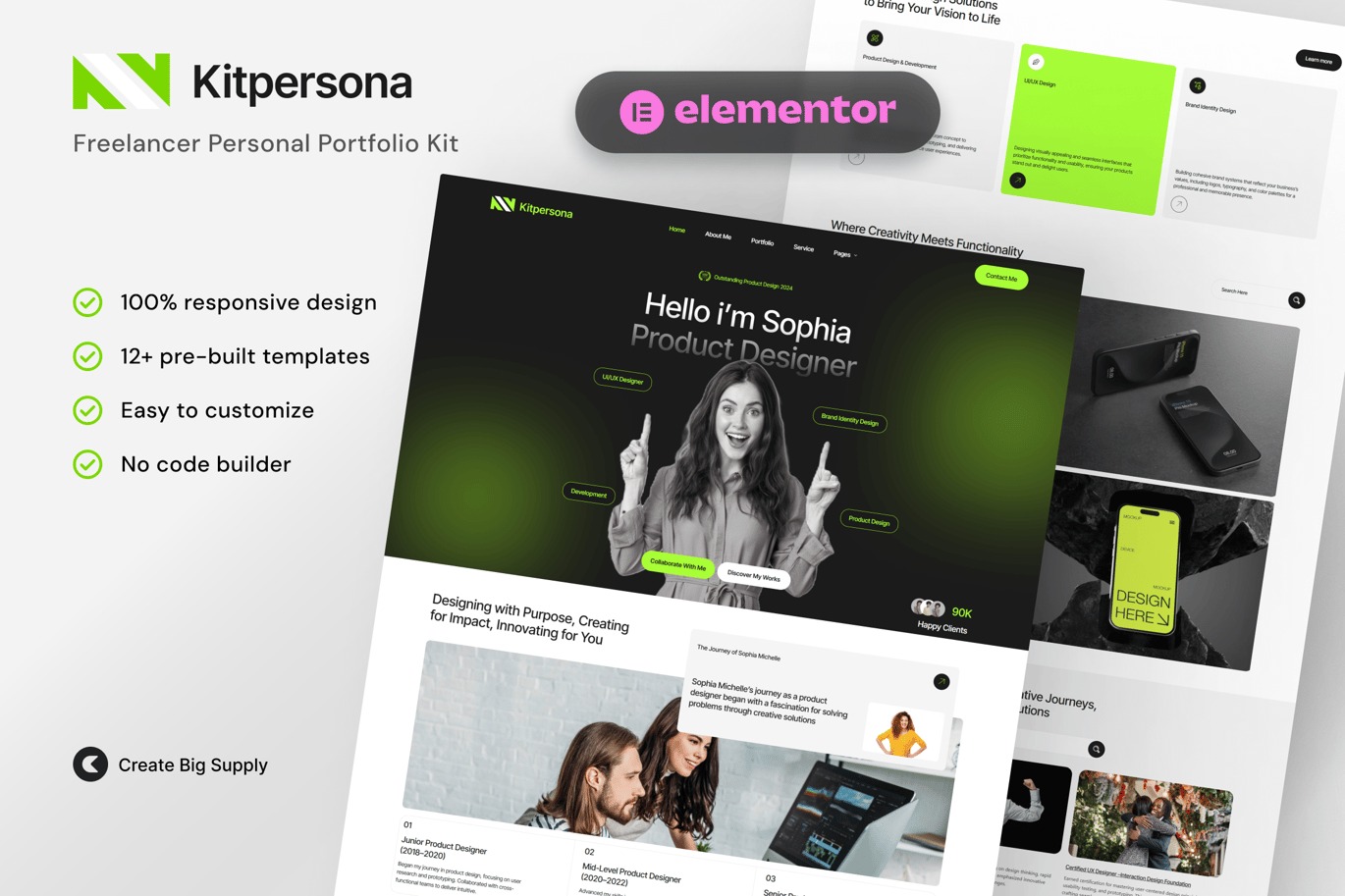
KitPersona Freelancer Personal Portfolio Elementor Template Kit
On Sale
$5.00
$5.00
Introducing KitPersona, a professional and customizable Elementor Template Kit designed to help freelancers showcase their skills, portfolio, and projects with ease. This template kit features a modern, clean, and creative design, perfect for building a personal brand and impressing potential clients. With pre-designed layouts for project showcases, testimonials, and contact sections, this kit simplifies website creation while ensuring a stunning and responsive design. Ideal for designers, developers, writers, and other creative professionals looking to stand out in their field.
Key Features:
- 12+ Ready-to-Use Page Templates:
- Global Style
- Header
- Footer
- Home Page
- About Me
- Portfolio
- Service
- Blog Page
- Pricing
- FAQ
- Hire Me
- Case Studies
- Skillset
- Awards & Certifications
- Client List
- Coming Soon
- 404 Error Page
- Using Free Plugins: Elementor Pro is not required.
- Cross-Browser Compatibility: Chrome, Firefox, Safari, Opera
- No Premium Plugin Required: Utilizes free plugins only.
- 100% Fully Responsive & Mobile-Friendly: Ensures a great user experience on all devices.
- Customize Fonts and Colors: Easily customize fonts and colors in one place (Global Kit Style).
Required Plugins:
- Elementor
- ElementsKit Lite
- Ultimate Addons for Elementor - Lite
- RomethemeKit for Elementor
- MetForm
How to Use Template Kits:
- Install and Activate the Digital Products Bazar Plugin:
- Go to Plugins > Add New in WordPress.
- Install and activate the "Digital Products Bazar" plugin.
- Download your kit file and do not unzip it. If you use Safari, ensure "Open safe files after downloading" is disabled in the browser preferences.
- Go to Elements > Installed Kits and click the Upload Template Kit button.
- Before importing a template, ensure the Install Requirements button is clicked to activate required plugins.
- For best results, do not import more than one template at a time.
How to Import Metforms:
- Import Metform Block Templates:
- Import the Metform block templates.
- Import the page template where the form appears and right-click to enable the Navigator.
- Locate and select the Metform widget and click Edit Form. Choose New, then Edit Form. The builder will appear.
- Click the ‘Add Template’ gray folder icon.
- Click the ‘My Templates’ tab.
- Choose your imported Metform template, then click ‘Insert’ (click No for page settings).
- Once the template is loaded, make any desired customizations and click ‘Update & Close’. The form will appear in the template.
- Click Update.
Setup Global Header and Footer in UAE:
- Go to UAE > Header Footer and Click Add New Button:
- Give it a title and select Header, Display on Entire Website, and click Publish.
- Click Edit with Elementor.
- Click the gray folder icon to access My Templates tab and select the header template to import and Update.
- Repeat for Footer.