
Face Gift Box Canva Design Tutorial
Face Gift Box Canva Design Tutorial
Welcome to The Creative Doc Workshop!
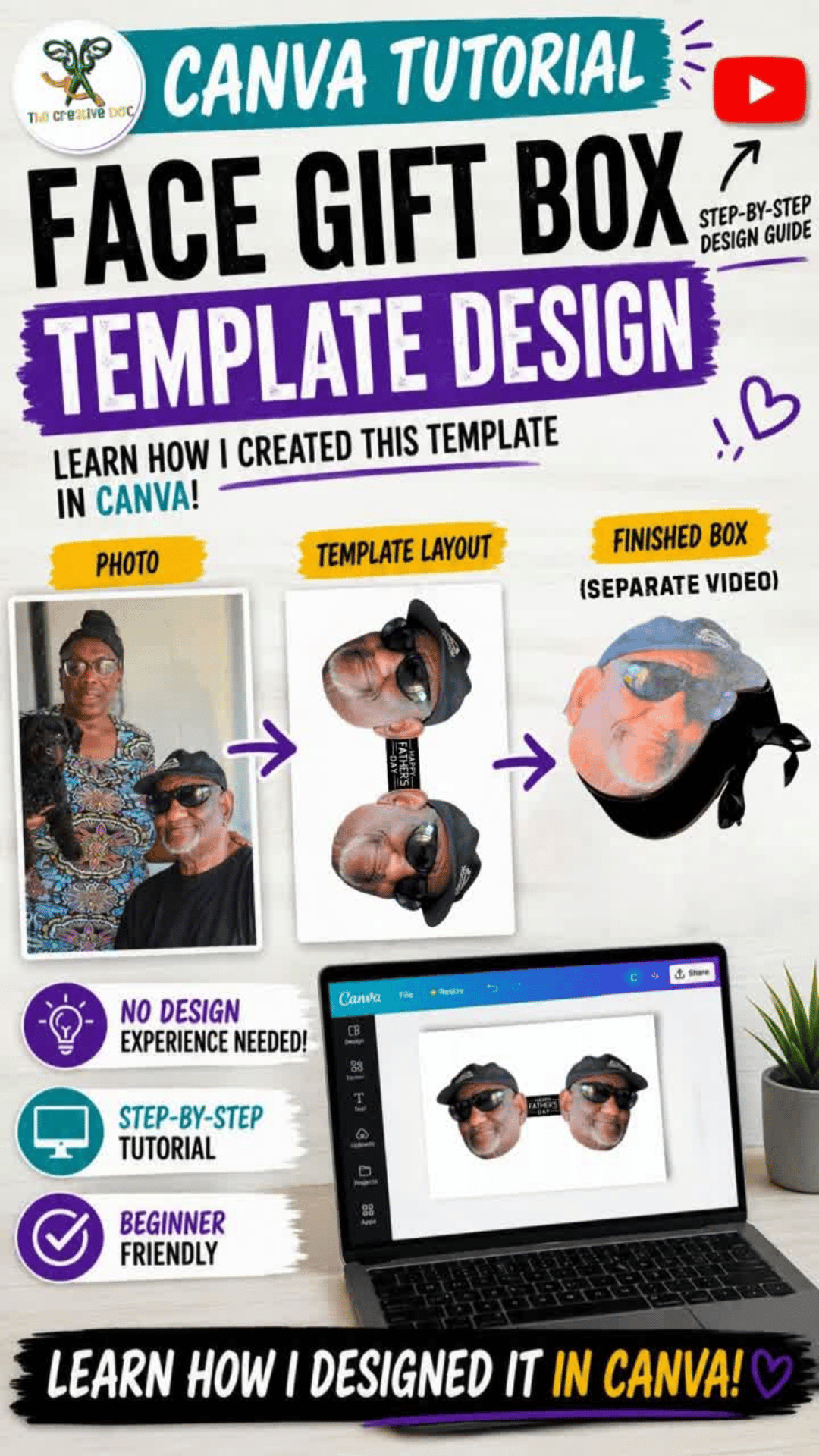
Thank you so much for your purchase and support. In this lesson, I'll walk you through the exact process I used to design my custom Face Gift Box template in Canva.
By the end of this tutorial, you'll understand how to transform a photograph into a printable gift box template that can be customized for Father's Day, birthdays, retirements, graduations, memorial tributes, and other special occasions.
Before You Begin
For the best experience, I recommend having the following ready:
Supplies
- Canva
- High-quality photograph
- Internet connection
- Notebook for notes (optional)
Recommended Skill Level
Beginner-Friendly
No advanced Canva experience is required.
What You'll Learn
✔ Preparing and positioning your photograph
✔ Creating the top, side, and bottom portions of the template
✔ Designing a printable Face Gift Box layout
✔ Organizing your design for printing
✔ Tips and lessons learned from trial and error
Important Information
This lesson focuses on creating the template design in Canva.
The assembly process is covered separately in the Face Gift Box Assembly Tutorial.
Copyright & Usage
This tutorial is licensed for the personal use of the purchaser only.
Please do not share, redistribute, upload, reproduce, or resell this tutorial or the accompanying materials.
Unauthorized distribution of this content may result in revocation of access and may constitute copyright infringement.
You are welcome to use the skills and techniques learned in this tutorial to create finished products for yourself or your customers.
Thank You
Thank you for supporting The Creative Doc Workshop.
Your support allows me to continue creating tutorials, templates, and creative resources for makers, crafters, and entrepreneurs.
I'm excited to be part of your creative journey.
Happy Creating!
The Creative Doc
The Creative Doc Workshop
Design. Create. Celebrate.