
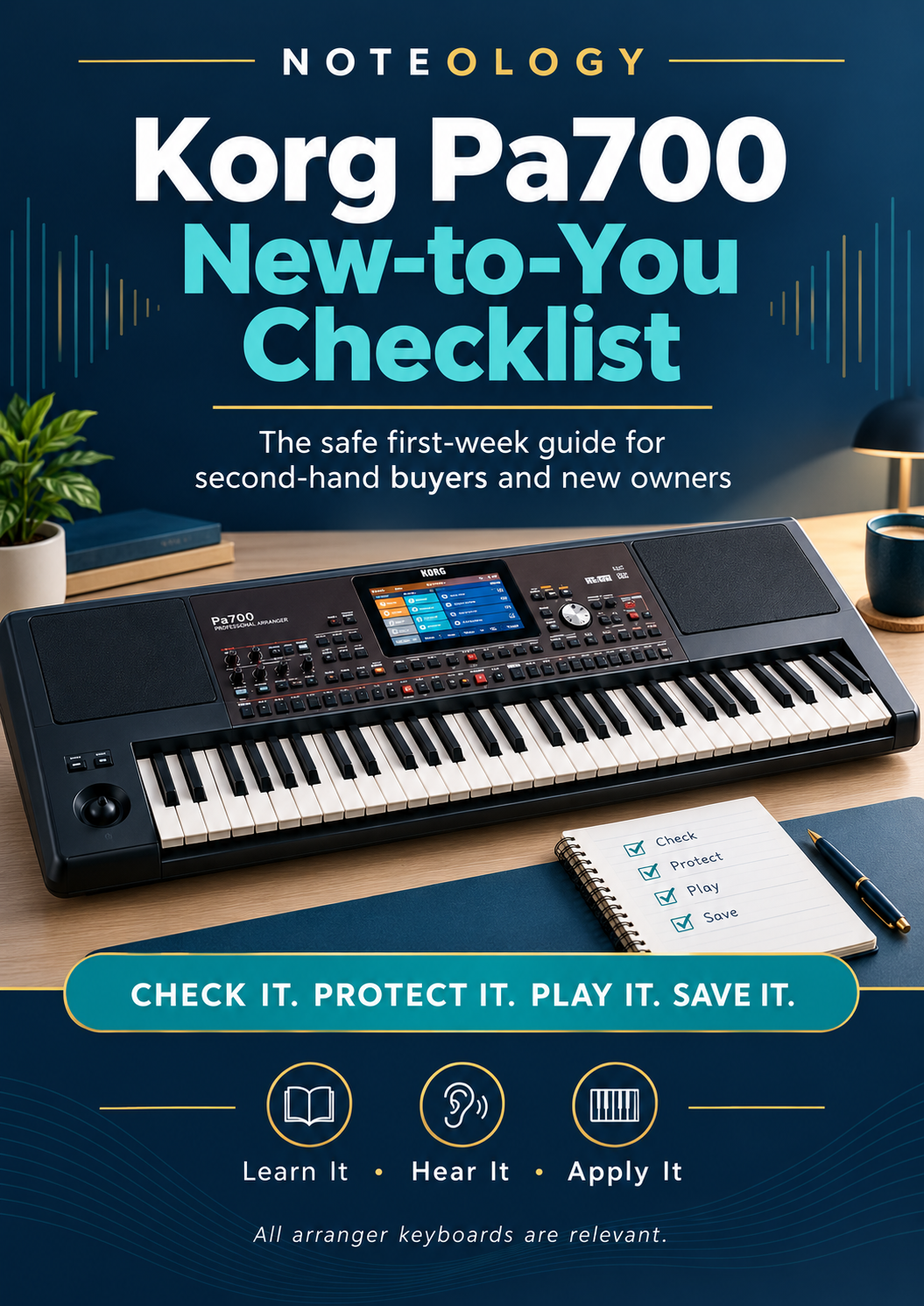
KORG Pa700 New To You Checklist
Just bought a Korg Pa700—or returning to one after a break?
This free, model-specific checklist gives you a calm, practical starting point so you can set up your Pa700 safely, protect existing content and start playing music in your first session.
Inside the Korg Pa700 New-to-You Checklist, you will:
• Check the keyboard before making changes
• Protect your starting point with a simple backup
• Find a small set of sounds you actually enjoy
• Start a style and play something musical straight away
• Save your first Keyboard Set that you can recall instantly
• Follow a simple, achievable first-week plan
Written in plain English and focused on what matters most in week one, this checklist helps new, second-hand and returning Pa700 owners avoid common mistakes like resetting too early, deleting useful content or getting lost in menus.
Perfect for:
• Second-hand Pa700 buyers
• New owners who feel overwhelmed
• Returning players who want a clear, musical starting point
Format:
PDF checklist, 6 pages, magazine-style layout with tick-box items and practical tips.
Price:
Free
How to use:
Download, print or view on a tablet beside your keyboard. Work through the steps in order and tick them off as you go.
From Noteology
Learn It · Hear It · Apply It
Practical resources for players of all arranger keyboards.