
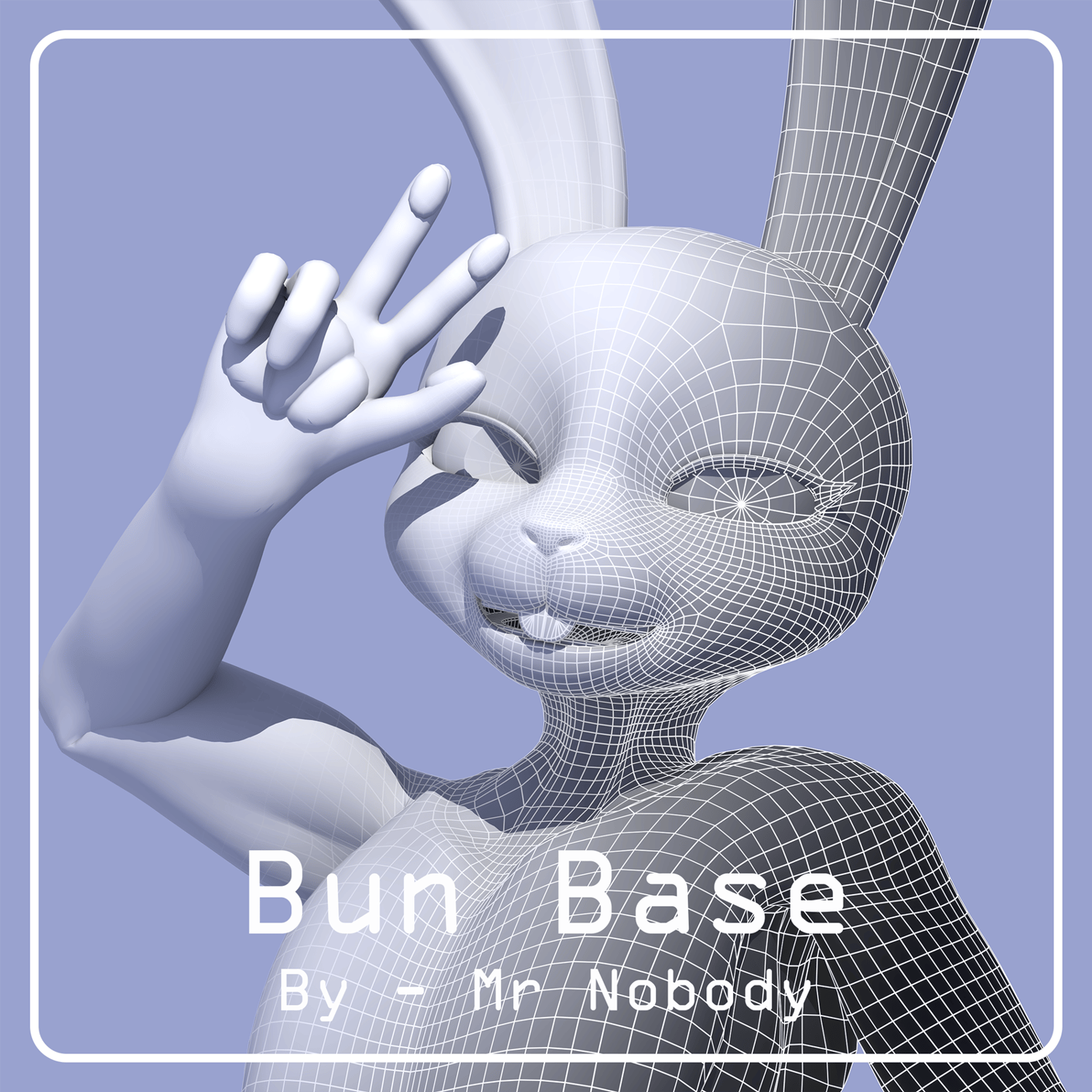
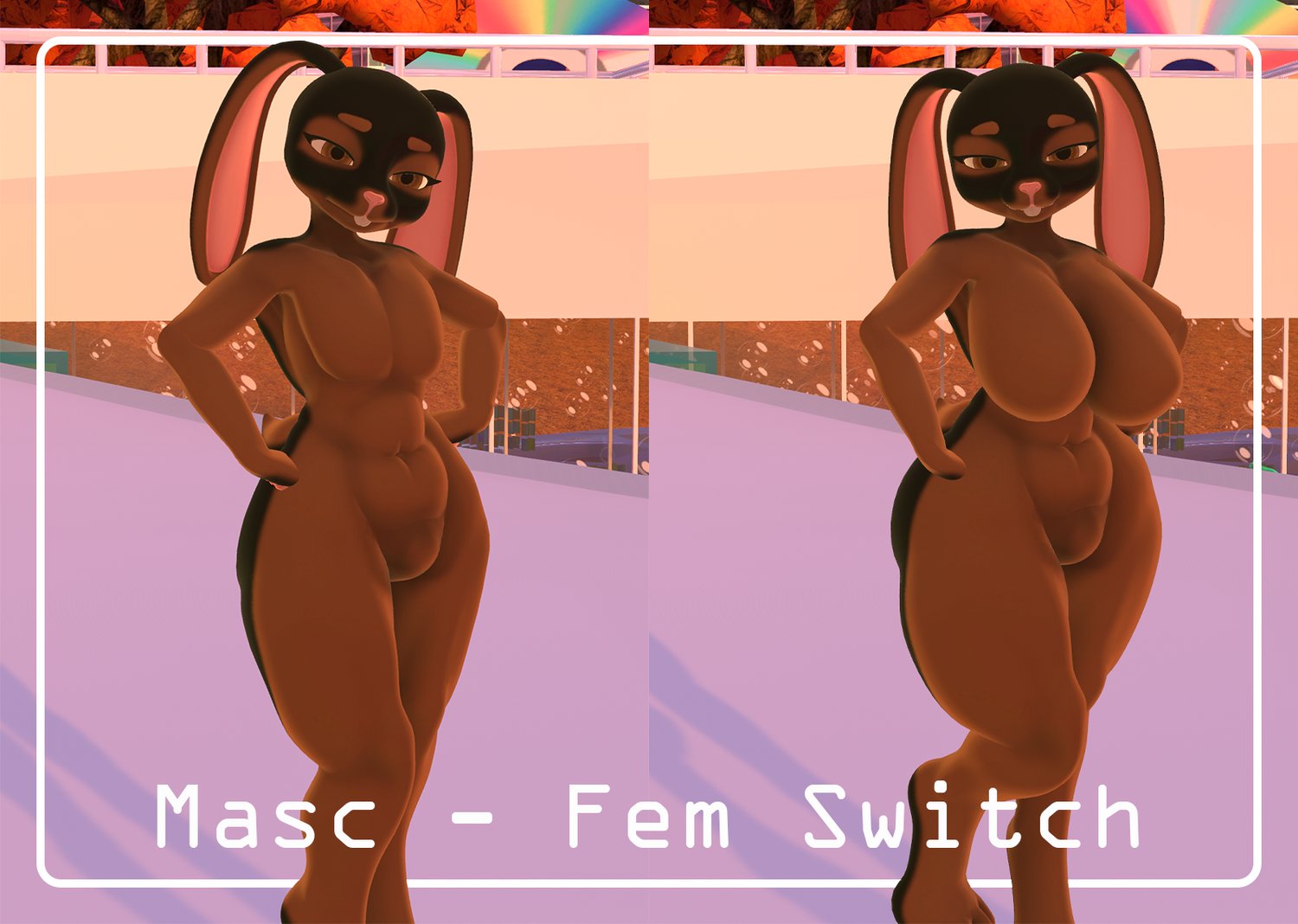
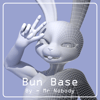
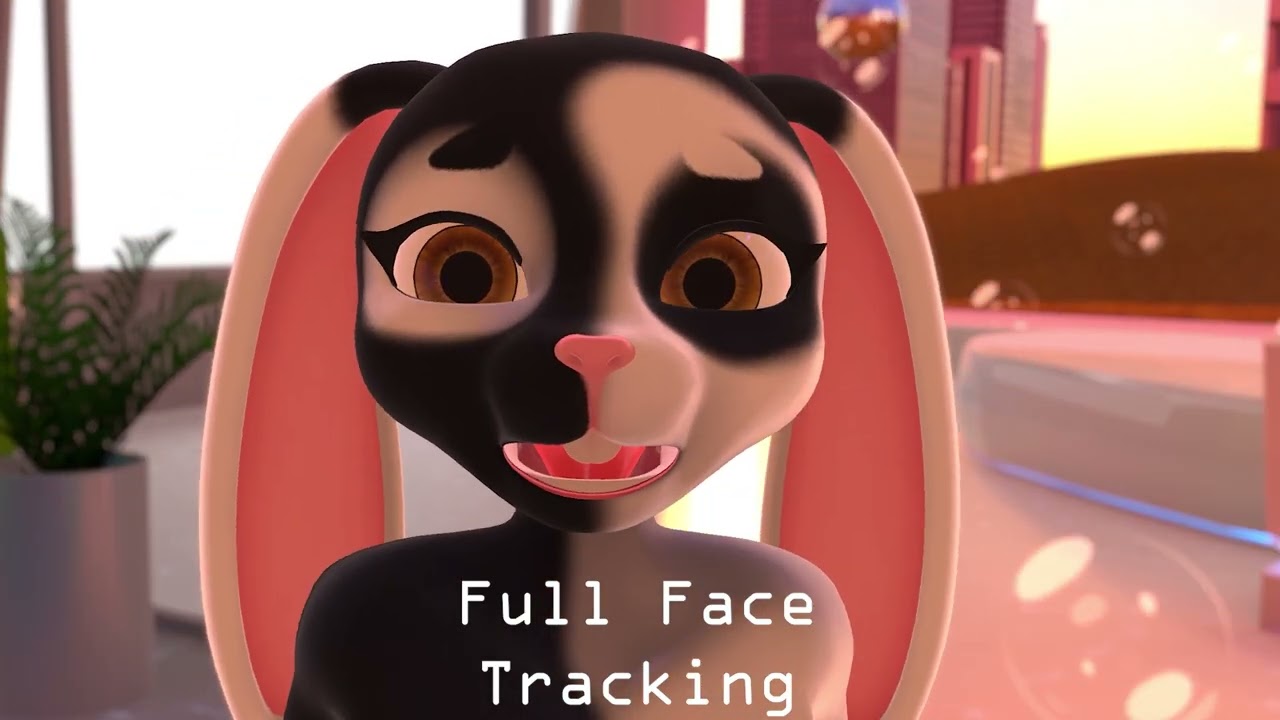
Mr Nobody's Bun Base - VRChat Avatar
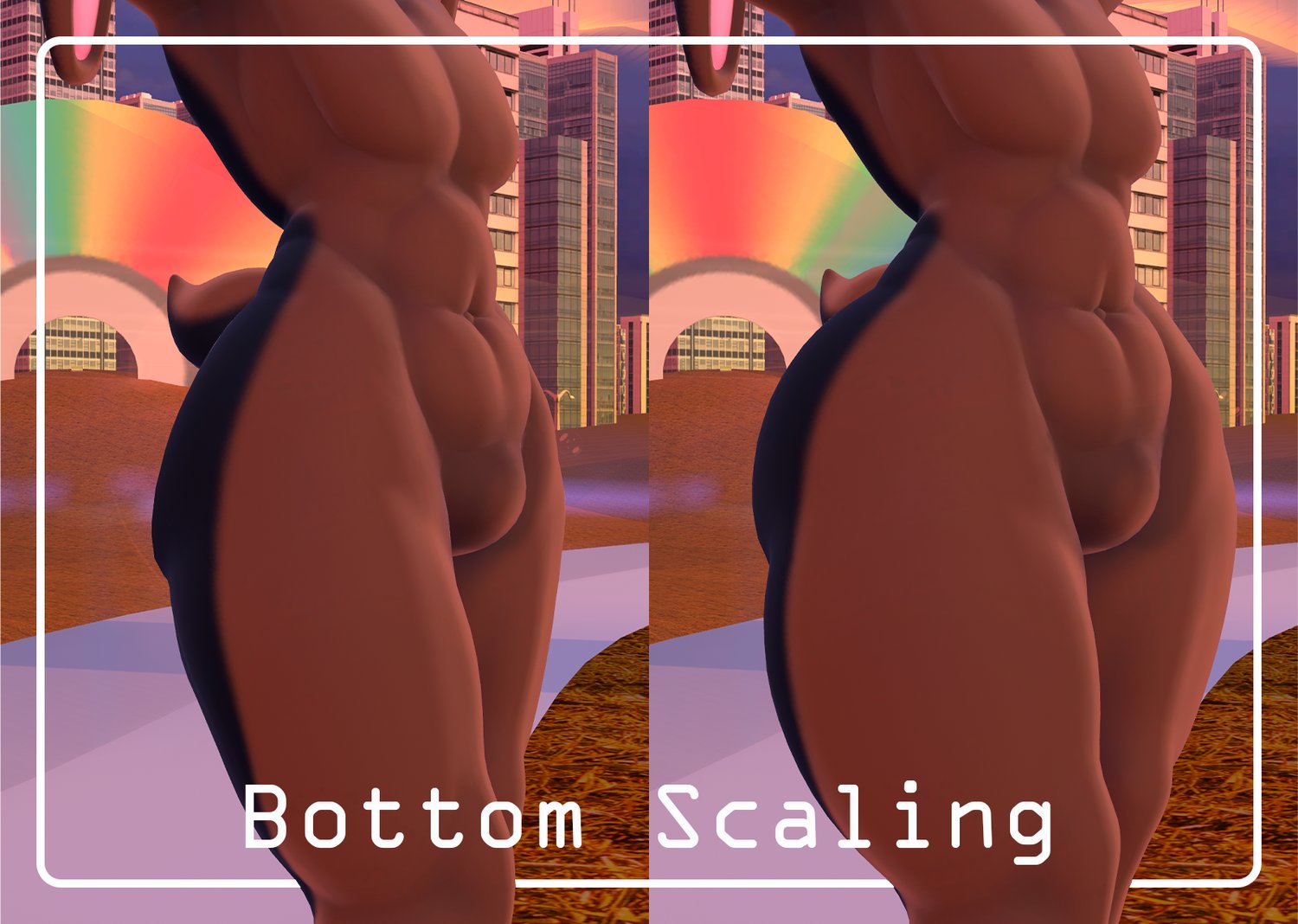
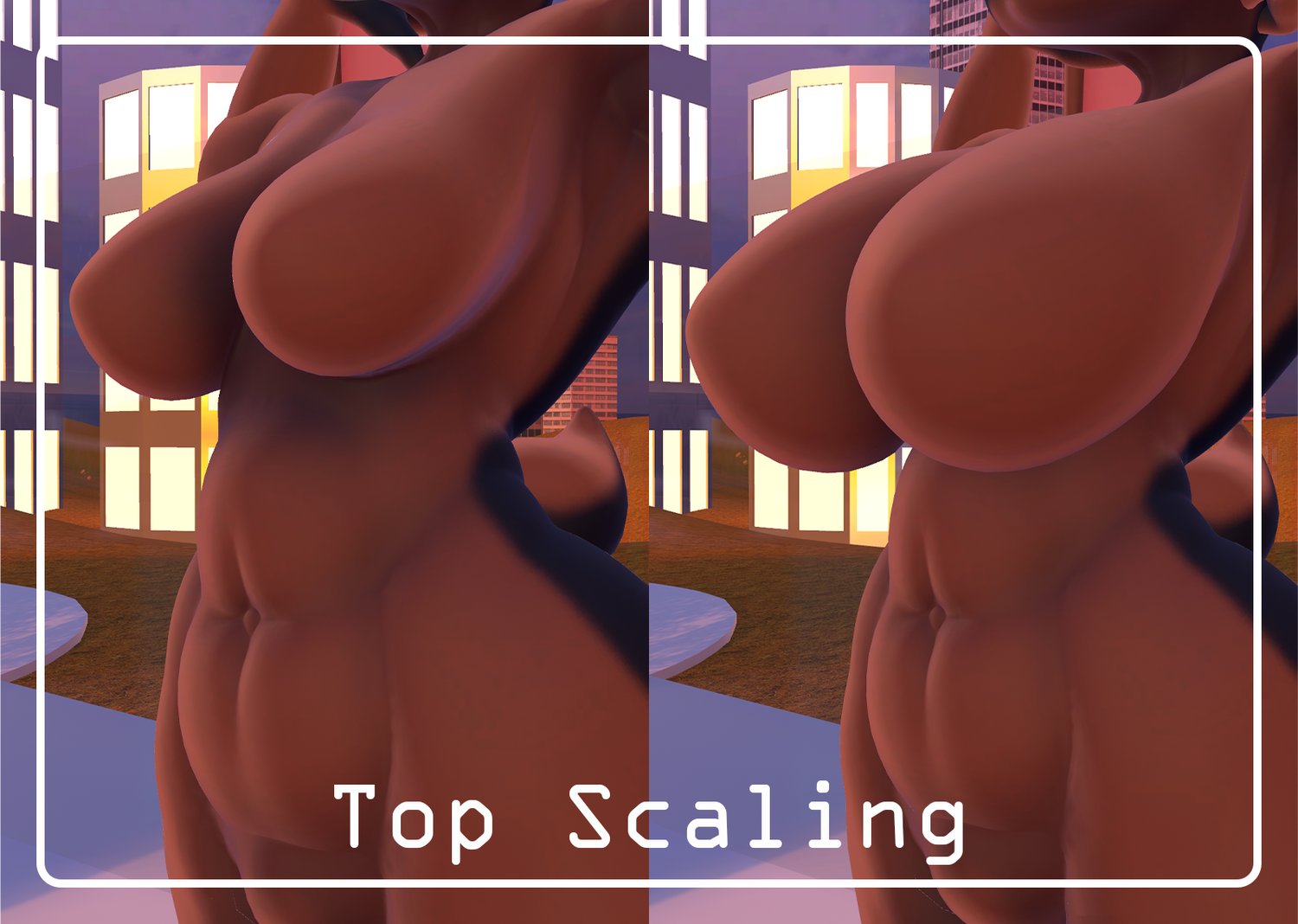
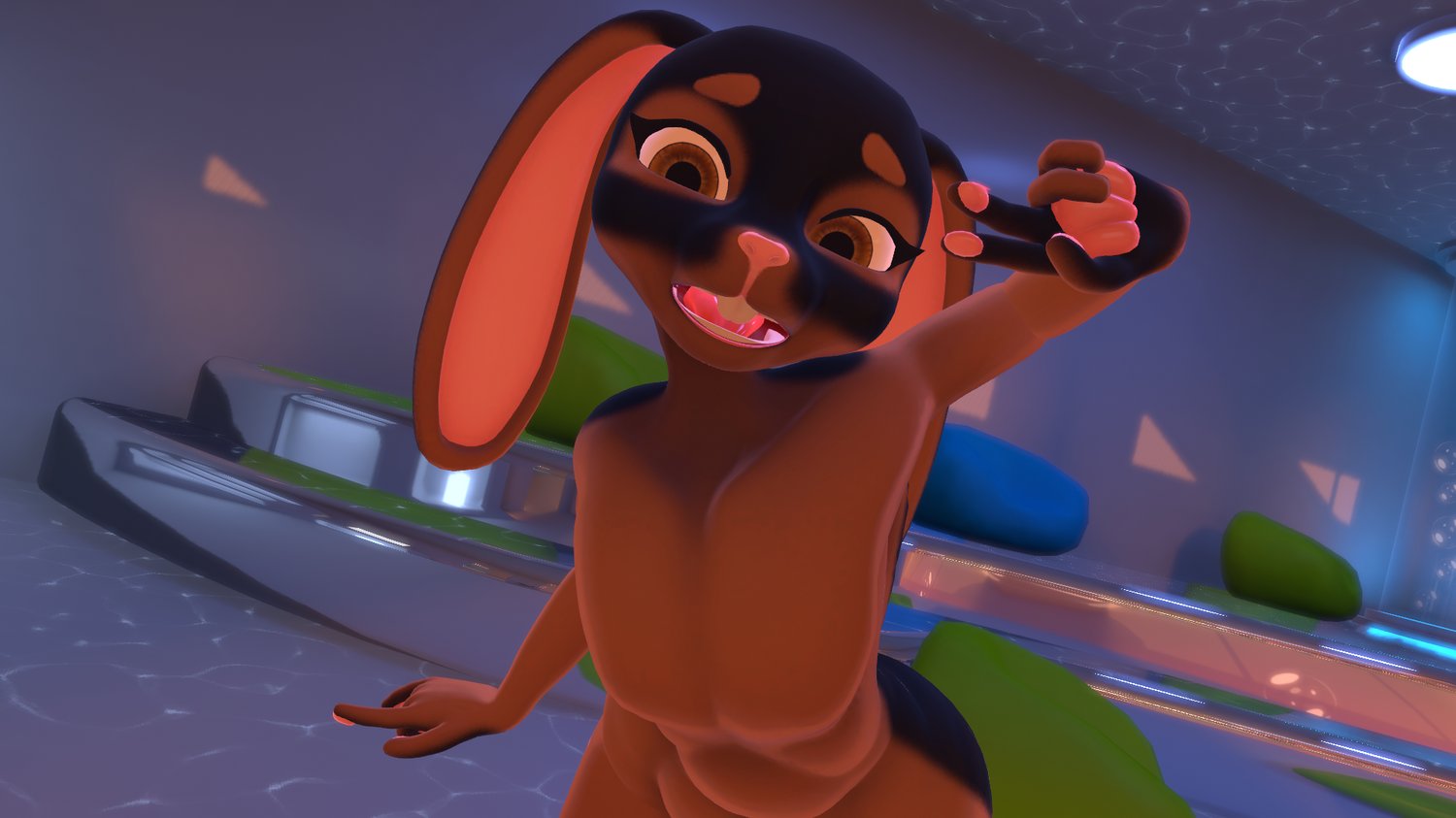
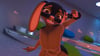
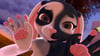
A simple and easy to customise Bunny Base! (!!QUEST AND FACE TRACKING COMPATIBLE!!) (!!FREE UPLOADS AVAILABLE, JUST ASK IN MY DISCORD SERVER!!)

- !!QUEST COMPATIBLE WITH ALL FUNCTIONS!!
- !!FACE TRACKING COMPATIBLE!!
- PhysBone physics throughout
- Toon style textures and shading
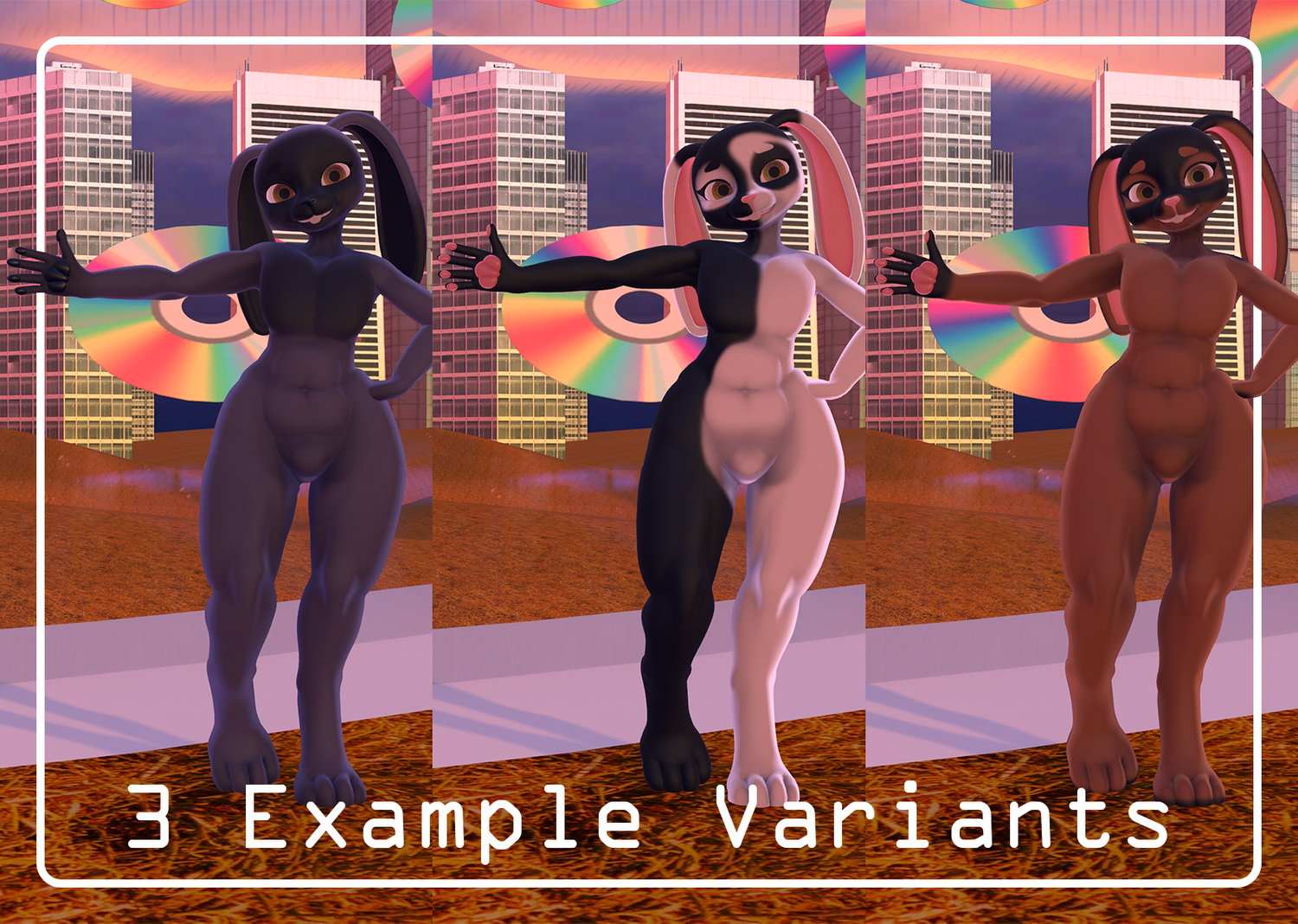
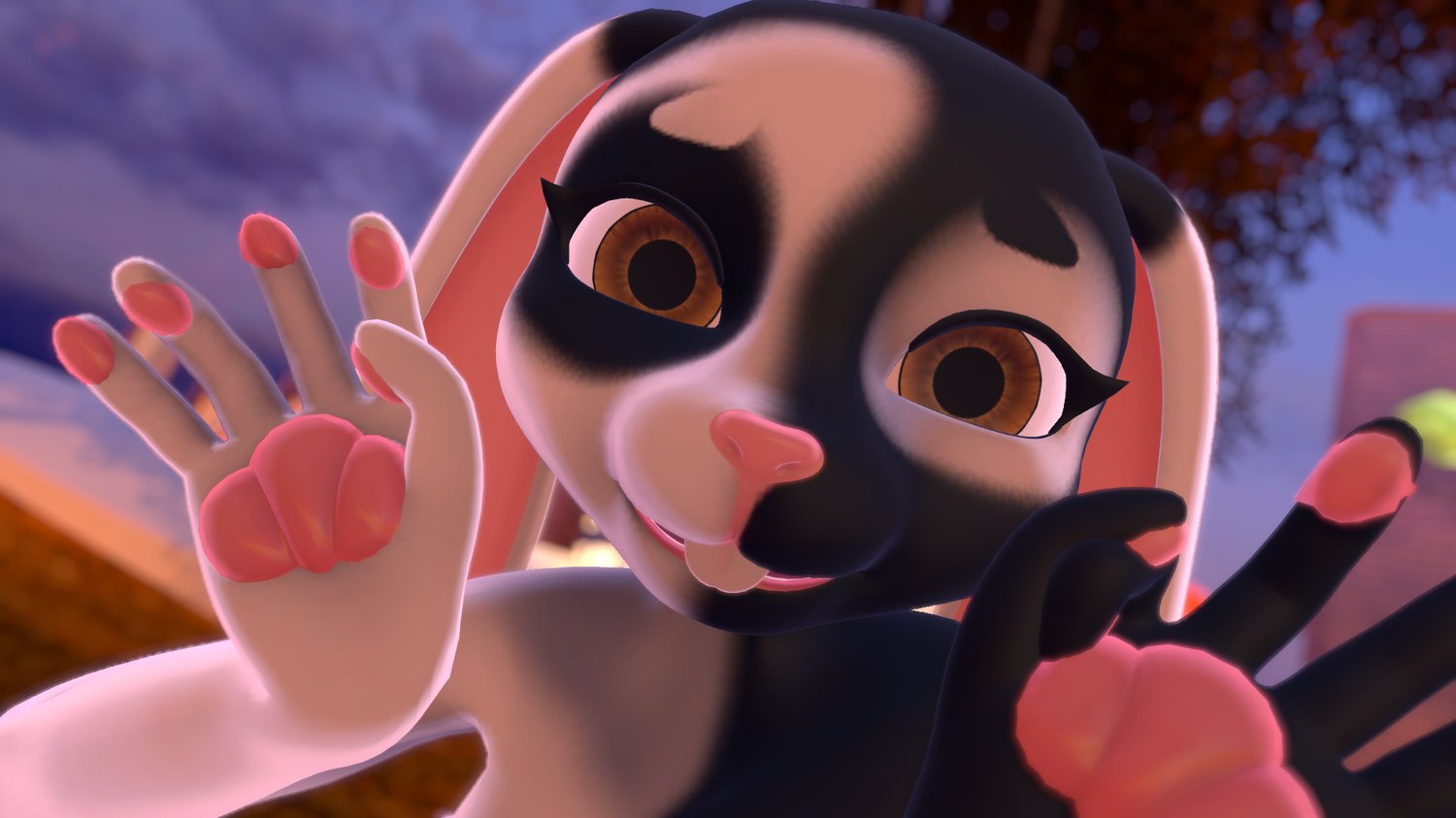
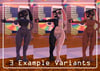
- Example fur patterns
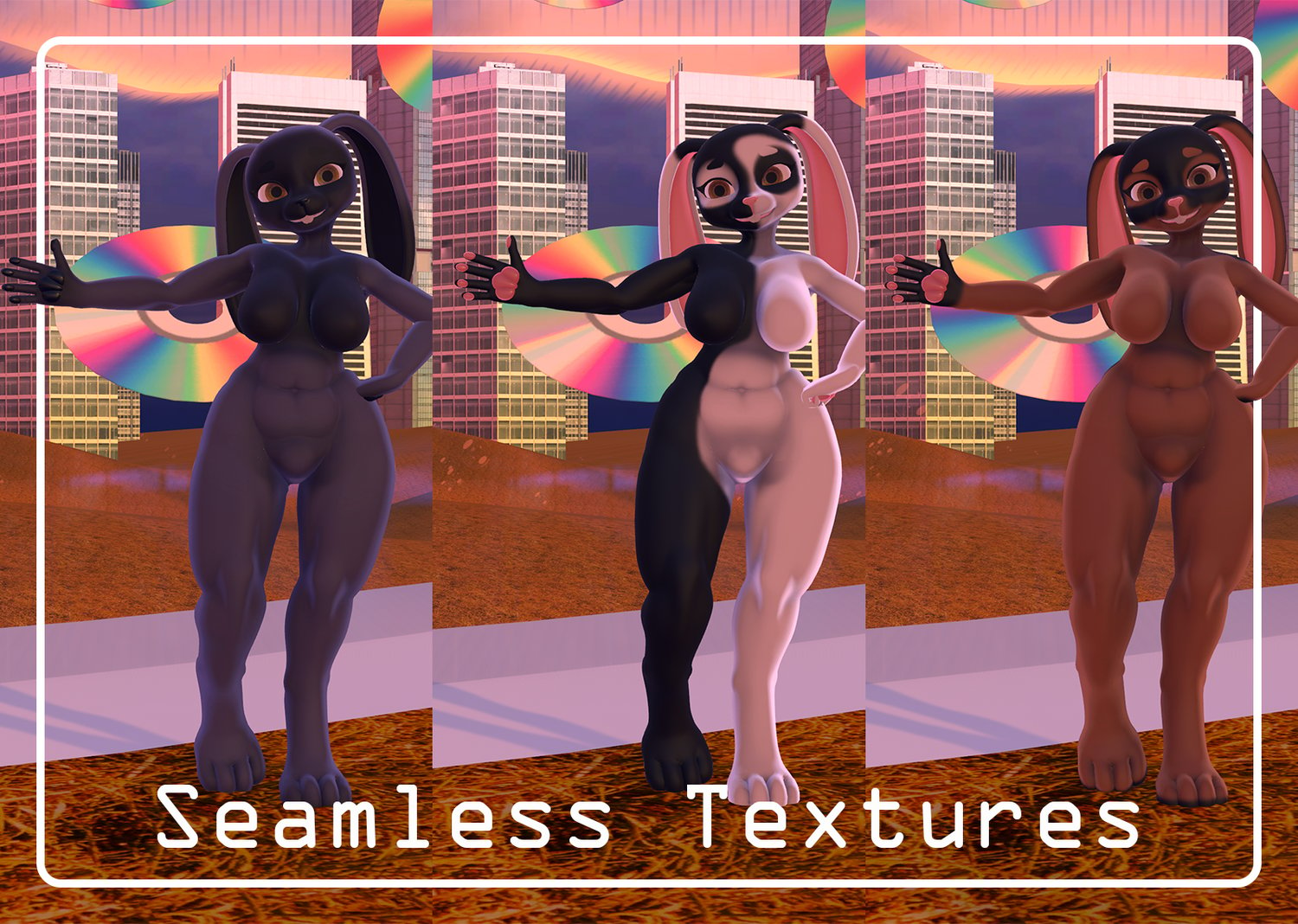
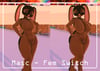
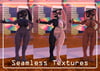
- Completely seamless head and body textures
- GoGo Locomotion configured

- Do NOT redistribute or upload publicly this Avatar under any circumstance
- Do NOT split the cost of the Avatar to upload to multiple accounts. One purchase is for one account.
- You MUST credit me as the creator of this Avatar when you are using it for posts on social media or when streaming.
- I am NOT liable for updates to the game breaking this Avatar. I will however try my best to keep it up to date.
- As a digital product there are NO REFUNDS AVAILABLE due to legitimacy reasons.
- If you wish to edit the base and resell you MUST ask before hand and credit the original base
- !DO NOT UTILISE ANY OF MY PROJECTS FOR ANY AI SYSTEM. THIS INCLUDES, PHOTOS, VIDEOS, OR ANY FORM OF THE MESHES OR TEXTURES THEMSELVES!

You WILL need:
- VRC Creator Companion
- VRC Fury Repository (v1.1408.0 was used during creation)
- Poiyomi Toon (v9.3.64 was used during creation)
- Unity 2022.3.22f1
In order to upload this Avatar you will need to use Unity 2022.3.22f1 which was the version this Avatar was created with. You will need to use VRC Creator Companion to import the required repositories before you do anything with the Avatar. Use VRC Creator Companion to add the VRC Fury repository (linked here) and the Poiyomi Toon repository (linked here) or import Poiyomi Toon from their Discord Server (linked here) to the project before hand. It is IMPERRITIVE you do these tasks before hand otherwise it will not work. The Creator Companion includes the SDK within the file, therefore you will not need to import one yourself.
Afterwards you will need to import the Avatar Package into the scene and open the folder titled "Mox Furry Base". All you need to do once this is done is to open the scene titled "Open Me PCVR" or "Open Me QUEST" (Dependent on your platform and use case) and login to the VRChat SDK. Before you go ahead and upload the Avatar be sure to check that the Animation Controller and the Blueprint ID in the Inspector are clear. If this is the case, then you are free to go ahead and upload the Avatar to your account! If VRC Fury asks you to fix "Write Defaults" be sure to click auto solve!

- Bun Base created entirely by ME!
- GoGo Locomtion created by Franada
- Poiyomi Toon created by Poiyomi
- Face Tracking and Blendshapes are animated byAdjerry91’s Face Tracking Templates