



AVF FilmLook 5.2.6 DEMO — DaVinci Resolve — Mac (free)
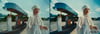
The free demo of AVF FilmLook 5.2.6 for DaVinci Resolve on macOS — print film, film texture and lens optics in one node, by Anurag — A Video Productionz (@av_filmmakerr).
FilmLook is the texture half of the pair: grade your colour with AVF FilmGrade, then put FilmLook last for the film itself.
WHAT'S INSIDE
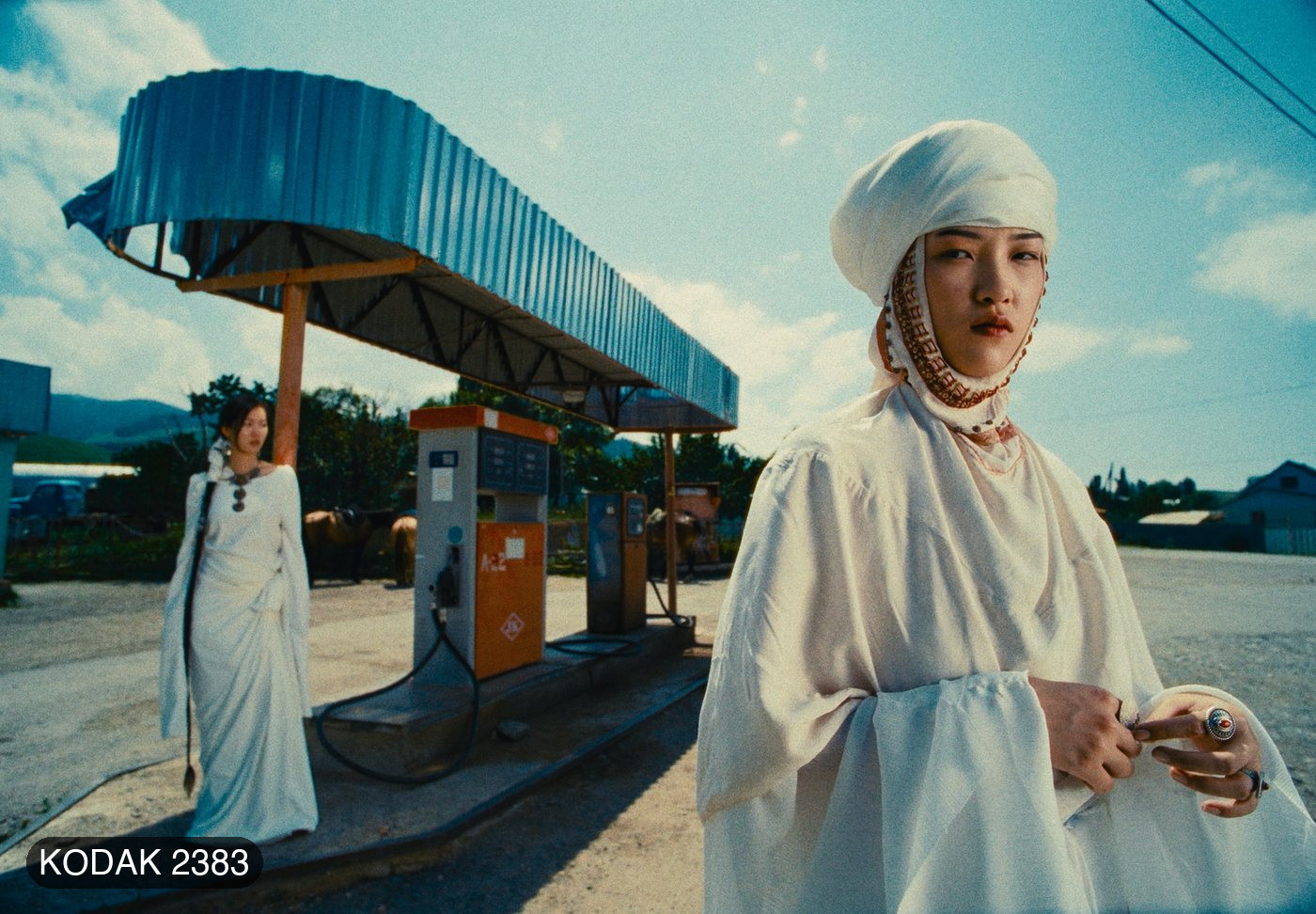
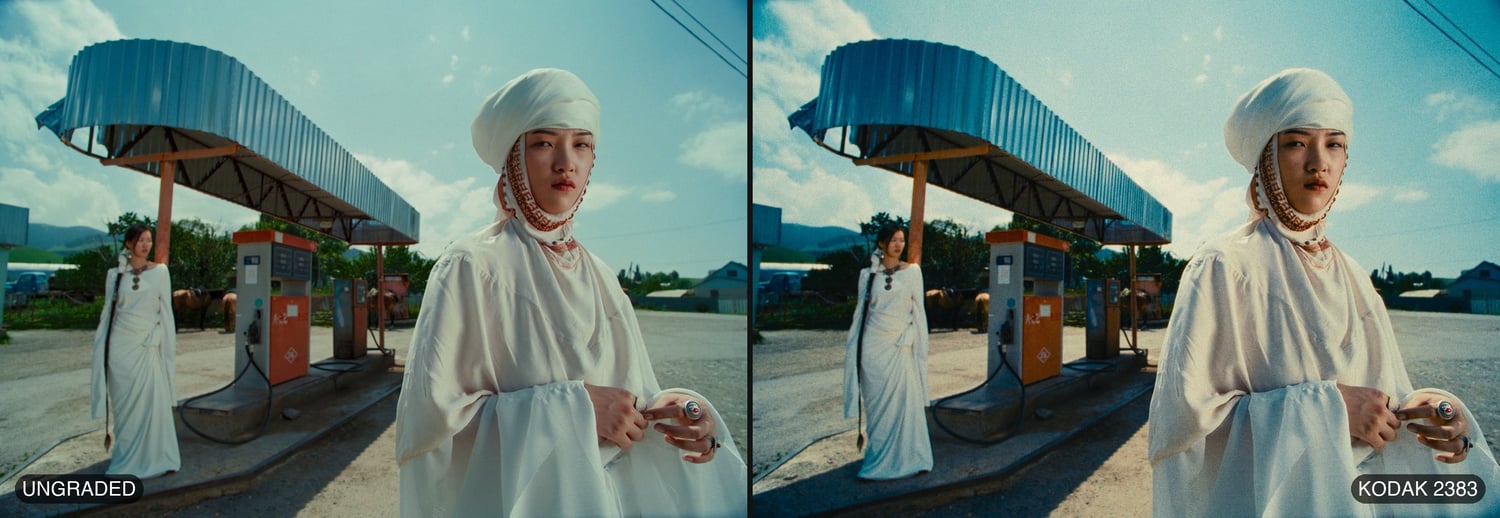
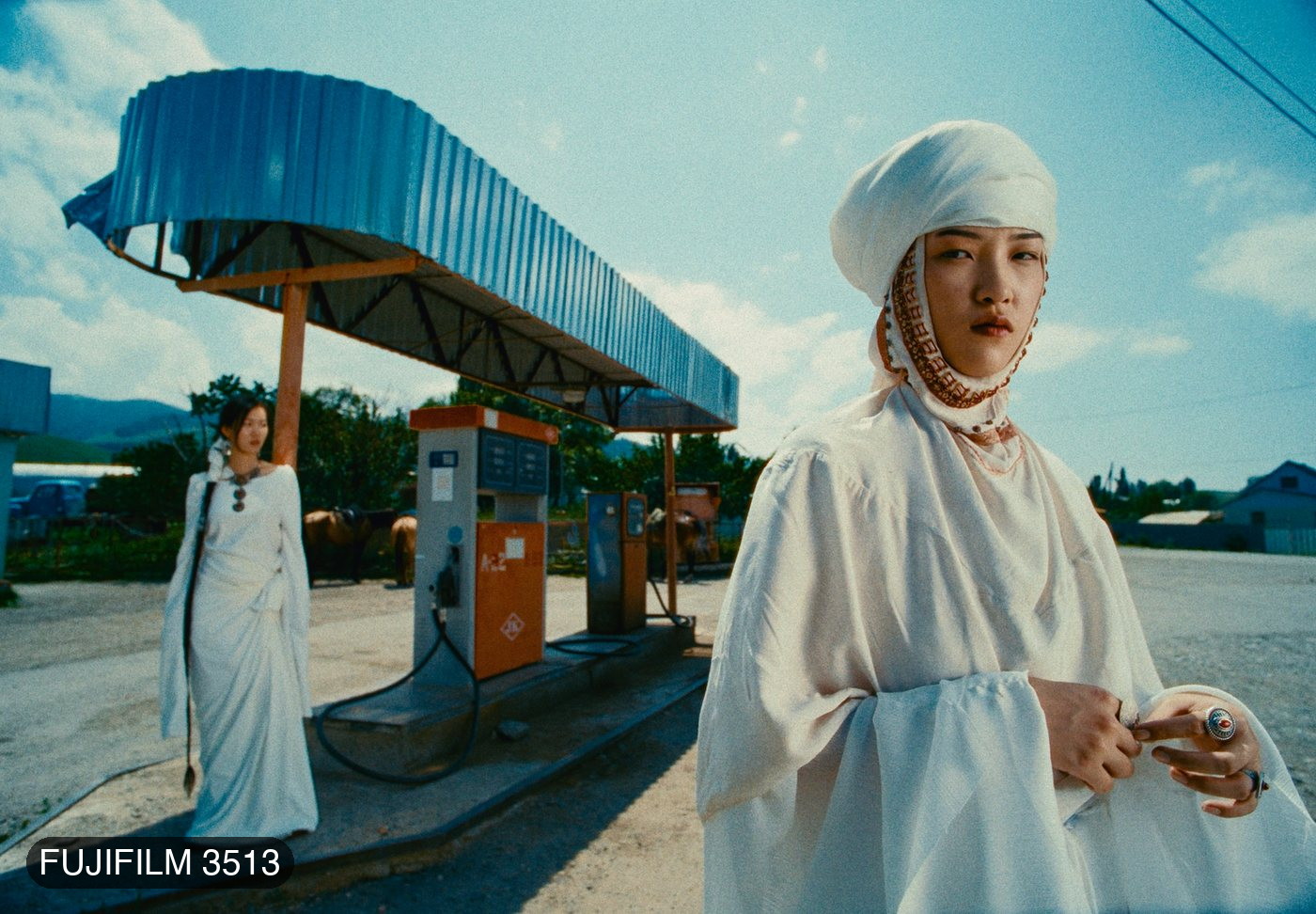
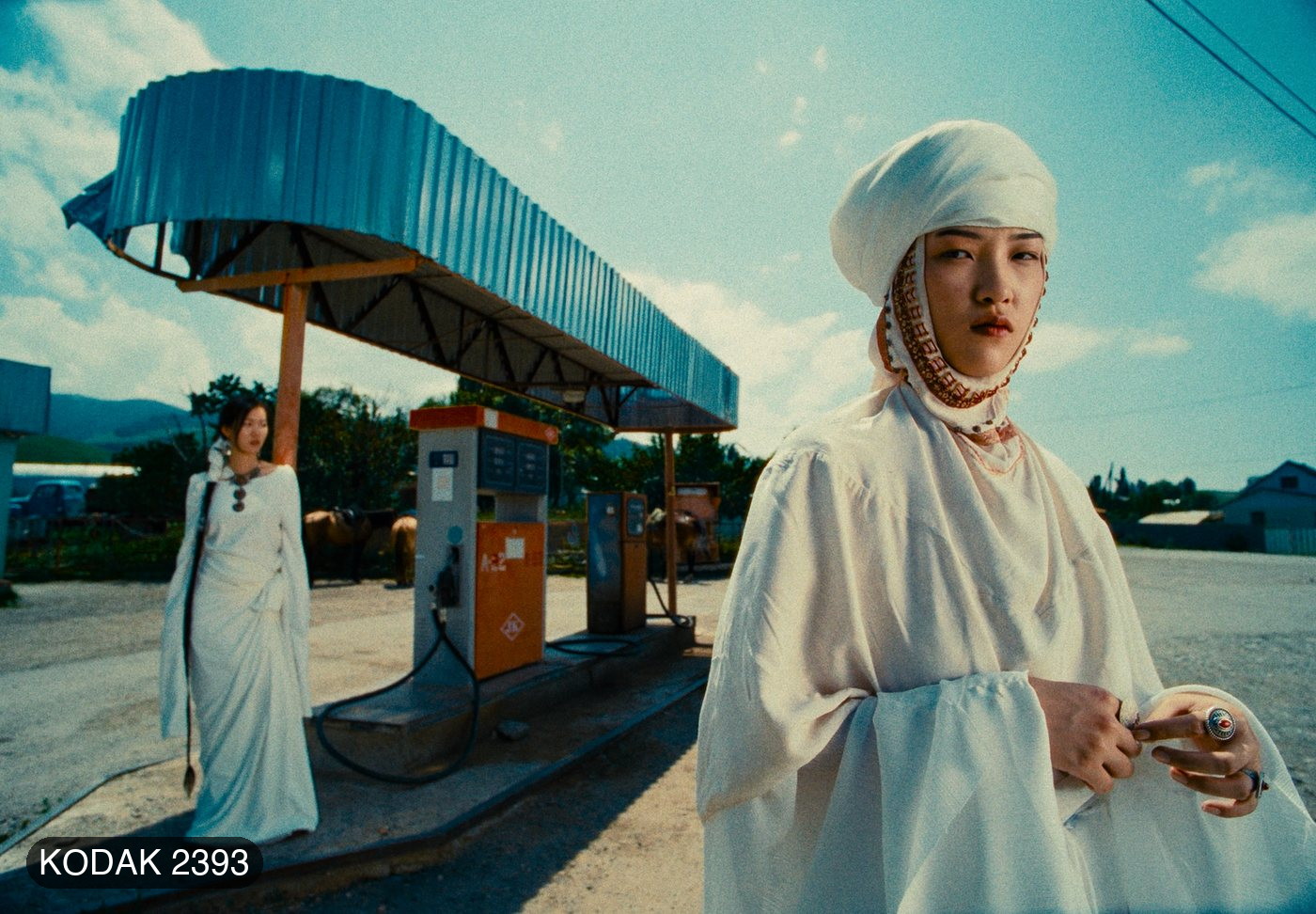
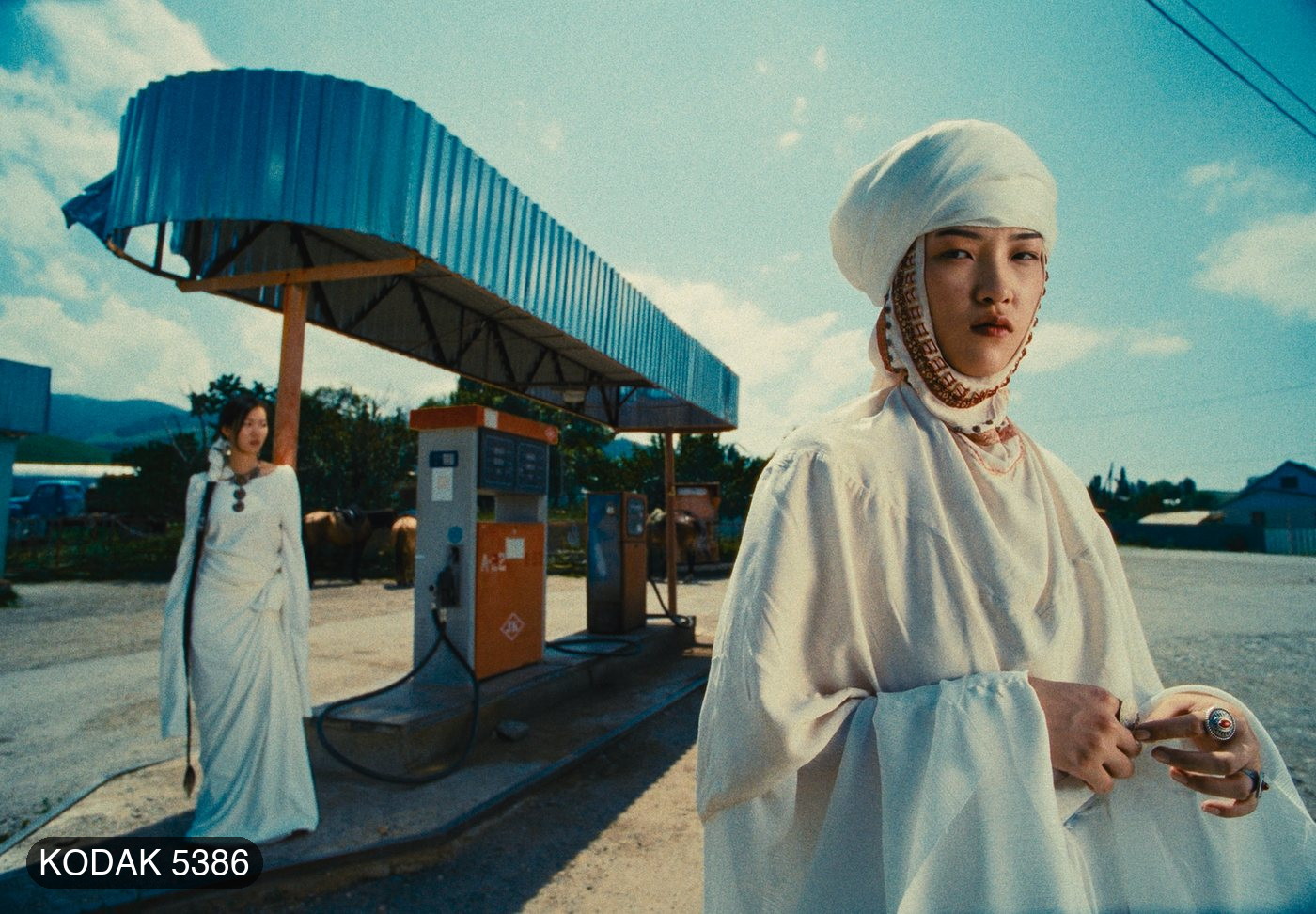
• Print — print stock response built from published datasheets: Kodak 2383, Fujifilm 3513, Kodak 2393 and Kodak 5386, plus Linear and Cineon Film Log, with Print White, Exposure, Contrast, Colour Density, Saturation and a Range Limiter.
• Print Tone — Exposure, Midtones, Shadows and Highlights over the print.
• Film Grain — profiles for 8, 16, 35 and 65 mm at ISO 50, 250 and 500; in Custom, Size, Resolution, per-range Shadows / Midtones / Highlights, Chroma, Film Type and Mode.
• Halation — per gauge, each also with a No Backing variant; in Custom, Threshold, Radius, Spread, Strength, Hue and Blue Compensation, with a Show Mask view.
• Bloom — gauge profiles plus Mist Filter Light and Strong; Save Lights, Detail, Saturation and a Show Mask view.
• Film Damage — Super 8, Super 16, Super 35 and 65–70 mm; Dust, Hairs and Scratches with their sizes and lengths, and a Random Amount.
• Film Breath — exposure, contrast and colour drifting as film does, per gauge.
• Gate Weave — horizontal, vertical and rotational weave with Auto Zoom, per gauge.
• Overscan — seven gate formats from Super 8 to 65 mm Anamorphic, four gate shapes, perforations, orientation, scale, offset and gate softness.
• Vignette — Exposure, Size, Feather, Aspect Ratio and Center, with a Show Mask view.
• Monitor — False Color, Show Skin and Clipping views for checking your work.
Every texture section has a Profile and an Enabled switch: pick a film gauge and go, or choose Custom to open the whole section and tune it from that profile's own values. Film Grain and Halation start on at 35 mm; Print is on with no stock chosen, so nothing changes until you pick one.
THE DEMO'S ONE LIMIT
Every control works, with a watermark of plus signs over the picture in the viewer and in renders.
REQUIREMENTS
• DaVinci Resolve 18 or later — free or Studio
• macOS 11 Big Sur or later — one bundle for Apple Silicon and Intel
• A Metal-capable GPU
INSTALLING
Copy AVF_FilmLook_DEMO.ofx.bundle into /Library/OFX/Plugins. Two short install documents are in the kit — one for copy and paste in the Finder, one with a single line to paste into Terminal — along with the Install & User Guide PDF. There is no installer, so nothing has to be allowed in System Settings.
In Resolve it appears under OpenFX → AVP Tools → AVF FilmLook 5.2.6 DEMO.
TESTED ON
DaVinci Resolve on macOS (Apple Silicon), real-time playback on the GPU.
This is the Mac demo for DaVinci Resolve. The Windows demo and the Premiere Pro & After Effects demo are separate free downloads. The full, watermark-free version is coming — follow @av_filmmakerr to hear first.
Kodak, Fujifilm and the stock numbers above are the trademarks of their owners. AVF FilmLook's print profiles are built from published datasheets; this product is not affiliated with, endorsed by or sponsored by Kodak or Fujifilm.