


Architectural Hatch Pattern Manager Pro
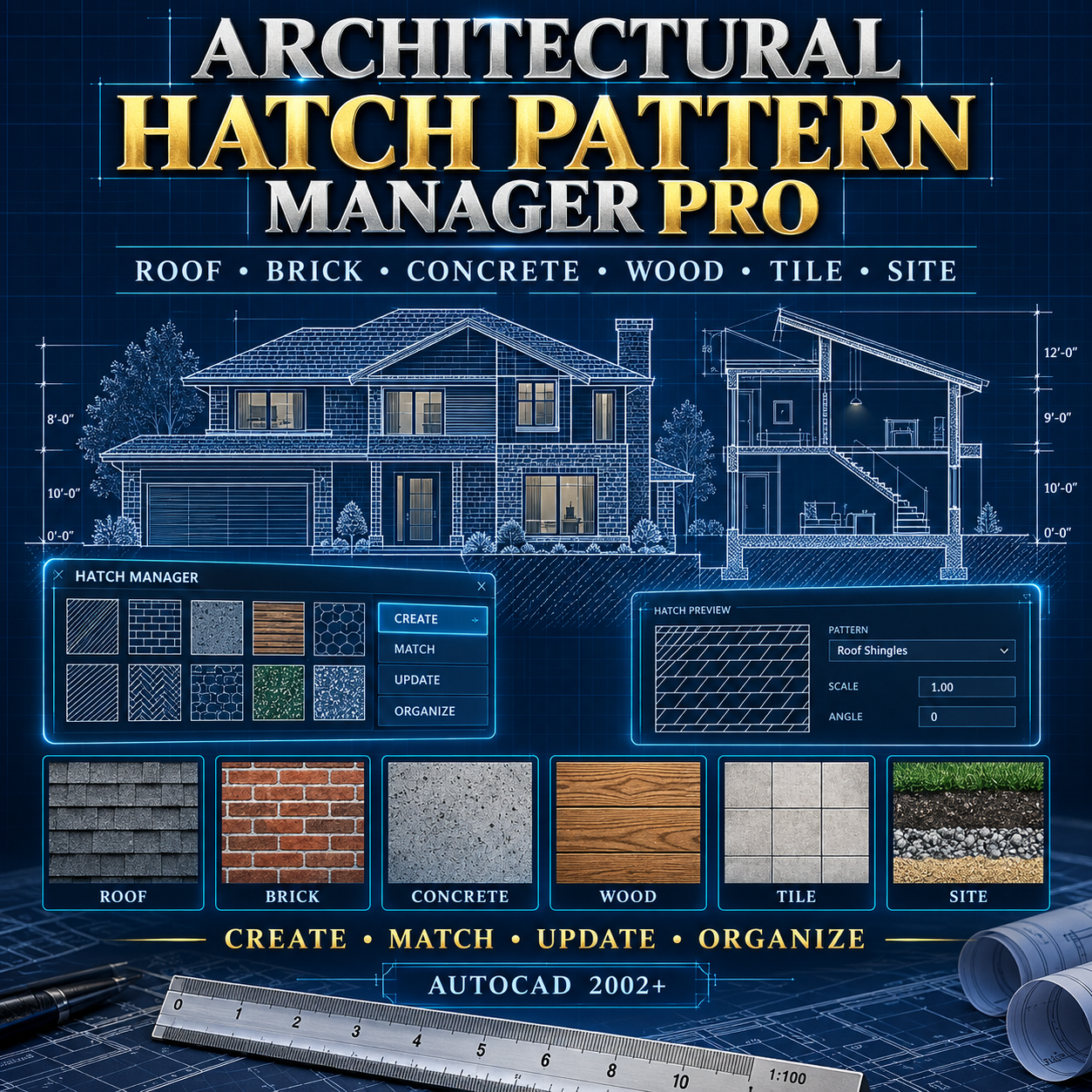
Take control of architectural hatch patterns with Architectural Hatch Pattern Manager Pro—an advanced AutoLISP and DCL tool designed for AutoCAD 2002 and later Windows versions.
This professional drafting utility helps you create, match, update, organize, and document hatch patterns through one easy-to-use interface.
Features include:
• 24 organized architectural hatch presets
• Roofing, masonry, concrete, wood, flooring, site, and landscape categories
• Roof shingles, standing-seam metal, brick, block, concrete, tile, earth, grass, gravel, and sand patterns
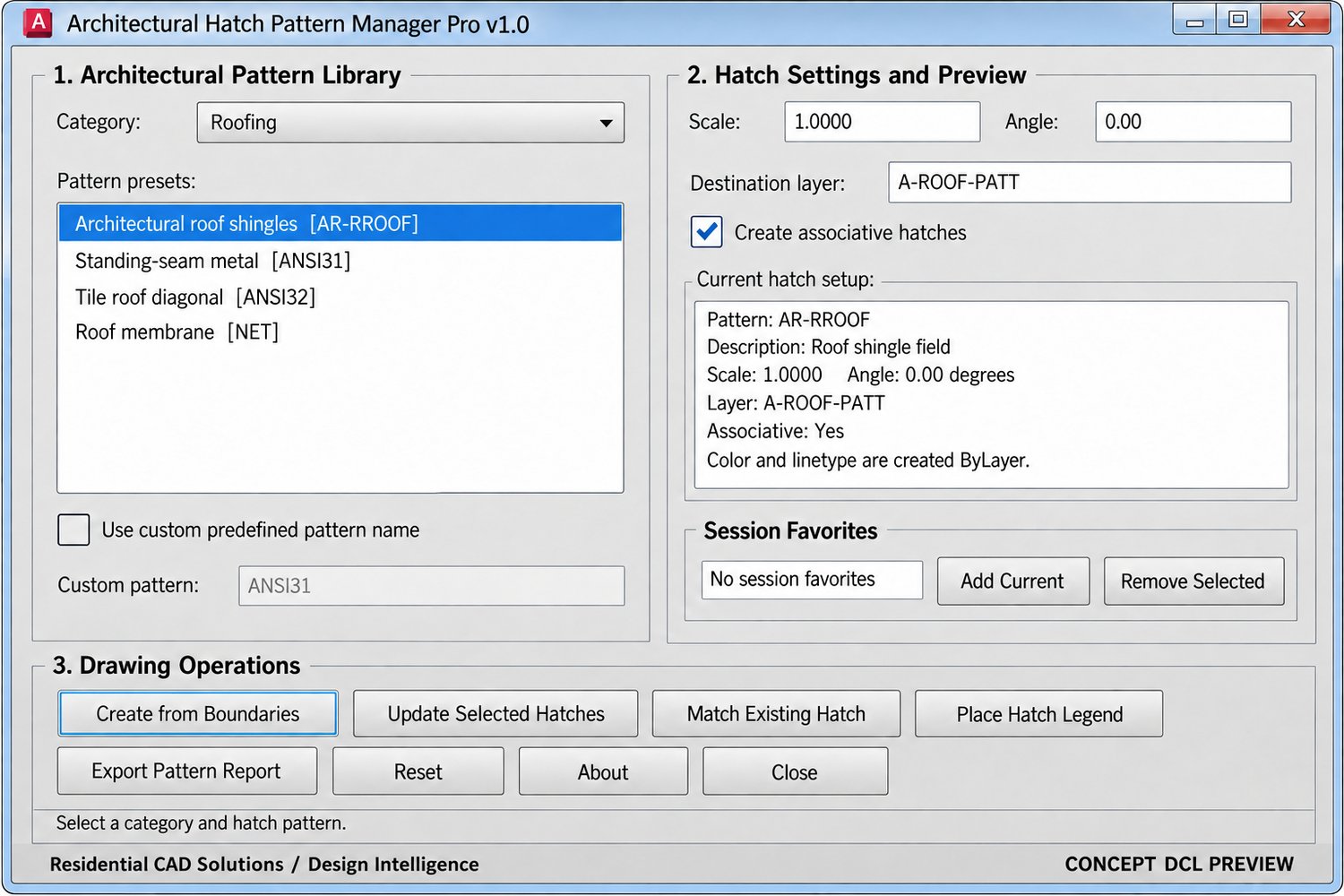
• Adjustable hatch scale and angle
• Automatic destination-layer creation
• Associative hatch option
• Create hatches from multiple closed boundaries
• Batch-update selected existing hatches
• Match pattern settings from an existing hatch
• Support for installed custom PAT patterns
• Session favorites for frequently used patterns
• Automatic ByLayer color and linetype settings
• Place hatch-configuration legends directly into drawings
• Export complete hatch-pattern reports to TXT files
• Included CSV architectural pattern-reference library
Simply select a category, choose a pattern, adjust the scale and angle, and apply it to one or more closed drawing boundaries. You can also select existing hatches and update their pattern settings in one operation.
Your download includes:
• Architectural Hatch Pattern Manager Pro AutoLISP file
• Professional DCL interface
• Architectural hatch-pattern CSV library
• Installation and operating instructions
• Complete ZIP product package
AutoCAD command: HATCHMANAGERPRO
Short command: HMP
Compatible with AutoCAD 2002 and later Windows versions.
Important: Hatch availability may vary between imperial and metric AutoCAD installations. Always verify hatch density, drawing scale, and plotted appearance before issuing construction documents.