


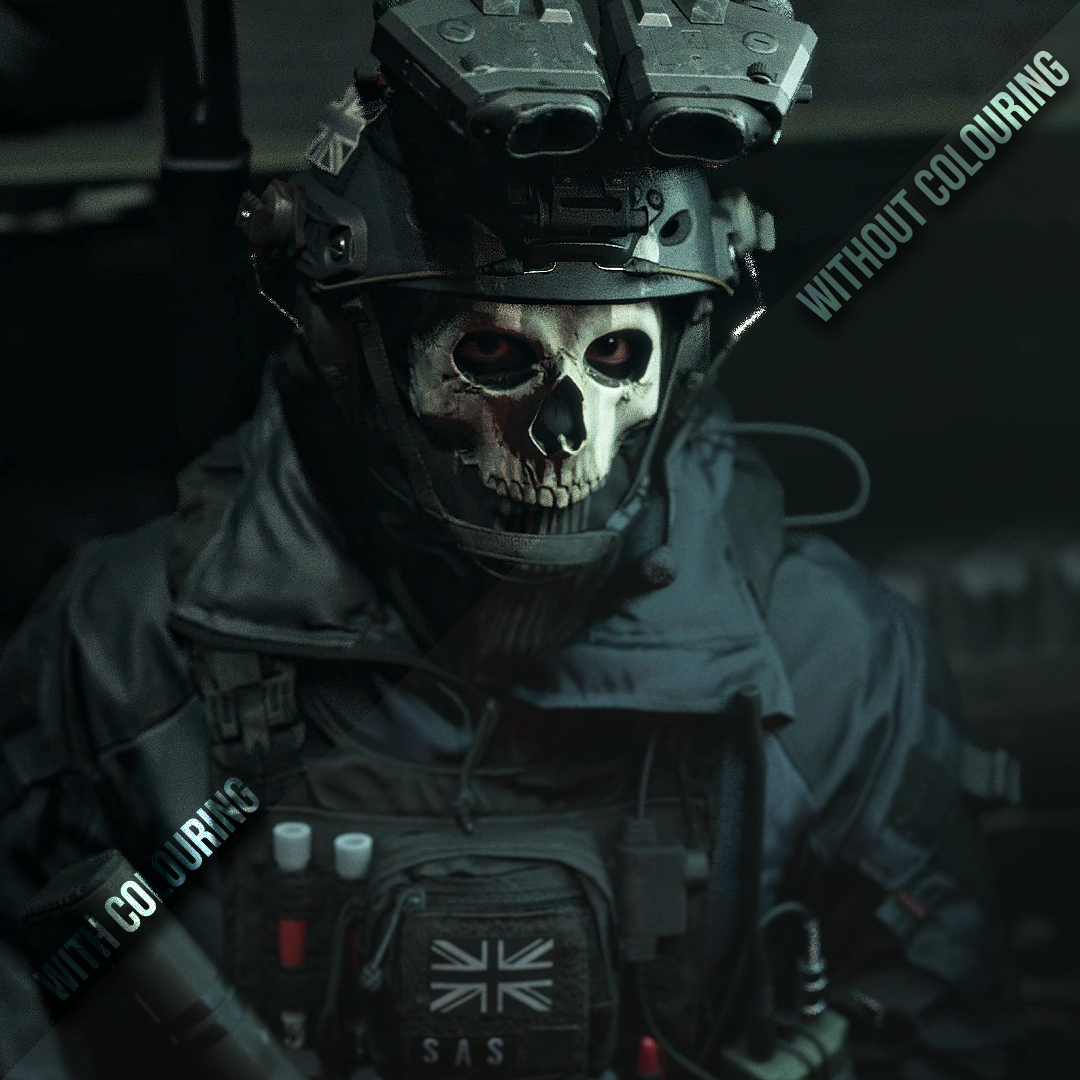



ghstctrl cc 1
On Sale
£2.00
£2.00
How to import into After Effects
- For this colouring you will need the following plug-in(s): MagicBulletLooks, BCC
- Once bought you will receive a file named 'ghstctrl cc 1.ffx'.
- Locate your Adobe folder, go to whichever After Effects version you use, open the User Presets folder and move the file into there.
- This colouring will appear in your Effects & Presets panel
- When in After Effects, to remove the sharpen edges around the video, add a motion tile to your clip underneath the effects and make the output width and height to 100 or above, then click mirror edges.