
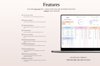
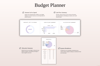
Budget-Planner-Excel-Rainbow-Theme-Graphics
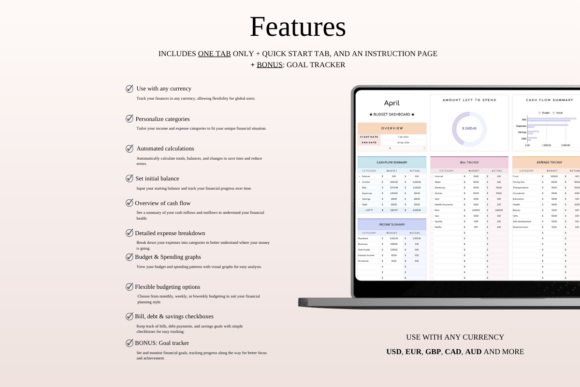
Use with Any Currency
– Personalize Categories
– Automated Calculations
– Set Initial Balance
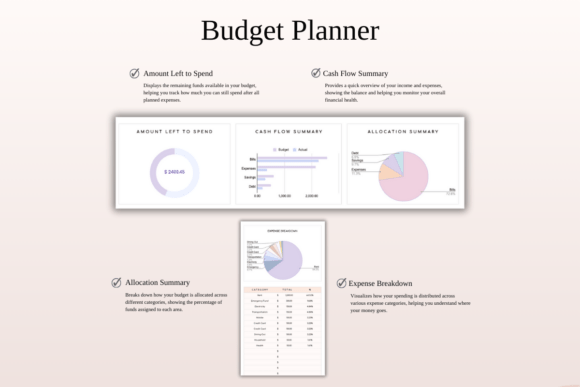
– Overview of Cash Flow
– Detailed Expense Breakdown
– Budget Remaining Graph and Spending
– Overview Graph
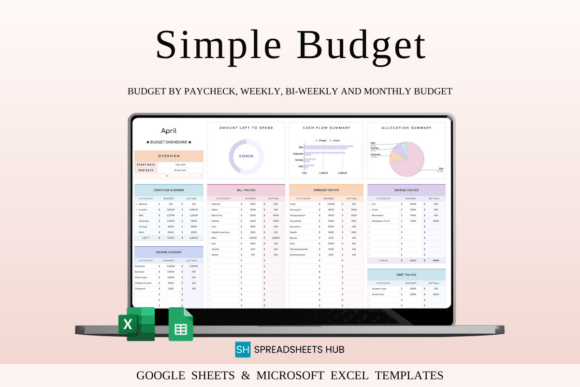
– Monthly Budgeting, Weekly or Biweekly Budgeting
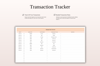
– Checkboxes for Bills, Debt & Savings
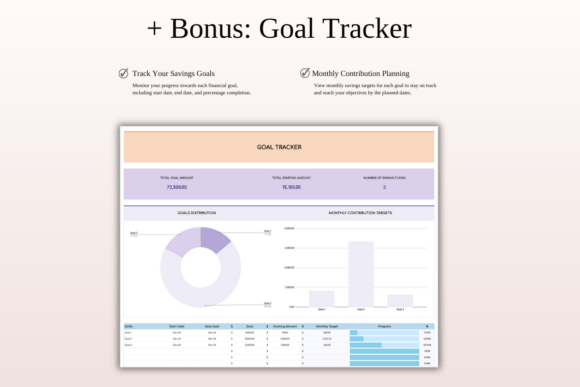
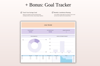
– Bonus Tab: Goal Tracker
WHY IS THIS TEMPLATE THE BEST?
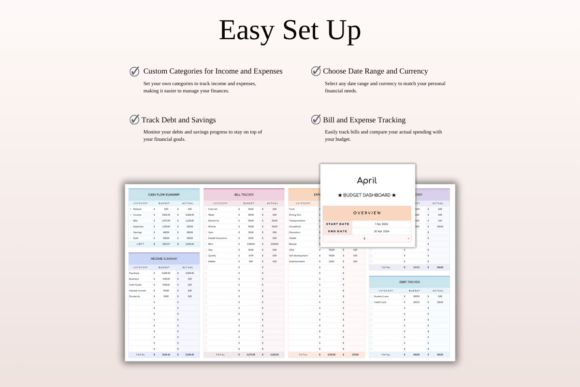
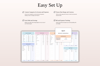
– Take charge of your finances in just 3 simple steps!
– Compatible with any currency!
– One-tab layout, easily replicable for each new budget.
– User-friendly interface, ideal for newcomers!
– Video Tutorial and sample budget included for Excel & Google Sheets
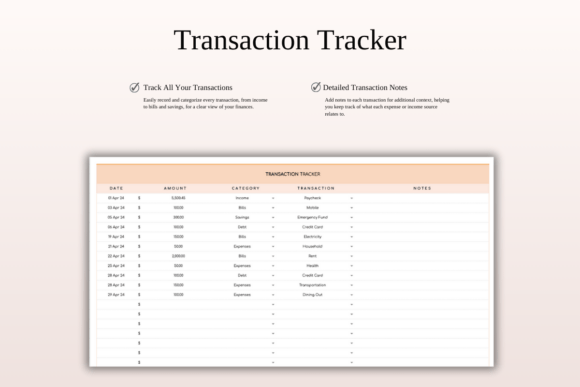
These tabs collectively provide a holistic approach to managing your finances, from configuring your budget settings to actively tracking transactions, monitoring monthly progress, and staying on top of your financial goals.
WHAT’S INCLUDED?
– Step-by-step instructions
– 4 Templates of Spreadsheets
– Sample Google Sheet with Mock Data
– Blank Google Sheet
– Sample Excel with Mock Data
– Blank Excel
– Editable in Google Sheets and Microsoft Excel
– Compatible with MAC, PC, Phones, or Tablets
HOW IT WORKS & REQUIREMENTS
YOU WILL NEED:
– A device to access Google Sheets or Microsoft Excel
– A Google Account (if using Google Sheets)
– Microsoft Excel software (if using Excel)
– Basic computer skills
HOW IT WORKS:
1. Purchase and download instantly.
2. Open the PDF file to access the Google Sheet link.
3. Download the Excel template.
4. Open the spreadsheet and start planning!
IMPORTANT TO KNOW:
– This is a digital download; no physical items will be shipped.
– Due to the nature of digital products, all sales are final, and refunds are not available.
COLOR DISCLAIMER:
Please note that colors in the spreadsheet may vary slightly due to screen display differences on your device. This can include variations in color on phones, tablets, and computers.