

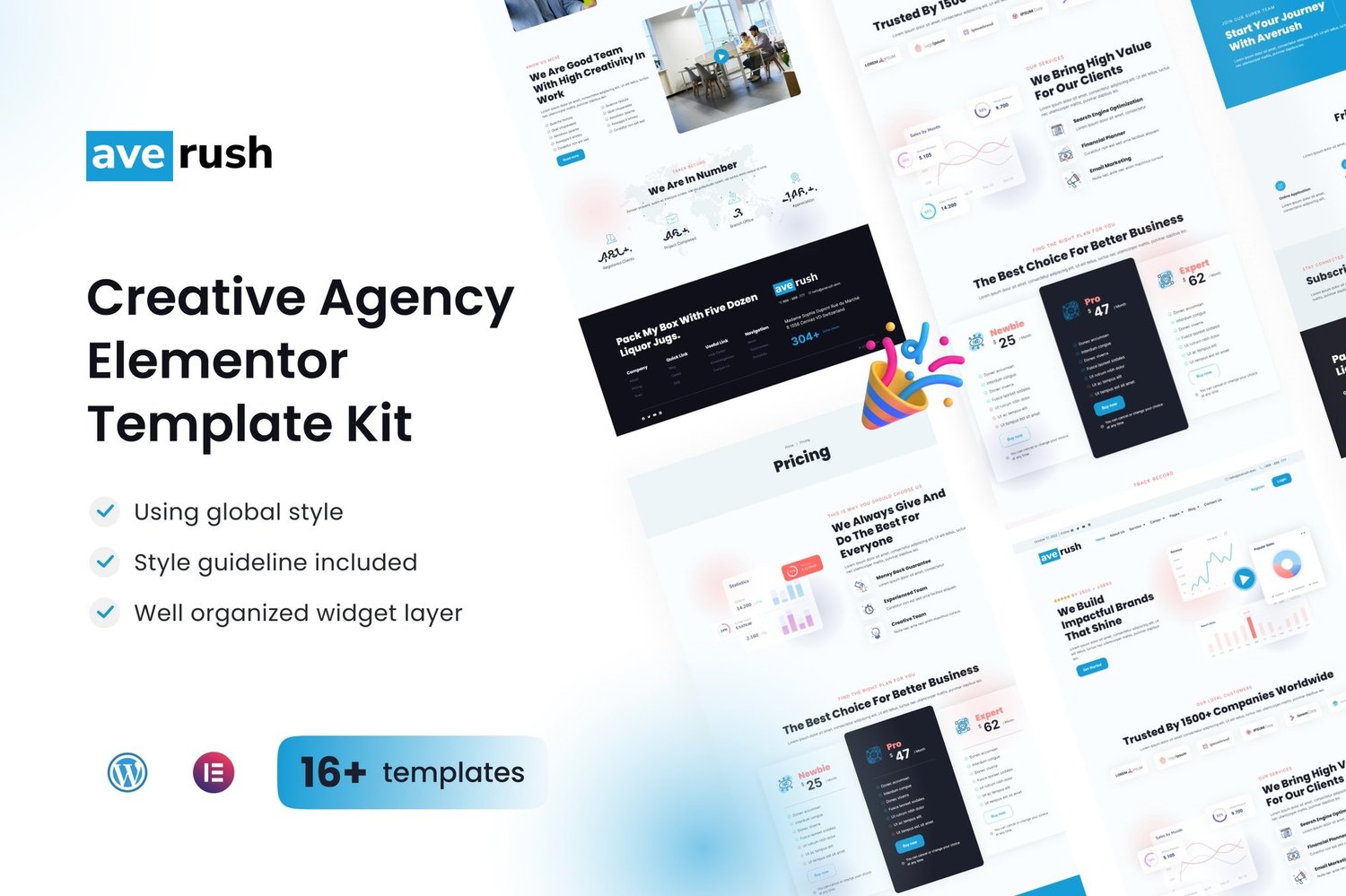
Averush Digital Marketing Creative Agency Elem Download
On Sale
$5.00
$5.00
Create Stunning Websites with Averush
Introducing Averush, an innovative Elementor Template Kit designed specifically for digital marketing and creative agencies. Effortlessly build professional websites using the powerful Elementor Page Builder plugin for WordPress. Optimized for the free Hello Elementor theme, this kit is also compatible with most themes that support Elementor, making it perfect for any digital venture.
[Explore More at Digital Products Bazar]
Key Features:
- Unique & Clean Design: Impress your visitors with a sleek and contemporary layout meticulously crafted for modern appeal.
- 13+ Ready-to-Use Pages and Templates: Access a variety of pre-built templates designed to cover every aspect of your website's needs.
- Fully Responsive Layout: Your website will look stunning on all devices, from desktops to mobile phones, ensuring a seamless user experience.
- Fully Customizable: Utilize the drag-and-drop visual builder to effortlessly customize elements, allowing you to bring your creative vision to life.
- Cross-Browser Compatibility: Enjoy consistent performance and appearance across all major browsers, including Chrome, Firefox, Safari, and Opera.
Templates Included:
- Global Theme Style
- Home
- About Us
- Service Set
- Service Details
- Our Team
- Career Page
- Career Details
- Pricing Plans
- FAQs Page
- Coming Soon
- 404 Page
- Contact
- Blog Archive
- Single Post
- Header
- Footer
Required Plugins:
- Elementor
- Jeg Elementor Kit
- Elementor Pro: Required for some templates and features (not included).
How to Install:
- Install and Activate the Envato Elements Plugin:
- Go to Plugins > Add New in WordPress.
- Install and activate the “Envato Elements” plugin.
- Download Your Kit File: Make sure not to unzip the downloaded file.
- Upload Your Template Kit:
- Go to Elements > Installed Kits and click the Upload Template Kit button.
- Before importing any templates, click the Install Requirements button to activate necessary plugins.
- Create and Customize Your Pages:
- Go to Pages and create a new page. Click Edit with Elementor.
- Click the gear icon at the lower-left of the builder to access page settings and select Elementor Full Width—hide the page title if desired.
- Click the gray folder icon to access the My Templates tab and import the page you wish to customize.
Notes:
This Template Kit uses demo images from Envato Elements. You will need to license these images from Envato Elements to use them on your website, or substitute them with your own.
Attributes:
- Support and Updates: Updates included; personalized support not available.
- Compatible With: Elementor Pro, Elementor.
- Compatible Versions: Elementor 3.10.x.
- Commercial License: Ideal for professional use.