

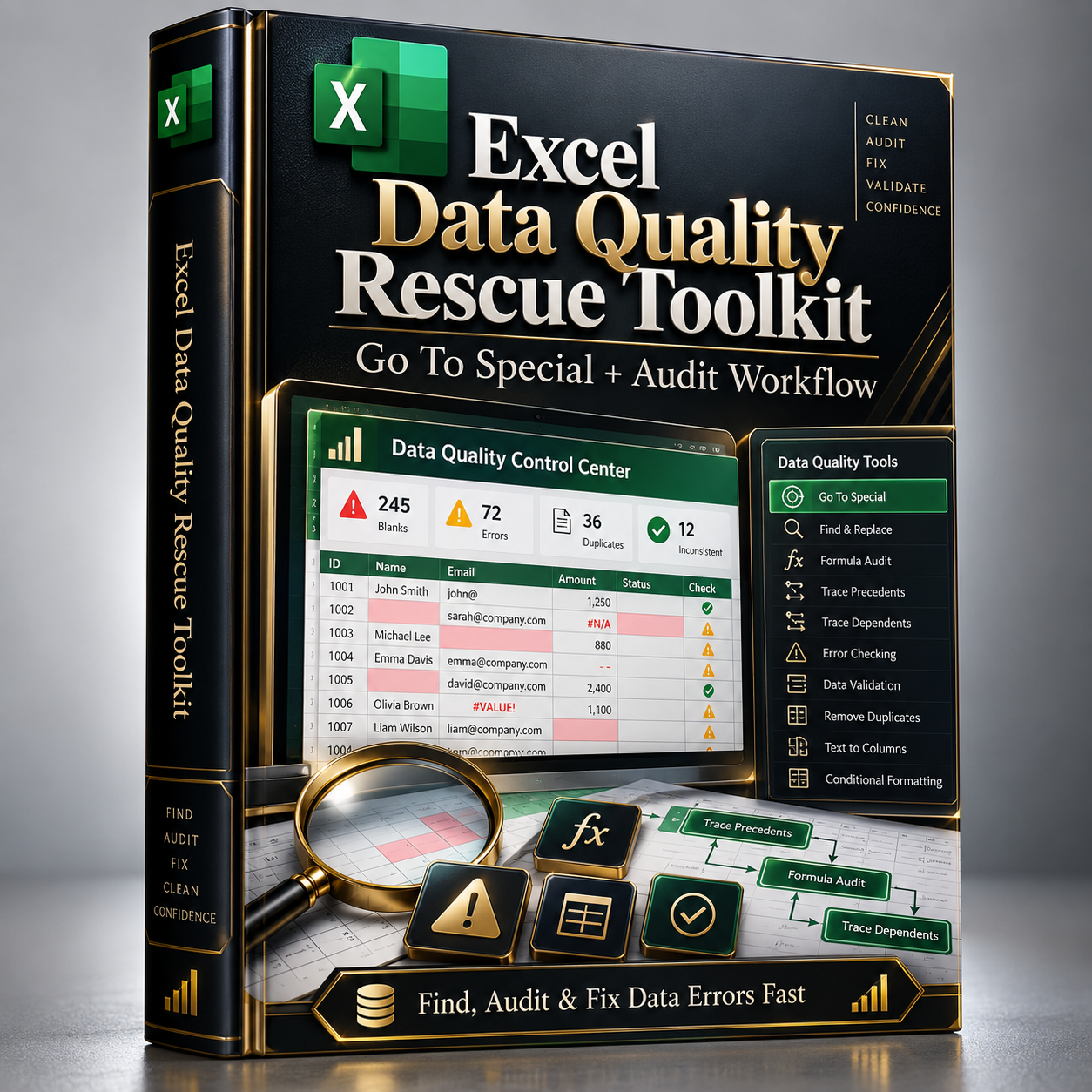
Excel Data Quality Rescue Toolkit — Find, Audit & Fix Data Errors Fast
Turn messy Excel data into a structured, review-ready dataset with a reusable data-quality workflow built for real business work.
The Excel Data Quality Rescue Toolkit combines Go To Special with automated checks, formula auditing, issue detection, and a clean handoff process so you can find problems quickly without manually scanning hundreds of rows.
What the toolkit helps you detect
- missing values
- duplicate record IDs
- invalid or missing email fields
- non-numeric Revenue and Cost values
- formula gaps
- hidden hardcoded values
- broken formulas
- inconsistent calculation patterns
- risky filtered-range edits
What’s included
Control Center
A quick data-quality snapshot showing:
- loaded rows
- rows requiring review
- clean rows
- duplicate IDs
- email issues
- Revenue issues
- Cost issues
500-Row Input & Audit Area
Paste your own working dataset and use the built-in helper columns to identify rows that require attention.
Go To Special Action Center
Step-by-step repair workflows for:
- Blanks
- Formula Errors
- Constants
- Visible Cells Only
- Row Differences
- Column Differences
- Formula Coverage
Formula Audit Lab
Practice and reuse a structured audit approach for:
- hardcoded values
- missing formulas
- broken formulas
- inconsistent calculations
Clean Export / Handoff Checklist
A final review process before data is passed into reporting, analysis, or another team.
Designed for real work
This toolkit is useful for:
- monthly reporting
- finance models
- imported CSV or ERP data
- operations datasets
- KPI reporting
- recurring Excel cleanup
- analyst handoff workflows