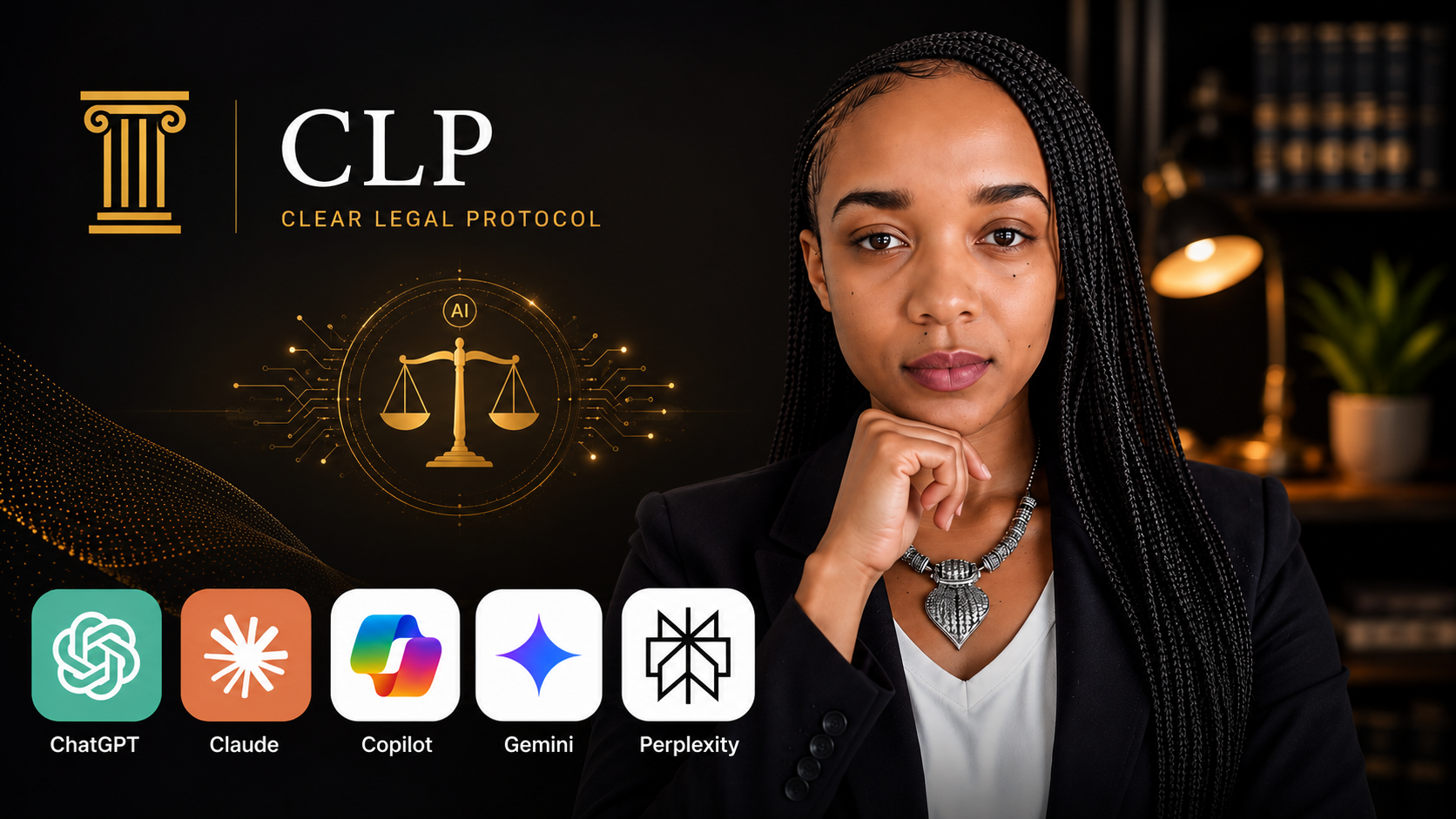
ChatGPT, Claude & AI Tools for Lawyers: Research & Drafting
Learn to use ChatGPT, Claude, Copilot, Gemini & Perplexity for legal research, drafting, and document review.

Learn to use ChatGPT, Claude, Copilot, Gemini & Perplexity for legal research, drafting, and document review.
Most lawyers are already using AI tools. The problem is not access it is knowing which tool to use, how to use it properly, and how to get output that is actually professional rather than generic.
This course solves that problem.
In five modules covering all five of the AI tools lawyers are actually using right now ChatGPT, Claude, Microsoft Copilot, Google Gemini, and Perplexity you will learn the specific workflows, prompt structures, and professional standards that separate effective AI use from amateur use.
This is not a course about whether AI is safe for lawyers. That is Course 1. This is the skills course the one for lawyers who are ready to use these tools and want to use them properly.
WHAT YOU WILL LEARN
Module 1 — The AI Tools Landscape
Which of the five tools to reach for depending on the task in front of you. How to set each one up correctly and securely for professional use before a single piece of client information goes near any of them. And the one conceptual shift explained clearly and permanently that determines the quality of every AI output you will ever produce.
Module 2 — ChatGPT for Legal Work
The research workflow that eliminates the hallucinated-citation risk entirely. The drafting workflow for contracts, correspondence, and legal submissions including the editing mindset that separates professional use from amateur use. And the five-element Legal Prompt Framework that gets professional-grade output from ChatGPT on any legal task, every time.
Module 3 — Claude for Legal Work
When Claude outperforms ChatGPT and exactly why with a clear decision rule you can apply immediately. The three-stage long document analysis workflow that turns a four-hour contract review into ninety minutes of focused professional work. And the five specific legal writing tasks where Claude's precision and reasoning depth produce measurably better results than any other tool.
Module 4 — Copilot, Gemini, and Perplexity
How to use Microsoft Copilot directly inside Word, Outlook, and Teams and Google Gemini inside Docs, Gmail, and Meet without switching applications or changing how you work. And Perplexity: the only tool in this course that searches the live web in real time with cited sources, making it the professional standard for legal research that requires current law.
Module 5 — Your Personal AI Workflow
How to choose your primary tools, build consistent professional habits around them, create a personal prompt library that compounds in value over time, and maintain a 15-minute monthly update habit that keeps you ahead of the profession as these tools evolve.
WHAT IS INCLUDED
- 15 lessons across 5 modules
- Legal Prompt Library — 40 ready-to-use prompts across all five tools, organised by task type
- AI Tool Comparison Card — one-page reference: which tool for which task
- Personal AI Workflow Template — build your own system in 30 minutes
WHO THIS COURSE IS FOR
This course is for practising lawyers and law students who are already using AI tools and want to use them more effectively. It is also for legal professionals who know AI tools exist and want to start using them properly without wasting time figuring it out alone.
The tone throughout is peer to peer a senior lawyer colleague showing you exactly how they use these tools in practice. Not a tech tutorial. A professional masterclass.
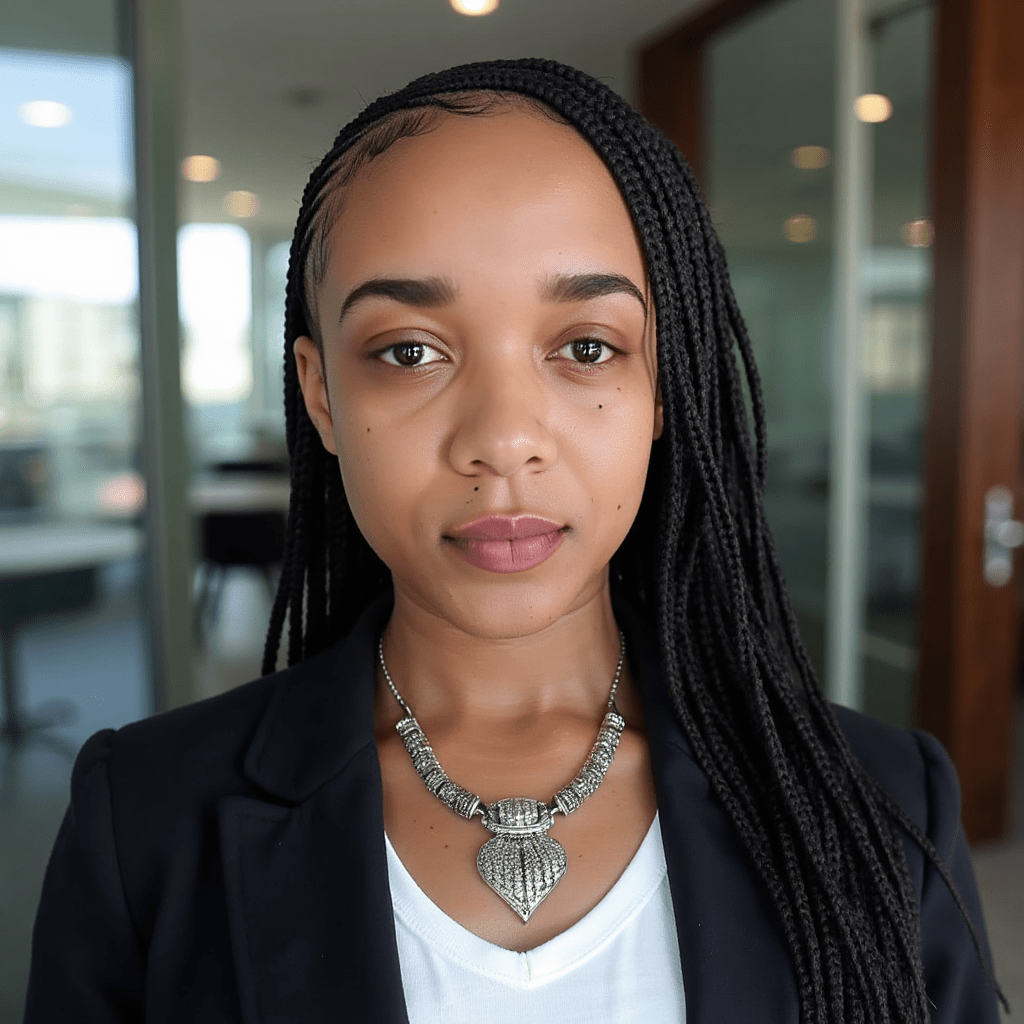
Delivered by Dr. Clarance Gandawa — PhD in Artificial Intelligence in Law, Senior Lecturer, Executive Director of Legal Services, qualified legal practitioner, and creator of The CLEAR Legal Protocol.
Dr. C. Gandawa is a legal practitioner, Executive Director of Legal Services, and PhD holder in Artificial Intelligence in Law one of the few legal professionals in the SADC region operating at the intersection of active legal practice, executive legal leadership, and academic research in AI and law.
She is the creator of The CLEAR Legal Protocol and the founder of the CLP Legal Document Centre Africa's first premium legal document platform built specifically for the SADC region.
With over 40 peer-reviewed publications and direct experience managing institutional legal risk at an executive level, Dr. Gandawa brings something most AI course instructors cannot the perspective of a lawyer who has spent years researching exactly what goes wrong when the legal profession adopts AI without a professional standard.
This course is the practical expression of that research. Built not for technology enthusiasts but for legal professionals who need a system that actually protects them.
Plan name: Standard Access
Price: $89
Description:
Full course access including 15 lessons, 3 downloadable assets, and your CLP Professional Certificate on completion. Lifetime access. Immediate delivery.
What is included:
Module 1 — The AI Tools Landscape
Module 2 — ChatGPT for Legal Work
Module 3 — Claude for Legal Work
Module 4 — Copilot, Gemini, and Perplexity for Legal Work
Module 5 — Building Your Personal AI Workflow