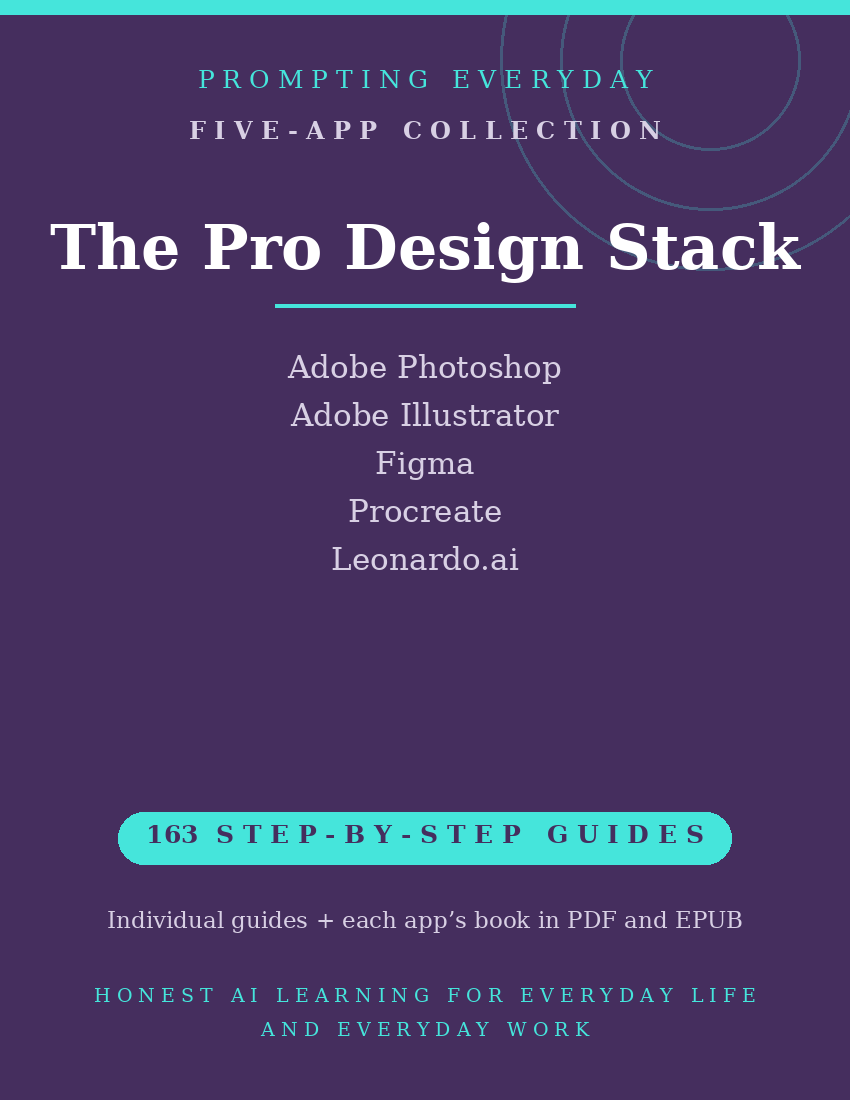
Pro Design Collection — Photoshop, Illustrator, Figma, Procreate & Leonardo.ai Guides
Graphic Design, Illustration, UI Design, and AI Art App Guides
Creating visual content can involve editing photographs, designing graphics, drawing illustrations, building website and app interfaces, and generating images with AI.
Different design apps offer tools for these activities, each with its own features, settings, and workflows.
The Pro Design Collection brings together five app function-guide collections covering Adobe Photoshop, Adobe Illustrator, Figma, Procreate, and Leonardo.ai.
These apps support different areas of creative work, including image editing, vector graphics, interface design, digital drawing, and AI-generated artwork.
With 163 individual function guides, the collection provides plain-language instructions to help designers, illustrators, and others working with visual content understand and use these apps.
Each guide explains what a specific feature does, where to find it, and how to use it, with practical examples you can reference when needed.
Whether you're editing images in Photoshop, creating vector illustrations in Illustrator, designing interfaces in Figma, drawing in Procreate, or exploring AI image generation with Leonardo.ai, these guides provide instructional resources for the individual apps.
What's included:
- 163 individual function guides across five apps.
- Five compiled app reference books, each available in PDF and EPUB formats.
- Individual guides organized by app for easy reference.
Designed for designers, illustrators, creative professionals, and people interested in learning more advanced design apps, this collection focuses on learning app features rather than providing finished designs, templates, or creative services.
Procreate requires a compatible iPad. Other app features, AI generation credits, and advanced capabilities may depend on the device, operating system, account, or subscription plan.
The purchase includes instructional guides, not app subscriptions, paid features, generation credits, or access to the apps themselves.
Included App Collections
Adobe Photoshop — 32 Function Guides
Learn about Photoshop's image editing and graphic design tools for working with layers, selections, masks, adjustments, retouching, and available generative editing features.
Adobe Illustrator — 36 Function Guides
Explore Illustrator's vector design tools for creating illustrations, logos, icons, shapes, paths, and other scalable graphics.
Figma — 38 Function Guides
Understand Figma's interface design tools for building website and app layouts, organizing design components, creating interactive prototypes, and collaborating on design projects.
Procreate — 32 Function Guides
Learn about Procreate's iPad drawing and painting tools for working with brushes, layers, color, selections, drawing guides, and digital illustrations.
Leonardo.ai — 25 Function Guides
Explore Leonardo.ai's AI image generation tools for creating images from prompts, experimenting with available models, using image references, and adjusting supported generation settings.
Total: 163 individual function guides across five app collections.
Each app collection also includes its own compiled reference book in PDF and EPUB formats.
Who it's for: Designers, illustrators, and design-adjacent workers.
Not for: People who only need to create quick social media graphics. The Design & Photo Collection may be a better fit.
What you get: Five design app function-guide collections containing 163 individual guides, plus one compiled reference book for each app in PDF and EPUB formats.
How it's delivered: Delivered as a Google Drive folder link after purchase. One-time
purchase.
Updates: Updates are included while the collection is maintained — if a guide changes,
the folder copy is updated.
Disclaimers: These are reference guides that teach the apps, they are not prompt packs,
and they don't include subscriptions to the apps themselves.