
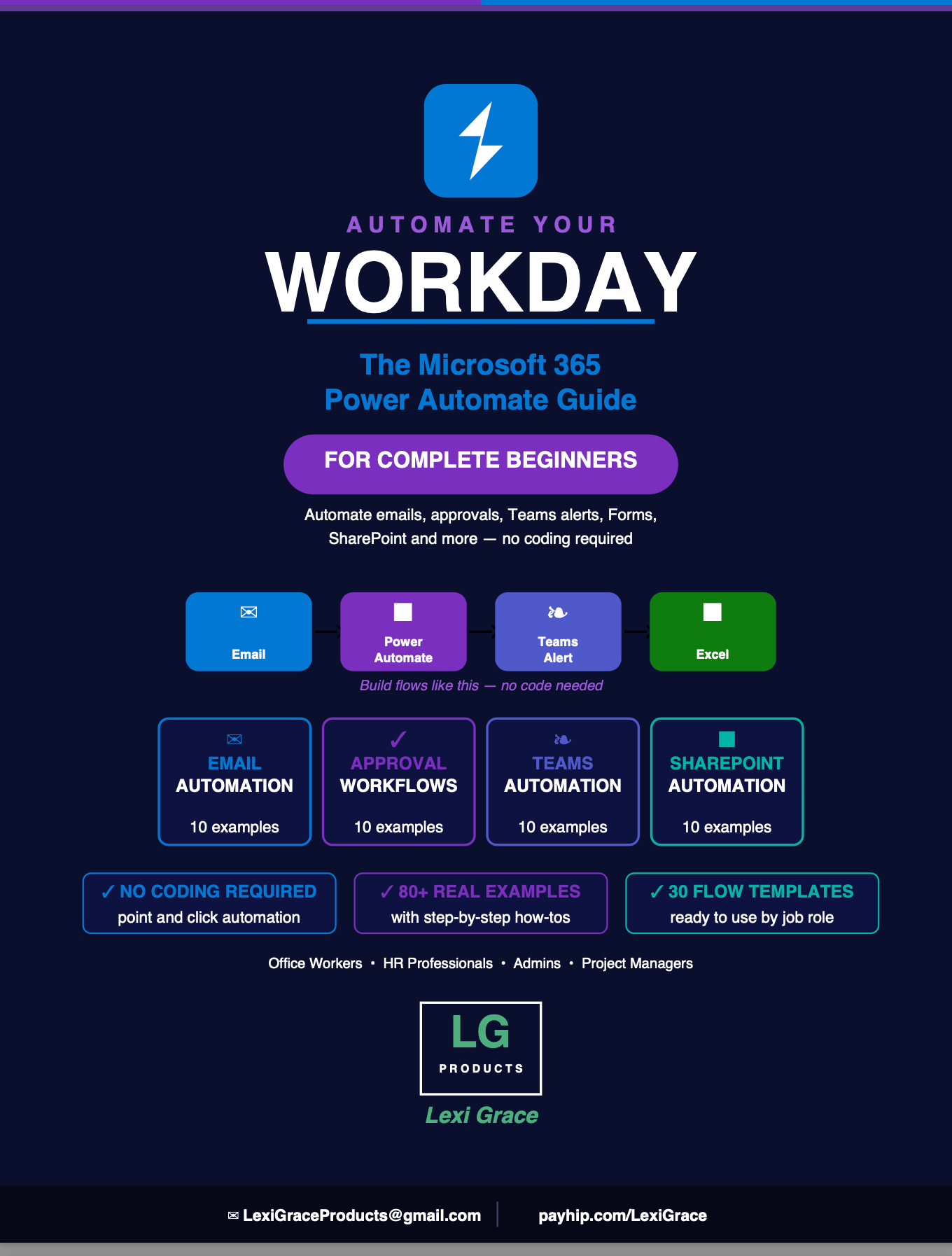
Automate Your Workday: The Microsoft 365 Power Automate Guide for Complete Beginners
There is a tool sitting inside your Microsoft 365 subscription right now that could give you back 3 to 5 hours every week.
Most people who have access to it have never heard of it. It is called Power Automate. And it automates the repetitive tasks that eat your day — without writing a single line of code.
Saving email attachments manually. Copying form responses into spreadsheets. Chasing approvals by email. Sending the same notification to your team every Monday. Reminding people about deadlines. Every single one of these tasks can be automated — set up once in about 15 minutes and then running automatically forever.
This guide shows you exactly how.
Automate Your Workday: The Microsoft 365 Power Automate Guide for Complete Beginners is the most comprehensive beginner-friendly guide to Power Automate available — covering email automation, approval workflows, Teams notifications, Forms processing, SharePoint file management, and scheduled automations with 80 real examples and step-by-step how-tos for every single one.
No coding. No technical background. No developer required. Just your Microsoft 365 account and this guide.
What's Inside:
✅ Introduction — What Power Automate is, why every Microsoft 365 user needs it, and how to access it right now at no additional cost
✅ Chapter 1 — Getting started — your first look at Power Automate, the three key concepts every beginner needs to understand, and 10 real examples of what it can do for you starting today
✅ Chapter 2 — Your first flow — a complete step-by-step walkthrough of building your first automation from scratch including how to navigate the flow editor, use dynamic content, and test before going live
✅ Chapter 3 — Email automation — 10 email automations that eliminate the most repetitive Outlook tasks including auto-saving attachments, routing emails to the right person, logging important emails to SharePoint, creating tasks from flagged emails, and archiving automatically
✅ Chapter 4 — Approval workflows — 10 approval flow examples covering expense reports, time off requests, purchase orders, vendor approvals, document publishing, IT access requests, contract approvals, and more — with full tracking and automatic notifications
✅ Chapter 5 — Microsoft Teams automation — 10 Teams notification flows including new file alerts, daily standup reminders, project milestone announcements, weekly KPI reports, support ticket alerts, birthday announcements, and system downtime notifications
✅ Chapter 6 — Forms and data collection automation — 10 flows that transform Microsoft Forms submissions into complete automated workflows including confirmation emails, SharePoint record creation, approval routing, and team notifications
✅ Chapter 7 — SharePoint and OneDrive automation — 10 file management flows including auto-organizing uploaded files, notifying owners of document changes, creating project folder structures, weekly file digests, and keeping Excel in sync with SharePoint lists
✅ Chapter 8 — Scheduled flows — 10 timer-based automations that run on a schedule including daily morning briefings, weekly performance reports, monthly invoice reminders, birthday announcements, timesheet reminders, and automated data cleanup
✅ Bonus — 30 copy-and-use flow templates organized by job role — 5 templates each for Office Administrators, HR Professionals, Project Managers, Finance and Accounting teams, Sales and Customer Success, and IT Professionals
This guide is perfect for:
- Office workers who want to stop doing the same repetitive tasks every single day
- Admins and coordinators who manage high volumes of requests, approvals, and communications
- HR professionals who handle onboarding, time off, training, and employee communications
- Project managers who need status updates, milestone tracking, and deadline reminders without manual chasing
- Finance and accounting teams who process invoices, expenses, and budget requests
- Anyone who has heard of Power Automate and had no idea where to start
You already have access. You just need to know how to use it.
Power Automate is included in most Microsoft 365 business subscriptions at no extra cost. This guide turns that dormant tool into the most productive thing on your computer — one automation at a time.
Instant digital download. Build your first flow today.
Note: Requires a Microsoft 365 work or school account with Power Automate access. Available at make.powerautomate.com — sign in with your existing Microsoft 365 credentials.
© 2026 Lexi Grace Products | LexiGraceProducts@gmail.com | payhip.com/LexiGrace