
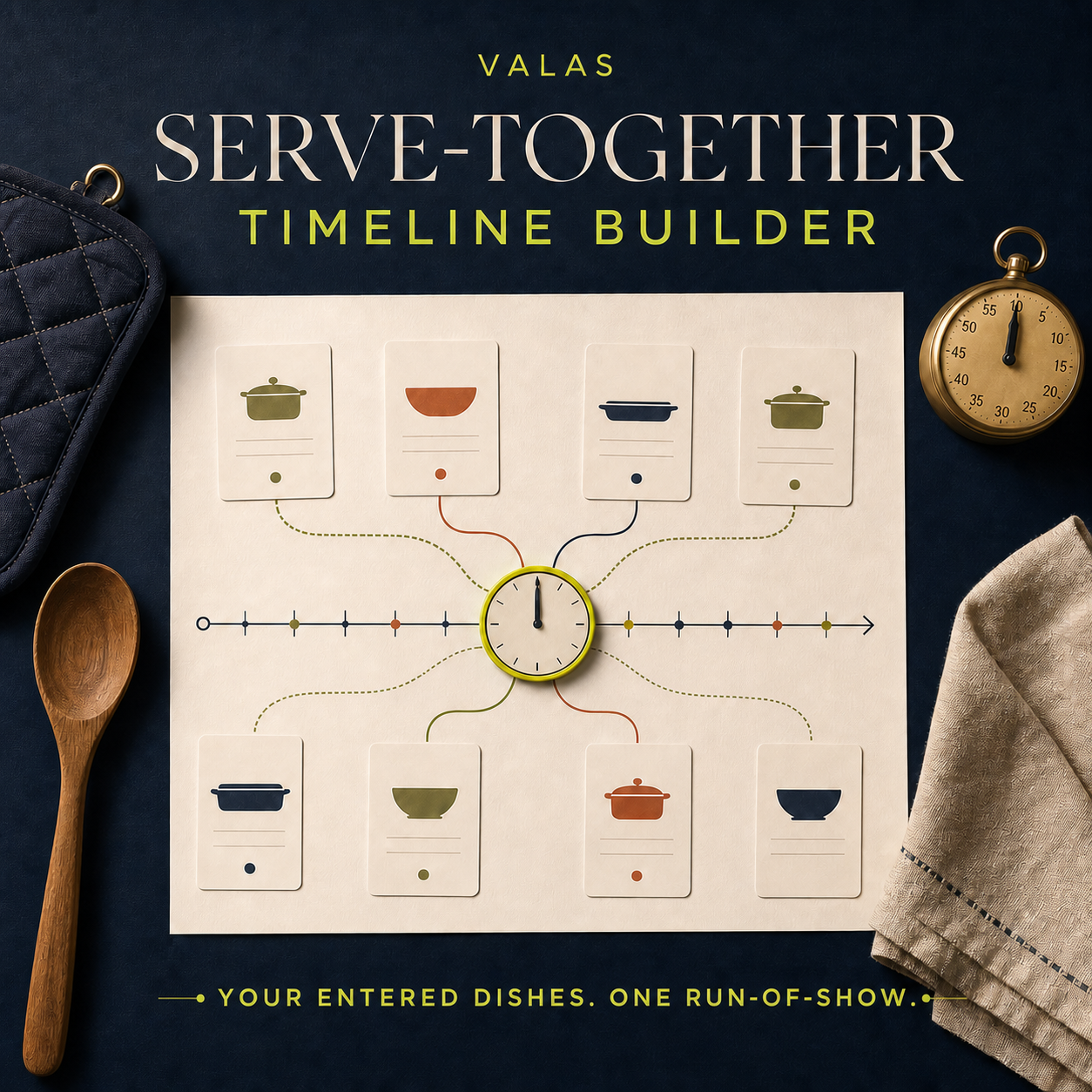
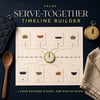
Valas Serve-Together Timeline Builder
Back-schedule buyer-verified meal steps from one desired serve time and review entered-time conflicts before a gathering.
Short description
A private offline timeline builder that works backward from one desired serve time using only the durations, settings, resources, and dependencies the buyer enters. Review hands-on overlaps, matching-resource conflicts, shared-oven setting differences, dependency issues, and selected timing gaps, then print a compact landscape run-of-show. Typical entries are designed to fit one page; long text may require shortening or fit-to-page. No recipes, food-safety verification, network connection, or manual seller service.
Full description
Work backward from the moment you want to serve.
When several dishes need to arrive together, the difficult part is often seeing the whole sequence at once.
**Valas Serve-Together Timeline Builder** turns the timing already stated by the buyer's own recipes and appliance instructions into one editable local run-of-show. Enter a desired serve time, add each dish or meaningful step, record its prep, cook, and rest/finish durations, and review how the entered phases line up.
This product performs timing math and compares buyer-entered labels. It does not supply, correct, convert, recommend, or verify any recipe, cooking duration, temperature, doneness test, thawing method, holding interval, cooling process, reheating step, storage practice, sanitation procedure, allergen control, or food-safety instruction.
What the offline app can organize?
- Record an event name, serve date, serve time, mode label, and buyer-chosen timing-gap review threshold.
- Use General Dinner, Thanksgiving, Friendsgiving, Christmas, or Easter labels without adding preset dishes or suggested timing.
- Add up to 30 dishes or meaningful steps.
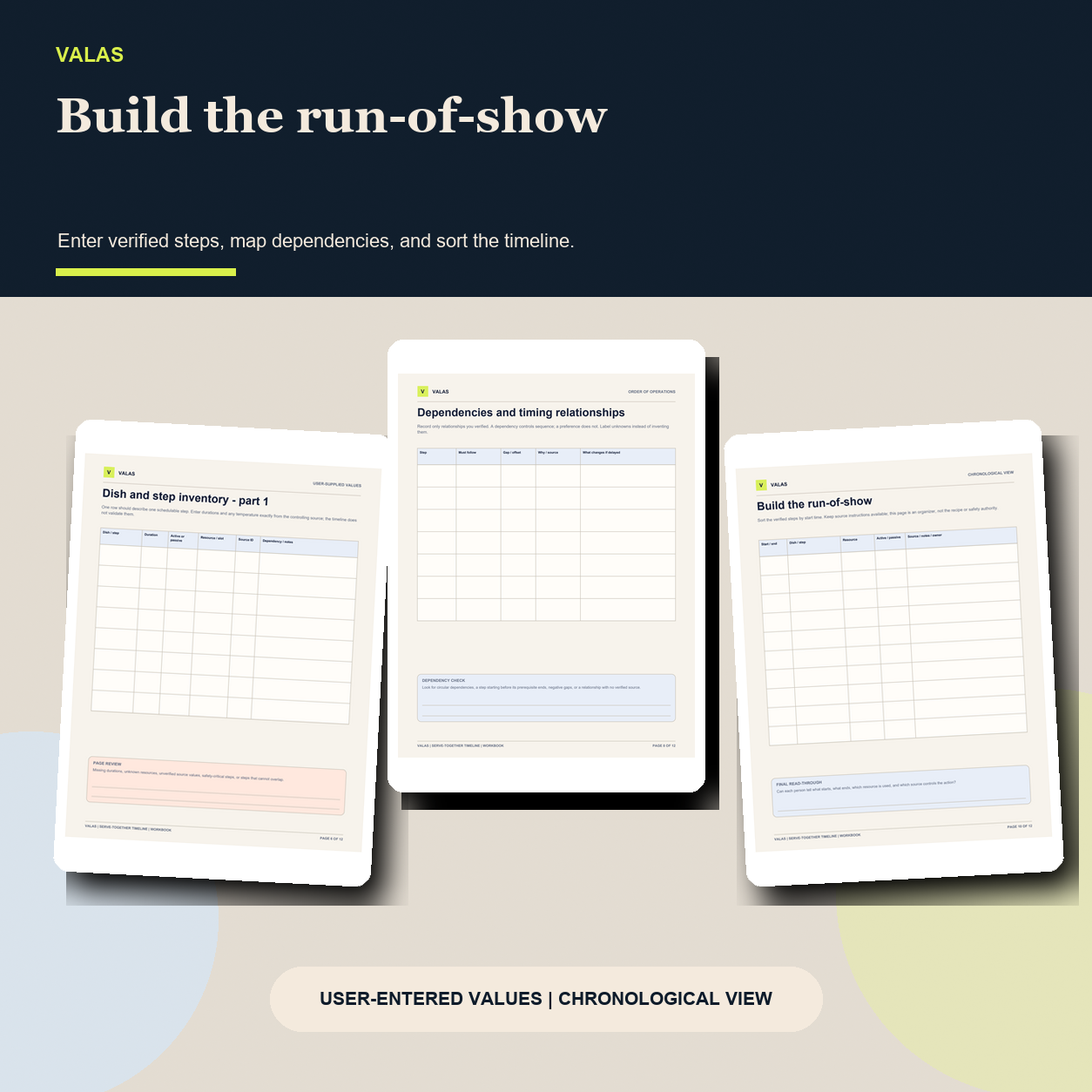
- Enter buyer-supplied whole-minute durations for prep, cook, and rest/finish phases.
- Mark each phase Active / hands-on or Passive / waiting using the buyer's own judgment.
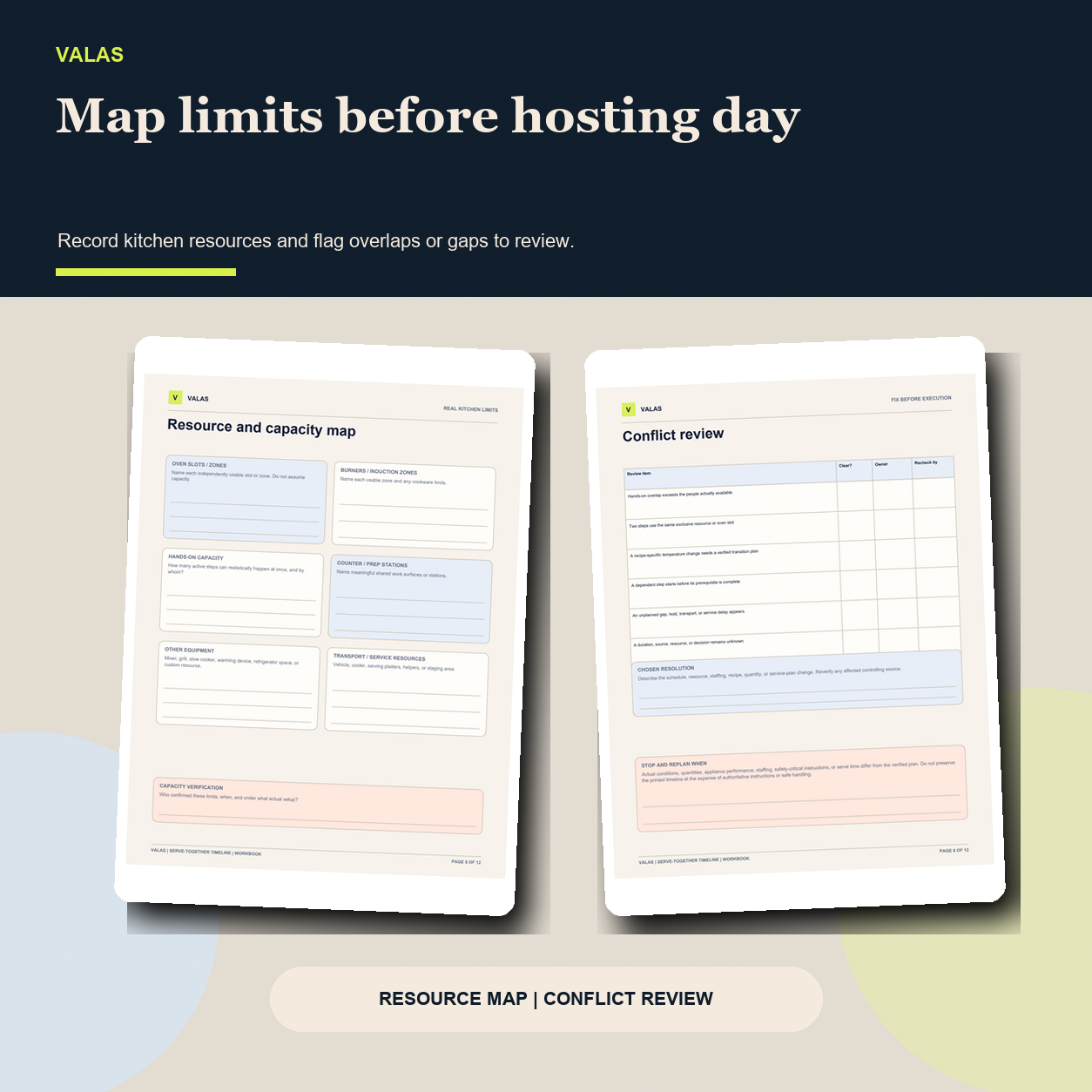
- Add a cook appliance or exclusive resource label, such as a named oven rack, burner, mixer, or prep zone.
- Optionally record an oven setting as free text copied from the buyer's own recipe.
- Choose a buyer-verified ready-before-serve offset.
- Link dependencies that should be ready before another entry begins.
- View a visual timeline, detailed run-of-show, earliest start, conflict count, and timing-gap count.
- Save locally, export/import a JSON backup, load a clearly fictional demonstration, reset with confirmation, and print a landscape timeline designed for one page with typical entries; long text may require shortening or fit-to-page.
Checks the app may show
- Missing or invalid buyer inputs and structural issues.
- Overlapping phases the buyer marked Active / hands-on.
- Overlapping cook phases that use the exact same nonblank resource label.
- Different nonblank buyer-entered setting text on overlapping rack labels that appear to share the same named oven.
- Missing, self-referencing, circular, or inconsistent dependencies.
- Dependency or ready-to-serve gaps above the review threshold selected by the buyer.
These checks are based only on entered values, exact or normalized labels, and timing relationships. Dependencies are flagged for review; the app does not silently reschedule them. An alert does not prove that a plan is unsafe, and no-alert or “all clear” output does not prove that food is safe, cooked, ready, complete, feasible, or correct.
Included in the buyer ZIP
- `serve-together-timeline-builder.html` - dependency-free offline browser app.
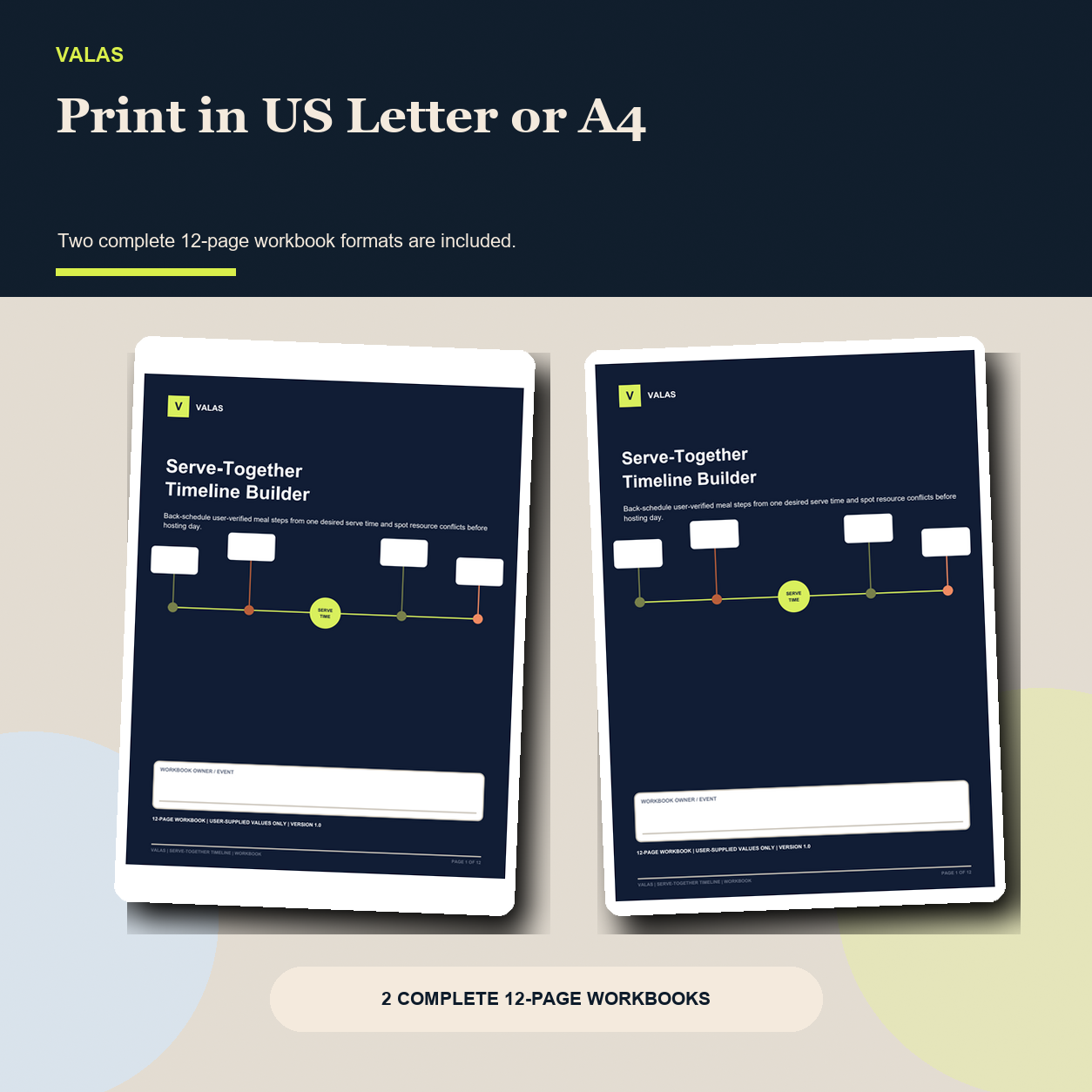
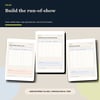
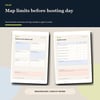
- `Valas-Serve-Together-Timeline-Workbook-US-Letter.pdf` - 12-page US Letter printable workbook.
- `Valas-Serve-Together-Timeline-Workbook-A4.pdf` - 12-page A4 printable workbook.
- `START-HERE.html` - opening, timing-math, safety, backup, print, and troubleshooting guidance.
- `LICENSE.txt` - one-buyer, one-household, personal non-commercial-use license.
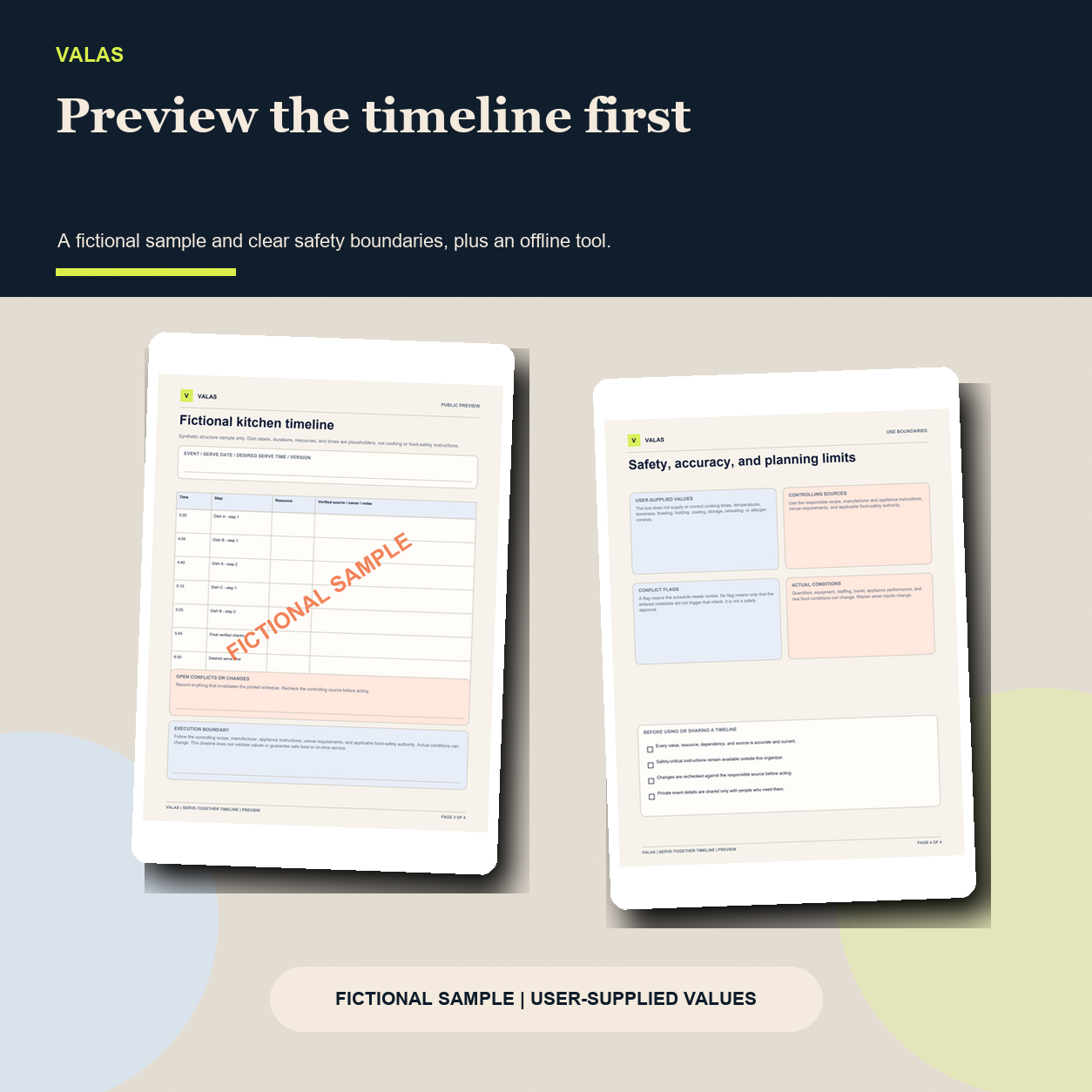
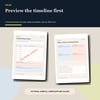
The separate four-page public preview uses fictional placeholder timing and is not the complete buyer product or a source of cooking instructions.
Private and self-serve
The app is designed to run locally in a current desktop or mobile browser. It has no account, login, subscription, API key, remote scripts, trackers, uploads, cloud sync, or network calls. It does not inspect a kitchen, appliance, recipe, ingredient, guest, or real-world condition, and it does not send entries to Valas.
Working data is stored in the browser profile used to open the file unless the buyer exports a plain-text JSON backup or prints a timeline. Browser-local storage is not encrypted cloud storage or a managed backup. The buyer controls device access, backups, printouts, and any private details entered.
Essential food-safety boundary
The buyer must obtain and verify every duration, setting, handling instruction, and decision against the exact recipe, appliance-manufacturer materials, venue requirements, and appropriate food-safety authority they rely on. Actual quantities, ingredients, appliance performance, staffing, power, travel, environment, and conditions can change the plan.
This product is not a recipe service, meal plan, thermometer, alarm, food-safety system, professional kitchen plan, medical or nutrition service, catering service, event-planning service, or substitute for qualified judgment and direct supervision. It does not determine whether food or an appliance setting is safe or suitable.
Who it is for?
- Home hosts coordinating several buyer-chosen dishes for one desired serve time.
- Friendsgiving, Thanksgiving, Christmas, Easter, dinner-party, and year-round gathering planners.
- Buyers who want to see hands-on phases and named kitchen resources in one timeline.
- Buyers who prefer a private offline tool plus printable worksheets.
Who it is not for?
- Anyone seeking recipes, suggested cook times, temperatures, doneness guidance, food-storage rules, allergen controls, or food-safety approval.
- Professional caterers, commercial kitchens, paid event planners, or client-service use under the personal license.
- Buyers who need live appliance integrations, timers, notifications, alarms, recipe importing, collaboration, cloud sync, or automatic rescheduling.
- Anyone expecting the tool to observe actual conditions, supervise cooking, prevent a delay, or guarantee safe or on-time service.
Delivery and support boundary
$2.99 USD, one-time purchase. Payhip supplies the same buyer ZIP automatically after successful checkout and through the receipt download link. No intake form, account creation, appointment, recipe review, meal planning, schedule review, food-safety consultation, custom timeline, live monitoring, or manual fulfillment is included.
Support is limited to download access, basic opening guidance, documented feature clarification, and reproducible product defects. It does not include recipe interpretation, timing recommendations, temperature conversion, food-safety review, event planning, catering advice, appliance assessment, or custom work.
Because this is an immediately accessible digital download, change-of-mind refunds are not offered except where required by law. Buyers should contact the support address on the Payhip receipt for a duplicate purchase, material listing mismatch, or reproducible core defect and avoid sending recipes or private event information unless necessary to reproduce a software issue.
FAQ
Does the builder include recipes or cooking times?
No. The buyer supplies every duration and setting from the exact sources they choose to rely on. The fictional demo values are placeholders, not recommendations or safe defaults.
Does an alert mean my food is unsafe?
No. An alert only identifies an entered-time or label relationship that needs review. It is not a safety, doneness, feasibility, or quality determination.
Does no alert mean the plan is safe?
No. A clear screen only means the entered metadata did not trigger the selected checks. The buyer must independently verify every instruction and real-world condition.
Does it automatically reschedule dishes?
No. It back-schedules contiguous buyer-entered phases from the chosen ready point. Dependencies and conflicts are shown for review; the buyer decides what to change after checking the controlling sources.
Does a holiday mode add a menu or suggested timing?
No. General Dinner, Thanksgiving, Friendsgiving, Christmas, and Easter are labels only. They do not insert dishes, recipes, durations, or rules.
Can it send reminders or run timers?
No. It has no notifications, alarms, live monitoring, or background service. Print the run-of-show and keep the controlling recipes and instructions available.
Does it need internet access?
No. The app is designed to run without a network connection after download. Internet access is needed only to purchase or retrieve the download from Payhip.
Can I use it for a catering business or client event?
No. The included license is for one buyer and household using it for personal, non-commercial gatherings. It does not include catering, commercial-kitchen, event-planning, or paid client-service rights.
Search tags
`meal timeline planner`, `dinner party timeline`, `Thanksgiving meal planner`, `Friendsgiving planner`, `holiday cooking schedule`, `serve together planner`, `kitchen run of show`, `meal prep timeline`, `printable hosting planner`, `offline meal planner`, `oven schedule planner`, `holiday dinner organizer`