

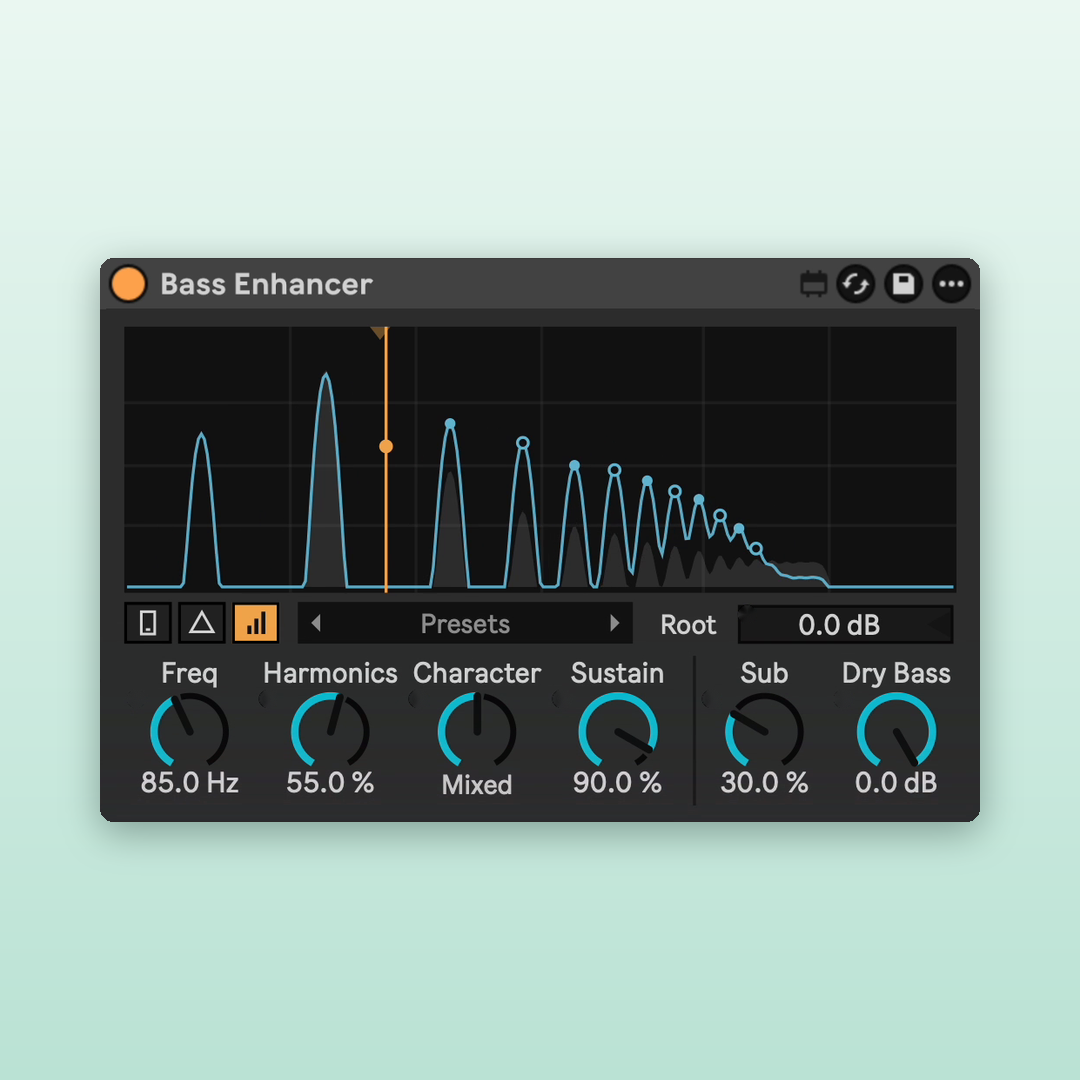
Bass Enhancer — Harmonic Bass Enhancer for Max 4 Live
Make your bass heard on phones and laptops with a small, stock-style bass enhancer.
By ELXR.
Overview
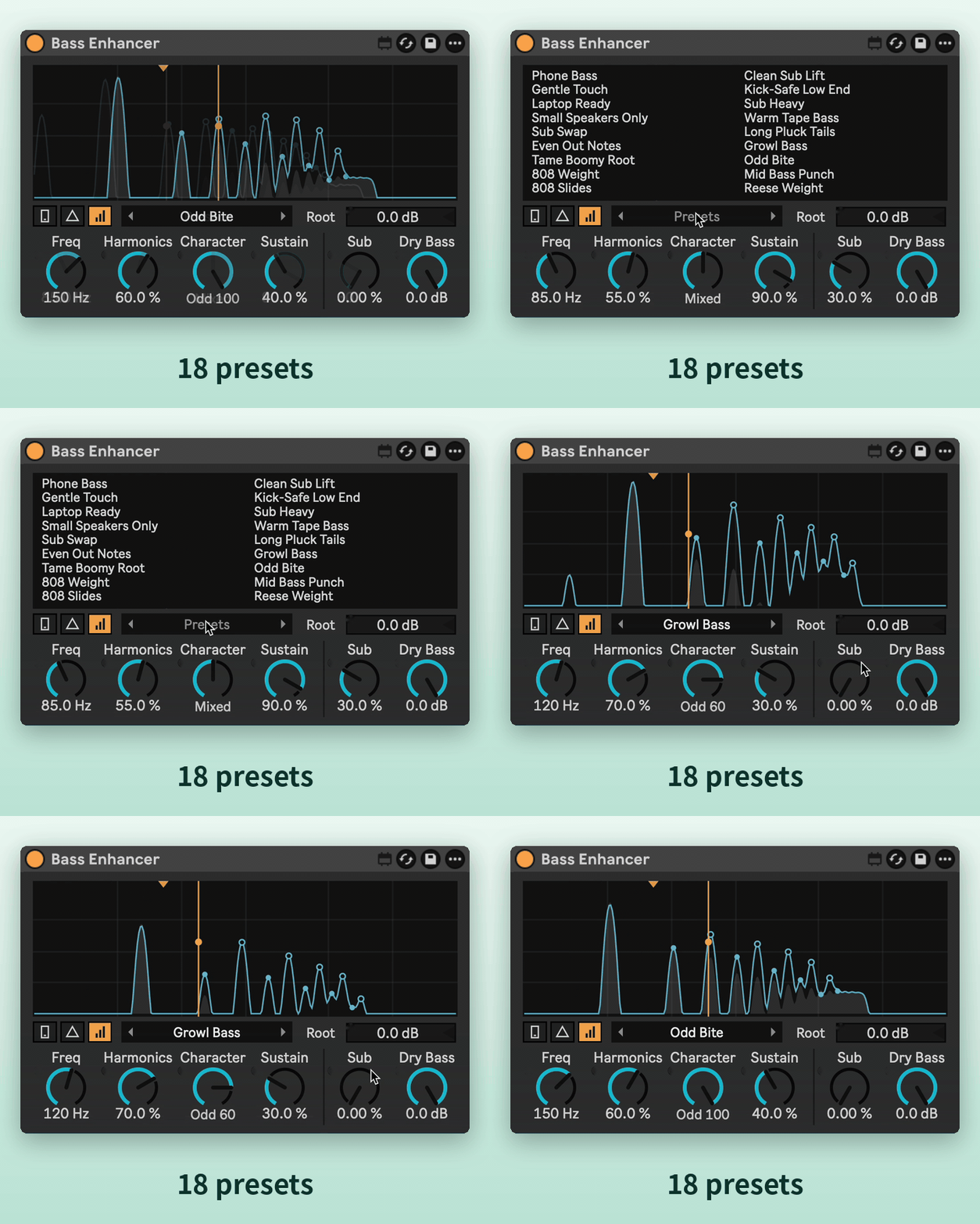
Small speakers can't play deep bass, so on a phone or a laptop your bass line just disappears. Bass Enhancer adds harmonics above the bass that those speakers can play, so your ear still hears the note. The display shows every note's harmonic ladder as you play.
Features
Phone check
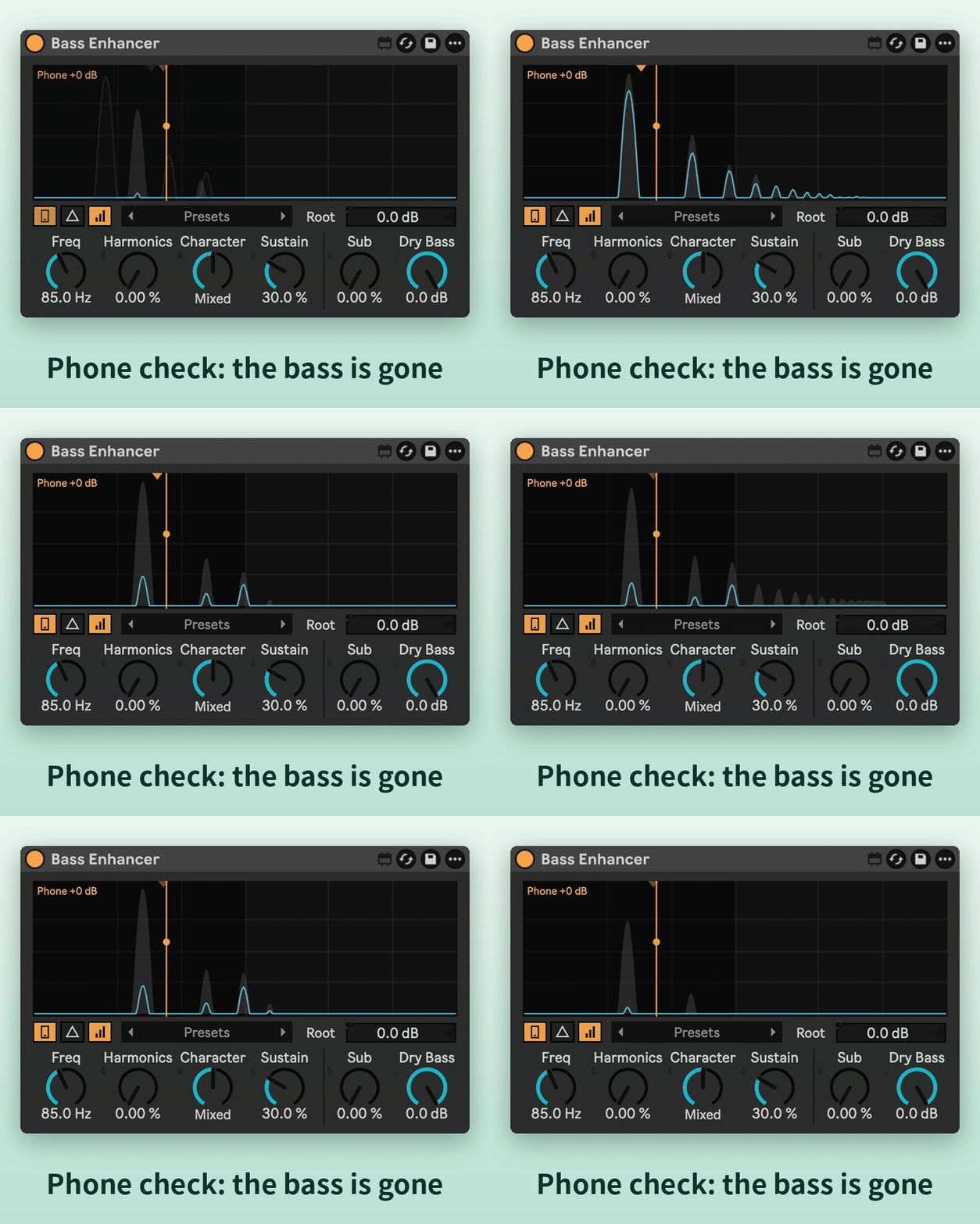
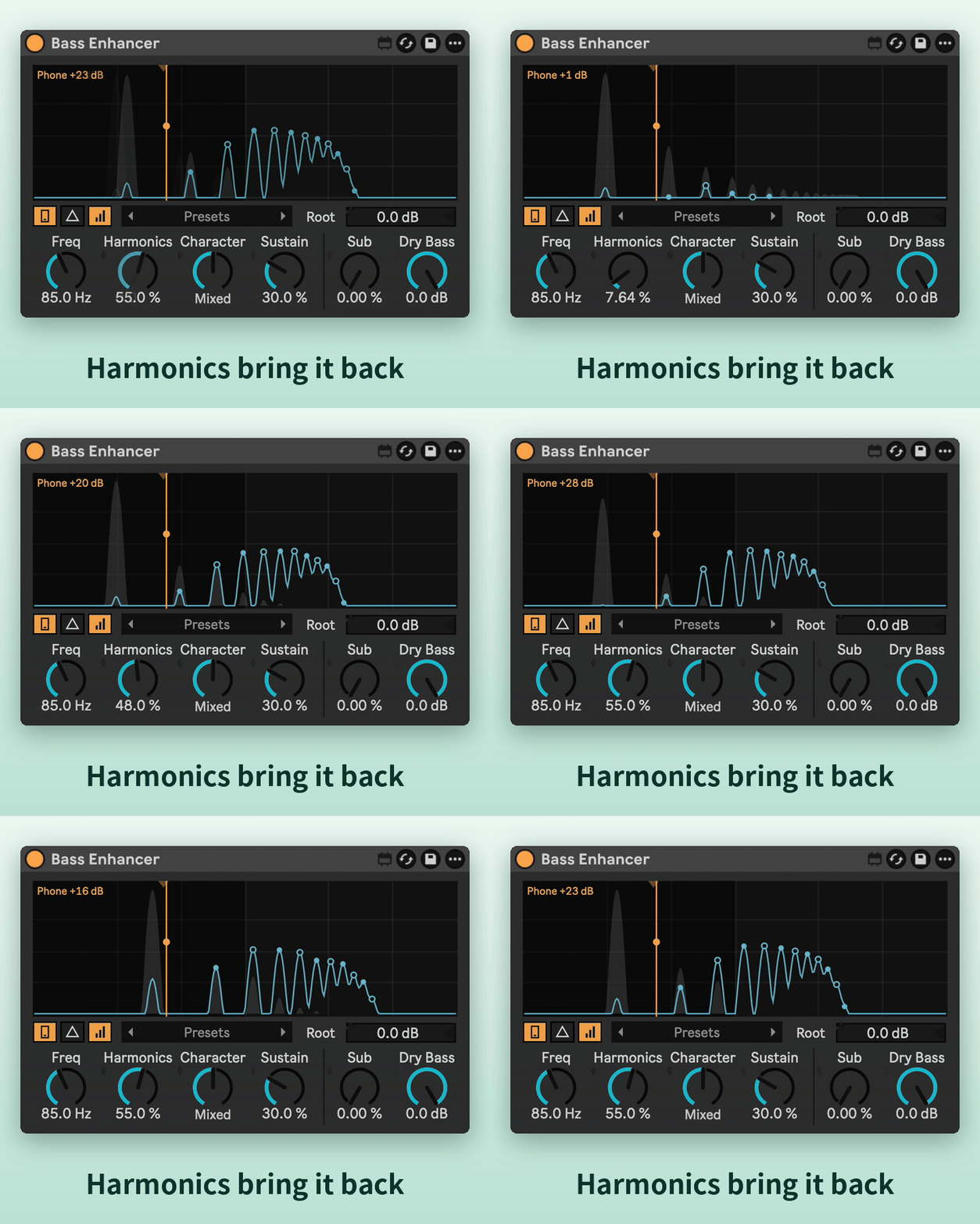
Hear your track the way a phone plays it, with a readout of how much louder the bass gets.
Harmonics
Adds the harmonics that bring the bass back on small speakers. They follow every note, so they always stay in tune.
Freq with a guide arrow
Sets where the bass ends. A small arrow shows the right spot for the bass you're playing, and it turns red if the bass is above the line.
Character
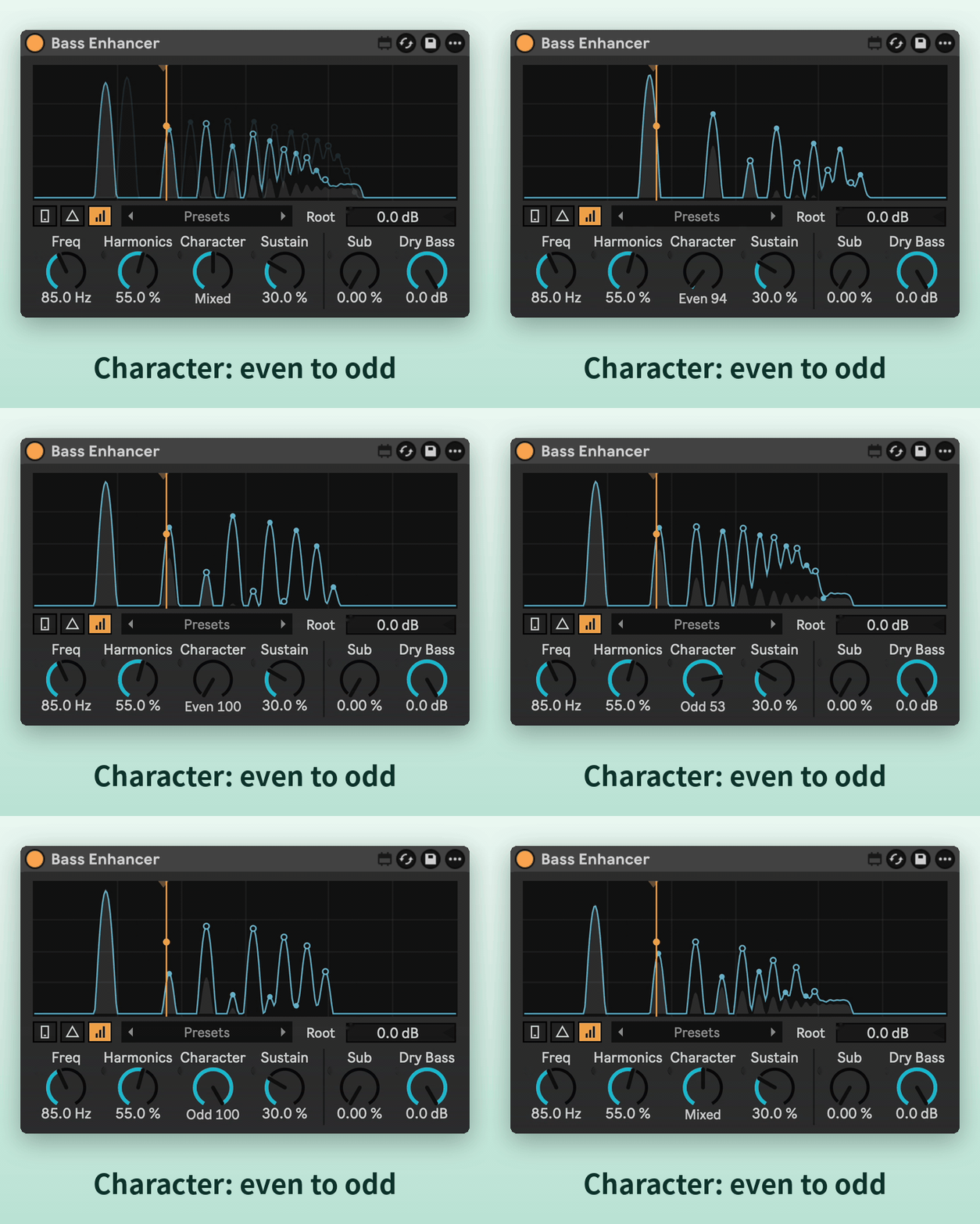
From warm, even harmonics to gritty, odd ones.
Sustain
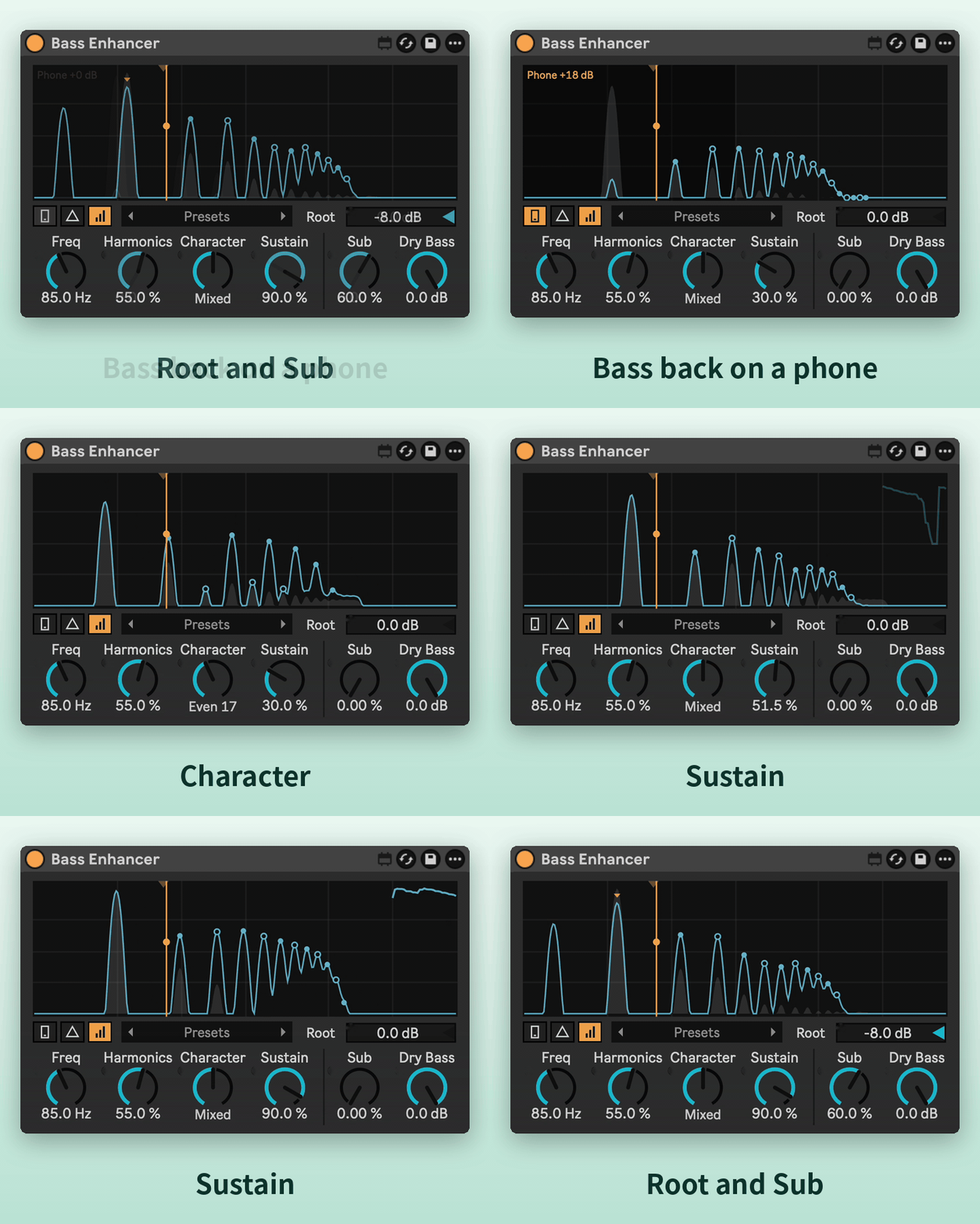
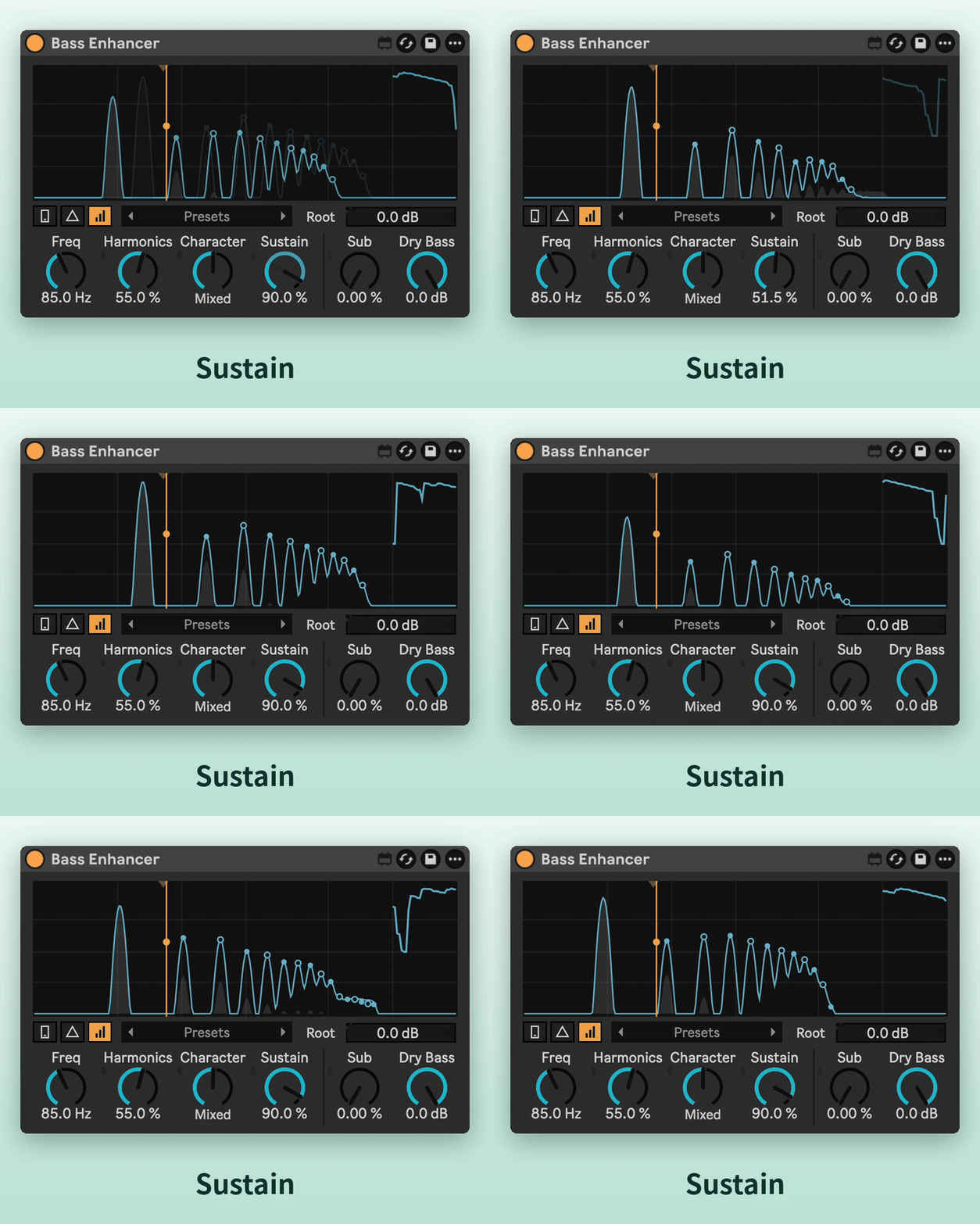
Keeps the harmonics up as the notes fade.
Root and Sub
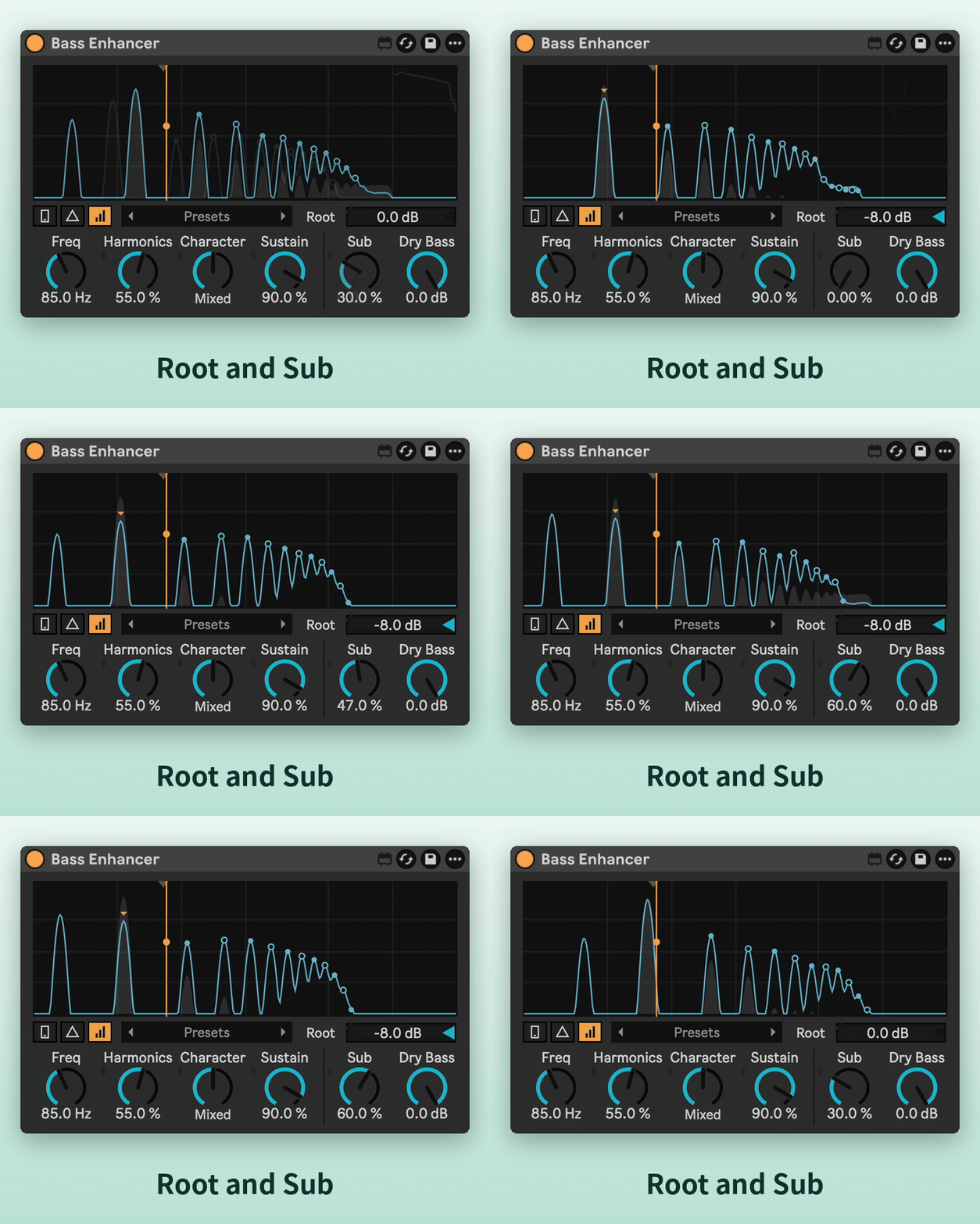
Root tames a boomy note or lifts a weak one. Sub adds a clean sine an octave below.
Dry Bass
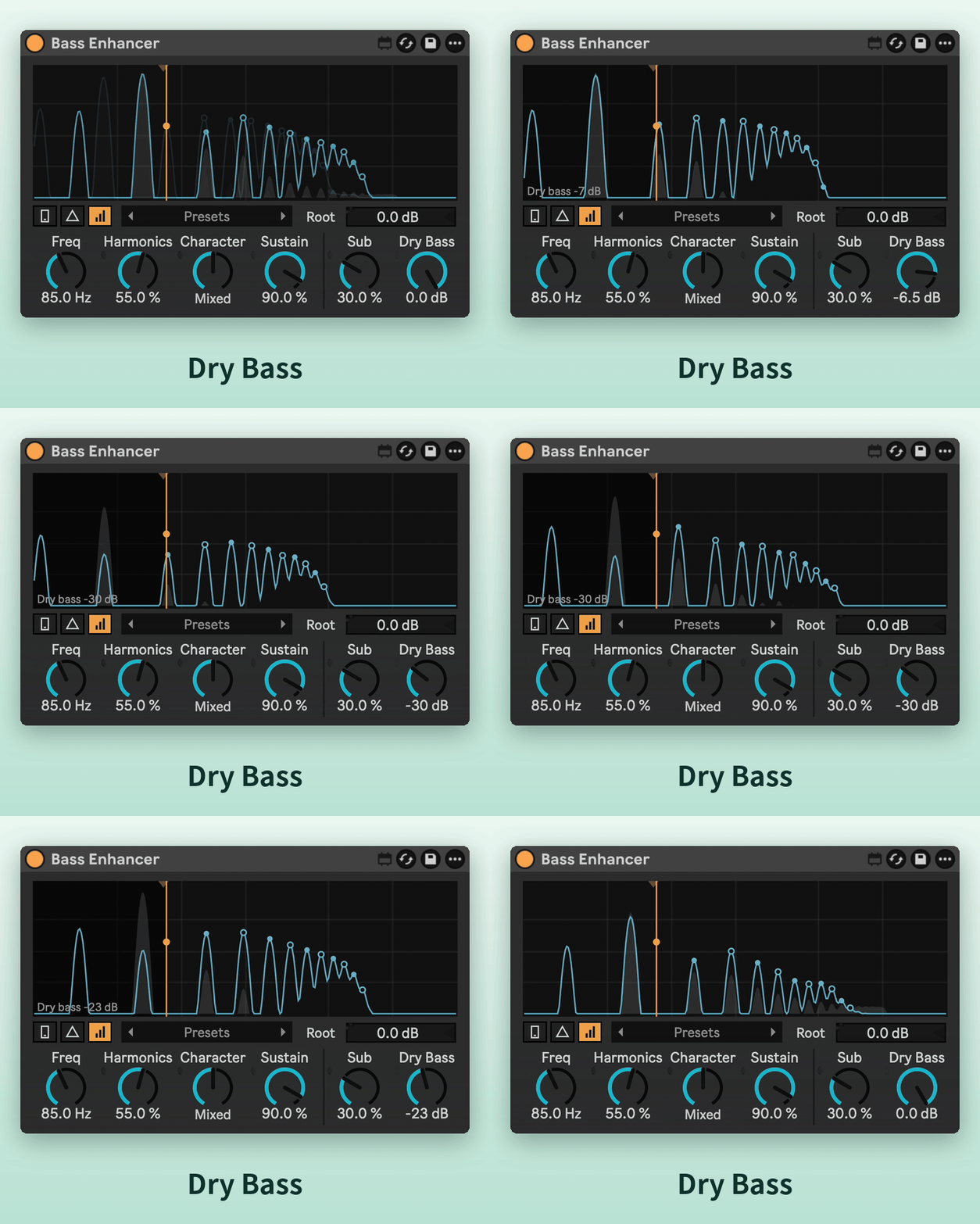
Turns down the original lows, all the way off for small speakers.
Delta
Hear only what's being added.
Auto Gain and 18 presets
Auto Gain keeps the level steady while you dial it in. 18 presets, from Phone Bass to 808 Slides, are built into the device.
Requirements
- Ableton Live 12 with Max for Live.
- Works on any audio track or MIDI track (after the instrument).
- No added latency.
Install
Download Bass Enhancer.amxd and drag it into your User Library, or straight onto a track.