

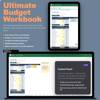


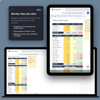

Budget Spreadsheet for Excel, 23-Tab Monthly Planner with Dashboard, Debt Payoff, and Net Worth Tracker
On Sale
$24.99
$24.99
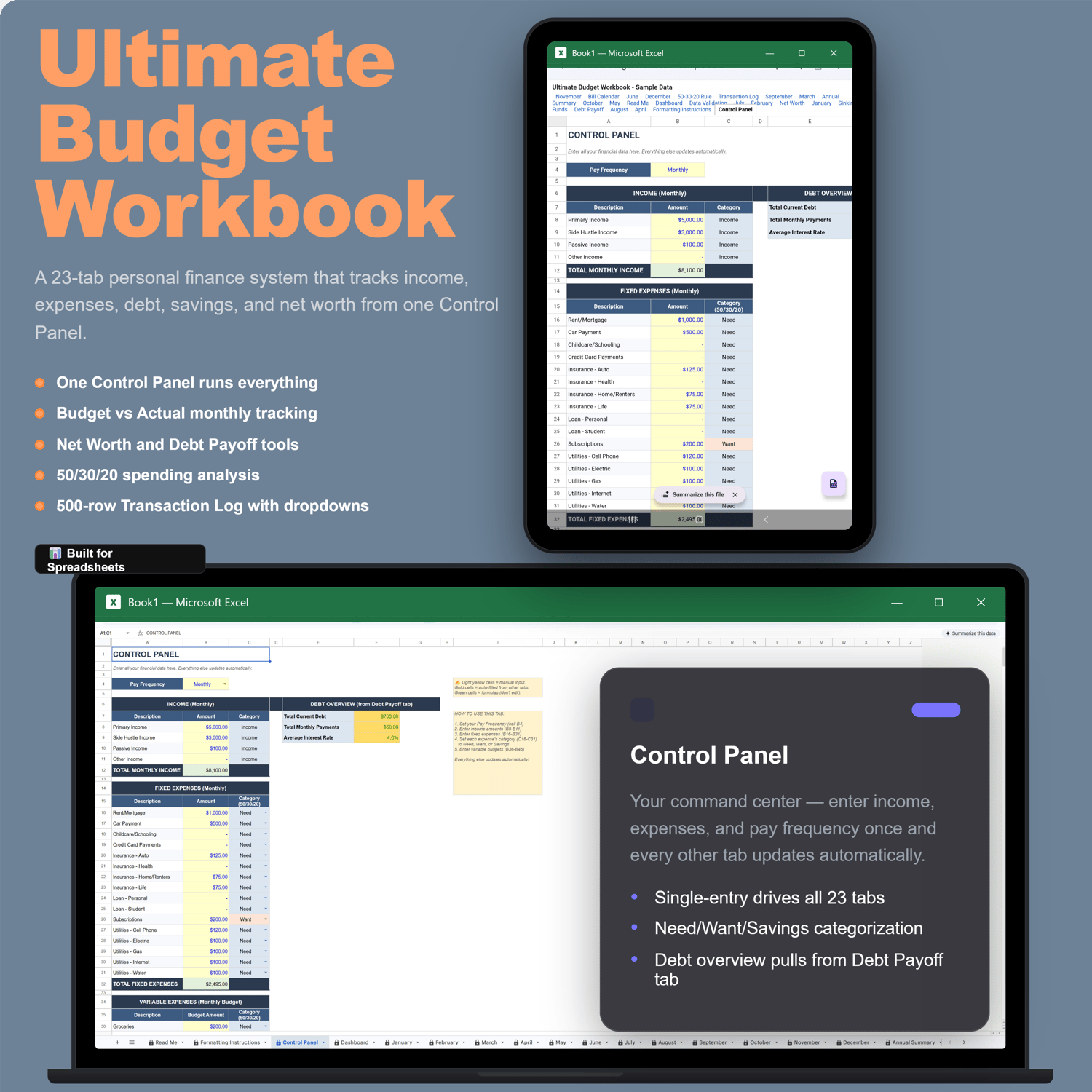
Take control of your finances with the Ultimate Budget Workbook — a 23-tab Excel spreadsheet that tracks income, expenses, debt, savings, and net worth in one place. Enter your numbers once on the Control Panel and everything updates automatically.
No macros. No VBA. No complicated setup. Just open, enter your numbers, and go.
WHAT YOU GET
- Ultimate Budget Workbook (.xlsx) — blank, ready to use
- Ultimate Budget Workbook with Sample Data (.xlsx) — see how it looks filled in
- Quick Start Guide (PDF) — step-by-step setup instructions
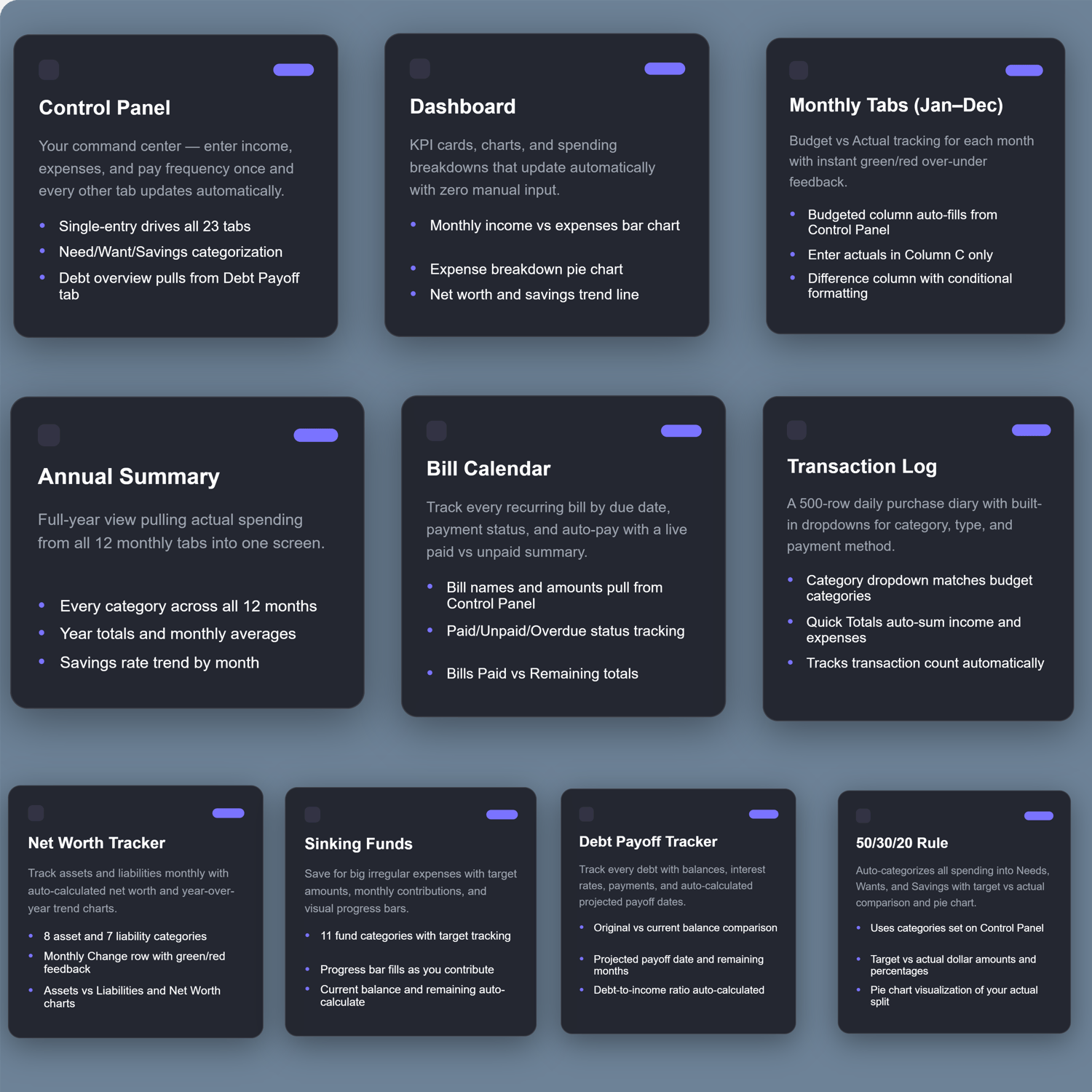
23 TABS INCLUDED
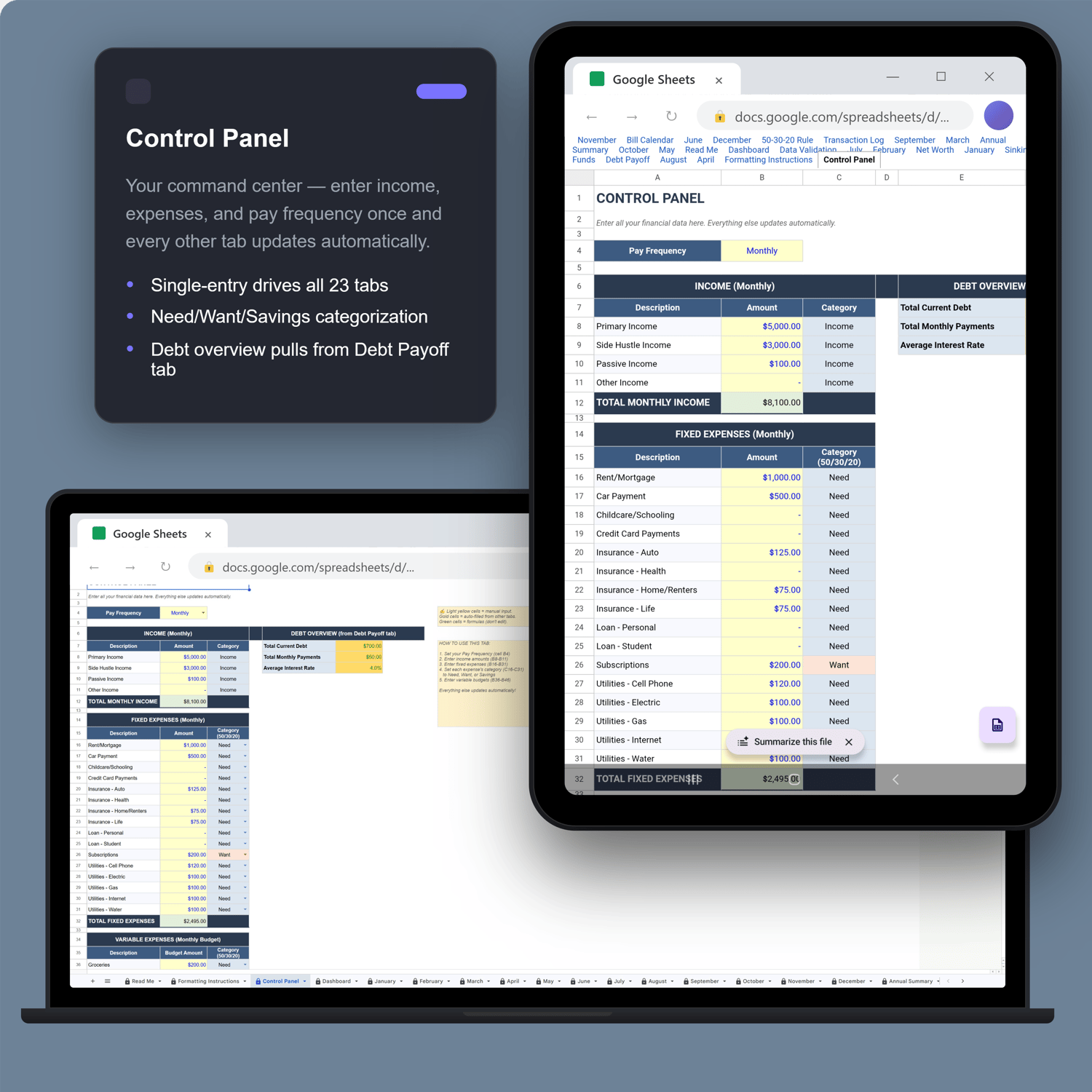
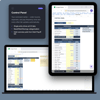
- Control Panel — enter data once, everything flows from here
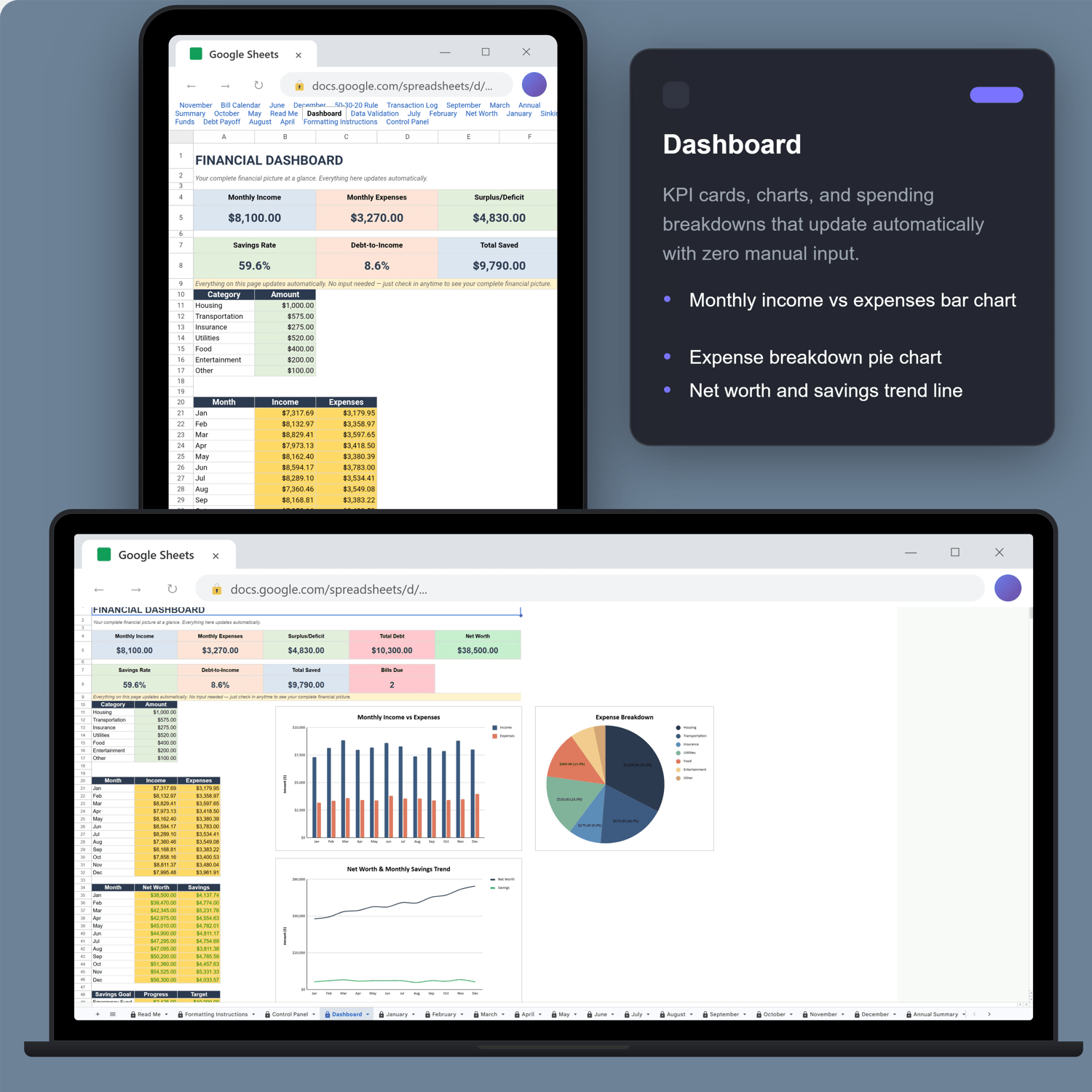
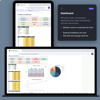
- Dashboard — KPI cards, charts, spending breakdown (automatic)
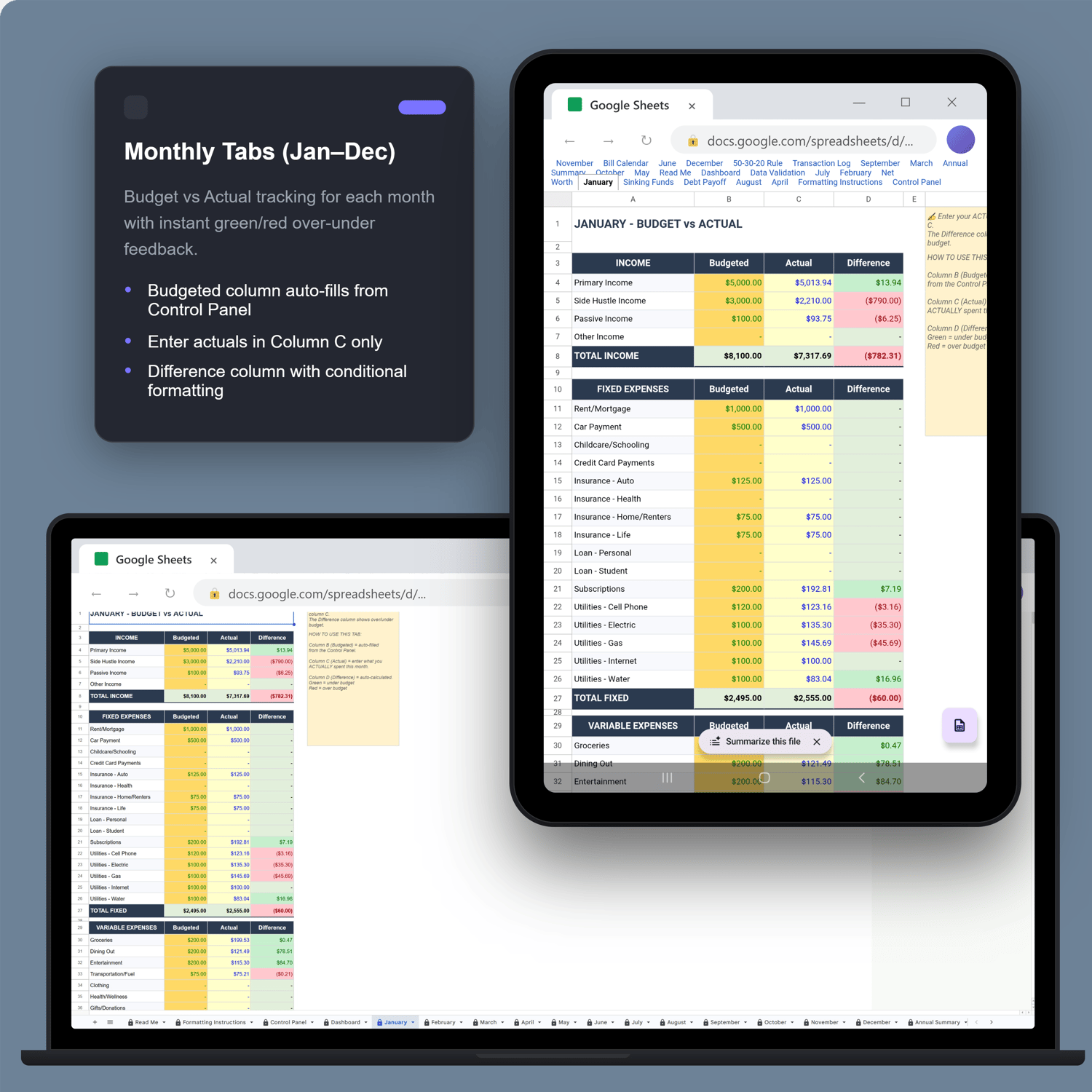
- 12 Monthly Tabs (Jan–Dec) — budget vs. actual tracking
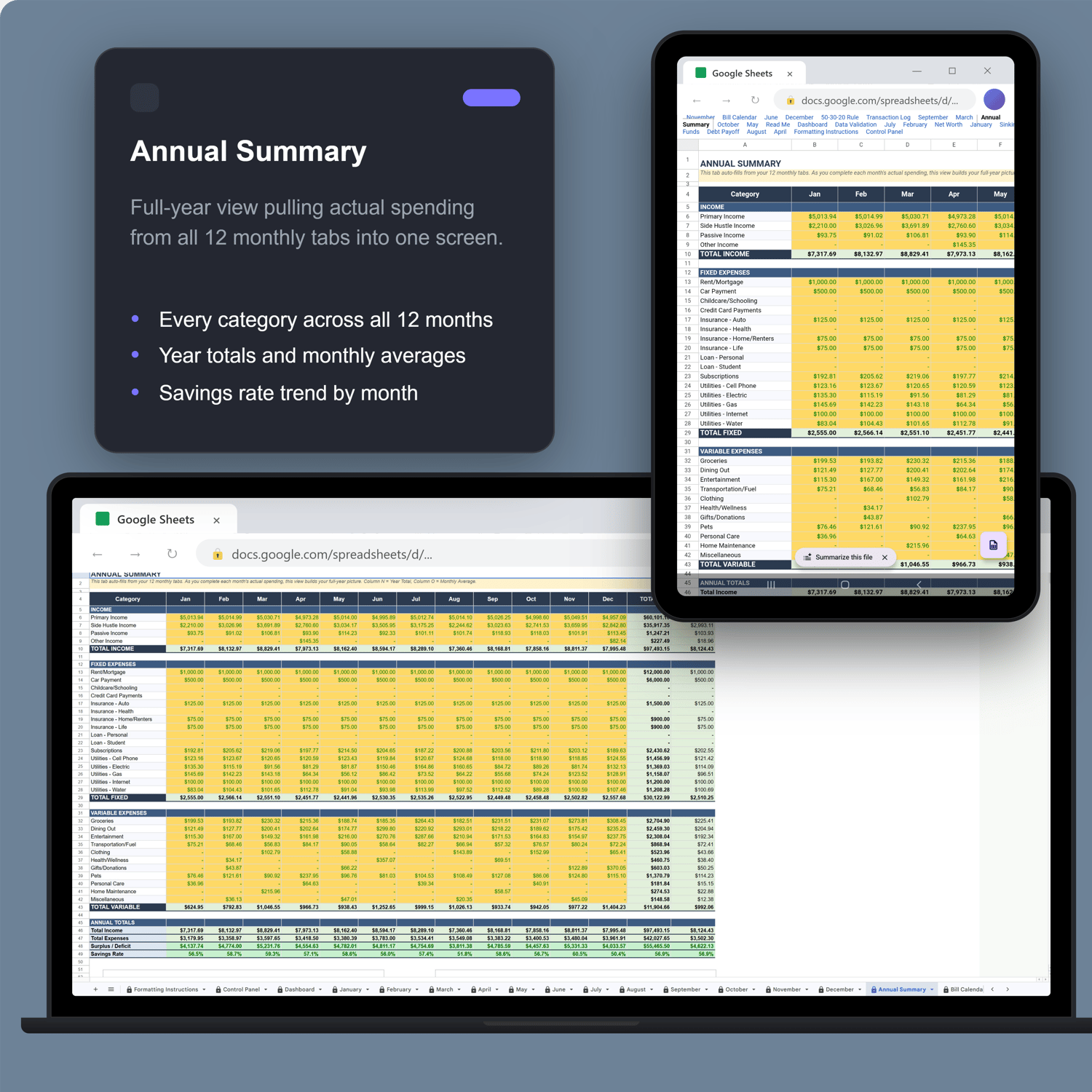
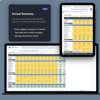
- Annual Summary — full year with totals and averages (automatic)
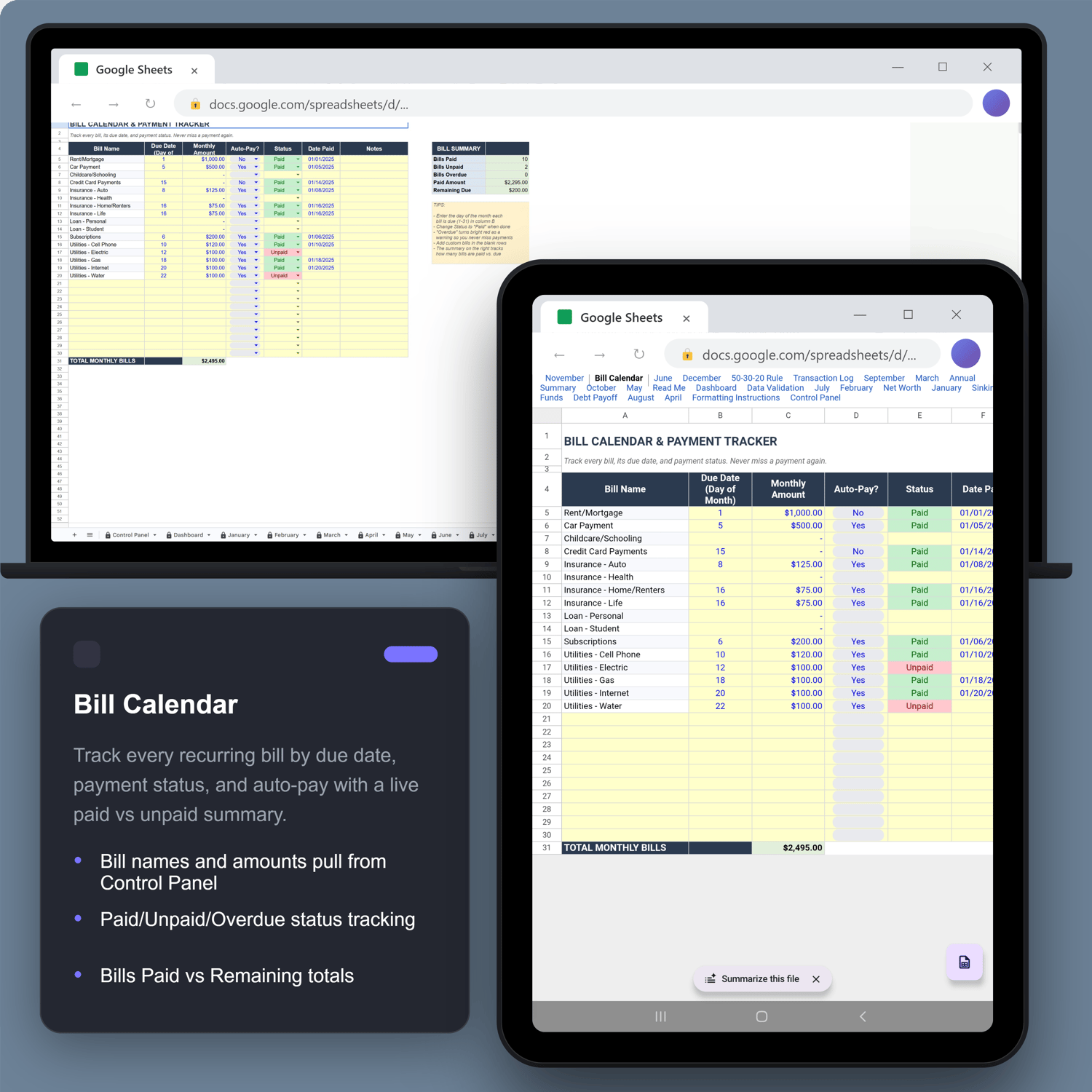
- Bill Calendar — due dates, payment status, auto-pay tracking
- Transaction Log — 500 rows with category, type, and payment method dropdowns
- Net Worth Tracker — assets vs. liabilities with monthly trend charts
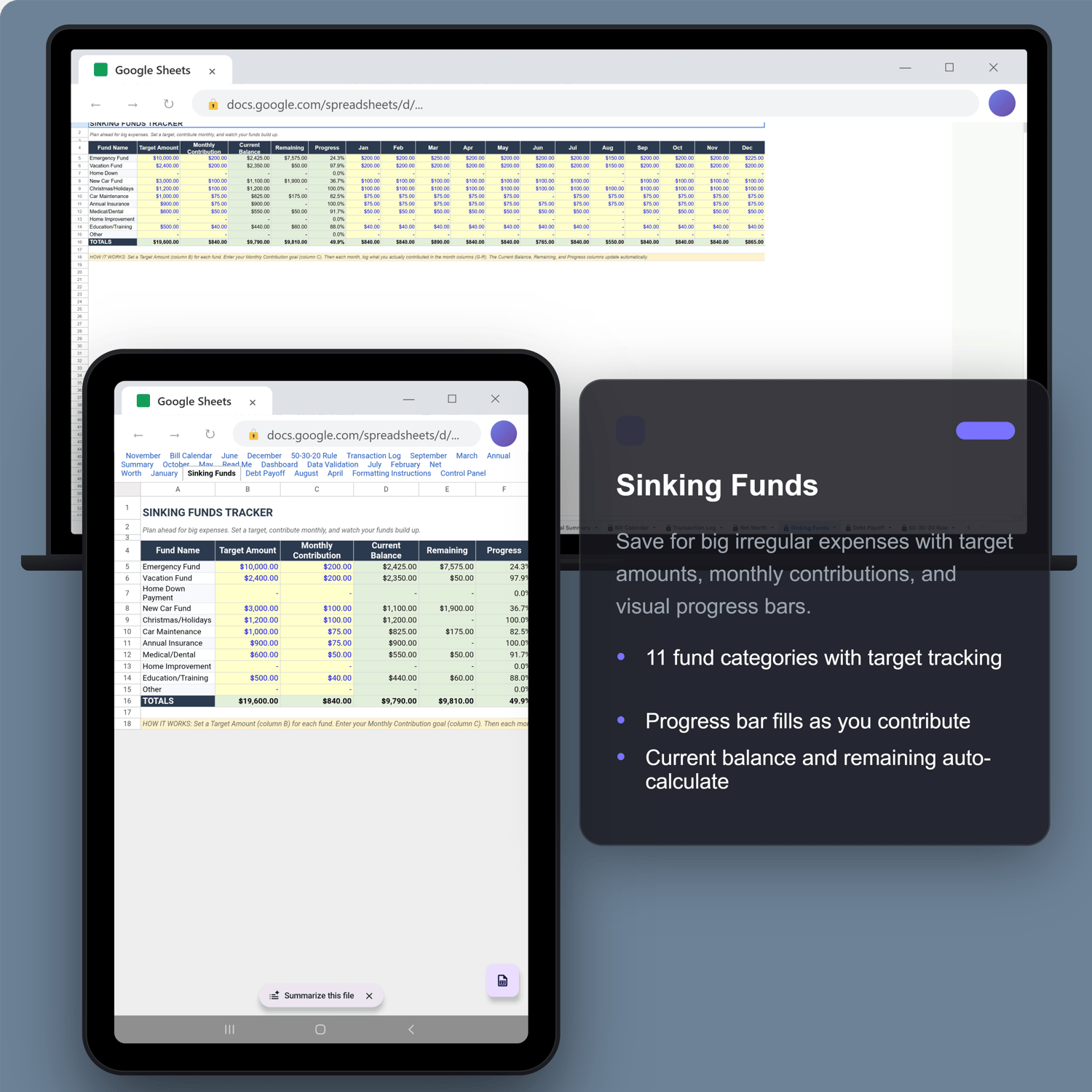
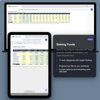
- Sinking Funds — target amounts, contributions, progress bars
- Debt Payoff — balances, interest rates, projected payoff dates
- 50/30/20 Rule — auto-categorizes spending into Needs, Wants, Savings
KEY FEATURES
- Every formula is pre-built — no spreadsheet skills needed
- Color-coded: yellow = type here, green = formula, red/green = over/under budget
- Protected sheets keep formulas safe (password included to unlock)
- Rename any category on the Control Panel and it updates on every tab
- Works in Microsoft Excel 2016+ and Google Sheets
HOW IT WORKS
- Open the Control Panel tab
- Enter your income, fixed expenses, and variable budget
- Each month, enter actual spending on that month's tab
- Dashboard and summaries update automatically
Digital download — no physical product shipped. All sales final. Message with any questions before purchasing.
Questions? tynkrtoolsco@gmail.com